출력
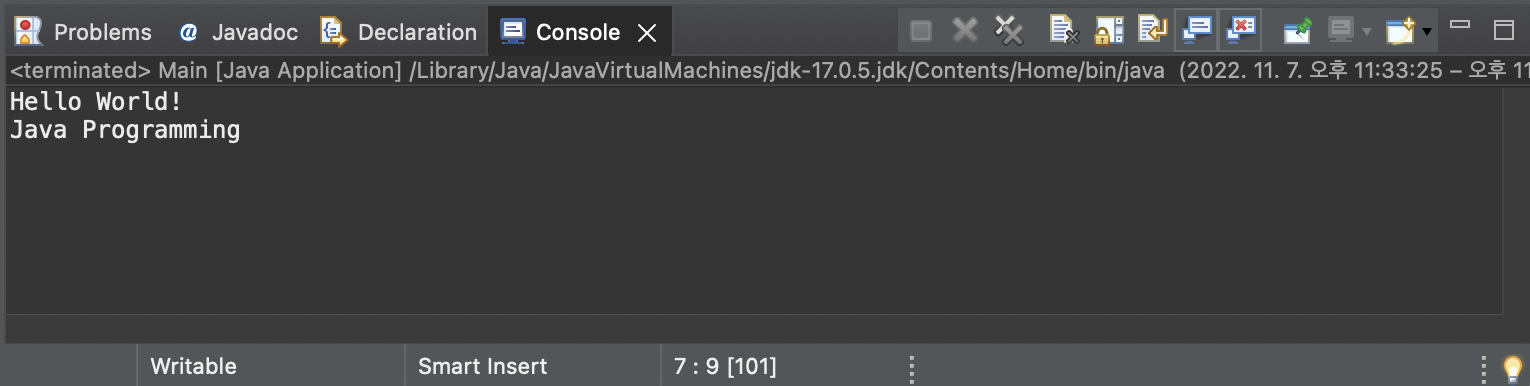
// Main 클래스
public class Main {

	// main 메소드 안에서 실행을 시작한다
	public static void main(String[] args) {

        // println은 자동으로 줄바꿈을 해준다.
        System.out.print("Hello");
		System.out.println(" World!");
		System.out.println("Java Programming");

	}

}
데이터 타입
기본 타입 (Primitive)
- 실제 값을 변수에 저장한다.
boolean : 논리 타입
char : 문자 타입
byte, short, int, long : 정수 타입
float, double : 실수 타입
레퍼런스 타입 (참조형, Reference)
- 메모리 주소 값을 변수에 저장한다.
배열에 대한 레퍼런스
클래스에 대한 레퍼런스 (ex. String)
입력
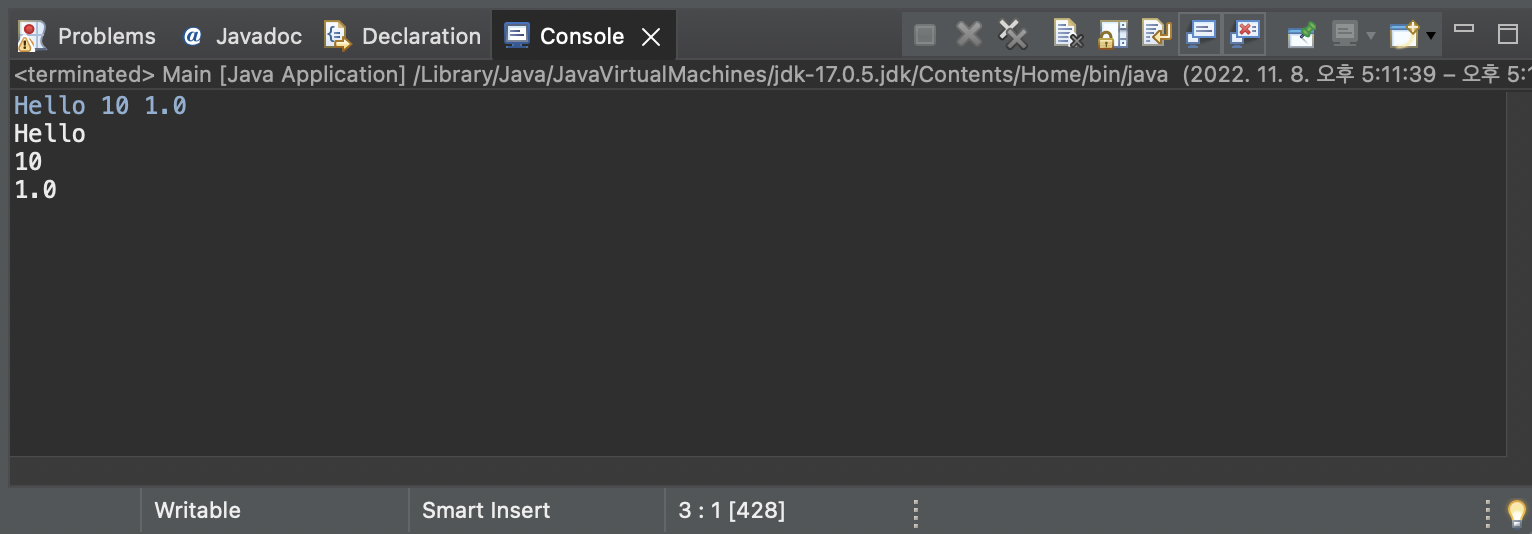
// Scanner 클래스를 이용하여 입력을 받는다
import java.util.Scanner;

public class Main {

	public static void main(String[] args) {

  		// scanner 객체 생성
		Scanner scanner = new Scanner(System.in);

  		// 공백 이전까지의 문자열을 읽음
		String str1 = scanner.next();
        // 공백 이전까지의 정수를 읽음
		int number1 = scanner.nextInt();
  		// 공백 이전까지의 실수를 읽음
		double number2 = scanner.nextDouble();

  		// scanner 닫음
		scanner.close();

		System.out.println(str1);
		System.out.println(number1);
		System.out.println(number2);

	}

}
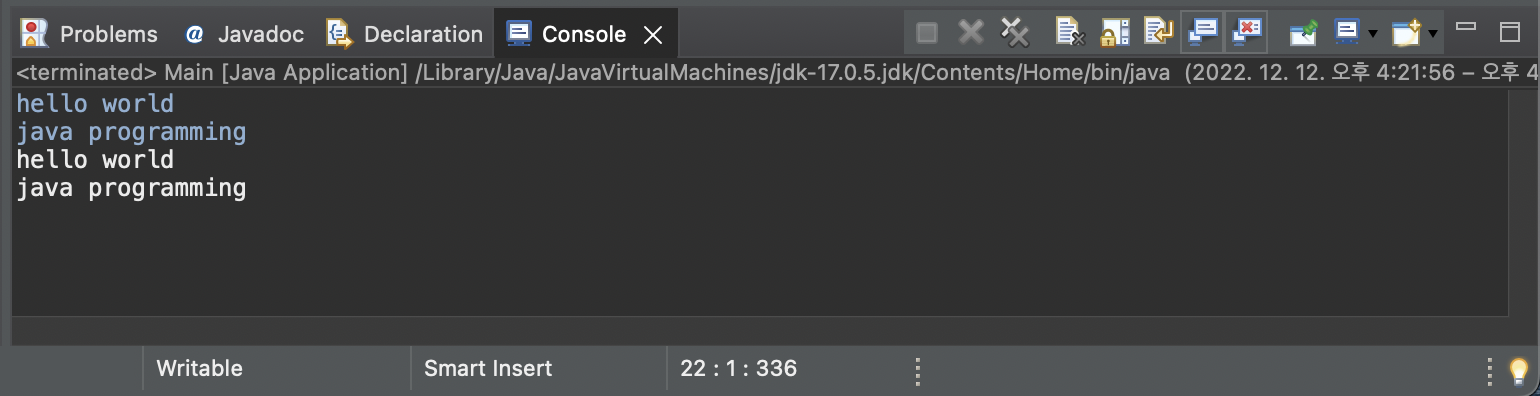
nextLine() 메소드를 사용하면 엔터(\n) 이전까지의 문자열을 읽을 수 있다.
import java.util.Scanner;

public class Main {

	public static void main(String[] args) {

		Scanner scanner = new Scanner(System.in);

        // 엔터 이전까지의 문자열을 읽음
		String str1 = scanner.nextLine();
		String str2 = scanner.nextLine();

		scanner.close();

		System.out.println(str1);
		System.out.println(str2);

	}

}
문자열 비교
변수.equals(“비교할 문자열”)
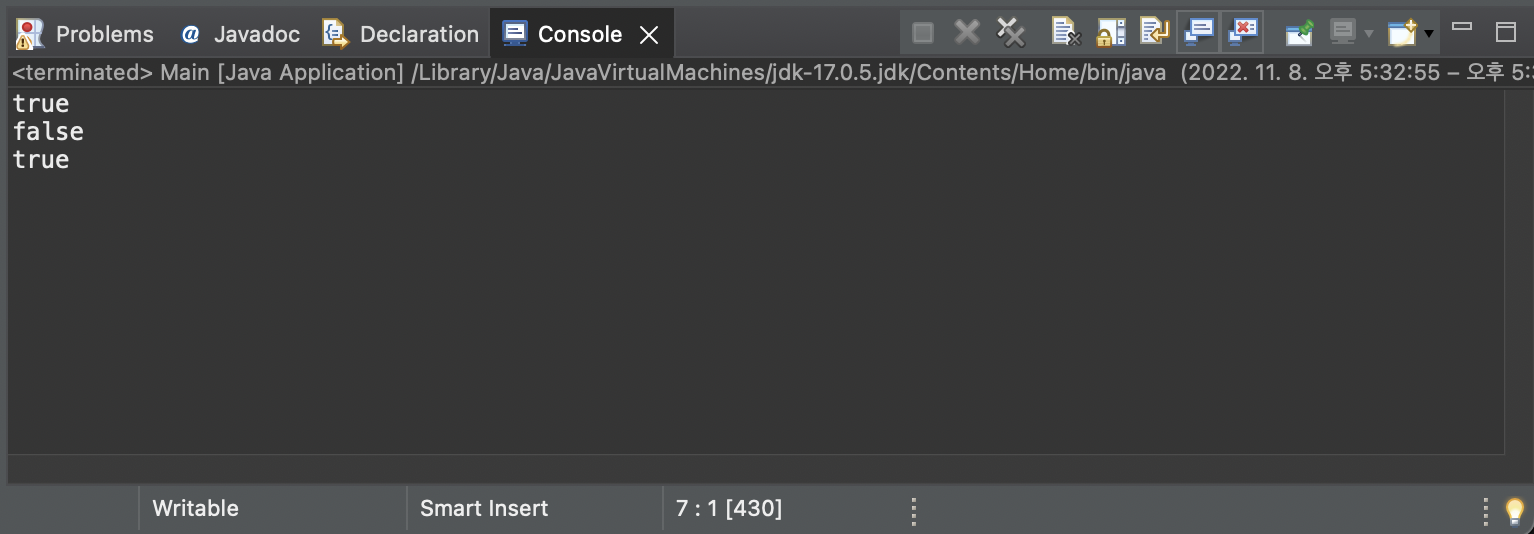
Java에서String은 레퍼런스 타입이기 때문에 다른 언어처럼==로 비교하게 되면 메모리 주소가 비교가 되어서 원하는 결과를 얻을 수 없다. 리터럴 방식으로 선언할 경우 중복된 문자열은 같은 메모리 주소를 사용하기 때문에==로도 비교할 수 있지만, 웬만하면equals를 사용하도록 하자.
public class Main {

	public static void main(String[] args) {

		// 리터럴 방식
		String name = "sese";
		// new 연산자를 사용한 경우
		String name2 = new String("sese");

		if (name == "sese") System.out.println(true);
		else System.out.println(false);

		if (name2 == "sese") System.out.println(true);
		else System.out.println(false);

		if (name2.equals("sese")) System.out.println(true);
		else System.out.println(false);

	}

}
switch 문
public class Main {

	public static void main(String[] args) {

		int number = 9;

		switch (number % 3) {
		case 0:
			System.out.println("3의 배수");
			// break 잊지 말기!!
			break;
		default:
			System.out.println("3의 배수 아님");
		}

	}

}
반복문
public class Main {

	public static void main(String[] args) {

  		// for 문
		for(int i=0; i<10; i++) {
			System.out.print(i + " ");
		}

		System.out.println("");

        // while 문
		int i = 0;
		while(i < 10) {
			System.out.print(i + " ");
			i++;
		}

		System.out.println("");

  		// do while 문
		int j = 0;
		do {
			System.out.print(j + " ");
			j++;
		} while (j < 10);

	}

}
메소드
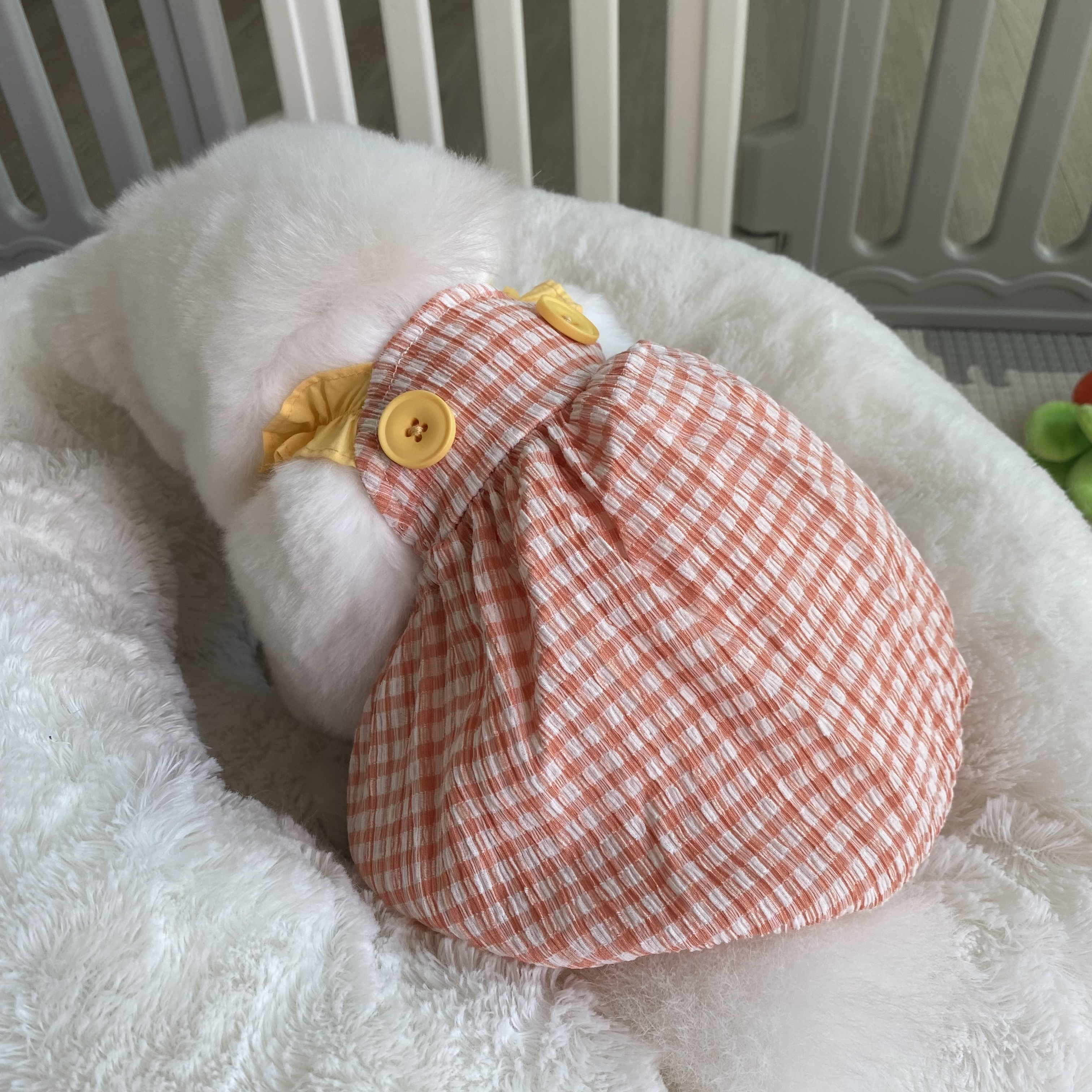
public class Main {

	// int 타입 반환
	public static int number(int num1, int num2) {
		return num1 + num2;
	}

	// 반환 값 없음
	public static void hello() {
		System.out.println("hello");
	}

	public static void main(String[] args) {

		hello();
		System.out.println(number(1, 2));

	}

}
예전 글은 다크모드로 봐야 잘 보일 수도 있습니다.