한번에 끝내는 앱개발 : 기획부터 개발, 배포까지 : [패스트캠퍼스] 앱개발 강의 - 학습일지
Flutter - multi platform dev framework
샘플 프로그램 개발
앱 배포
Dart - 프로그래밍언어 중 하나임.
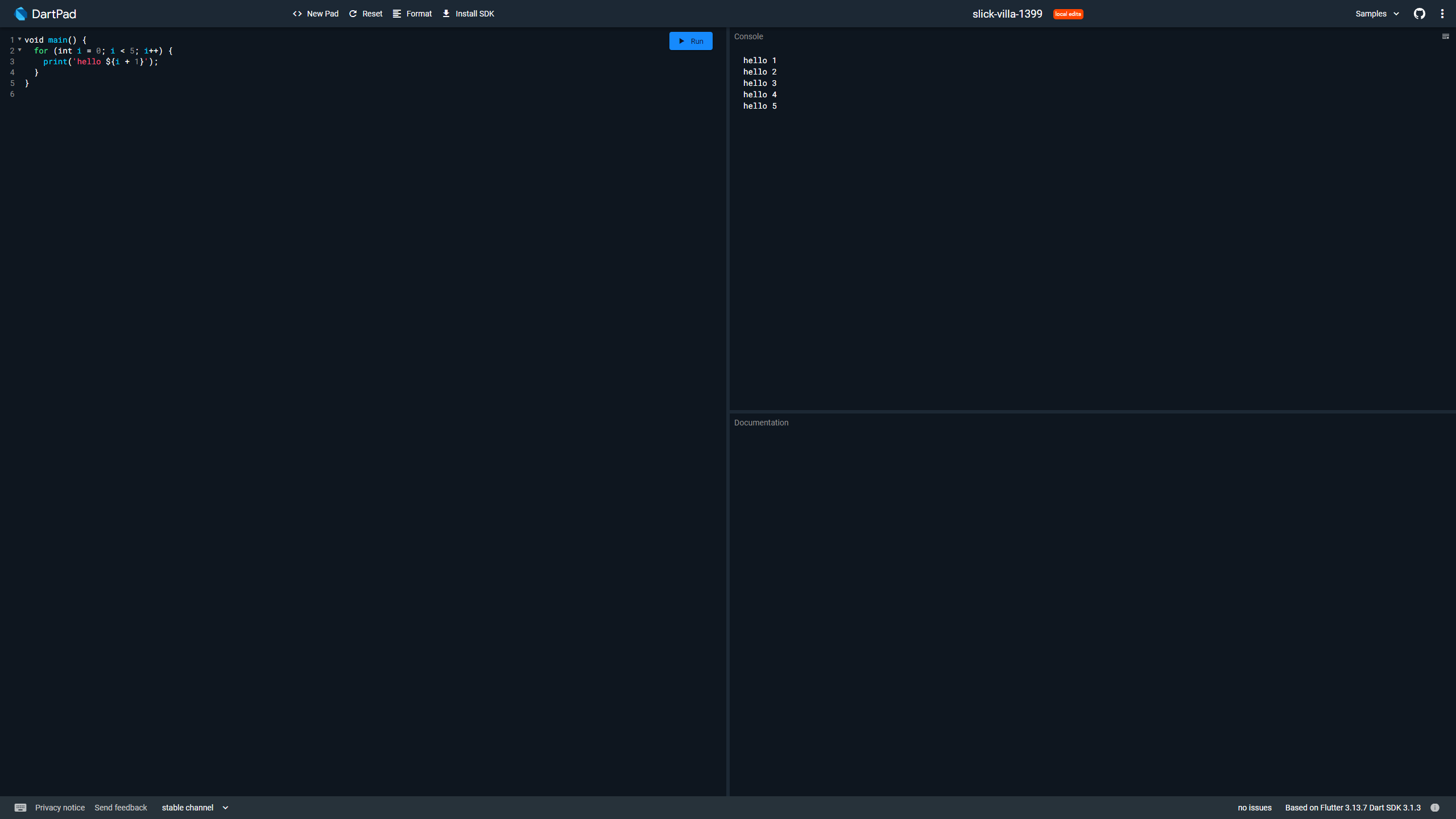
-
개발환경 세팅- choco
파워쉘로 설치시 에러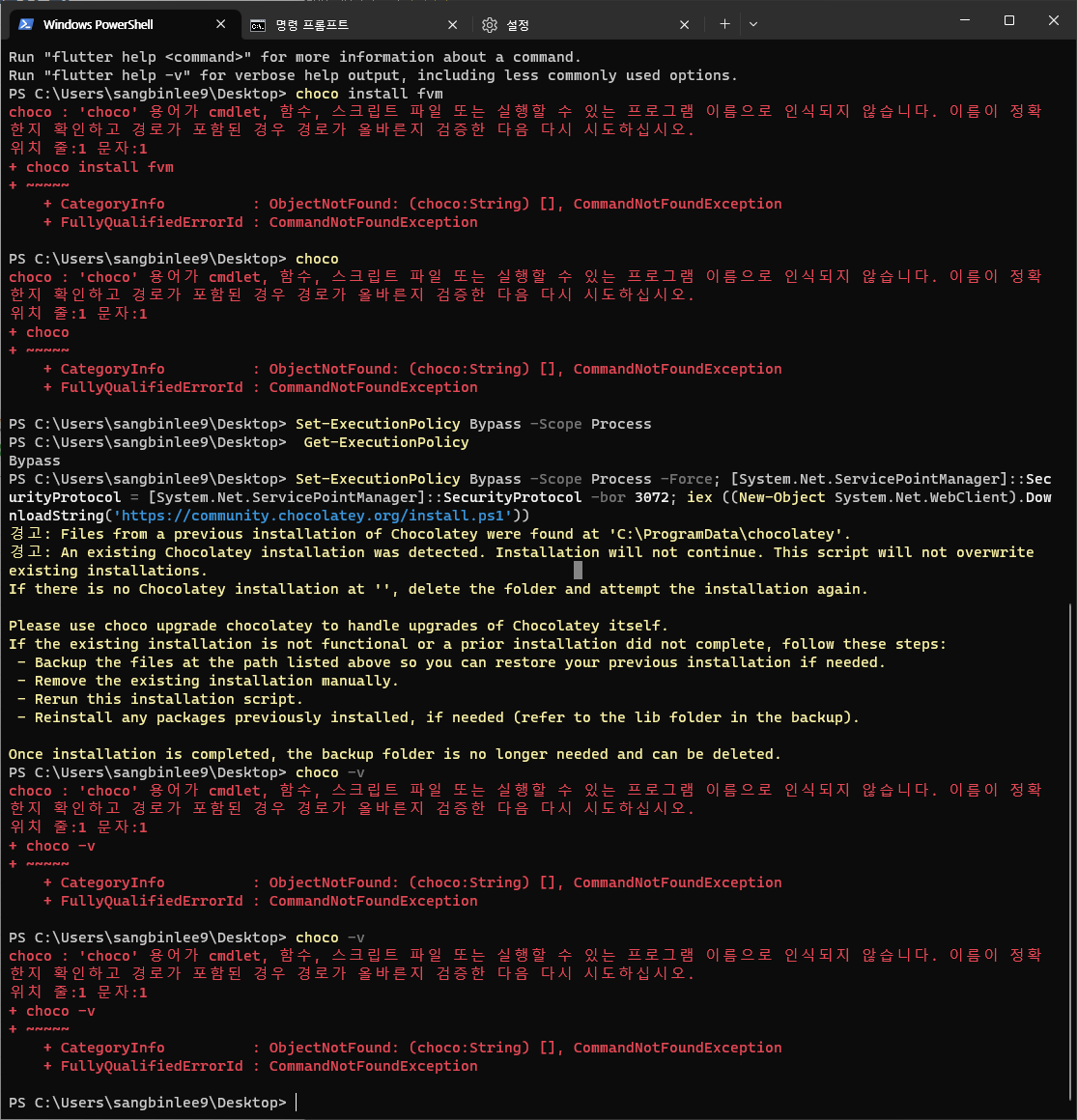
cmd로 다시 설치 하여 성공
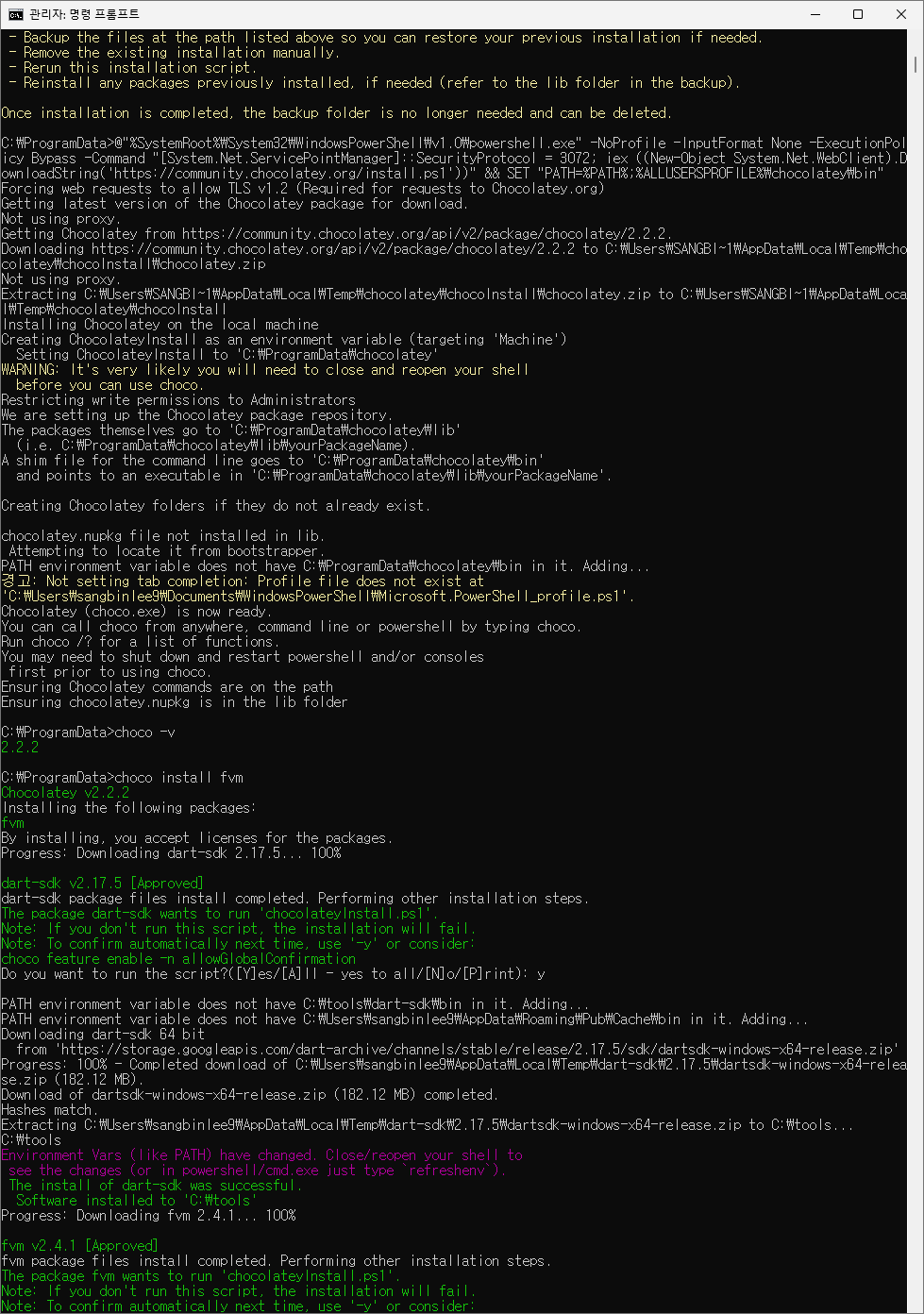
- 개발환경 세팅 - fvm
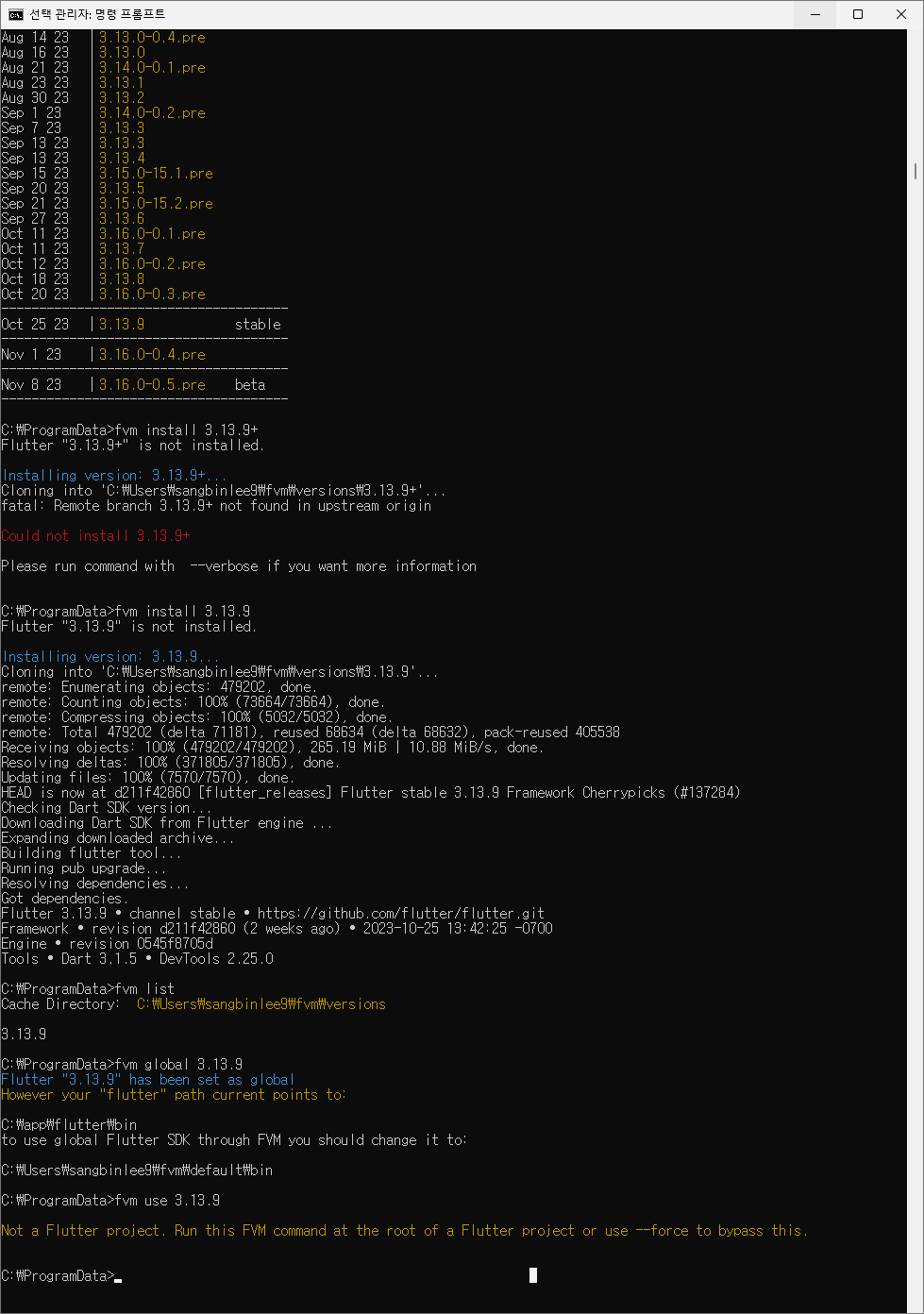
패스트캠퍼스[내일배움카드] 강의 수강 후 느낀점도 적어야지.
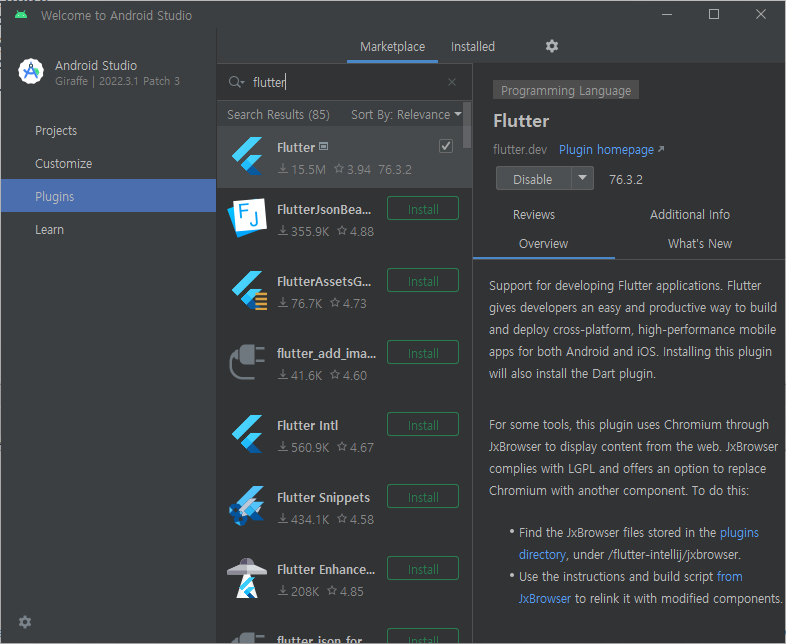
- 개발환경 세팅 - flutter, dart in android studio
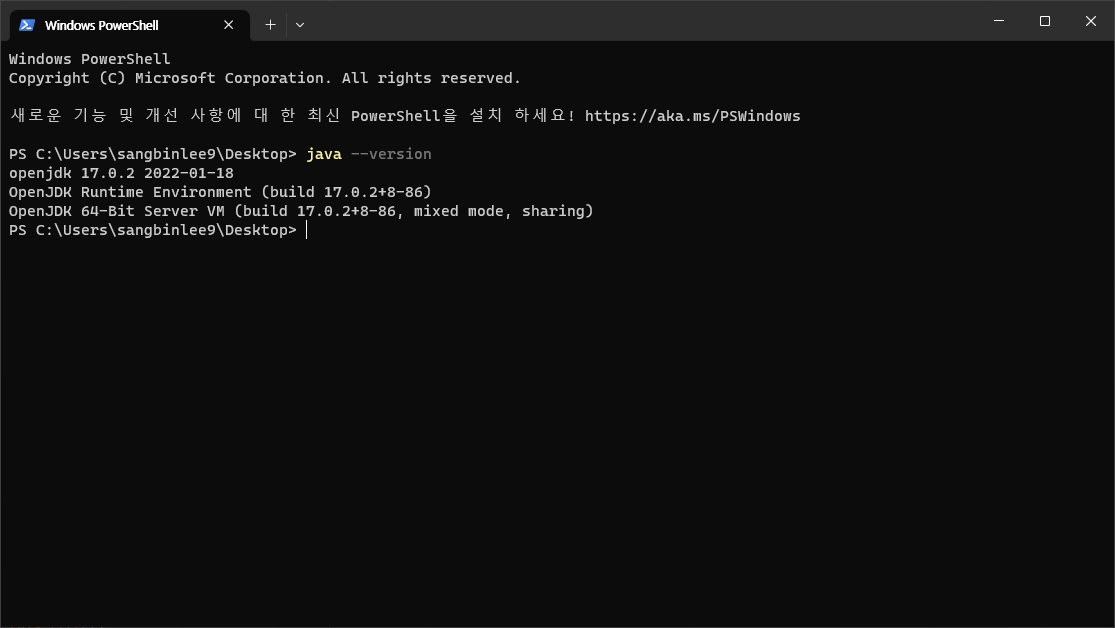
- 개발환경 세팅 - jdk 17
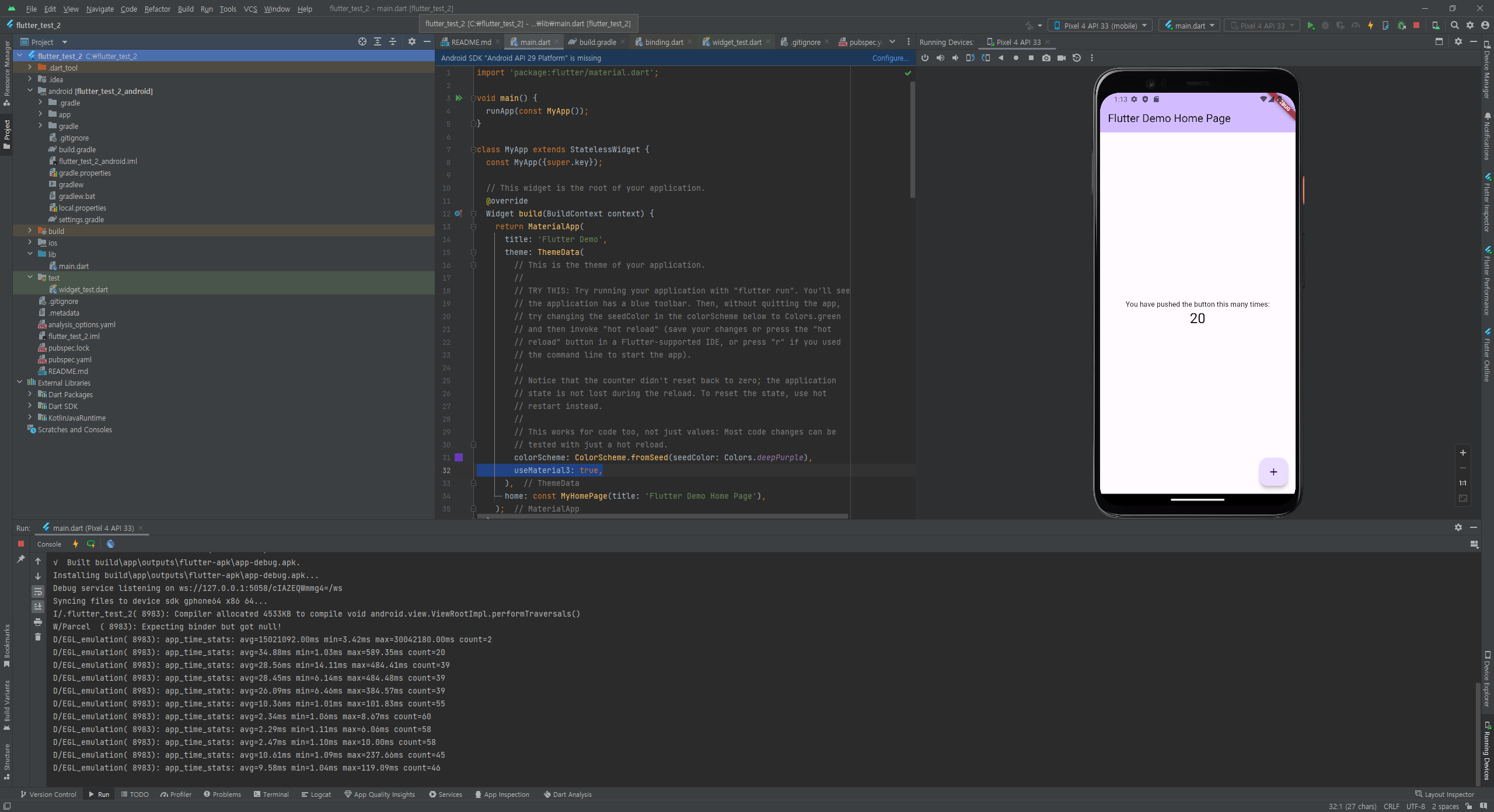
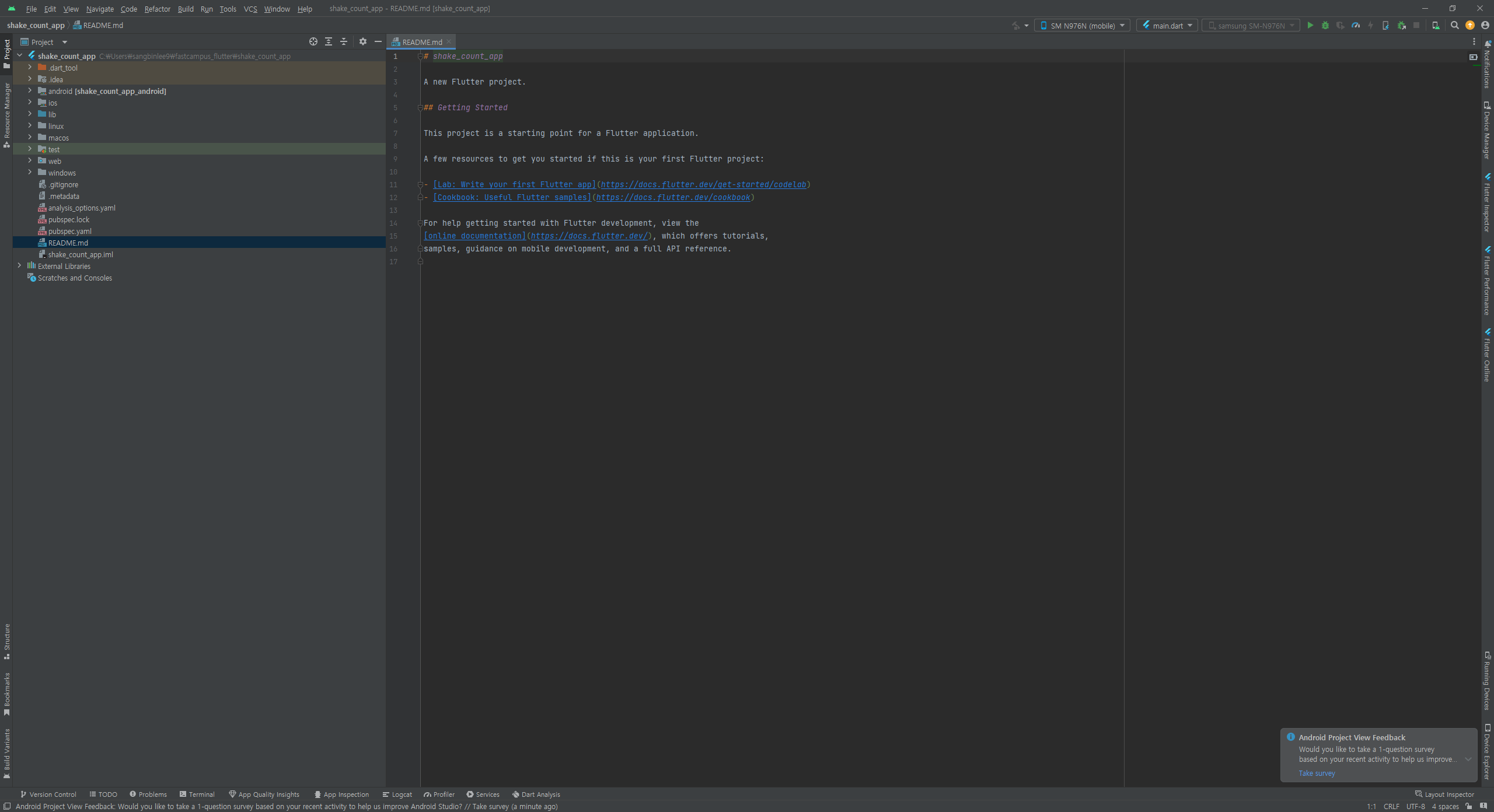
- flutter 프로젝트
- dart 프로젝트
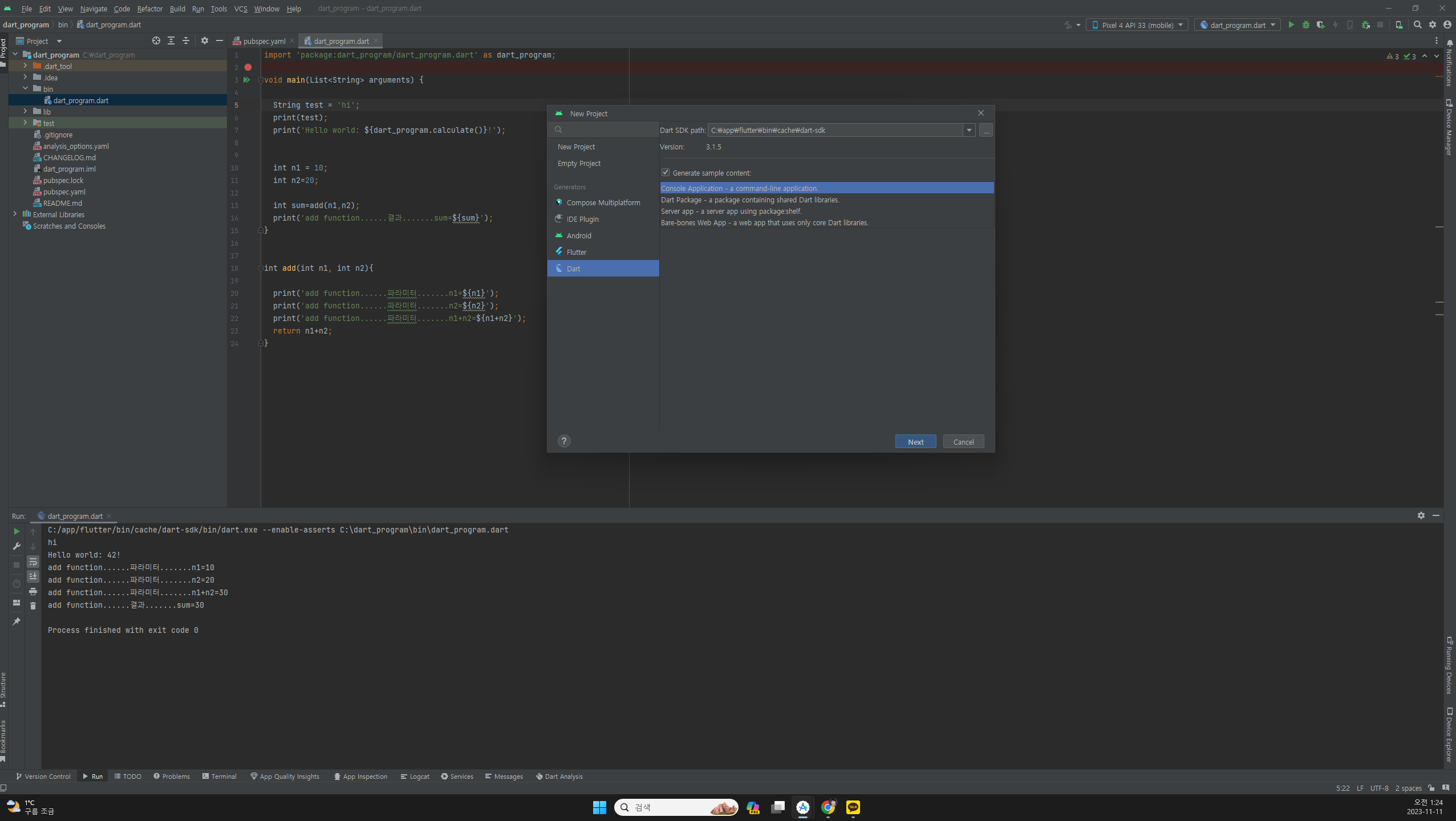
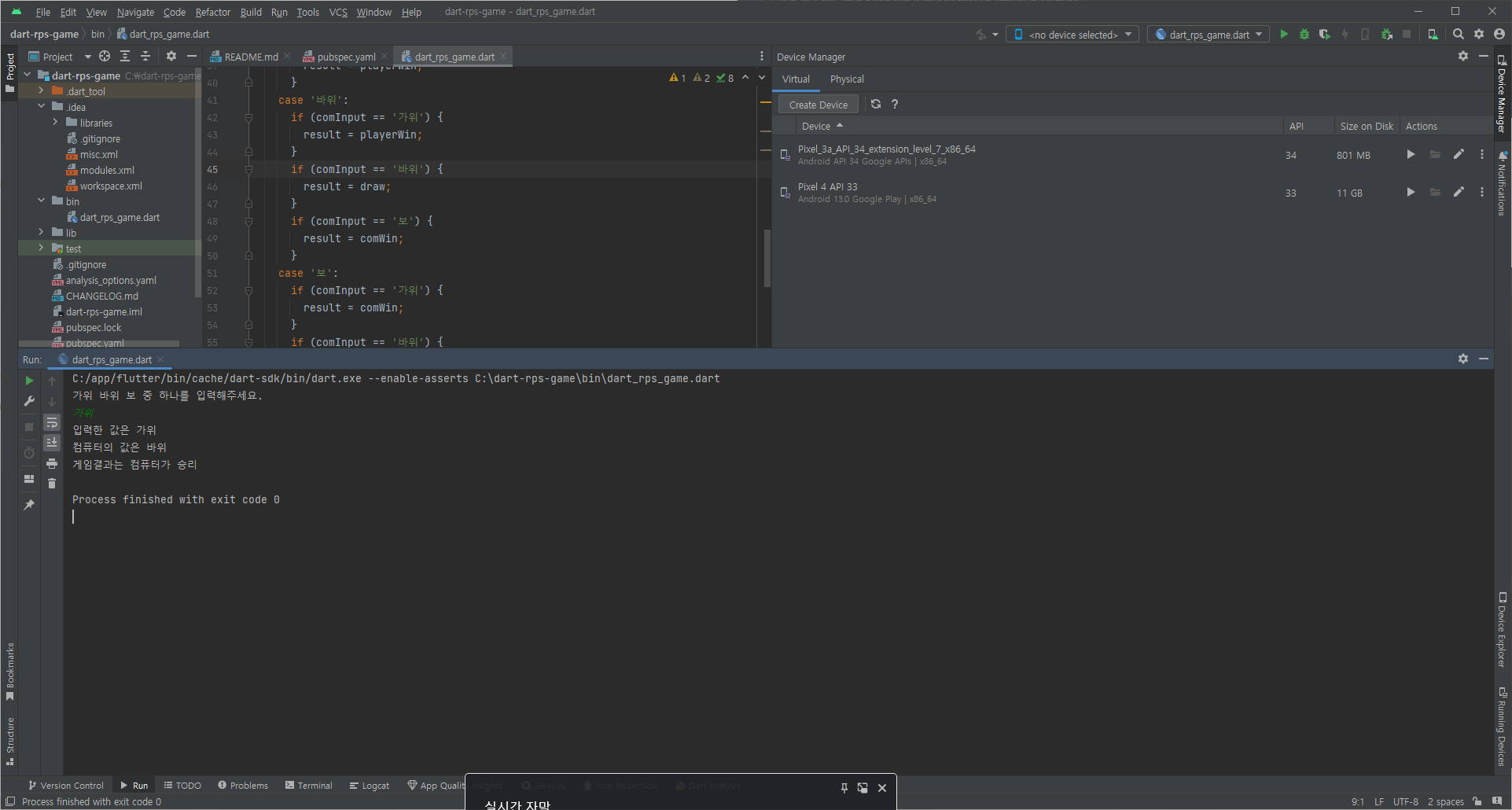
6-1. dart 가위 바위 보 프로그램
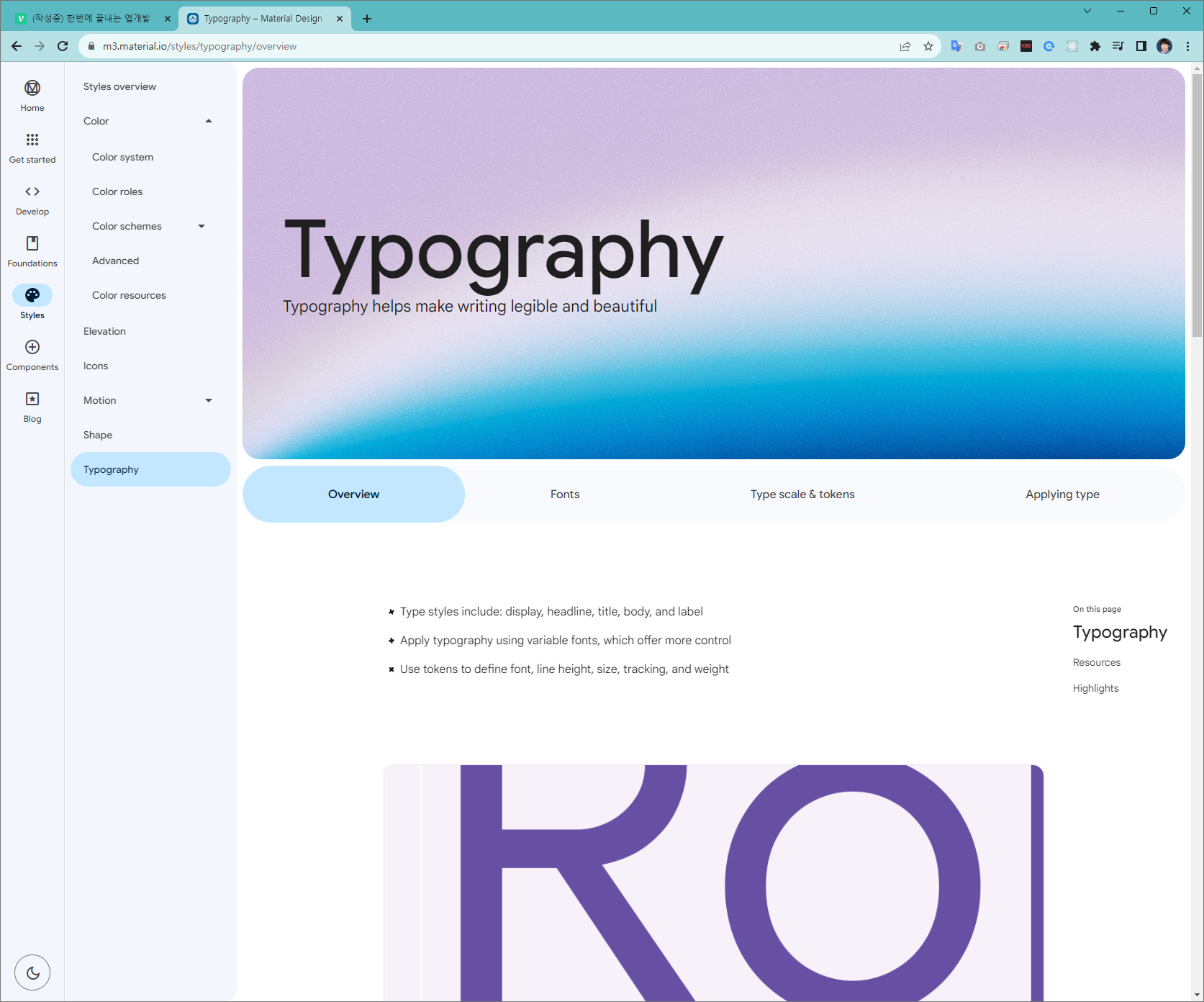
디자인 가이드
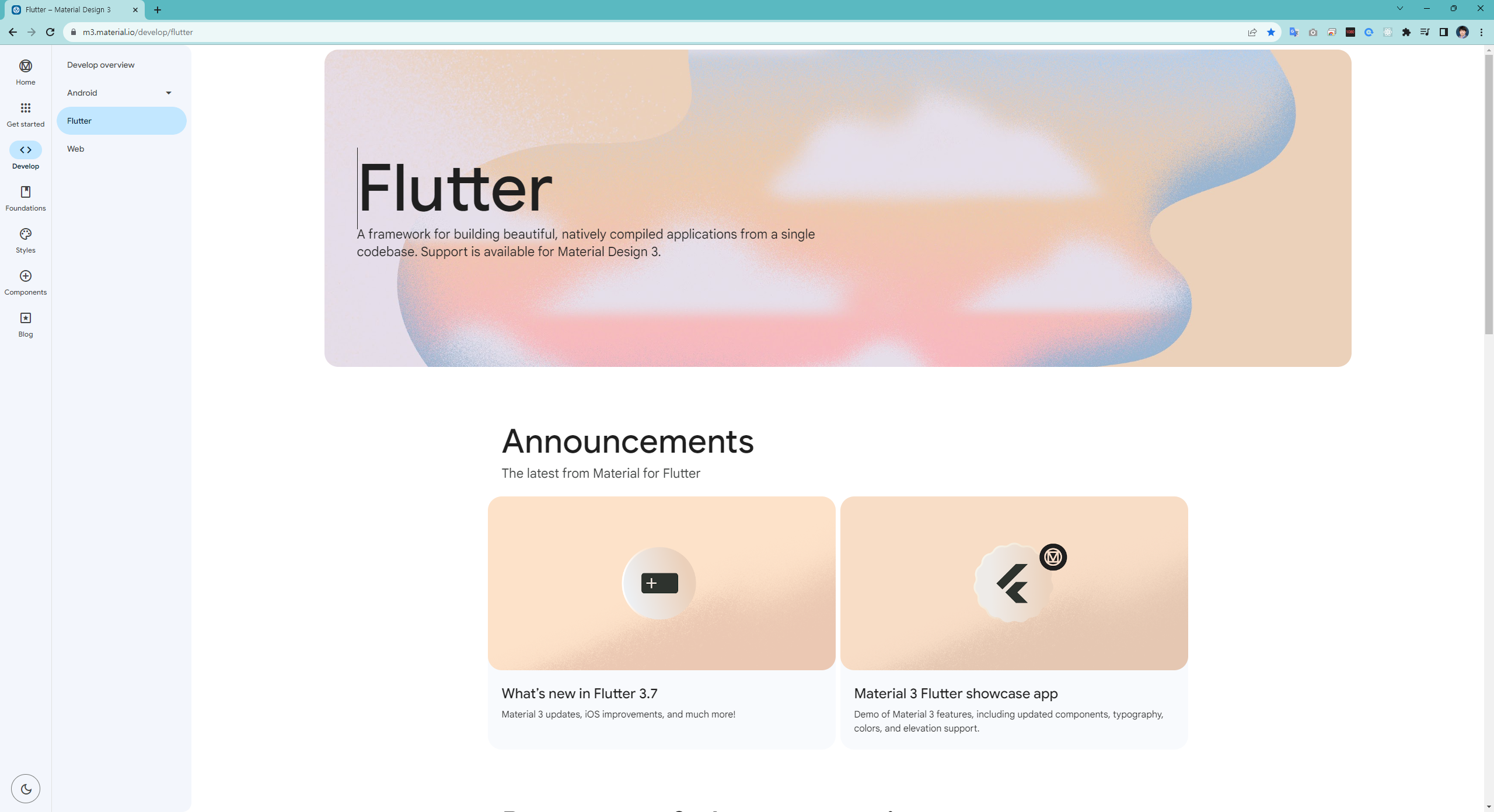
https://m3.material.io/develop/flutter
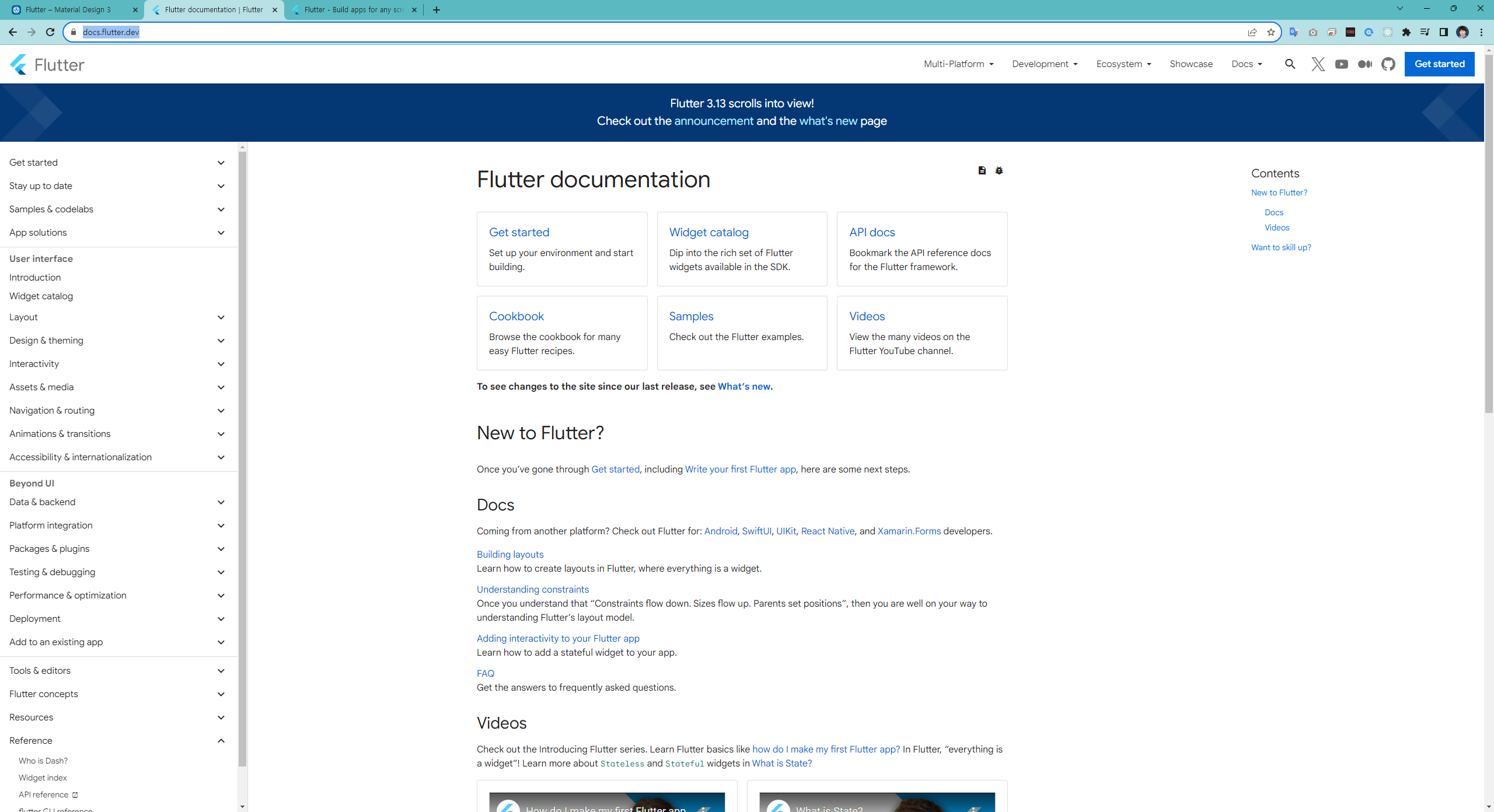
https://docs.flutter.dev/ui/widgets
컴포넌트를 wrapping 단축키
wrap = alt + enter
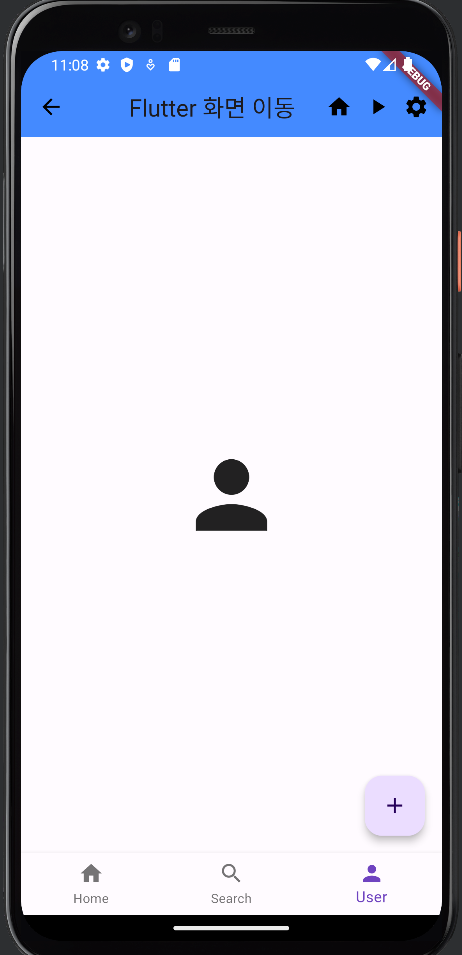
페이지 이동 처리
1. 상태관리로 화면이동
2. Navigator.push 와 MaterialPageRoute를 사용하여 화면이동
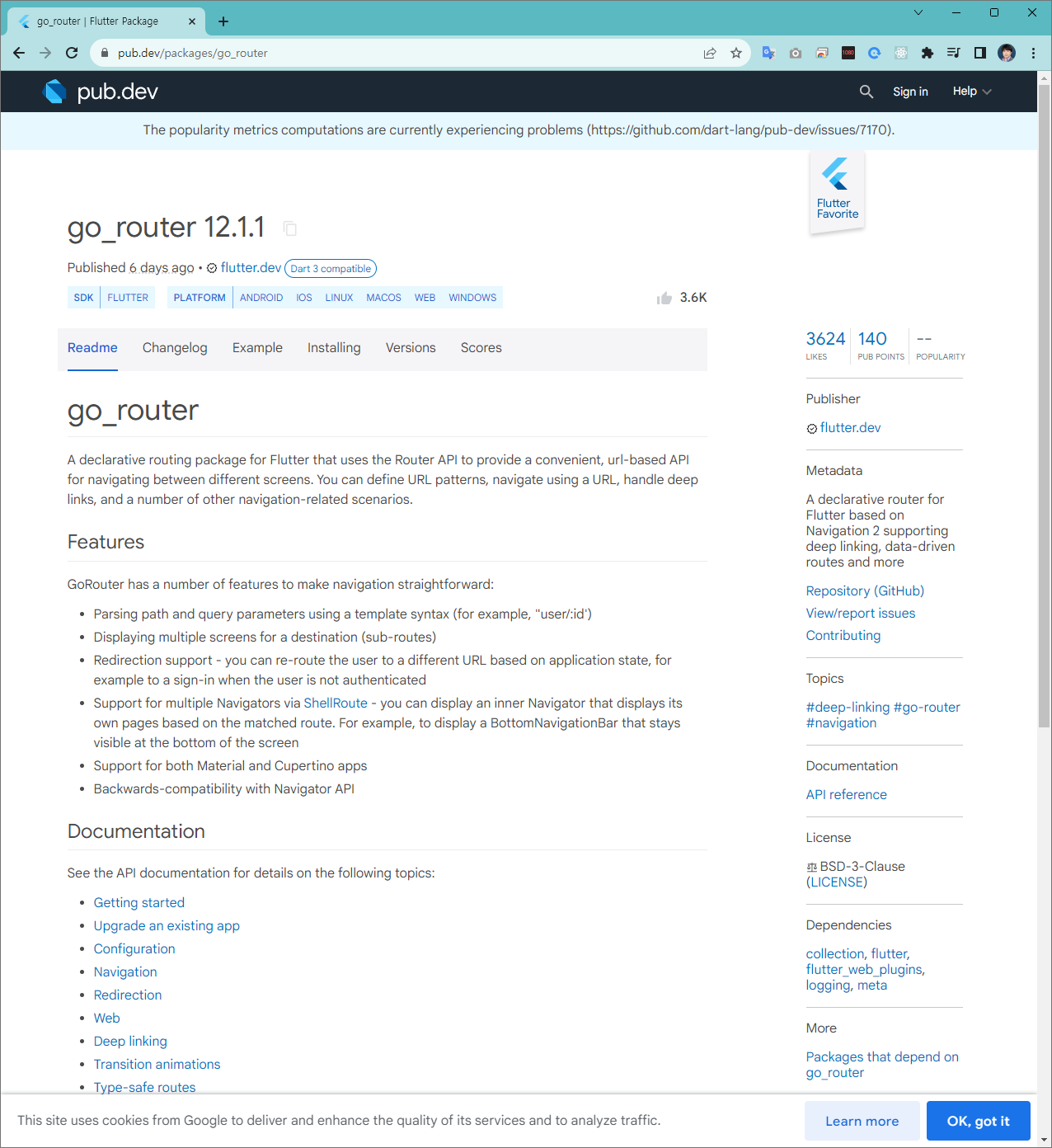
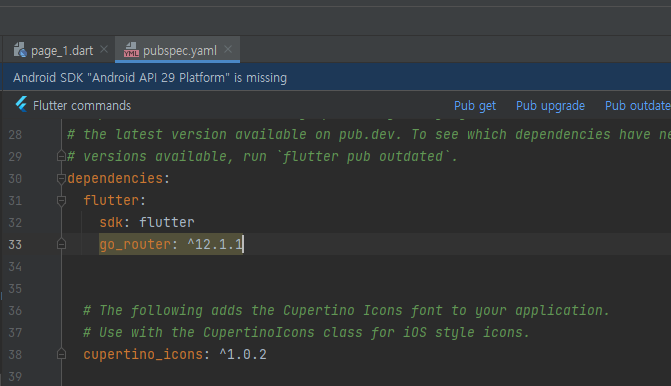
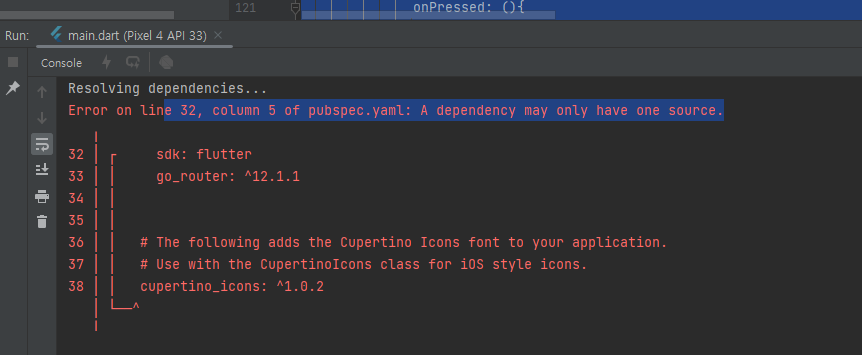
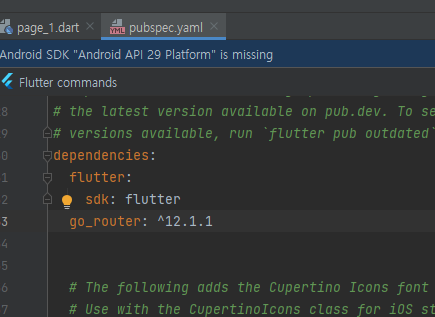
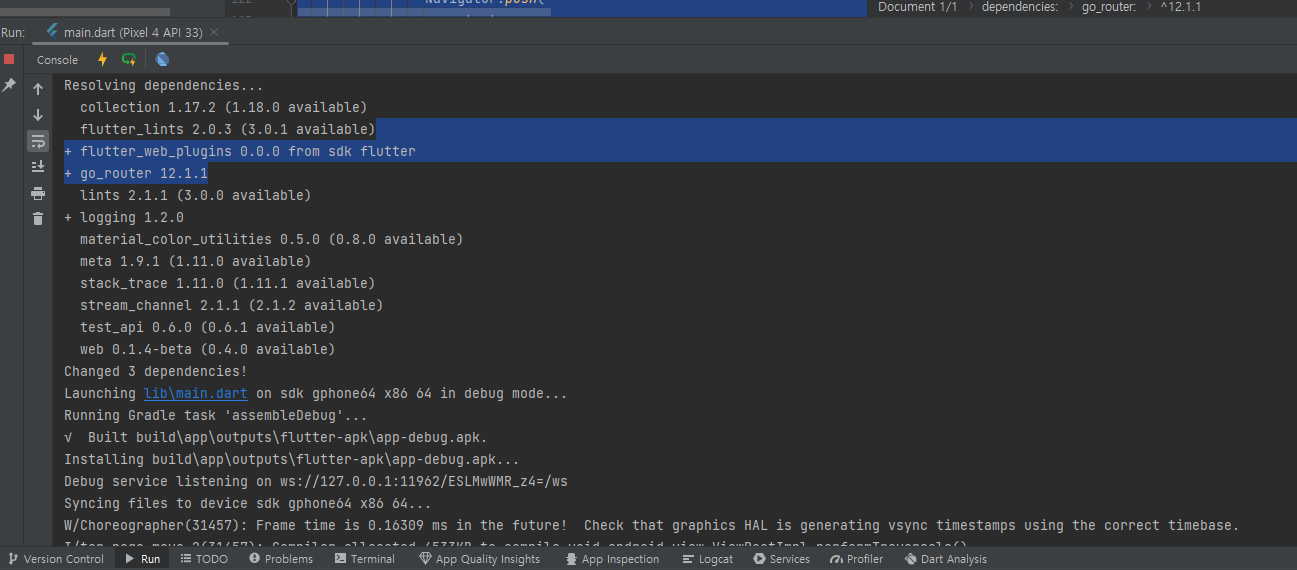
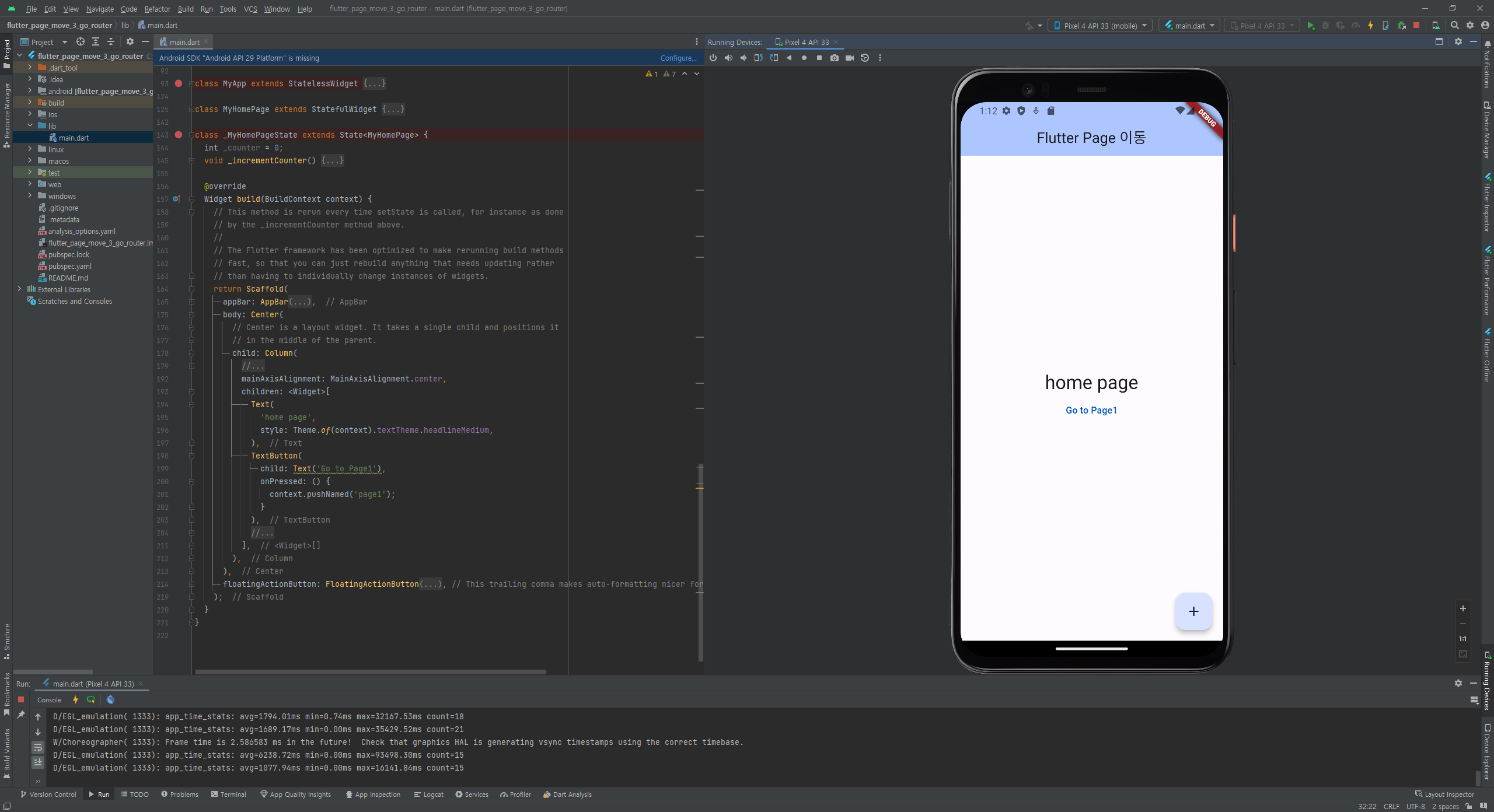
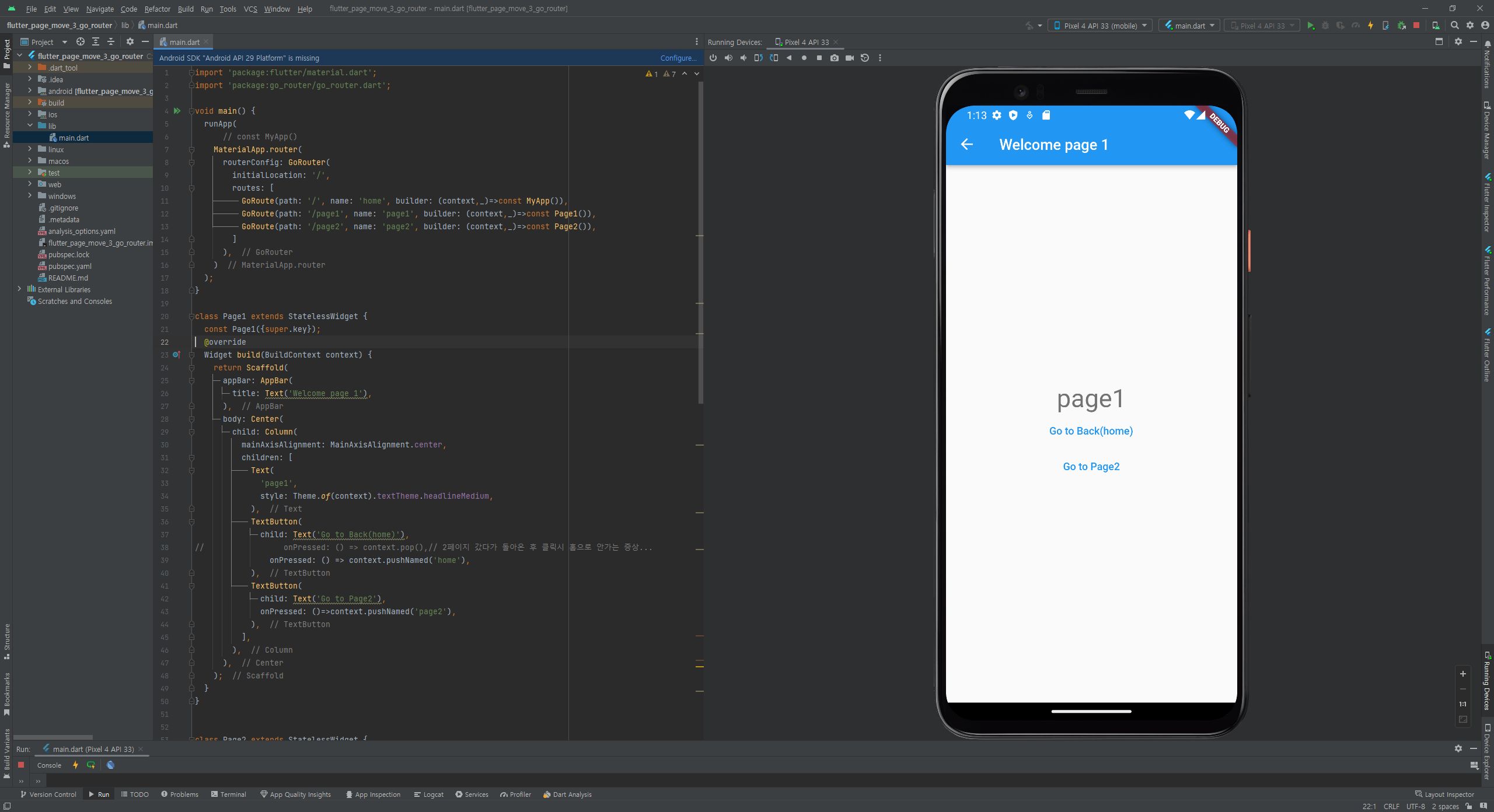
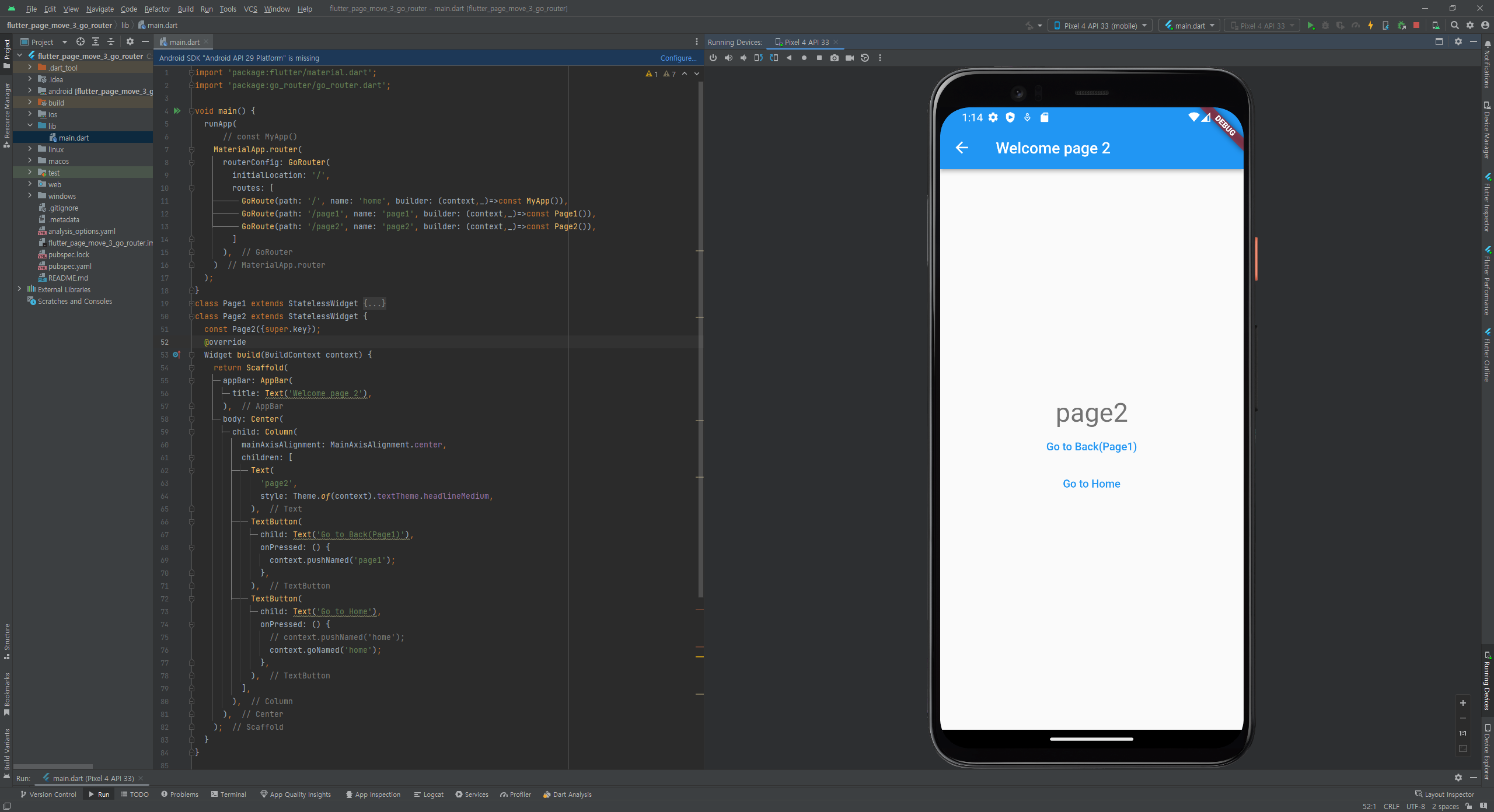
3. go_router 패키지로 화면이동
- 상태관리로 화면이동 방식 에 사용한 소스와 화면
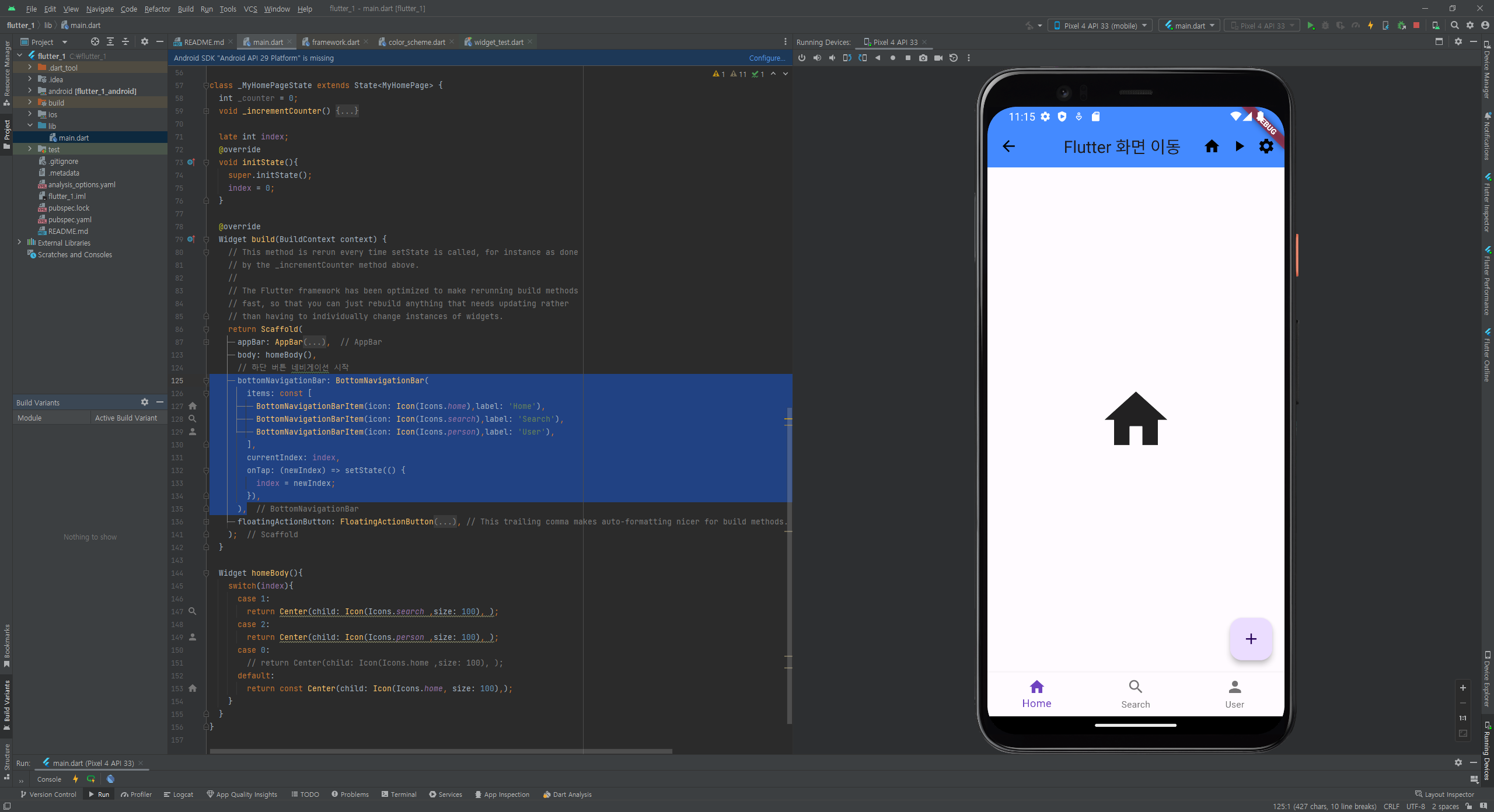
- MaterialPageRoute를 사용하여 화면이동 방식 에 사용한 소스와 화면
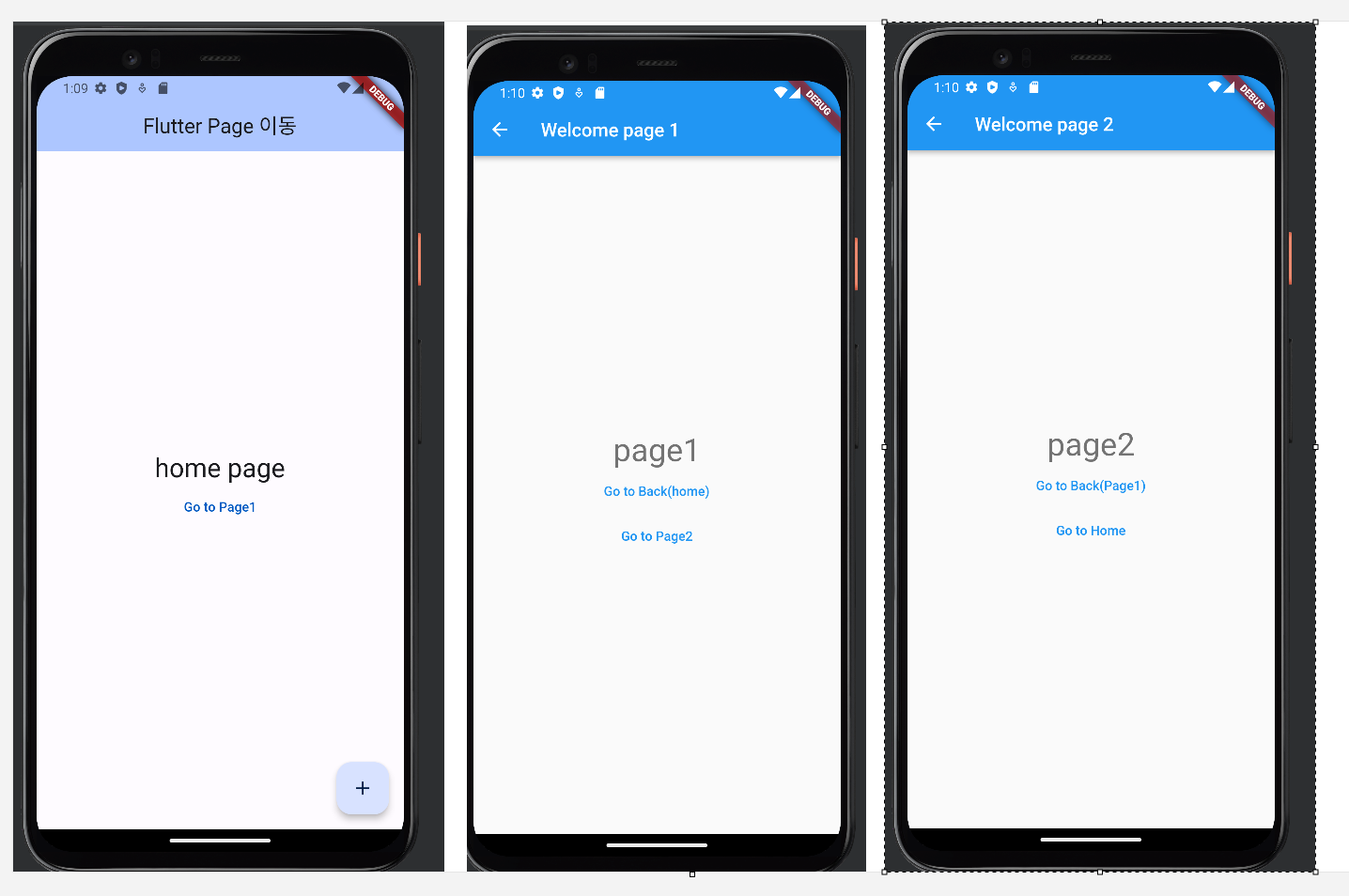
- home -> page1 -> page2
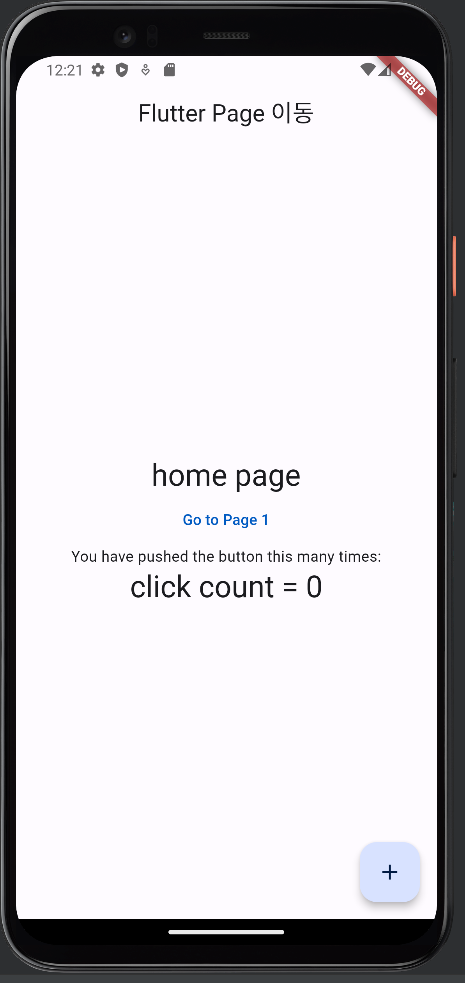
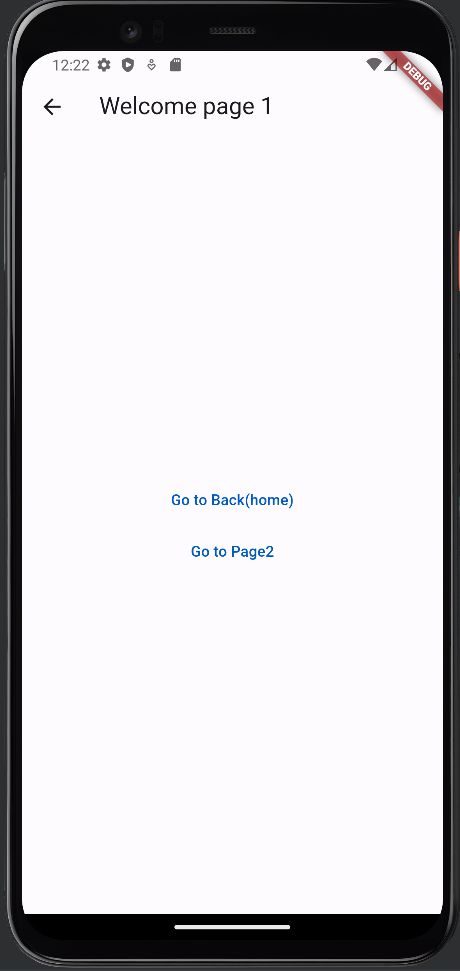
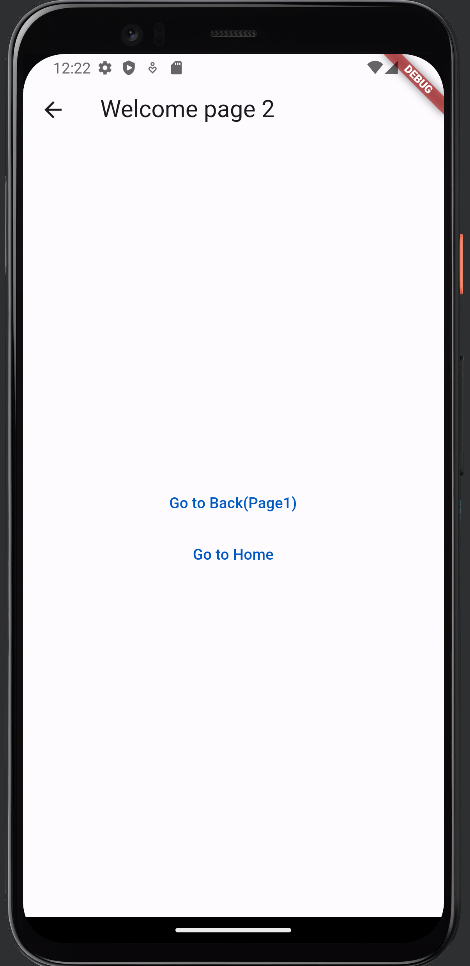
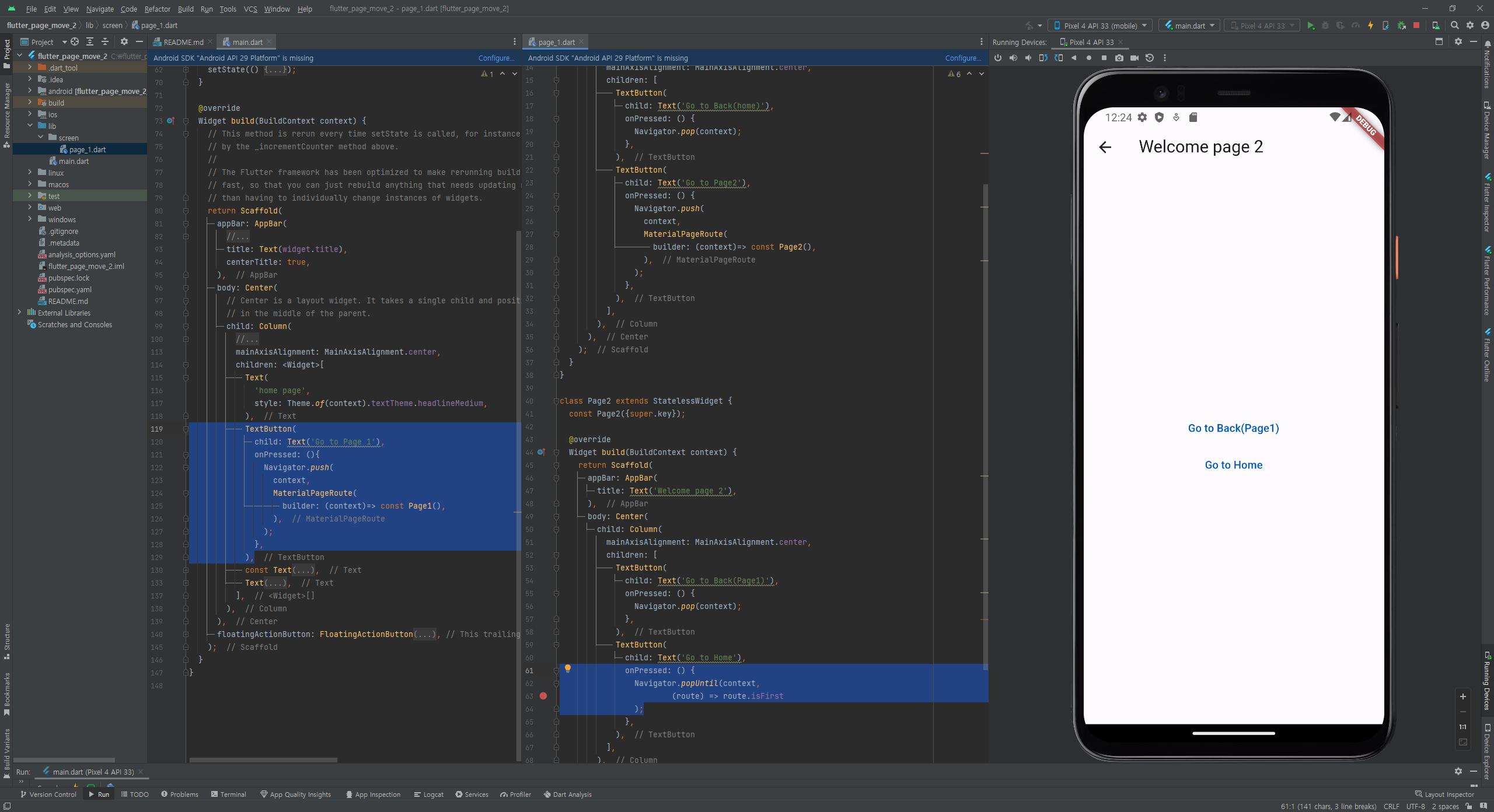
- go_router 패키지로 화면이동 에 사용한 소스와 화면
https://pub.dev/packages?q=go+router
part 2.기초
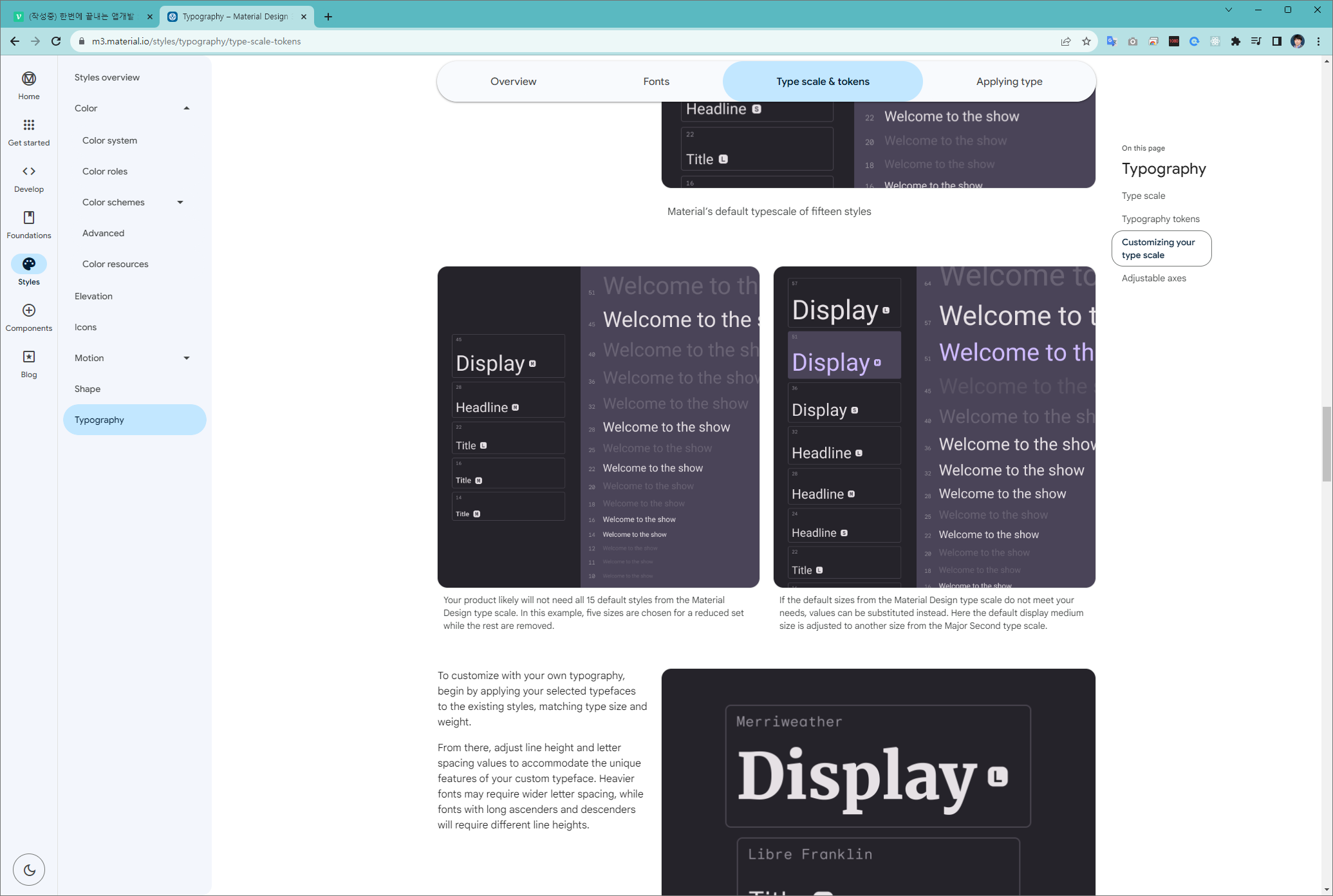
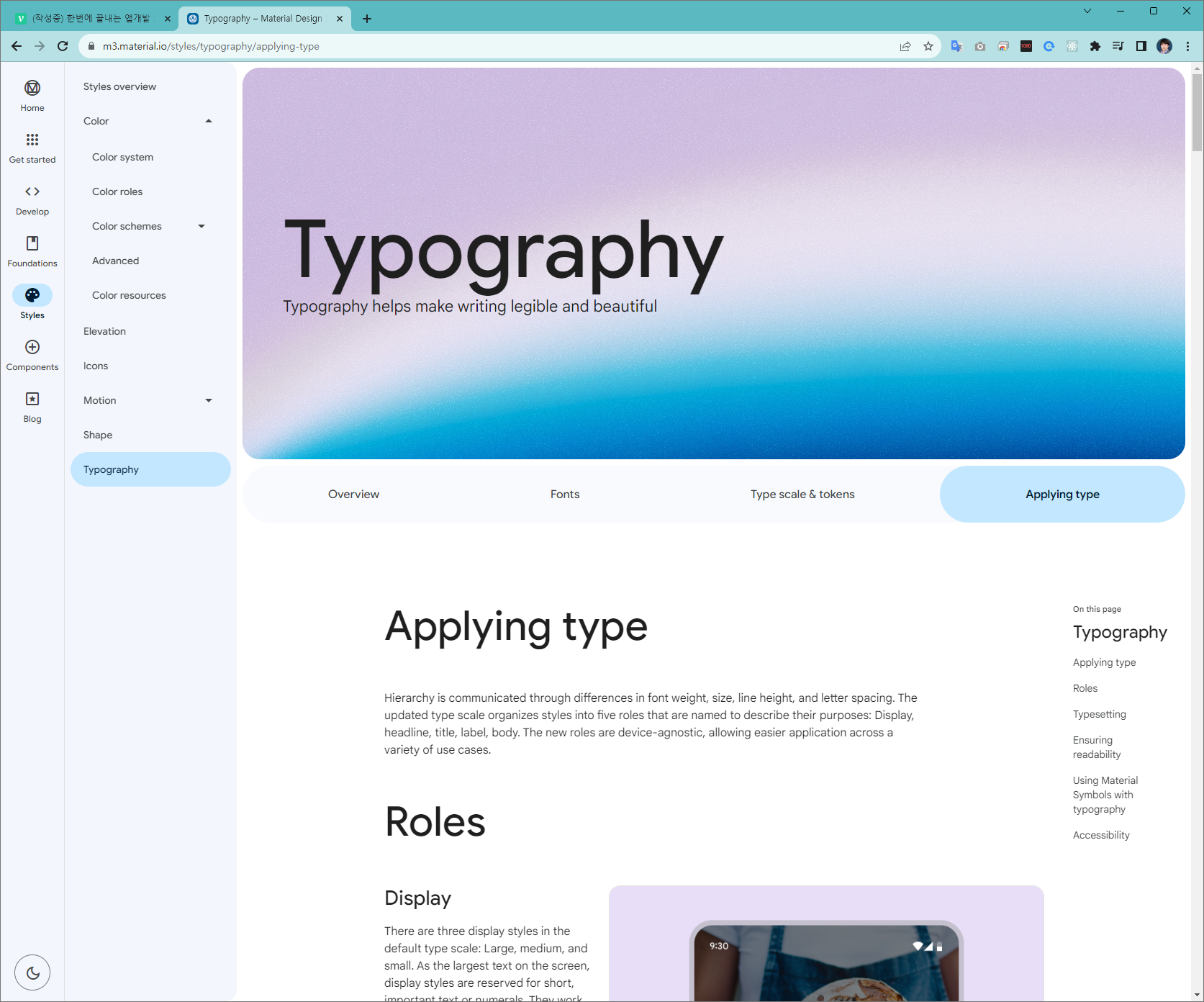
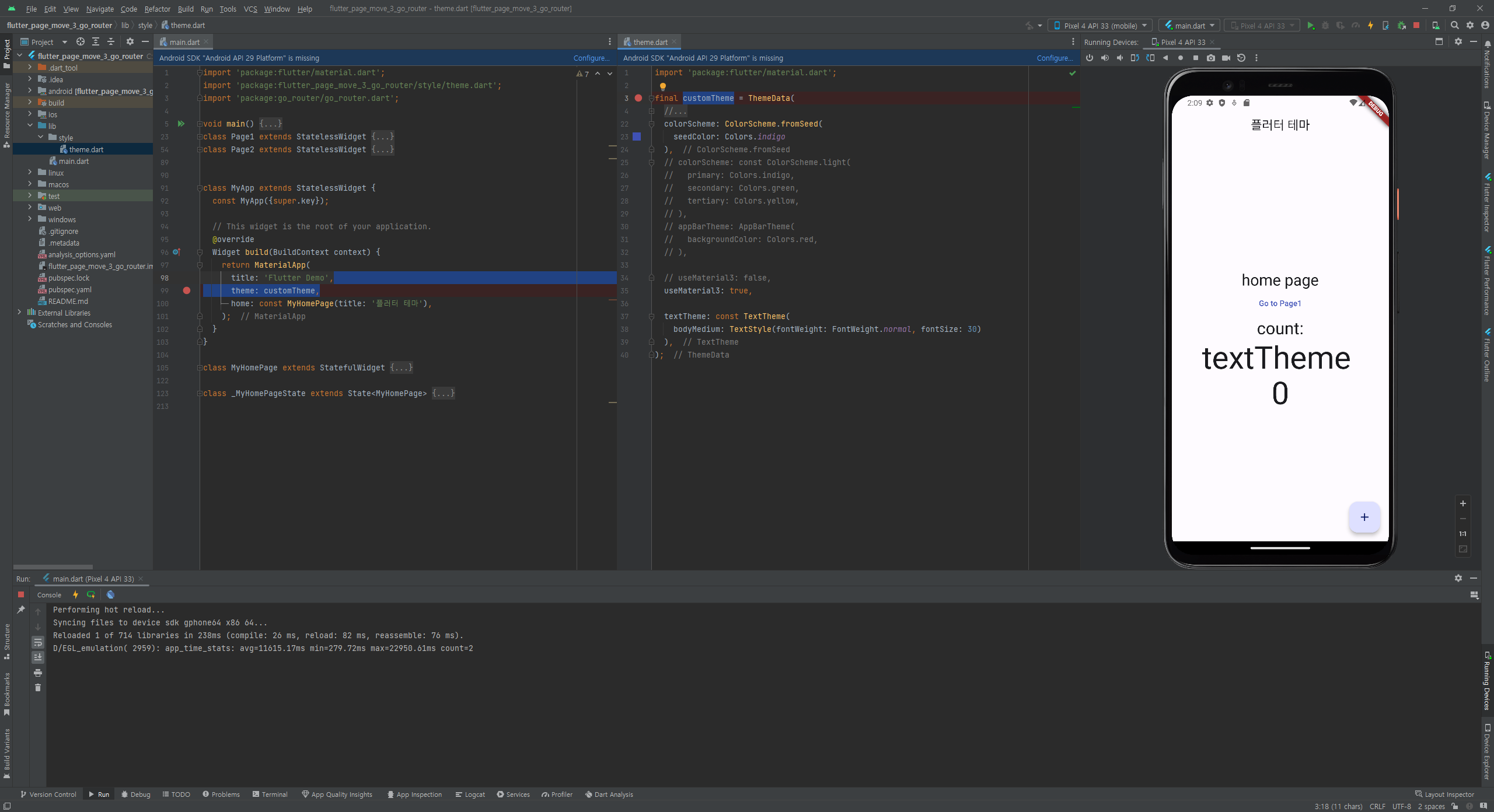
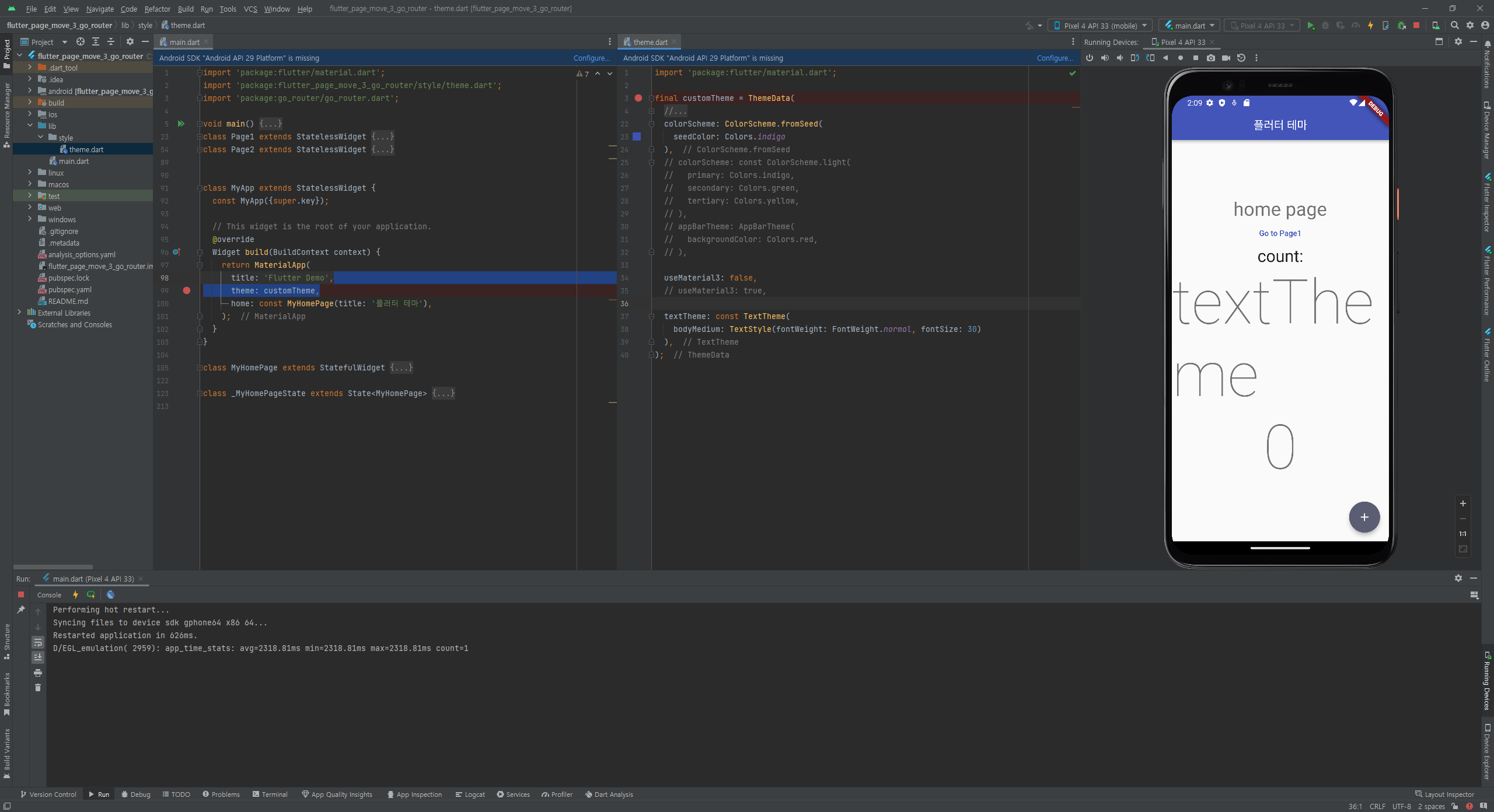
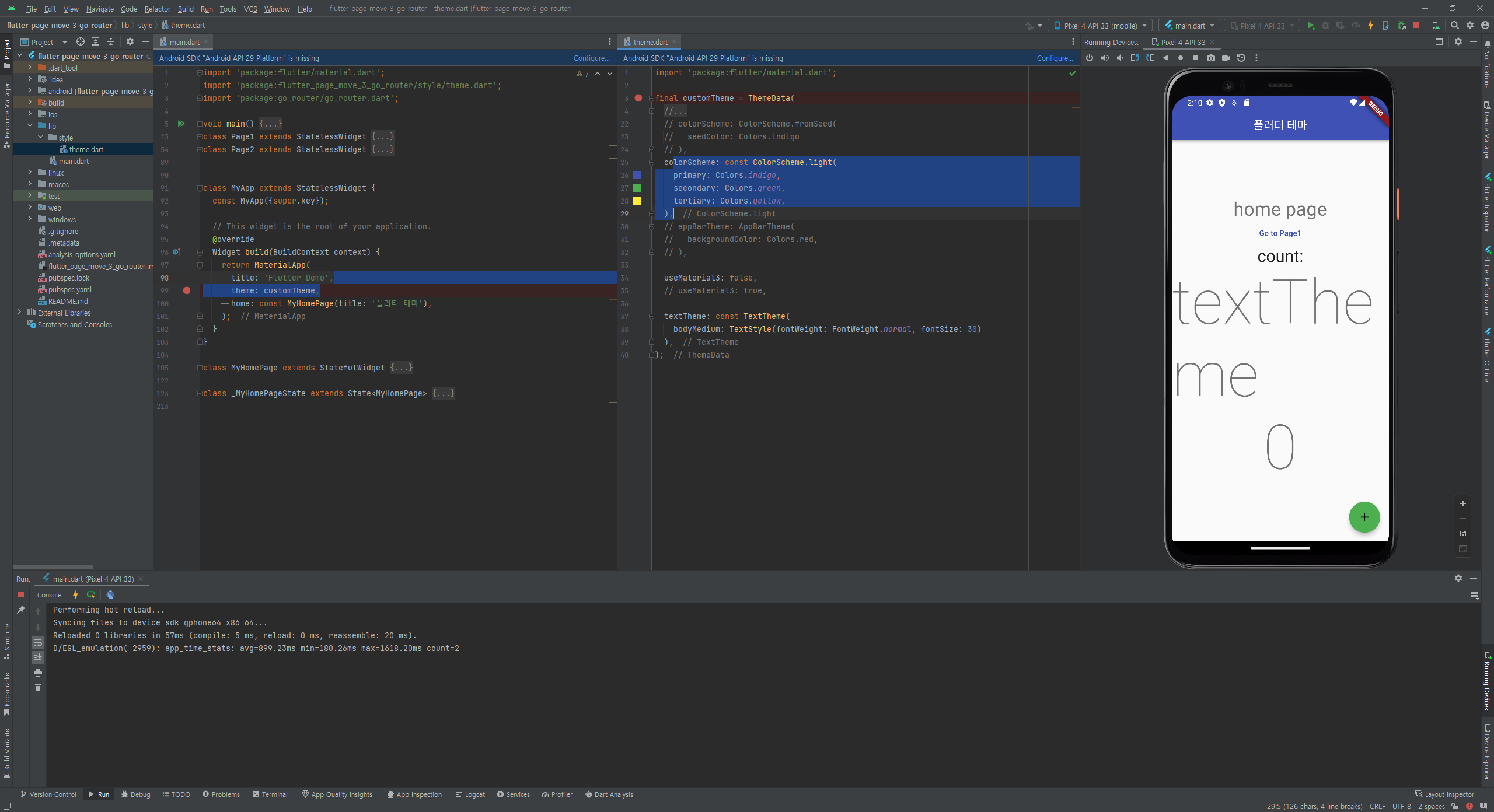
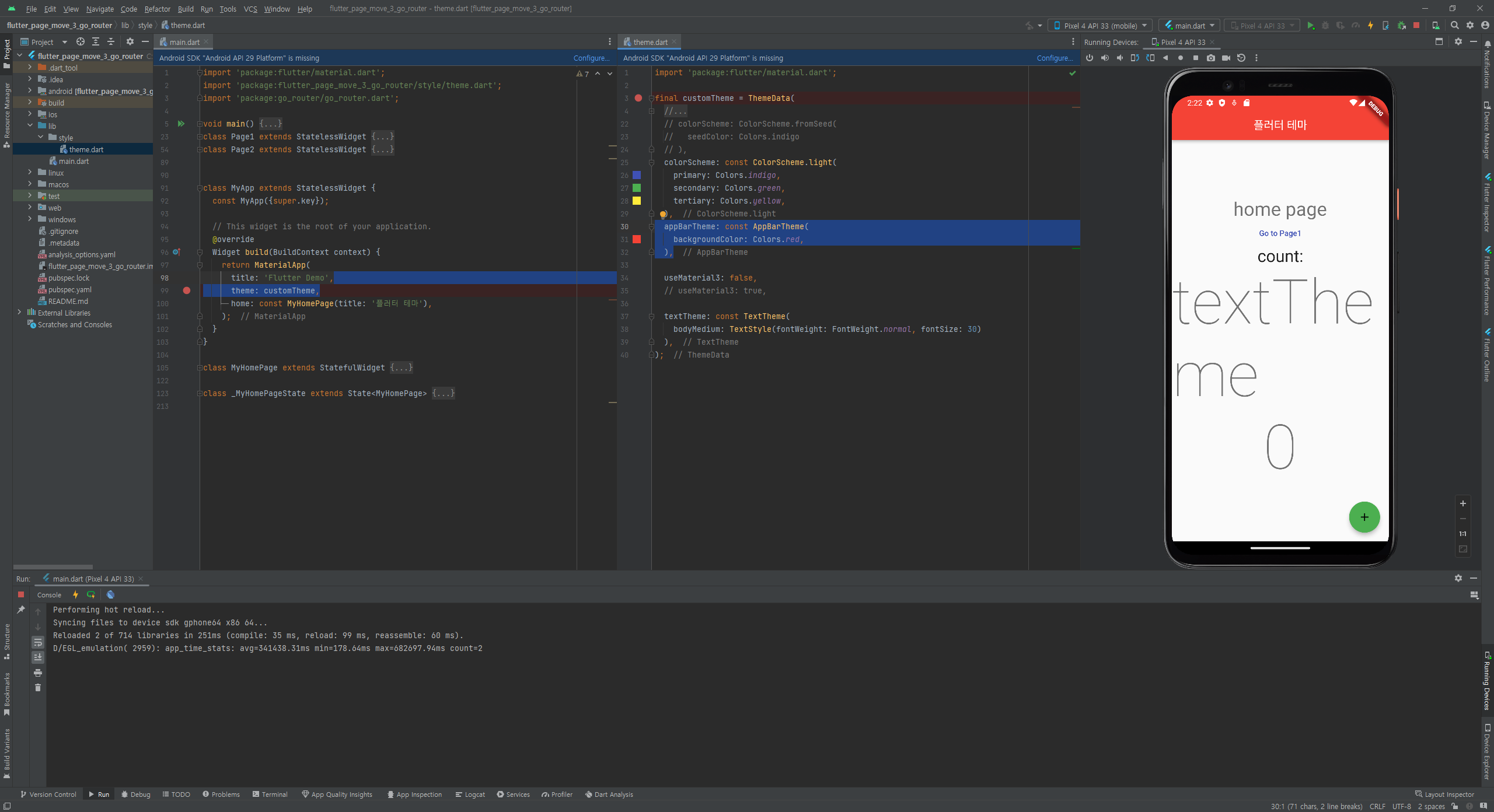
flutter theme
flutter 가위 바위 보 앱
게임 화면 사용한 이미지 3개: 가위, 바위, 보
게임 화면 사용한 텍스트 7개:
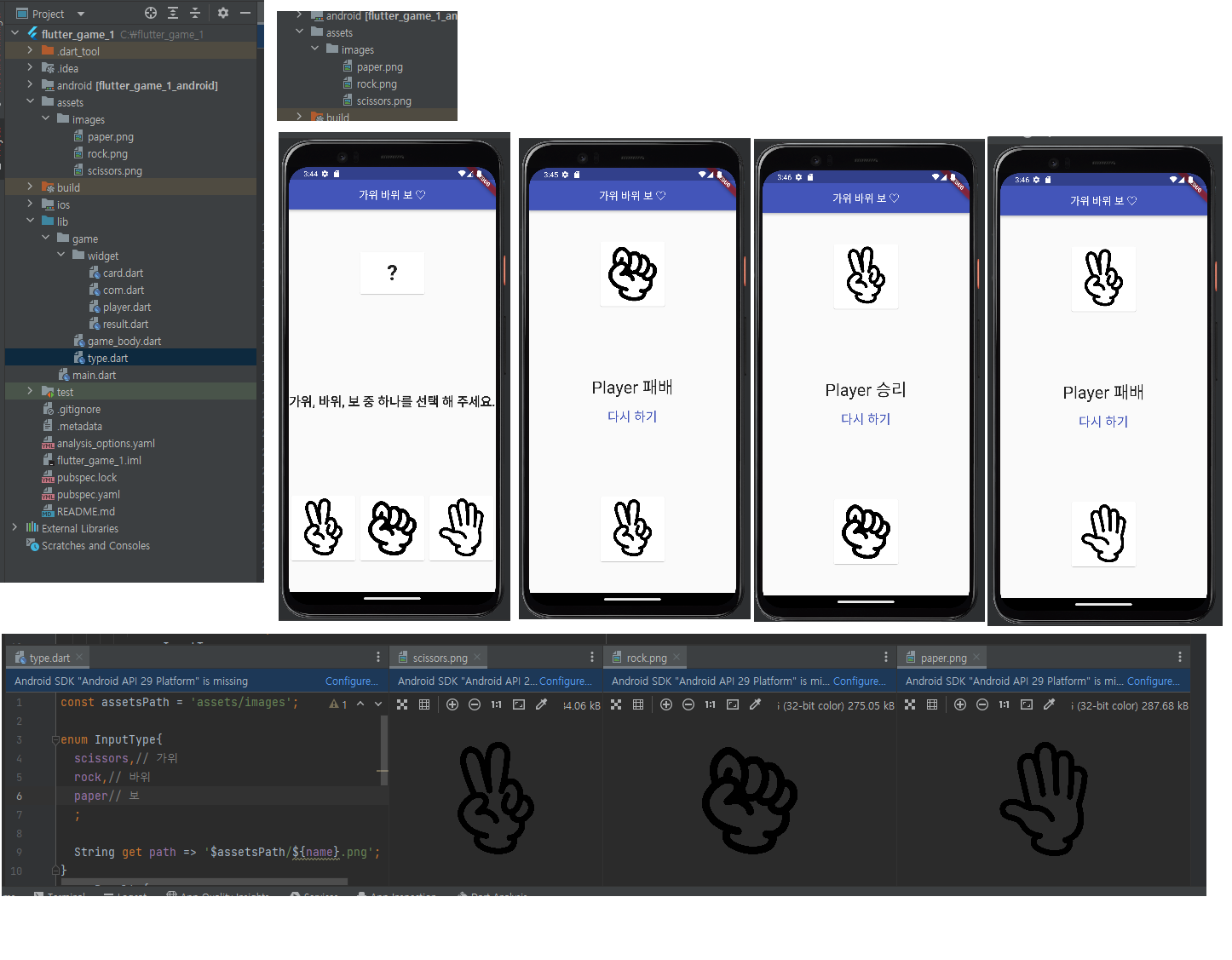
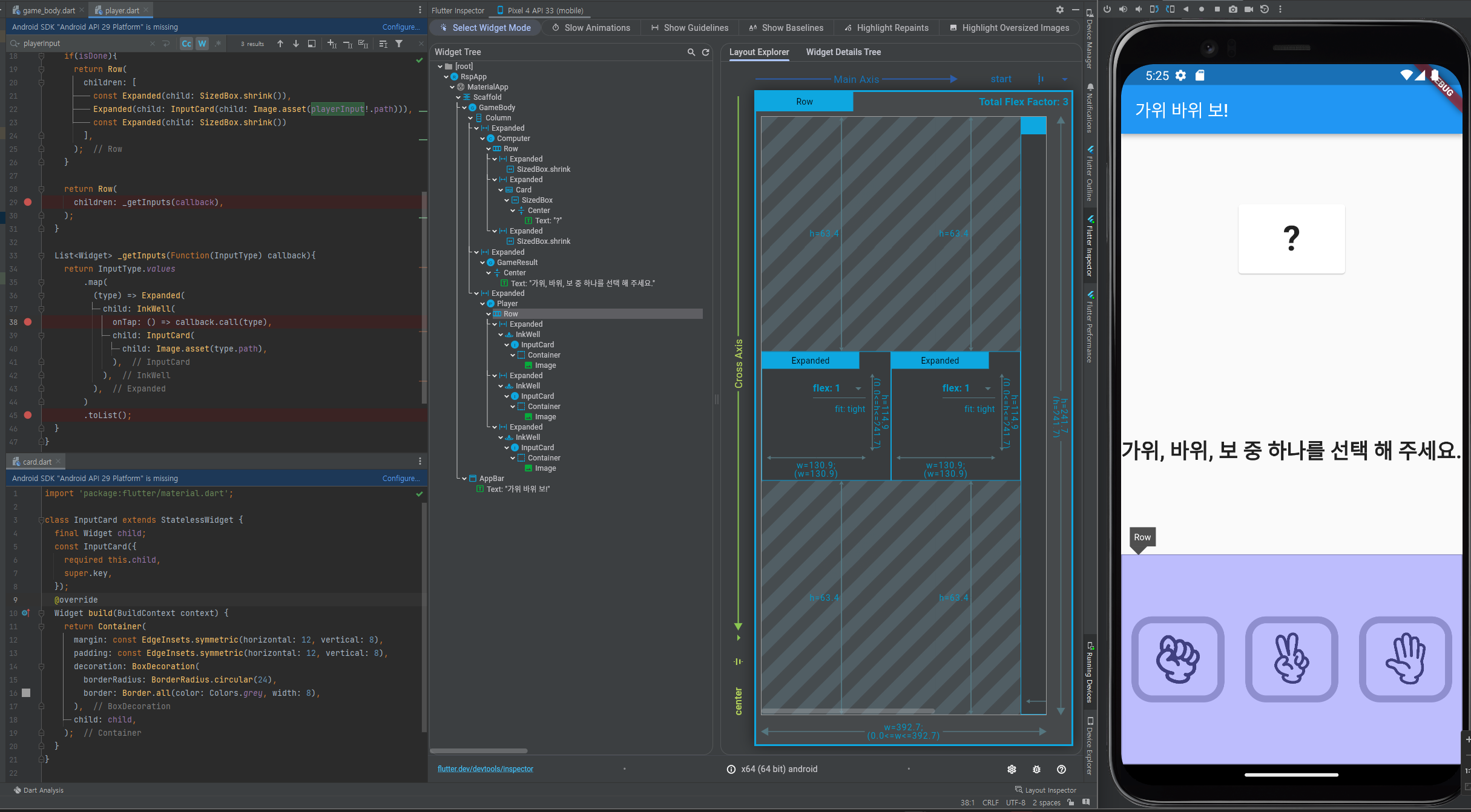
게임 화면 구성 :
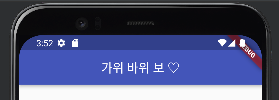
1. appBar / 타이틀 영역 :
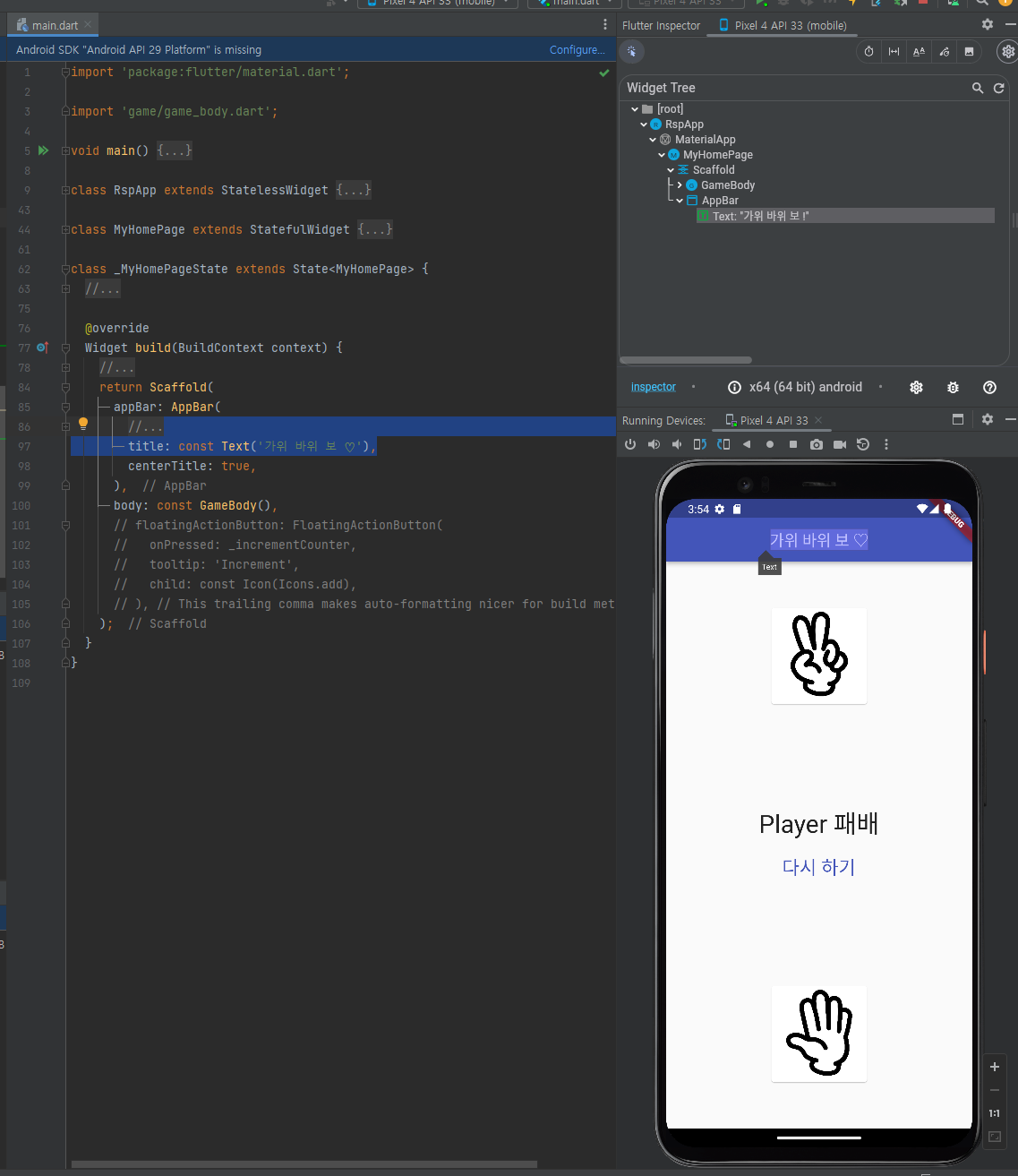
-
GameBody 영역
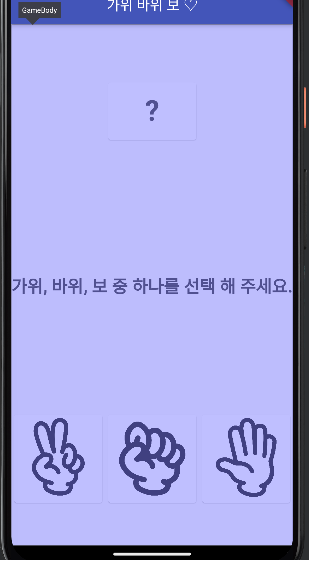
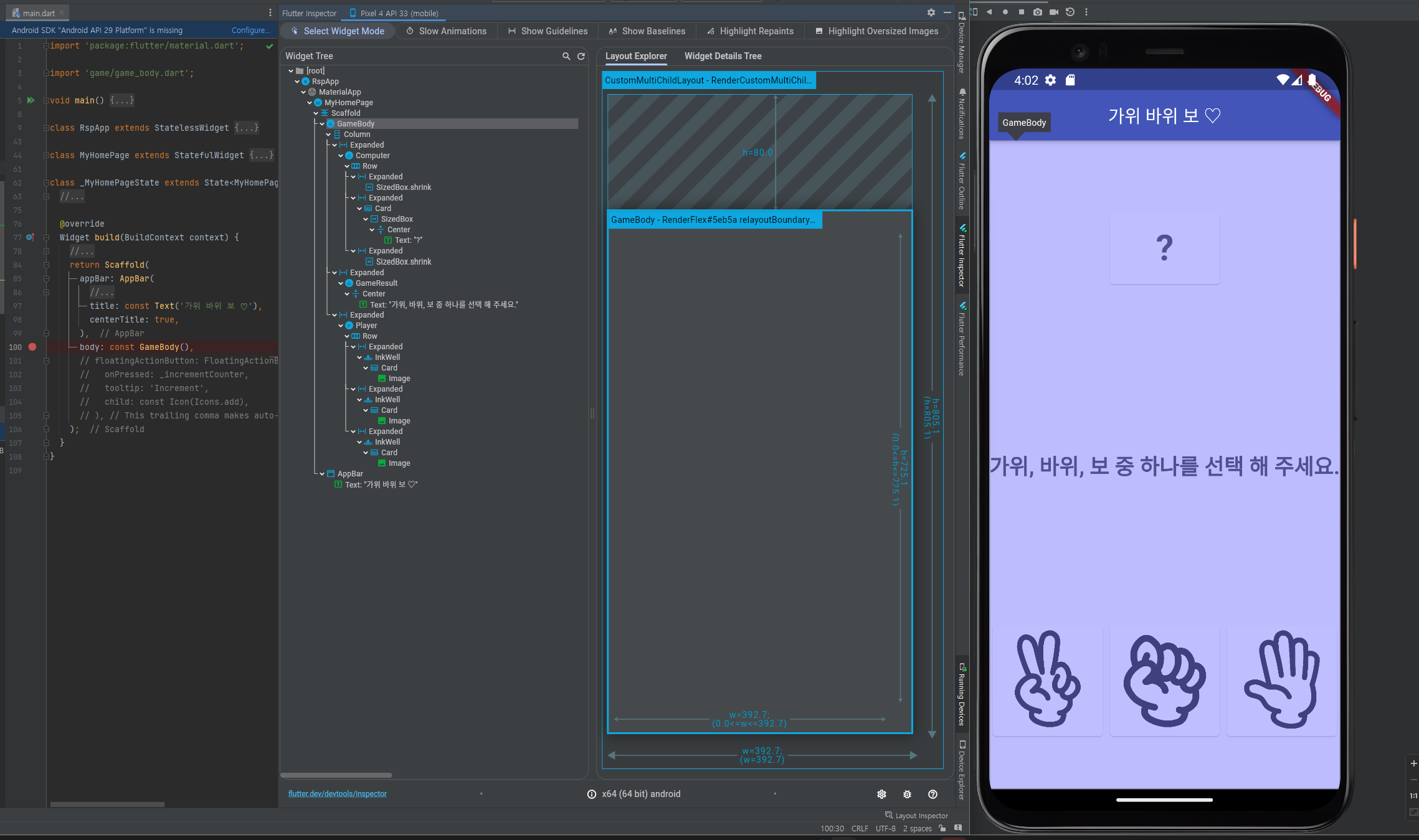
2-1. GameBody 영역 - 상단 - 컴퓨터 의 가위 바위 보 이미지 표현 영역
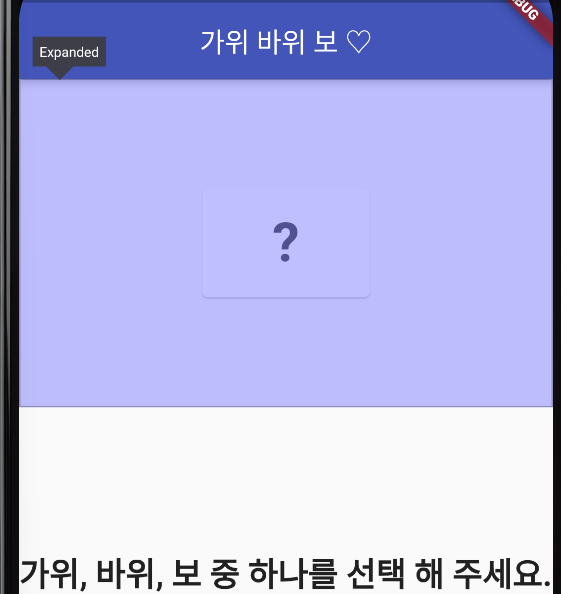
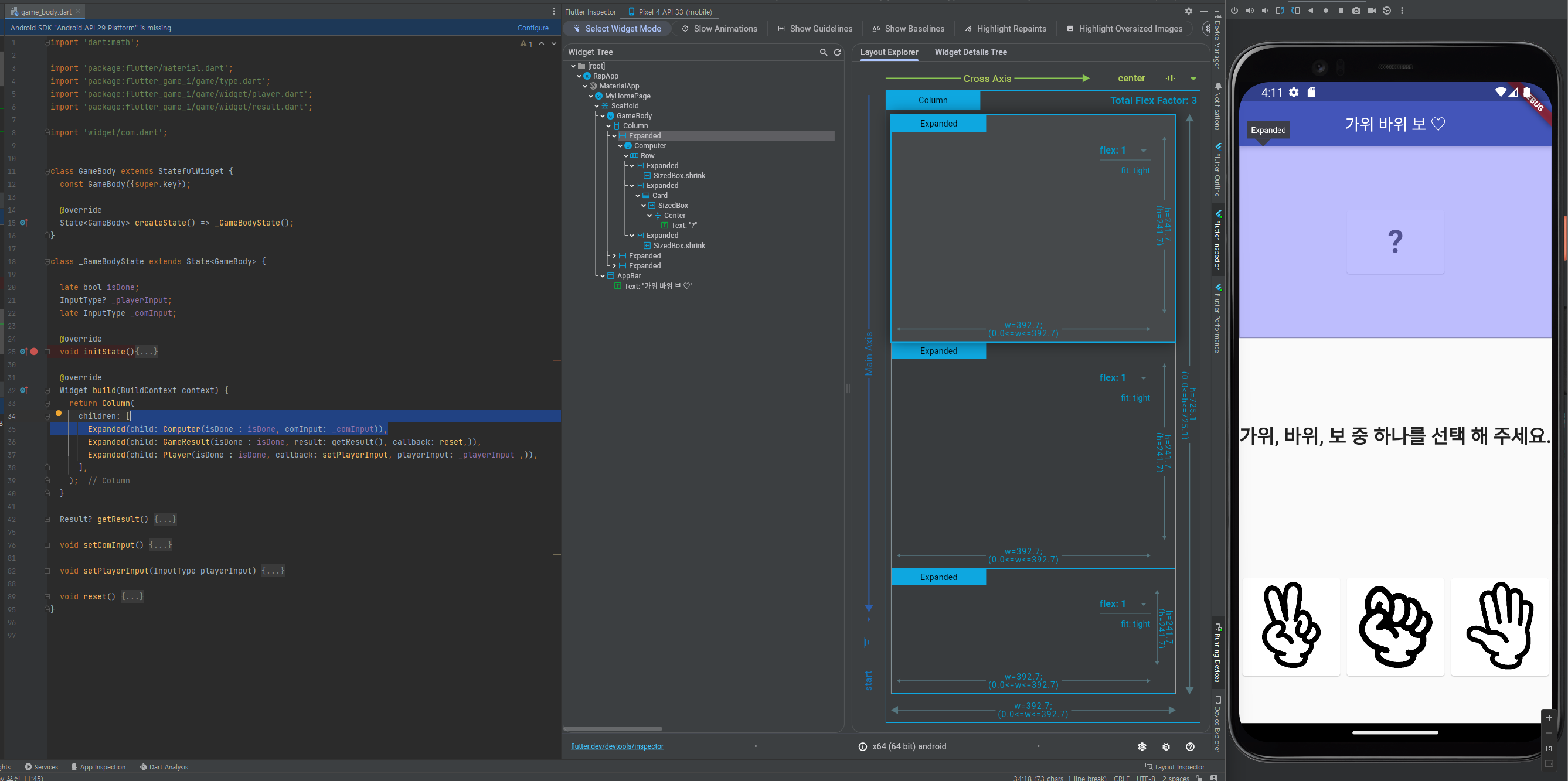
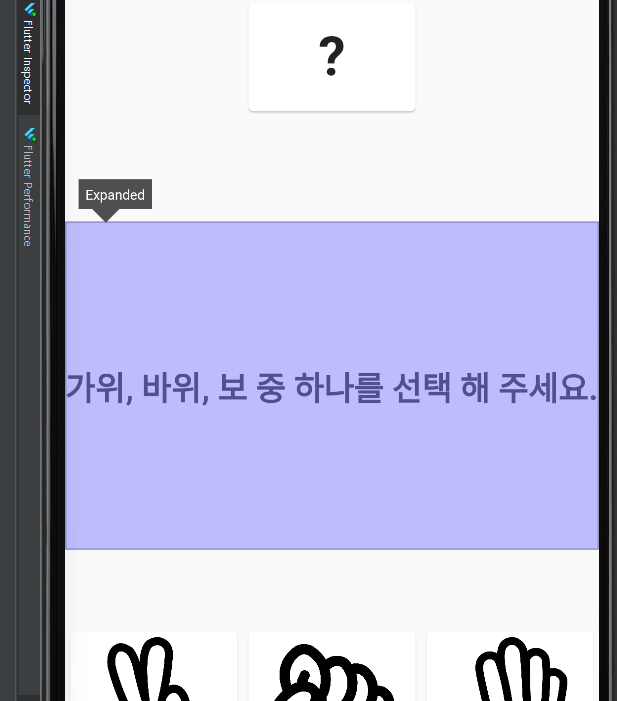
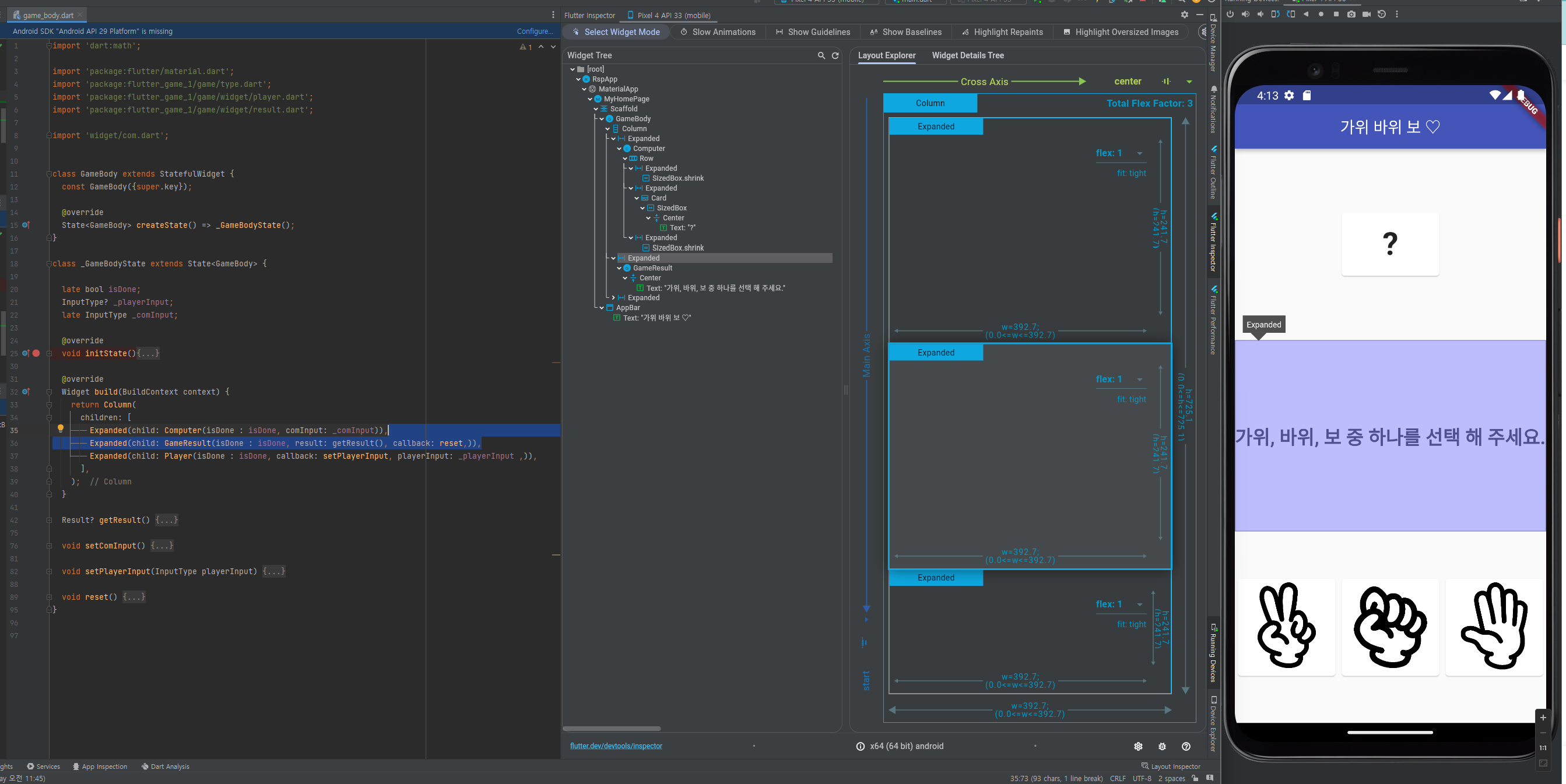
2-1. GameBody 영역 - 중단
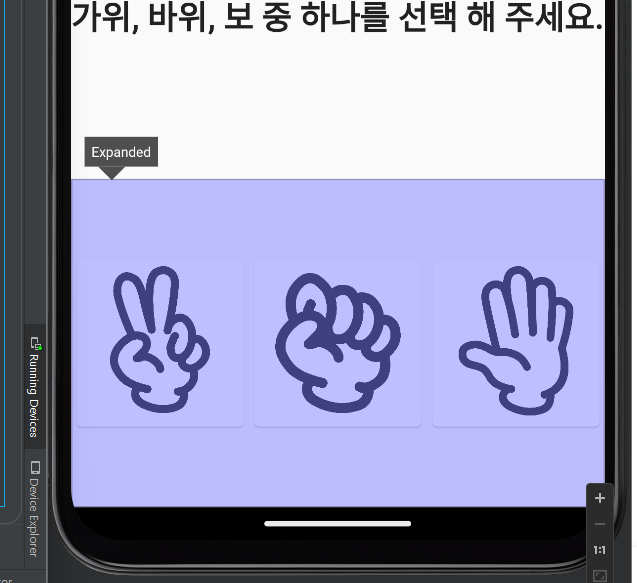
2-1. GameBody 영역 - 하단
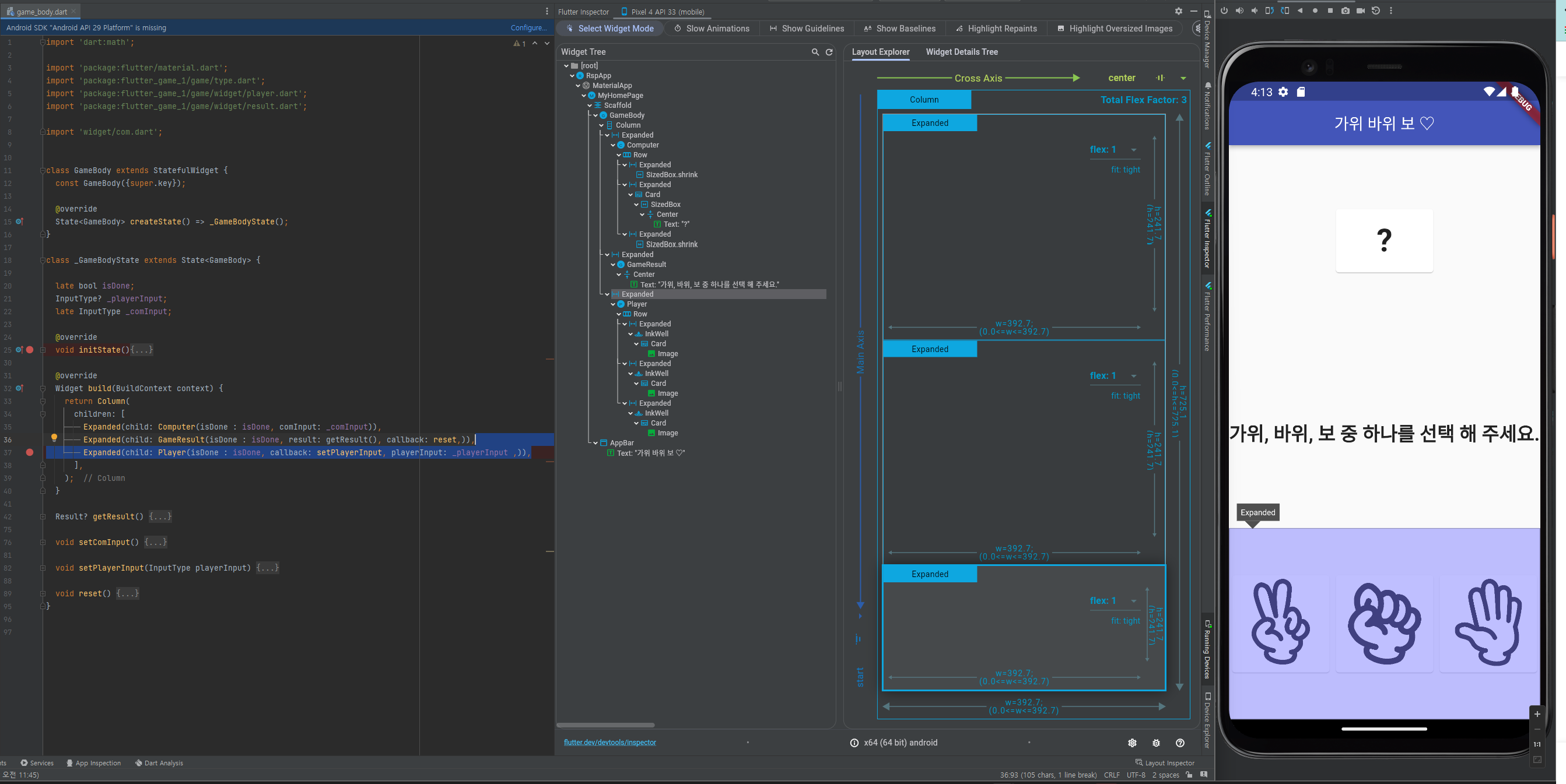
게임 설명:
1. 게임 실행시 화면구성을 한다.
- initState 함수 실행
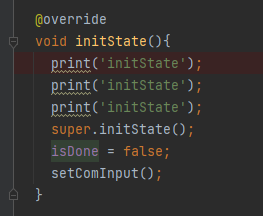
1-1. 변수값 isDone = false;//
1-1-1. GameBody 영역 - 상단 - 분기용 : ? 또는 컴퓨터용 랜덤 가위 바위 보 이미지 한개
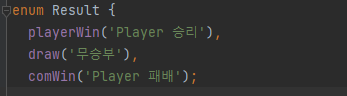
1-1-2. GameBody 영역 - 중단 - '가위, 바위, 보 중 하나를 선택 해 주세요.' 또는
에 결과 문자
1-1-3. GameBody 영역 - 하단 - 선택할 가위 바위 보 이미지 버튼 리스트 또는 선택된 이미지 한개
1-2. setComInput 함수 실행 :
-
컴퓨터용으로 가위 바위 보 이미지 랜덤 한개 세팅
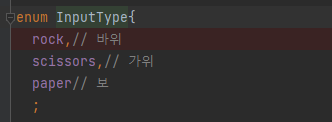

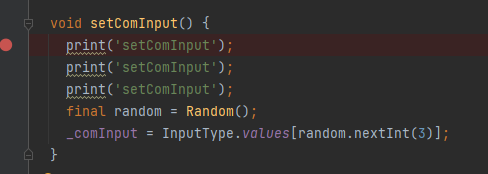
- 최초 실행 화면에서
화면 하단(GameBody 영역 - 하단) - 이미지 3개(가위, 바위, 보 ) 클릭시
가위 바위 보 타입중 선택한 타입값을 콜백함수에 파라미터로 세팅하여 호출하면
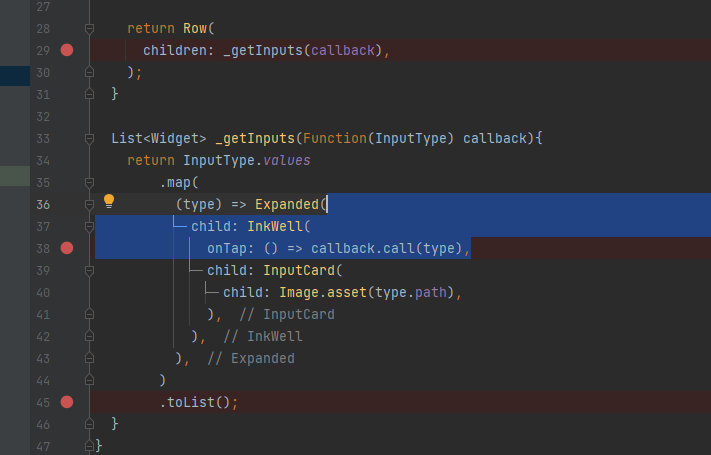
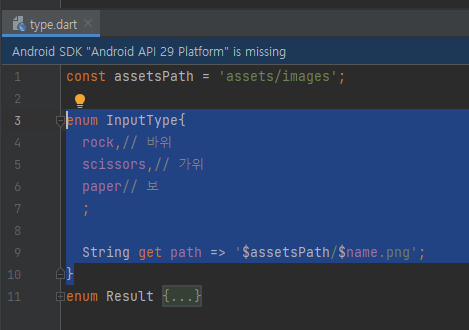
GameBody 영역에 선언된 callback: setPlayerInput 의 setPlayerInput 를 호출 한여
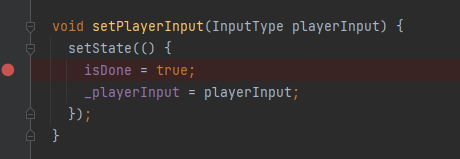
변수값을 세팅한다.
  isDone = true;
  _playerInput = playerInput;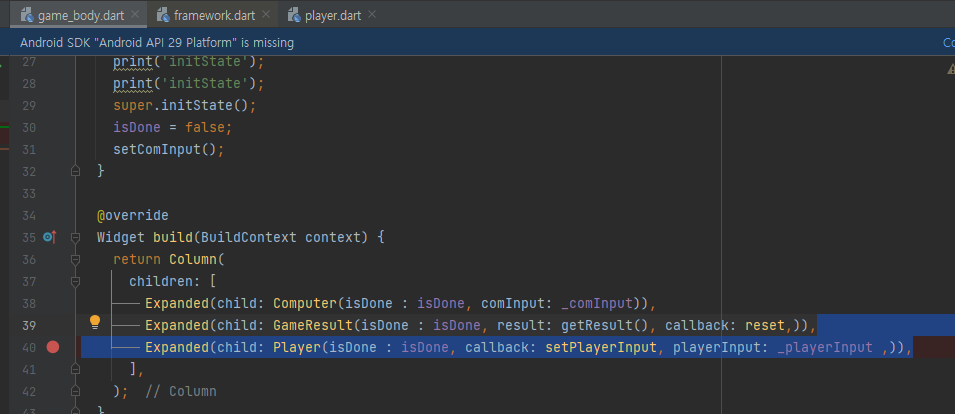
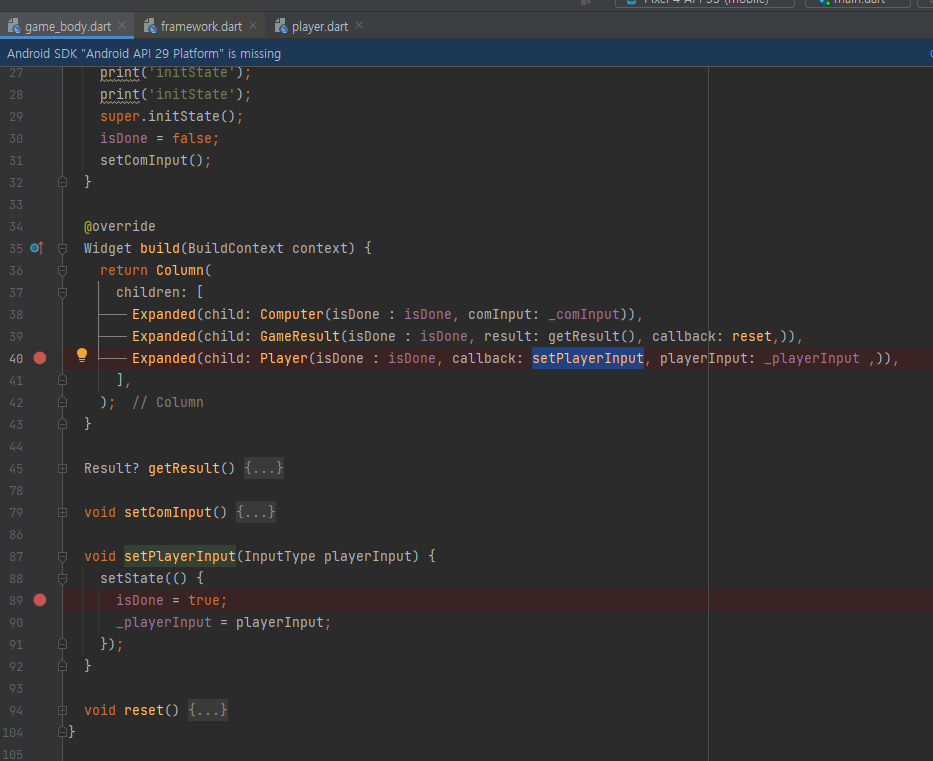
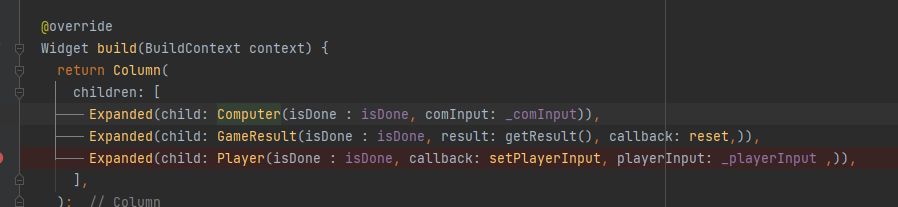
마찬가지로
GameBody 영역 상단, 중단 영역의 StatelessWidget 영역의 build 함수가 콜되어
isDone 변수값 (true)에 따른 분기처리 하여 각 영역의 화면을 재구성한다.
<<<<<<<<<<< 여기까지 가위바위보 게임의 설명이 틀린 부분 있으면 댓글 부탁드립니다.
part 2. 마지막 flutter 인스타그램 UI
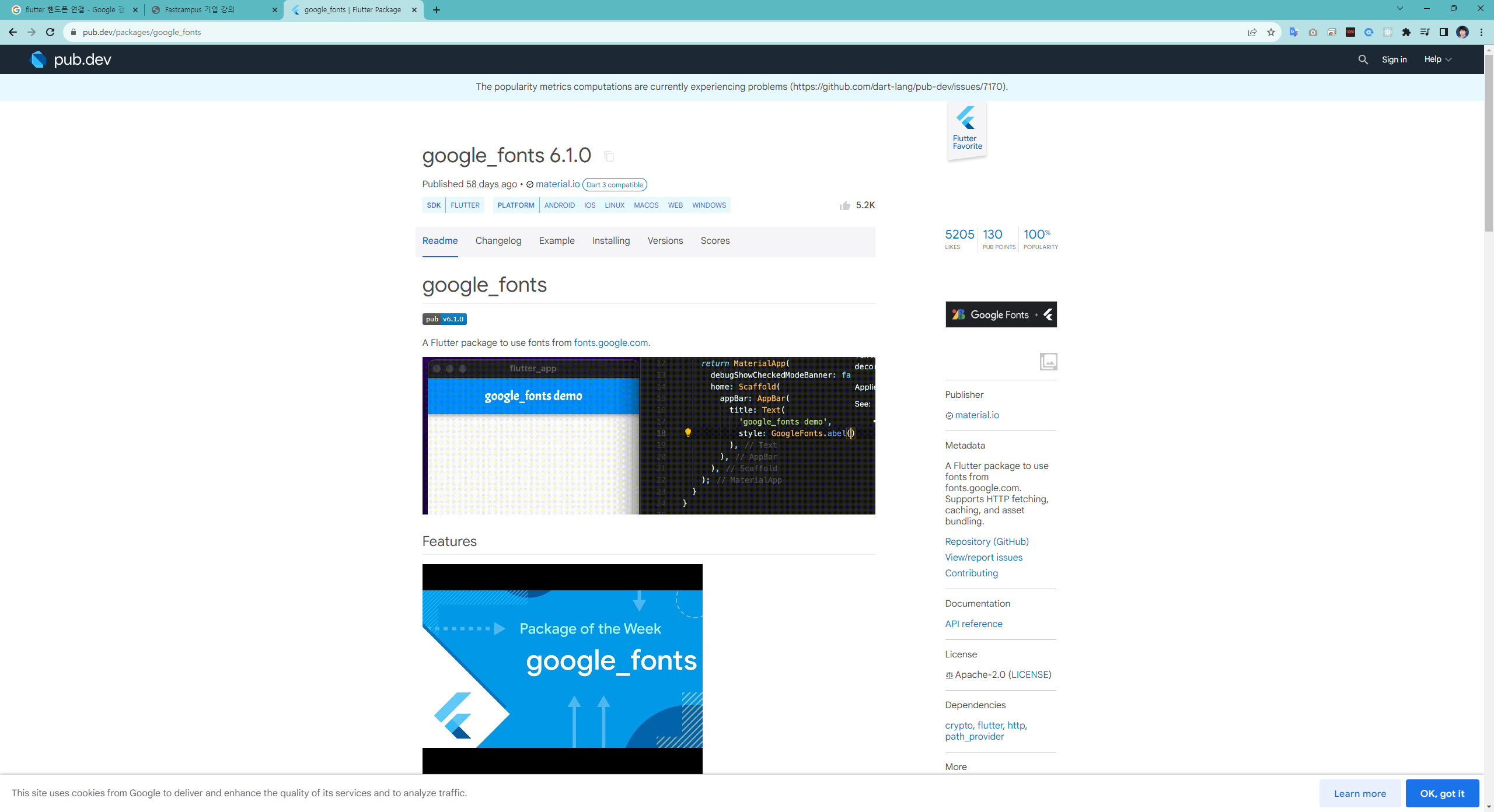
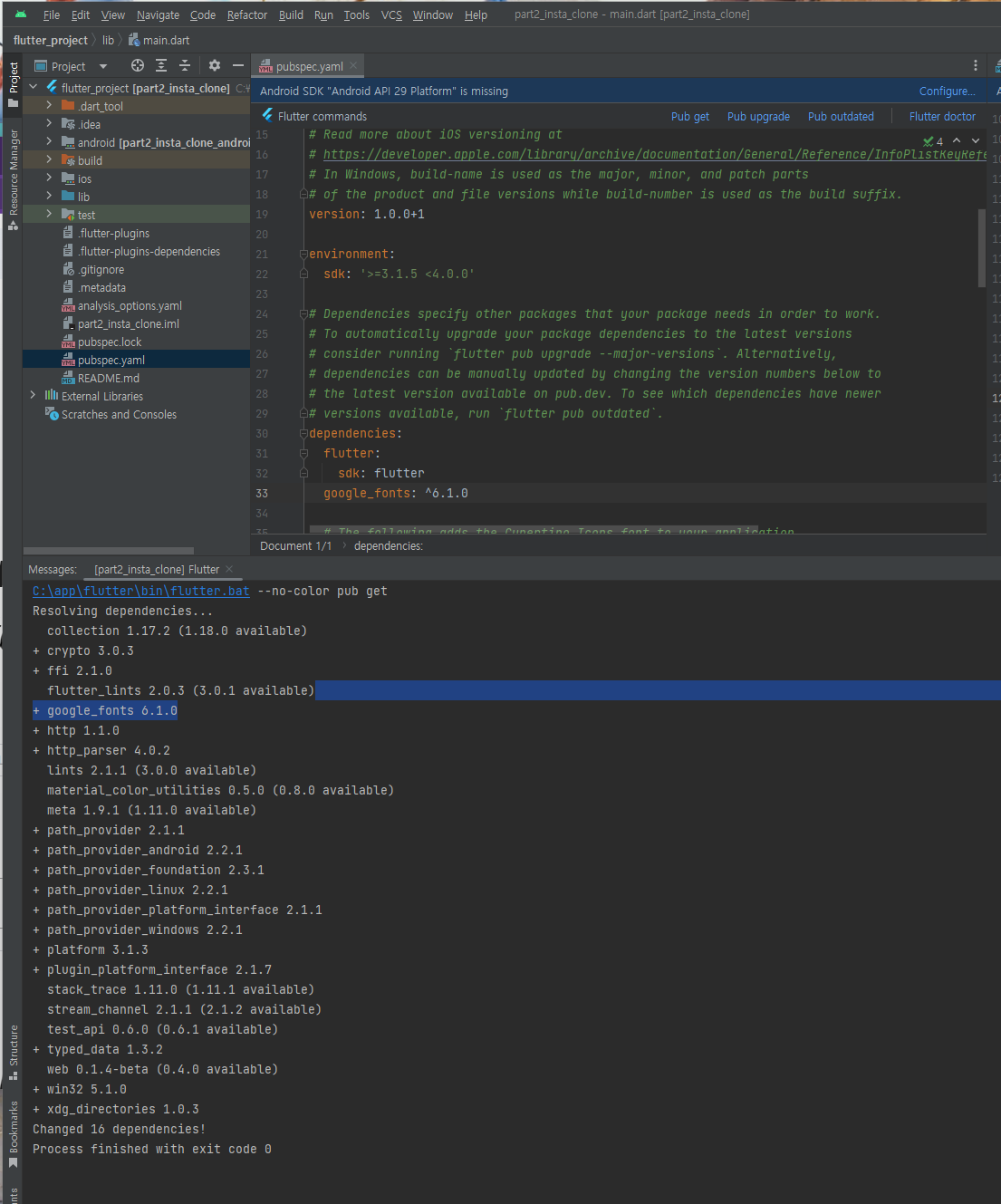
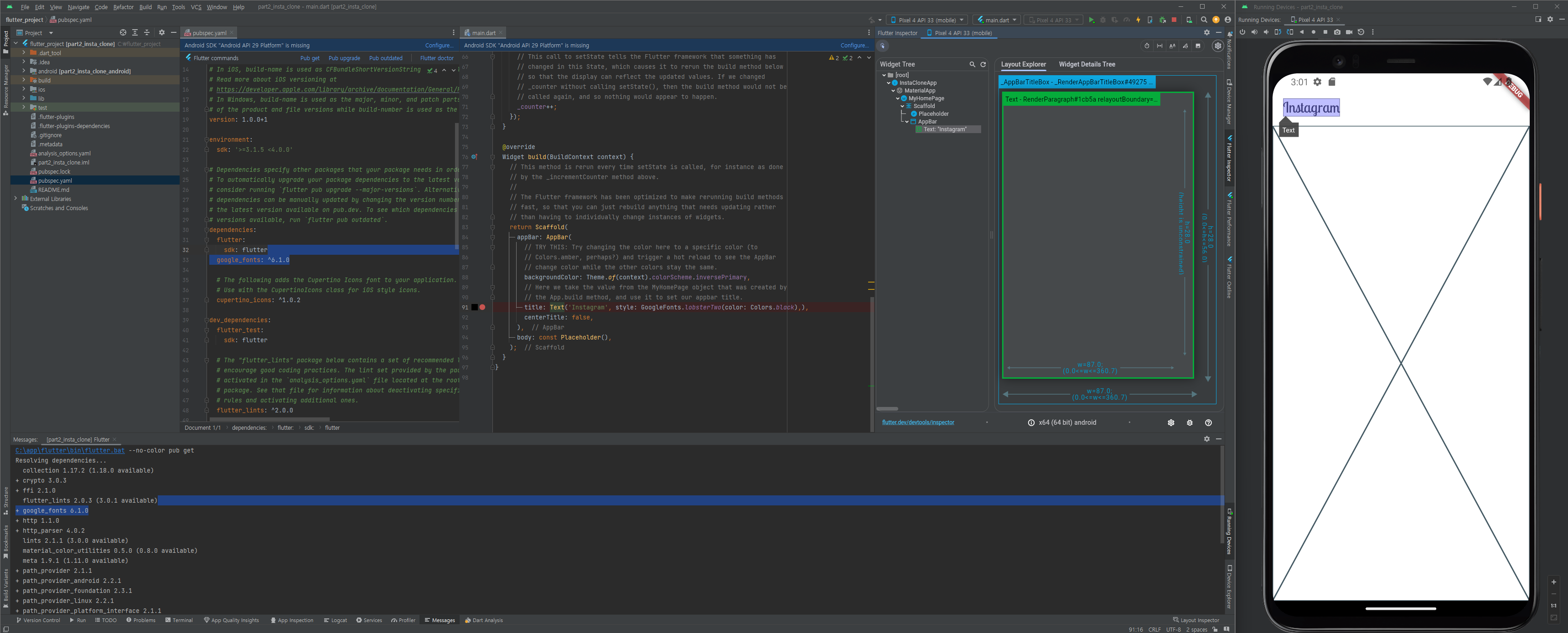
폰트 라이브러리 추가 : google_fonts: ^6.1.0
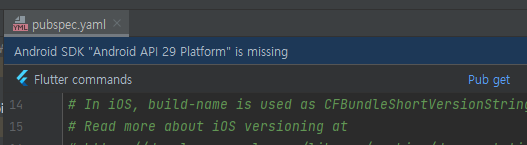
Pub get 클릭
GoogleFonts.lobsterTwo 폰트 사용
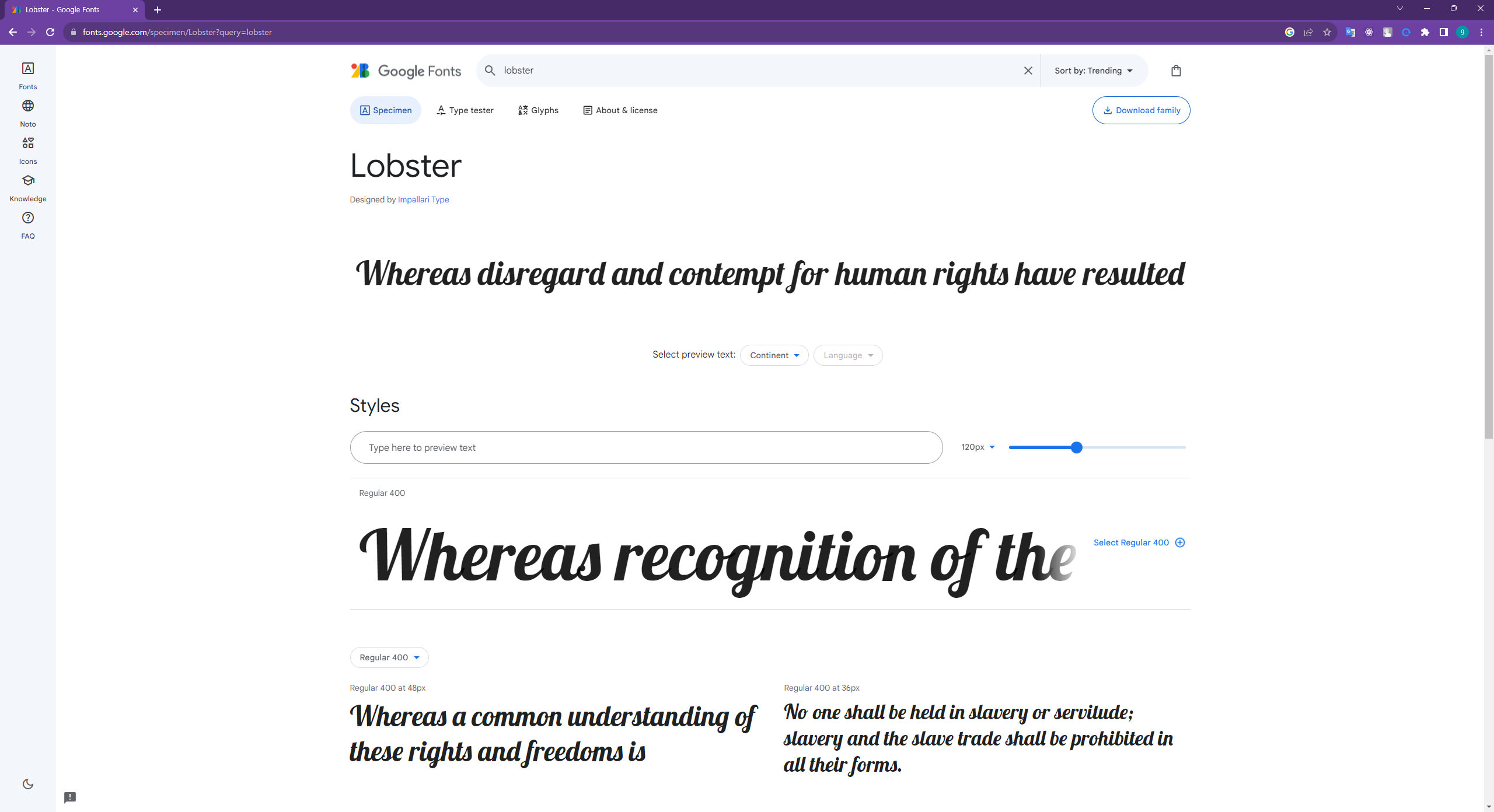
title: Text('Instagram', style: GoogleFonts.lobsterTwo(color: Colors.black),),
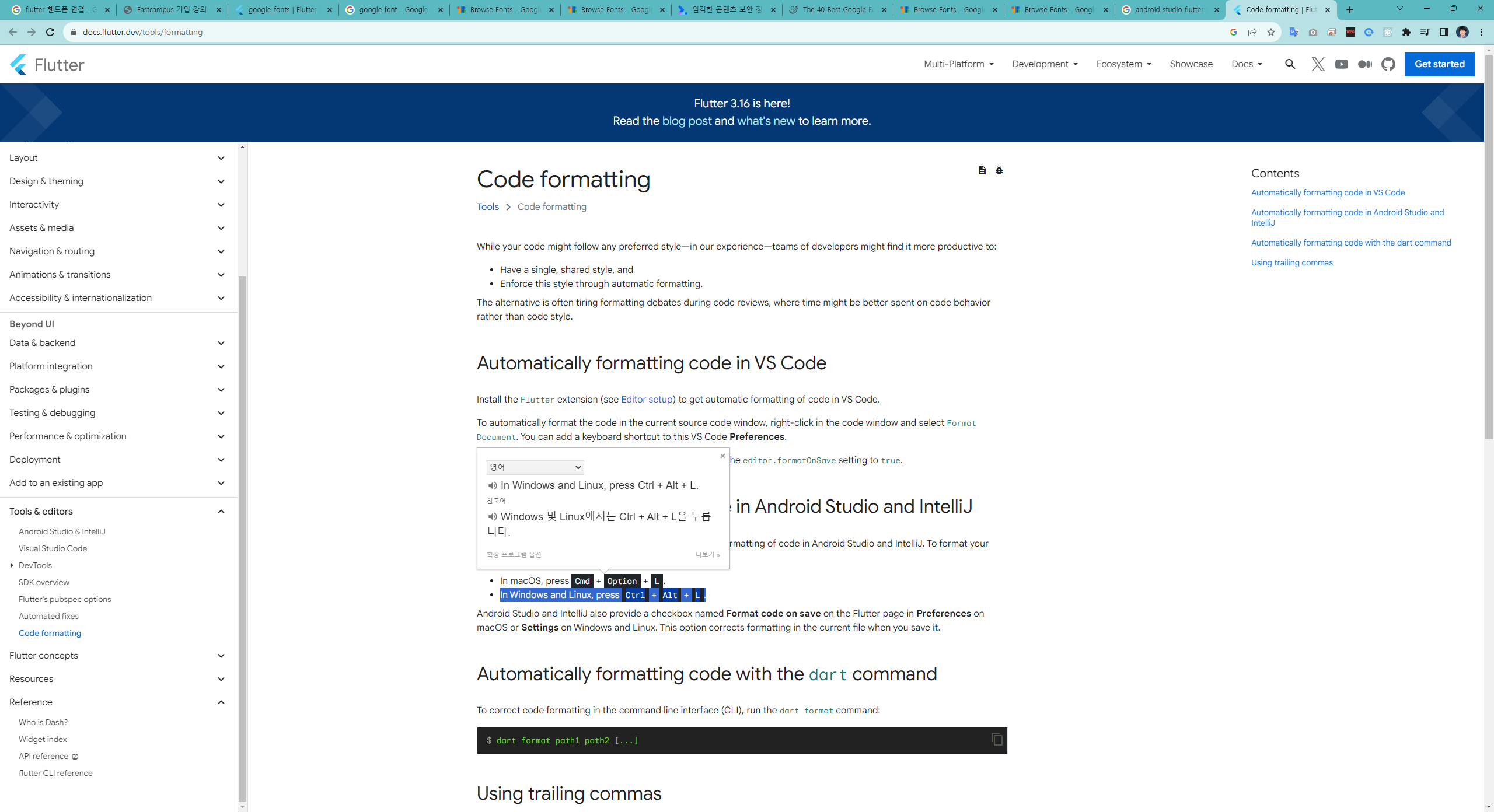
Code formatting
To format your code in the current source code window:
In Windows and Linux, press Ctrl + Alt + L.
Automatically formatting code in Android Studio and IntelliJ
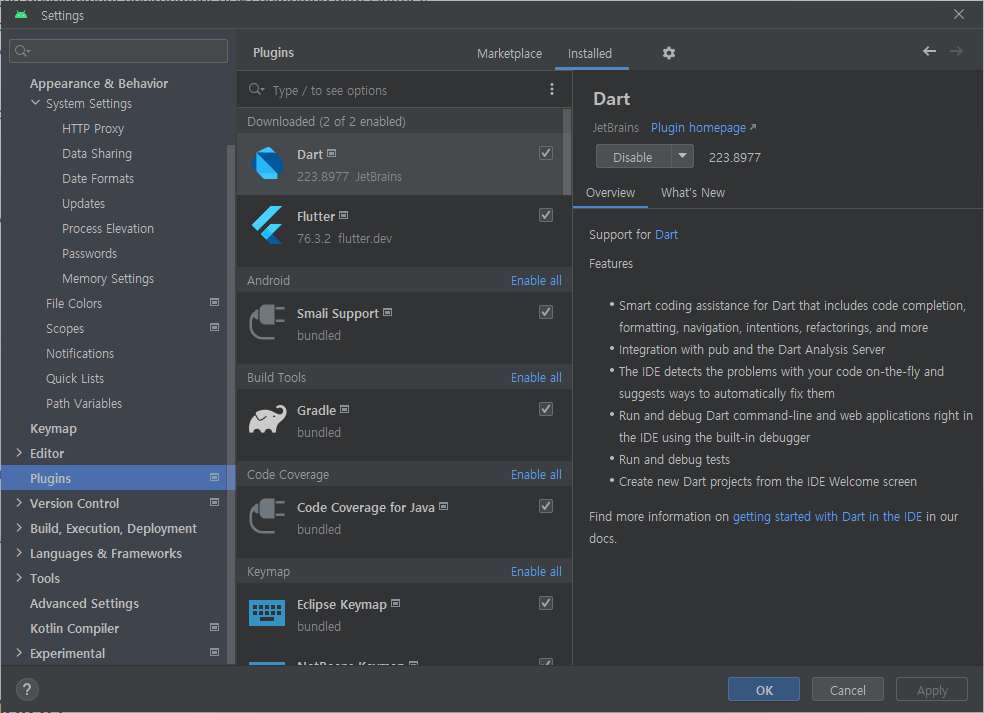
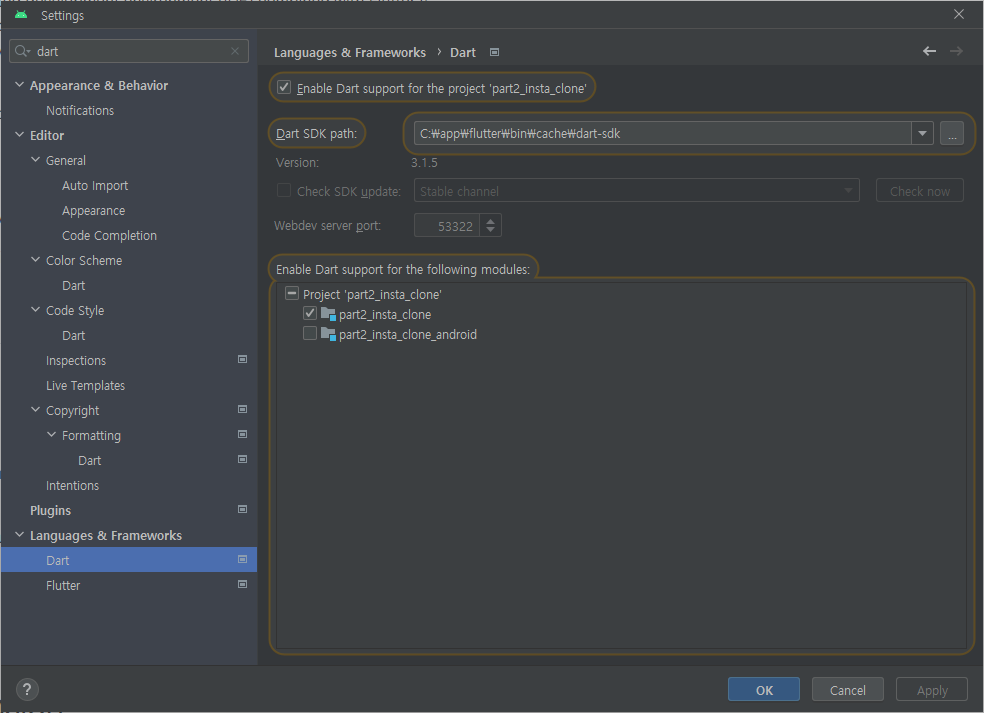
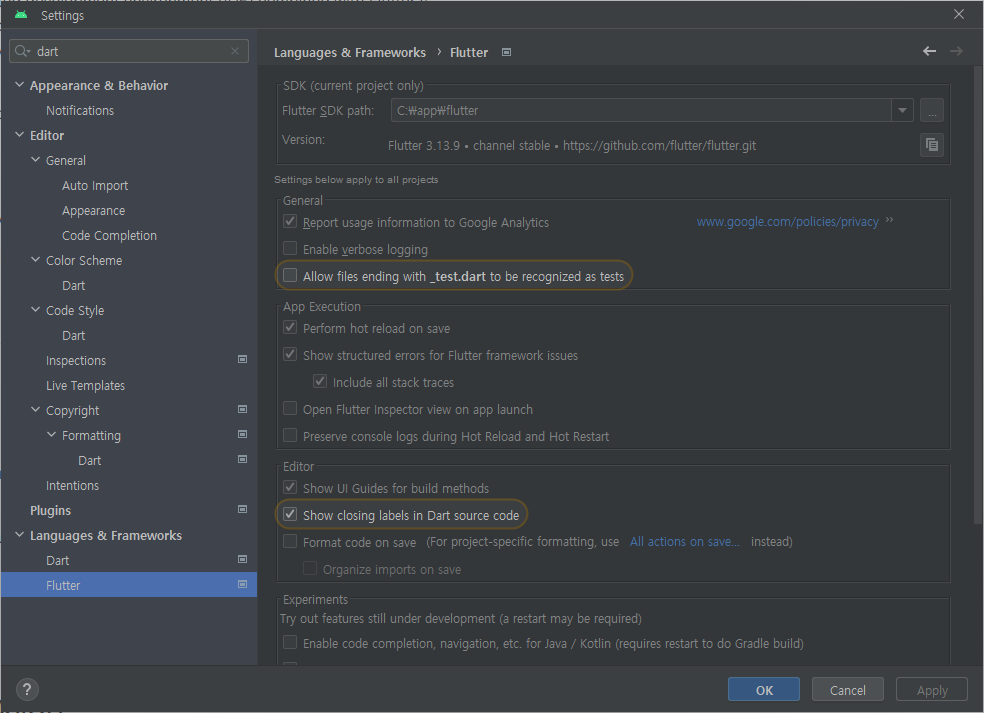
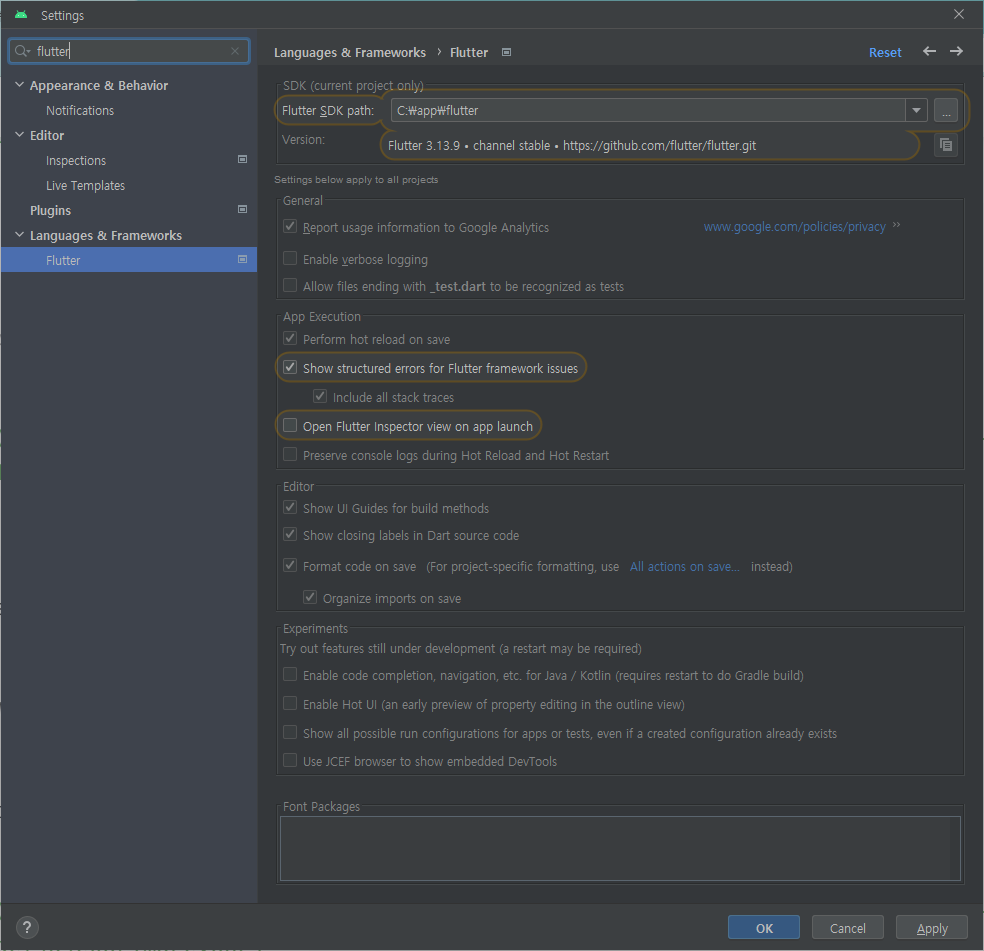
Android Studio and IntelliJ also provide a checkbox named Format code on save on the Flutter page in Preferences on macOS or Settings on Windows and Linux. This option corrects formatting in the current file when you save it.
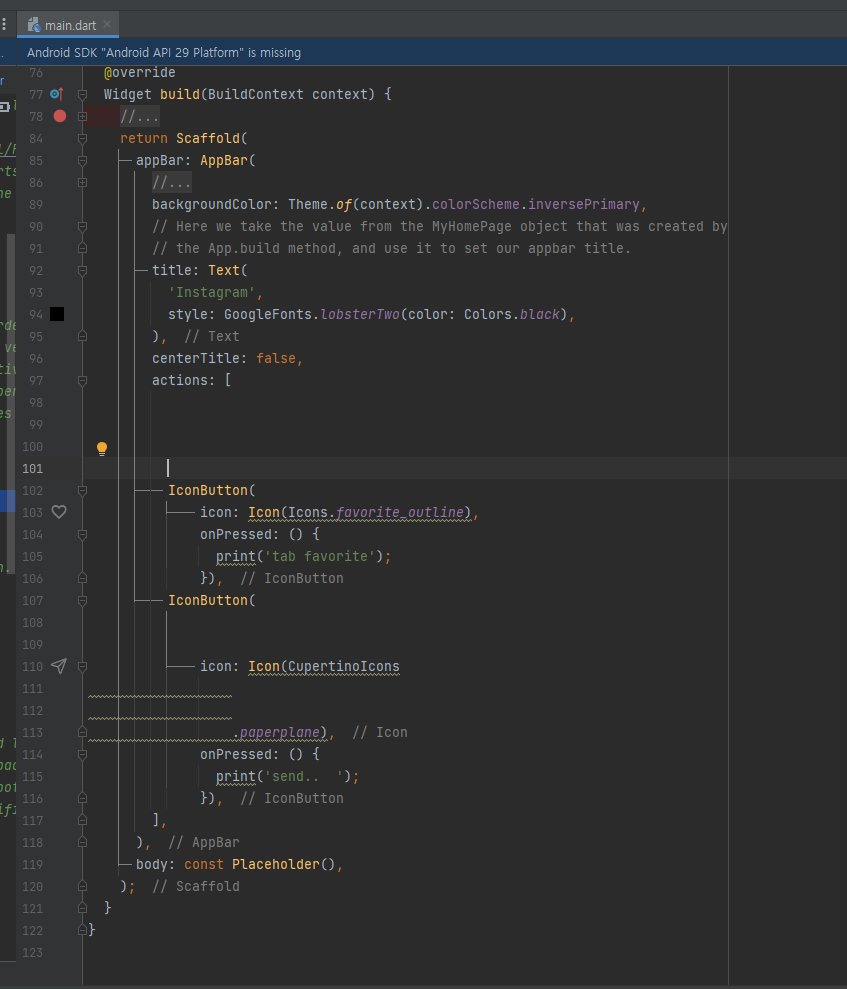
test - 저장전
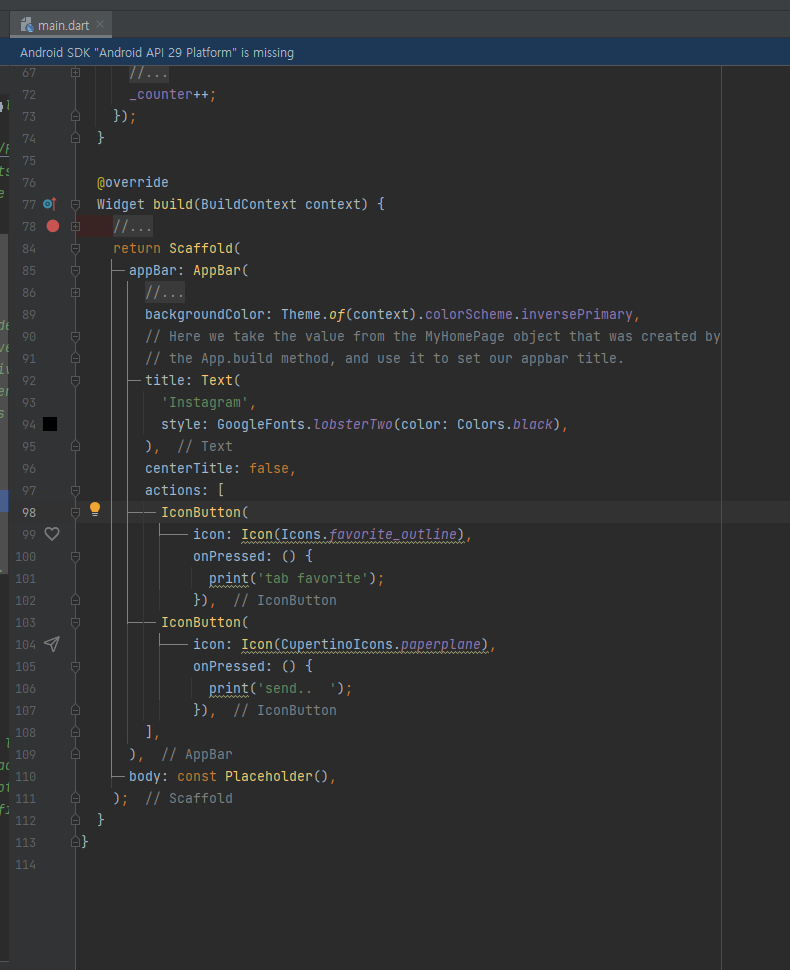
test - 저장후 자동 코드포맷됨...
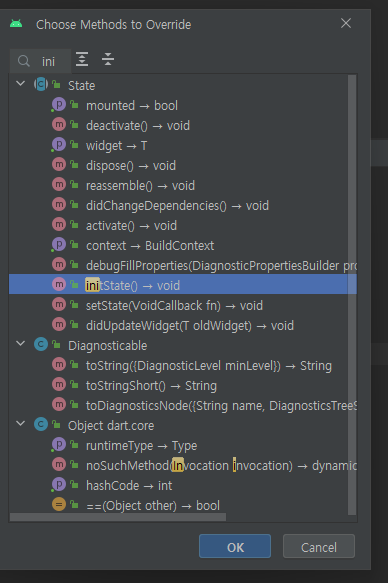
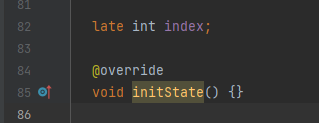
override methods 추가 단축키 = ctrl + o => ini => enter
@override
void initState() {
}
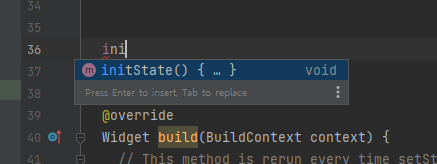
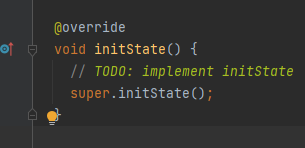
---------------------- 2번째 @override 함수 추가 방법 ( 추천)
ini => ctrl + space => enter (이 방법 추천)
How to set max line length in Android Studio code editor?
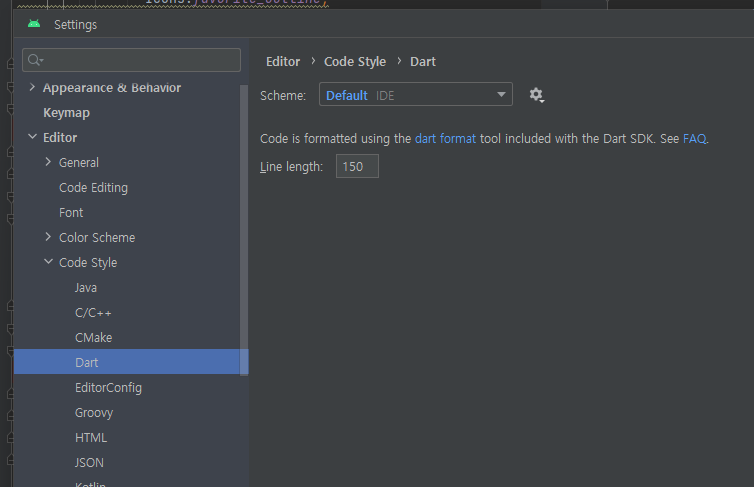
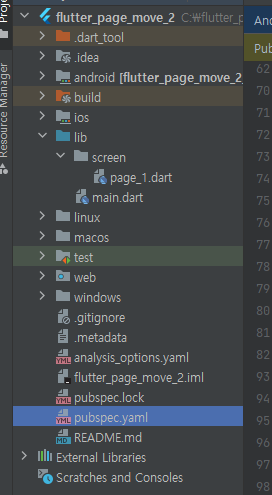
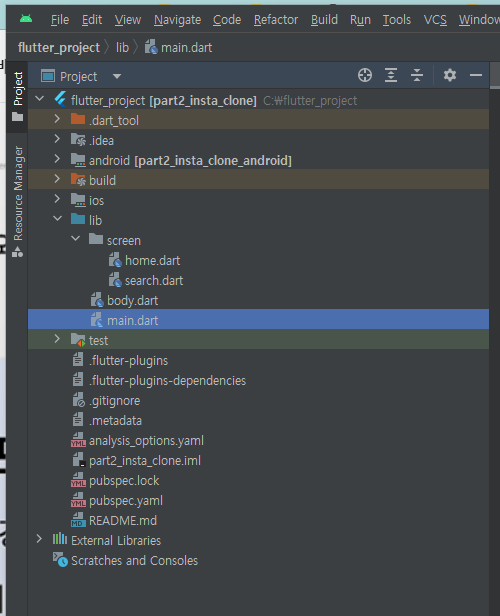
프로젝트 구조
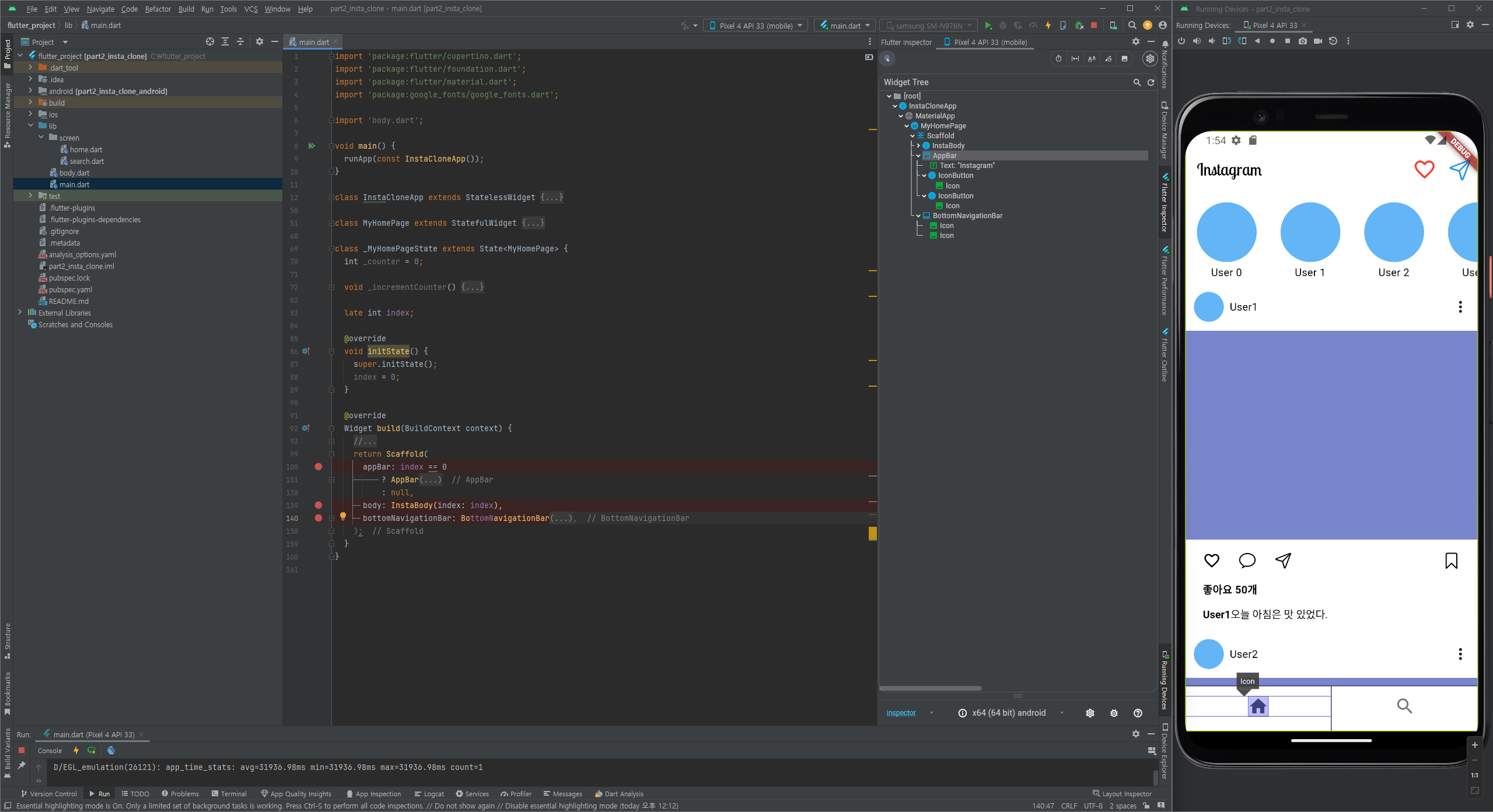
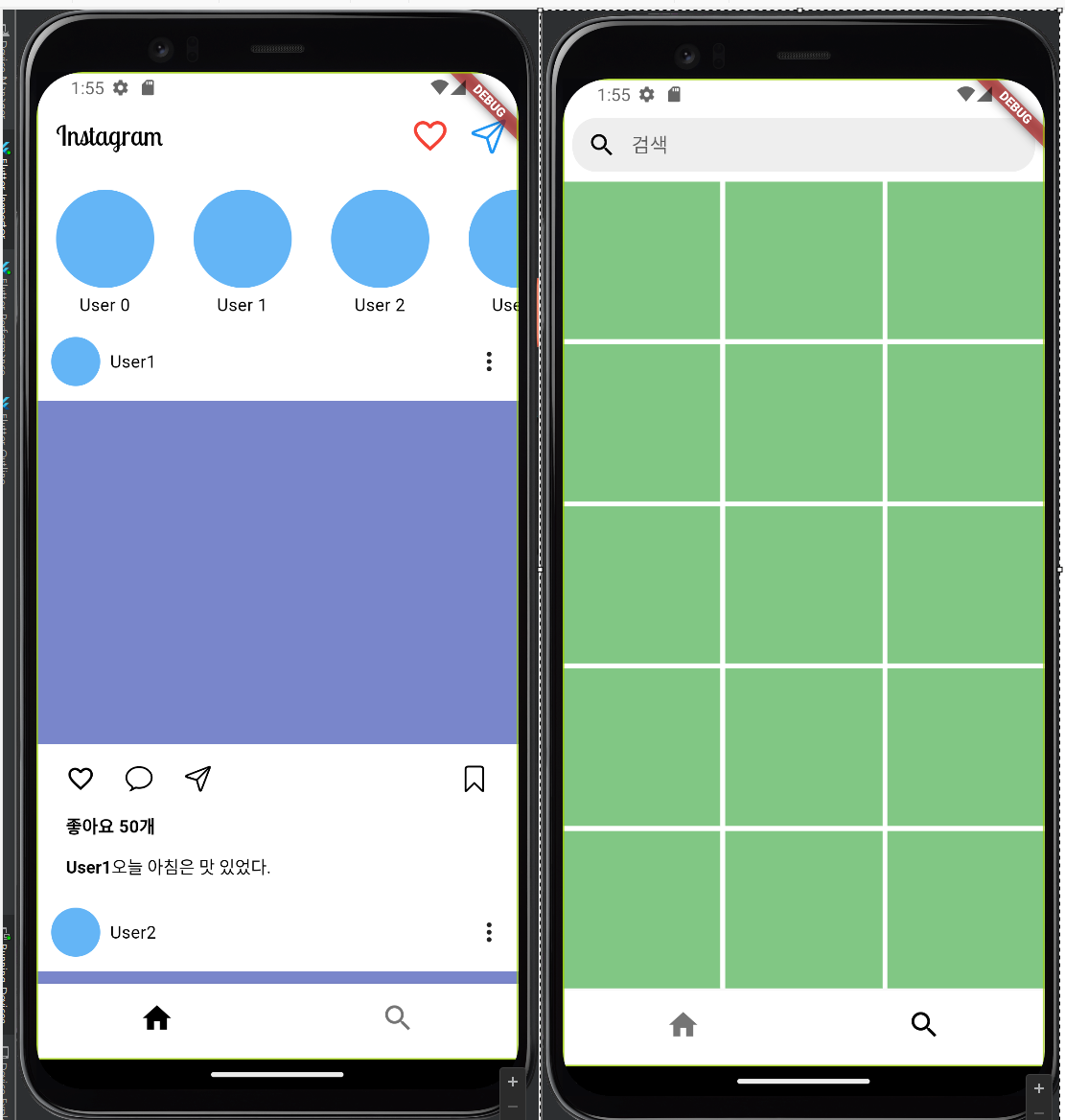
프로그램 화면
화면 상단 - AppBar 영역
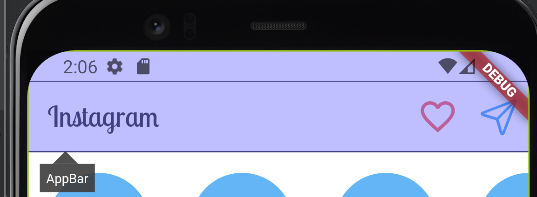
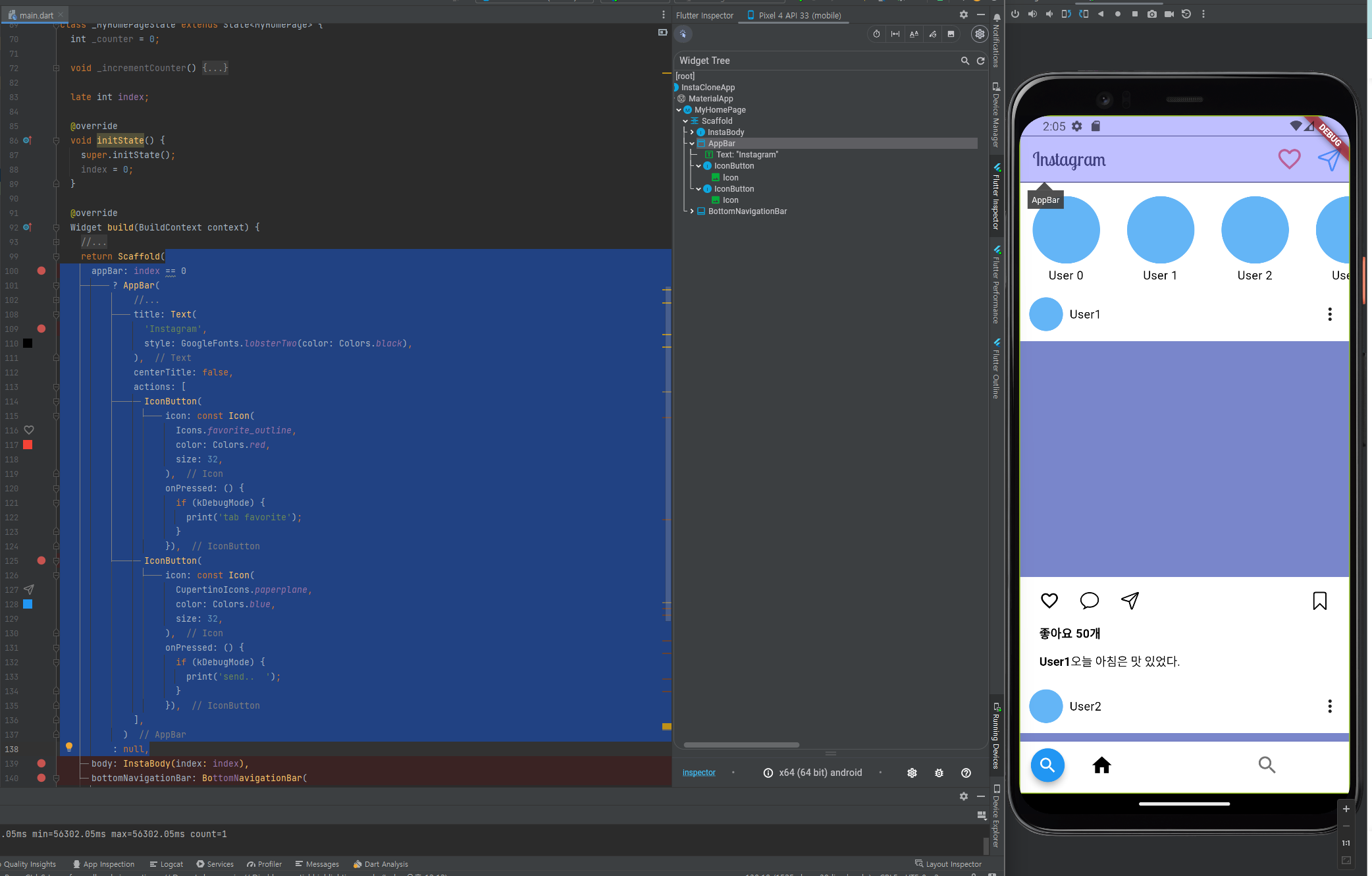
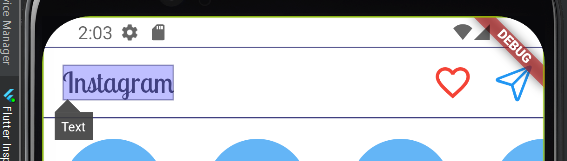
화면 상단 - AppBar 영역 - 타이틀
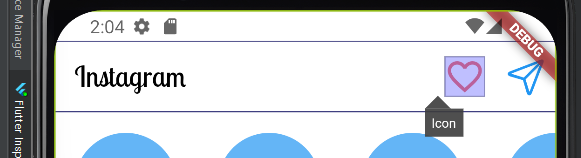
화면 상단 - AppBar 영역 - favorite_outline
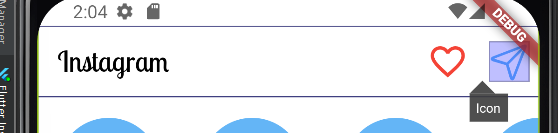
화면 상단 - AppBar 영역 - paperplane
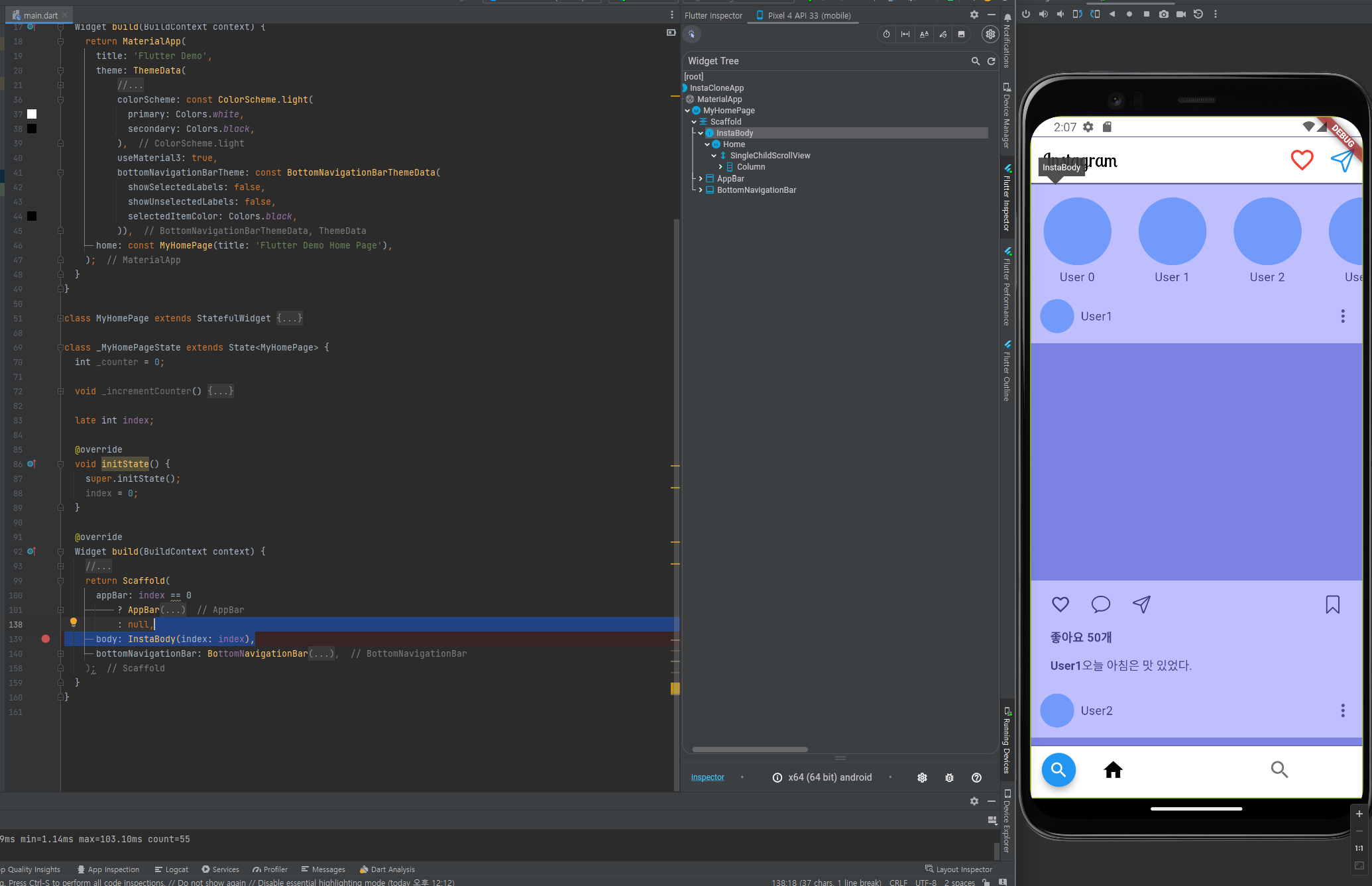
화면 중단 - body 영역
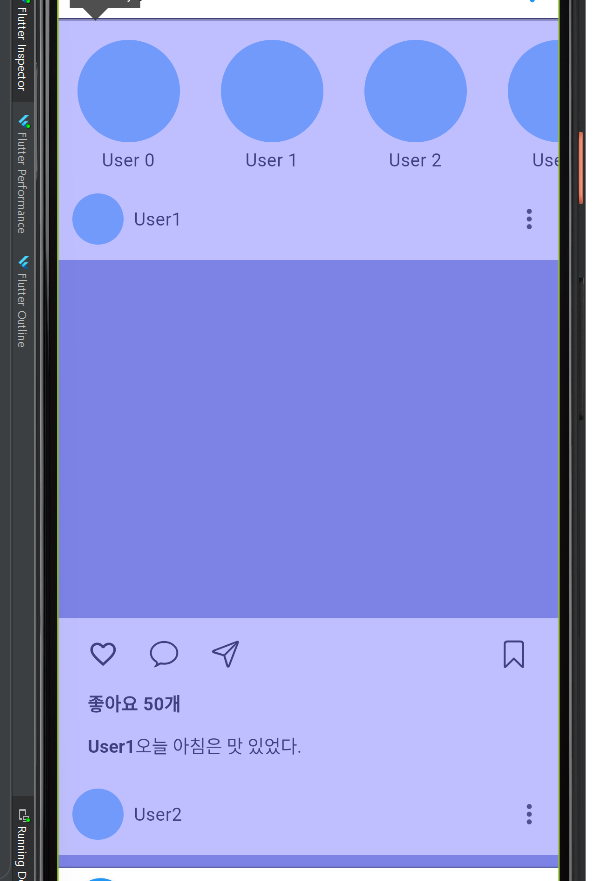
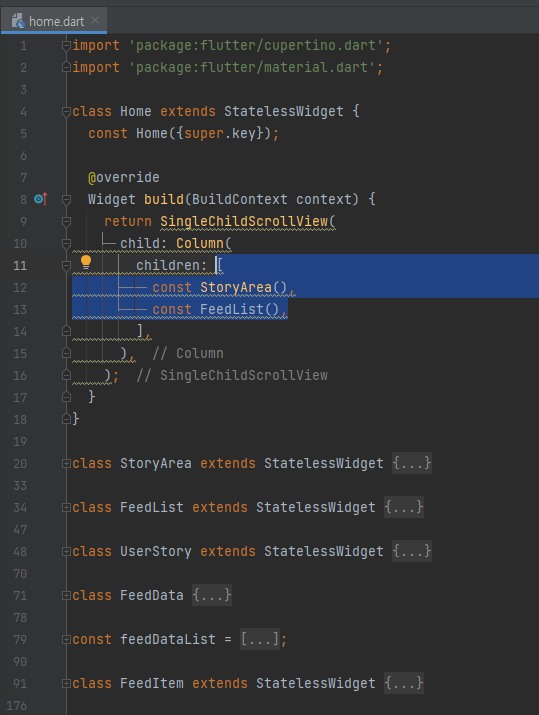
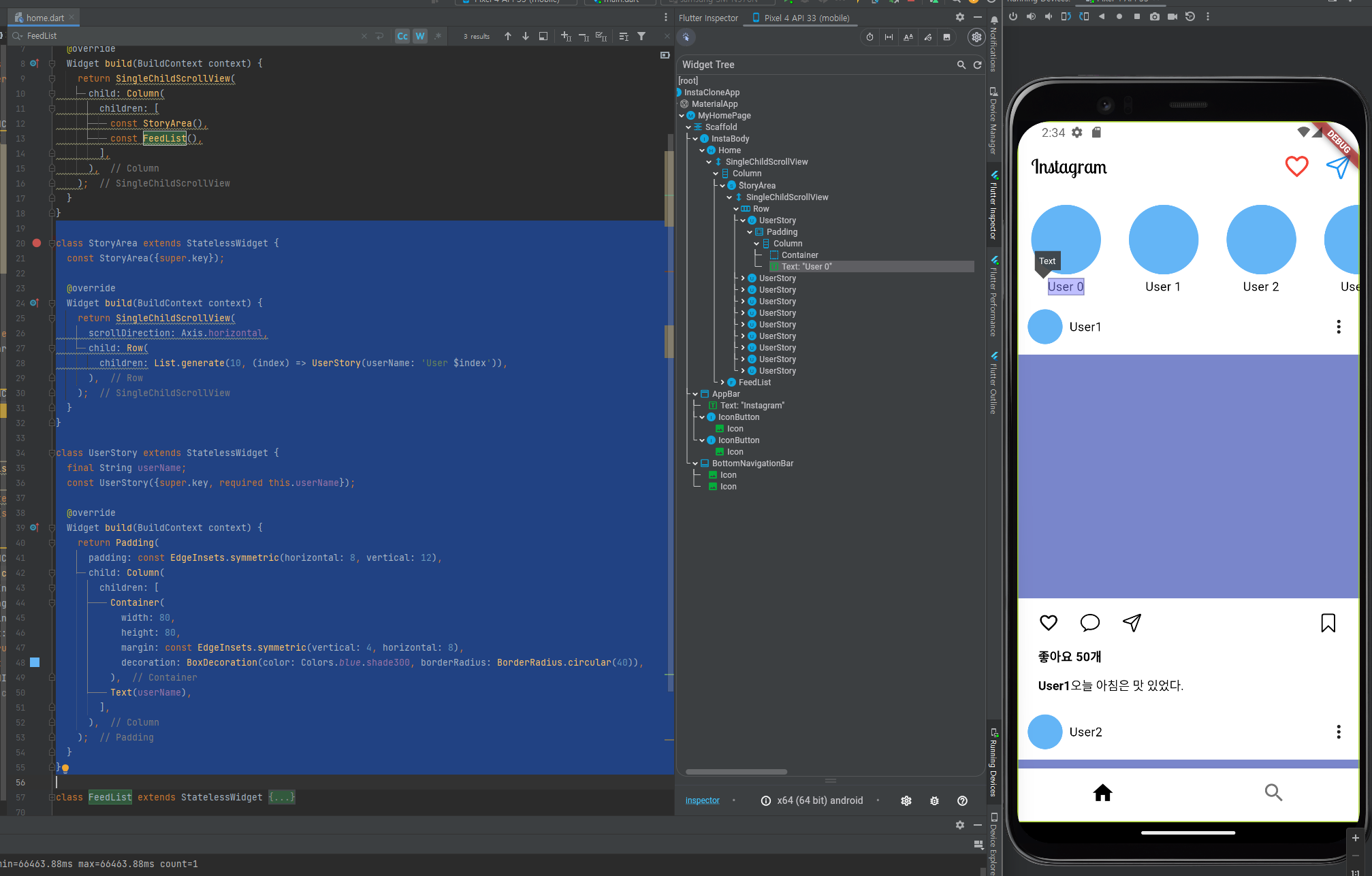
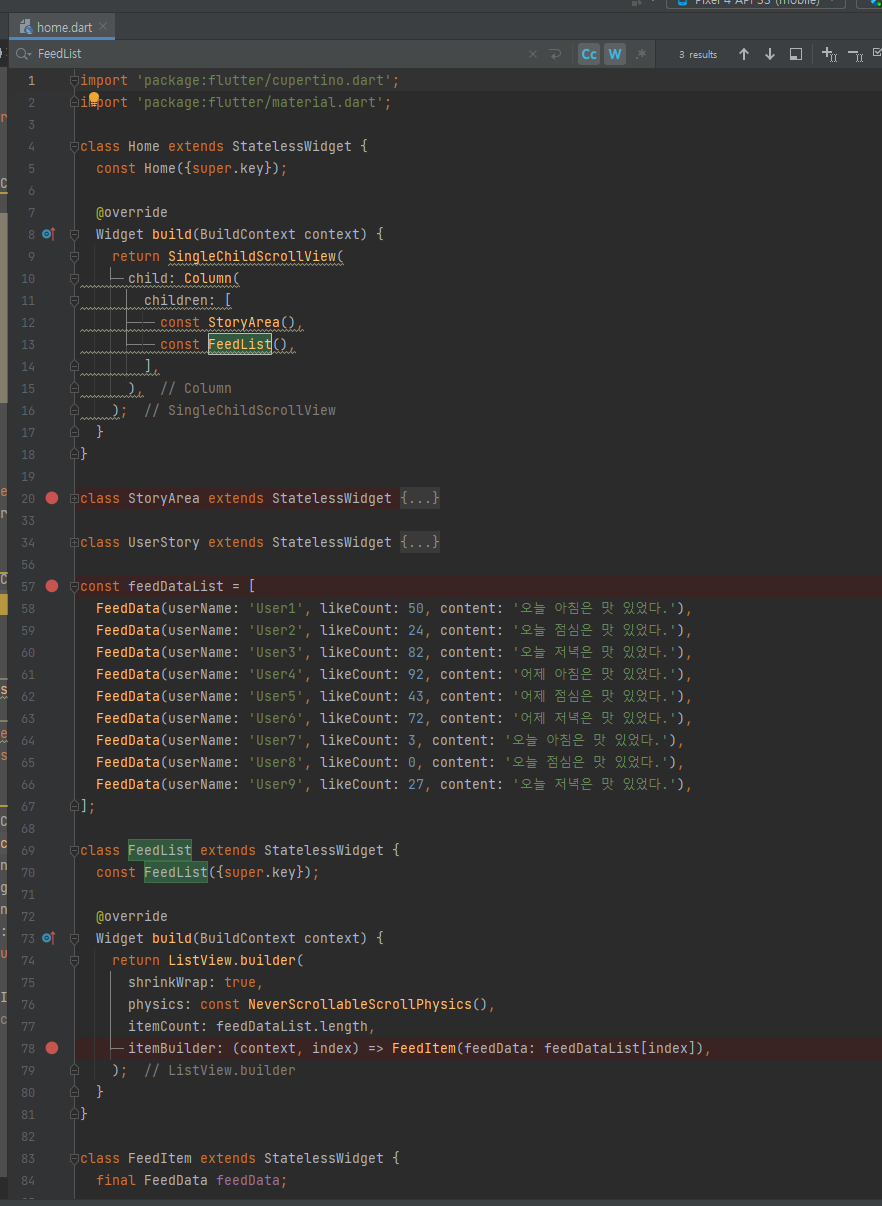
body 영역은 StoryArea 와 FeedList 로 구성
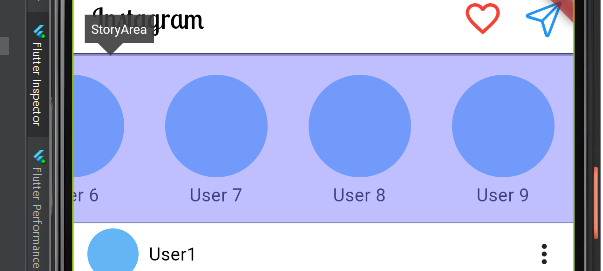
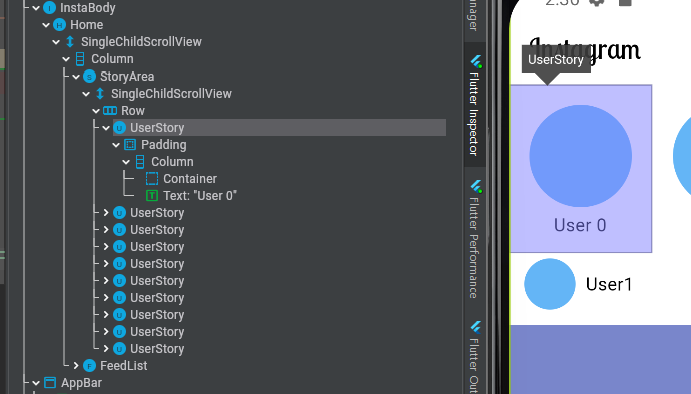
화면 중단 - body 영역 - StoryArea
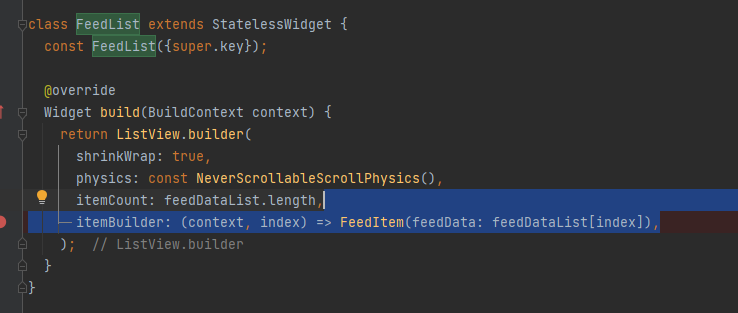
화면 중단 - body 영역 - FeedList
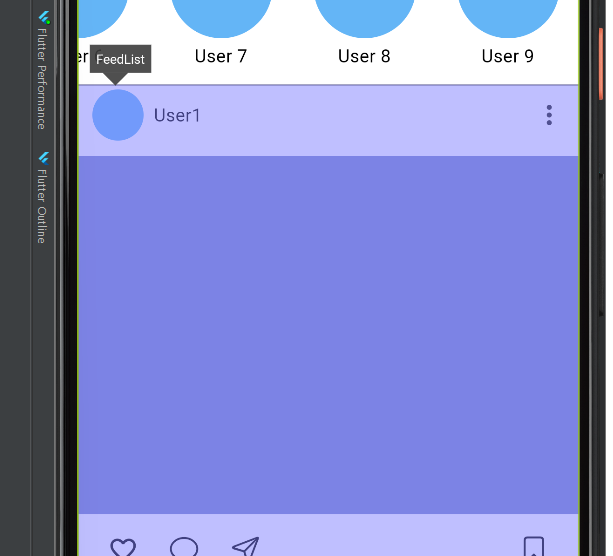
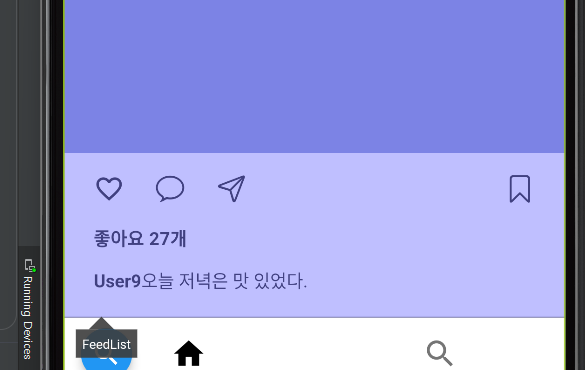
FeedList
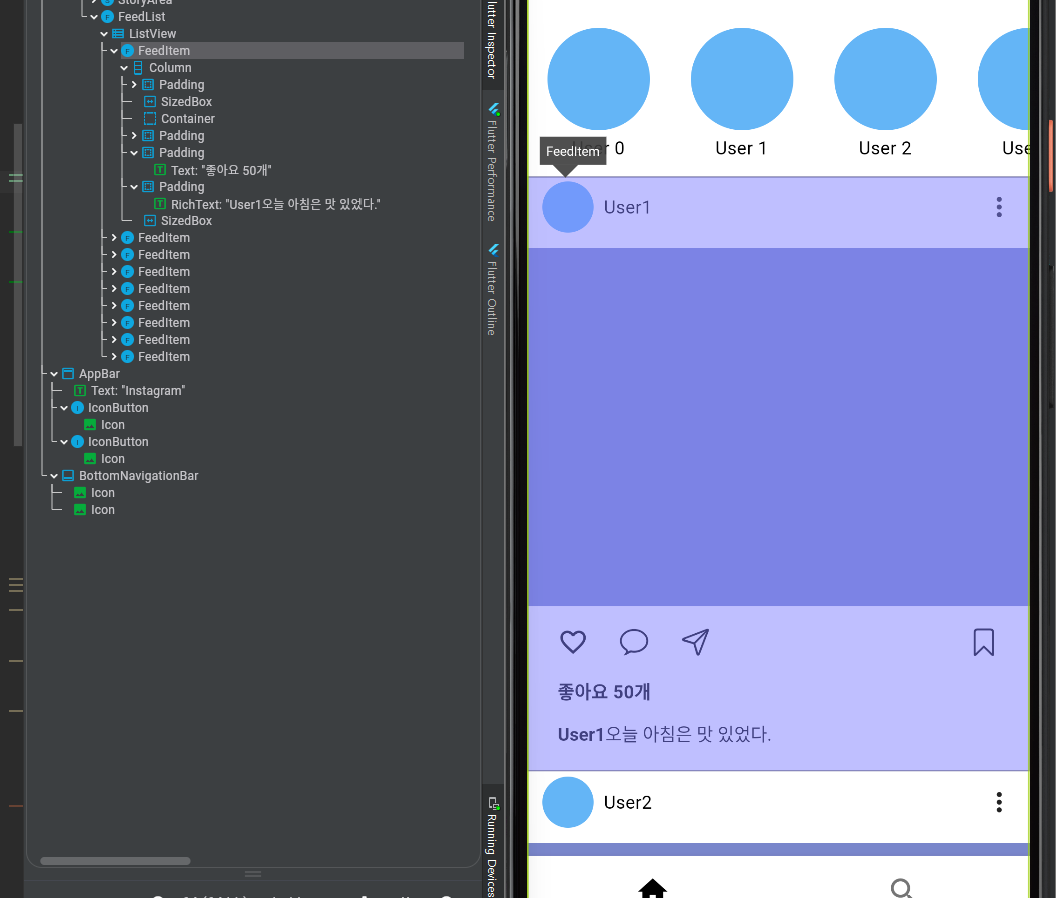
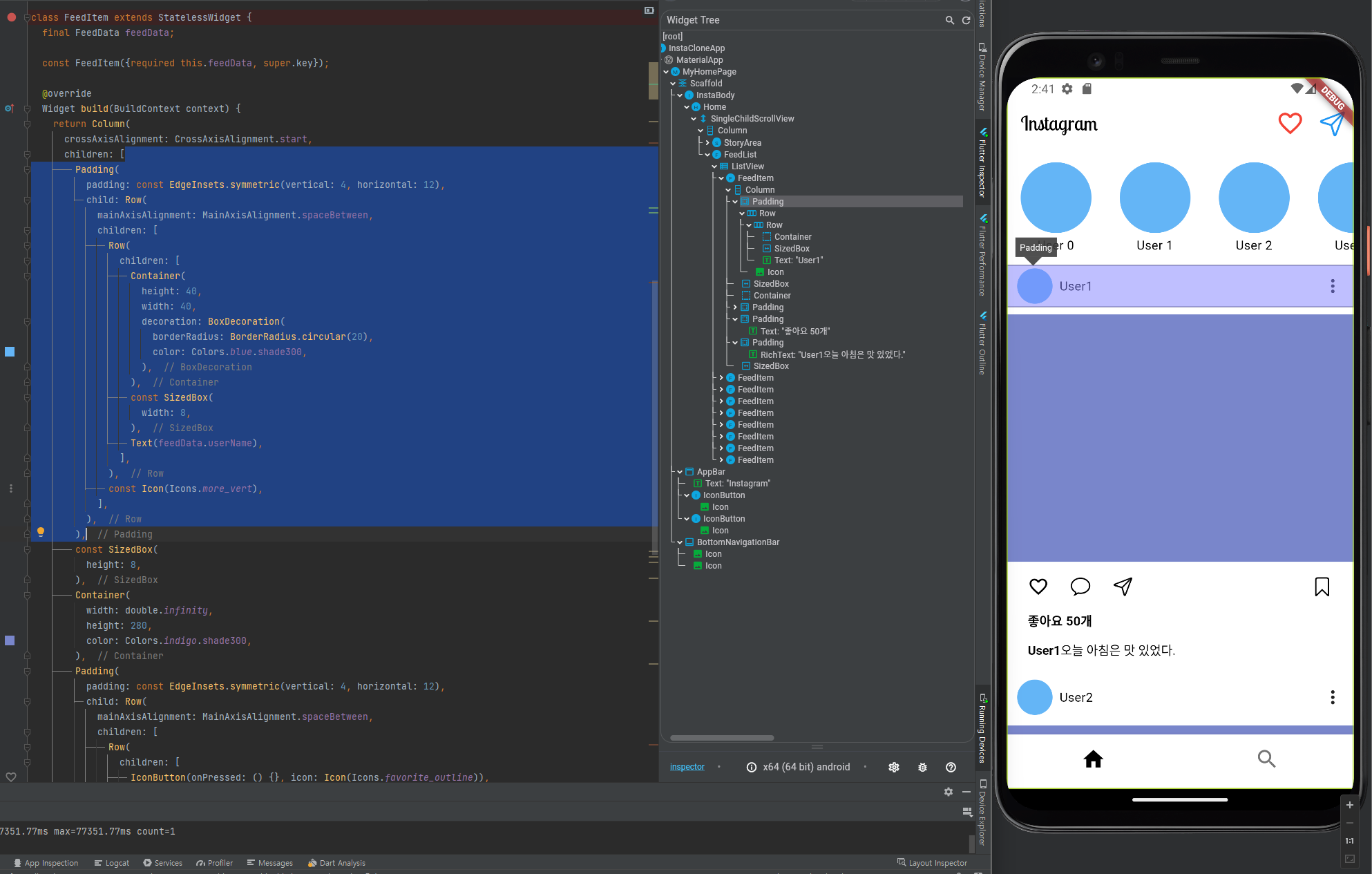
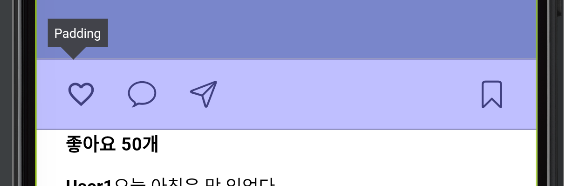
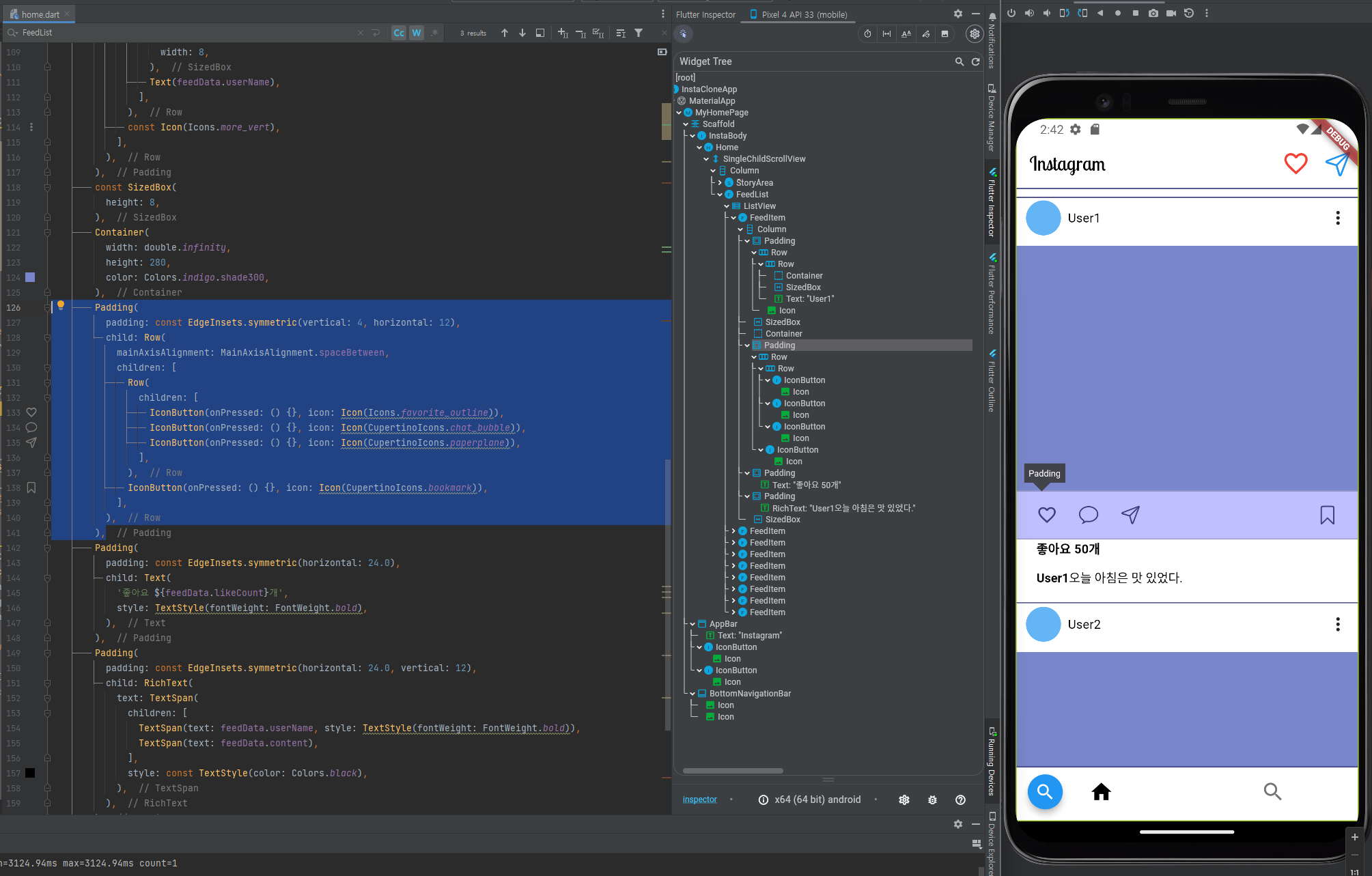
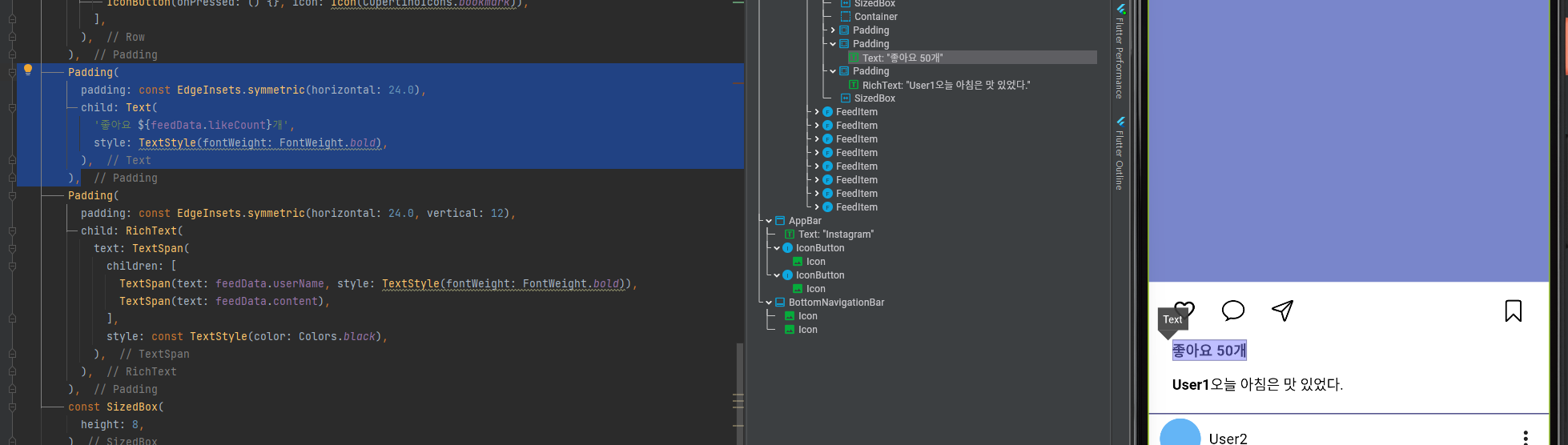
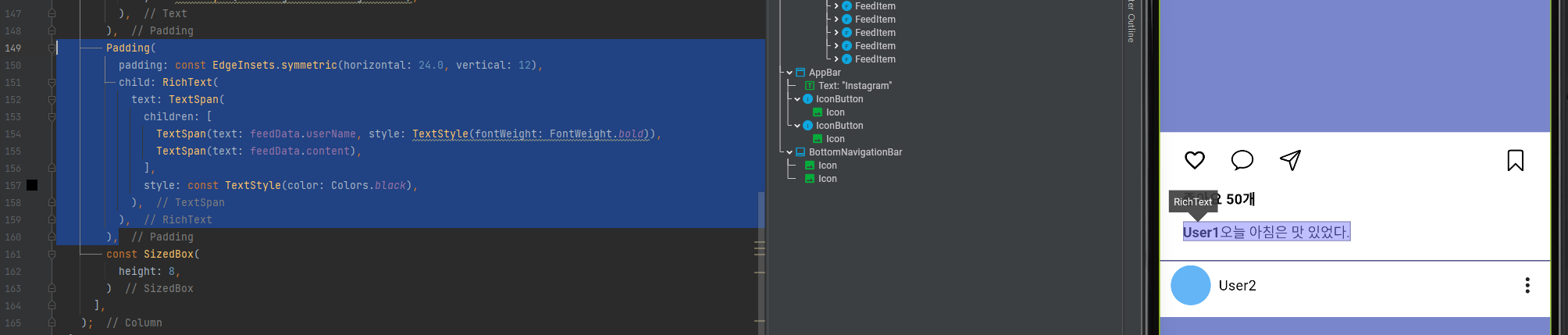
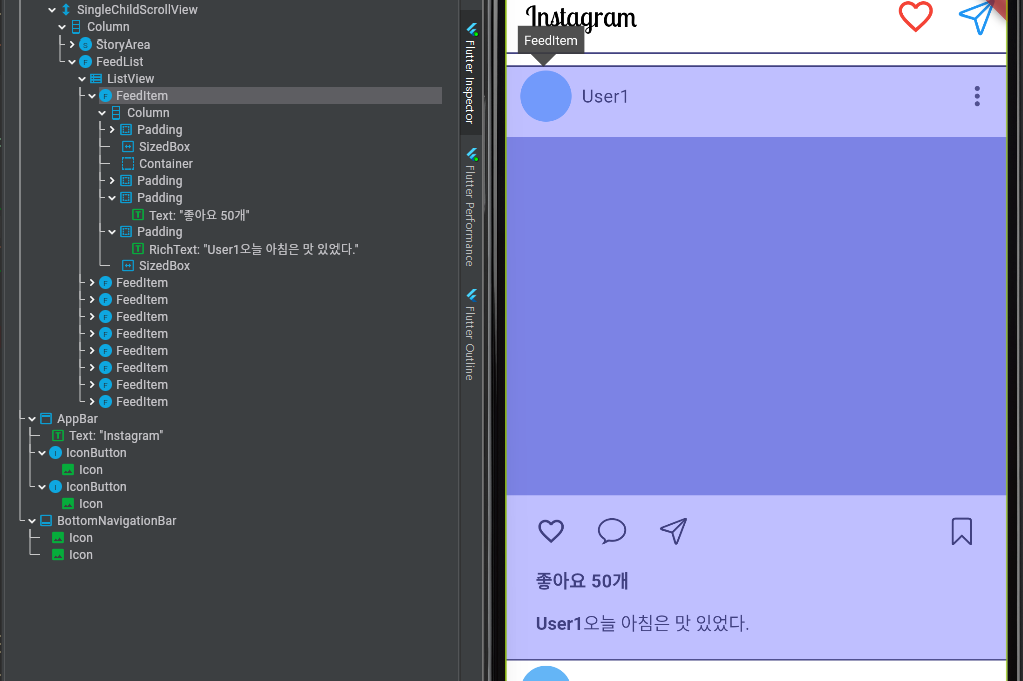
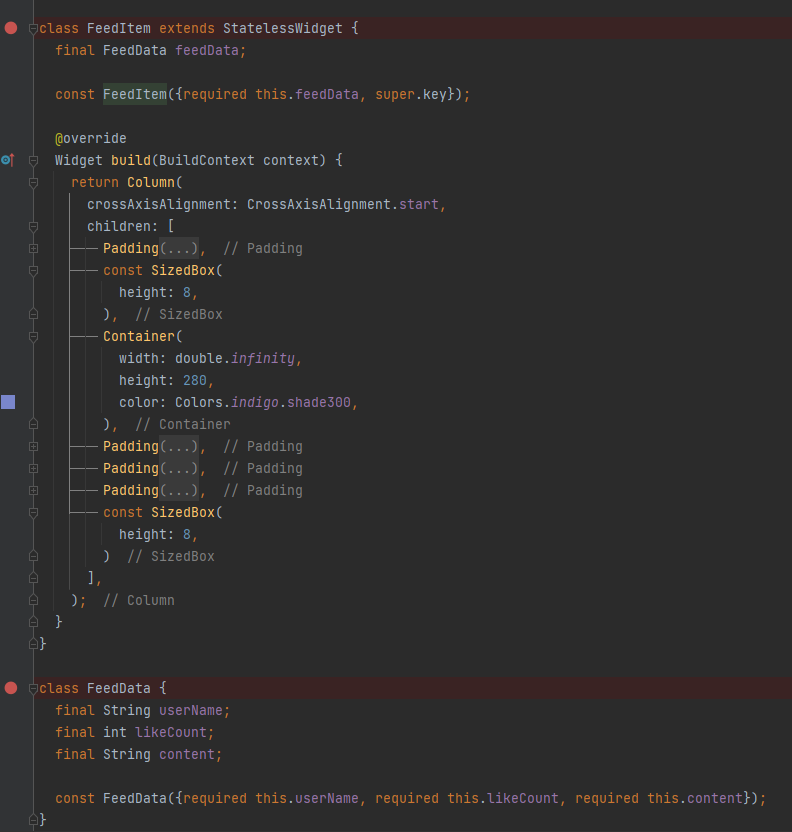
FeedItem
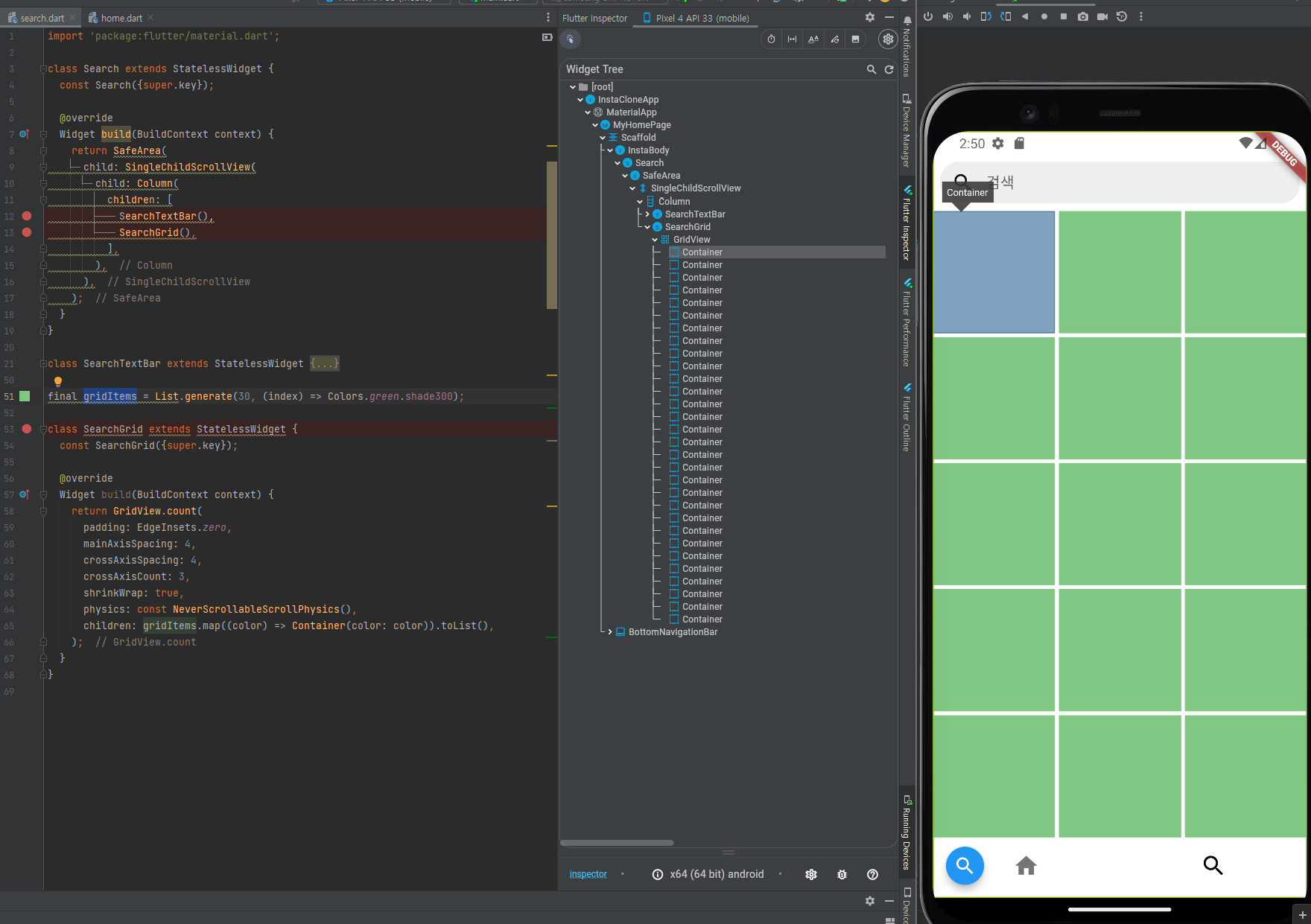
body - 검색 화면
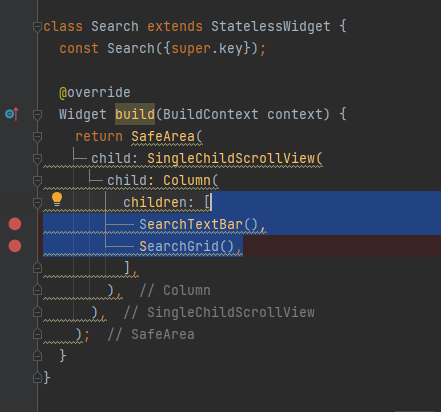
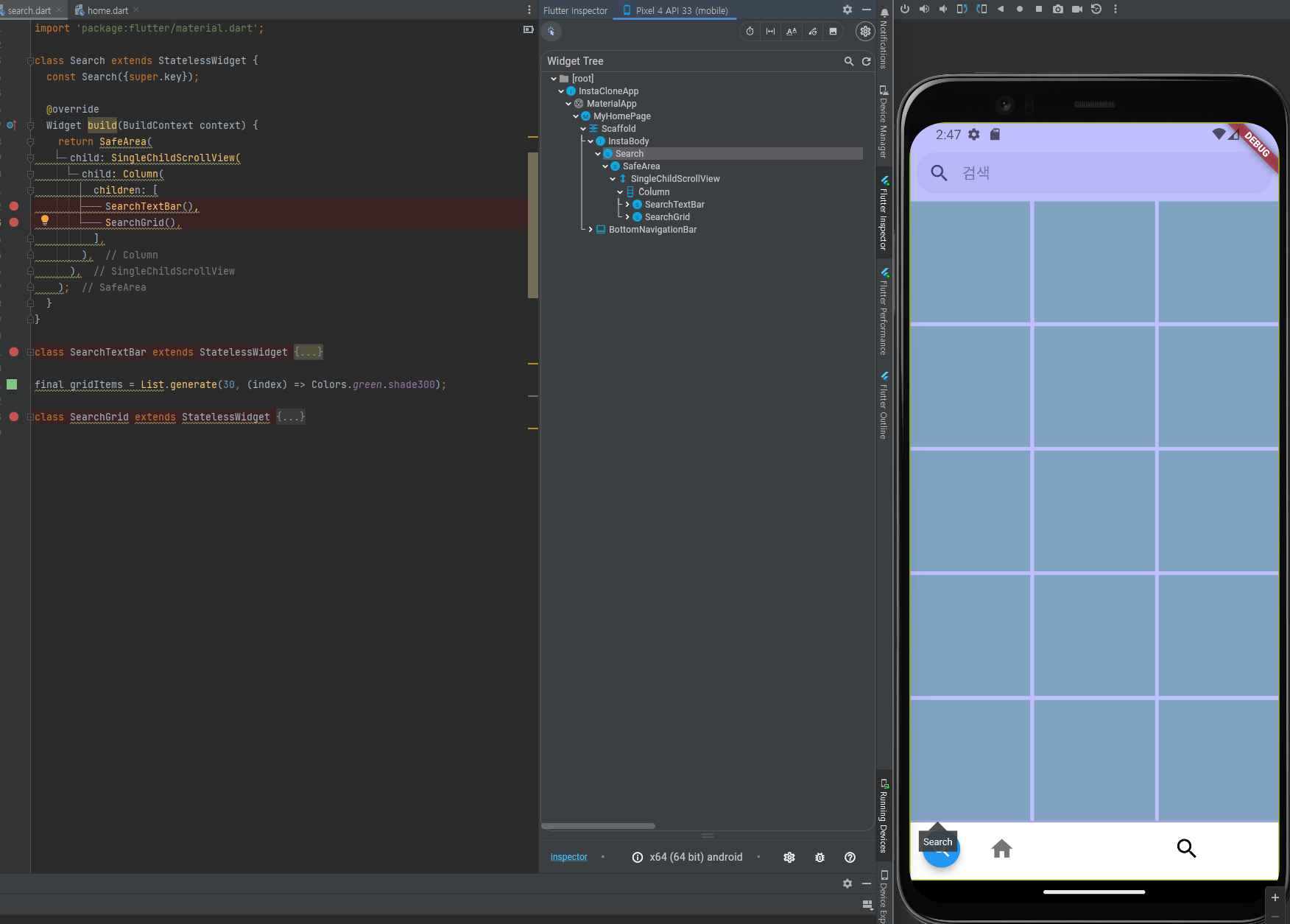
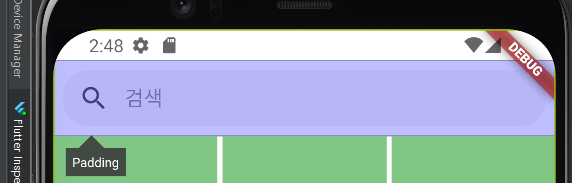
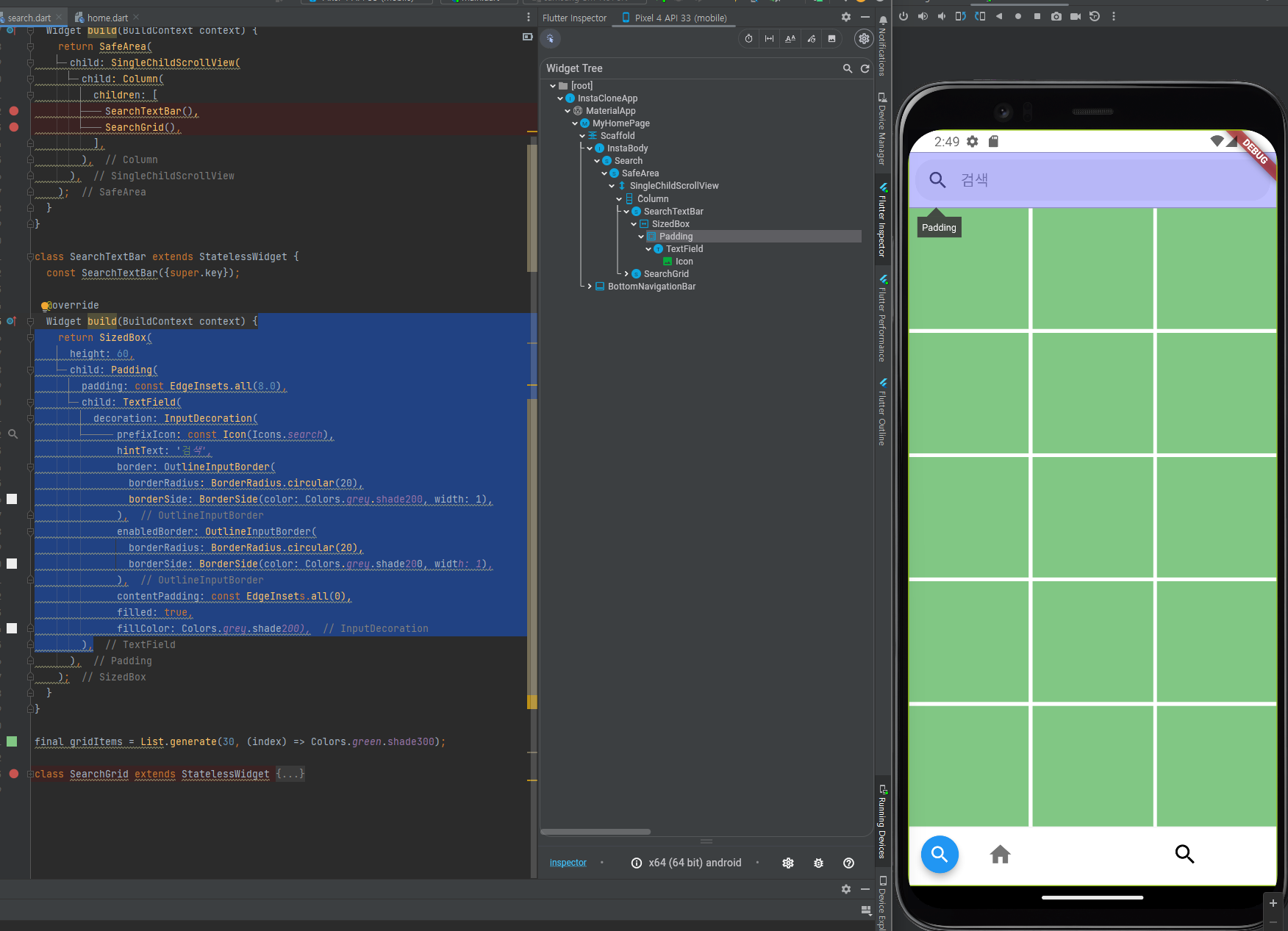
body - 검색 화면 - SearchTextBar
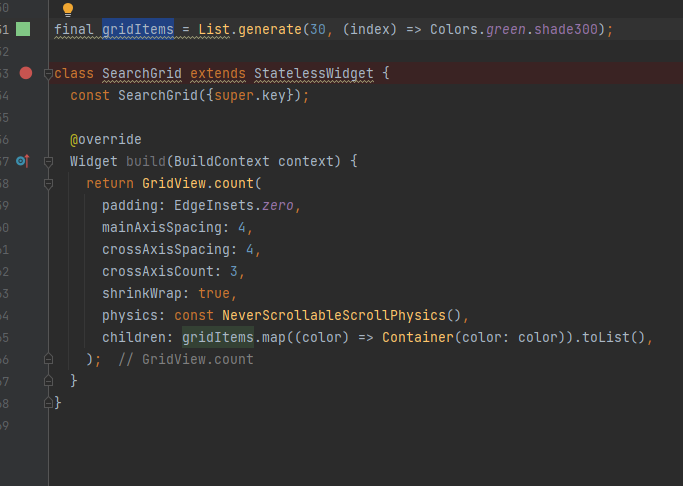
body - 검색 화면 - SearchGrid
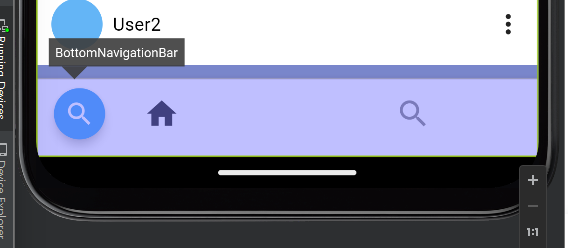
화면 하단 - bottom Navigation 영역 -
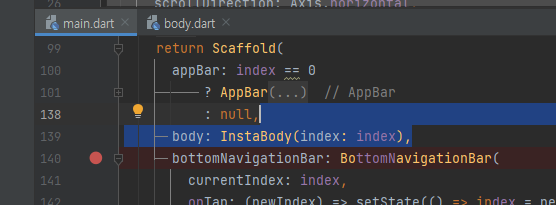
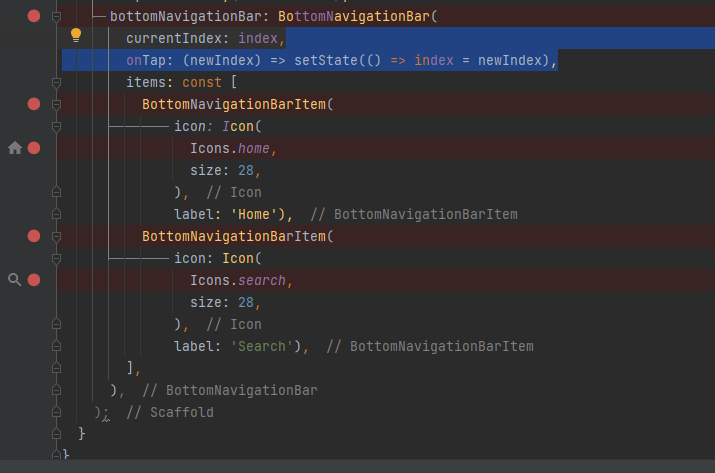
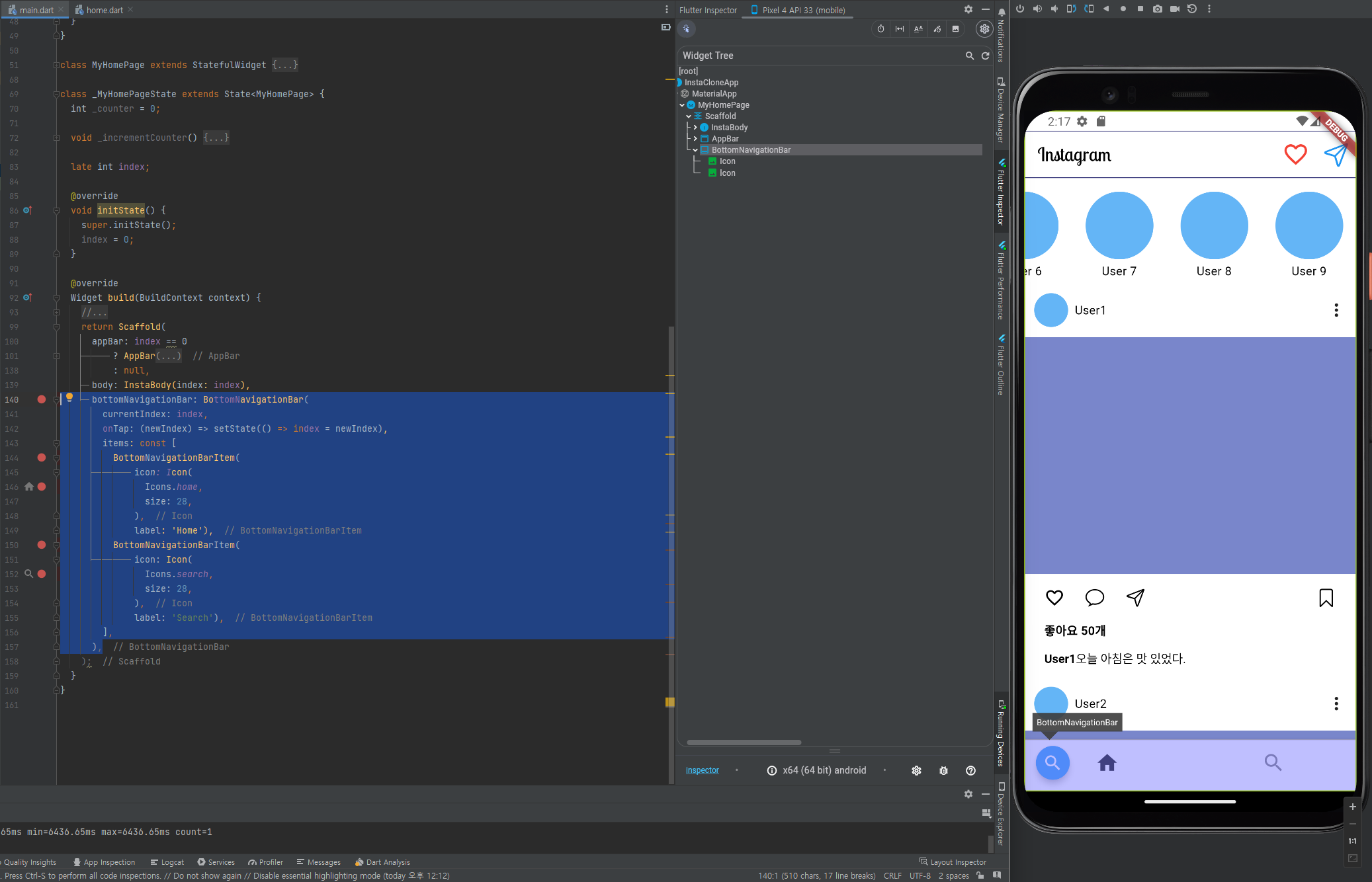
bottomNavigationBar 영역에서 BottomNavigationBarItem 클릭시 인덱스 값을 전역 변수 index에 세팅하고 body 영역 ui 함수 에 index 값을 전달하여 화면을 재구성합니다.
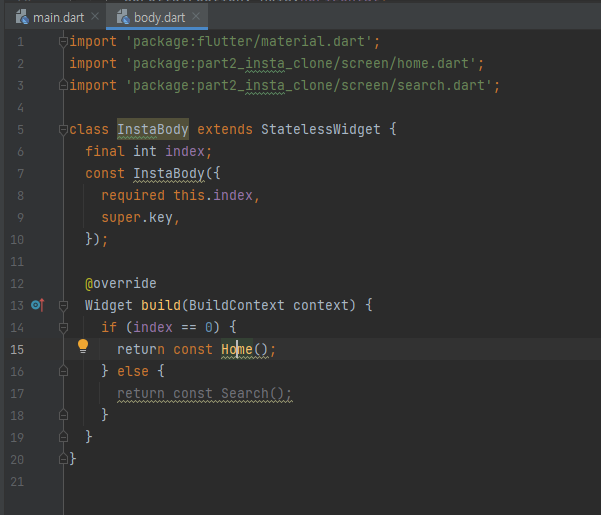
body영역에 index가 0 이면 홈 화면 구성하고 아니면 검색 화면을 구성합니다.
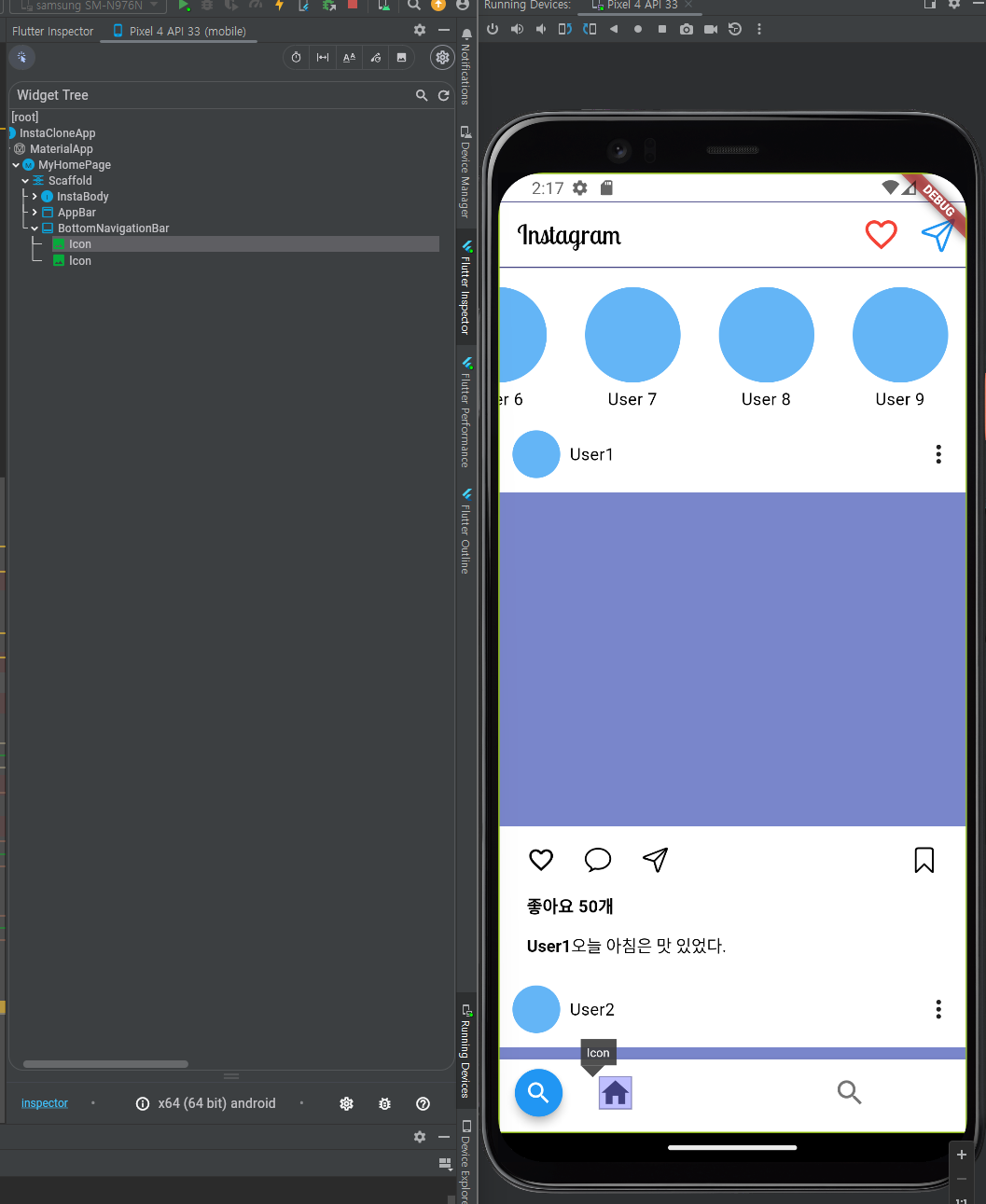
화면 하단 - bottom Navigation 영역 - 홈 버튼
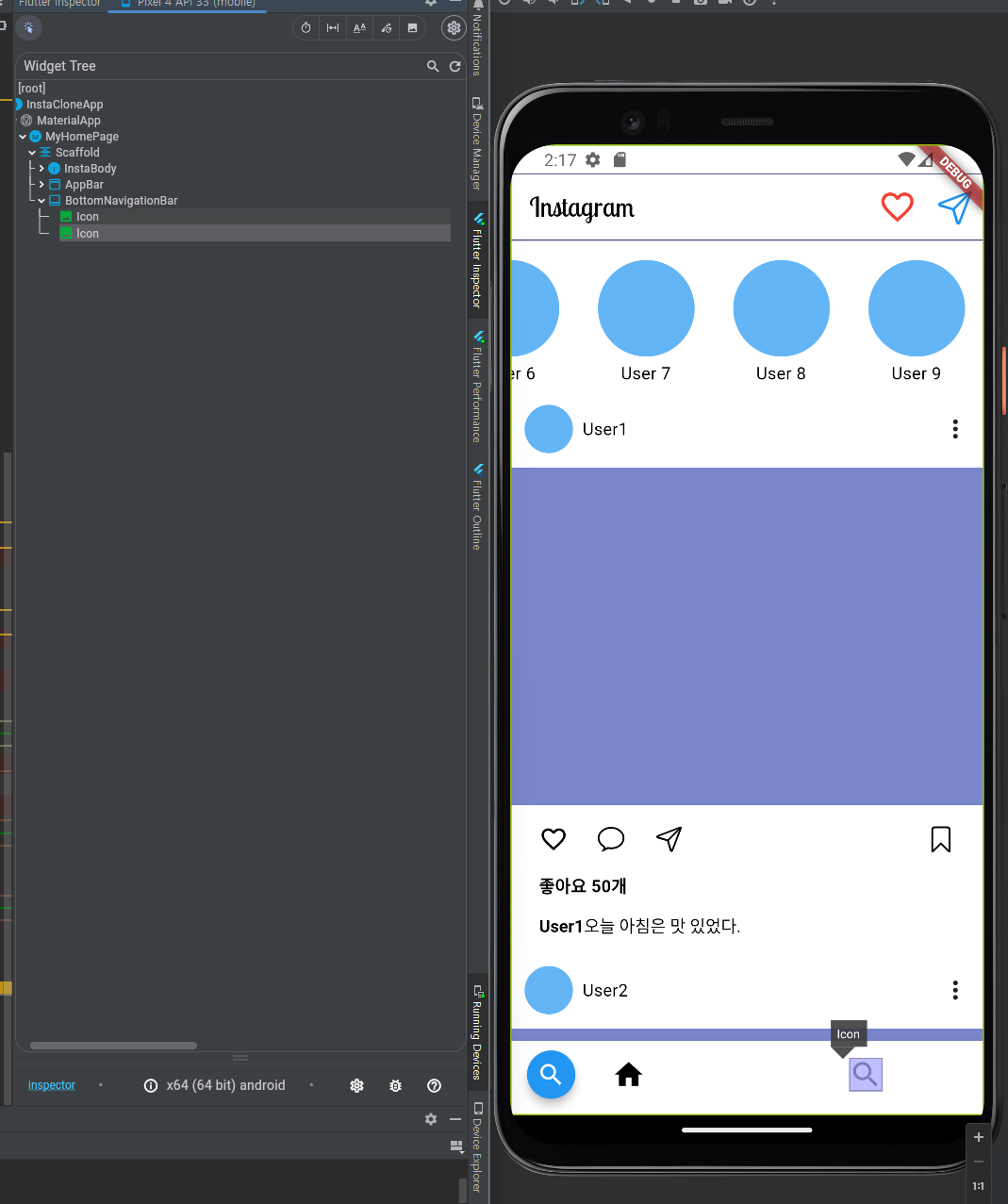
화면 하단 - bottom Navigation 영역 - 검색 버튼
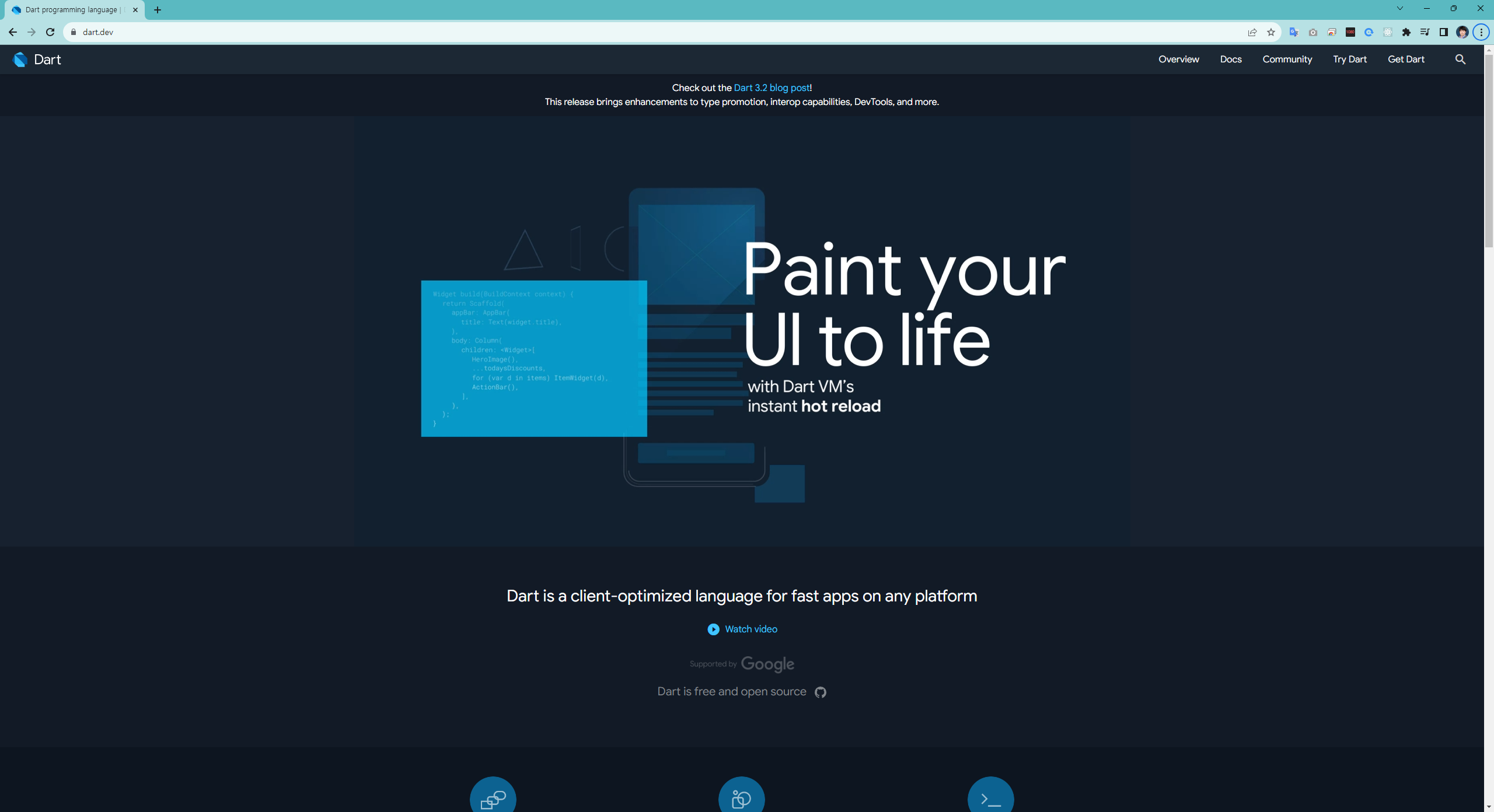
Dart is a client-optimized language for fast apps on any platform
part 3. flutter 활용
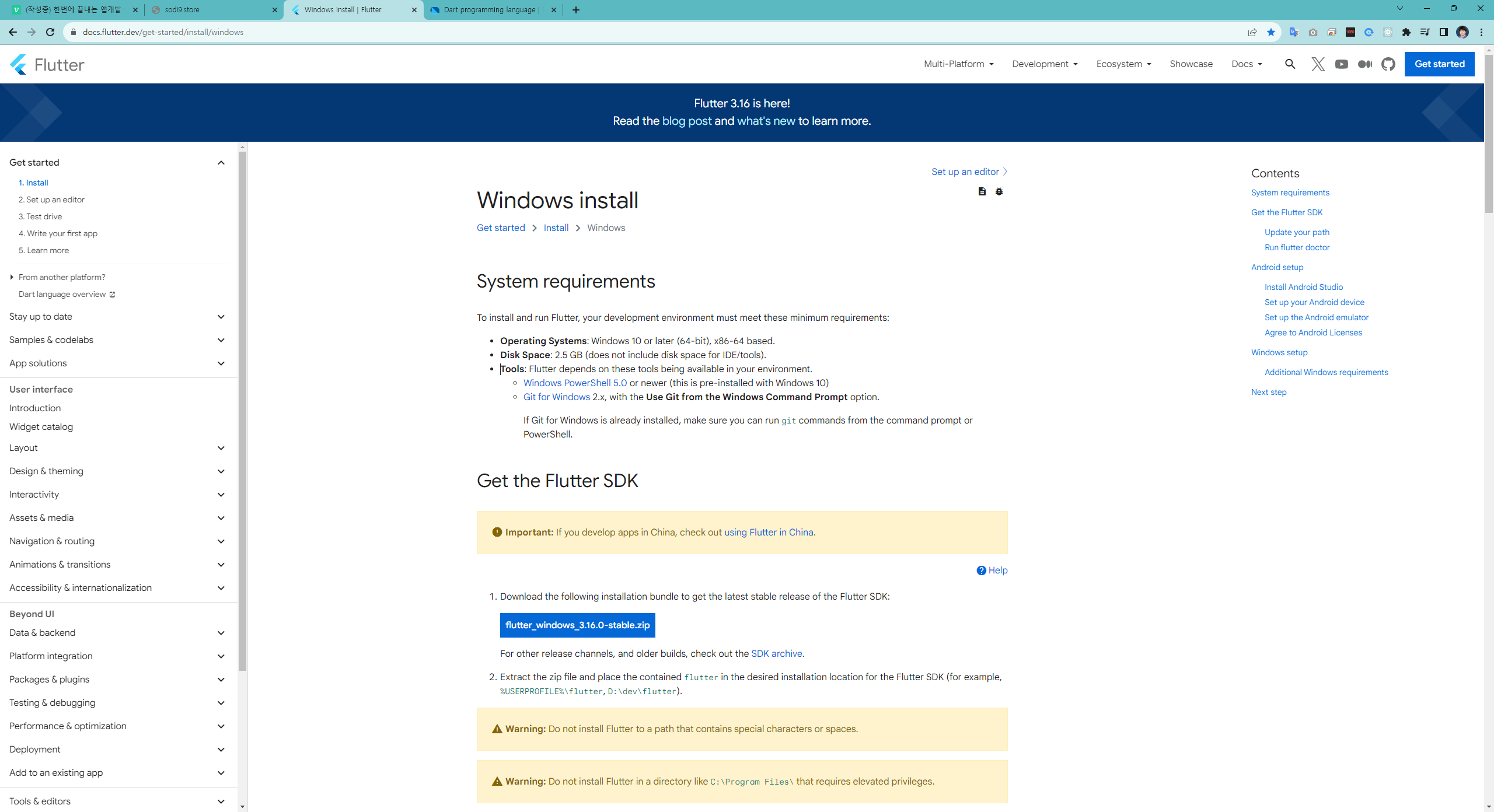
flutter
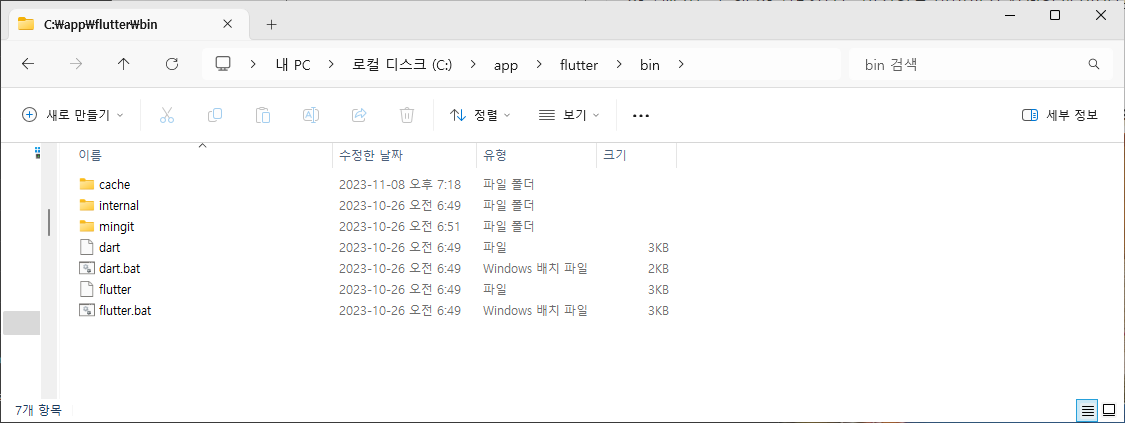
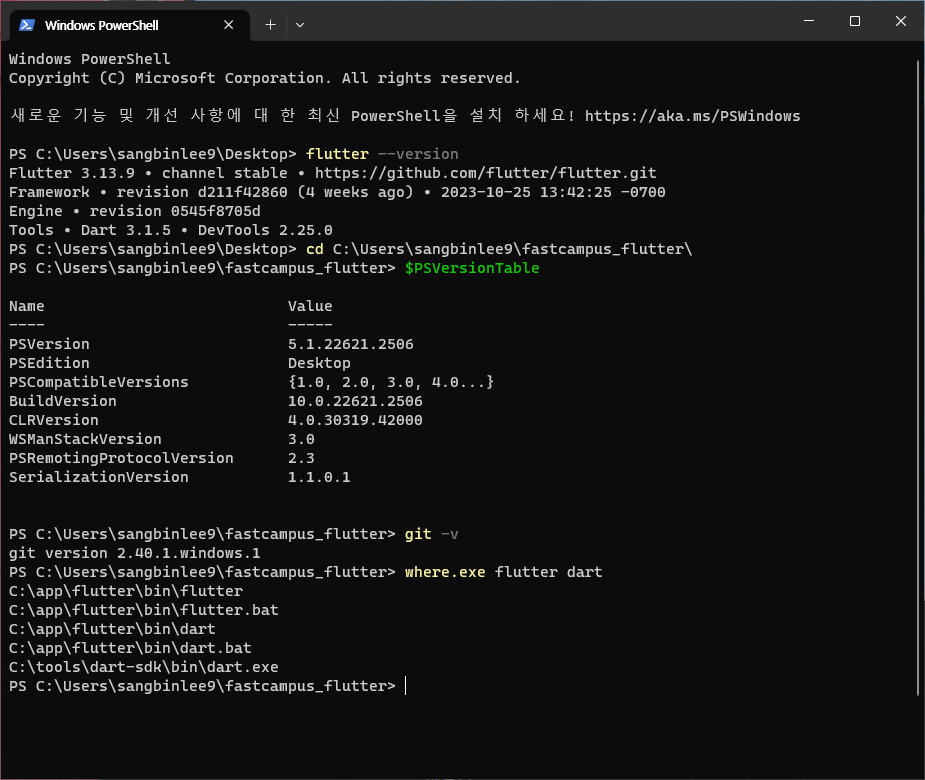
https://docs.flutter.dev/get-started/install/windows
https://www.freepik.com/?sign-up=google
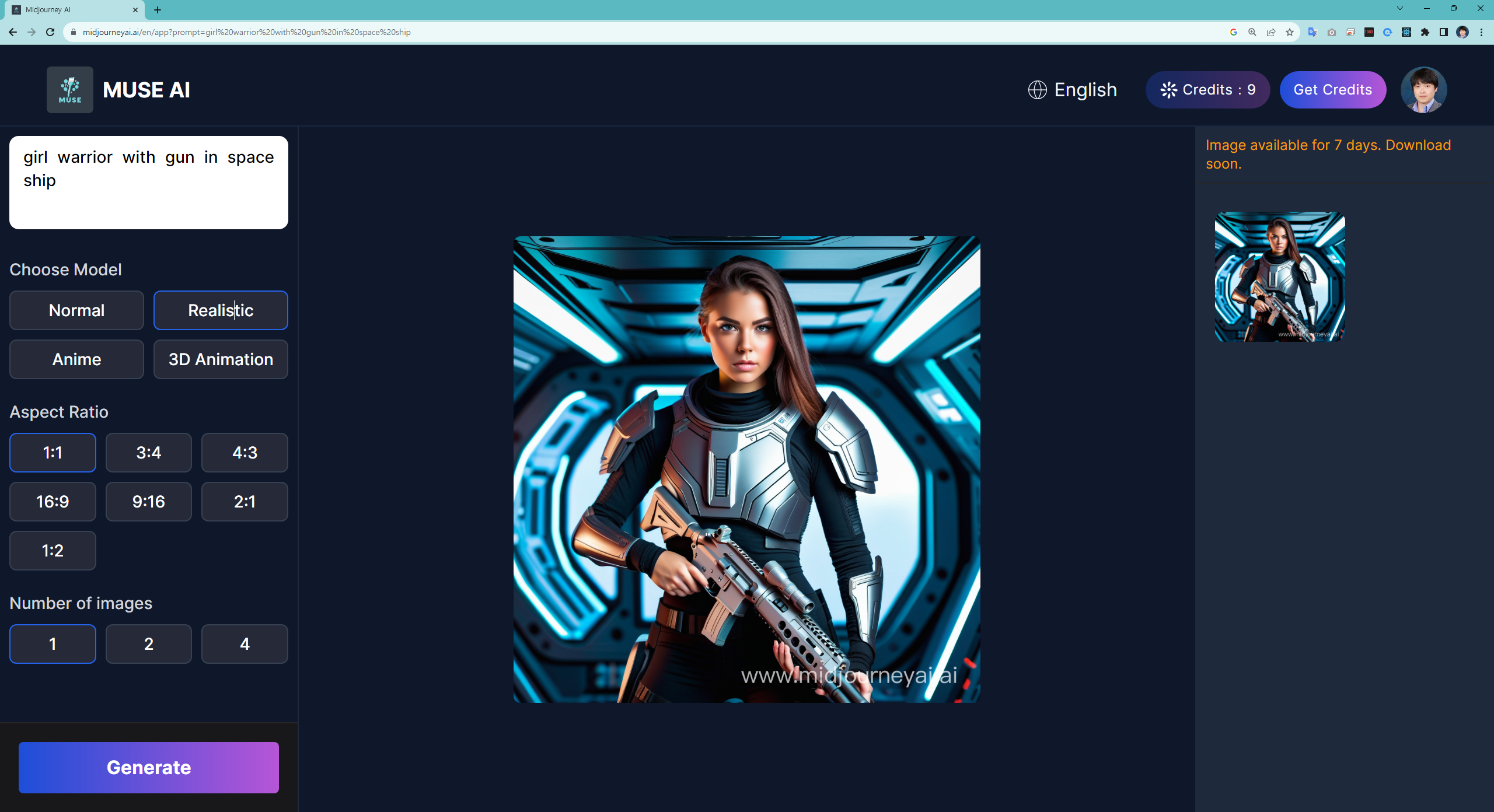
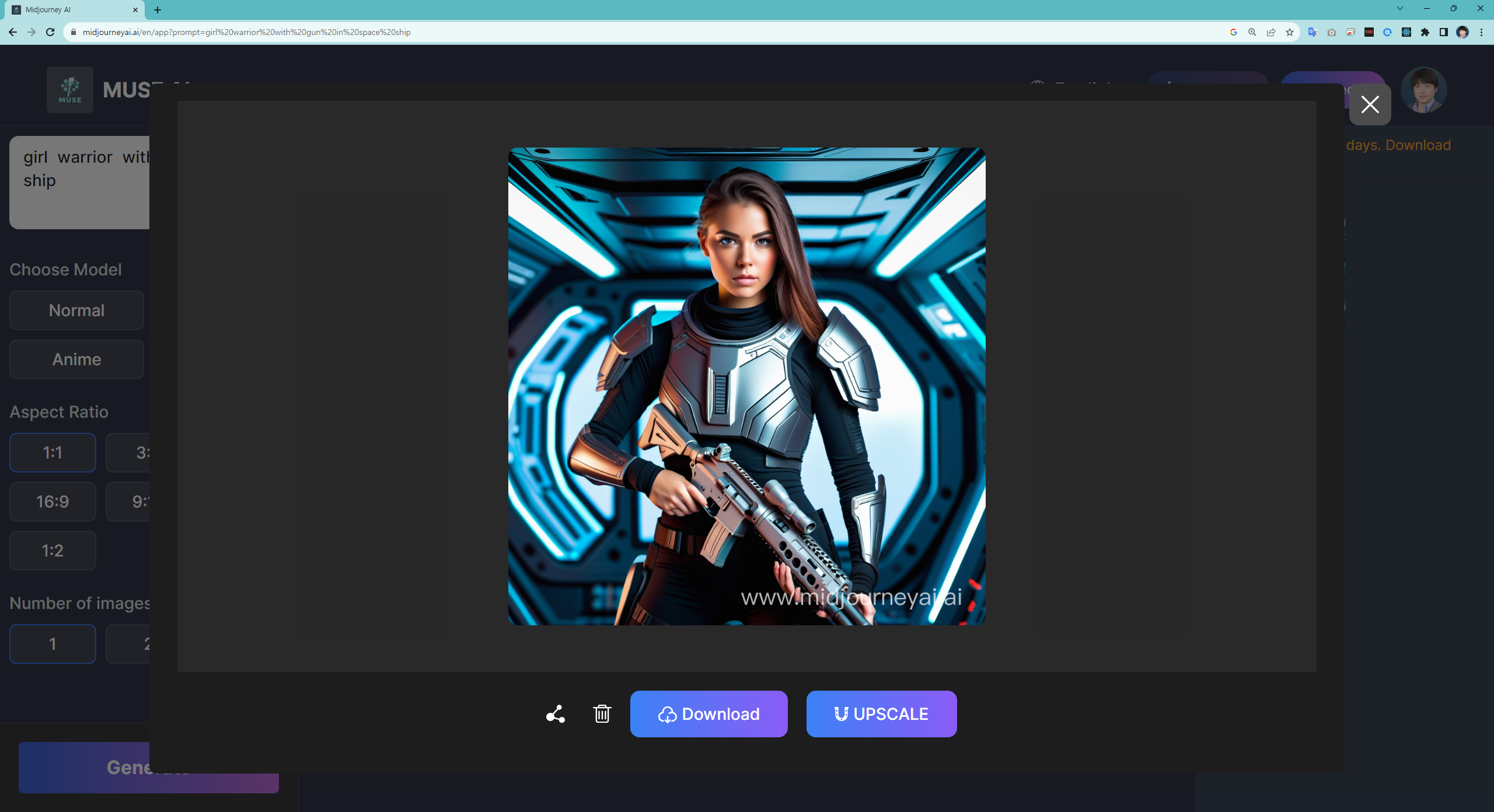
https://www.midjourneyai.ai/en/app?prompt=girl%20warrior%20with%20gun%20in%20space%20ship
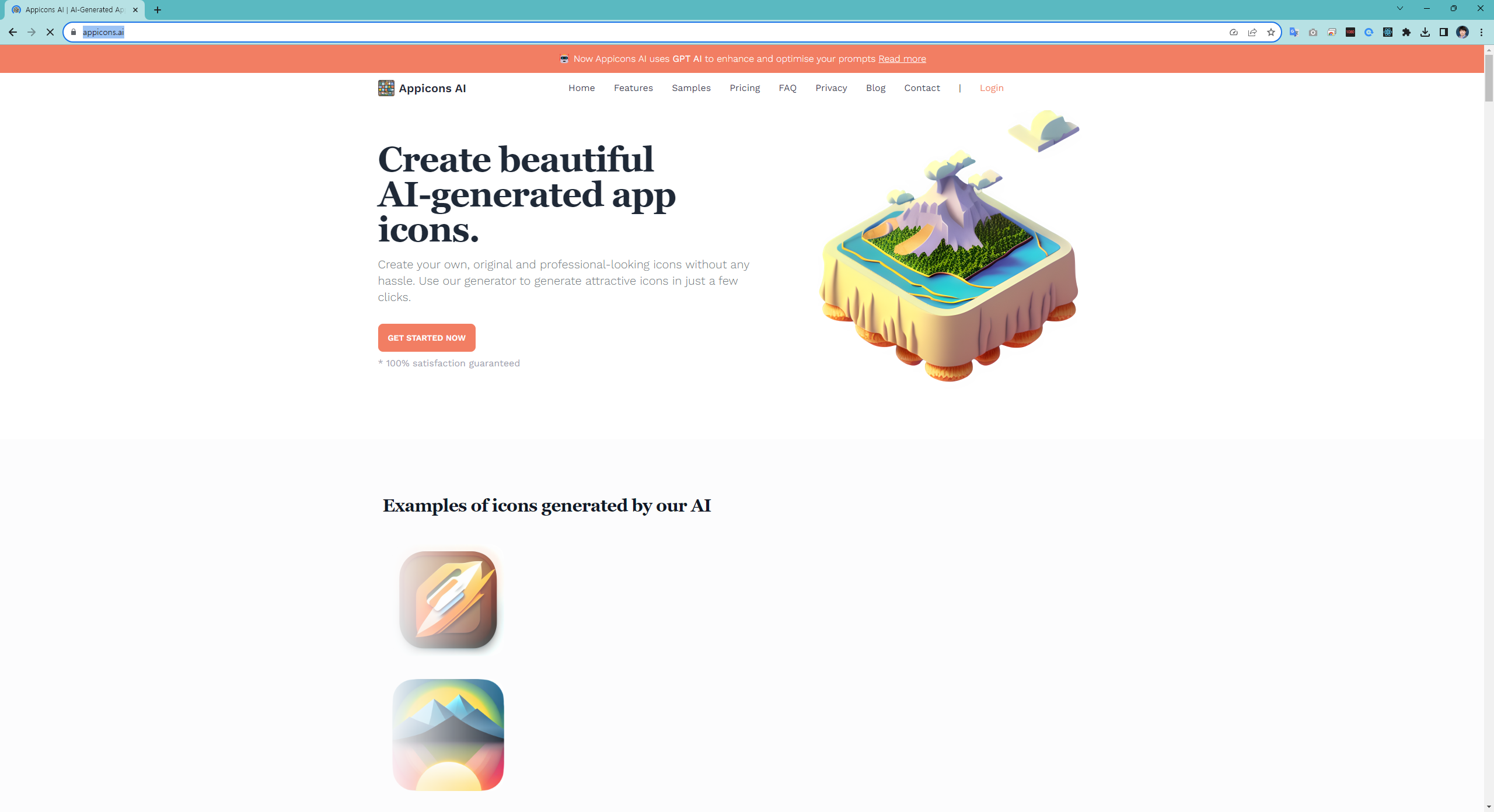
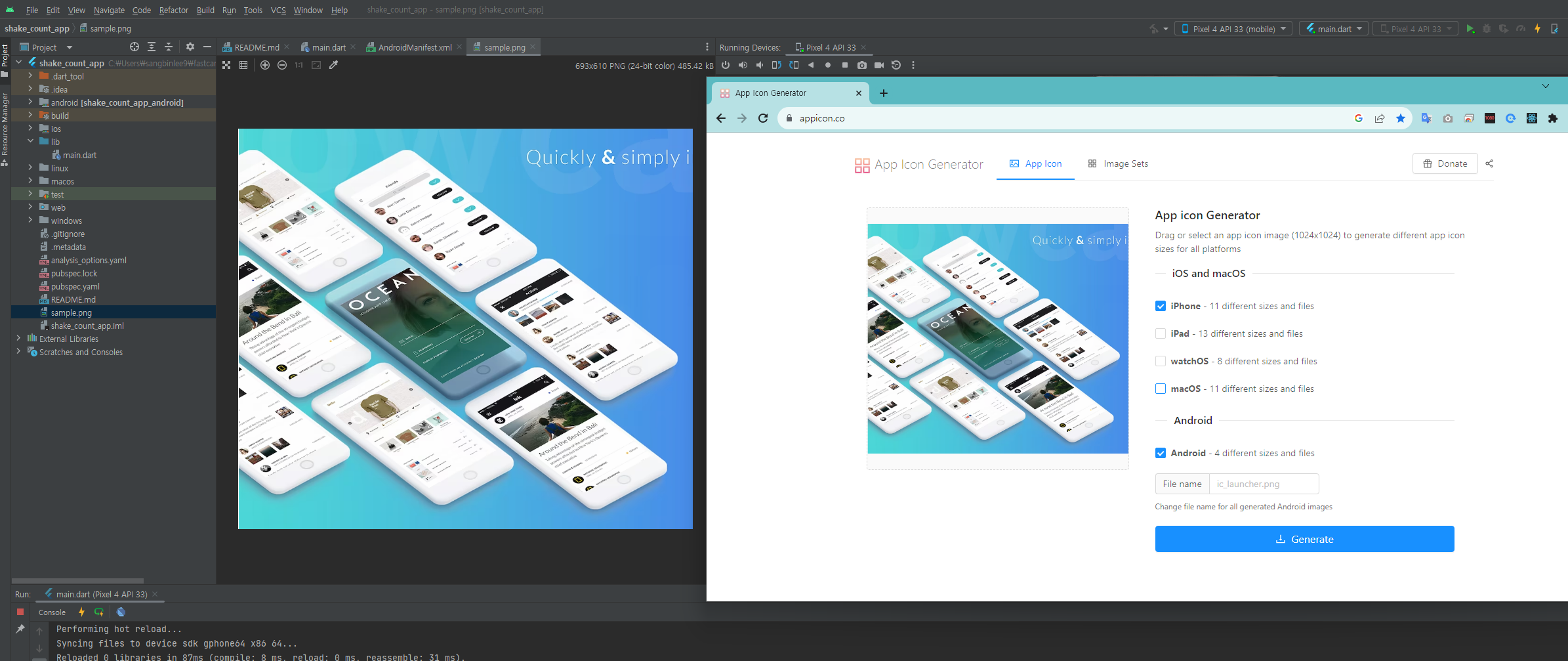
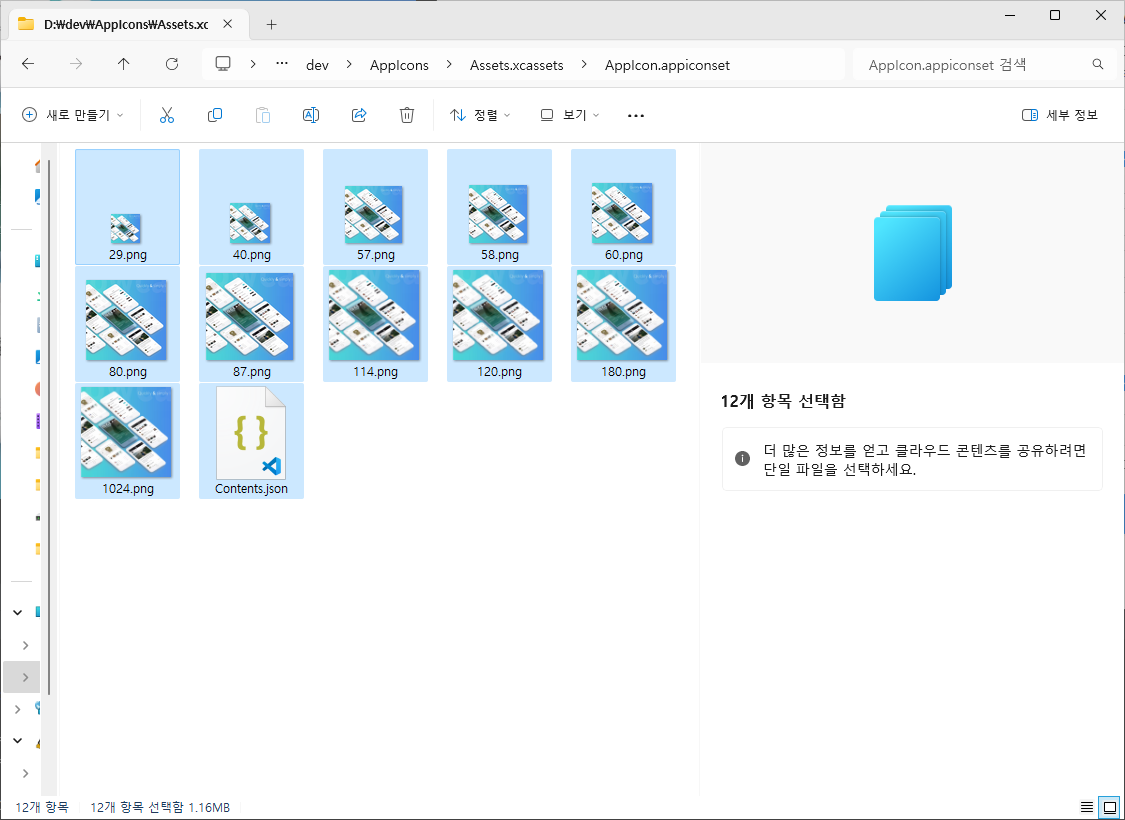
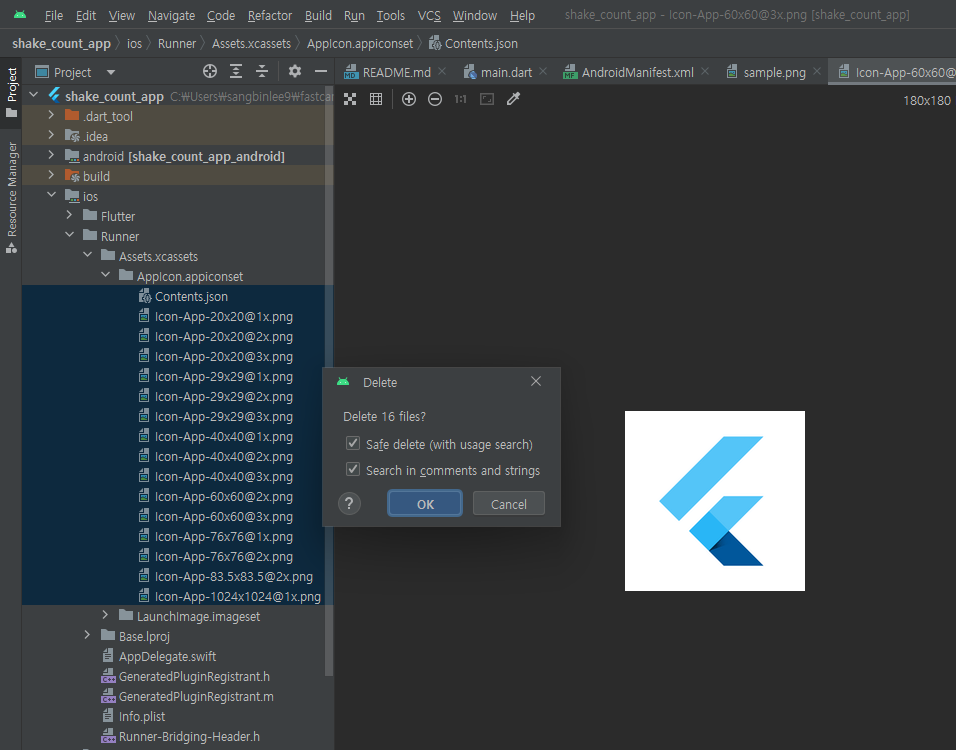
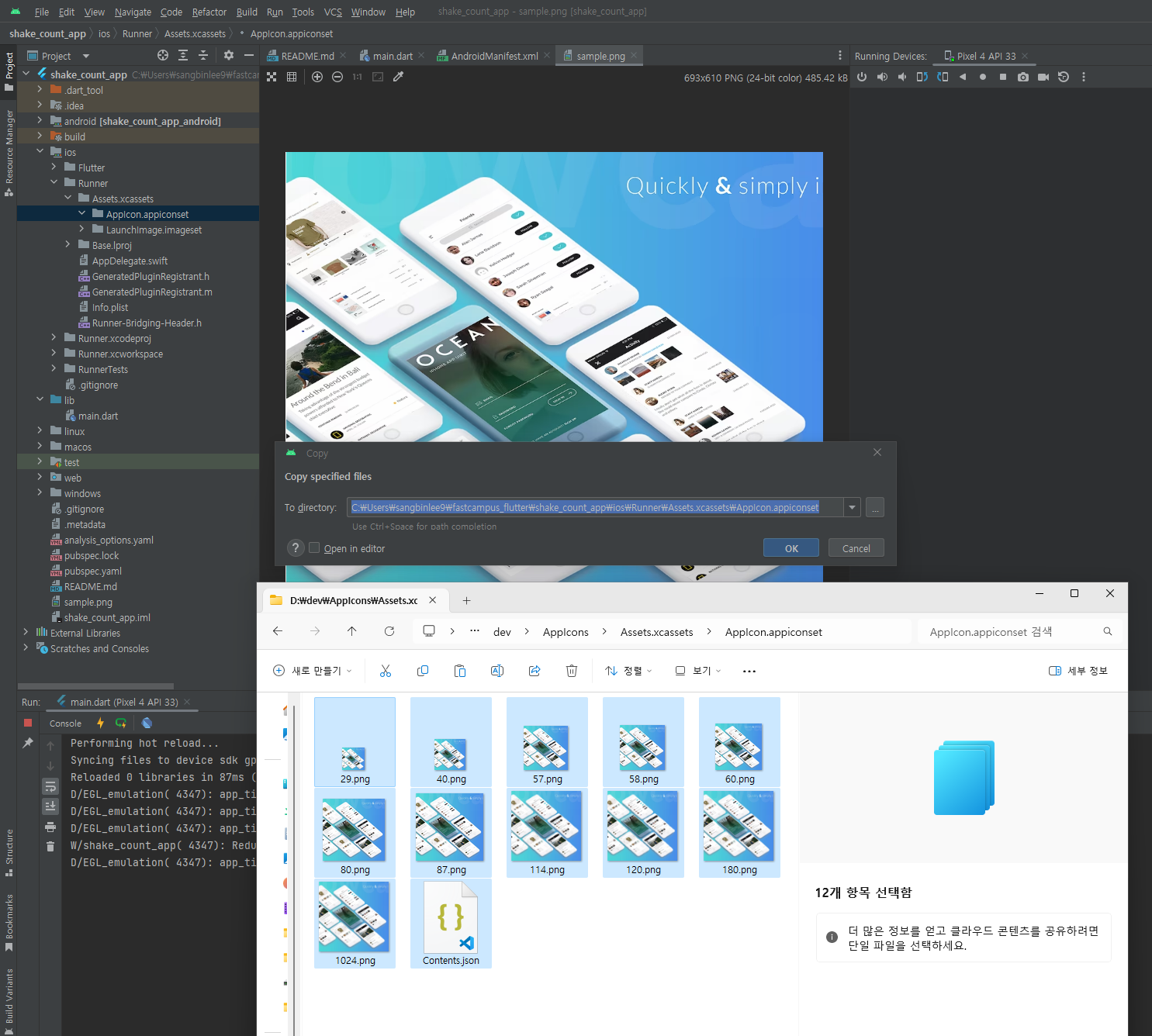
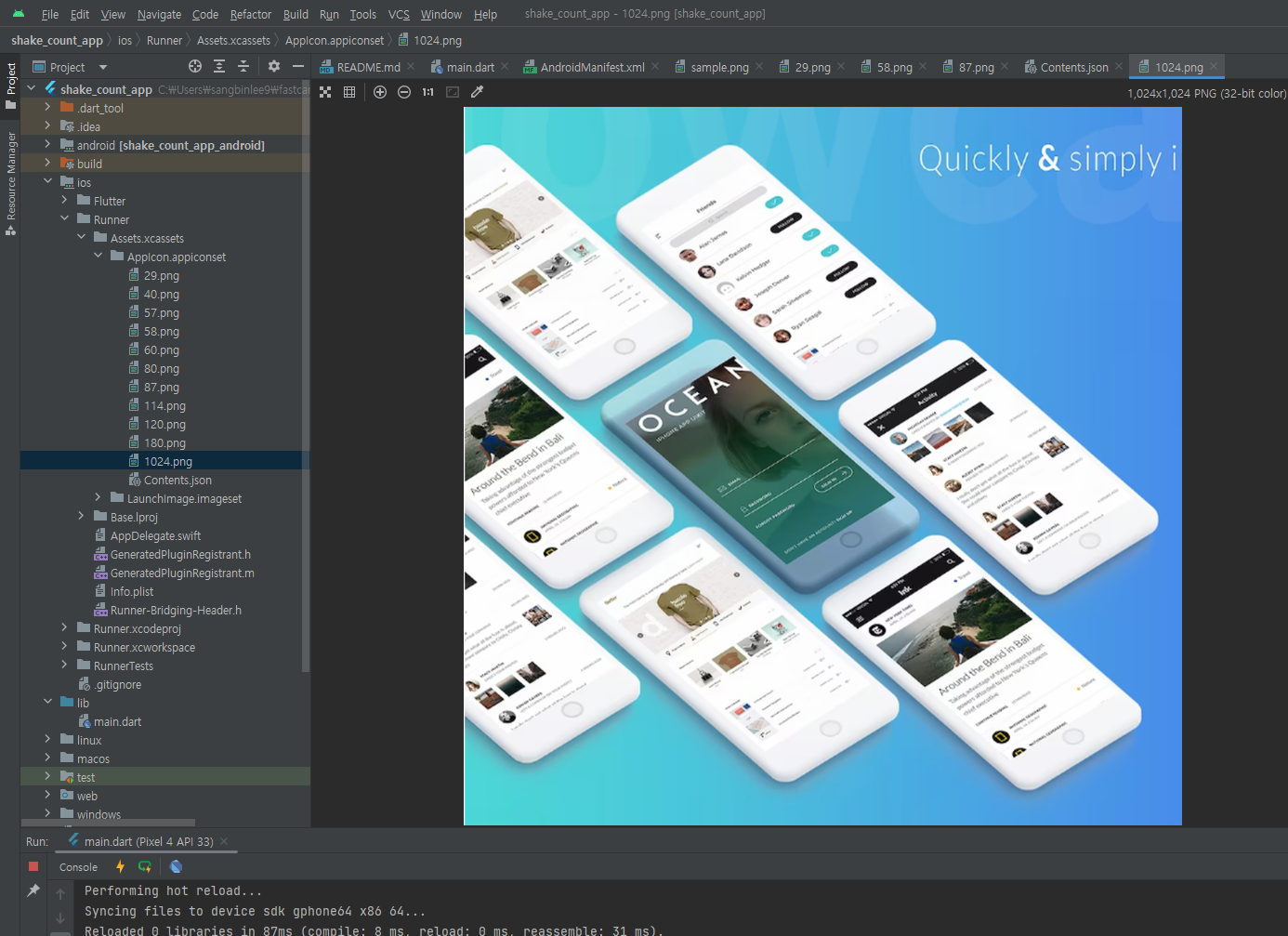
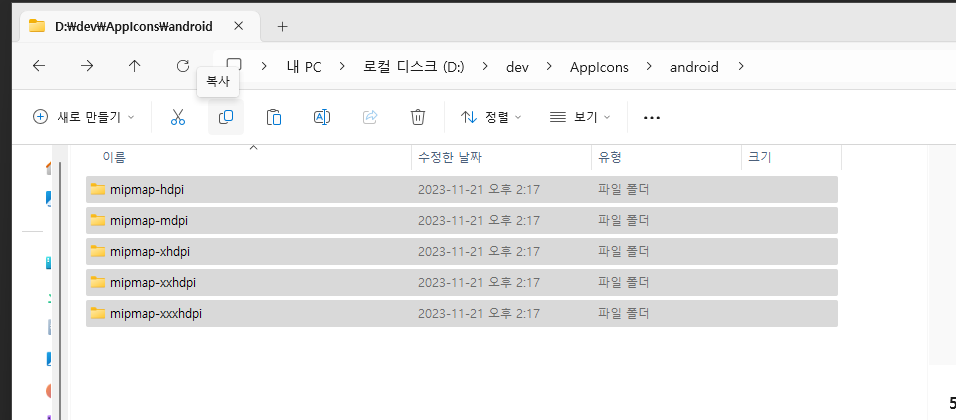
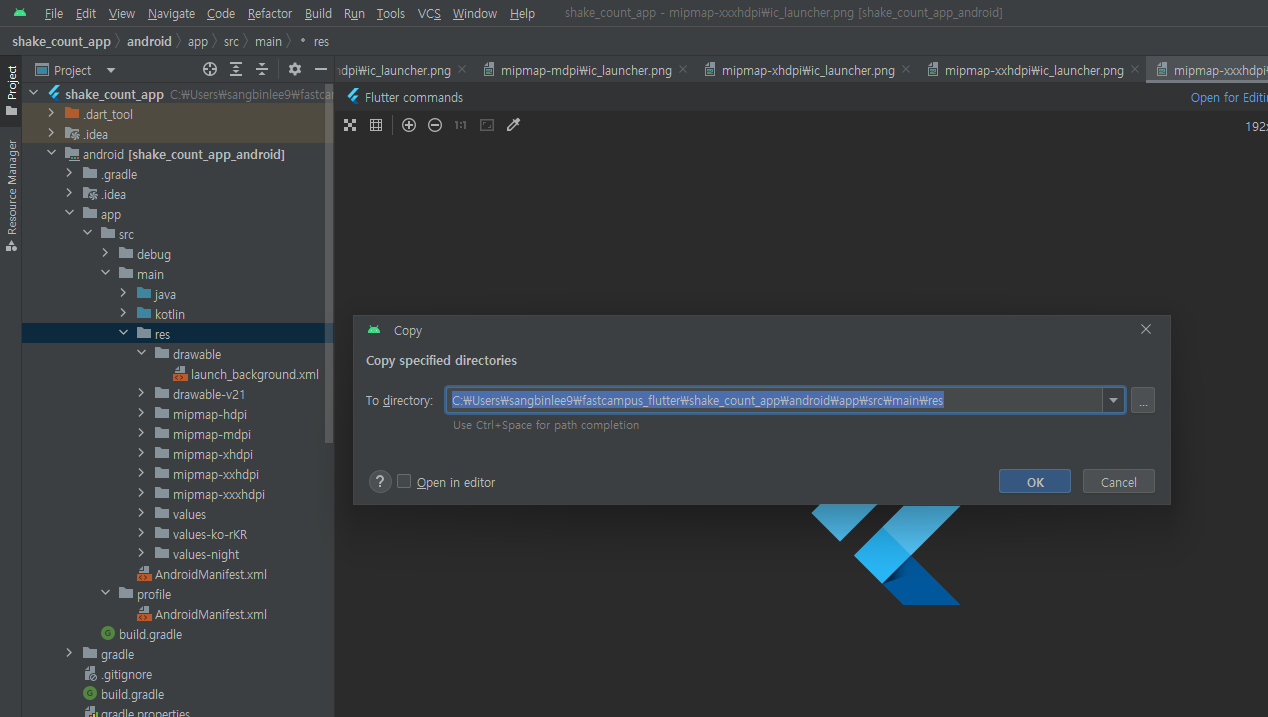
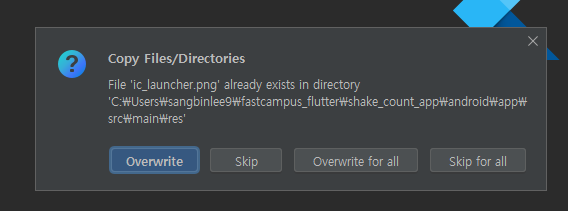
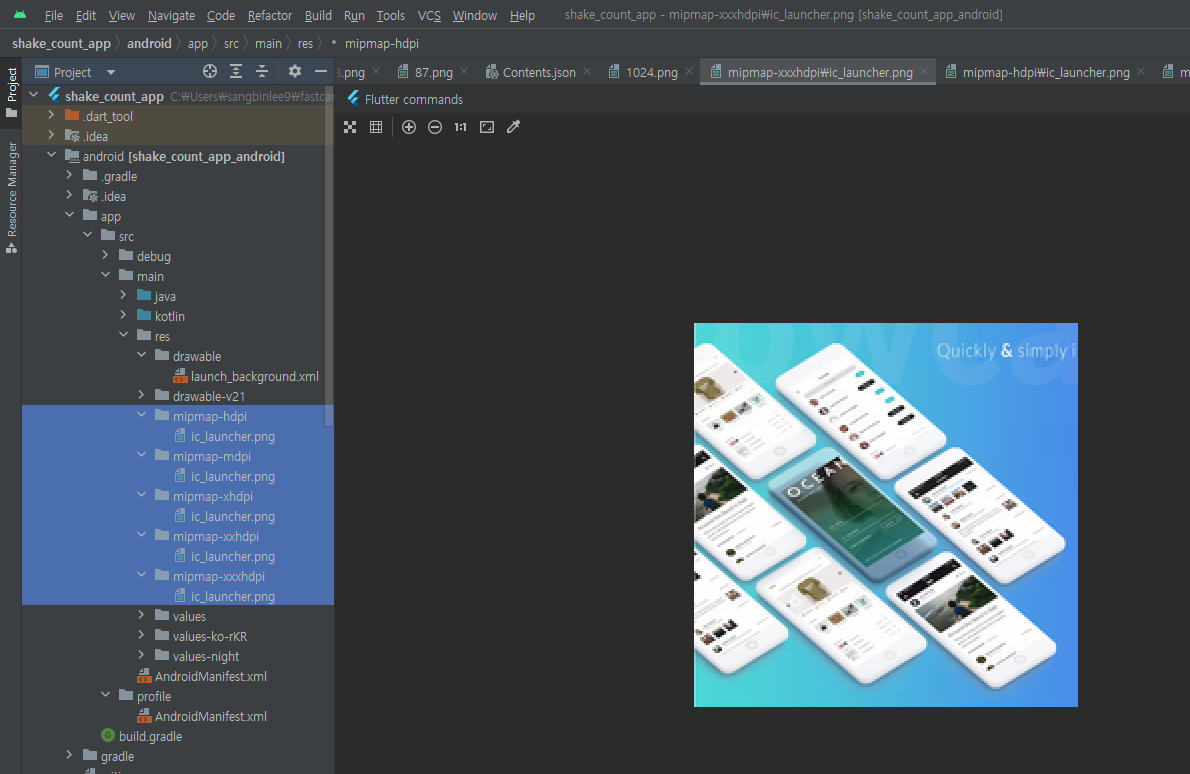
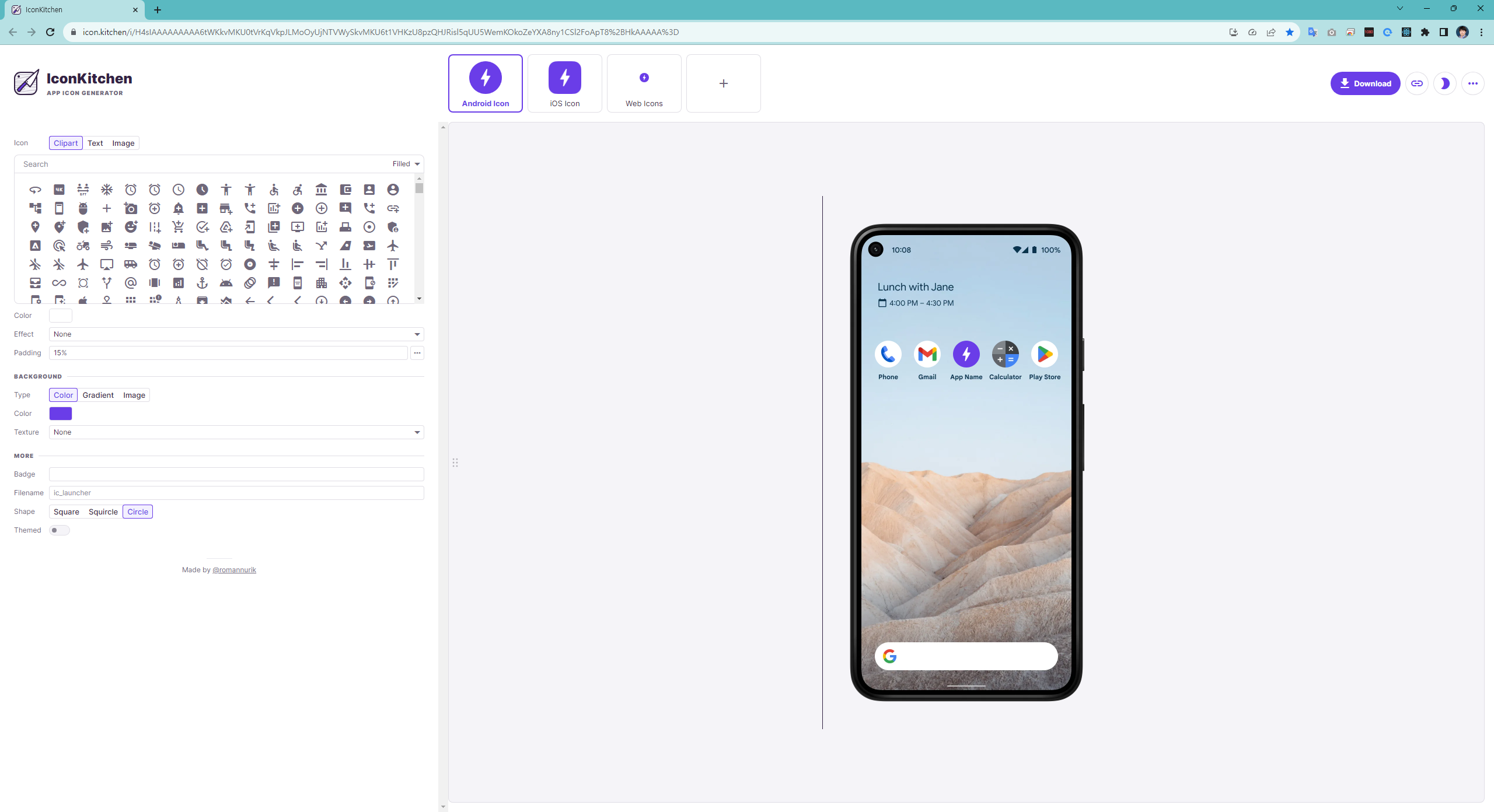
참조할 아이콘 관련 가이드 라인 정보
android : adaptive icon
https://developer.android.com/?hl=ko
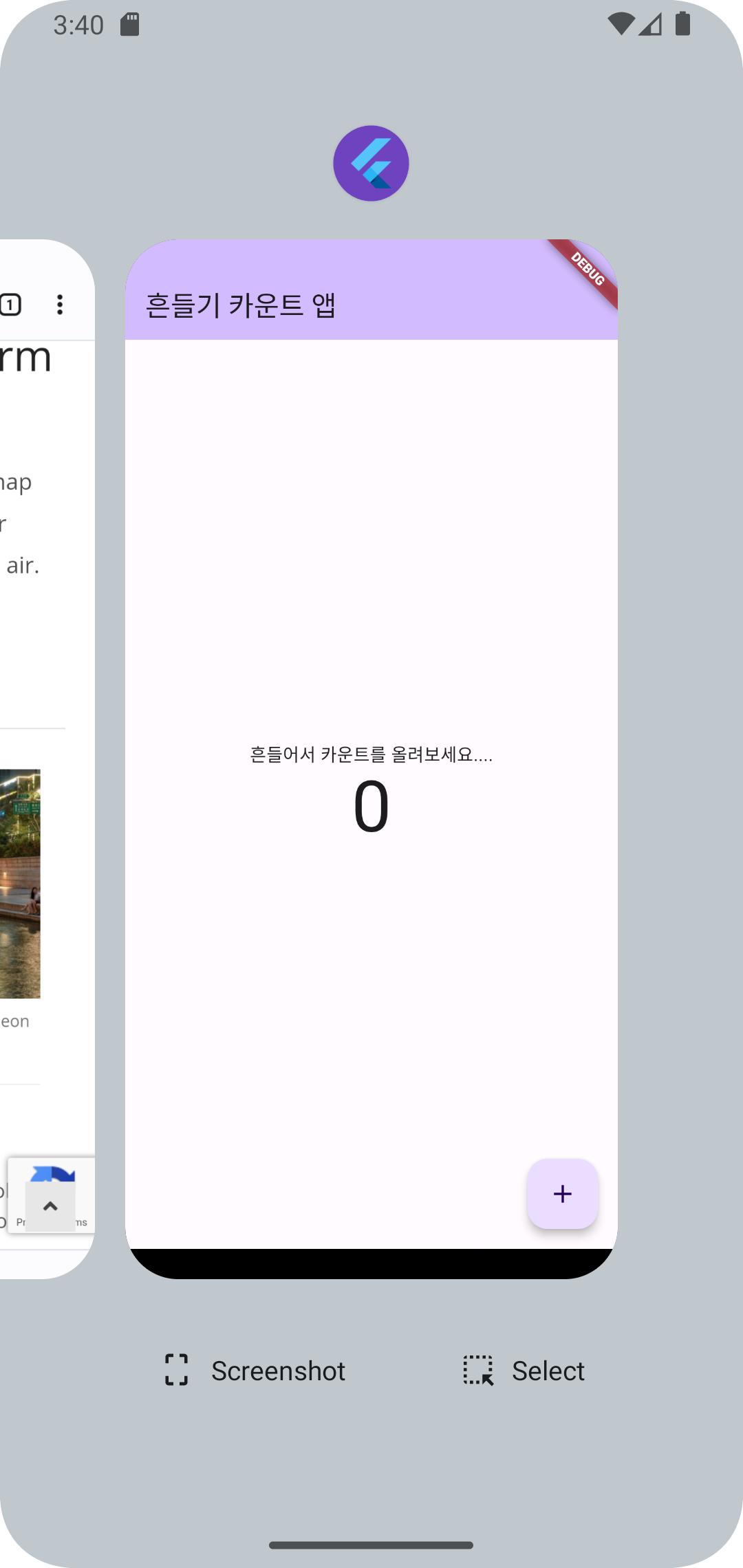
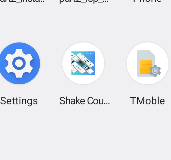
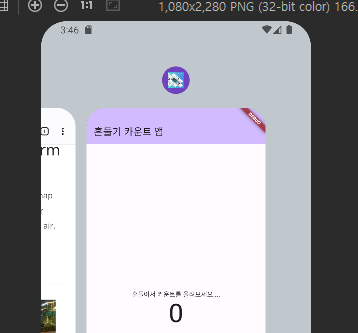
https://youtube.com/shorts/ugGcOBIGND4?feature=share
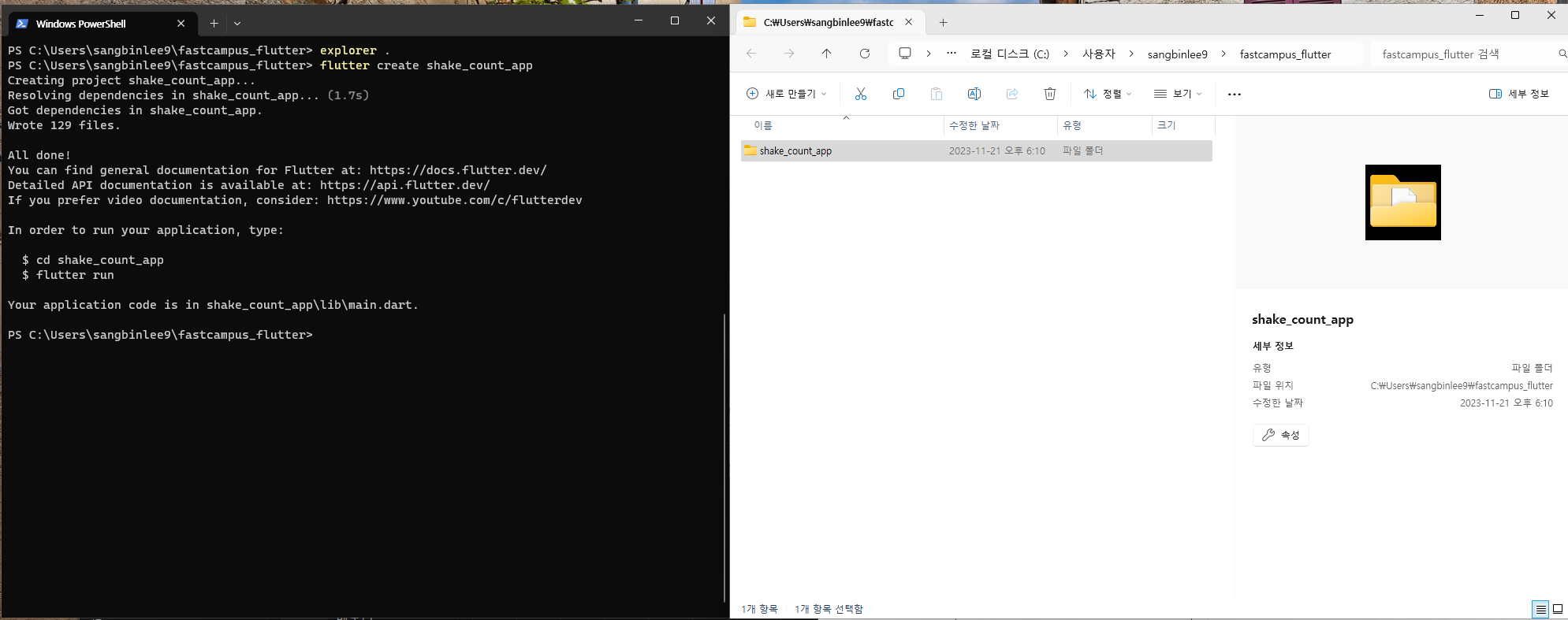
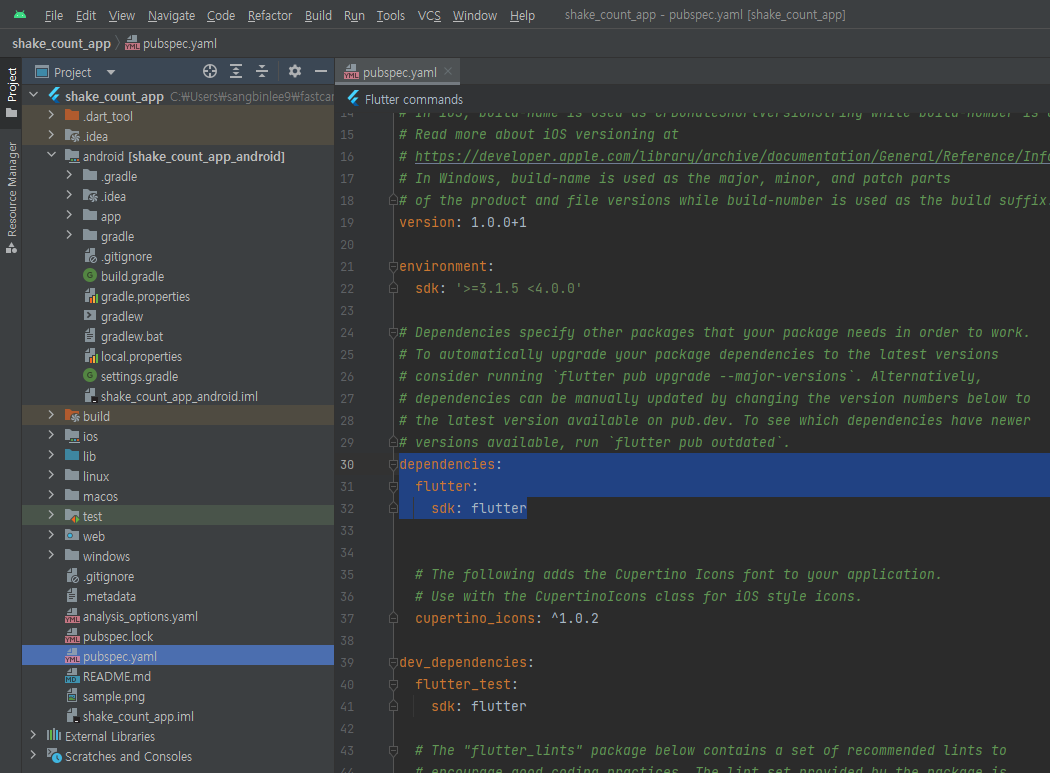
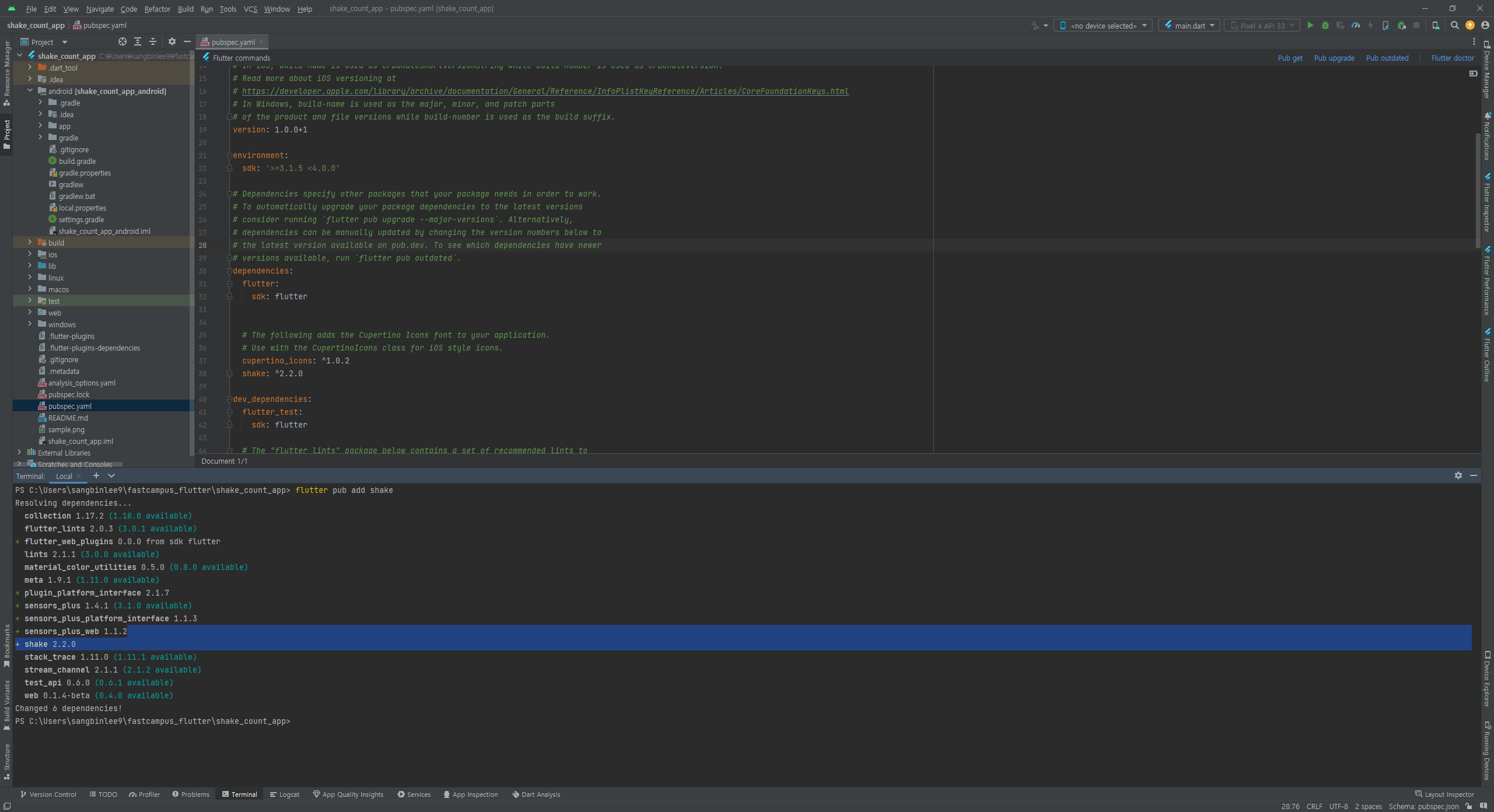
flutter 프로젝트에 패키지 추가 방법 2가지
1. flutter pub add {package name}
2. pubspec.yaml 파일의 dependencies: 영역 하위에 명시적 추가
ex)
dependencies:
{package name}:^{version}
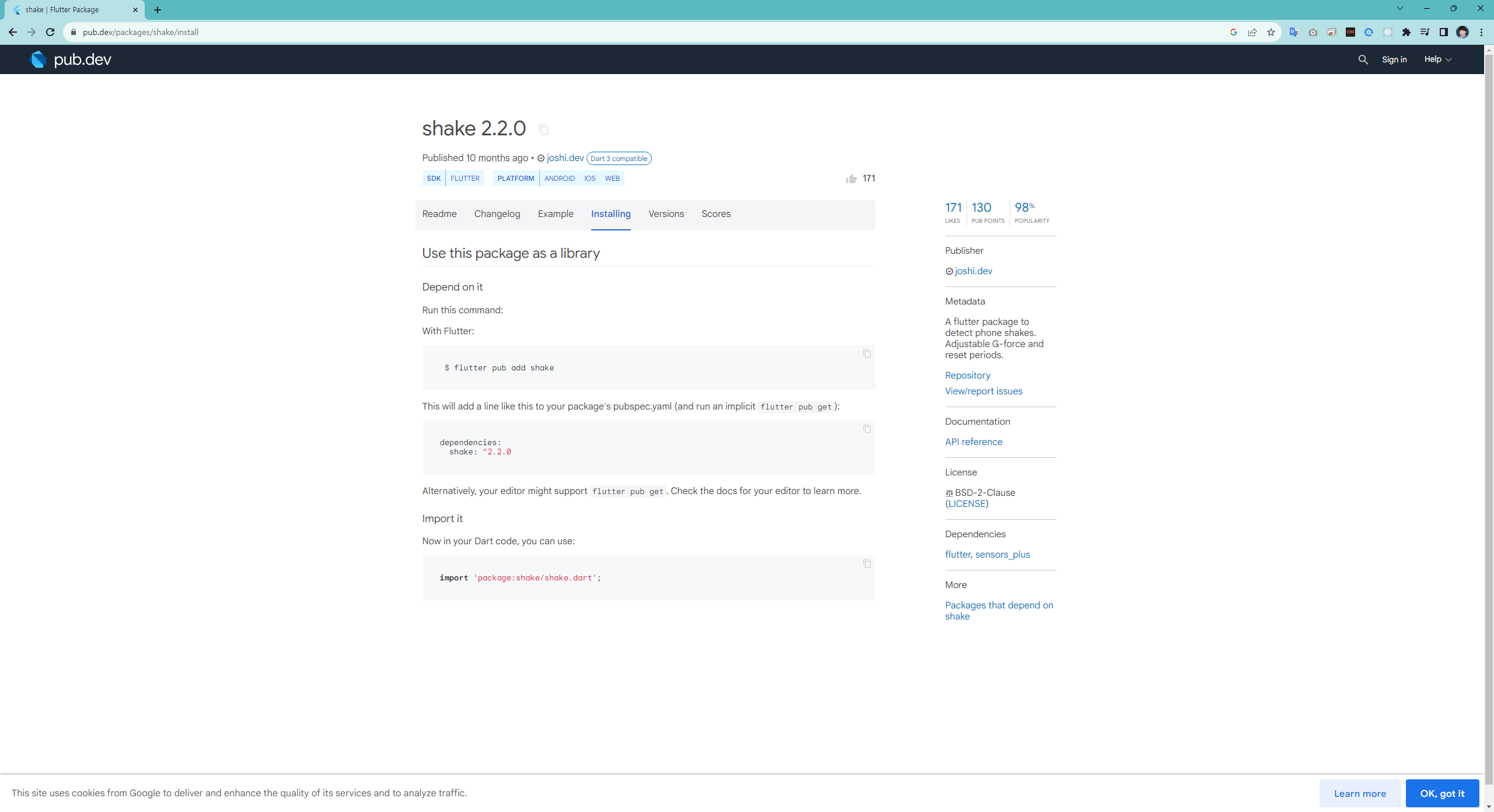
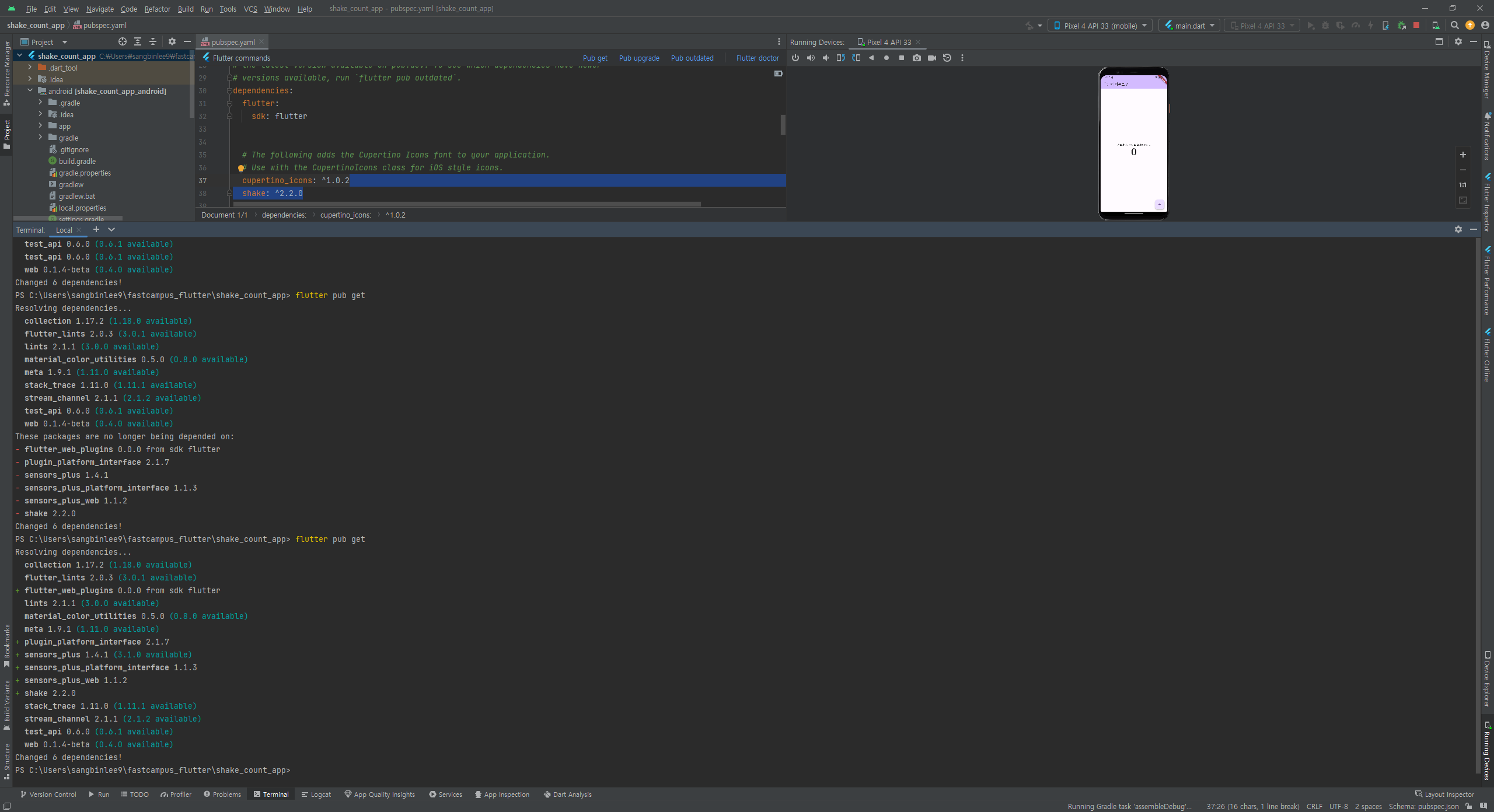
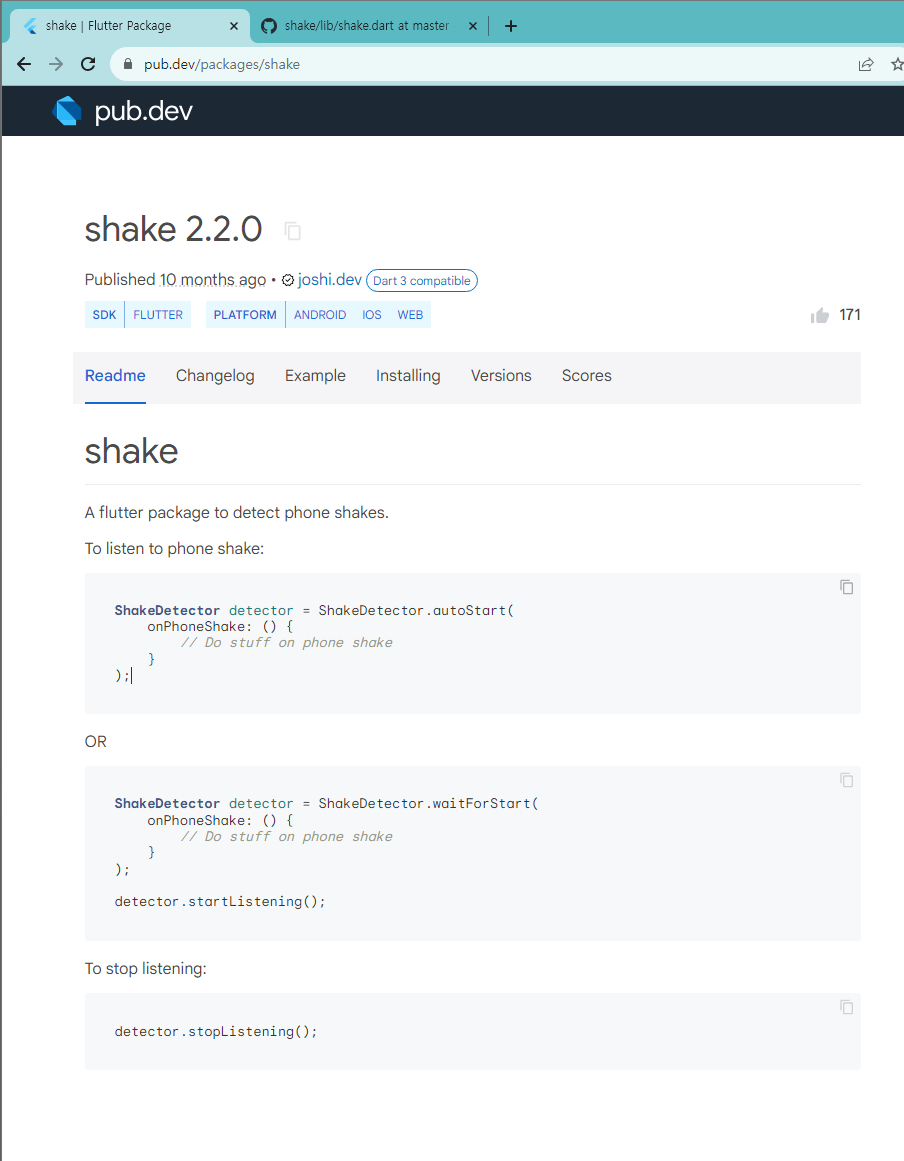
flutter pub add shake
flutter pub get
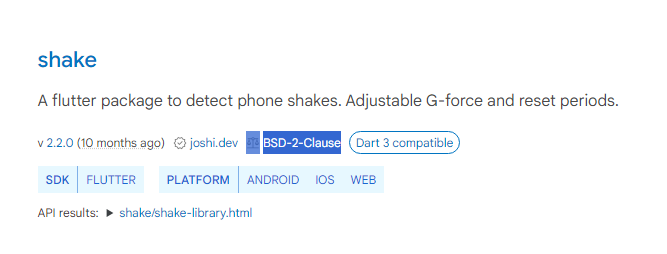
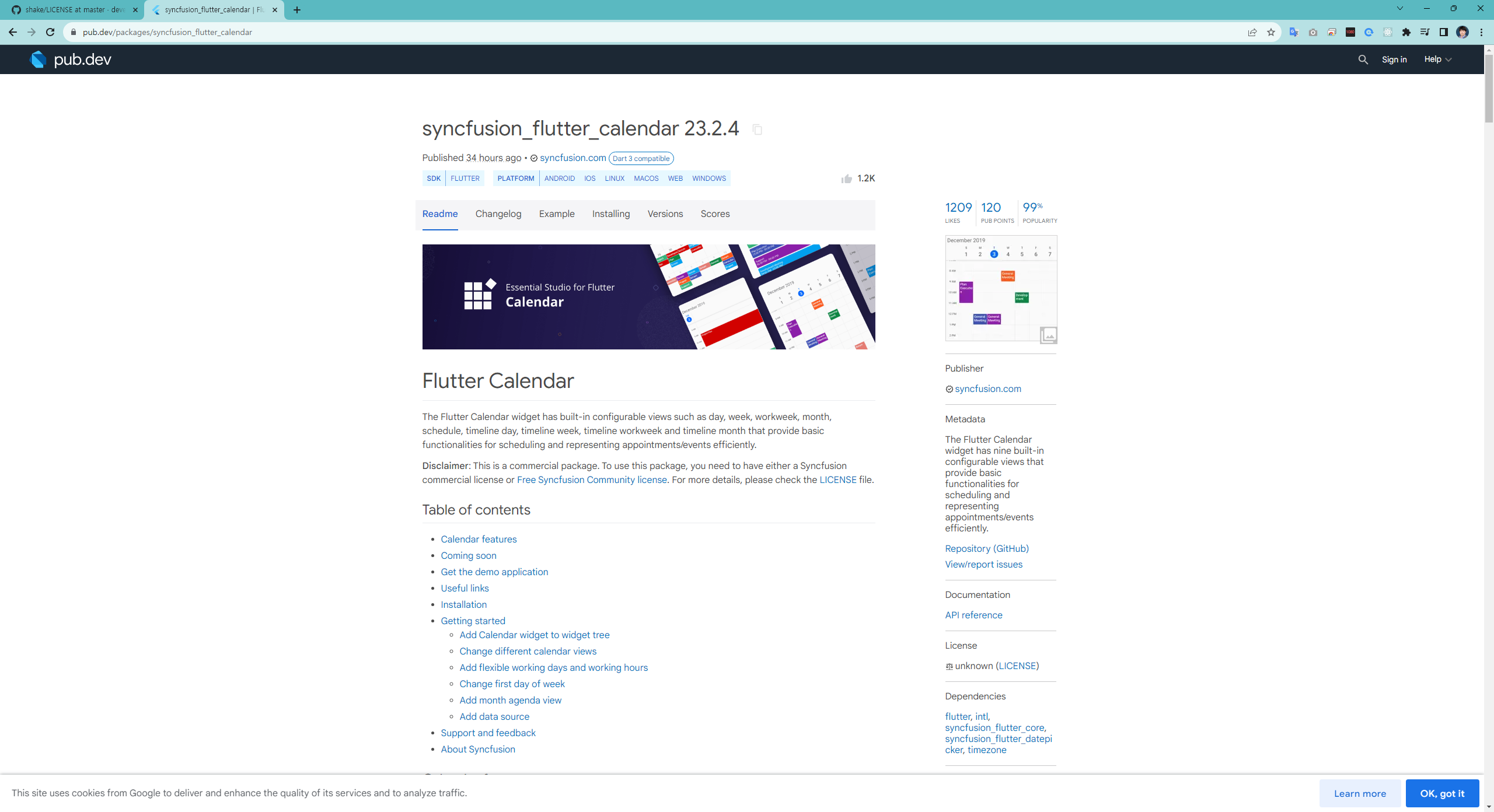
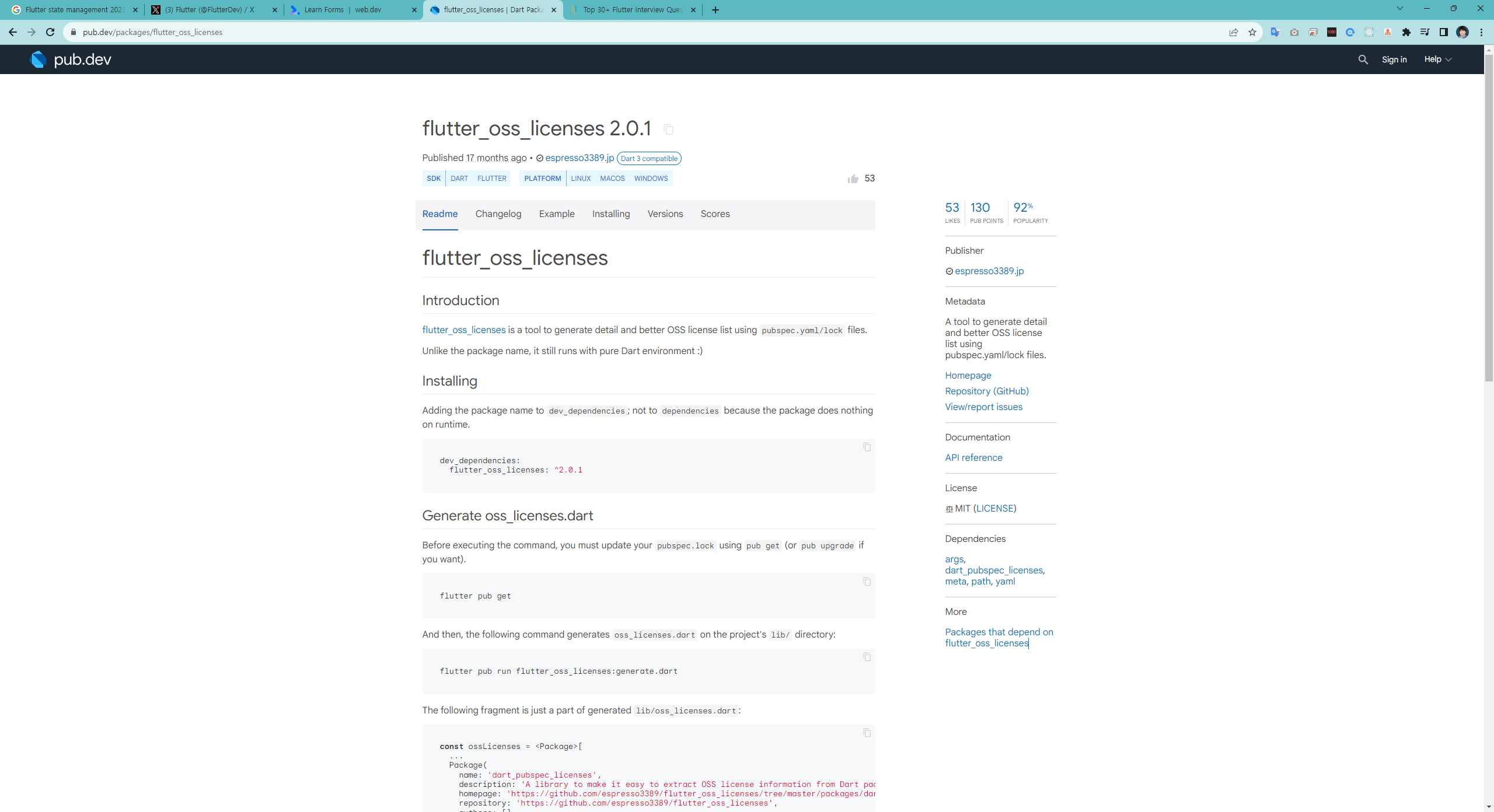
패키지 라이선스 확인하기
Icon for licenses.
BSD-2-Clause
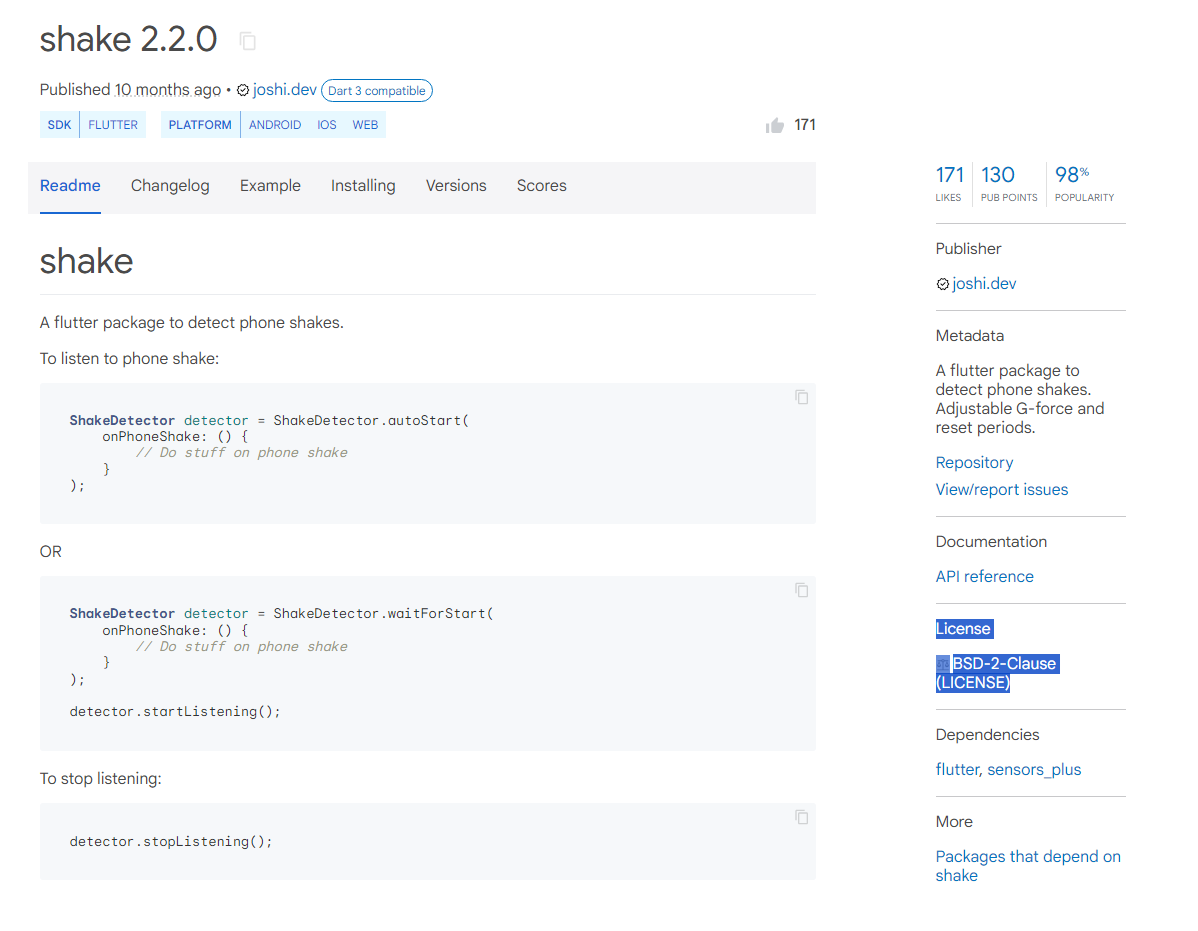
https://github.com/deven98/shake/blob/master/LICENSE
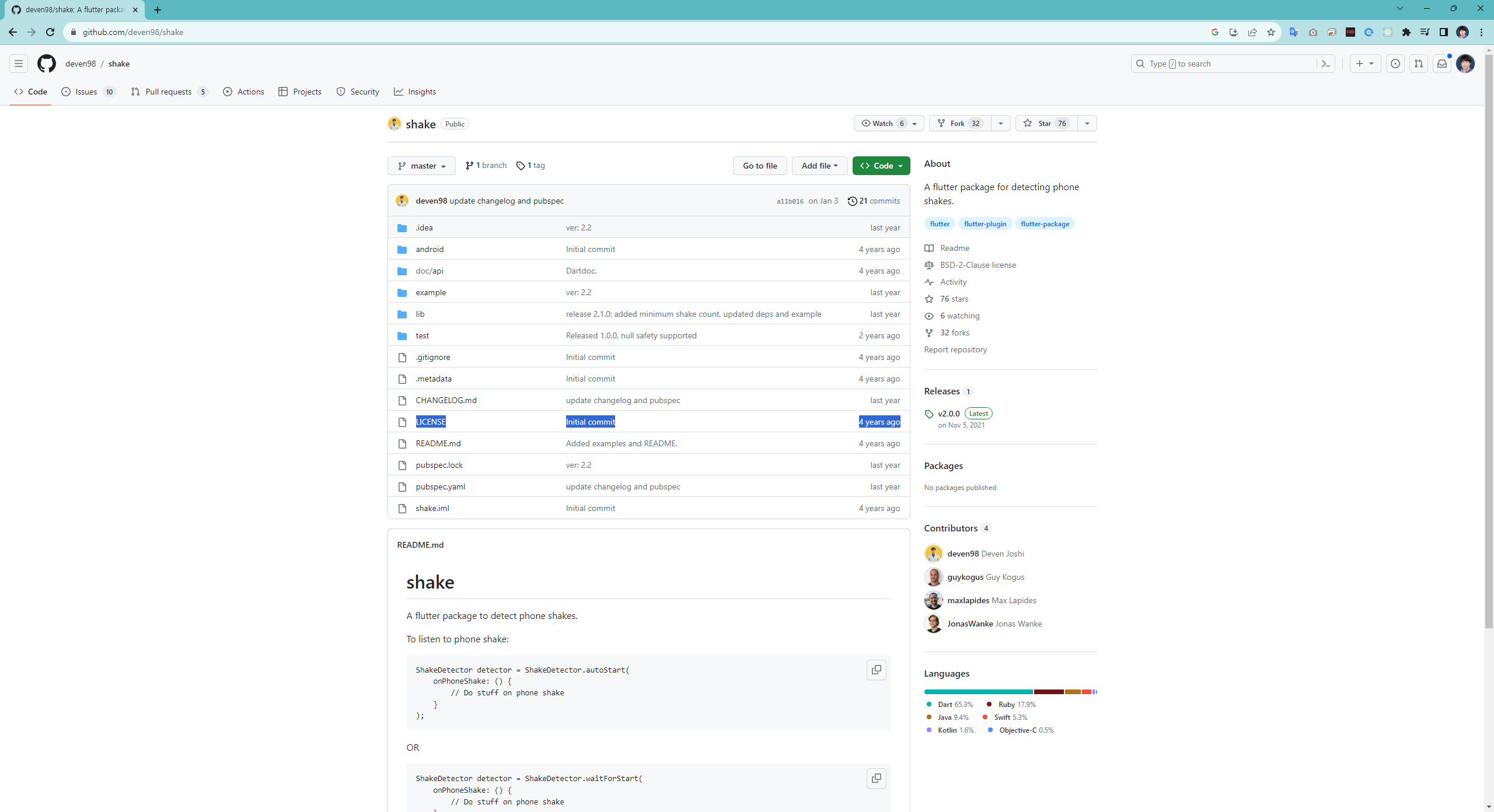
라이선스
1. 지적 재산권 보호
2. 법적 조건 설정 : 배포 조건 제한
3. 협업, 혁신 - 더 나아간 출발점에서 시작할 수 있게하여
더 발전된 코드와 어플리케이션을 만들 수 있게함
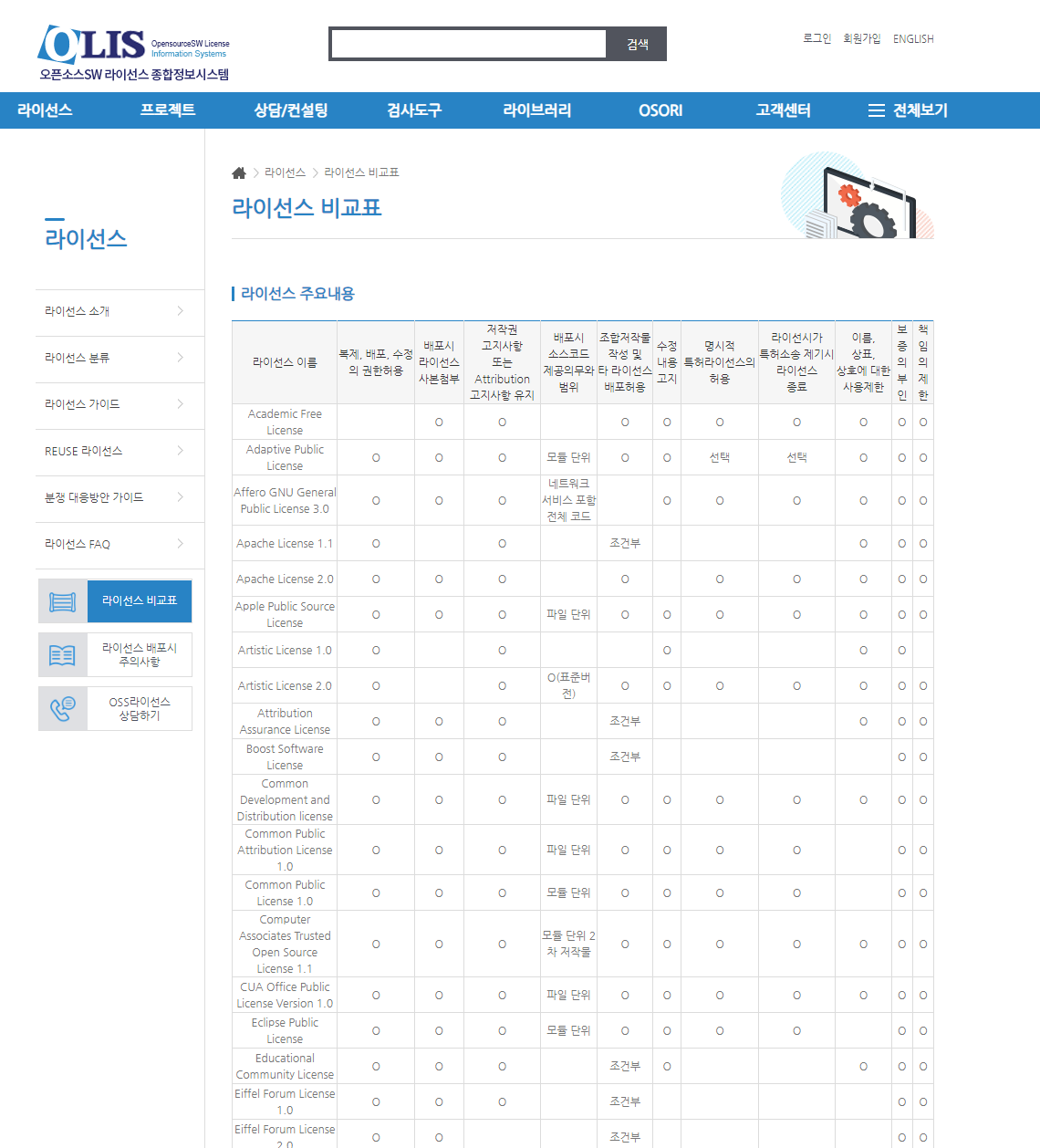
라이선스의 종류
https://www.olis.or.kr/license/compareGuide.do
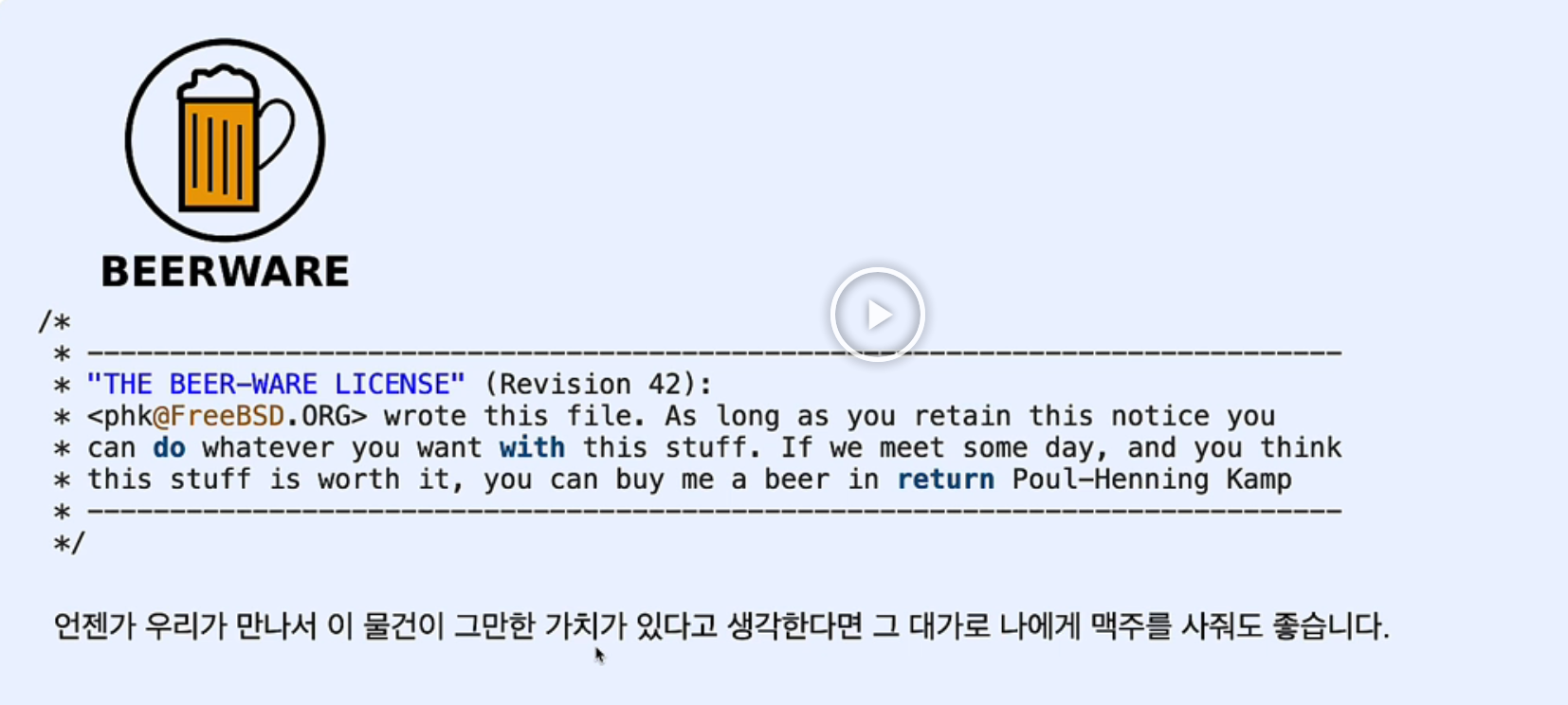
나도 이런 사람들과 죽기 전에 꼭 한번 만이라도 같이 일하고 싶다 ㅋㅋㅋ
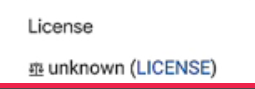
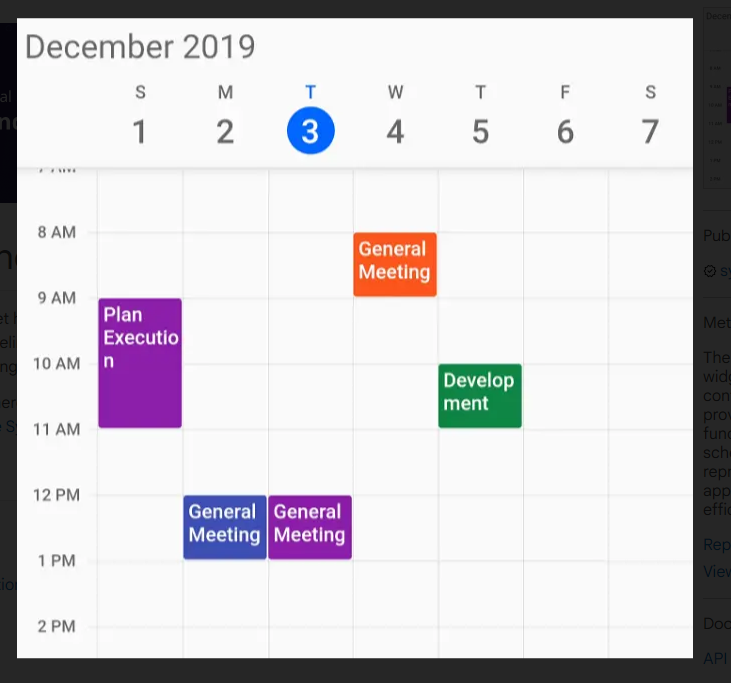
unknown (LICENSE) <<<<< 사용전 잘 알아보고 사용하기
https://youtube.com/shorts/xTTD8Oy5ykM?feature=share
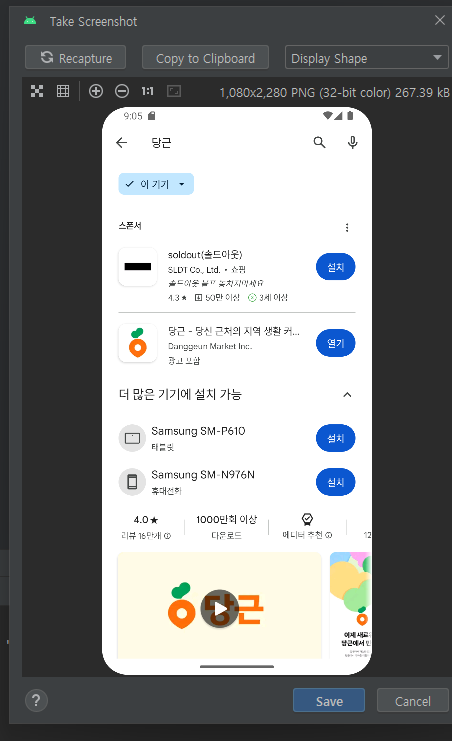
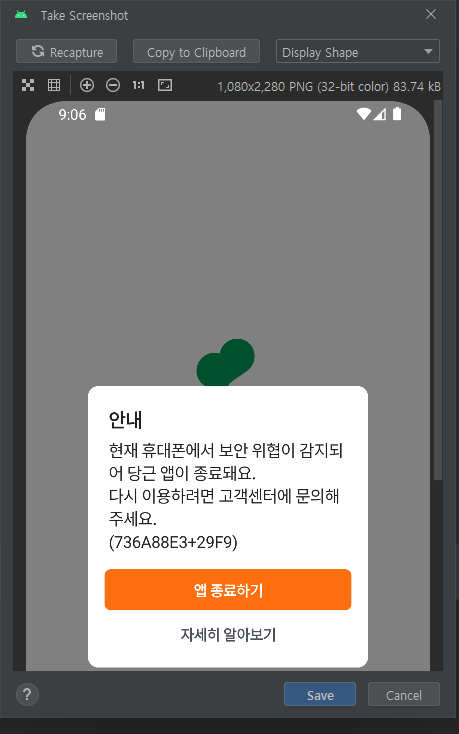
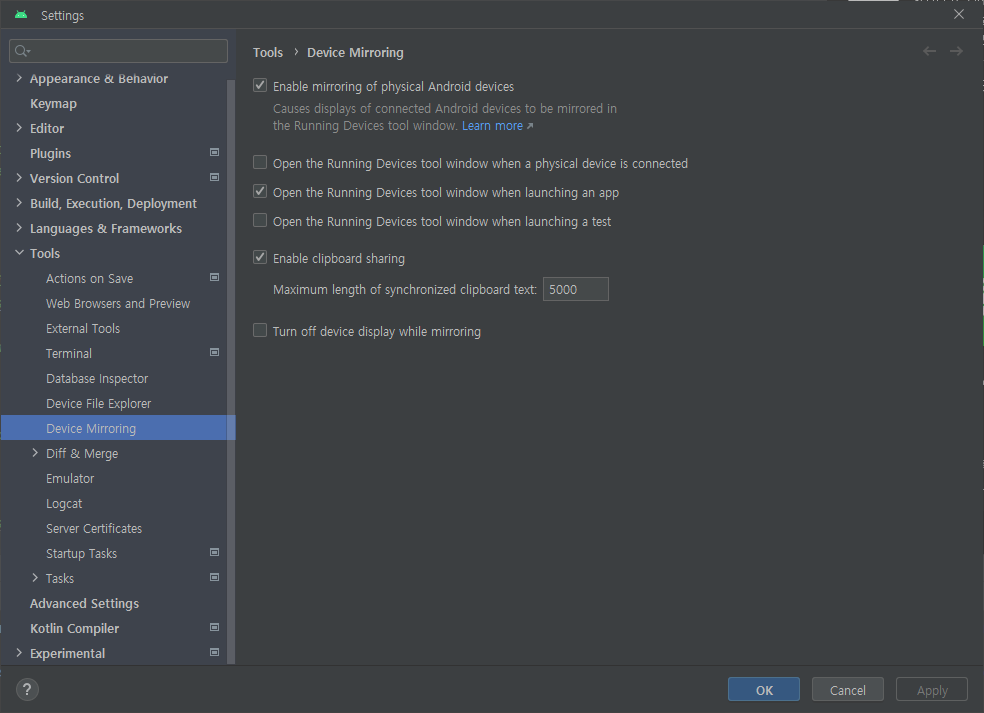
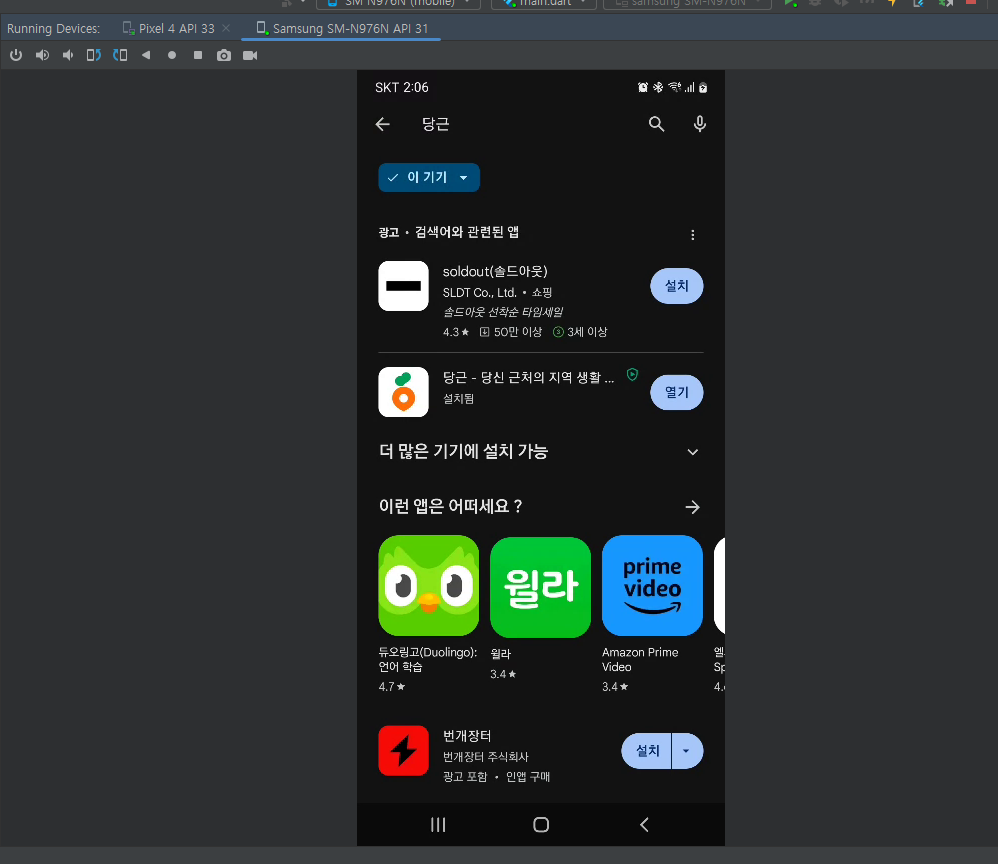
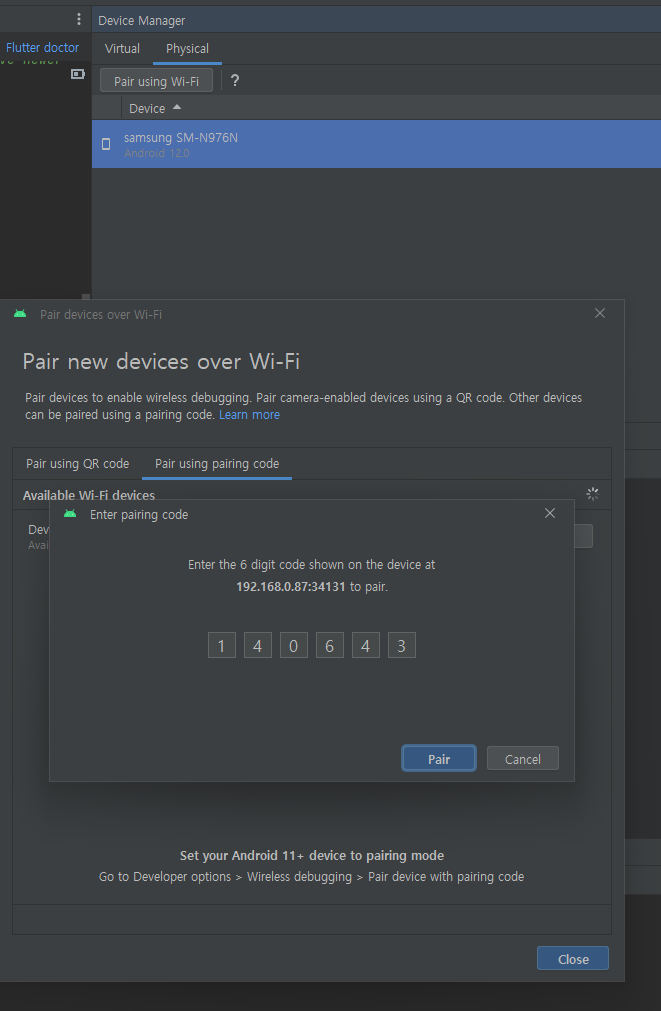
Android Studio 에서 스크린 미러링하기
Enable mirroring of physical Android devices
당근마켓 오픈소스 라이선스
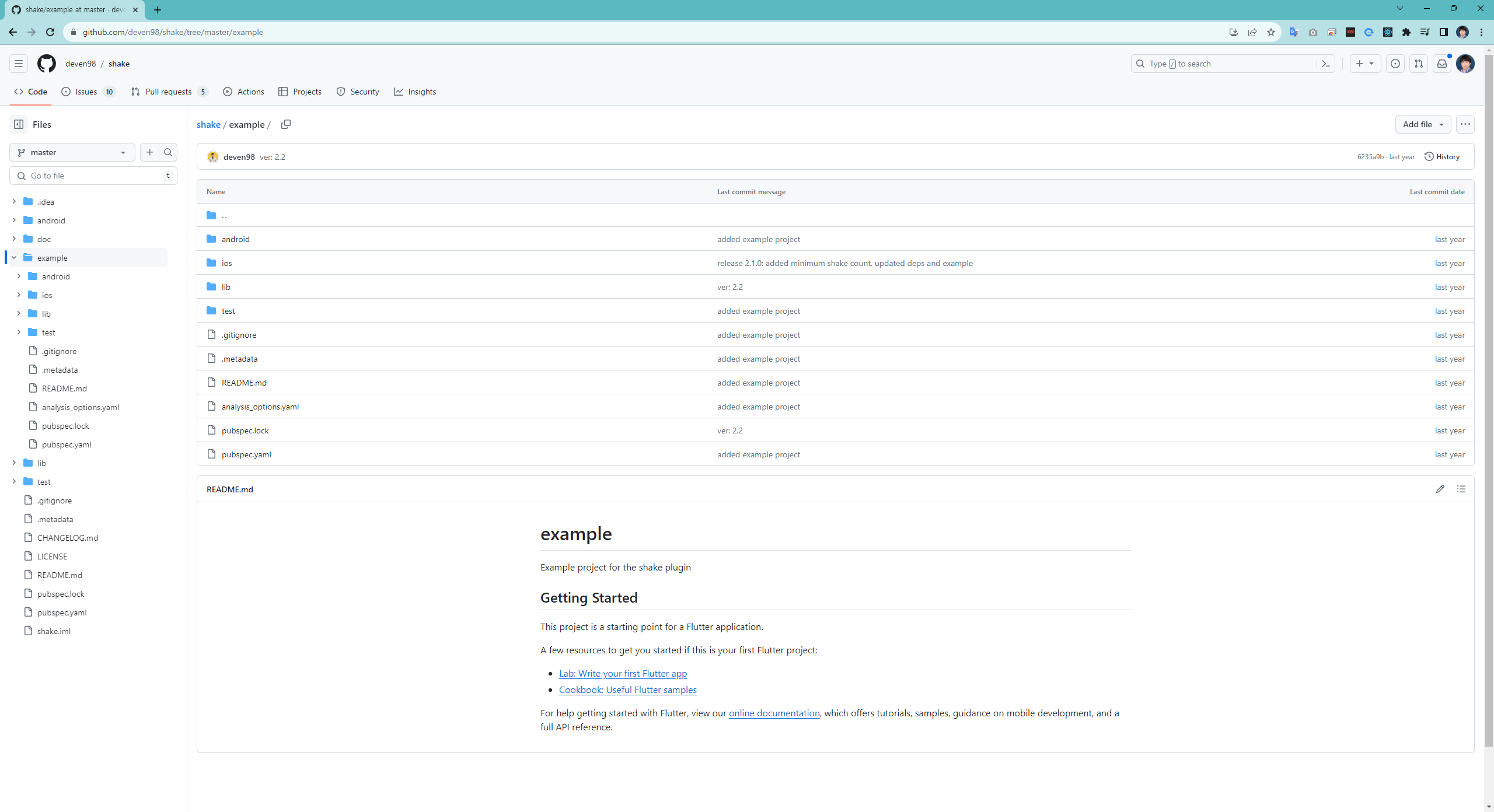
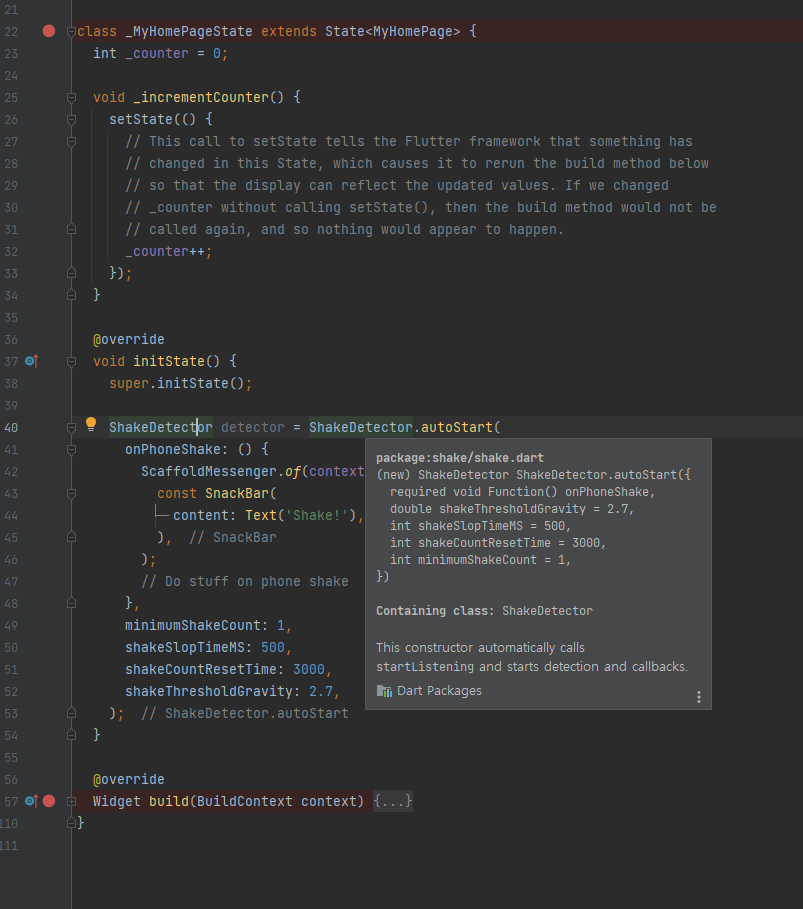
https://github.com/deven98/shake/tree/master/example
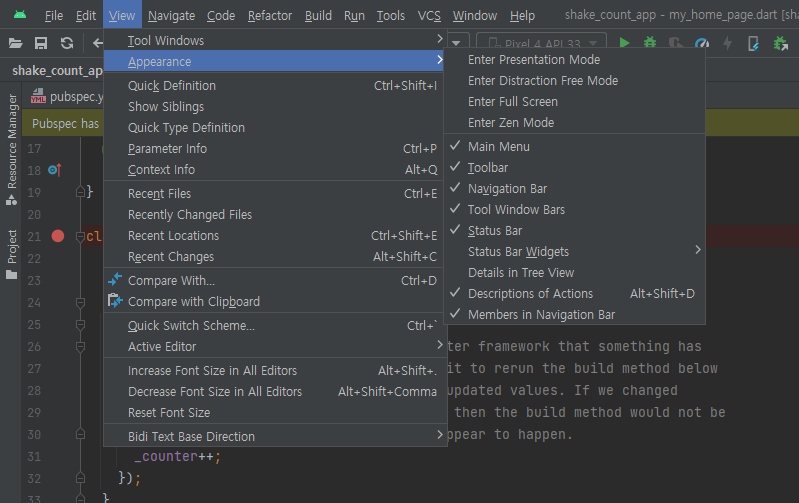
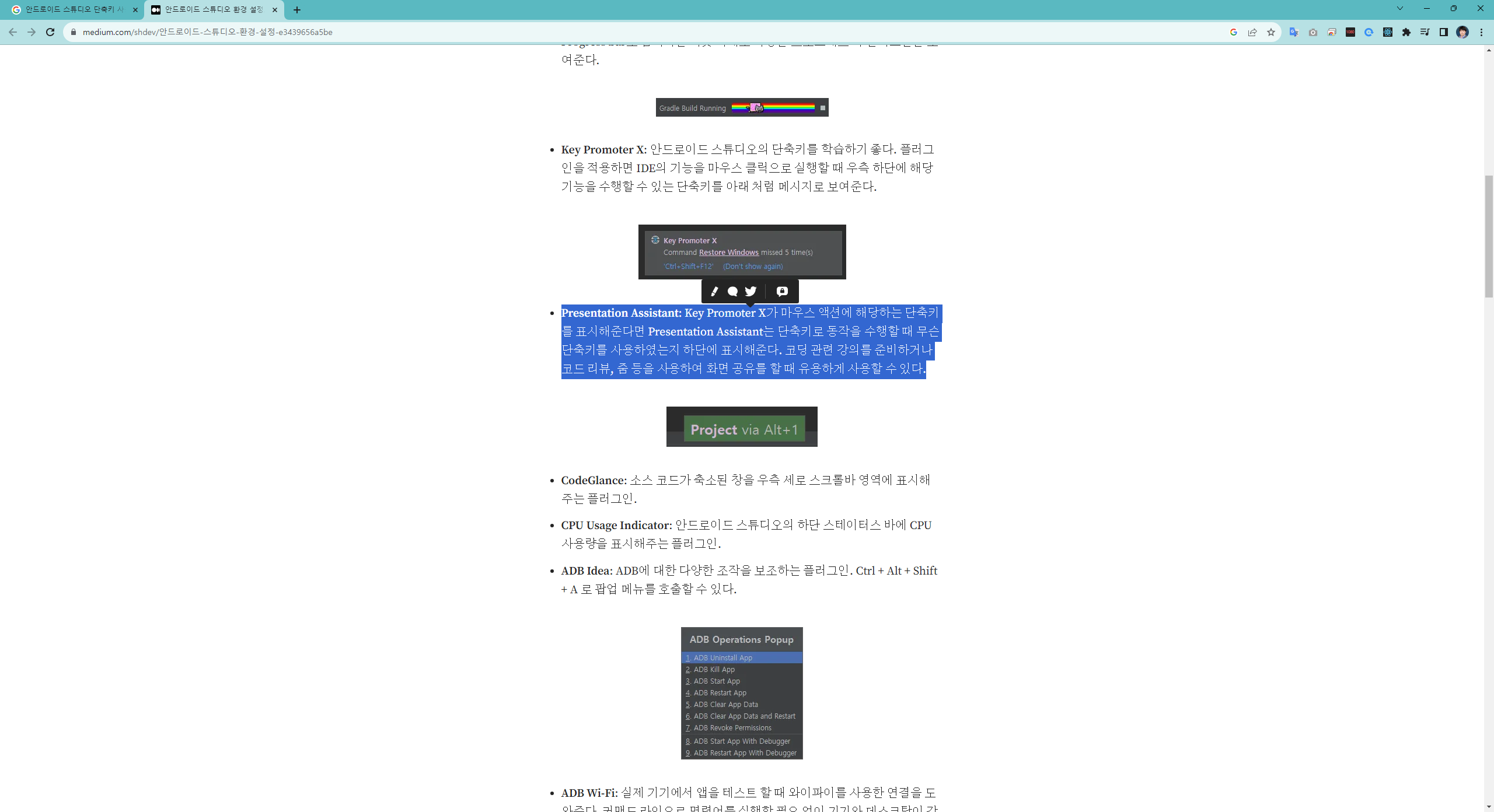
This plugin shows name and Win/Mac shortcuts of any action you invoke (View | Appearance | Descriptions of Actions)
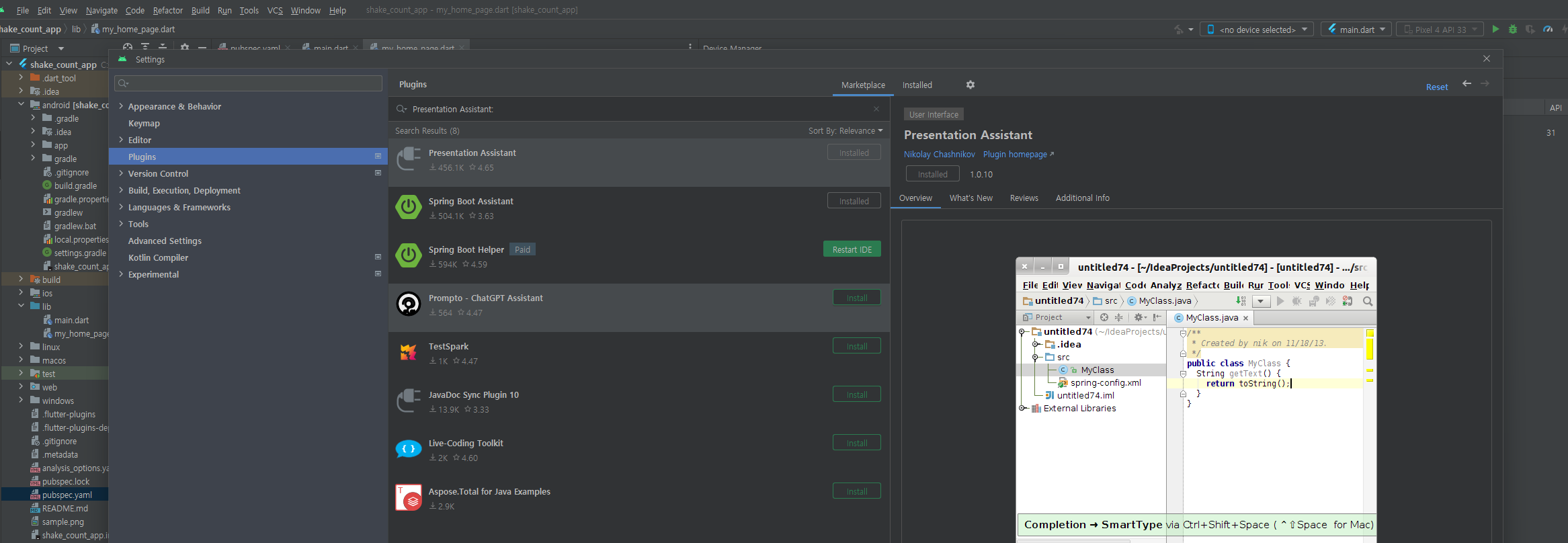
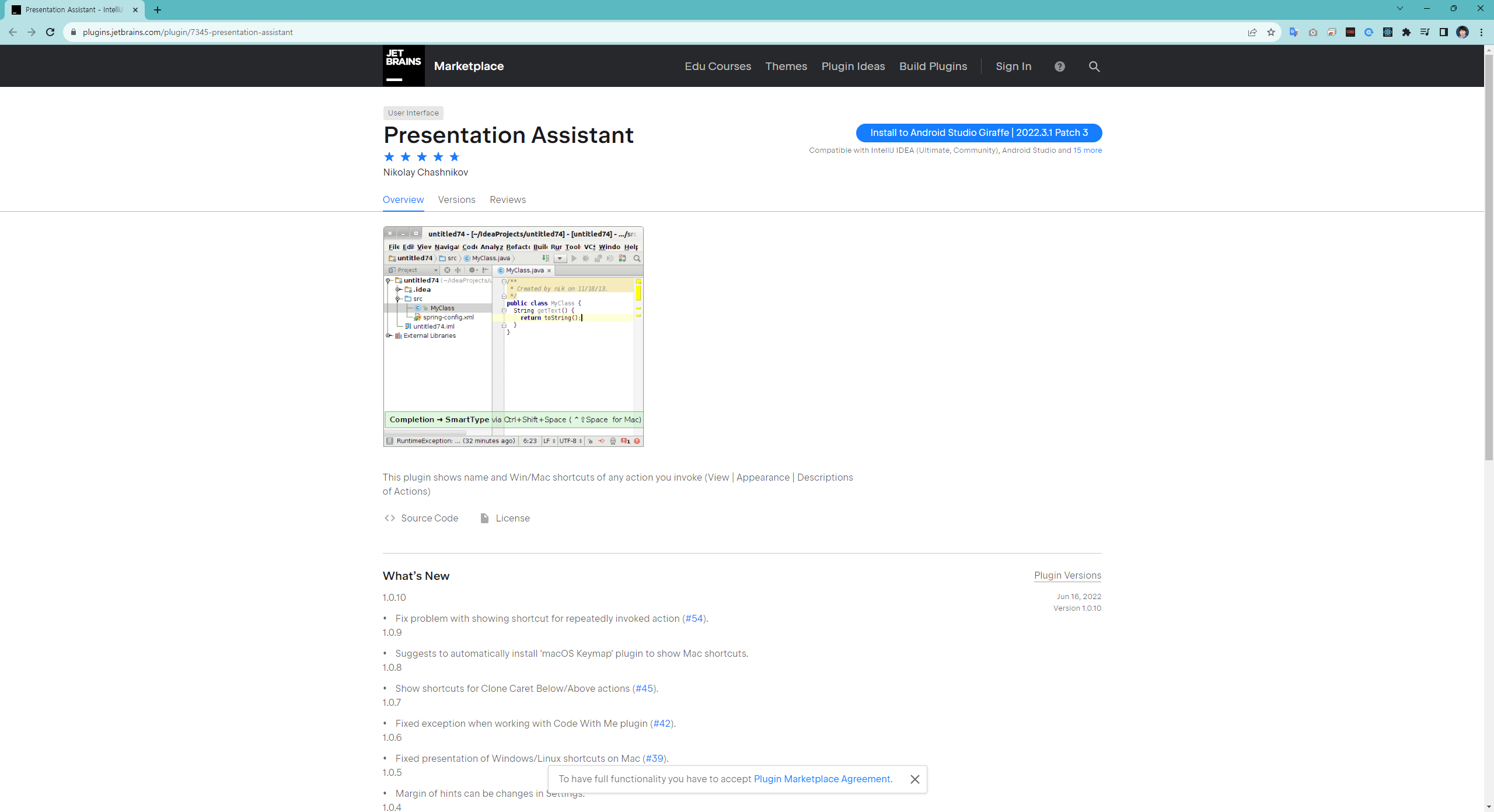
https://plugins.jetbrains.com/plugin/7345-presentation-assistant
shake(패키지) 샘플 코드 적용하기
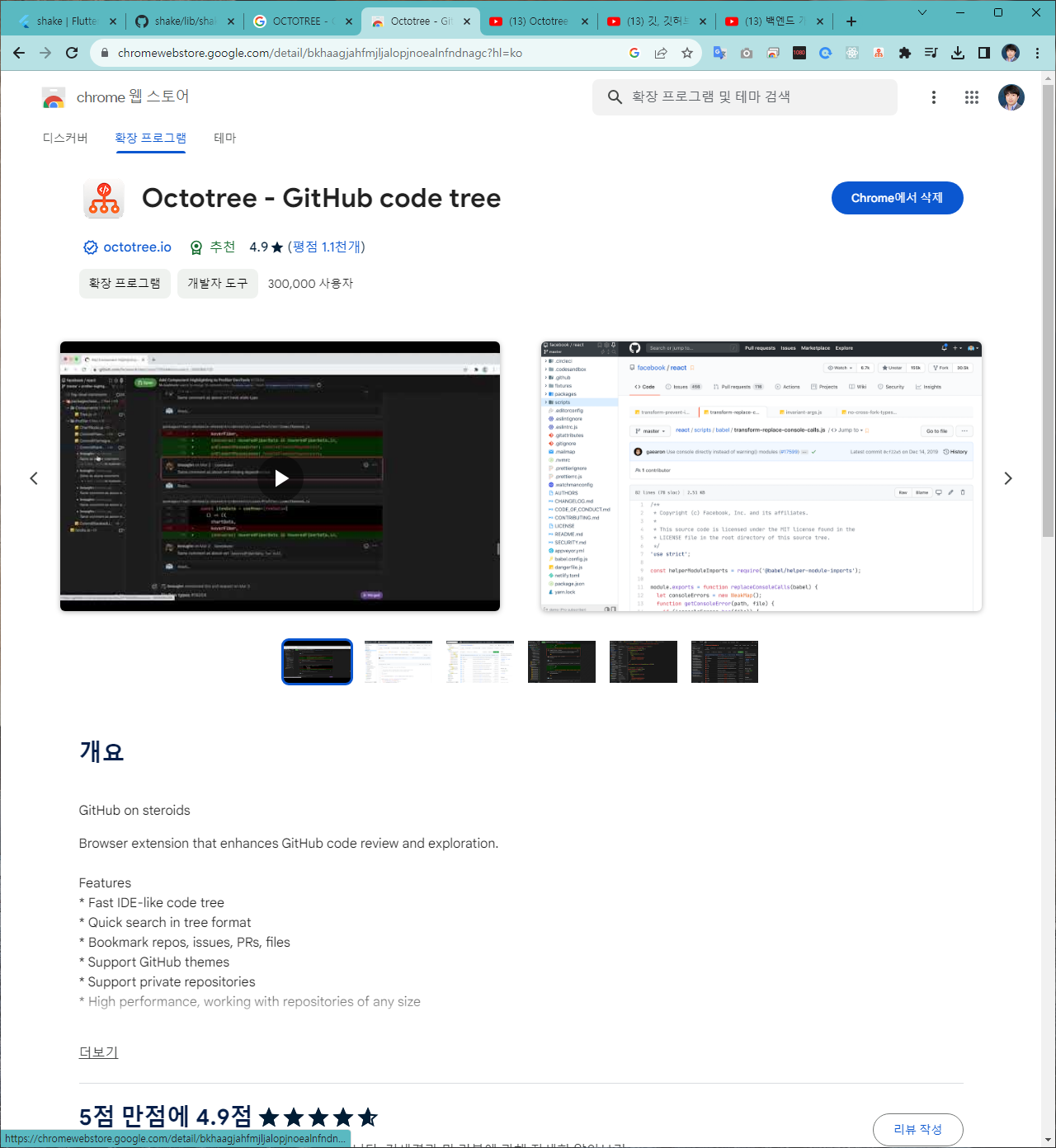
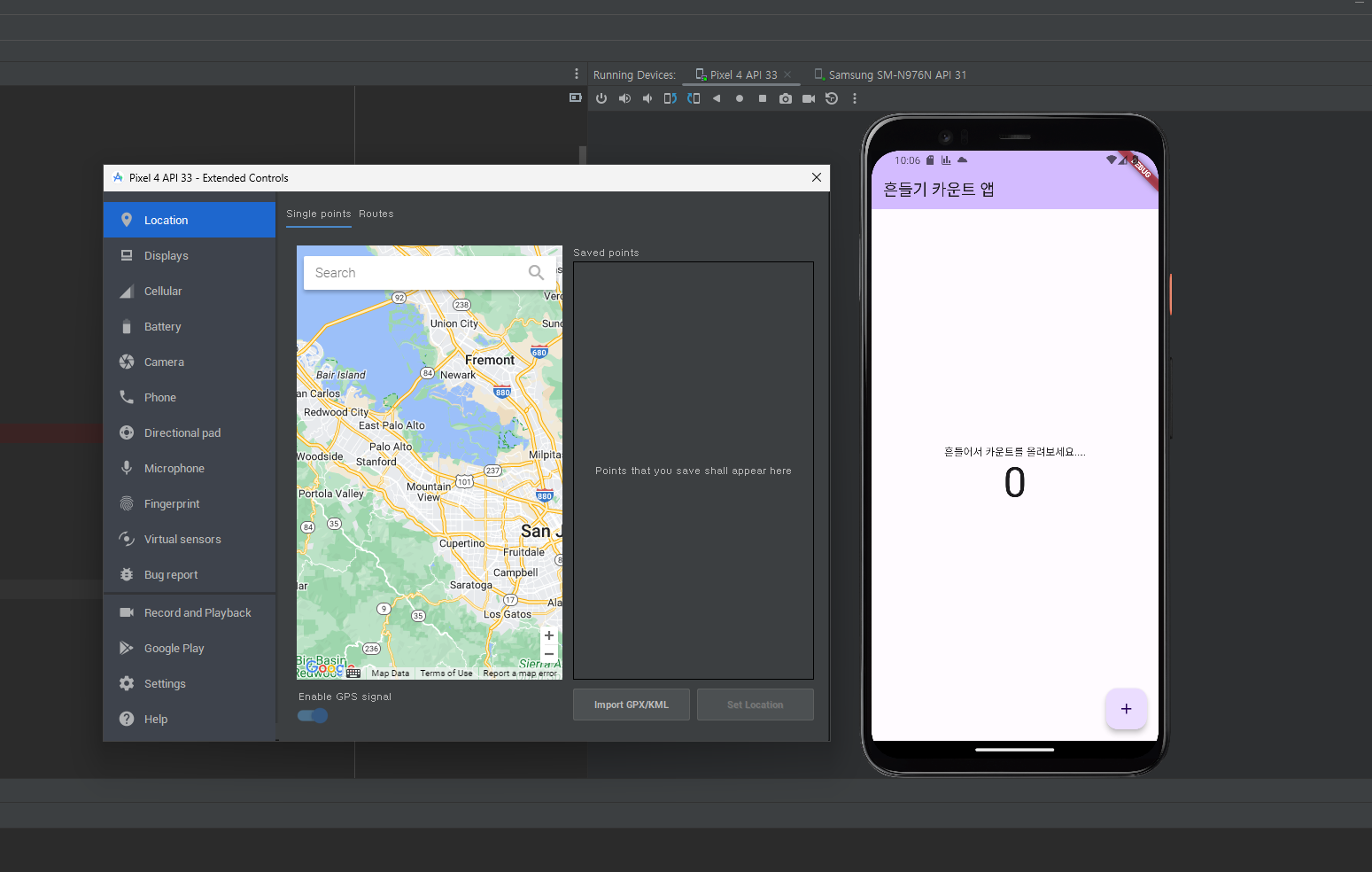
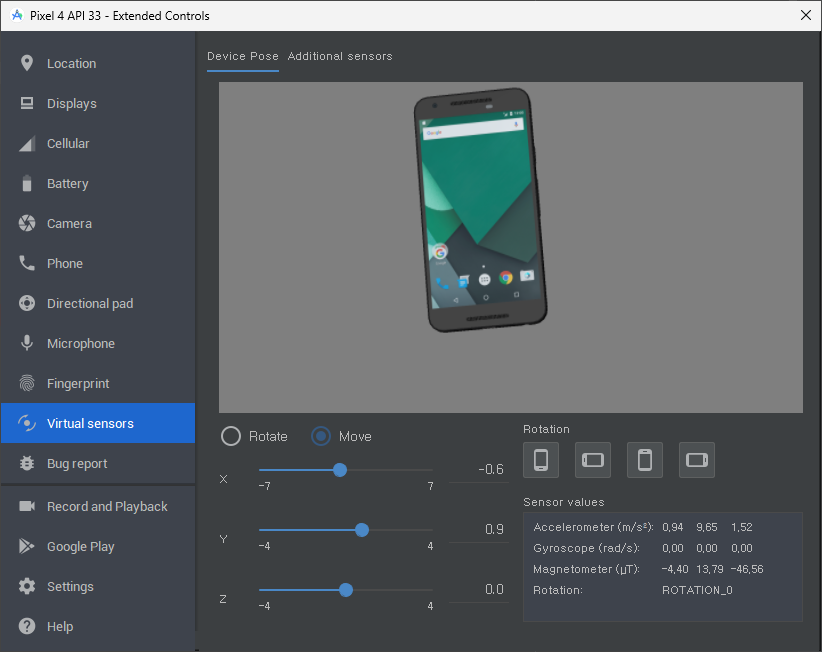
https://www.youtube.com/watch?v=tyUNy-WFs-c
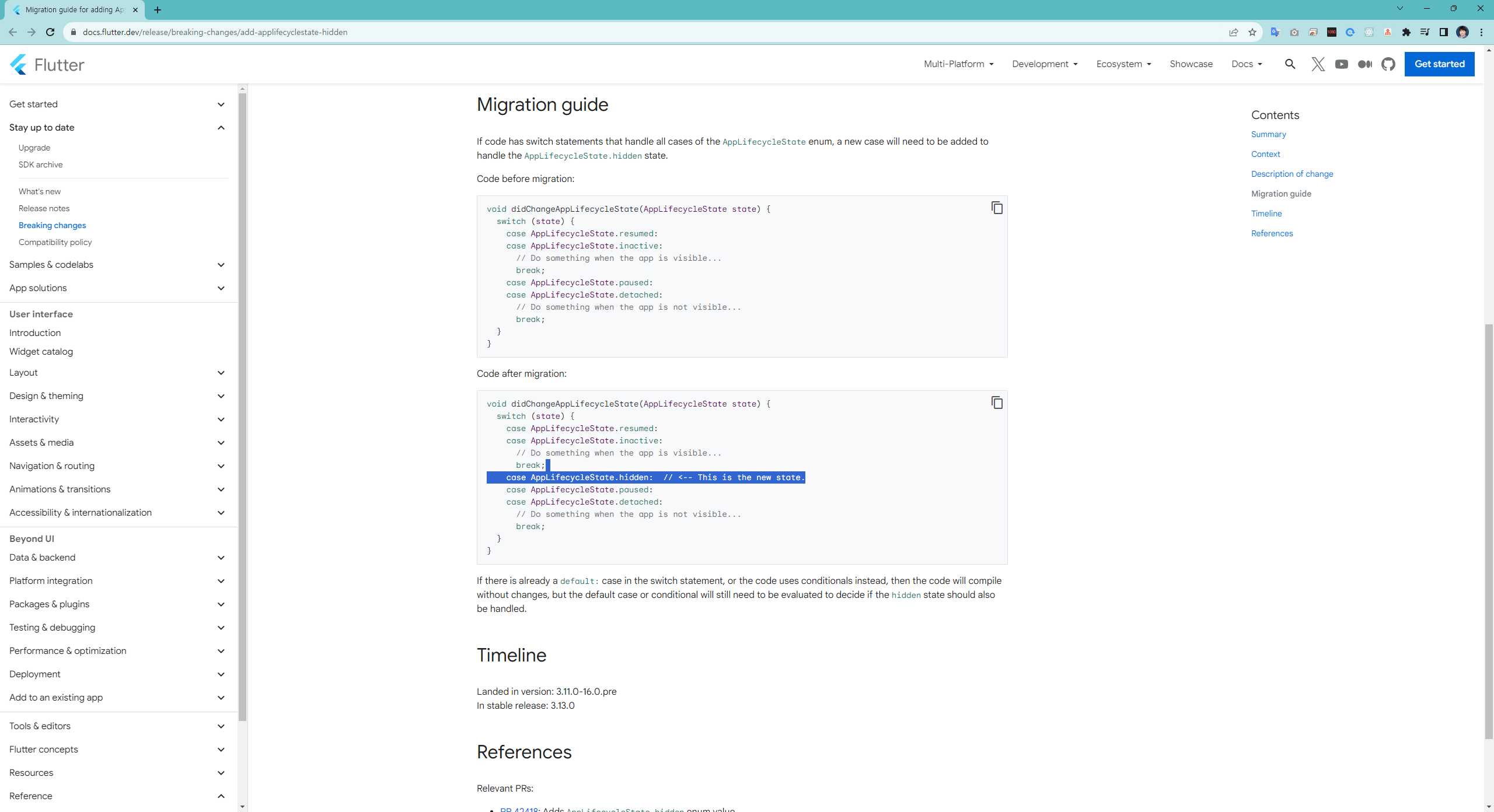
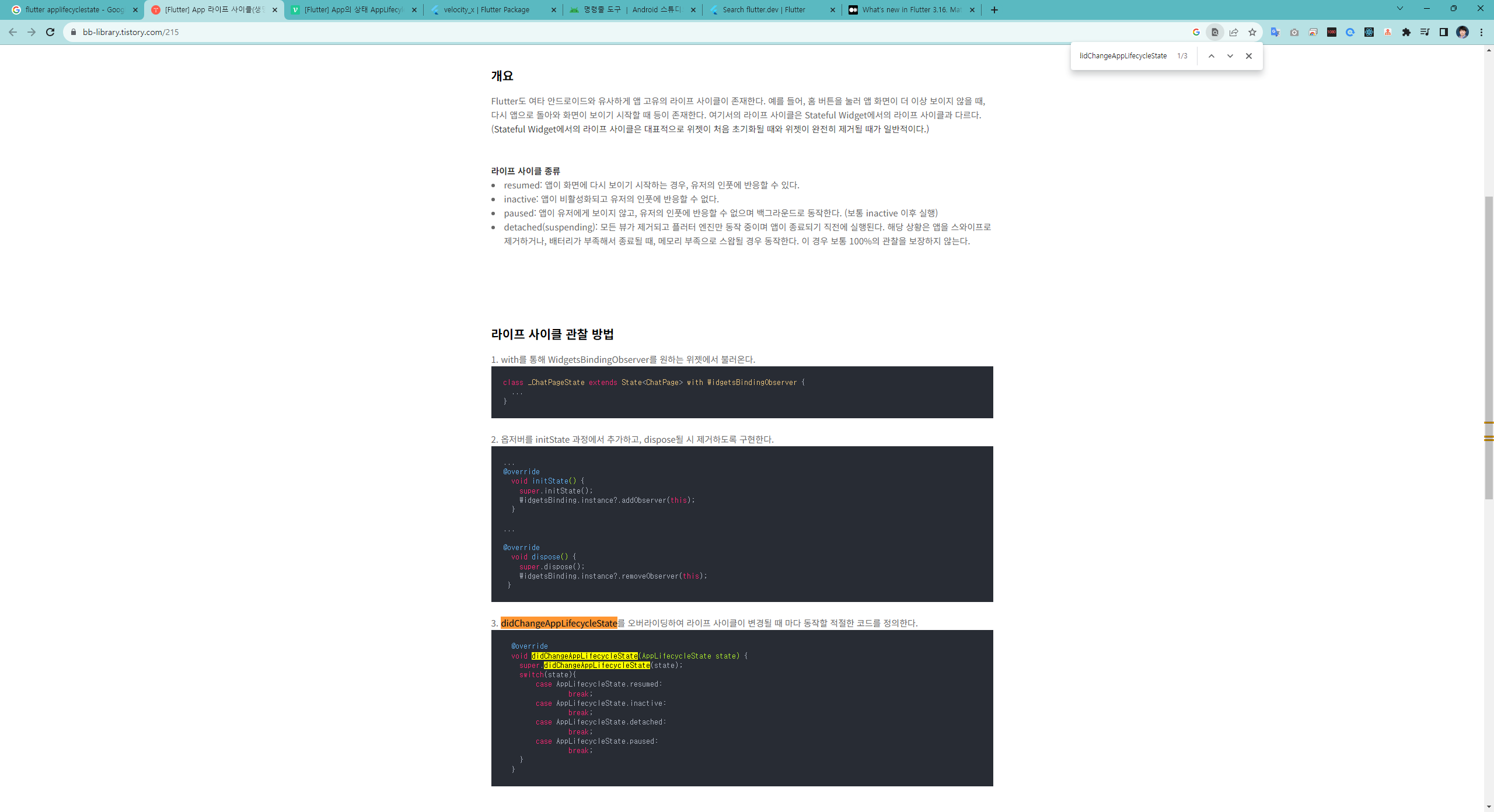
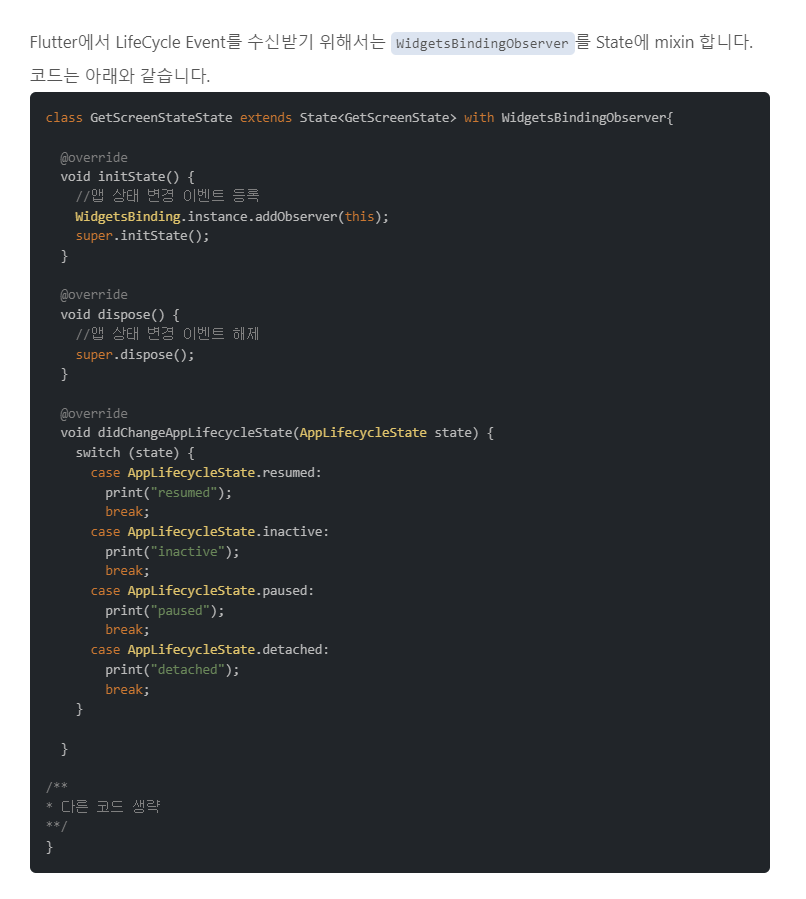
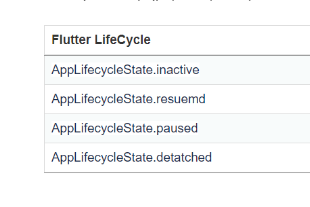
[Flutter] AppLifecycleState
참조:
https://velog.io/@qkrtnfks128/Flutter-AppLifecycleState-%EC%95%8C%EA%B8%B0
https://bb-library.tistory.com/215
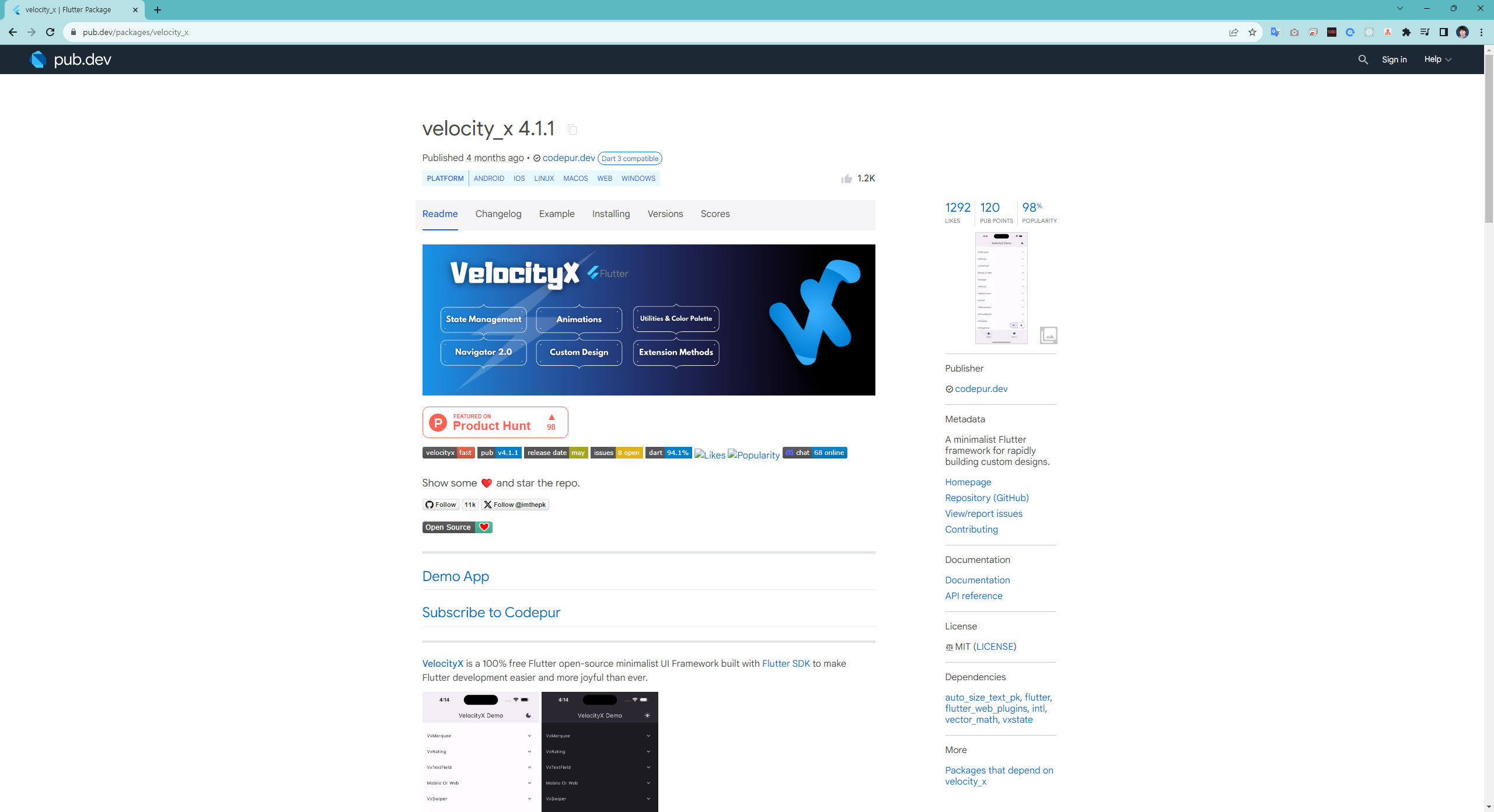
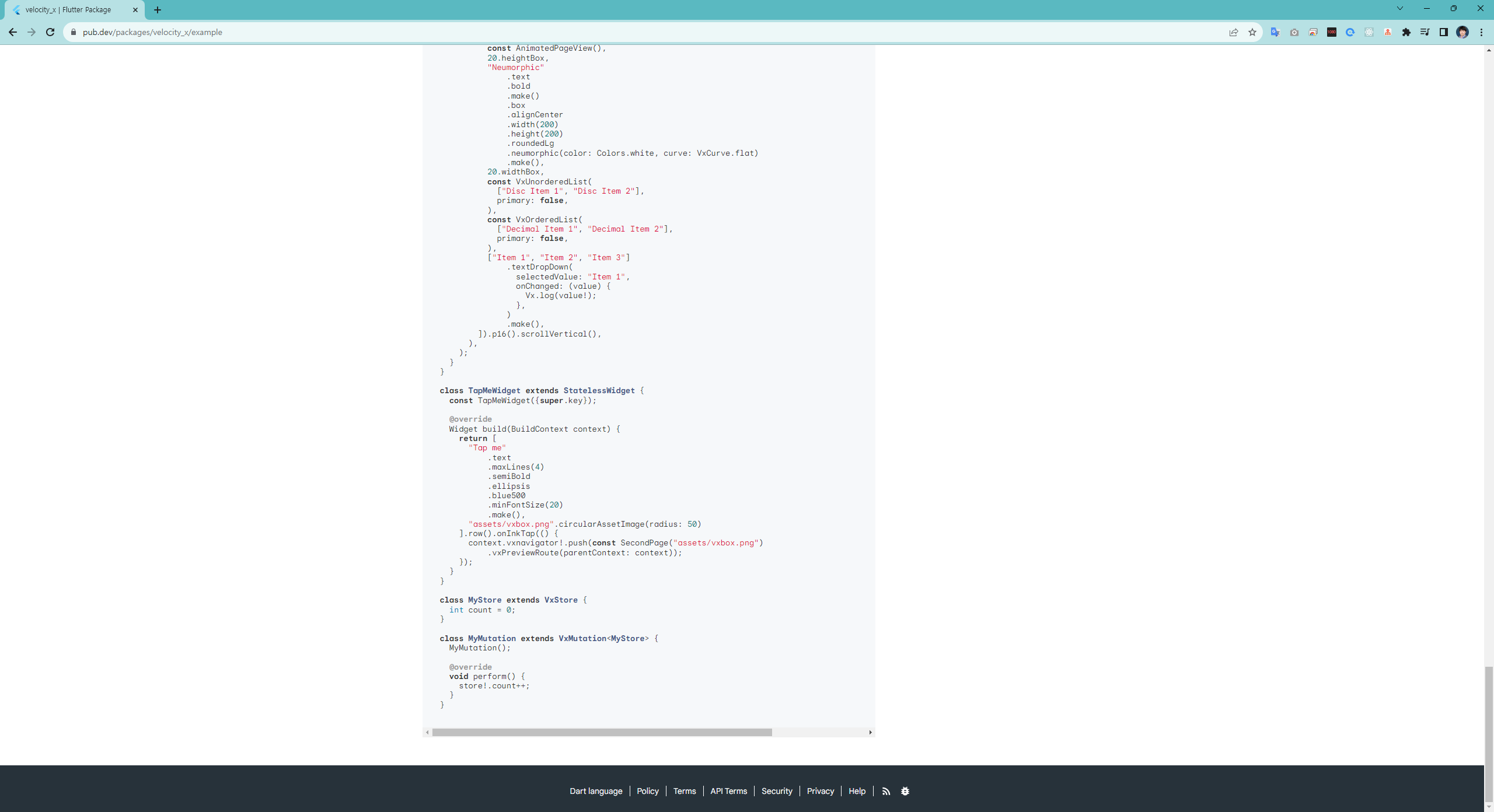
velocity_x
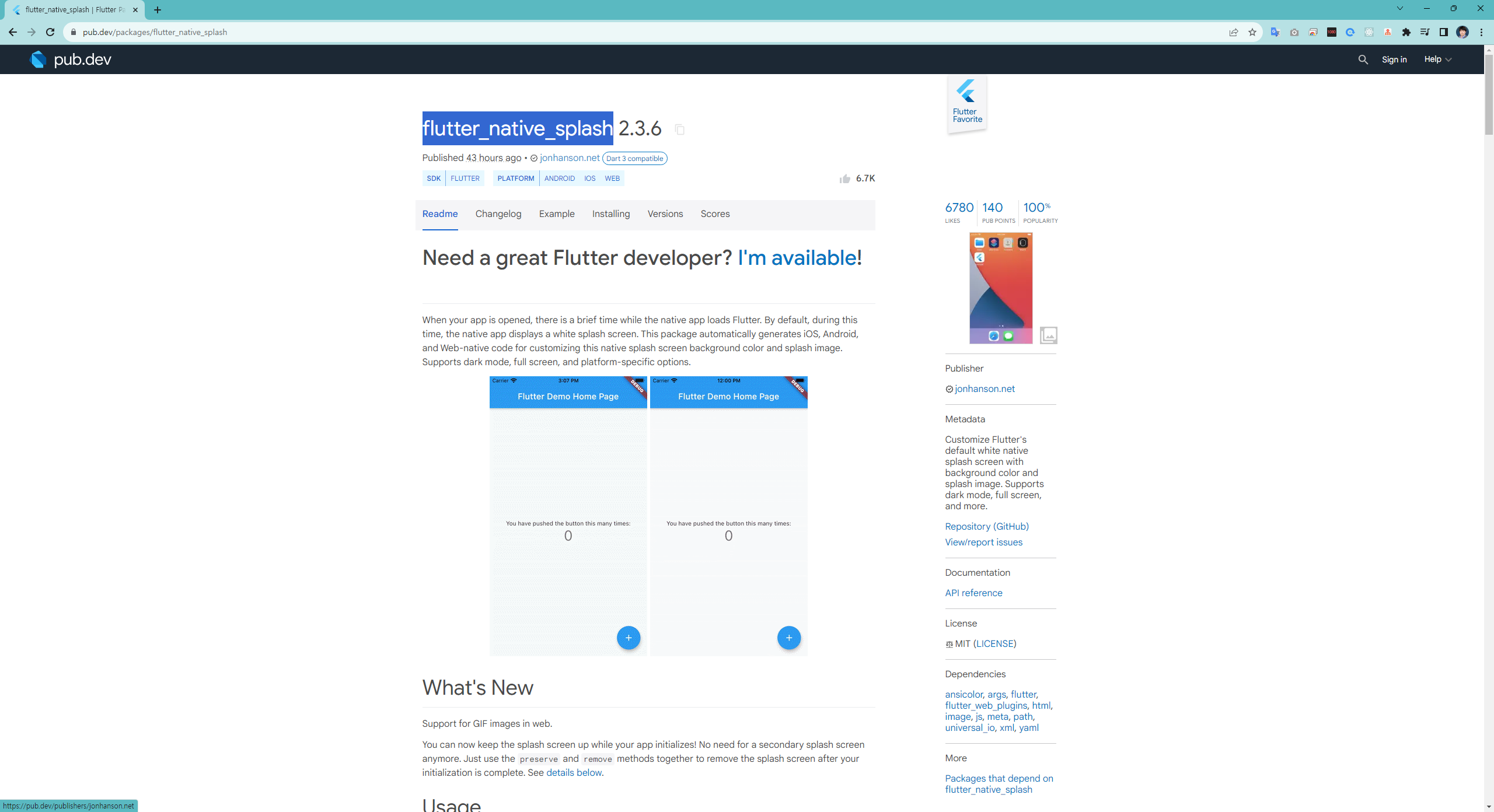
splash
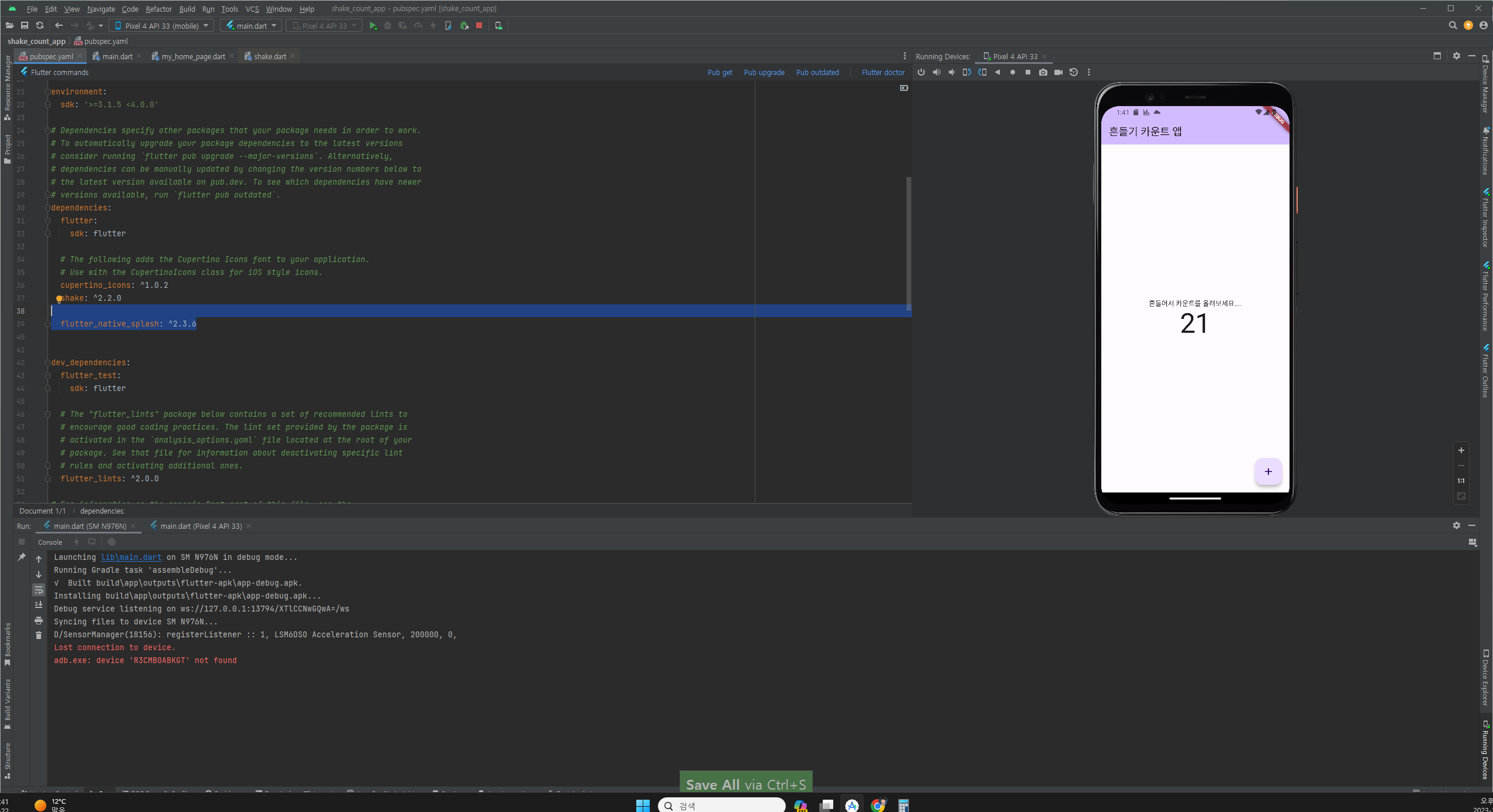
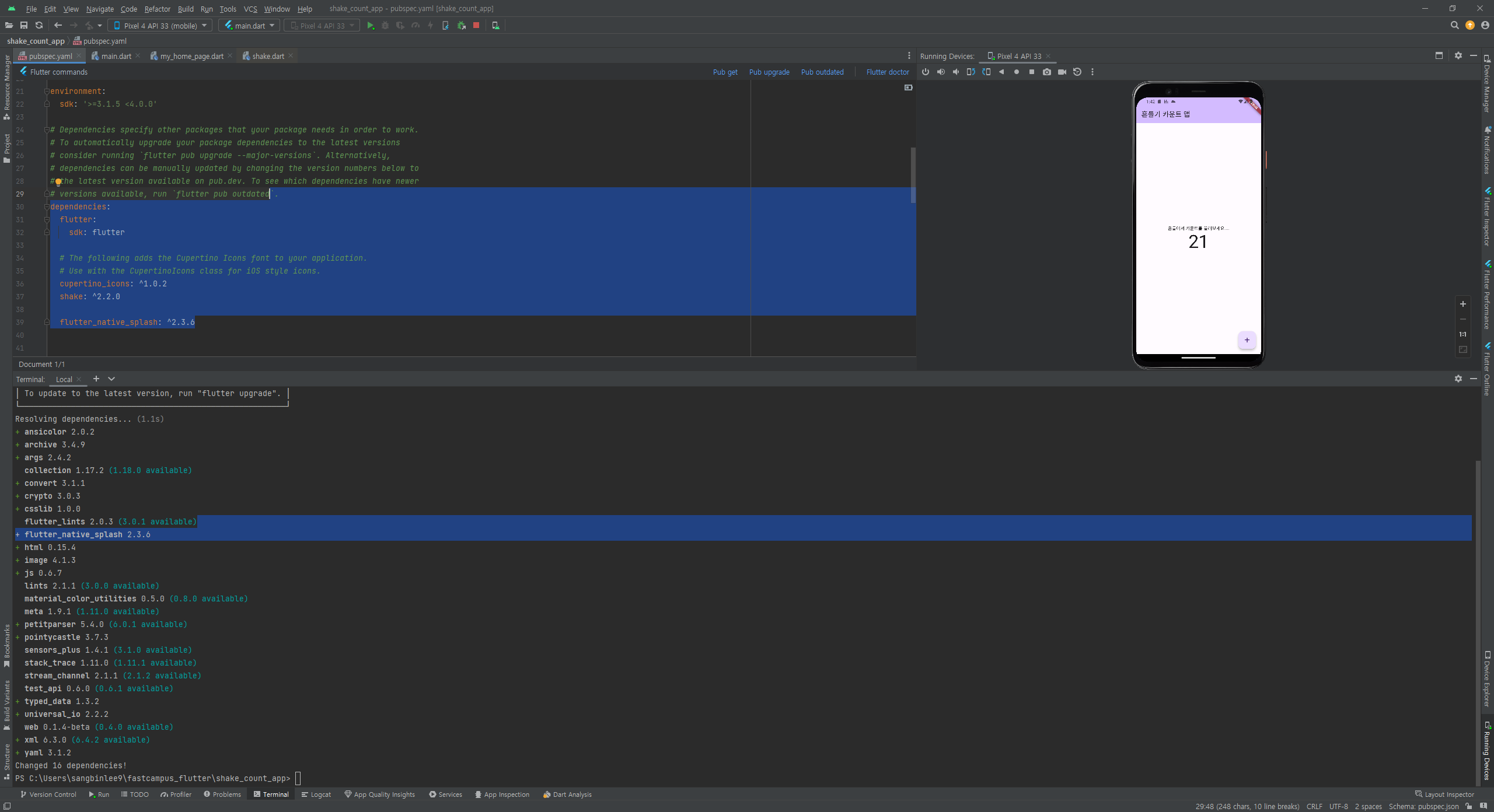
flutter_native_splash
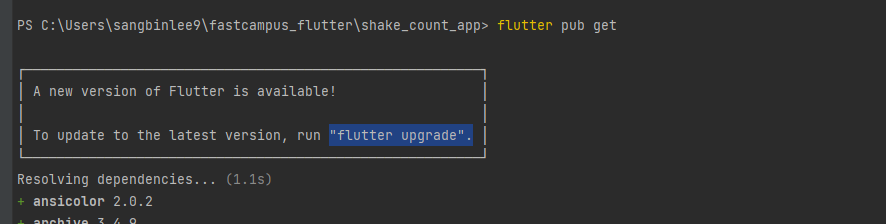
flutter upgrade
---------- build
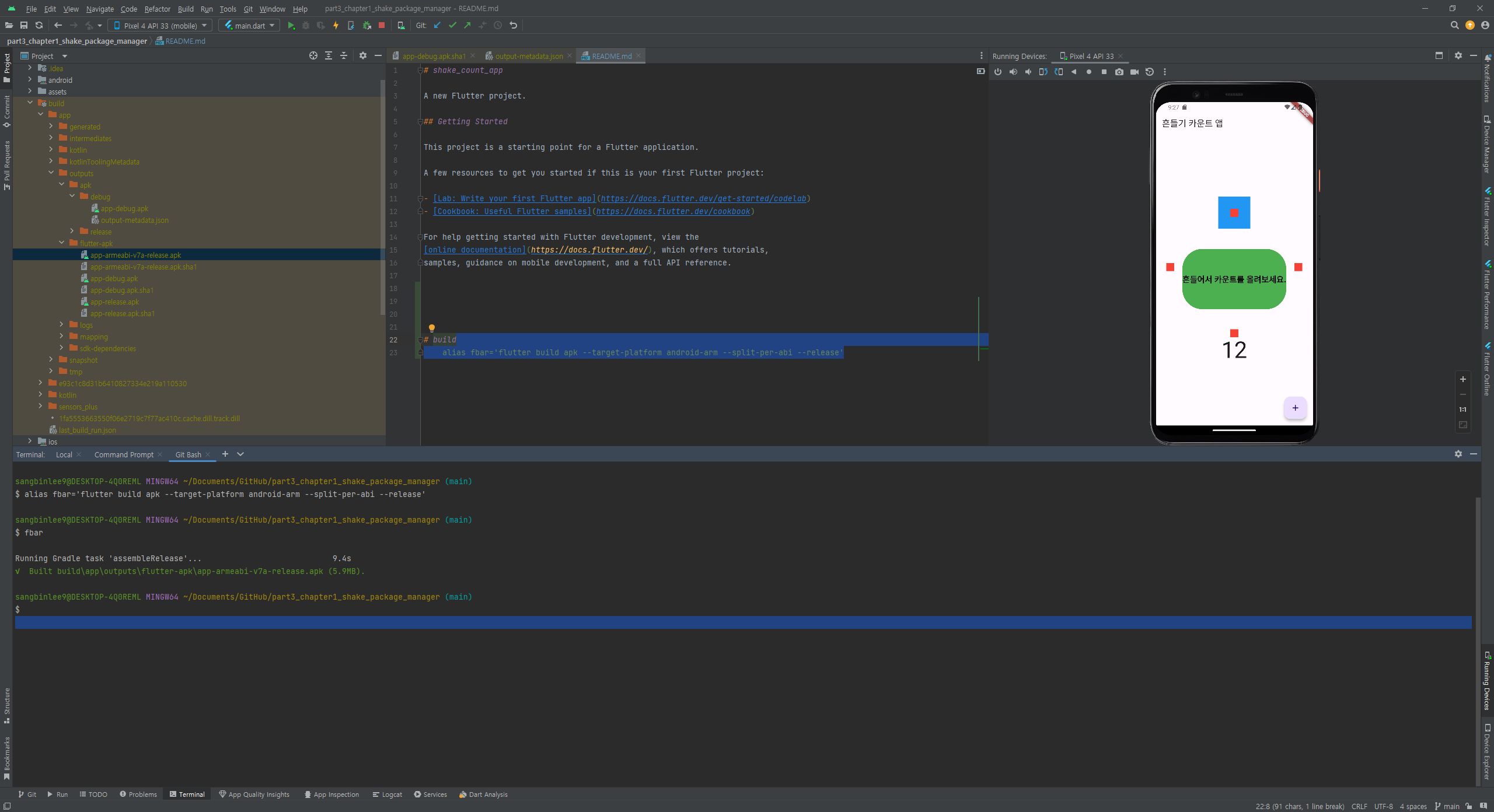
flutter build apk --target-platform android-arm --split-per-abi --release
alias fbar='flutter build apk --target-platform android-arm --split-per-abi --release'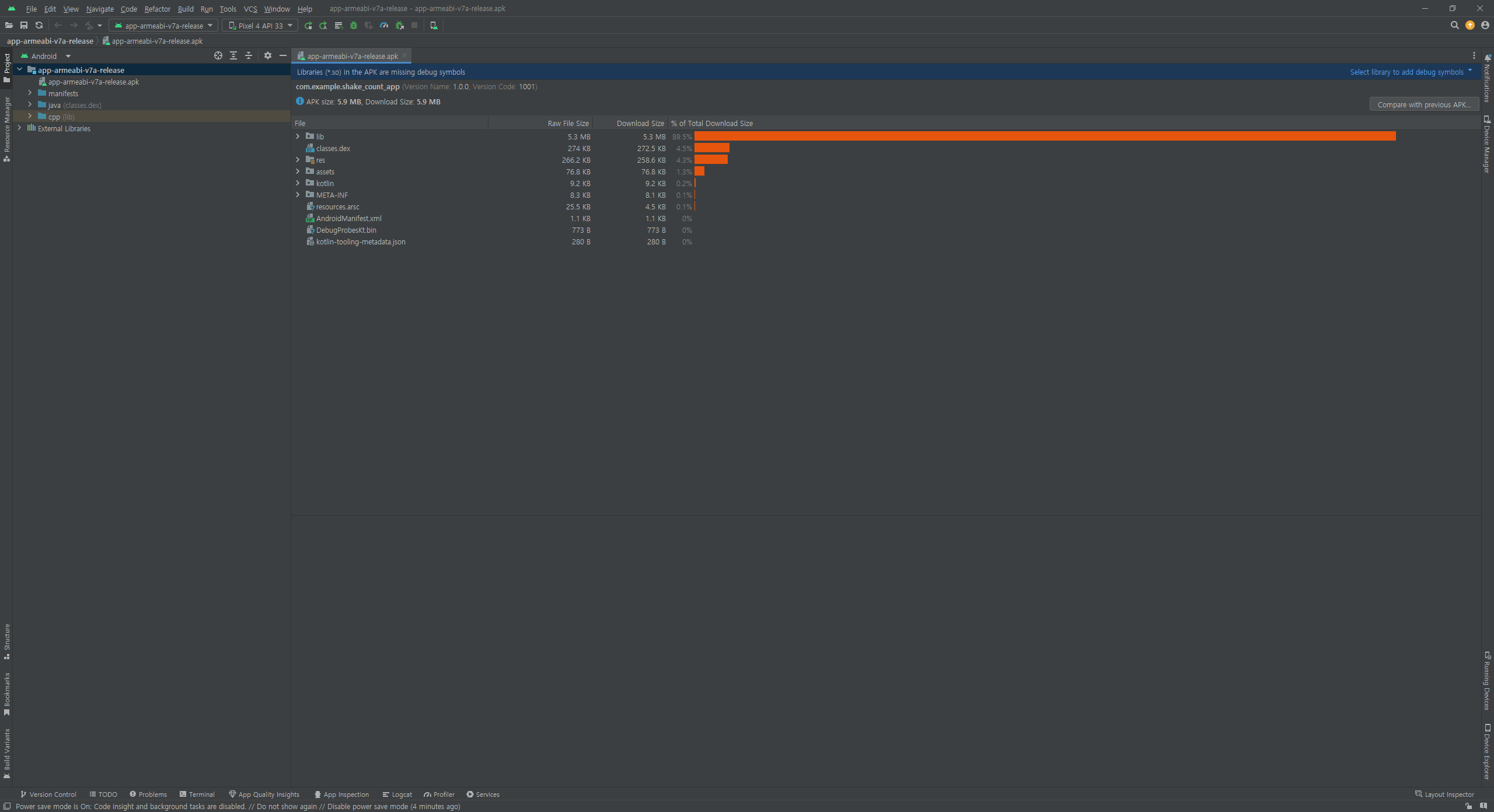
sangbinlee9@DESKTOP-4Q0REML MINGW64 ~/Documents/GitHub/part3_chapter1_shake_package_manager (main)
$ alias fbar='flutter build apk --target-platform android-arm --split-per-abi --release'
sangbinlee9@DESKTOP-4Q0REML MINGW64 ~/Documents/GitHub/part3_chapter1_shake_package_manager (main)
$ fbar
Running Gradle task 'assembleRelease'... 9.4s
√ Built build\app\outputs\flutter-apk\app-armeabi-v7a-release.apk (5.9MB).
sangbinlee9@DESKTOP-4Q0REML MINGW64 ~/Documents/GitHub/part3_chapter1_shake_package_manager (main)
$
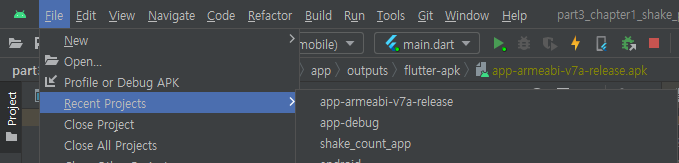
apk 파일 열기
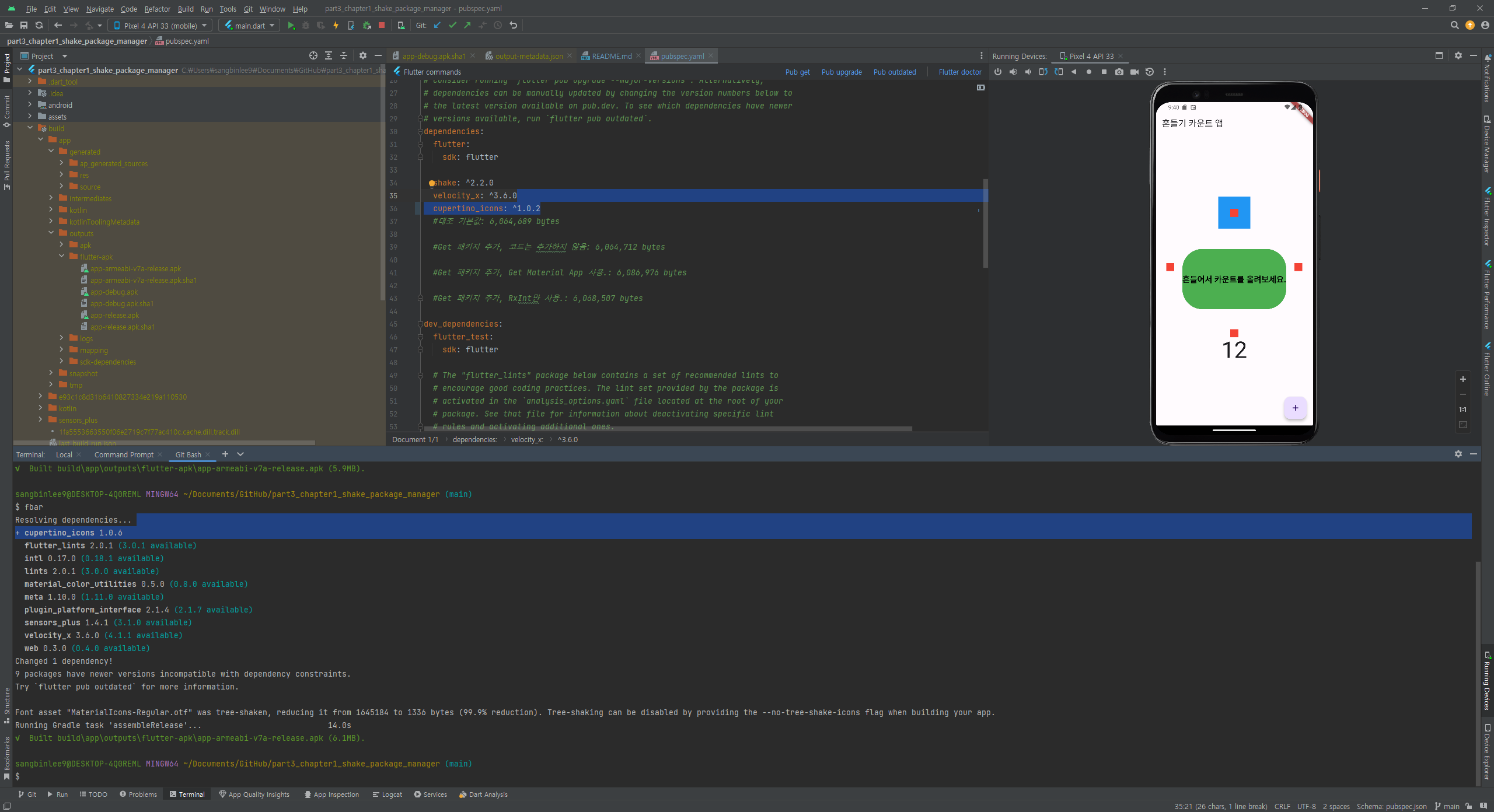
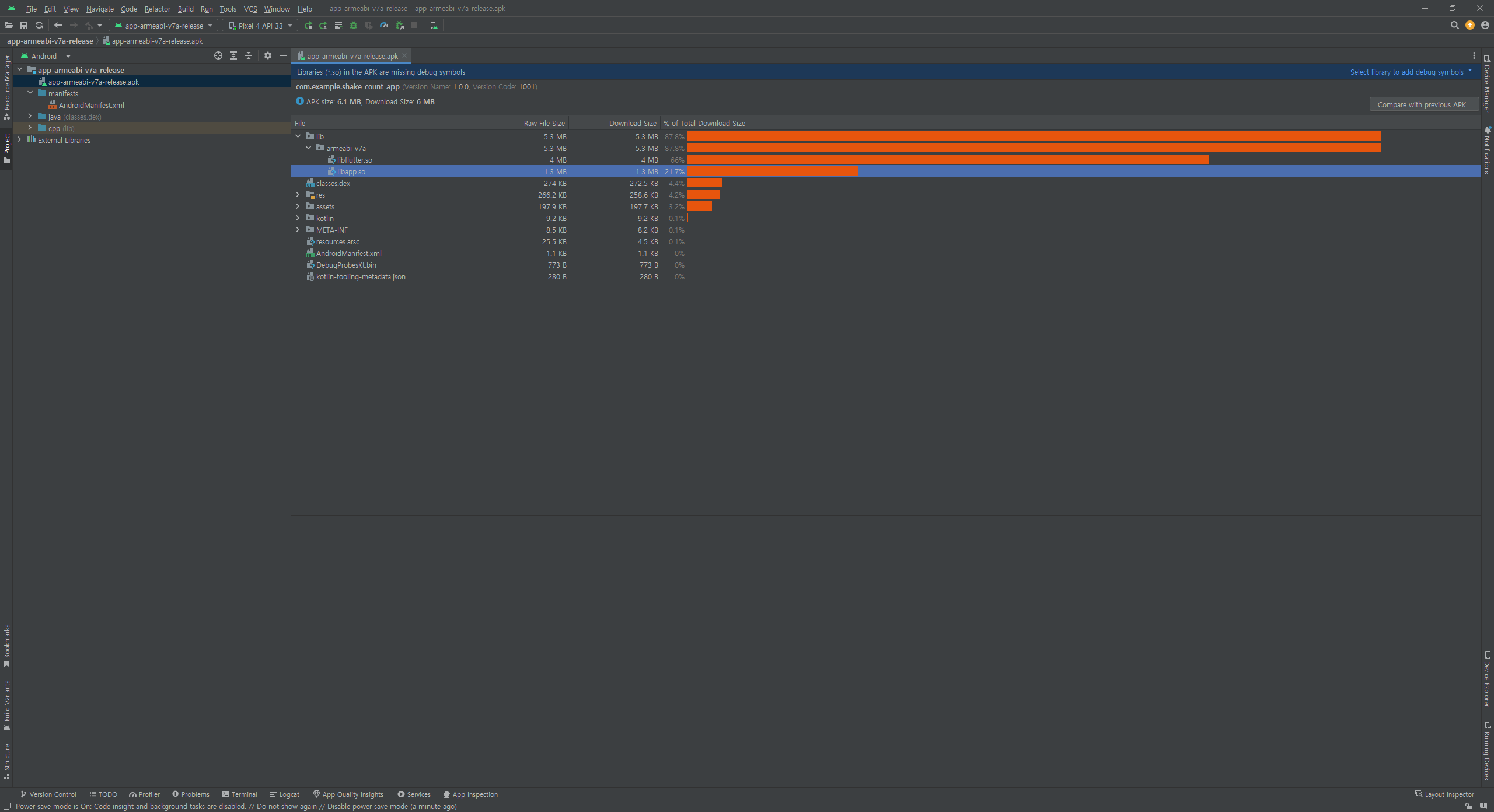
패키지 추가하고 fbar 빌드 명령 실행하면 dependencies를 처리 하고 빌드함. - 똑똑하네...
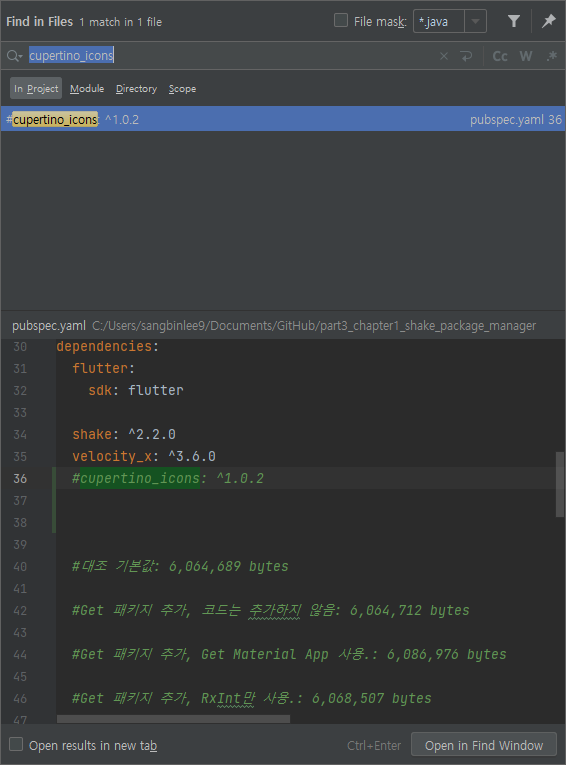
cupertino_icons: ^1.0.2
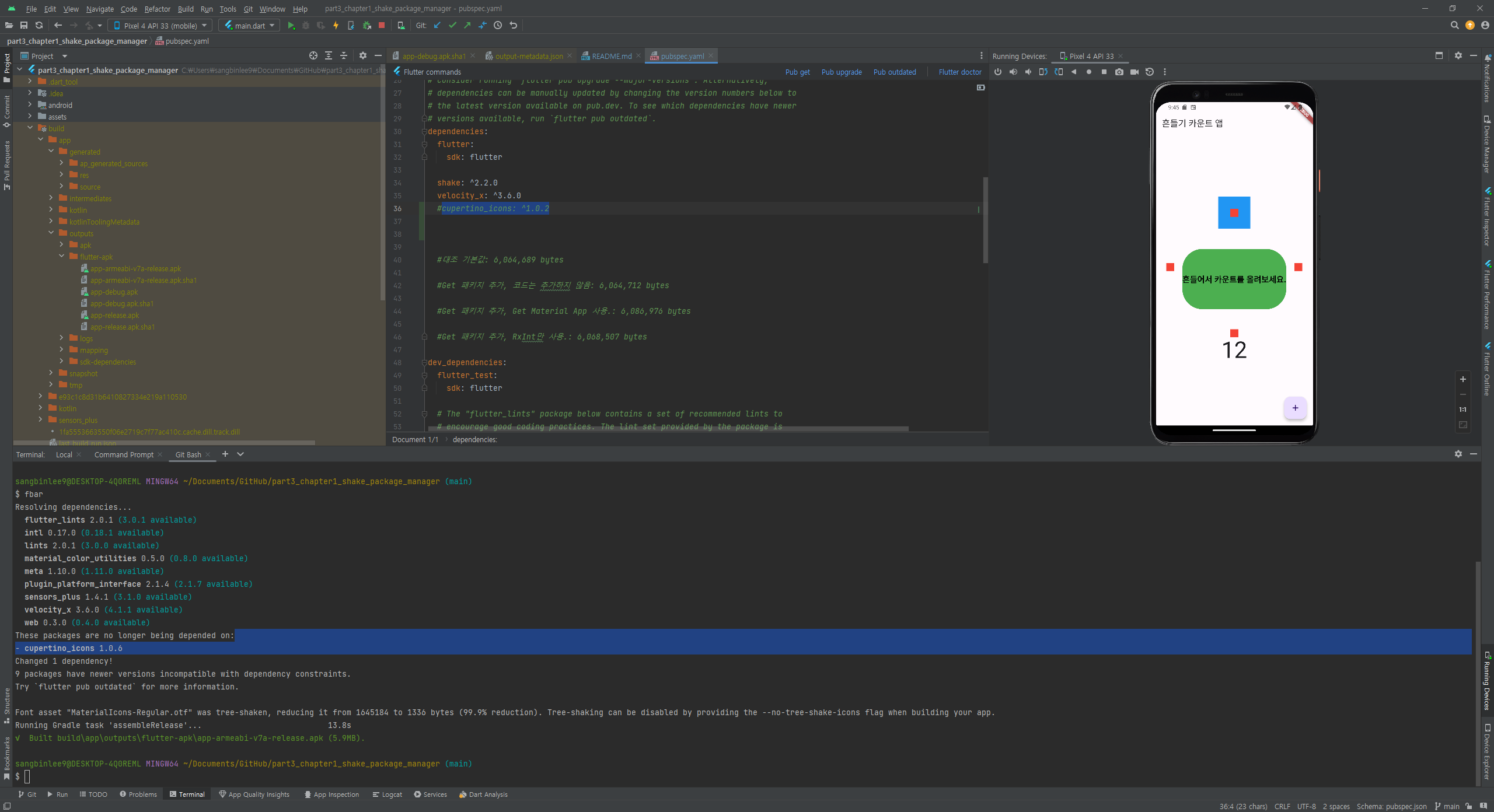
$ fbar
Resolving dependencies...
- cupertino_icons 1.0.6
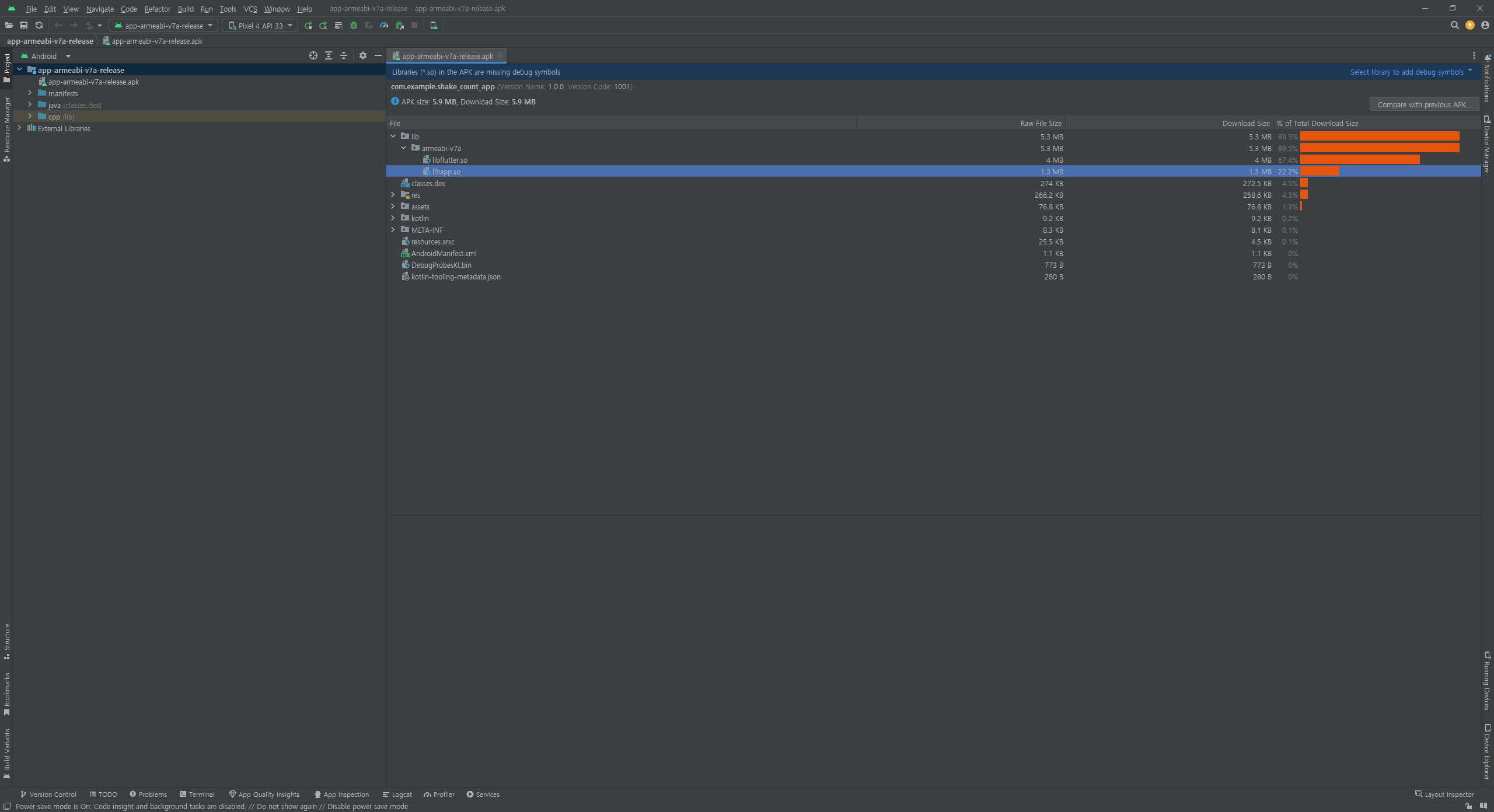
cupertino_icons: ^1.0.2 주석처리하고 fbar 빌드 하면
참조 : https://ardor-dev.tistory.com/95
nullable 변수 선언 또는 late 키워드 사용
- ShakeDetector? detector;
- late ShakeDetector detector;
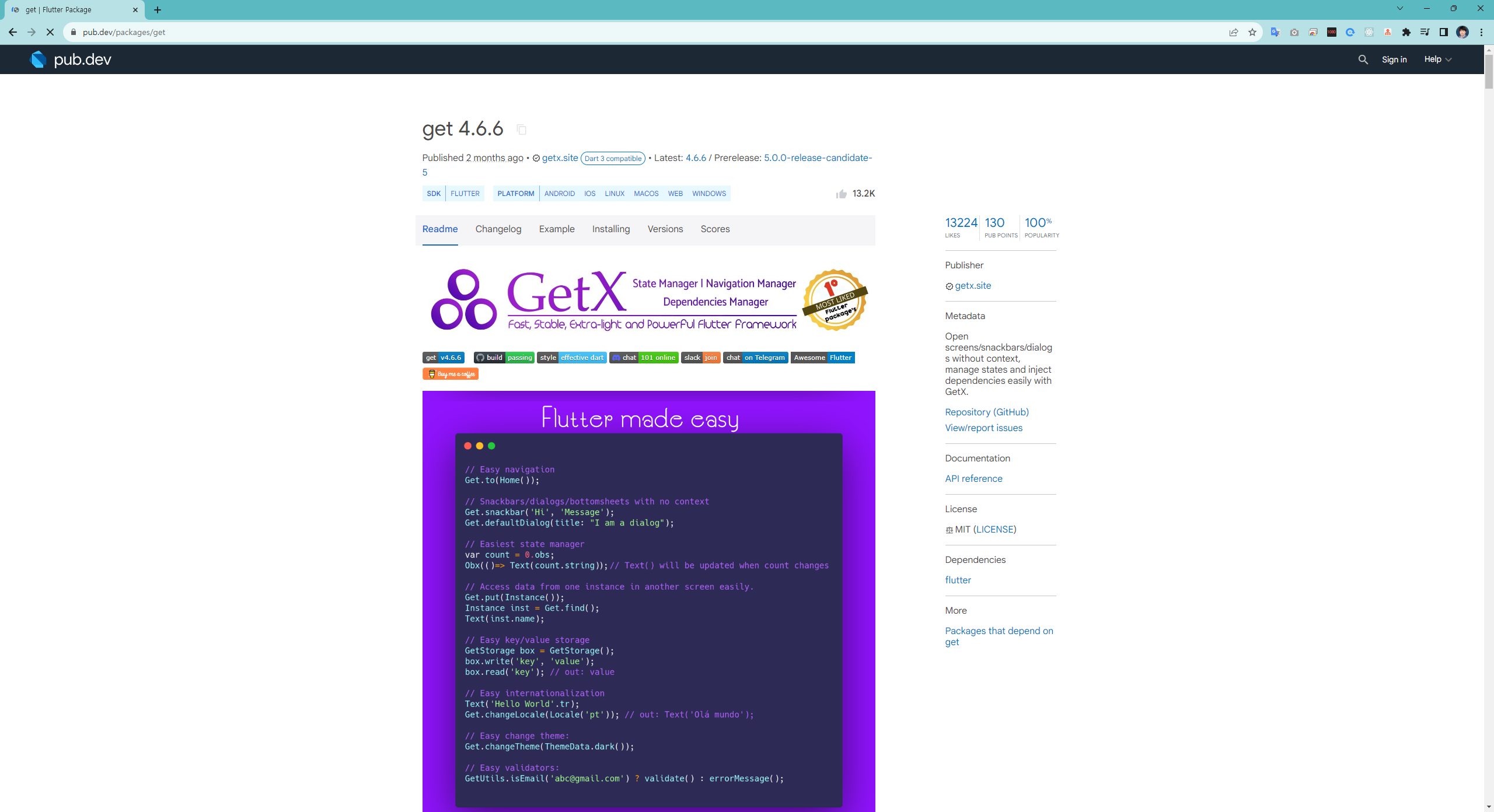
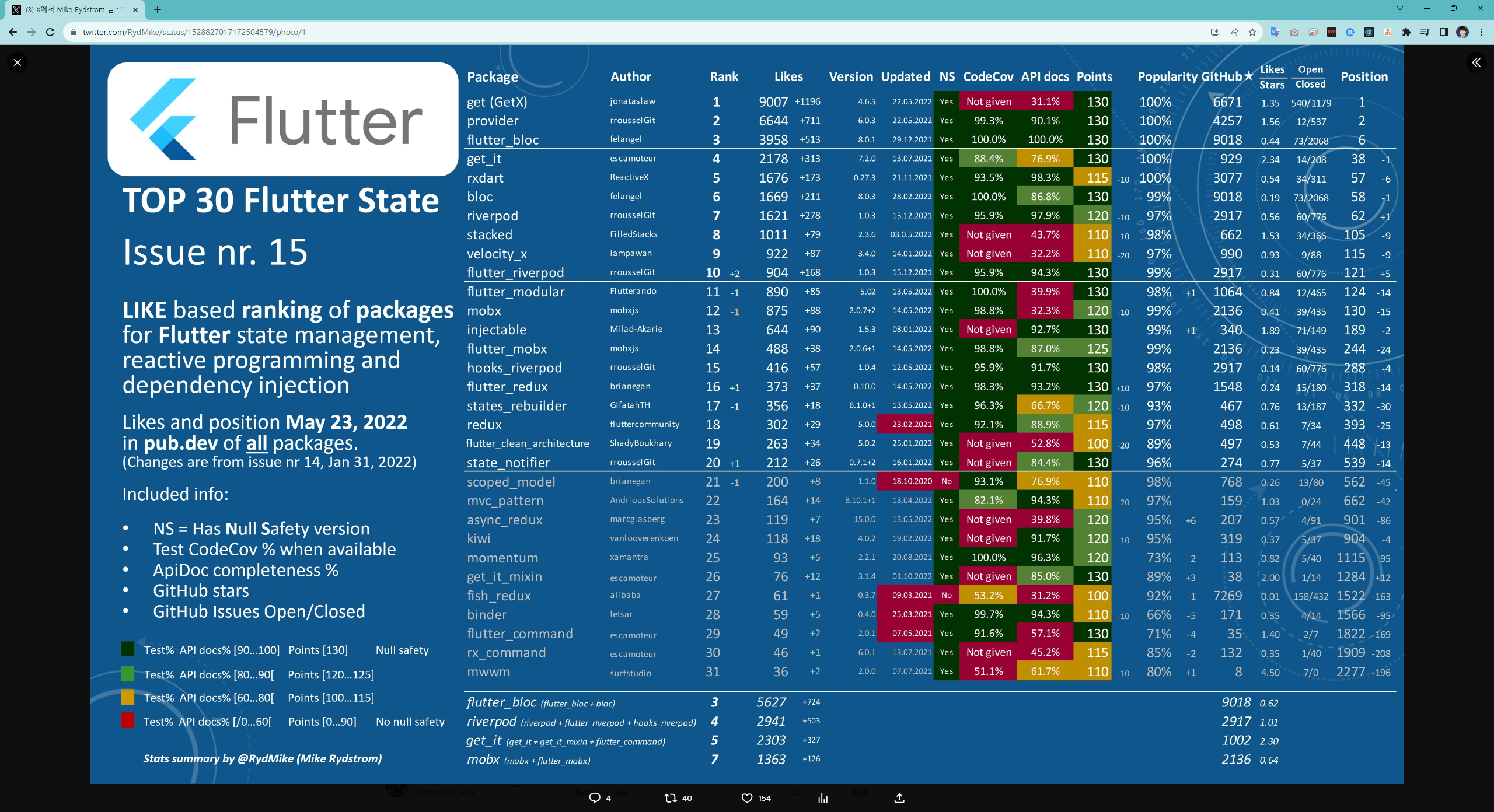
state 상태관리 패키지
앱에 사용한 라이센스 자동 ?
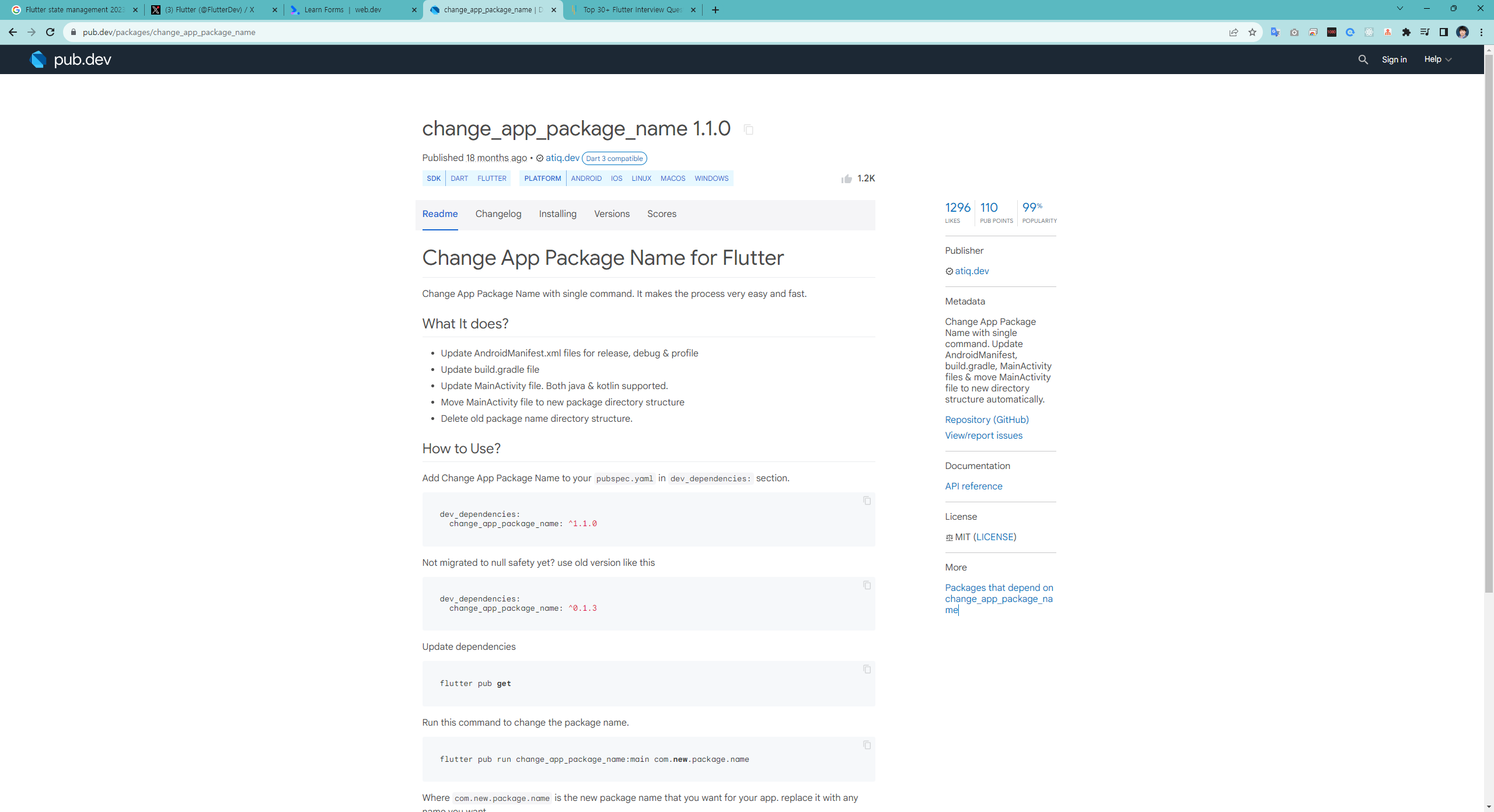
배포 패키지명 관리?
https://pub.dev/packages/change_app_package_name
Run Rive anywhere
advanced dart
future, async, await, stream
lambdas
functional programming
isolates
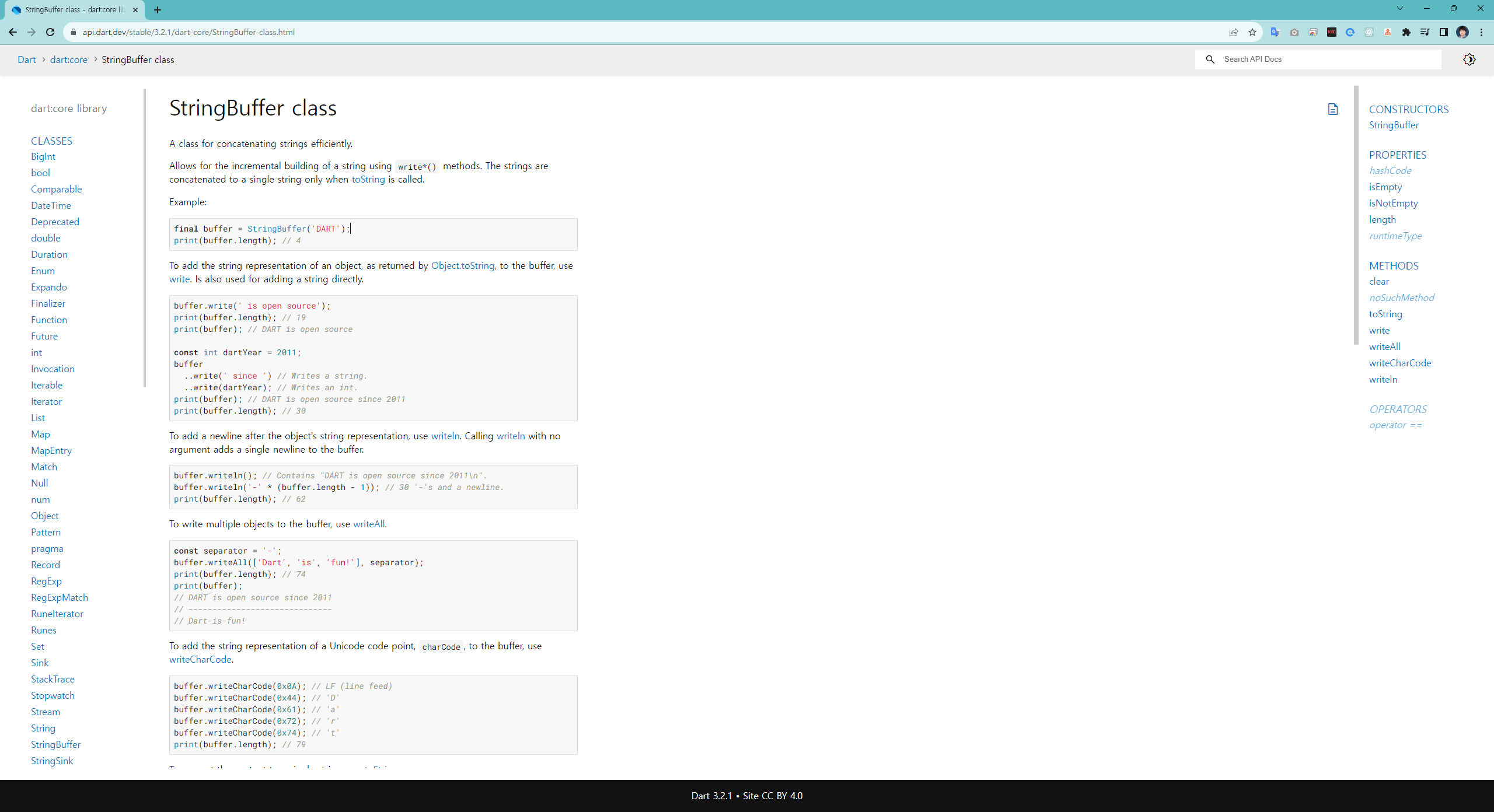
dart:core library
solid
dry
kiss
design pattern
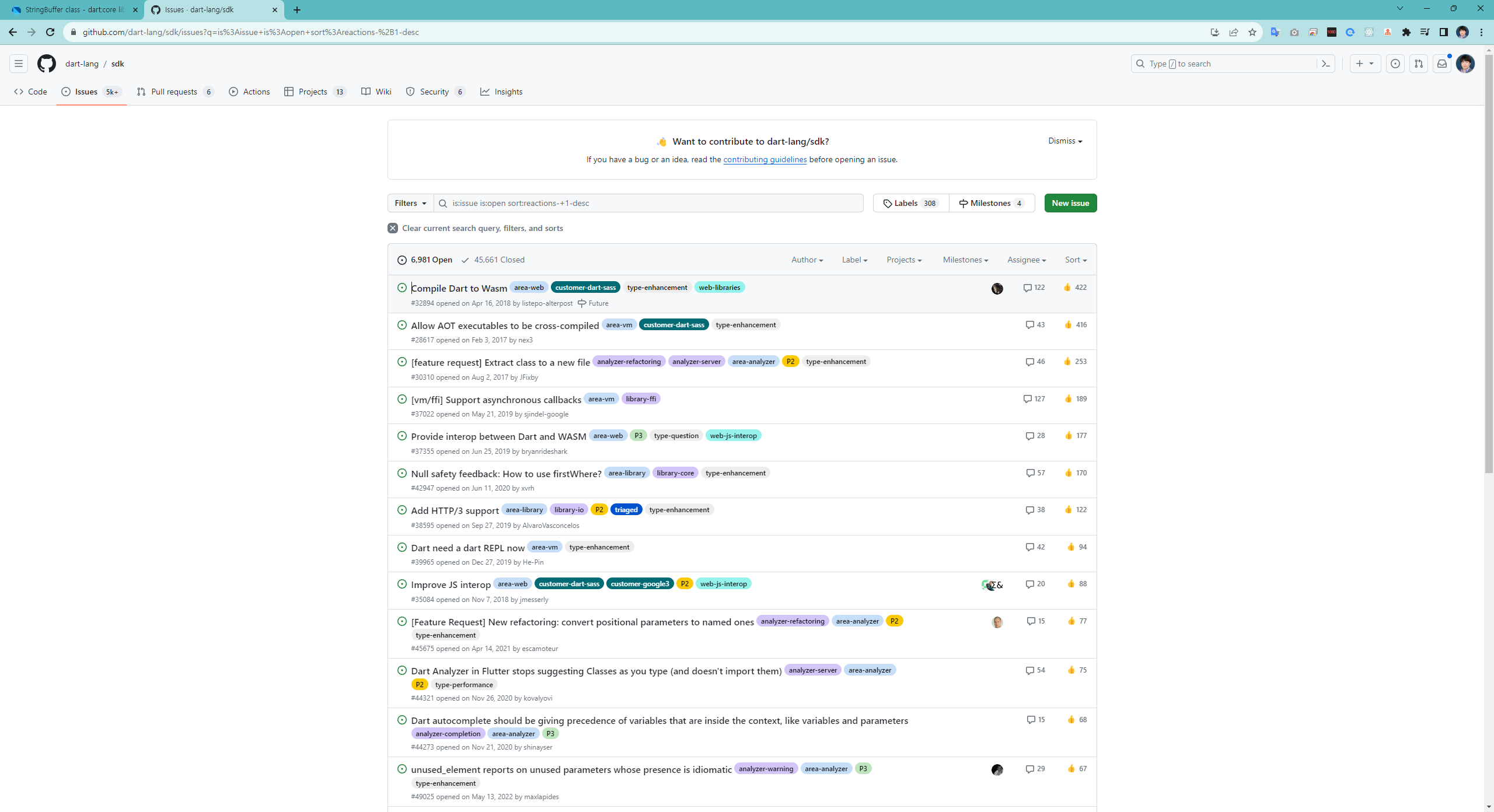
https://github.com/dart-lang/sdk/issues?q=is%3Aissue+is%3Aopen+sort%3Areactions-%2B1-desc