import { useState, useRef, useEffect } from 'react';
import styled from 'styled-components';

export const ModalContainer = styled.div`
  // TODO : Modal을 구현하는데 전체적으로 필요한 CSS를 구현합니다.
  background-color: black;
  display:flex;
  justify-content: center;
  align-items: center;
  height: 318px;
  position: relative;
`;

export const ModalBackdrop = styled.div`
  // TODO : Modal이 떴을 때의 배경을 깔아주는 CSS를 구현합니다.
  background-color: rgba( 255, 255, 255, 0.5 );
  display:flex;
  justify-content: center;
  align-items: center;
  top: 0px;
  left: 0px;
  right: 0px;
  bottom:0px;
  position: fixed;
  z-index: 1;
`;

export const ModalBtn = styled.button`
  background-color: var(--coz-purple-600);
  text-decoration: none;
  border: none;
  padding: 20px;
  color: white;
  border-radius: 30px;
  cursor: grab;
`;

export const ModalView = styled.div.attrs((props) => ({
  // attrs 메소드를 이용해서 아래와 같이 div 엘리먼트에 속성을 추가할 수 있습니다.
  role: 'dialog',
}))`
  display: flex;
  justify-content: center;
  background-color:whitesmoke;
  border-radius: 10px;
  width: 300px;
  height: 100px;
  align-items: center;
  position: relative;
`;

export const Modal = () => {
  const [isOpen, setIsOpen] = useState(false);
  const outSection = useRef();

  useEffect(() => {
    const clickOutside = (e) => {
      // 모달이 열려 있고 모달의 바깥쪽을 눌렀을 때 창 닫기
      if (isOpen && outSection.current && !outSection.current.contains(e.target)) {
        setIsOpen(false);
      }
    };

    document.addEventListener("mousedown", clickOutside);

    return () => {
      // Cleanup the event listener
      document.removeEventListener("mousedown", clickOutside);
    };
  }, [isOpen]);


  const openModalHandler = () => {
    // TODO : isOpen의 상태를 변경하는 메소드를 구현합니다.
    setIsOpen(!isOpen)
  };

  return (
    <>
      <ModalContainer>
        <ModalBtn onClick={openModalHandler}>{isOpen ? 'Opened!':'Open Modal'}</ModalBtn>

        {isOpen? <ModalBackdrop ><ModalView ref={outSection}><div>나타나는창</div></ModalView></ModalBackdrop>
        :null}
      </ModalContainer>
    </>
  );
};
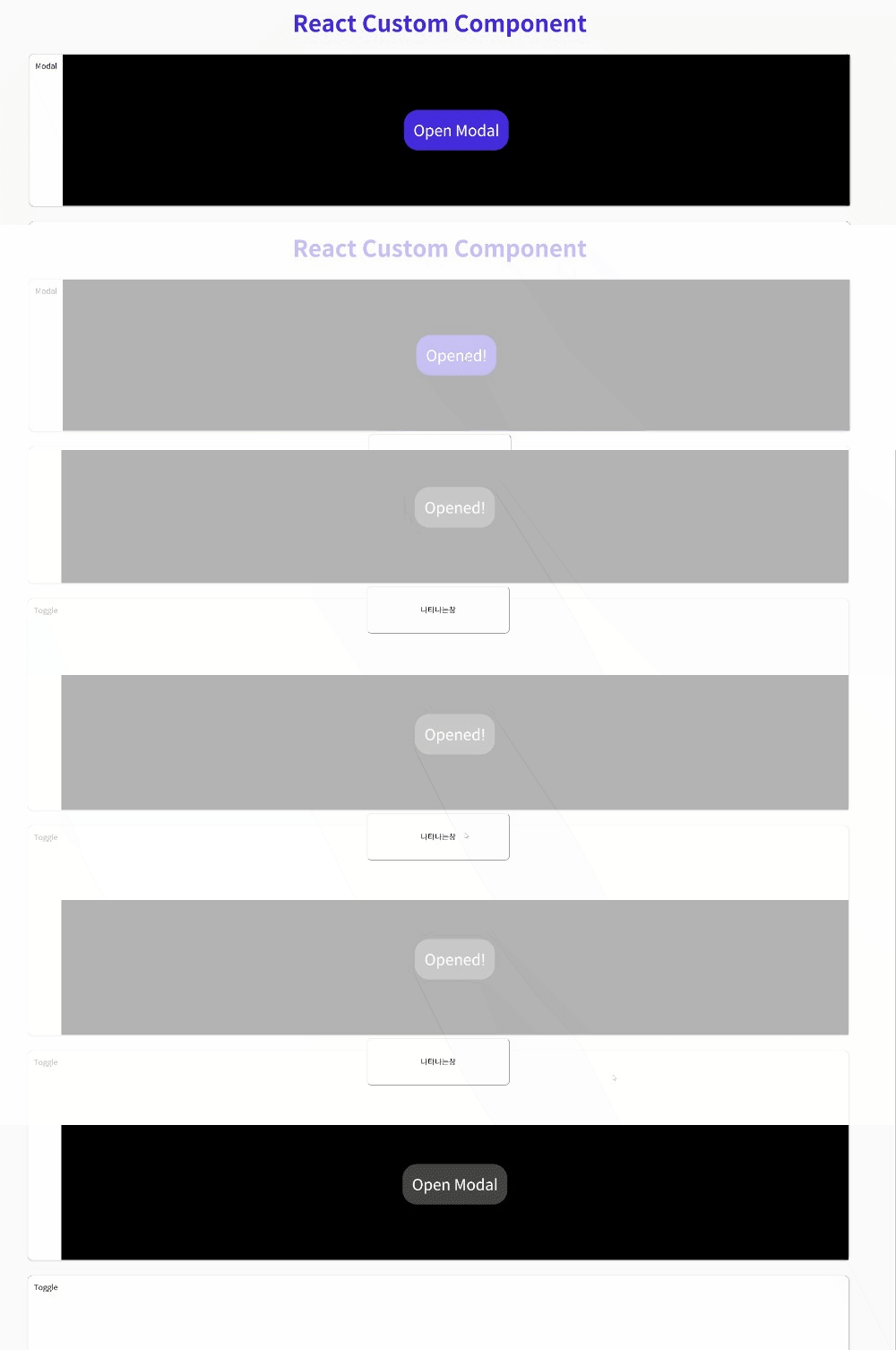
useRef를 이용하여 모달창 외부를 클릭할시 닫히도록 구현하였다.
개발자의 길에 당차게 들어서다!!