UICollectionView.register 에서 UICollectionView.CellRegistration로 전환하는 최소한의 코드만 포함된 샘플을 만들어 봤습니다
Compositional Layout, DiffableDataSource 등을 처음 들어보셨다면 WWDC 등을 참고하셔서 개념을 한번 확인한 후에 보시면 좋을 것 같습니다
기존 UICollectionView.register
해당 CollectionView에서 사용할 UICollectionViewCell을 등록하는 방식입니다.
String인 reuseIdentifier를 통해 cell을 관리합니다.
한 CollectionView에 하나의 UICollectionViewCell만 등록이 가능합니다.
점차 UI가 복잡해짐에 따라 한 화면 내에 여러가지 종류의 UICollectionViewCell을 보여주기 위해서 많은 UICollectionView를 배치하고 중첩시켜야 하는 어려움을 겪게 되었습니다. (TableView 안에 CollectionView가 3개 들어가는 참사가..)
예시 코드
private let todoList: [Todo] = Array(0...50).map { "할일 \($0)" }

private func configureTodoList() {
    self.todoCollectionView.delegate = self

    self.todoCollectionView.register(TodoCell.self, forCellWithReuseIdentifier: TodoCell.identifier)
    self.todoCollectionView.dataSource = self
}

extension ViewController: UICollectionViewDataSource {
    func collectionView(_ collectionView: UICollectionView, numberOfItemsInSection section: Int) -> Int {
        return self.todoList.count
    }

    func collectionView(_ collectionView: UICollectionView, cellForItemAt indexPath: IndexPath) -> UICollectionViewCell {
        guard let cell = collectionView.dequeueReusableCell(withReuseIdentifier: TodoCell.identifier, for: indexPath) as? TodoCell else {
            return UICollectionViewCell()
        }


        let todo = self.todoList[indexPath.row]
        cell.configure(todo)

        return cell
    }
}
신규 UICollectionView.CellRegistration
iOS 14.0부터 도입되었습니다
여러 형태의 UICollectionViewCell을 하나의 UICollectionView에서 제공할 수 있게 되었습니다.
SnapShot을 통해 매번 전체 데이터를 reload 할 필요 없이 변경사항만 확인하여 UI를 업데이트 합니다.
예시 코드
private let todoList: [Todo] = Array(0...50).map { "할일 \($0)" }

enum Section {
    case main
}

private var dataSource: UICollectionViewDiffableDataSource<Section, Todo>!

private func configureTodoList() {
    self.todoCollectionView.delegate = self

    let cellRegistration = UICollectionView.CellRegistration<TodoCell, Todo> { cell, indexPath, todo in
        cell.configure(todo)
    }

    dataSource = UICollectionViewDiffableDataSource<Section, Todo>(collectionView: self.todoCollectionView, cellProvider: { collectionView, indexPath, todo in

        return collectionView.dequeueConfiguredReusableCell(using: cellRegistration, for: indexPath, item: todo)
    })

    var snapshot = NSDiffableDataSourceSnapshot<Section, Todo>()
    snapshot.appendSections([.main])
    snapshot.appendItems(self.todoList, toSection: .main)

    dataSource.apply(snapshot)
}
전체 코드
벨로그 토글 왜 사라졌나요..
UICollectionView.register 사용
import UIKit

typealias Todo = String

class ViewController: UIViewController {

    override func viewDidLoad() {
        super.viewDidLoad()

        configureUI()
        configureAutoLayout()
        configureTodoList()
    }

    //MARK: - UI
    private var todoCollectionView: UICollectionView = {
        let size = NSCollectionLayoutSize(
            widthDimension: NSCollectionLayoutDimension.fractionalWidth(1),
            heightDimension: NSCollectionLayoutDimension.estimated(50)
        )

        let item = NSCollectionLayoutItem(layoutSize: size)
        let group = NSCollectionLayoutGroup.vertical(layoutSize: size, subitems: [item])

        let section = NSCollectionLayoutSection(group: group)
        section.contentInsets = NSDirectionalEdgeInsets(top: 10, leading: 10, bottom: 10, trailing: 10)
        section.interGroupSpacing = 5

        let layout = UICollectionViewCompositionalLayout(section: section)

        return UICollectionView(frame: .zero, collectionViewLayout: layout)
    }()

    private func configureUI() {
        [
            self.todoCollectionView
        ].forEach { self.view.addSubview($0) }
    }

    private func configureAutoLayout() {
        [
            self.todoCollectionView
        ].forEach { $0.translatesAutoresizingMaskIntoConstraints = false }

        NSLayoutConstraint.activate([
            self.todoCollectionView.topAnchor.constraint(equalTo: self.view.safeAreaLayoutGuide.topAnchor),
            self.todoCollectionView.leadingAnchor.constraint(equalTo: self.view.safeAreaLayoutGuide.leadingAnchor),
            self.todoCollectionView.trailingAnchor.constraint(equalTo: self.view.safeAreaLayoutGuide.trailingAnchor),
            self.todoCollectionView.bottomAnchor.constraint(equalTo: self.view.safeAreaLayoutGuide.bottomAnchor)
        ])
    }

    //MARK: - Configure TodoList CollectionView ⭐️⭐️⭐️⭐️⭐️
    private let todoList: [Todo] = Array(0...50).map { "할일 \($0)" }

    private func configureTodoList() {
        self.todoCollectionView.delegate = self

        self.todoCollectionView.register(TodoCell.self, forCellWithReuseIdentifier: TodoCell.identifier)
        self.todoCollectionView.dataSource = self
    }
}

extension ViewController: UICollectionViewDataSource {
    func collectionView(_ collectionView: UICollectionView, numberOfItemsInSection section: Int) -> Int {
        return self.todoList.count
    }

    func collectionView(_ collectionView: UICollectionView, cellForItemAt indexPath: IndexPath) -> UICollectionViewCell {
        guard let cell = collectionView.dequeueReusableCell(withReuseIdentifier: TodoCell.identifier, for: indexPath) as? TodoCell else {
            return UICollectionViewCell()
        }


        let todo = self.todoList[indexPath.row]
        cell.configure(todo)

        return cell
    }
}

extension ViewController: UICollectionViewDelegate {
    func collectionView(_ collectionView: UICollectionView, didSelectItemAt indexPath: IndexPath) {
        print("selected cell at index of \(indexPath.row)")
    }
}

class TodoCell: UICollectionViewListCell {

    static let identifier = "todoCell"

    private let titleLabel: UILabel = {
        let label = UILabel()
        label.adjustsFontSizeToFitWidth = true
        label.font = .systemFont(ofSize: 24)
        label.textColor = .black
        label.textAlignment = .left
        return label
    }()

    override init(frame: CGRect) {
        super.init(frame: frame)

        configureUI()
        configureAutoLayout()
    }

    required init?(coder: NSCoder) {
        super.init(coder: coder)

        configureUI()
        configureAutoLayout()
    }

    func configure(_ name: Todo) {
        self.titleLabel.text = name
    }

    //MARK: - UI
    private func configureUI() {
        self.contentView.backgroundColor = .systemGray3

        [
            self.titleLabel
        ].forEach { self.contentView.addSubview($0) }
    }

    private func configureAutoLayout() {
        [
            self.titleLabel
        ].forEach { $0.translatesAutoresizingMaskIntoConstraints = false }

        NSLayoutConstraint.activate([
            self.titleLabel.topAnchor.constraint(equalTo: self.contentView.topAnchor),
            self.titleLabel.leadingAnchor.constraint(equalTo: self.contentView.leadingAnchor),
            self.titleLabel.trailingAnchor.constraint(equalTo: self.contentView.trailingAnchor),
            self.titleLabel.bottomAnchor.constraint(equalTo: self.contentView.bottomAnchor),
        ])
    }
}
UICollectionView.CellRegistration 사용
import UIKit

typealias Todo = String

class ViewController: UIViewController {

    override func viewDidLoad() {
        super.viewDidLoad()

        configureUI()
        configureAutoLayout()
        configureTodoList()
    }

    //MARK: - UI
    private var todoCollectionView: UICollectionView = {
        let size = NSCollectionLayoutSize(
            widthDimension: NSCollectionLayoutDimension.fractionalWidth(1),
            heightDimension: NSCollectionLayoutDimension.estimated(50)
        )

        let item = NSCollectionLayoutItem(layoutSize: size)
        let group = NSCollectionLayoutGroup.vertical(layoutSize: size, subitems: [item])

        let section = NSCollectionLayoutSection(group: group)
        section.contentInsets = NSDirectionalEdgeInsets(top: 10, leading: 10, bottom: 10, trailing: 10)
        section.interGroupSpacing = 5

        let layout = UICollectionViewCompositionalLayout(section: section)

        return UICollectionView(frame: .zero, collectionViewLayout: layout)
    }()

    private func configureUI() {
        [
            self.todoCollectionView
        ].forEach { self.view.addSubview($0) }
    }

    private func configureAutoLayout() {
        [
            self.todoCollectionView
        ].forEach { $0.translatesAutoresizingMaskIntoConstraints = false }

        NSLayoutConstraint.activate([
            self.todoCollectionView.topAnchor.constraint(equalTo: self.view.safeAreaLayoutGuide.topAnchor),
            self.todoCollectionView.leadingAnchor.constraint(equalTo: self.view.safeAreaLayoutGuide.leadingAnchor),
            self.todoCollectionView.trailingAnchor.constraint(equalTo: self.view.safeAreaLayoutGuide.trailingAnchor),
            self.todoCollectionView.bottomAnchor.constraint(equalTo: self.view.safeAreaLayoutGuide.bottomAnchor)
        ])
    }

    //MARK: - Configure TodoList CollectionView ⭐️⭐️⭐️⭐️⭐️
    private let todoList: [Todo] = Array(0...50).map { "할일 \($0)" }

    enum Section {
        case main
    }

    private var dataSource: UICollectionViewDiffableDataSource<Section, Todo>!

    private func configureTodoList() {
        self.todoCollectionView.delegate = self

        let cellRegistration = UICollectionView.CellRegistration<TodoCell, Todo> { cell, indexPath, todo in
            cell.configure(todo)
        }

        dataSource = UICollectionViewDiffableDataSource<Section, Todo>(collectionView: self.todoCollectionView, cellProvider: { collectionView, indexPath, todo in

            return collectionView.dequeueConfiguredReusableCell(using: cellRegistration, for: indexPath, item: todo)
        })

        var snapshot = NSDiffableDataSourceSnapshot<Section, Todo>()
        snapshot.appendSections([.main])
        snapshot.appendItems(self.todoList, toSection: .main)

        dataSource.apply(snapshot)
    }
}

extension ViewController: UICollectionViewDelegate {
    func collectionView(_ collectionView: UICollectionView, didSelectItemAt indexPath: IndexPath) {
        print("selected cell at index of \(indexPath.row)")
    }
}

class TodoCell: UICollectionViewListCell {

    private let titleLabel: UILabel = {
        let label = UILabel()
        label.adjustsFontSizeToFitWidth = true
        label.font = .systemFont(ofSize: 24)
        label.textColor = .black
        label.textAlignment = .left
        return label
    }()

    override init(frame: CGRect) {
        super.init(frame: frame)

        configureUI()
        configureAutoLayout()
    }

    required init?(coder: NSCoder) {
        super.init(coder: coder)

        configureUI()
        configureAutoLayout()
    }

    func configure(_ name: Todo) {
        self.titleLabel.text = name
    }

    //MARK: - UI
    private func configureUI() {
        self.contentView.backgroundColor = .systemGray3

        [
            self.titleLabel
        ].forEach { self.contentView.addSubview($0) }
    }

    private func configureAutoLayout() {
        [
            self.titleLabel
        ].forEach { $0.translatesAutoresizingMaskIntoConstraints = false }

        NSLayoutConstraint.activate([
            self.titleLabel.topAnchor.constraint(equalTo: self.contentView.topAnchor),
            self.titleLabel.leadingAnchor.constraint(equalTo: self.contentView.leadingAnchor),
            self.titleLabel.trailingAnchor.constraint(equalTo: self.contentView.trailingAnchor),
            self.titleLabel.bottomAnchor.constraint(equalTo: self.contentView.bottomAnchor),
        ])
    }
}
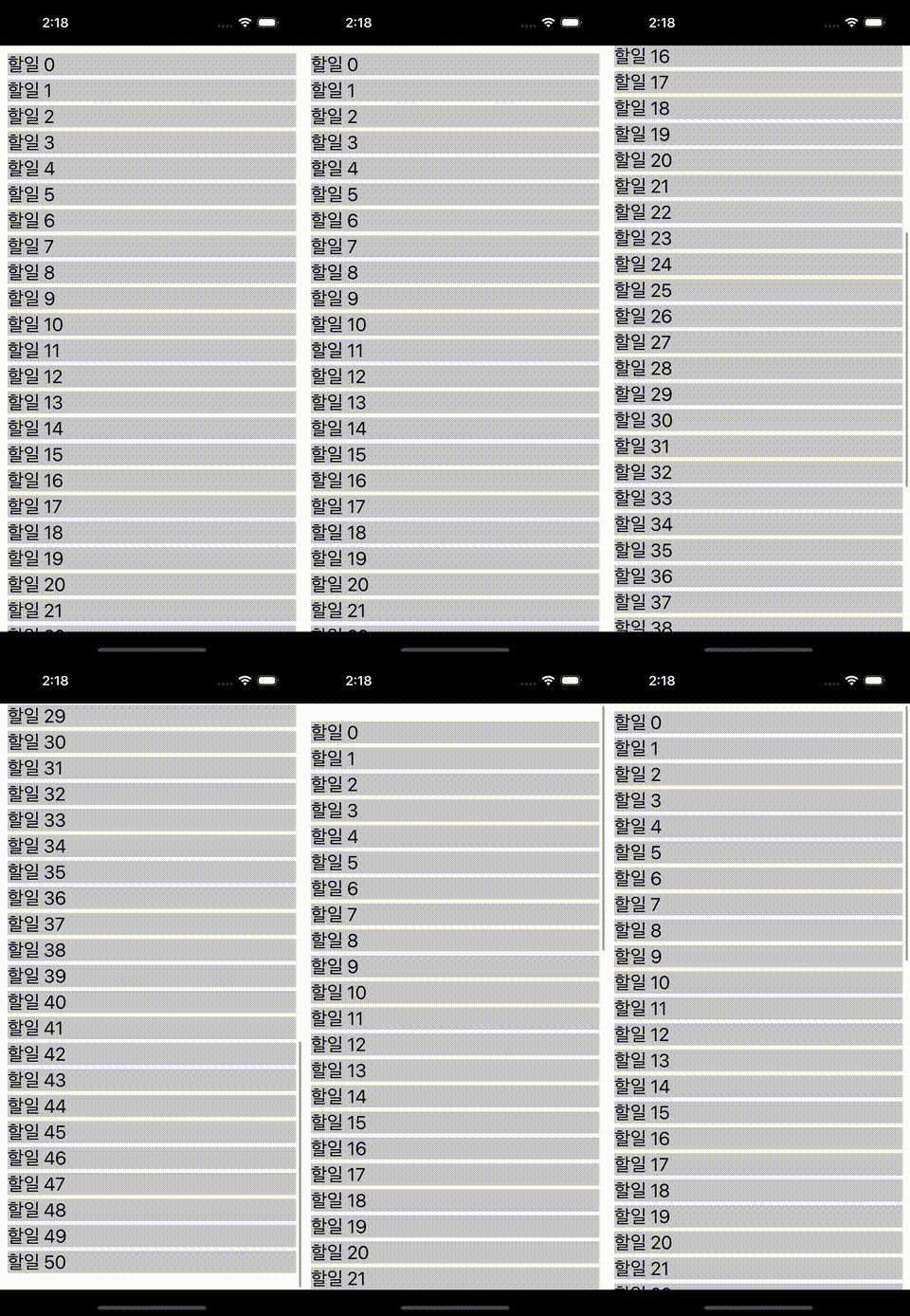
앱화면
추가로 보면 좋을 내용
Compositional Layout
DiffableDataSource

6개의 댓글

CellRegistration를 사용하면 여러개의 Cell을 하나의 UICollectionView에서 사용이 가능하군요 .. !
기존 register을 사용하면서 View에 cell을 등록할때 챙겨야할 코드가 많아서 불편하다고 느낀적이 있었어요. CellRegistration에서는 그런 부분도 개선이 됬을까요 ?
CellRegistration 방식이 아직은 익숙하지 않지만 장점이 많아보입니다 !!

오! 매번 지정하던 cell identifier, typecasting, dequeuereuseablecell도 없어지는 군요!
이전 프로젝트에서 적용해본 적은 한번도 없었는데, 한번 바꿔봐야겠네요.
좋은 정보 감사드립니다~ 🔥
진행중인 프로젝트에서 사용된 모든 tableview나 collectionview를 diffableDatasource로 바꿨었는데 쓰면서 굳이 이제 diffable을 안쓸이유가없겠더라고요
이전에는 protocol의 extension으로 cell을 등록하고 사용하는 코드를 최대한 줄여보려고 코드를 만들어서 썼는데 diffable을 쓰니까 그 과정이 많이 간소화된느낌이네요
아무래도 모든 뷰에서 가장 빈번하게 쓰이는뷰가 tableview나 collectionview형태일텐데 좀 더 편해진 방식이 등장해서 계속 공부해야할것같습니다 ㅎㅎ
추가적으로 코드만있으니가 어떤 뷰인지가 단번에 떠오르지가않아서 실제 UI나 구현결과를 캡쳐해서 올려주시는것도 좋을거같아요!