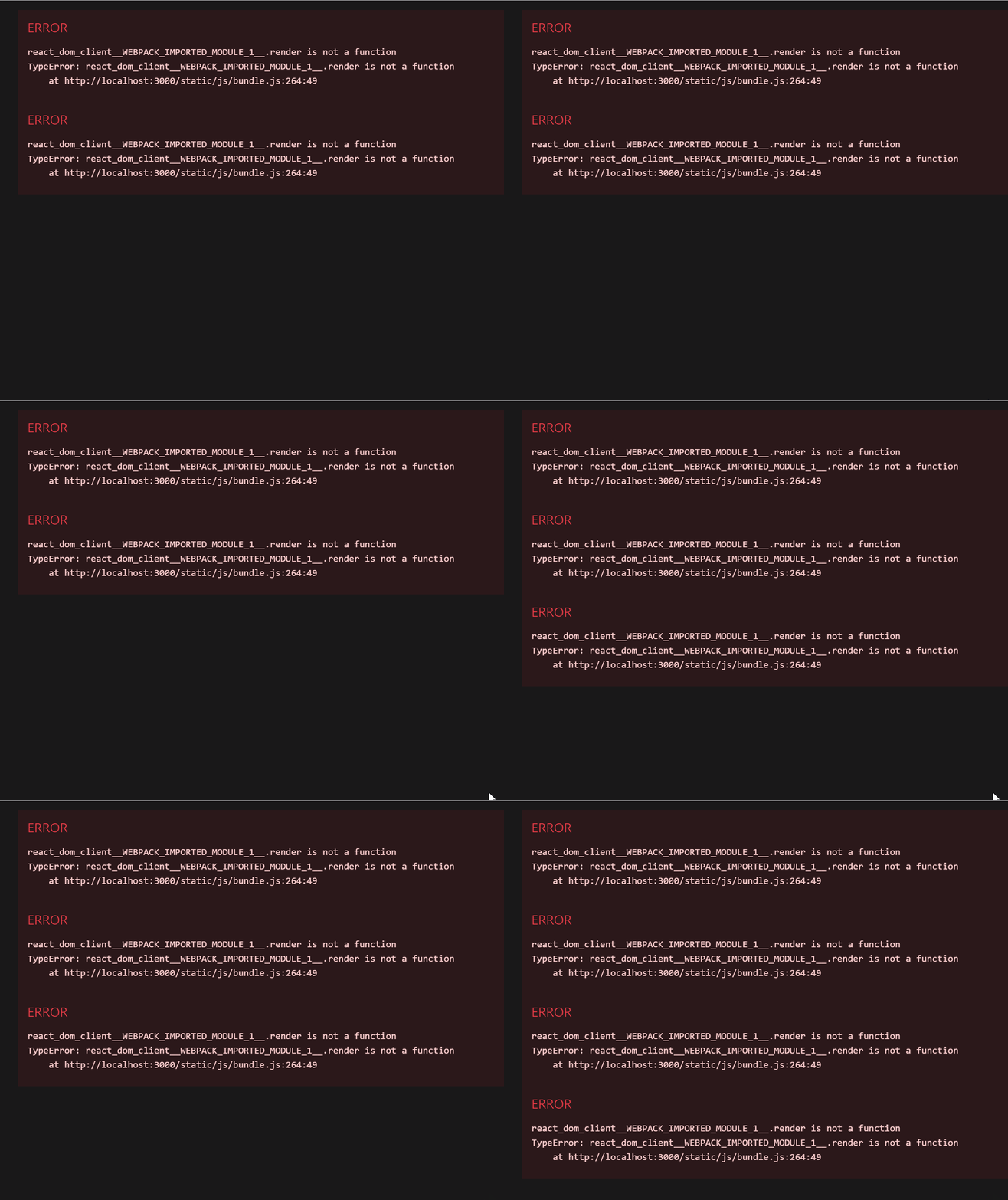
에러 발생
JSX 코드
import React from "react";

function Clock(props) {
    return (
        <div>
            <h1>안녕, 리엑트!</h1>
            <h2>현재 시간: {new Date().toLocaleTimeString()}</h2>
        </div>
    );
}

export default Clock;
Html 코드
import React from 'react';
import ReactDOM from 'react-dom/client';
import './index.css';
import App from './App';
import reportWebVitals from './reportWebVitals';

import Clock from './ch_04/Clock';

setInterval(() => {
  ReactDOM.render(
    <React.StrictMode>
      <Clock />
    </React.StrictMode>,
    document.getElementById('root')
  )
}, 1000);

reportWebVitals();
위 코드들로 Clock component를 만들고 렌더링하는 과정에서 아래의
Uncaught runtime errors: react_dom_client__WEBPACK_IMPORTED_MODULE_1__render is not a function가 발생했다.
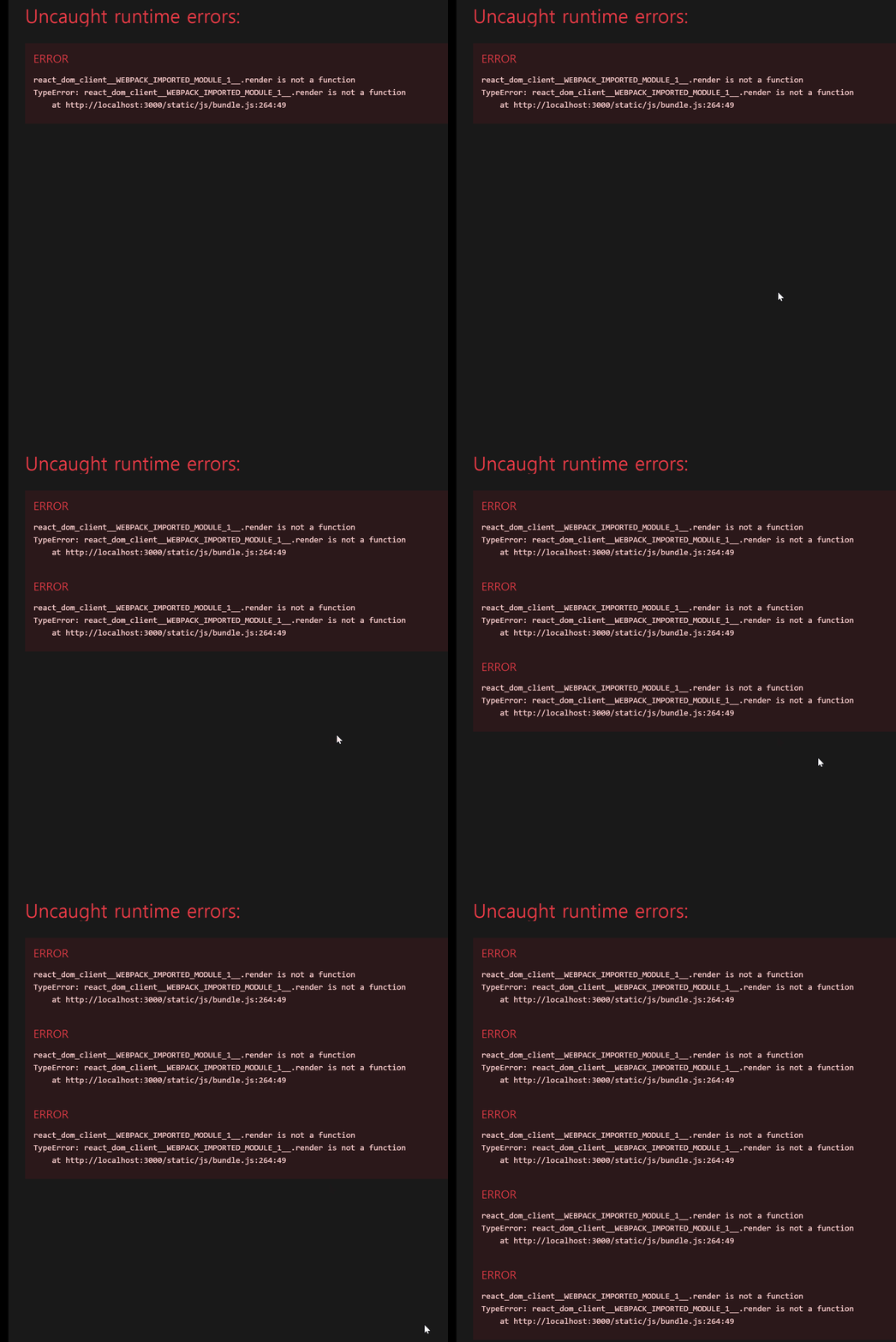
찾아보니 react v18 부터는 ReactDOM API의 render 함수를 지원하지 않는다고 한다. 대신 createRoot를 이용한다.
// React17
import React from "react";
import ReactDOM from "react-dom";
import App from "./App";

ReactDOM.render(<Clock />, document.getElementById("root"));

// React18
import React from "react";
import App from "./App";
import { createRoot } from "react-dom/client";

const container = document.getElementById("root");
root.render(<Clock/>);
React-DOM의 render()함수와 createRoot의 차이는 createRoot가 동시성 API와 Automatic Batching을 지원한다는 것이다.
- 동시성:
긴급 업데이트: 타이핑등의 직접적인 상호 작용을 반영해야 한다. 사용자의 입력(타이핑 등)에 따라 즉각적으로 업데이트되지 않으면 문제가 있다고 느끼는 영역이다.
전환 업데이트: 하나의 화면에서 다른 화면으로의 전환, 화면에 바로 나타나는 걸 기대하지 않는 영역이다.
React 17v 까지는 긴급, 전환 업데이트의 경계가 분명하지 않아, 전환 업데이트가 긴급 업데이트를 방해하는 경우가 있었다. 18v 부터는 명시가 가능해지고, 방해하지 않는다.
- Batching: 리액트가 더 나은 성능을 위해 여러개의 state업데이트를 re-render를 최소화하도록 그룹화 하는 것을 의미한다. Automatic Batching을 이용해 작업 렌더링을 최소화하고 성능 향상을 기대할 수 있다.
에러 해결
import React from "react";
import "./index.css";
import reportWebVitals from "./reportWebVitals";
import { createRoot } from "react-dom/client";
import Clock from "./chapter_04/clock";

const root = createRoot(document.getElementById("root"));

setInterval(() => {
  root.render(
    <React.StrictMode>
      <Clock />
    </React.StrictMode>
  );
}, 1000);

reportWebVitals();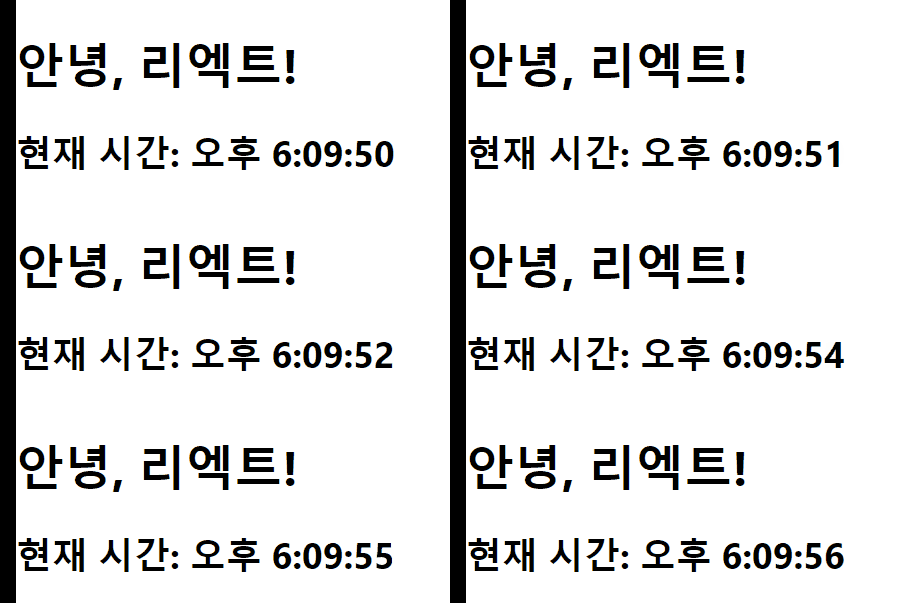
위와 같이 결과가 잘 나온다.

기록하는 프론트엔드 개발자