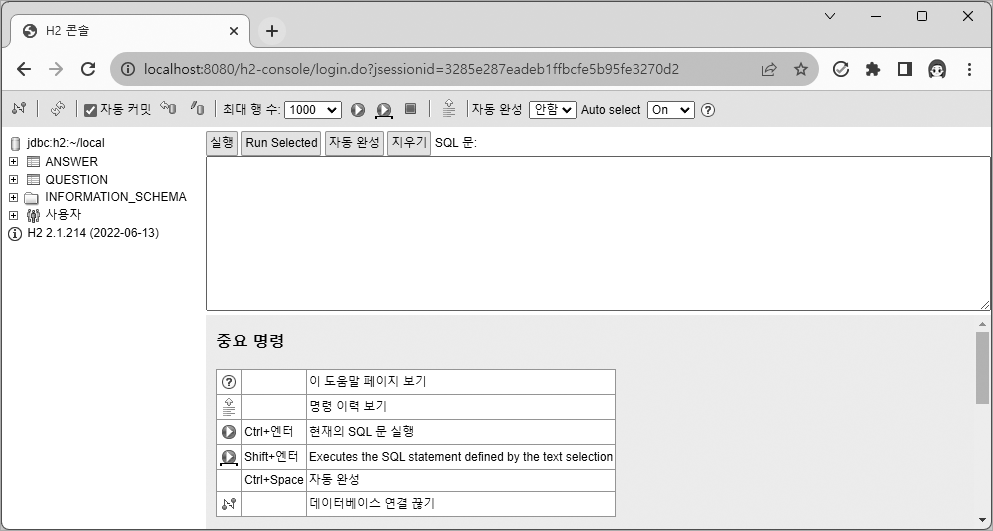
:: build.gradle 의존성 추가
implementation 'org.springframework.boot:spring-boot-starter-security'
implementation 'org.thymeleaf.extras:thymeleaf-extras-springsecurity6'
:: 스프링 시큐리티 설정
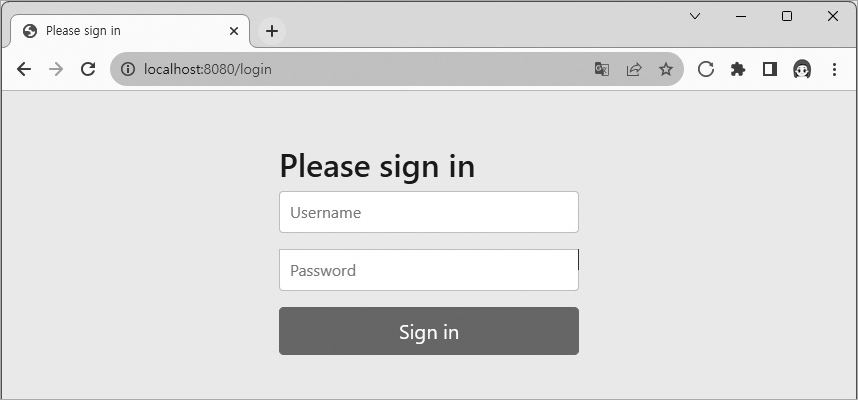
- 스프링 시큐리티를 설치 후 관련 웹 페이지로 접근 시 인증 관련 문제로 접근 불가
:: 해결 방법
@Configuration
@EnableWebSecurity
public class SecurityConfig {
    @Bean
    SecurityFilterChain filterChain(HttpSecurity http) throws Exception {
        http
                .authorizeHttpRequests((authorizeHttpRequests) -> authorizeHttpRequests
                        .requestMatchers(new AntPathRequestMatcher("/**")).permitAll())
- @Configuration : 설정 파일을 만들기 위한, Bean을 등록하기 위한 애너테이션너테이션
- @EnableWebSecurity : Spring Security를 사용하는 웹 애플리케이션에서 보안 구성을 활성화 할 때 사용
- 모든 요청 URL이 스프링 시큐리티의 제어를 받도록 만드는 애너테이션
인증되지 않은 모든 페이지의 요청을 허락한다는 의미 코드
http
    .authorizeHttpRequests((authorizeHttpRequests) -> authorizeHttpRequests
        .requestMatchers(new AntPathRequestMatcher("/**")).permitAll())
    ;
- 해당 코드를 추가 시 정상적으로 사이트에 접속할 수 있게된다.
다른 문제점
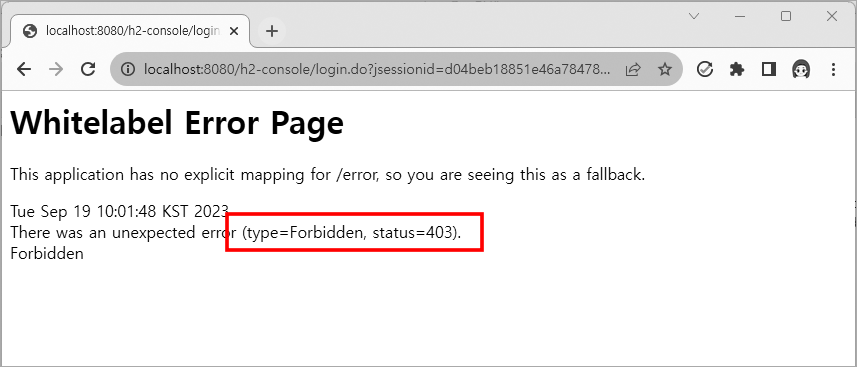
- H2 console에 접속 시 해당 오류가 출력
- H2 console은 일반 애플리케이션 이라서 생기는 문제
- 스프링 시큐리티의 CSRF 방어 기능에 의해 접근 거부
            .csrf((csrf) -> csrf
                .ignoringRequestMatchers(new AntPathRequestMatcher("/h2-console/**")))
-
해당 코드를 추가함으로써 설정 된 경로 /h2-console/ 로 시작되는 모든 URL은 CSRF 검증을 하지 않게된다.
-
H2 Console 로그인 시 발생하는 새로운 문제점
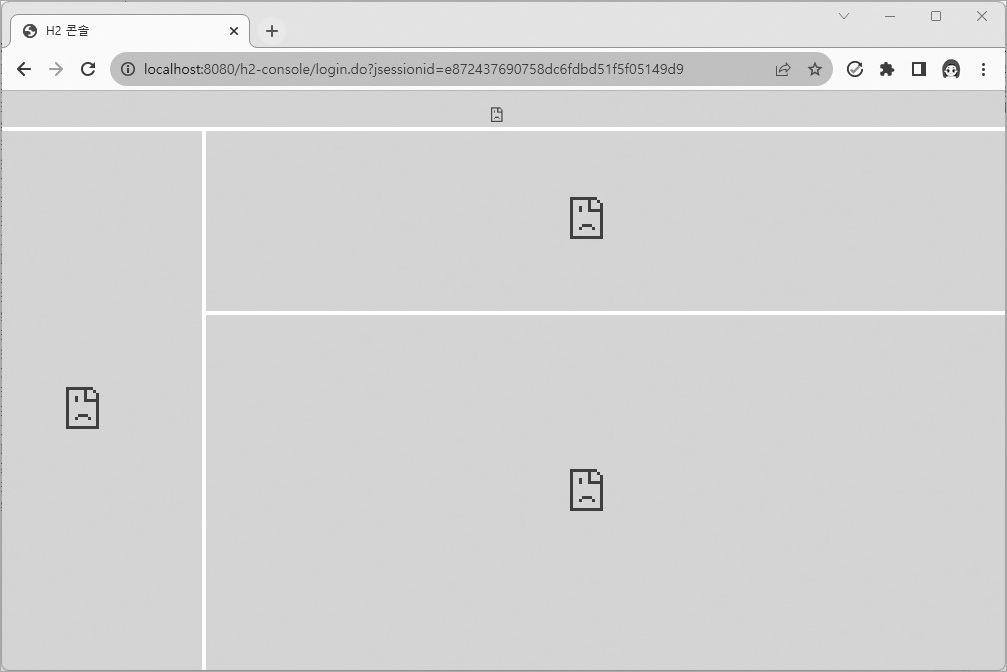
-
H2 console의 화면이 프레임(Frame)구조로 되어있기에 발생하는 문제
-
스프링 시큐리티는 X-Frame-Options 헤더의 기본값을 DENY로 사용
- 프레임 구조의 웹사이트 헤더 값이 DENY인 경우 해당 오류가 발생
-
스프링 부트에서 X-Frame-Options 헤더는 클릭재킹 공격을 막기 위해 사용
            .headers((headers) -> headers
                .addHeaderWriter(new XFrameOptionsHeaderWriter(
XFrameOptionsHeaderWriter.XFrameOptionsMode.SAMEORIGIN)))- 해당 코드를 이어서 추가 함으로써 오류를 해결