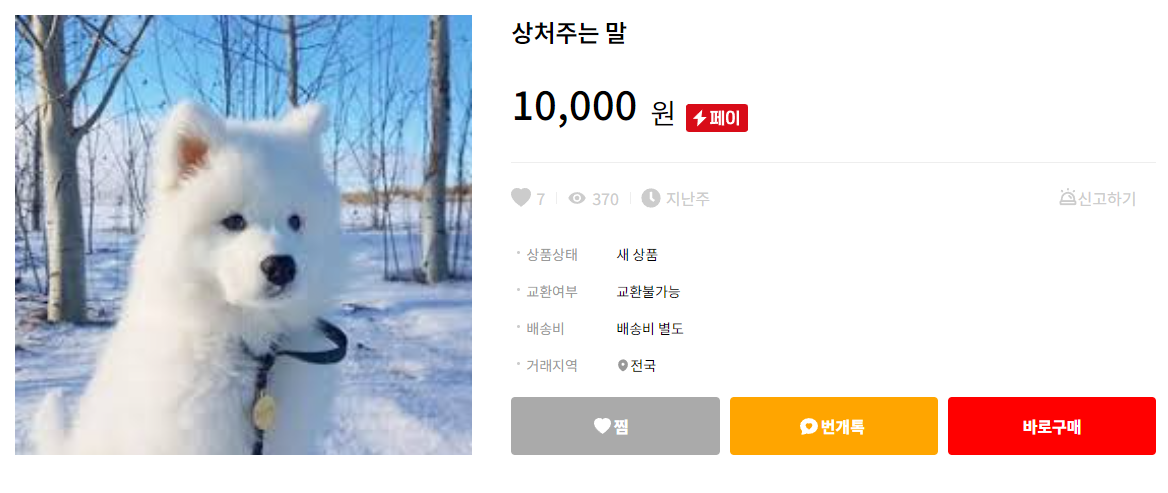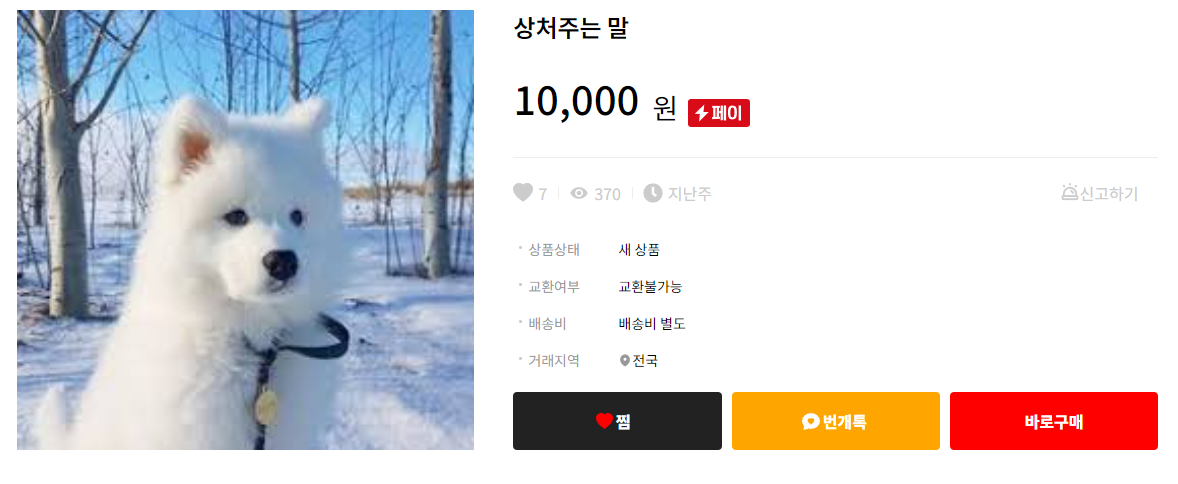
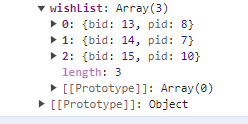
처음 상품페이지가 로드 됐을때 로그인된 아이디의 찜한 상품 primary key의 배열들을 axios
        let wishList = res.data.wishList.map(v=> v.pid)
        wishList = wishList.filter(v=>v===res.data.product.pid)
        wishList = wishList.length ? true : false;
        setBtnWish(wishList)
axios한 배열들에서 primary key들만 뽑아서 현재 상품페이지의 프라이머리 키와 비교해서
찜한 상품이면 true 그렇지 않은 상품이면 false를 useState를 통해 btnWish에 저장
 <button
    type="button"
    className={`btnStyle ${btnWish === false ? "btnWish" : "btnWishActive"}`}
    onClick={addWishList}
  >
    <BsHeartFill color={btnWish === false ? "white" : "red"} size={size} />
    <span>찜</span>
    <span></span>
  </button>
btnWish의 boolean값에 따라 찜한 상품이면 버튼 클릭색을 다르게 설정
이제 버튼 눌렀을떄 서버로 전송해 db에 저장시키려면
  const addWishList = (e) => {
    let data = { pid: info.pid, uid: userInfo.uid,btnWish }
    axios({
      method: 'post',
      url: `http://localhost:8000/product/wish`,
      data: data
    })
      .then(res => {
        alert(res)
        setDepth(!depth)
      })
      .catch((err) => { console.log(err) });
  }
db에 필요한 상품의 primary키와 유저id 그리고 아까 저장한 btnWish를 axios를 이용해 post하고 성공하면 useEffect를 재실행하기 위해 setDepth(!depth)
export async function addWishList(req,res) {
  let {uid,pid,btnWish} = req.body
  if(btnWish){
    let result = await productsRepository.deleteWishList(uid,pid)
    res.json(result)
  }else{
    let result = await productsRepository.addWishList(uid,pid)
    res.json(result)
  }

}
노드에서 데이터를 받아 만약
btnWish의 boolean값이 true라면 이미 찜한 상품이므로 취소를 위해 let result = await productsRepository.deleteWishList(uid,pid) db에서 해당상품 삭제
btnWish의 boolean값이 false라면 찜하기 위해 let result = await productsRepository.addWishList(uid,pid) 실행