📌소개
리액트를 이용해서 웹페이지를 구현할 때 사용하는 방법이며 간편하게 아이콘(react-icons)을 적용하는 방법을 정리한 글이다.
우선, 사용하기 전에 라이브러리를 설치해야 한다.
📌 설치 방법
// npm
npm install react-icons --save

// yarn
yarn add react-icons
📌 사용 방법
-
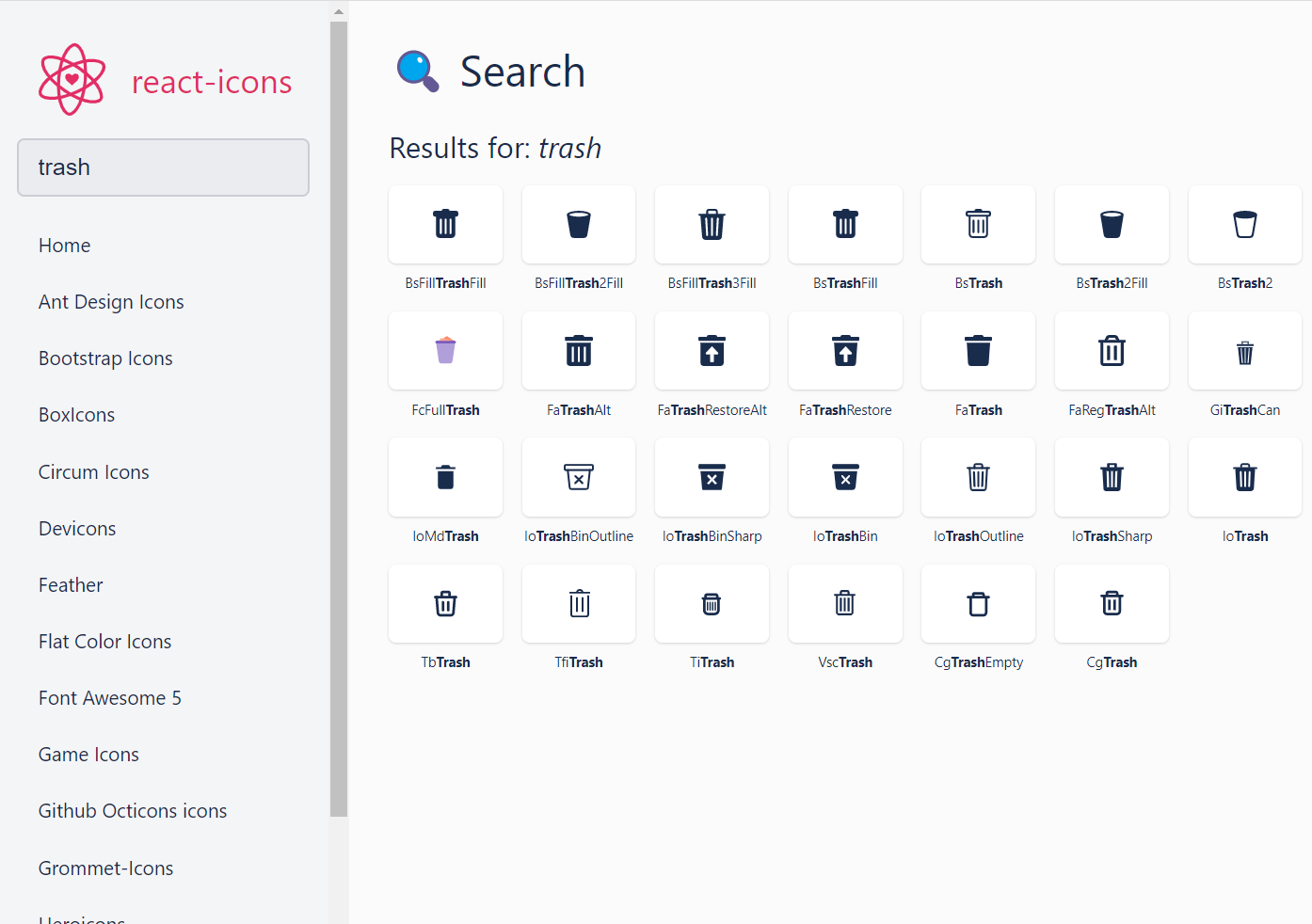
필요한 아이콘을 좌측 검색창에 검색한다. (나는 삭제 아이콘이 필요해서 trash를 검색했다)
-
마음에 드는 아이콘을 클릭하면 'Copied 'BsFillTrashFill' to clipboard' 문구가 화면에 나타나다.
-
아래 코드와 같이 import로 아이콘을 불러와서 사용하면된다.
// 아이콘 name의 두 글자를 => '/' 뒤에 붙이면 된다
import { BsTrash2Fill } from 'react-icons/bs'
import { FaTrash } from 'react-icons/fa'
import React from 'react'
import { BsFillTrashFill } from 'react-icons/bs'
export default function Todo() {
return (
<button><BsFillTrashFill /></button>
);
}