개인 개발 환경 구축
-
매일 회사에서 박혀서 하니까 회사 계정에서 쓰는 것만 쓰고 개인 레포는 거의 비어 있어서 최대한 개인것만 따로 할 수 있도록 mac북을 따로 하나 구매 했다
-
윈도우만 쓰다가 mac으로 옮겼으므로 처음 개발자가 쓰기 좋게 세팅을 먼저 진행!!
-
참고
https://itchallenger.tistory.com/376
https://subicura.com/2017/11/22/mac-os-development-environment-setup.html
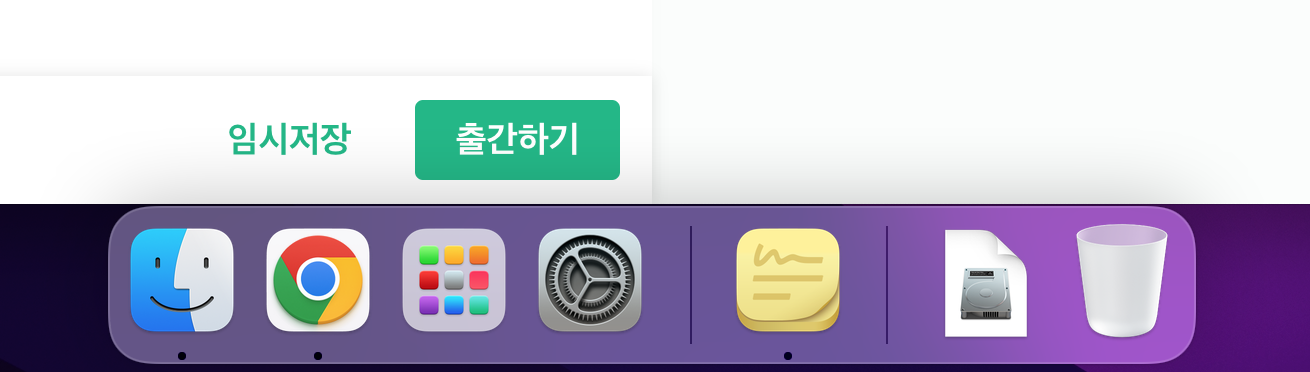
1. dock 아이콘 정리
2. homwbrew 설치
- terminal
/bin/bash -c "$(curl -fsSL https://raw.githubusercontent.com/Homebrew/install/HEAD/install.sh)"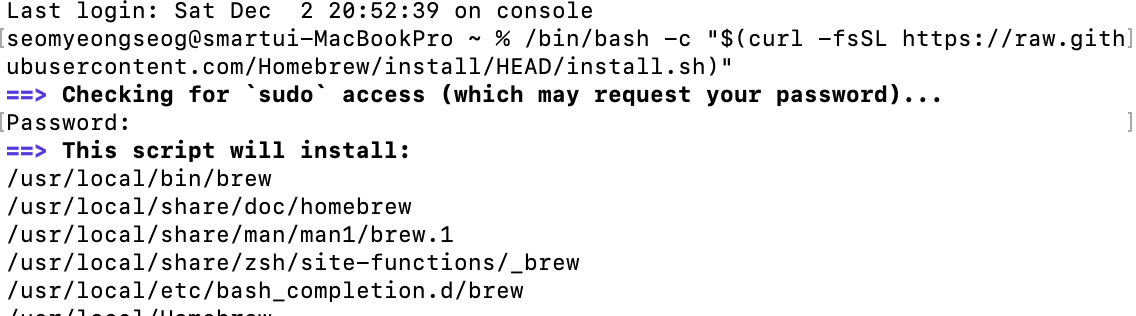
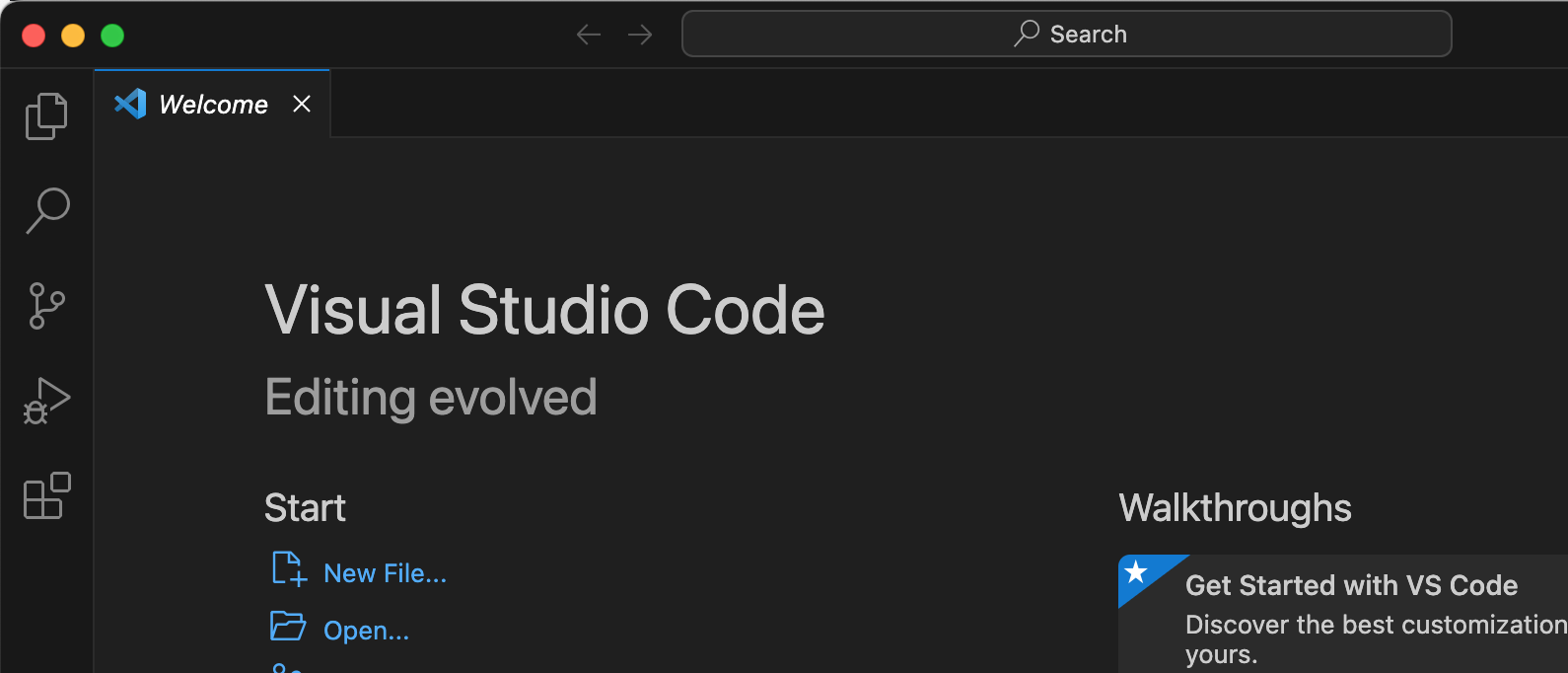
3. vscode 설치
brew install --cask visual-studio-code
4. Iterm2 설치
brew install --cask iterm2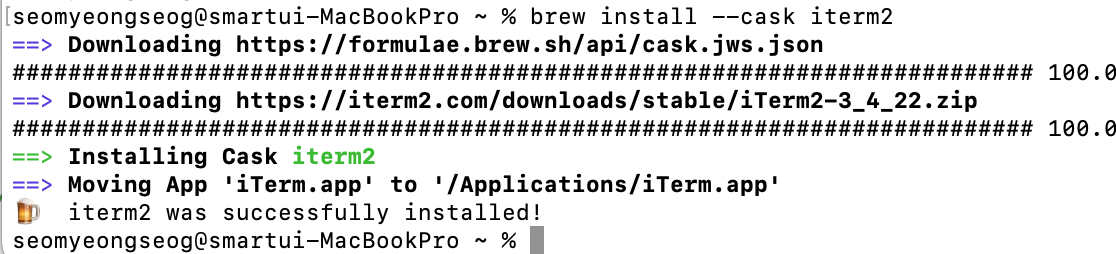
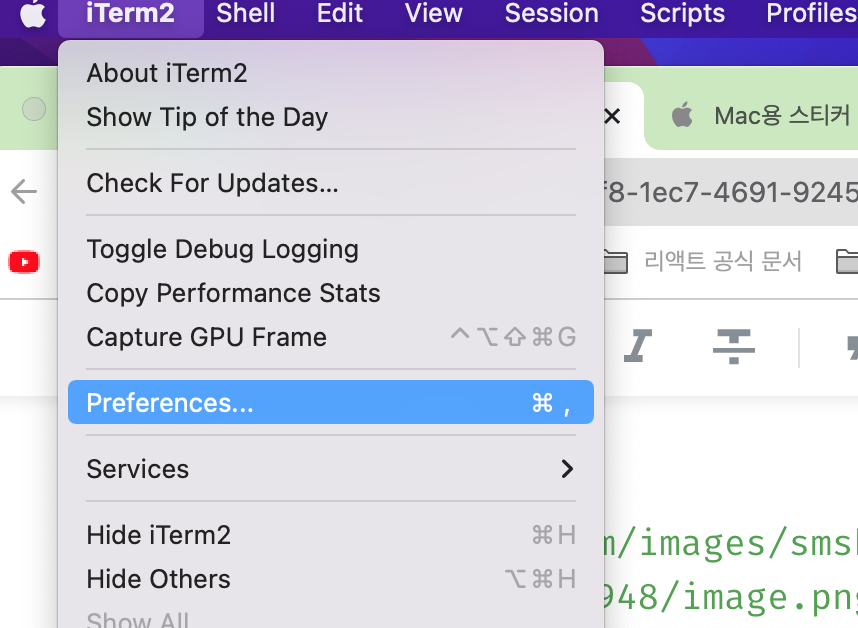
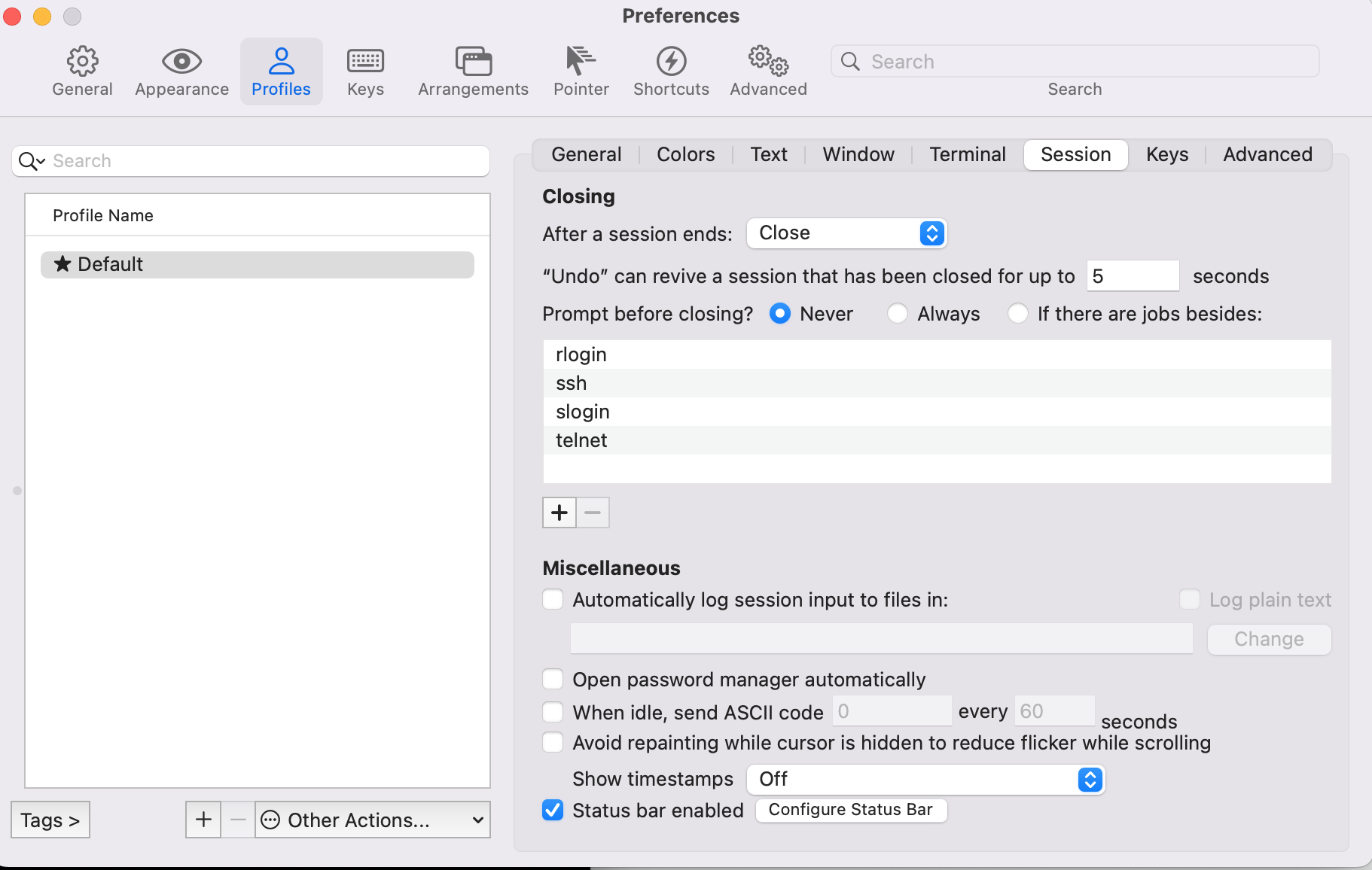
4.1 iterm2 상태바 설정
- profiles > session > 맨 아래 status bar enabled 클릭 후 configure status bar 클릭.
5.oh my zsh 설치
git clone https://github.com/zsh-users/zsh-syntax-highlighting.git ${ZSH_CUSTOM:-~/.oh-my-zsh/custom}/plugins/zsh-syntax-highlighting

sh -c "$(curl -fsSL https://raw.github.com/ohmyzsh/ohmyzsh/master/tools/install.sh)"
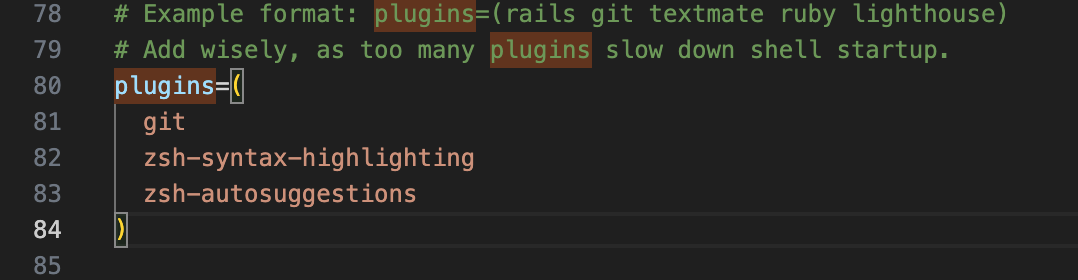
플러그인
git clone git://github.com/zsh-users/zsh-autosuggestions $ZSH_CUSTOM/plugins/zsh-autosuggestions
추가
brew install fzf
brew install fasd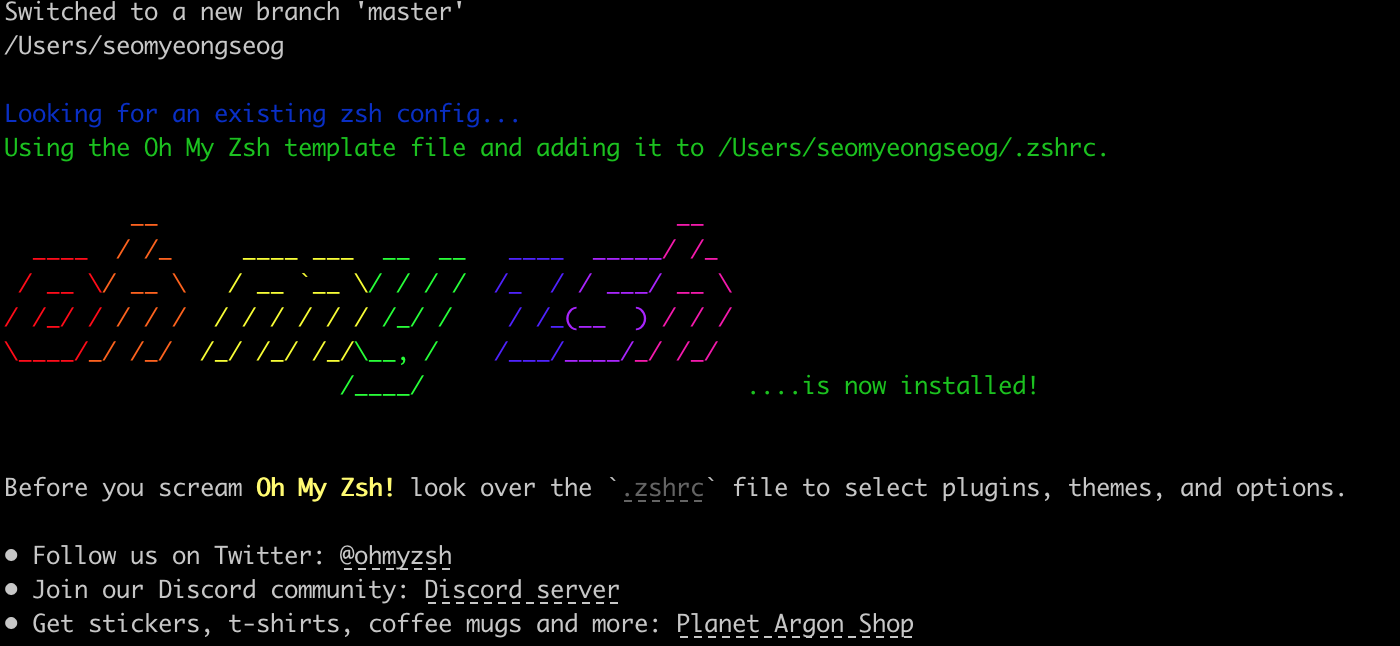
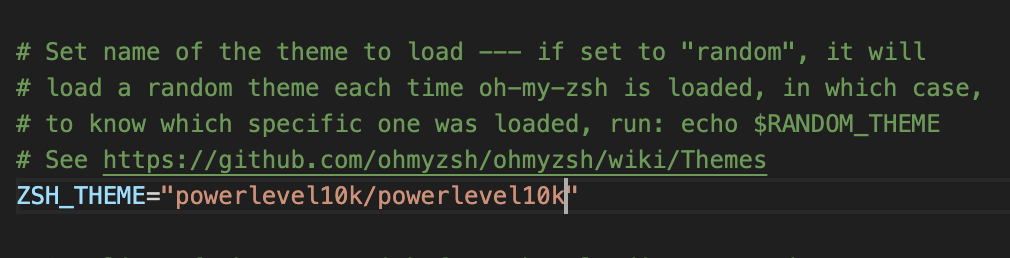
6. Powerlevel10k 터미널 커스터마이징
https://github.com/romkatv/powerlevel10k
git clone --depth=1 https://github.com/romkatv/powerlevel10k.git ${ZSH_CUSTOM:-$HOME/.oh-my-zsh/custom}/themes/powerlevel10k

code ~/.zshrc

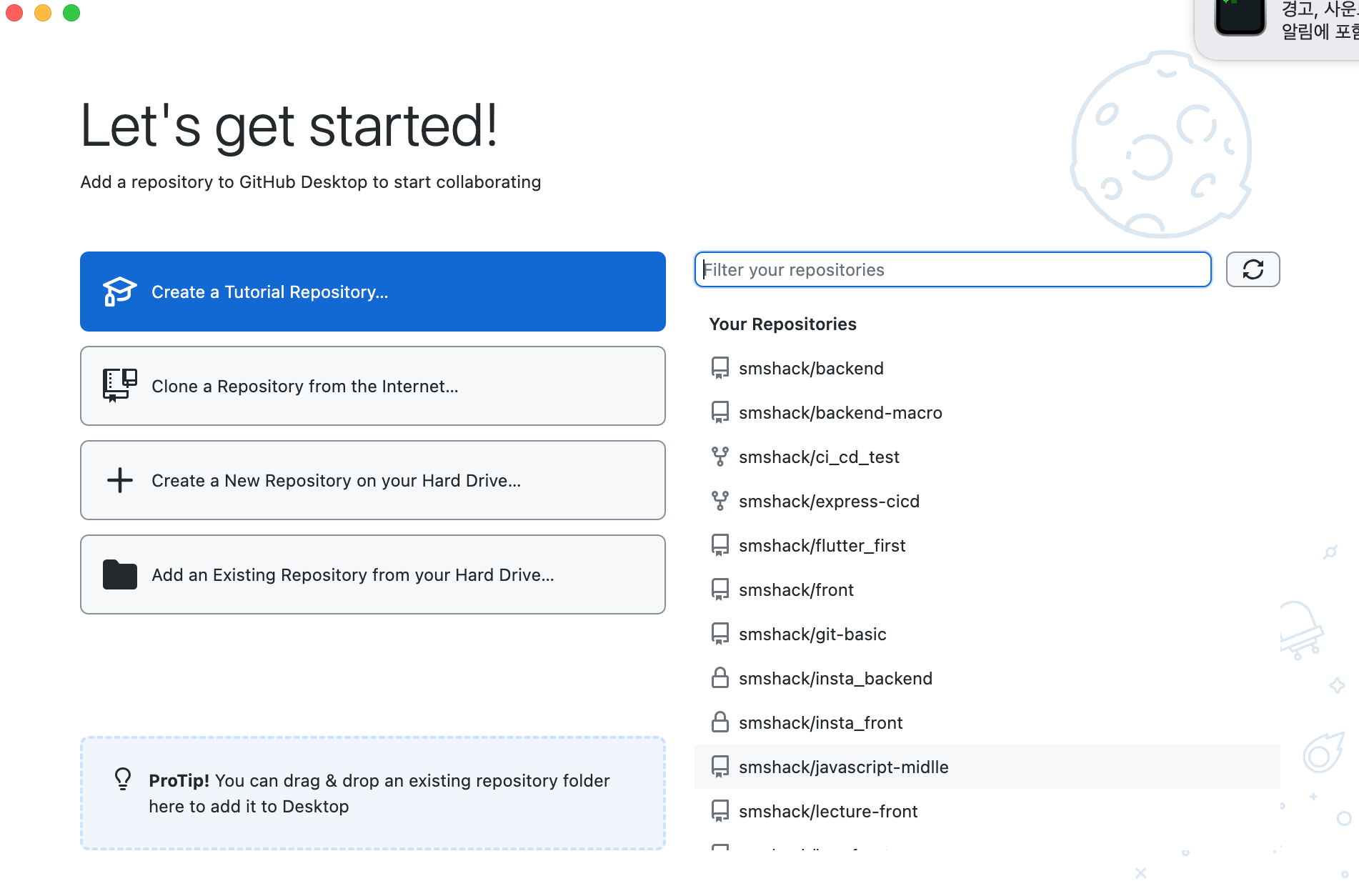
7. github desktop 설치
- 참고
https://www.lainyzine.com/ko/article/github-desktop-installation-and-usage-guide/
https://desktop.github.com/
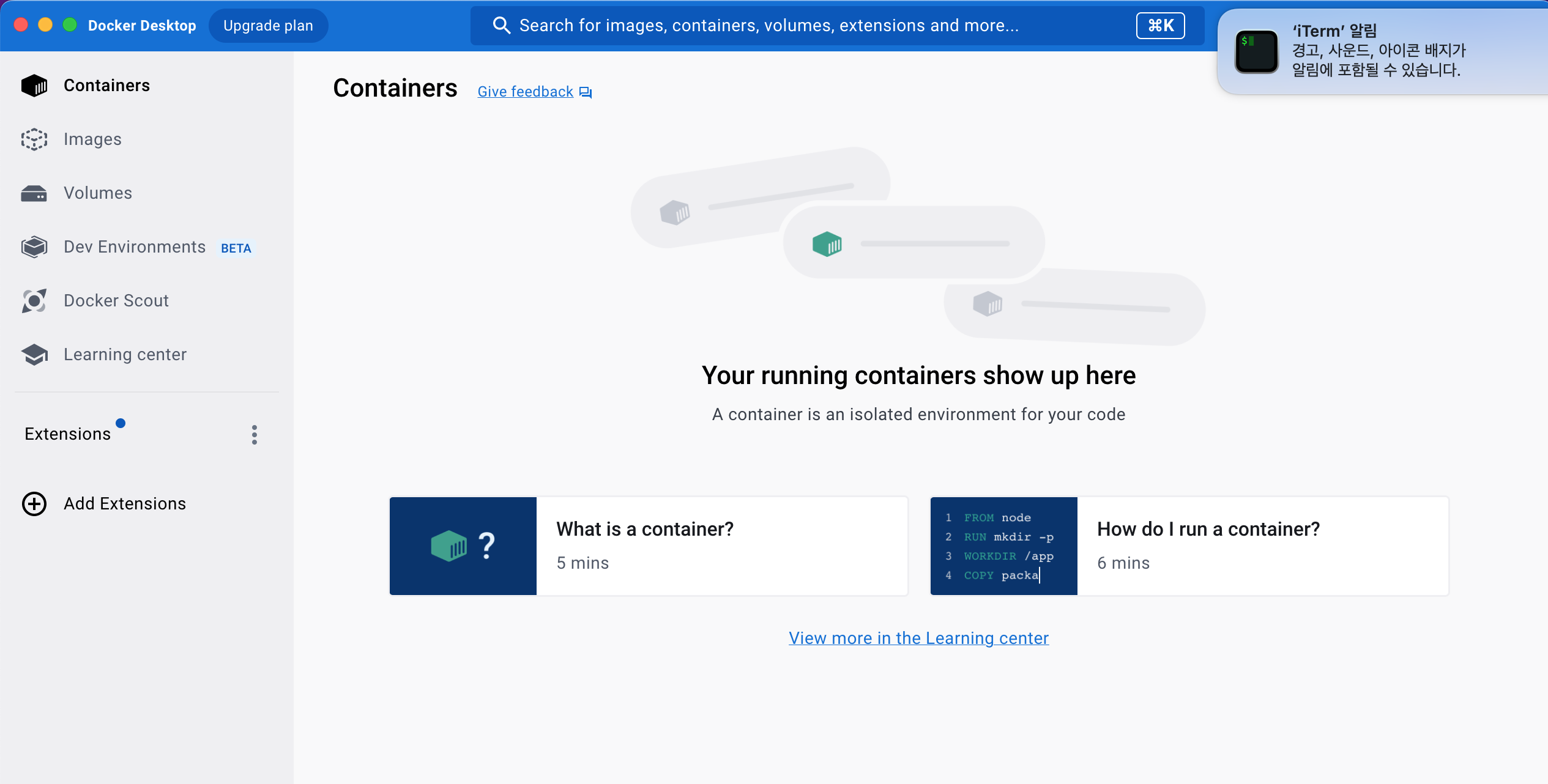
8. docker desktop 설치
- 참고
https://www.lainyzine.com/ko/article/how-to-install-docker-for-m1-apple-silicon/
https://www.docker.com/products/docker-desktop/
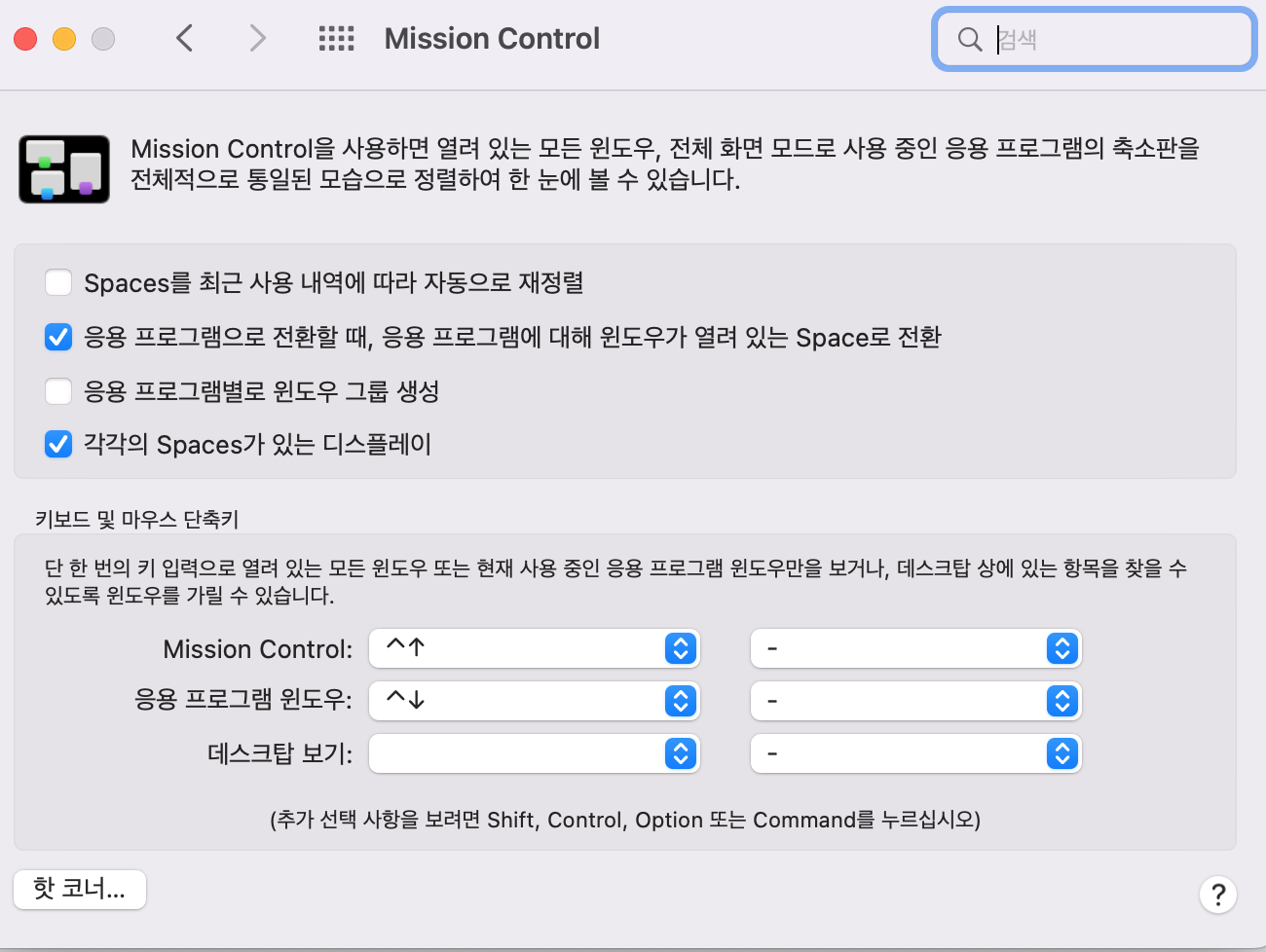
시스템 설정
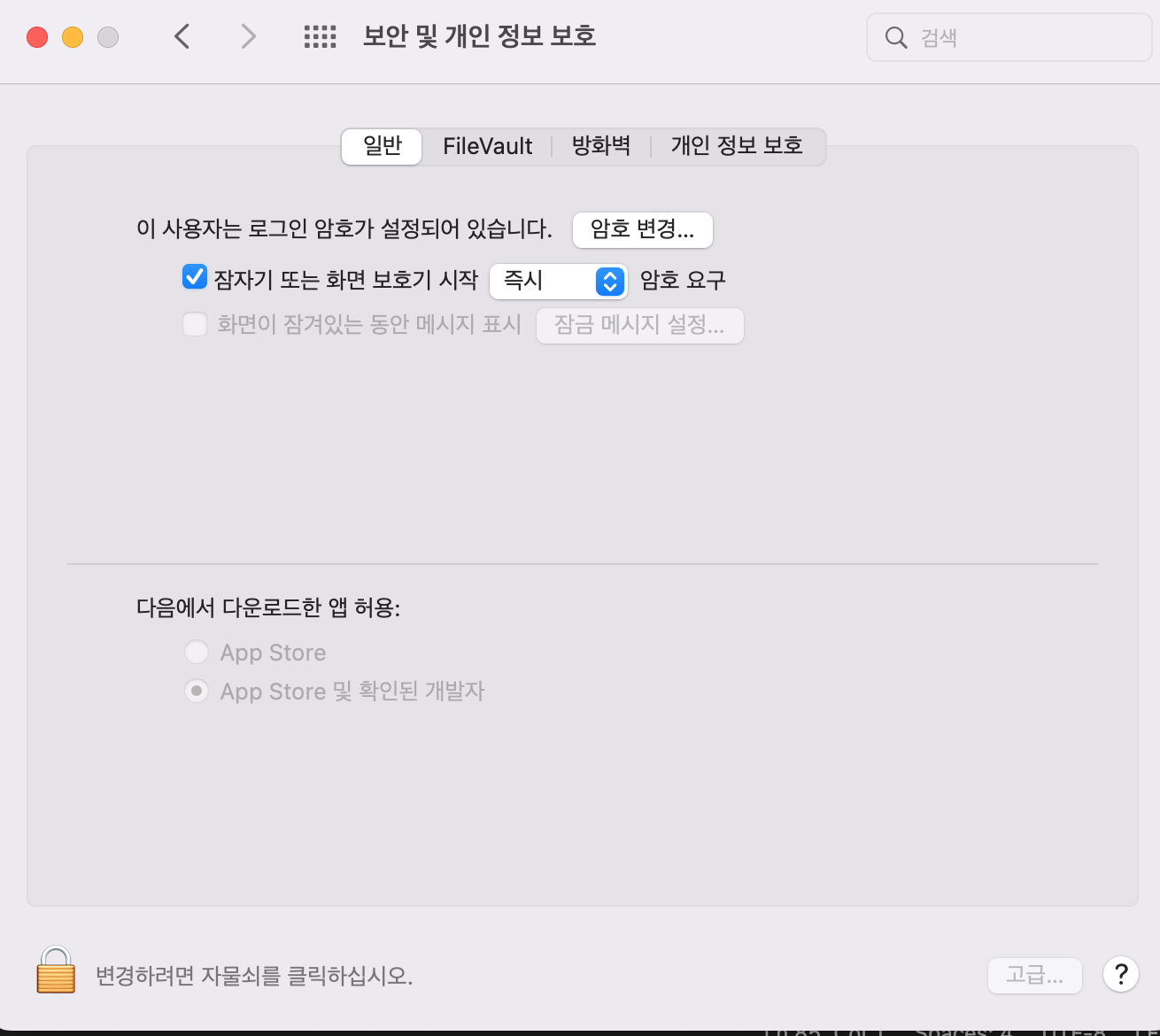
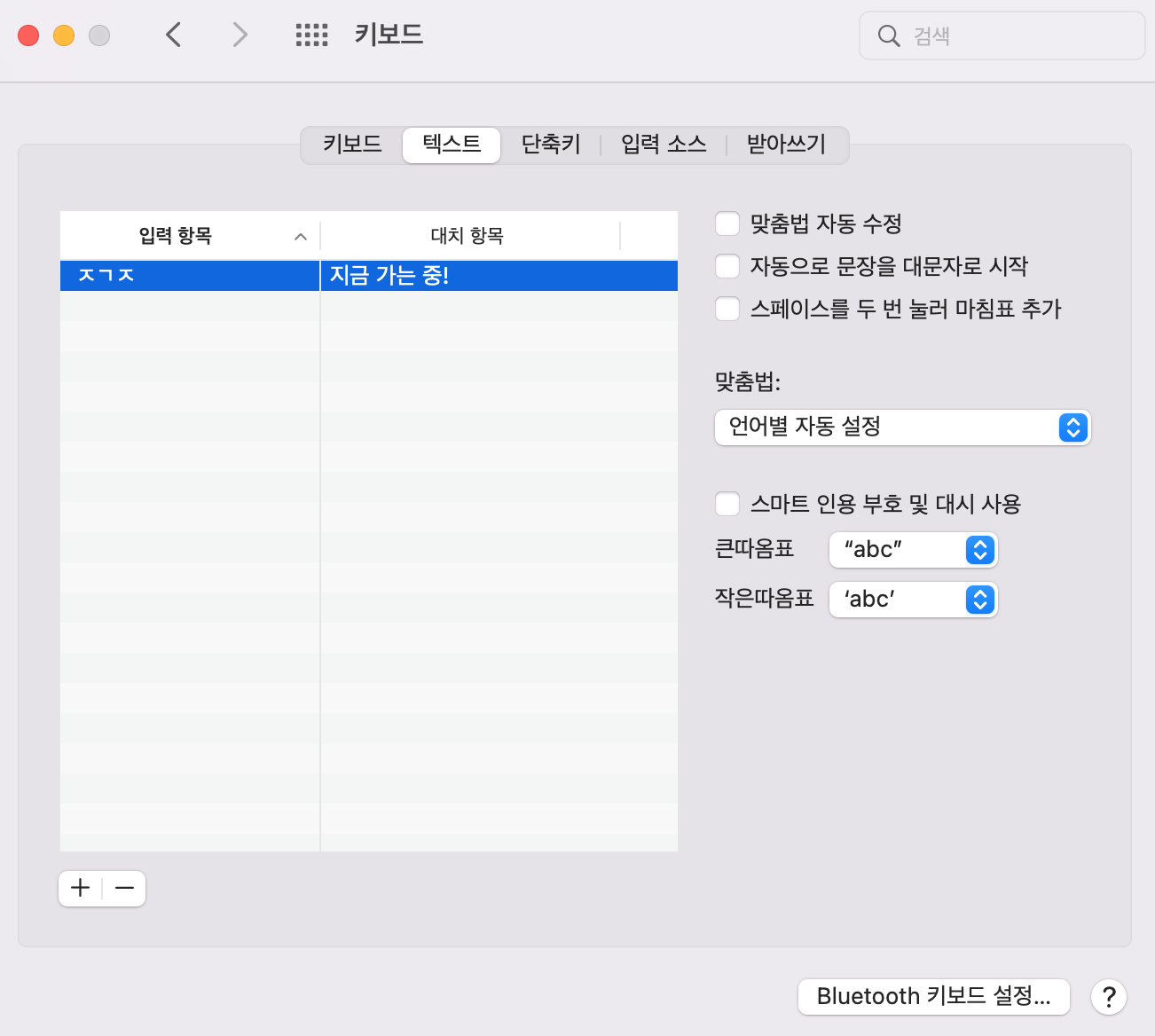
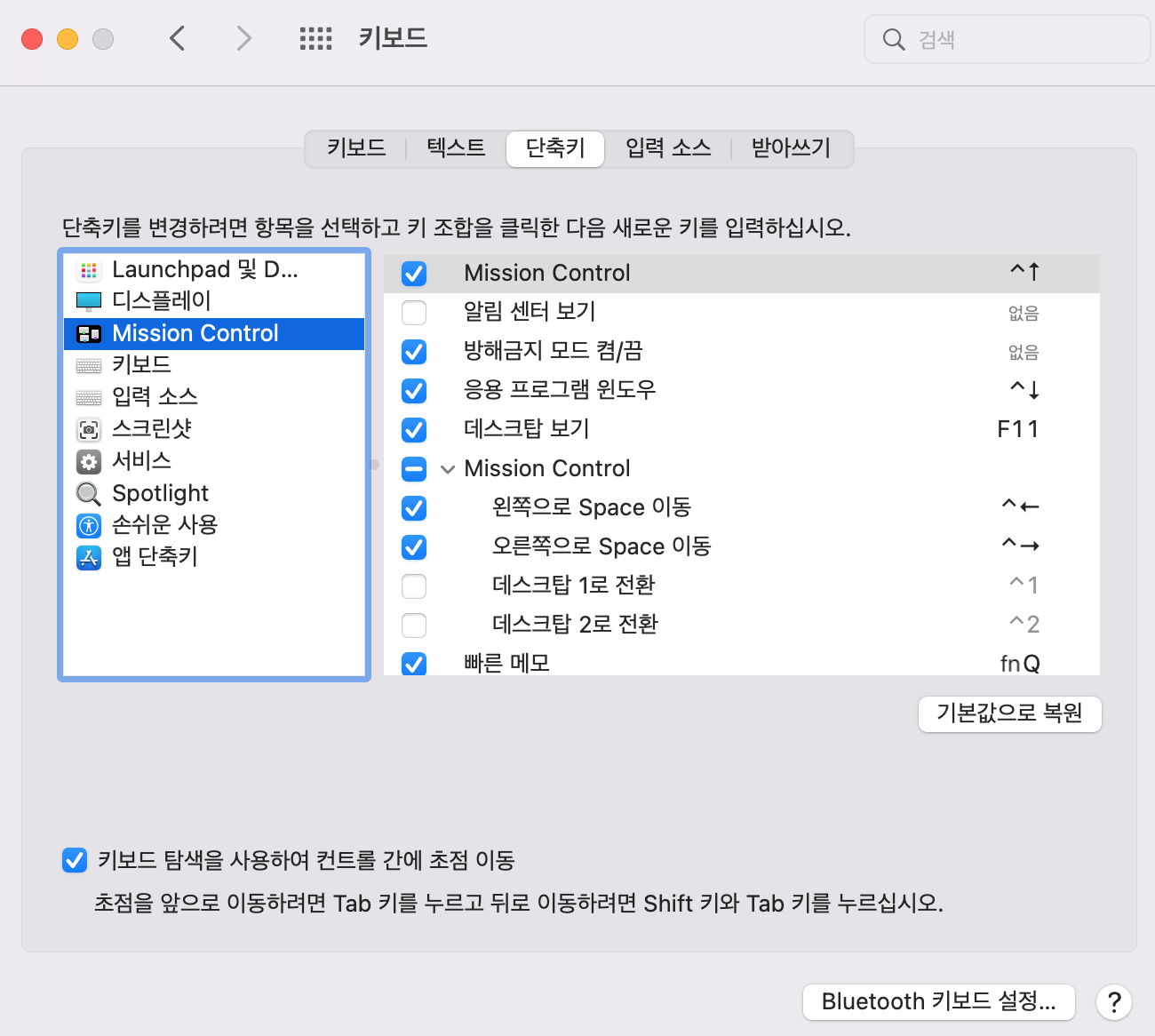
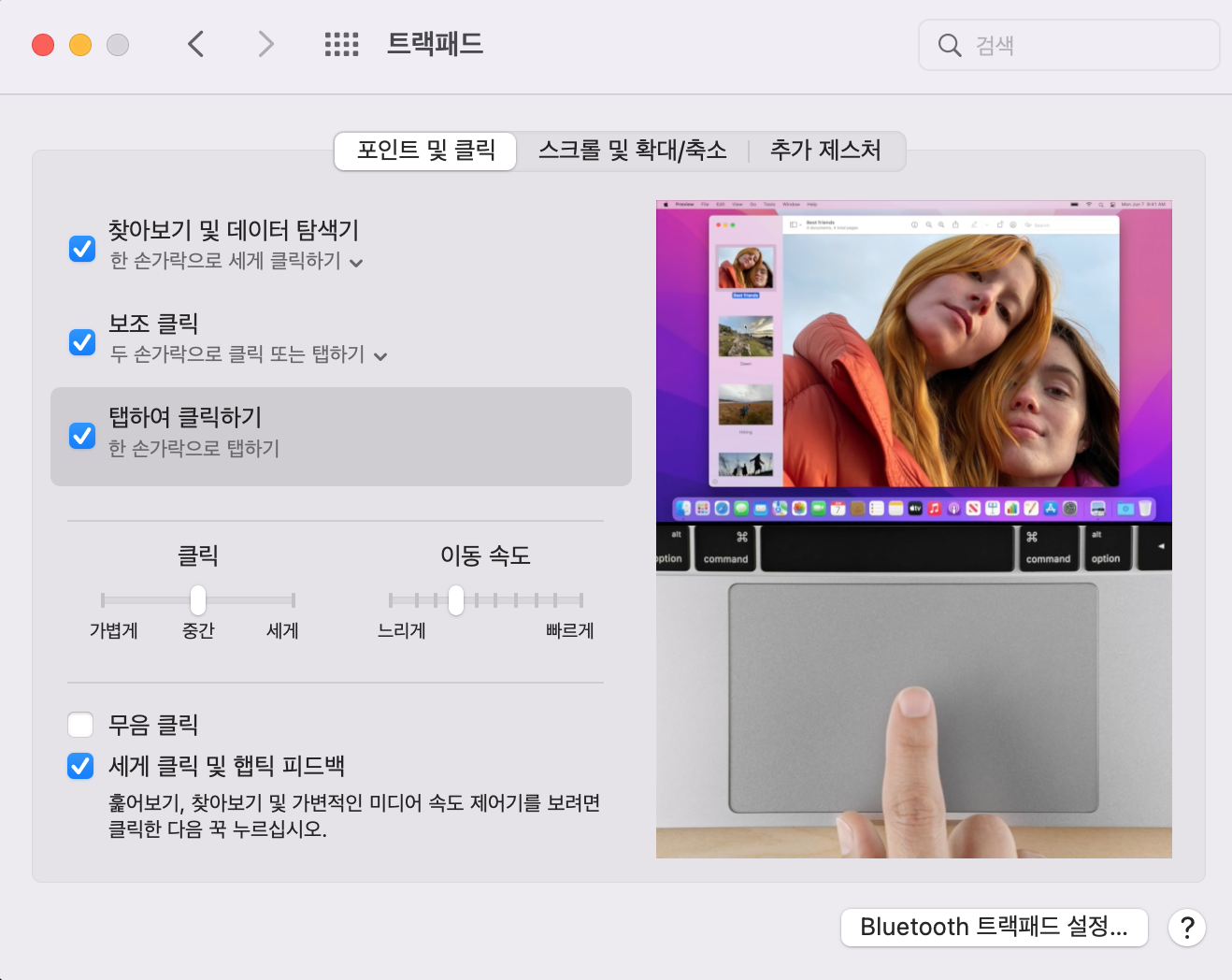
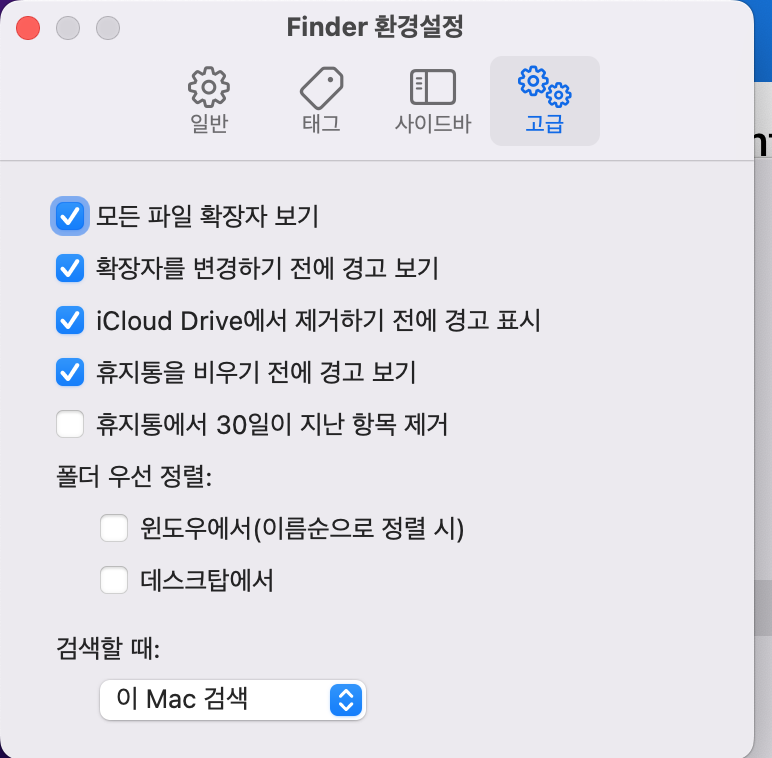
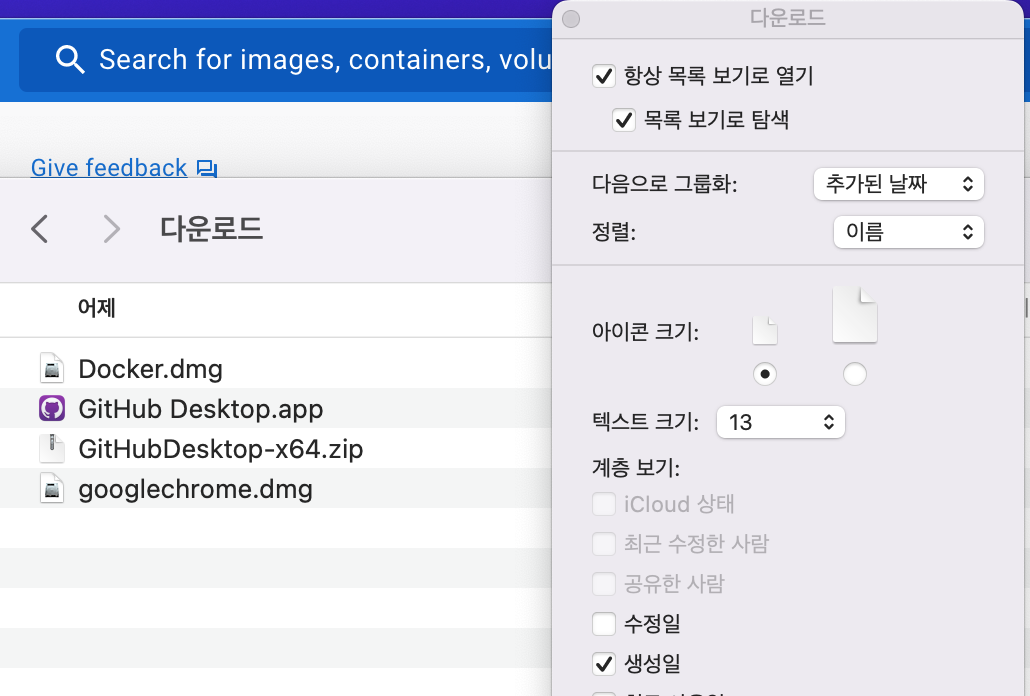
일단 이렇게 기본적인 세팅은 끝났다!!

꾸준히 발전하는 풀스택 개발자!!