내가 만들고 싶은 기능

1. 디자인이 같은 섹션을 조건에 부합할 시 해당 값이 나오도록 설정(팔로우 요청이나 가입 요청은 옆에 더보기 아이콘이 뜨도록 설정, 이외는 글만 뜨도록 부분 설정)

2. 팔로우 요청과 가입 요청의 더보기 클릭 시 각각의 데이터가 나오도록 설정
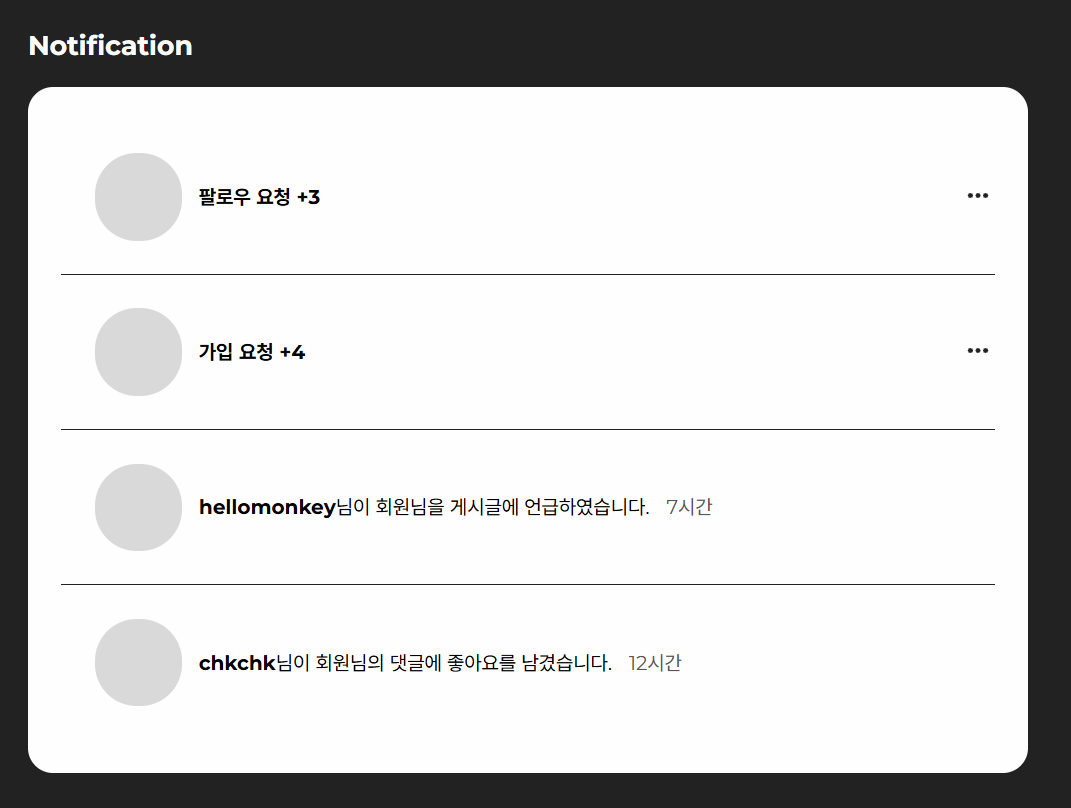
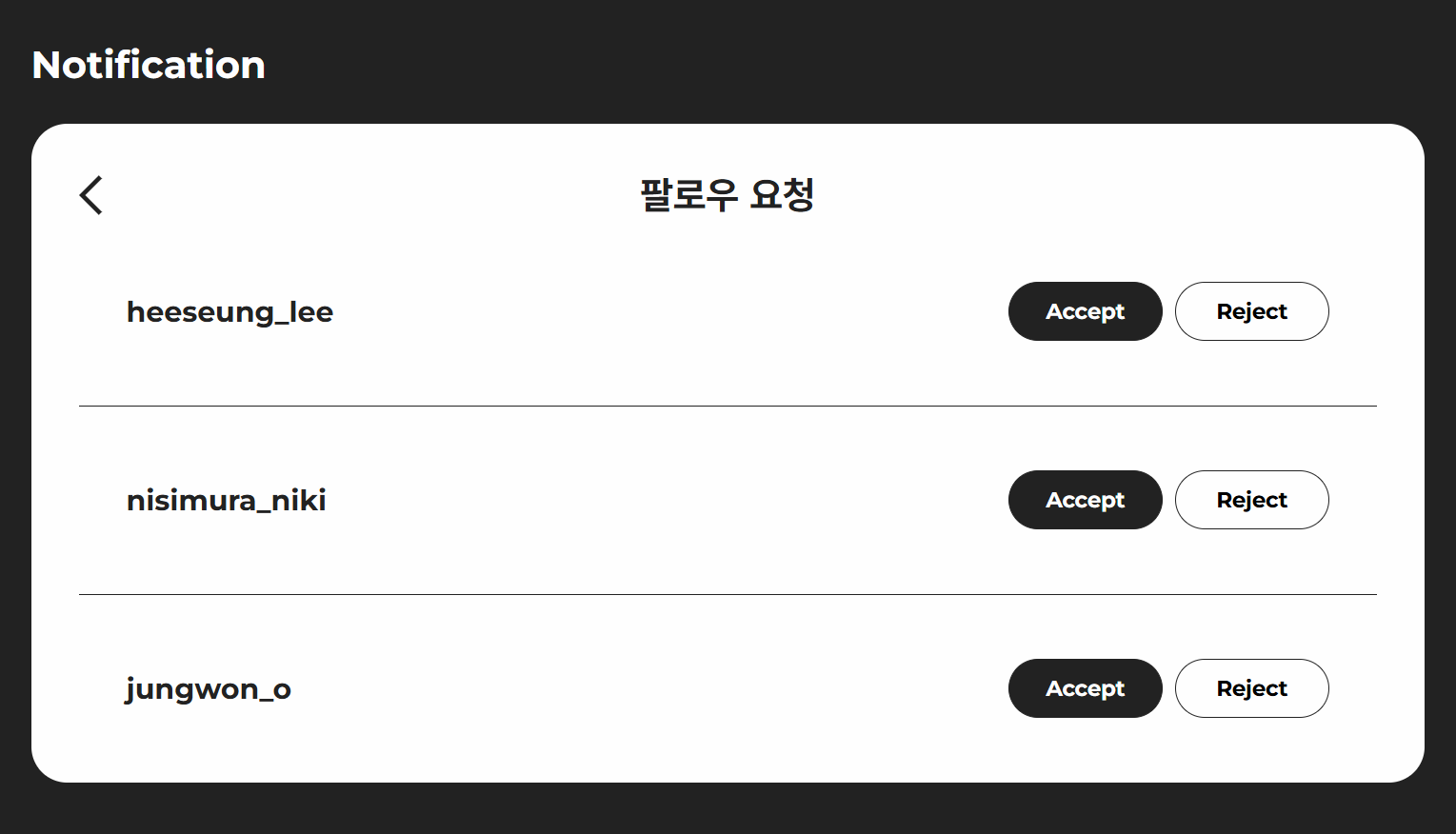
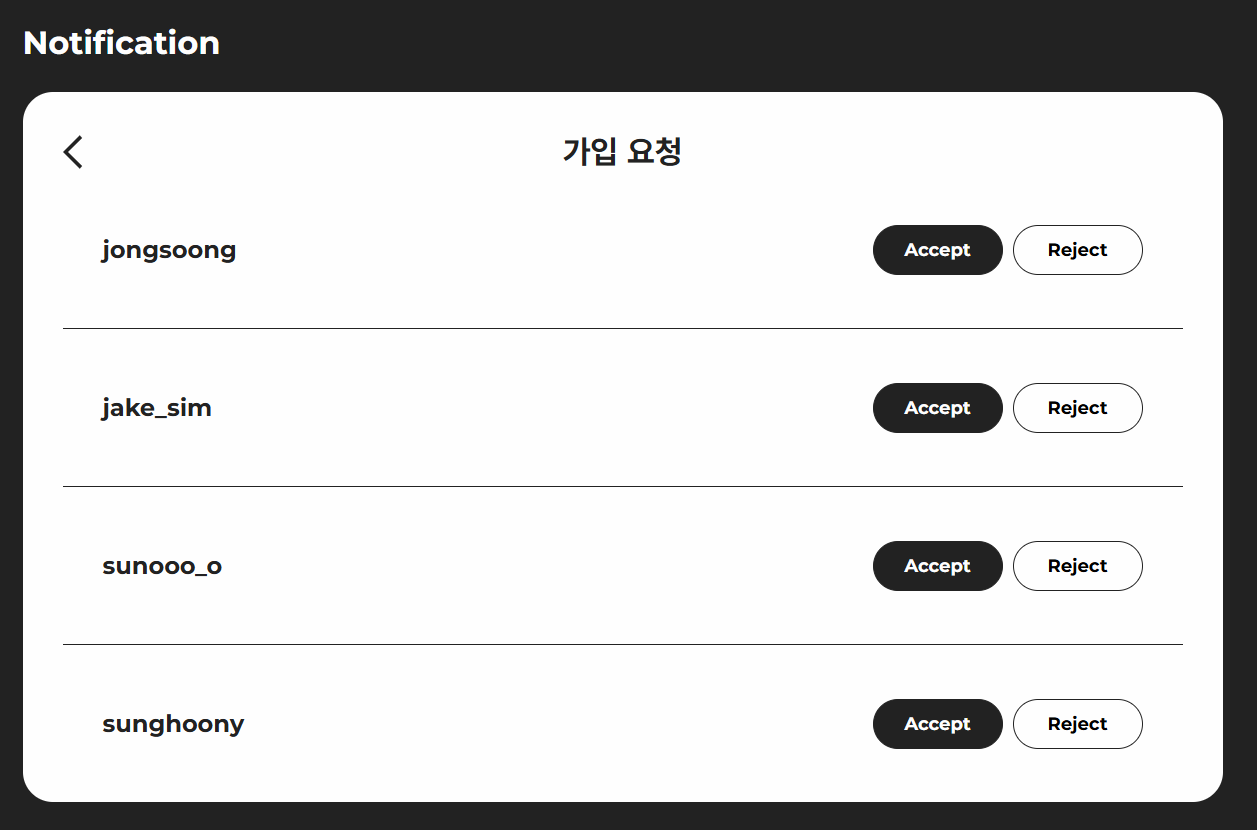
1. 섹션에 들어갈 데이터 값 배열에 저장
여러 데이터 값이 들어갈때는 배열 안 객체 형태로 저장, 공통된 키 선언
 const notices = [
        {
            type : 'req_follow',
            content : '팔로우 요청',
            count : '+3'
        },
        {
            type : 'req_join',
            content : '가입 요청',
            count : '+4'
        },
        {
            type : 'mention',
            nickname : 'hellomonkey',
            content : '님이 회원님을 게시글에 언급하였습니다.',
            time : '7시간'
        },
        {
            type : 'mention',
            nickname : 'chkchk',
            content : '님이 회원님의 댓글에 좋아요를 남겼습니다.',
            time : '12시간'
        }
    ]

    // 요청부분은 개수를 카운트 할 수 있게 설정하고 멘션부분은 닉네임과 시간으로 구분했다.
2. 배열을 MAP으로 순회해서 새 배열 생성
{배열.map((새로운배열,index) => ())} -> 순차적인 데이터 생성
<div className='notification_cont'>
            {notices.map((notice, index) => (
                    <div className= 'notification_box1' key={index}>
                        <span><img src="" alt="" /></span>
// 데이터 값이 필요한 div 위에 배열.map을 작성
3. type마다 서로 다른 UI 생성
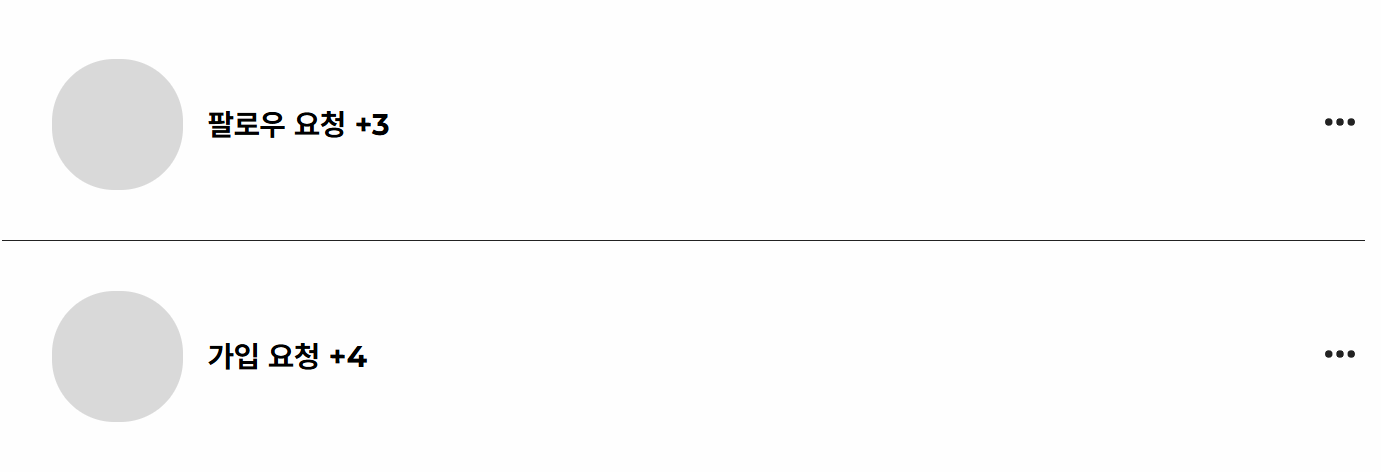
 {notice.type === "req_follow" || notice.type === "req_join" ? (
     <p className="req_bold">
           {notice.content} <span>{notice.count}</span>
     </p>
 )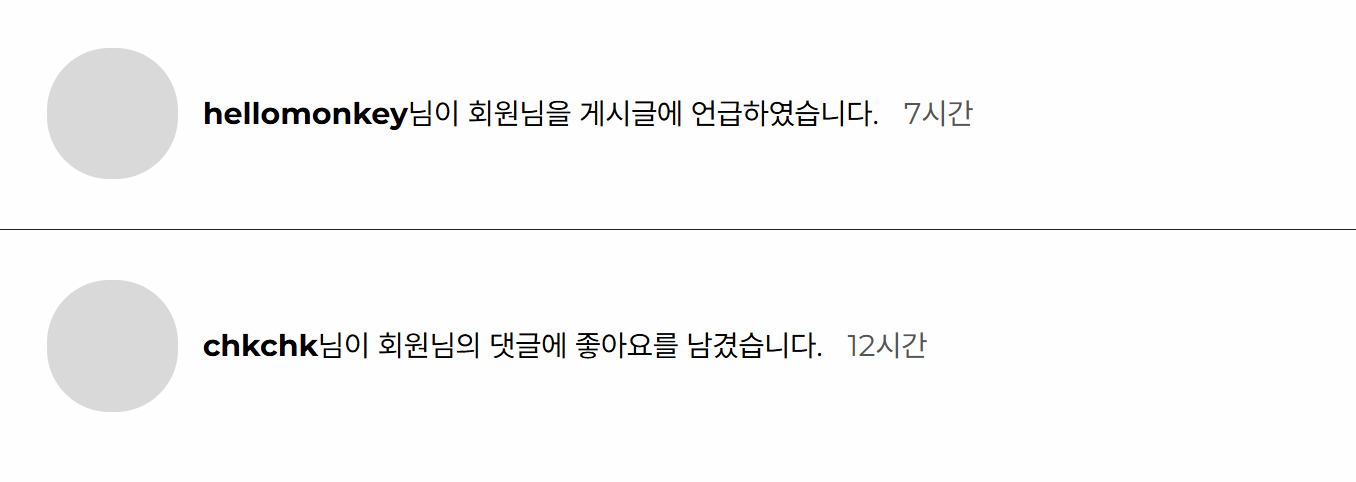
: notice.type === "mention" ? (
       <p>
           <span className="nickname">{notice.nickname}</span>
           {notice.content}<span className="time_ago">{notice.time}</span>
      </p>
 ) : null}
{ a === "A" II b === "B" ? () : c === "c" ? () : null } // 중첩된 삼항 연산자
a나 b면 괄호 안의 값 실행, c면 괄호안의 값 실행 모두 아니면 null값
위 코드 요약본
> {notices.map((notice, index)=>(
{notice.type === "req_follow" ll notice.type === "req_join"
	(보여줄 ui 값)
    : notice.type === "mention" ? (보여줄 ui값) : null
}
))}
팔로우와 가입 칸에는 더보기 버튼 표시
{(notice.type === "req_follow" II notice.type === "req_join") && (버튼 표시)}
 {(notice.type === "req_follow" || notice.type === "req_join") && (
       <button className="more_btn" onClick={() => requestList(notice.type)}>
           	img src={moreIcon} alt="더보기" />
      </button>
)}
전체 코드
import {React,useNavigate} from 'react-router-dom'
import '../Notification.css'
import moreIcon from '../images/more_icon.svg'

function Notification() {
    const navigate = useNavigate();
    const requestList = (type) => {
        navigate('/RequestPopUp',  { state: { type } }); // 한 번에 하나만 전달

    }
    const notices = [
        {
            type : 'req_follow',
            content : '팔로우 요청',
            count : '+3'
        },
        {
            type : 'req_join',
            content : '가입 요청',
            count : '+4'
        },
        {
            type : 'mention',
            nickname : 'hellomonkey',
            content : '님이 회원님을 게시글에 언급하였습니다.',
            time : '7시간'
        },
        {
            type : 'mention',
            nickname : 'chkchk',
            content : '님이 회원님의 댓글에 좋아요를 남겼습니다.',
            time : '12시간'
        }
    ]
    return(
    <main className='main sub_main'>
        <div className='menu_notification_wrap'>
            <h2>Notification</h2>
            <div className='notification_cont'>
            {notices.map((notice, index) => (
                    <div className= 'notification_box1' key={index}>
                        <span><img src="" alt="" /></span>

                        {/* ✅ 타입별로 다른 UI 적용 */}
              {notice.type === "req_follow" || notice.type === "req_join" ? (
                <p className="req_bold">
                  {notice.content} <span>{notice.count}</span>
                </p>
              ) : notice.type === "mention" ? (
                <p>
                  <span className="nickname">{notice.nickname}</span>
                  {notice.content}<span className="time_ago">{notice.time}</span>
                </p>
              ) : null}

              {/* ✅ req_follow & req_join만 더보기 아이콘 표시 */}
              {(notice.type === "req_follow" || notice.type === "req_join") && (
                <button className="more_btn" onClick={() => requestList(notice.type)}>
                  <img src={moreIcon} alt="더보기" />
                </button>
              )}
                    </div>
                    ))}
                </div>
            </div>
    </main>
    )
}
export default Notification;
hi