
Intro 😊
이번에 정리할 내용은 글 수정 기능입니다.
글 수정 기능을 백엔드에서 처리를 해줬기 때문에 제가 할 일은 값만 제대로 전달하는거라서 수월하게 작업할 수 있었습니다! 시간적 여유가 된다면 백엔드 공부도 해보고싶네요
기존값 가져오기 😈

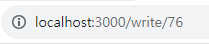
일반 게시글 작성과 수정할 때의 게시글 작성 페이지는 파일 자체가 다르기 때문에 Route도 다르게 설정해 주었습니다. 그렇기 때문에 수정으로 인해 들어갈 경우 경로 뒤에 /postId가 붙어요!
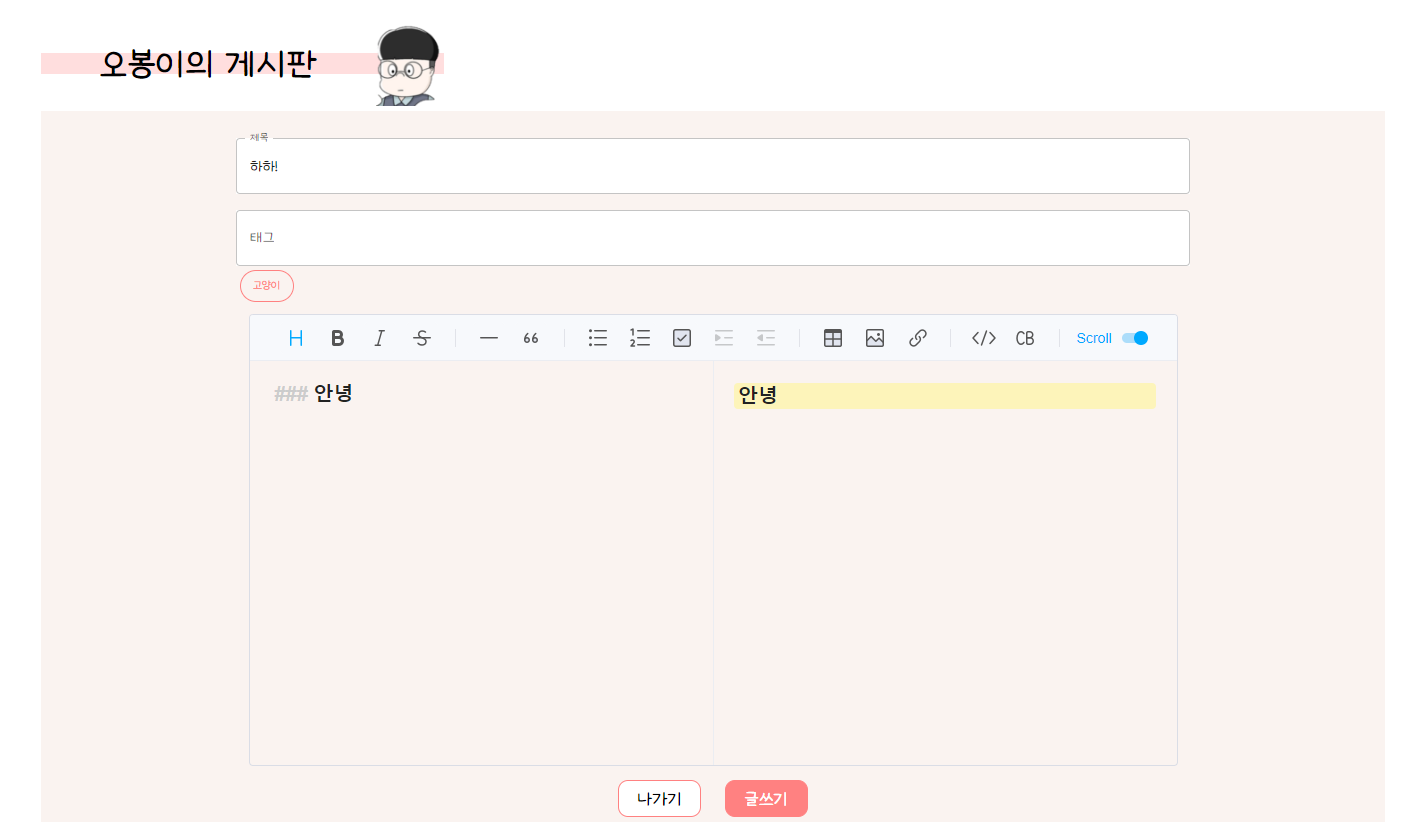
수정하기 전에 먼저 할 일은 게시글의 '수정'을 클릭했을 때 기존에 있던 값이 나오게 만들어 주어야합니다. 다른 값들은 제대로 나왔지만 내용 부분이 마크다운이라서 그런지 따로 설정을 해주어야 했습니다😅
  useEffect(() => {
    if (accessToken) {
      const decoded = jwt_decode(accessToken);
      setDecodedToken(decoded);
      console.log(accessToken);
      if (decoded && decoded.auth === "ROLE_ADMIN") {
        setIsAdmin(true);
      }
      console.log(decoded);
    }
  }, [accessToken]);

  //값 가져오기 api
  React.useEffect(() => {
    const editorInstance = editorRef.current && editorRef.current.getInstance();

    if (editorInstance) {
      axios
        .get(`http://13.125.105.202:8080/api/posts/${postId}`, {
          headers: {
            Authorization: `Bearer ${accessToken}`,
          },
        })
        .then((response) => {
          console.log(response);
          setTitle(response.data.title);
          const tagsArray = response.data.tags.map((tagObj) => tagObj.value);
          setTags(tagsArray);
          setChecked(response.data.isPinned);

          // 에디터 내용 설정
          const newContent = response.data.contents[0].value;
          setEditorContent(newContent); // 에디터 내용 업데이트

          // initialValue를 업데이트하지 않고 내용을 설정하면 됩니다.
          editorInstance.setMarkdown(newContent);
          console.log("내용값->", newContent);
        })
        .catch((error) => {
          console.error("post data error", error);
        });
    }
  }, [postId, accessToken]);
<Editor
ref={editorRef}
initialValue="내용을 입력하세요."
value={editorContent}
previewStyle="vertical"
height="450px"
initialEditType="markdown"
useCommandShortcut={false}
hideModeSwitch={true}
onChange={(e) => setEditorContent(e)}
/>글 수정하기😋
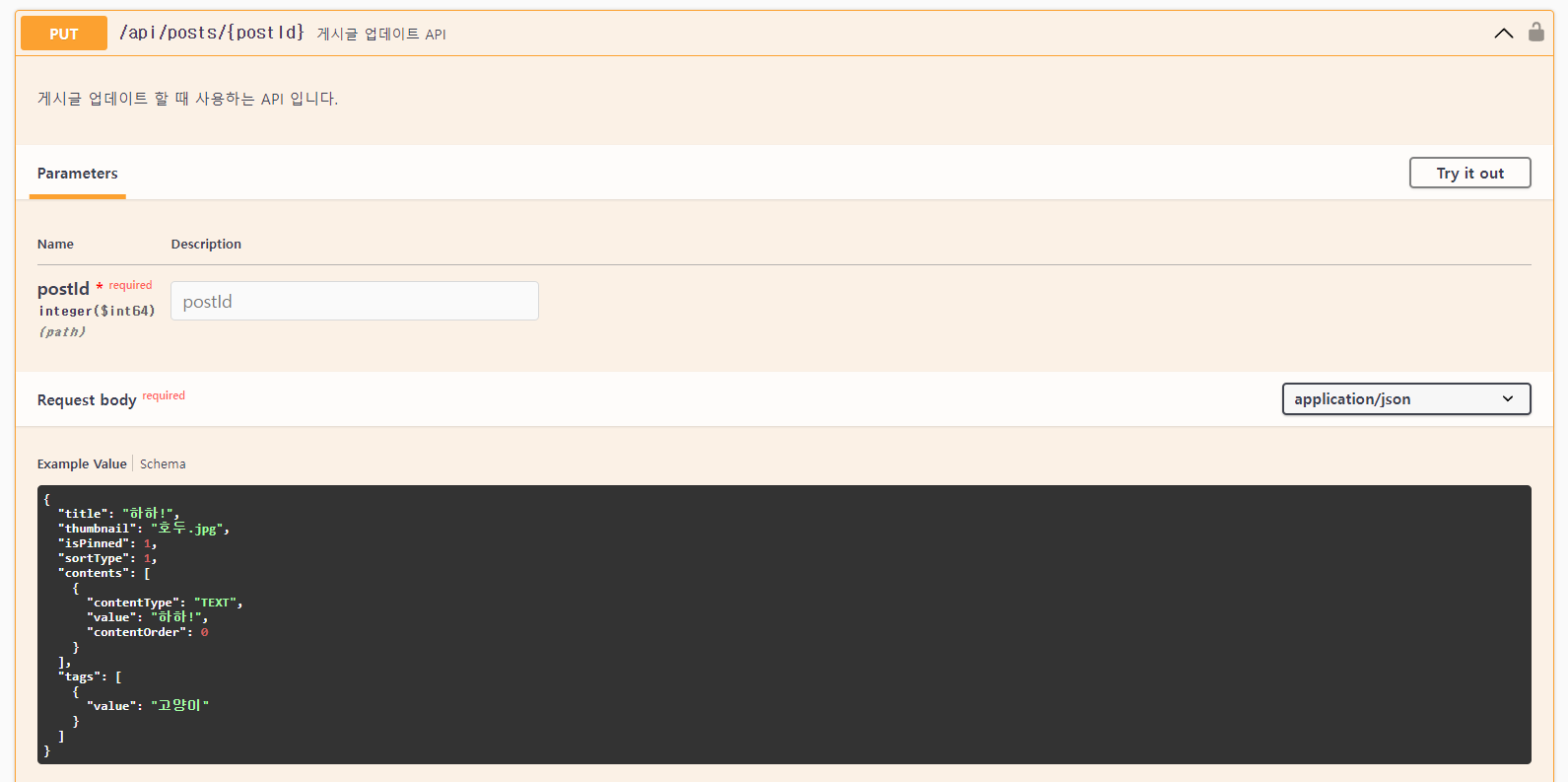
수정이 아닌 게시글 작성할때랑 똑같지만 api주소에 postId만 붙이면 되는거라서 수정은 큰 어려움이 없었습니다.
  //수정 api연동 연동
  const handleCreatePost = () => {
    if (isLogin) {
      const editorInstance =
        editorRef.current && editorRef.current.getInstance();

      if (editorInstance) {
        const markdownContent = editorInstance.getMarkdown();

        const newContent = {
          contentType: "TEXT",
          value: markdownContent,
          contentOrder: 0,
        };

        const postTagArray = tags.map((tag) => ({ value: tag }));

        const postDataToSend = {
          title: title,
          thumbnail: thumbnail ? thumbnail.name : "",
          isPinned: checked ? 1 : 0,
          sortType: 1,
          contents: [newContent],
          tags: postTags,
        };

        axios
          .put(`http://13.125.105.202:8080/api/posts/${postId}`, postDataToSend, {
            headers: {
              Authorization: `Bearer ${accessToken}`,
            },
          })
          .then((response) => {
            console.log(postDataToSend);
            console.log("태그 현 상황",postTags)
          })
          .catch((error) => {
            setAuthModalFailOpen(true);
            console.error("Error updating post:", error.response);
          });
      } else {
        console.error("Editor instance is not available.");
      }
    } else {
      setAuthModalFailOpen(true);
    }
  };