에러
하나 해결했는데, 이번엔 에뮬레이터에서 무한로딩 검은화면이 뜹니다.
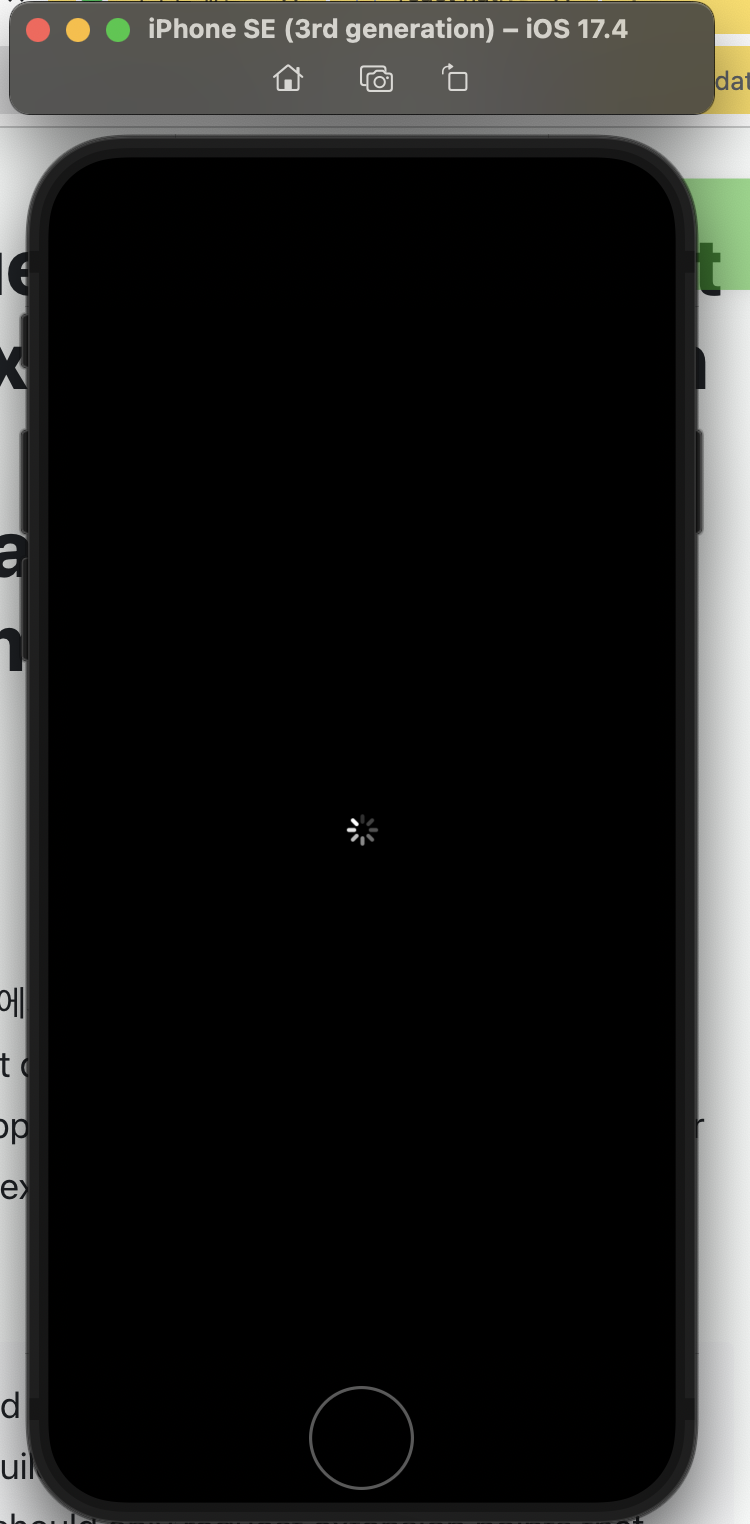
DVTPlugInQuery: Requested but did not find extension point with identifier 'Xcode.InterfaceBuilderBuildSupport.PlatformDefinition'. This is programmer error; code should only request extension points that are defined by itself or its dependencies.
해결
해결링크
원래는 에러문구 해결하려고 찾아봤는데, 저대로 따라하니까 에러문구는 그대로 뜨지만 구동은 되네요.
먼저, ActivityMonitor에서 Simulator를 강제종료 해줍니다. 저는 2개 떠있었어요.

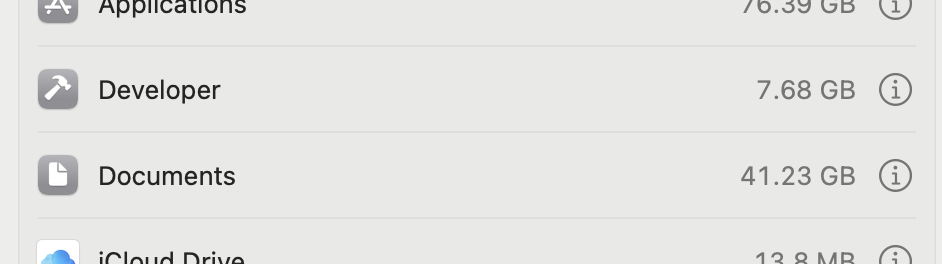
Setting -> General -> Storage
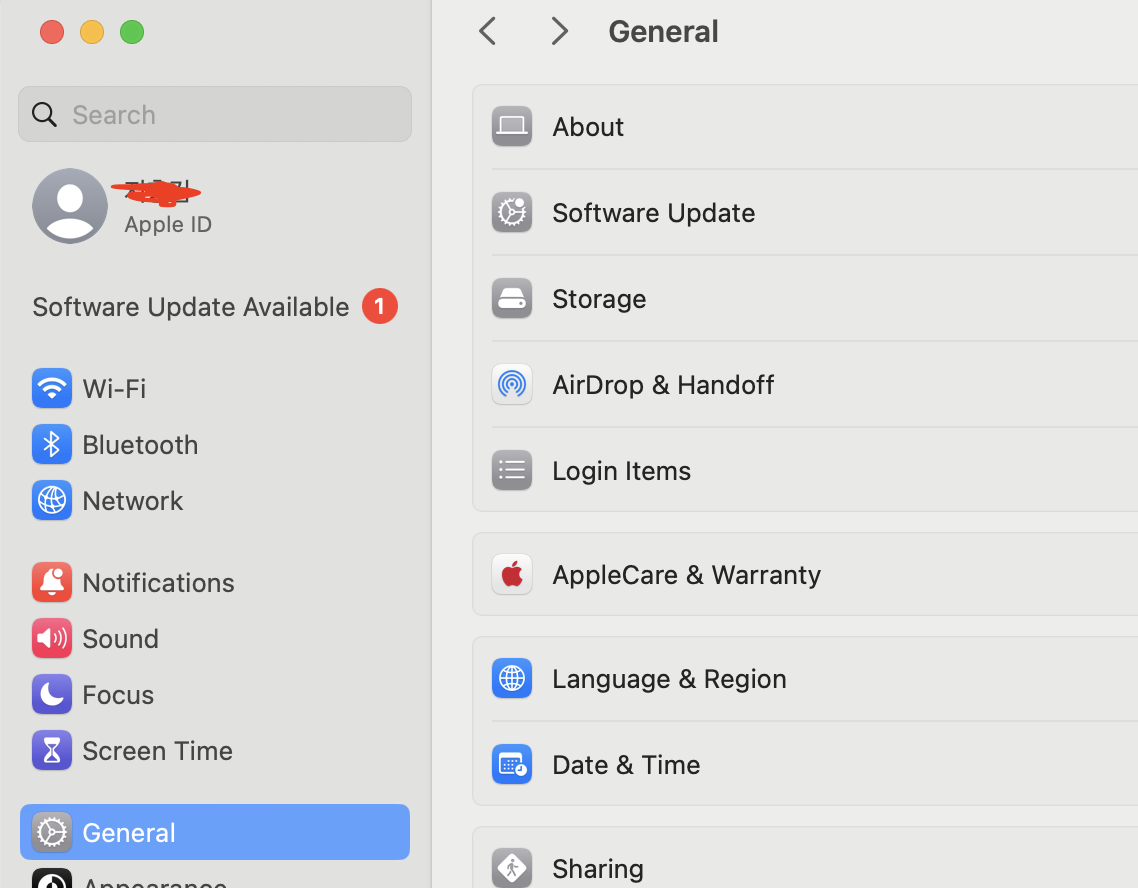
Developer에서 i를 클릭해줍니다.
Xcode Caches 전부 지워주세요.
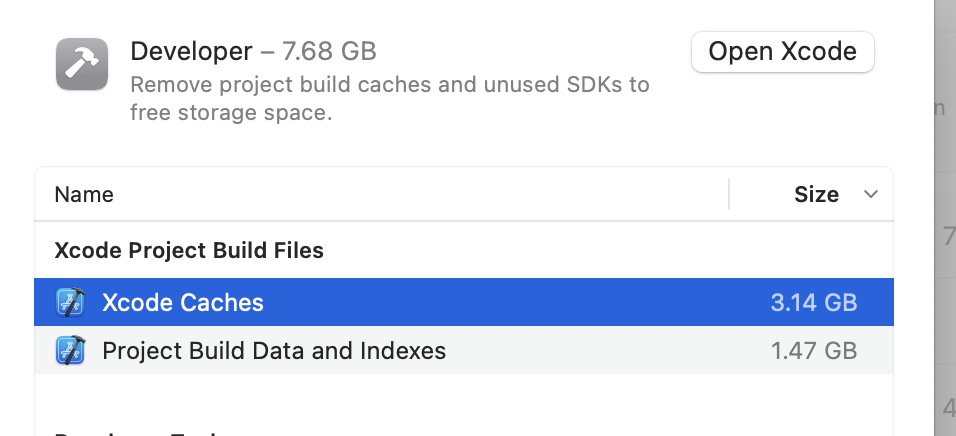
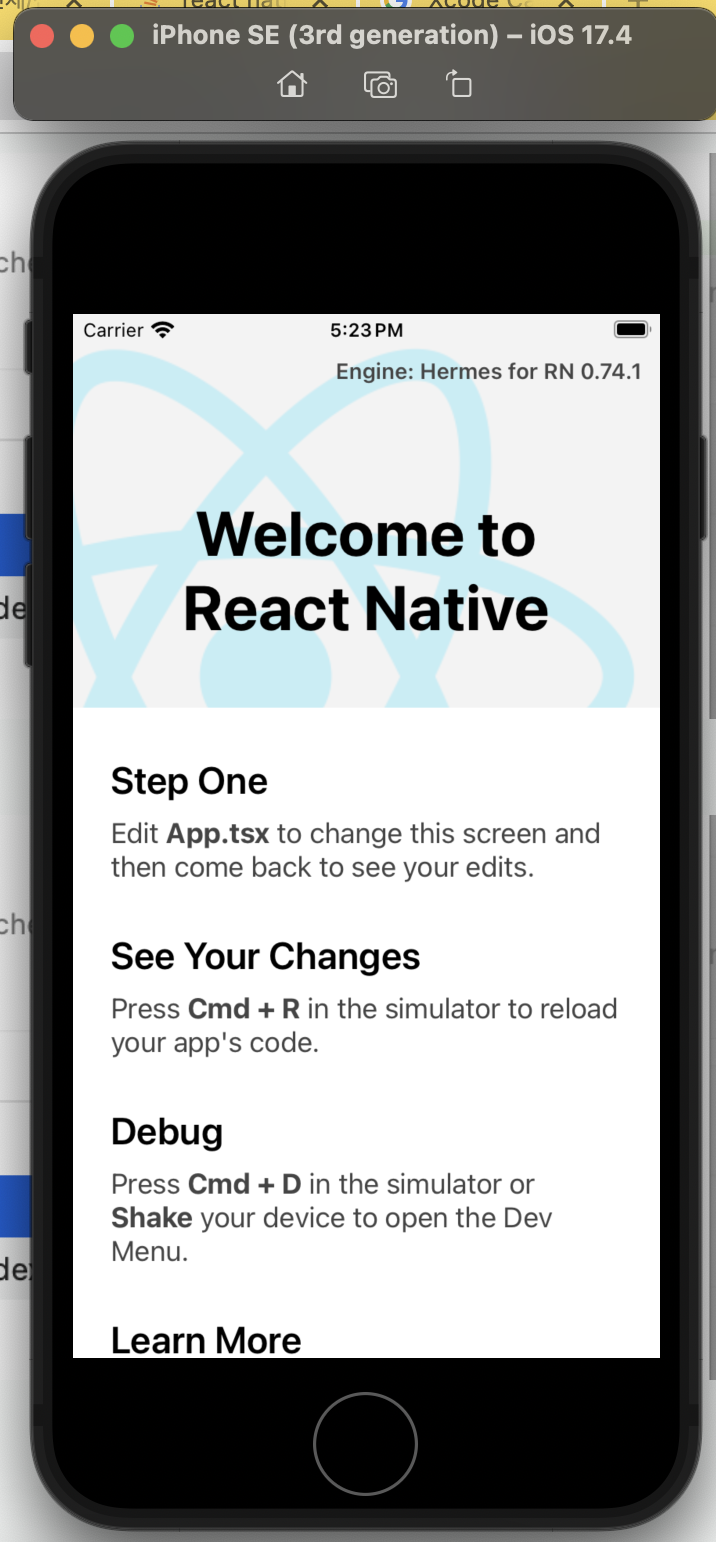
다시 react-native run-ios하시고 좀 기다리시면, 오류 메세지는 그대로 뜨지만 IOS 에뮬레이터가 구동됩니다. 어렵다 어려워~
왠지 모르겠는데, VSCode에서 실행하면 개발서버 구동을 위한 터미널이 하나 더 뜨더라구요? 이것 때문에 Simulator가 동시에 2개 뜨는게 문제인 것 같습니다.
Reference

수박개 입니다.