리액트 19 기반 LocalStorage JWT 저장
자체/소셜(네이버, 구글) 로그인
Access/Refresh 토큰 (다중 토큰)
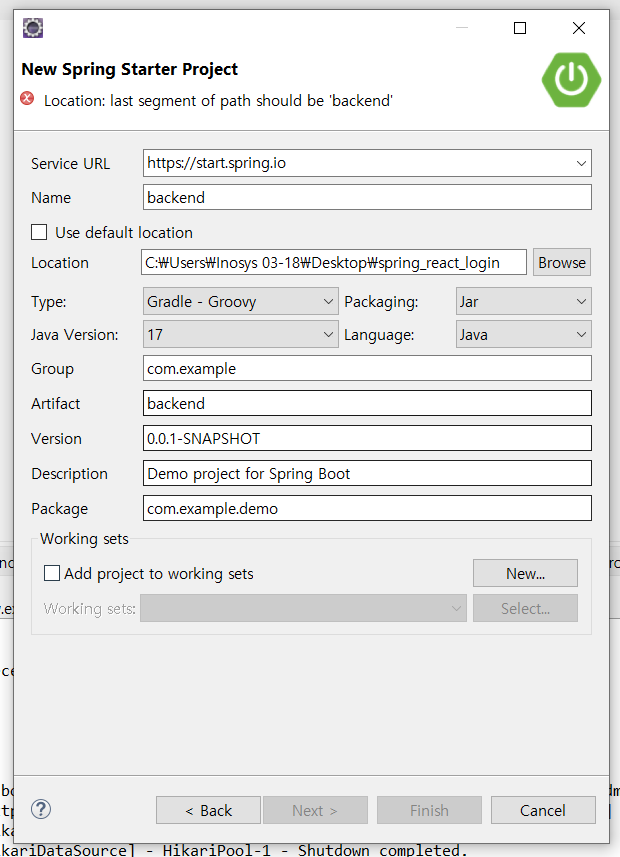
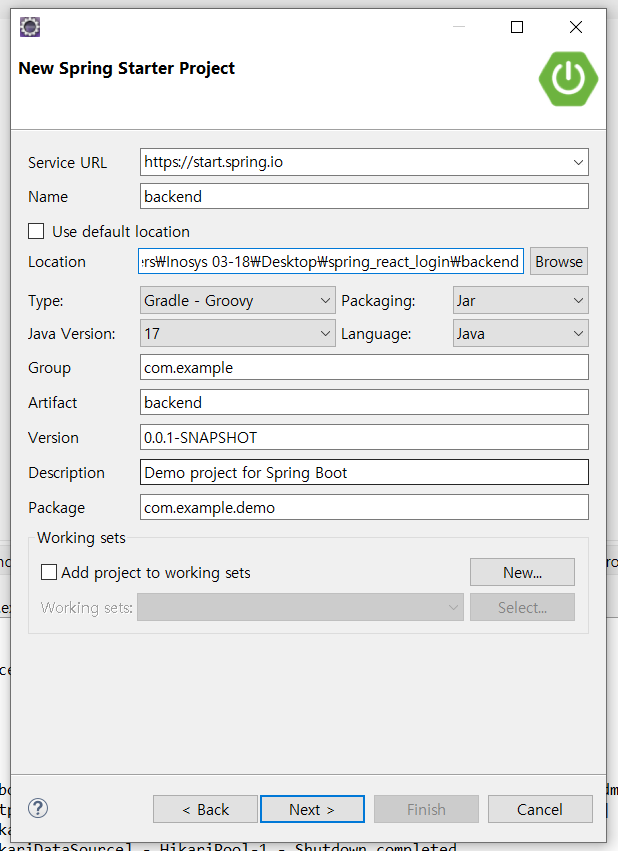
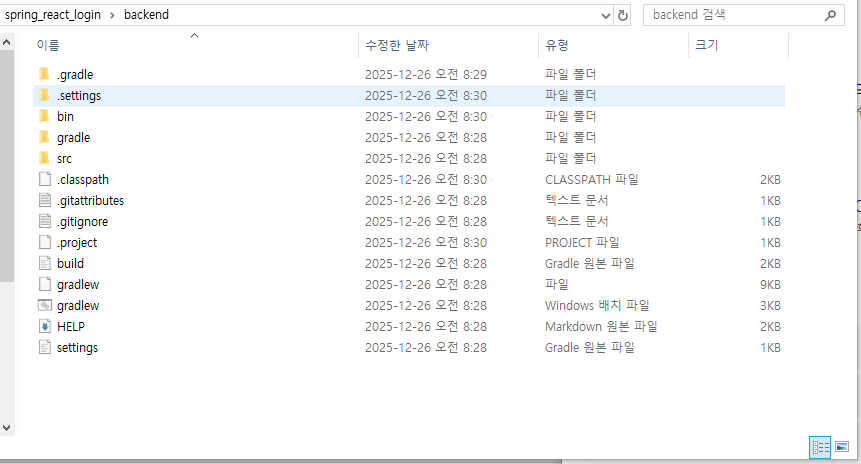
스프링 부트 프로젝트 생성
오른쪽 마우스 클릭 New Spring Starter Project 생성
Create new Spring Starter Projects 없으면 Other 에서 검색
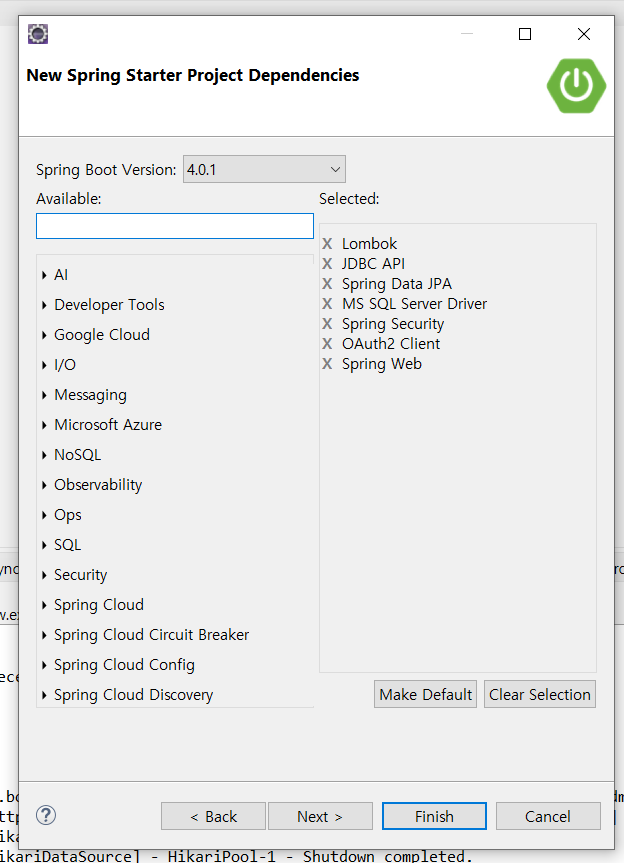
Spring Boot Version은 현시점 가장 최신 버전
지금 회사에서 MSSQL 쓰고있기 때문에 MS SQL 로 추가해줌
React.js 프로젝트 생성
기본적으로 Node.js/npm 환경이 구축되어 있어야 합니다.
- npm으로 vite 기반 React.js 프로젝트 생성
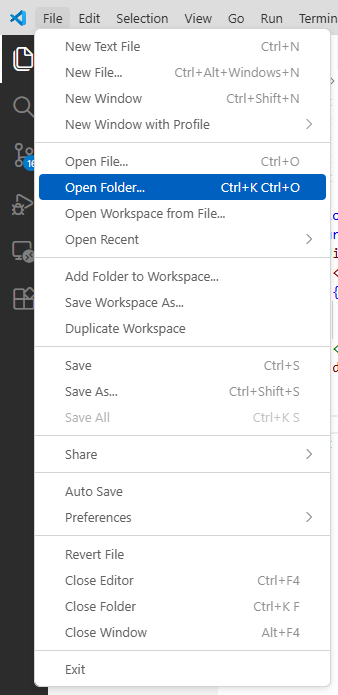
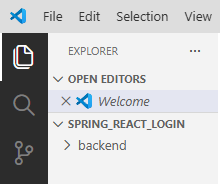
VS Code 에서 폴더 열기 (spring_react_login)
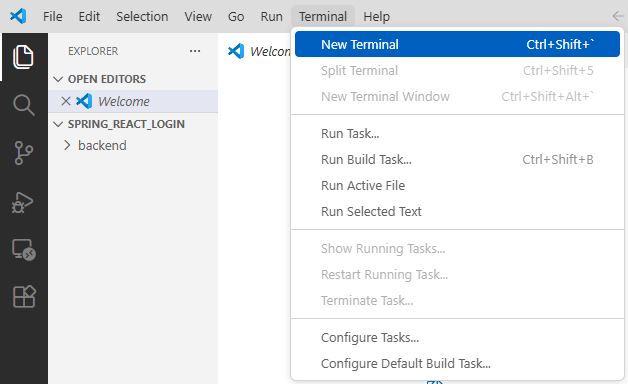
터미널 열기
ctrl + shift + `(백틱)
vite 실행 명령어
npm create vite@latest frontend -- --template reactfrontend는 생성할 프로젝트 이름
Inosys 03-18@DESKTOP-PTJ30JK MINGW64 ~/Desktop/spring_react_login
$ npm create vite@latest frontend -- --template react
Need to install the following packages:
create-vite@8.2.0
Ok to proceed? (y) y


> npx
create-vite@8.2.0
Ok to proceed? (y) y

create-vite@8.2.0
Ok to proceed? (y) y
create-vite@8.2.0
create-vite@8.2.0
Ok to proceed? (y) y


> npx
> create-vite frontend --template react

│
◇  Use rolldown-vite (Experimental)?:
│  No
│
◇  Install with npm and start now?
│  Yes
│
◇  Scaffolding project in C:\Users\Inosys 03-18\Desktop\spring_react_login\frontend...
│
◇  Installing dependencies with npm...

added 157 packages, and audited 158 packages in 14s

33 packages are looking for funding
  run `npm fund` for details

found 0 vulnerabilities
│
◇  Starting dev server...

> frontend@0.0.0 dev
> vite


  VITE v7.3.0  ready in 443 ms

  ➜  Local:   http://localhost:5173/
  ➜  Network: use --host to expose
  ➜  press h + enter to show help
ctrl + c 터미널 종료 후
cd frontend
frontend로 이동
npm installpackage.json에 패키지 설치
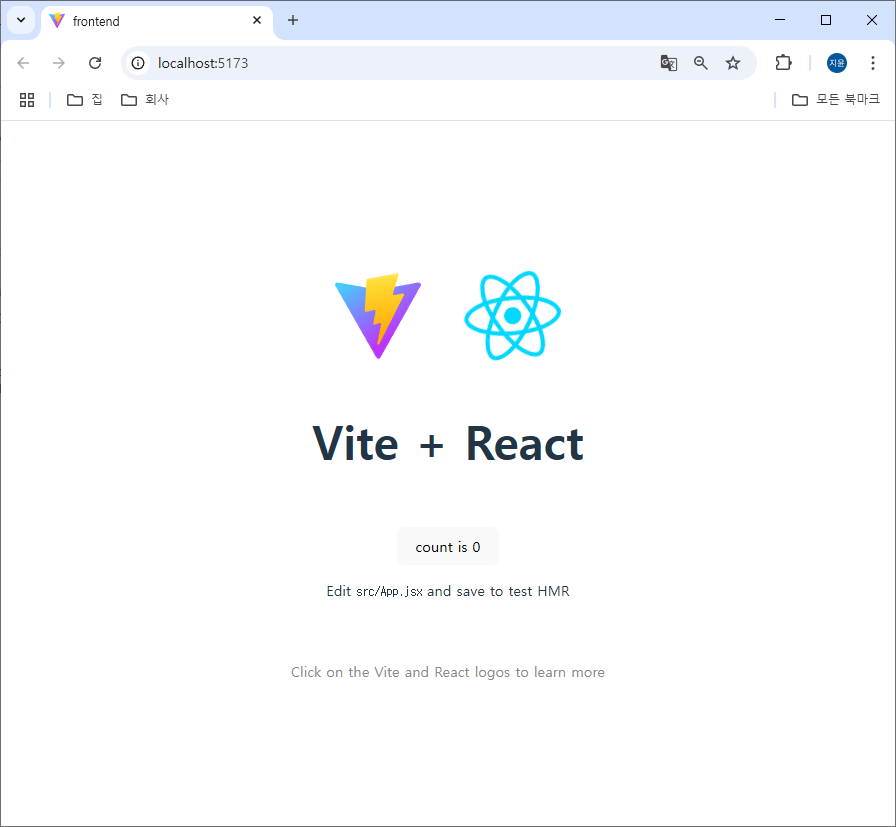
npm run dev5173 포트로 react 실행됨