Serverless Framework에 대해 알아보자.
Serverless Framework란 Serverless 아키텍처를 쉽게 구현할 수 있는 오픈 소스 프레임워크다.
주요 기능은 다음과 같다.
- AWS Lambda의 배포 및 관리
- CloudFormation 기반으로 AWS의 인프라를 생성
AWS Lambda에 관한 설정에 따라 기본적으로 프로비전하는 인프라가 존재한다. 예를 들어, AWS Lambda 이벤트 타입이 HTTP일 경우 API Gateway를 자동으로 생성한다.
개발환경 설정
node.js, npm을 통해 환경을 구축해야 하므로 다음 명령어를 통해 Serverless를 설치하자.
$ npm i serverless g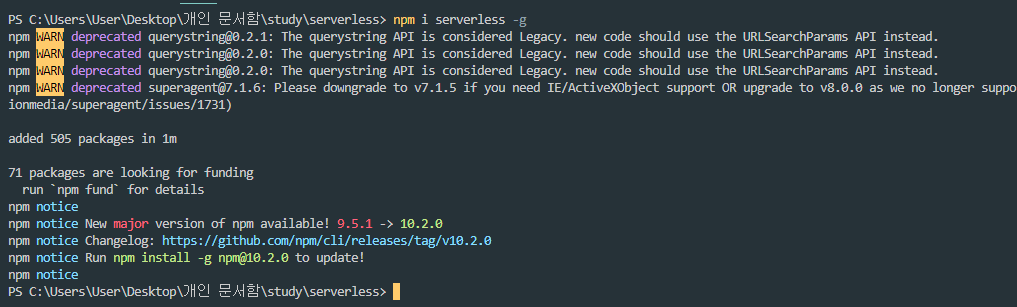
Serverless를 통해 배포하려면 AWS IAM에서 Serverless에 대한 권한을 설정해야 한다.
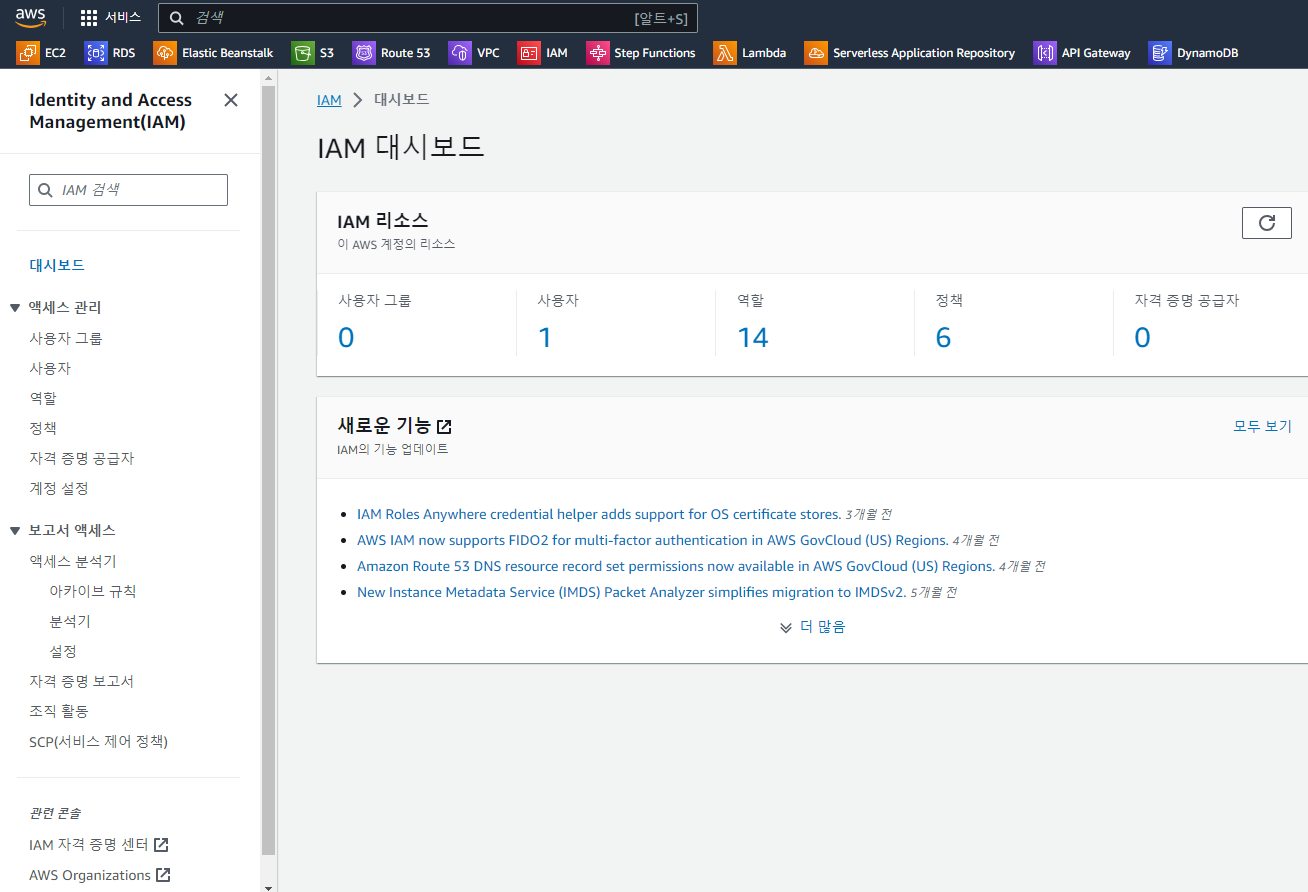
Administrator Access 정책을 연결한다.
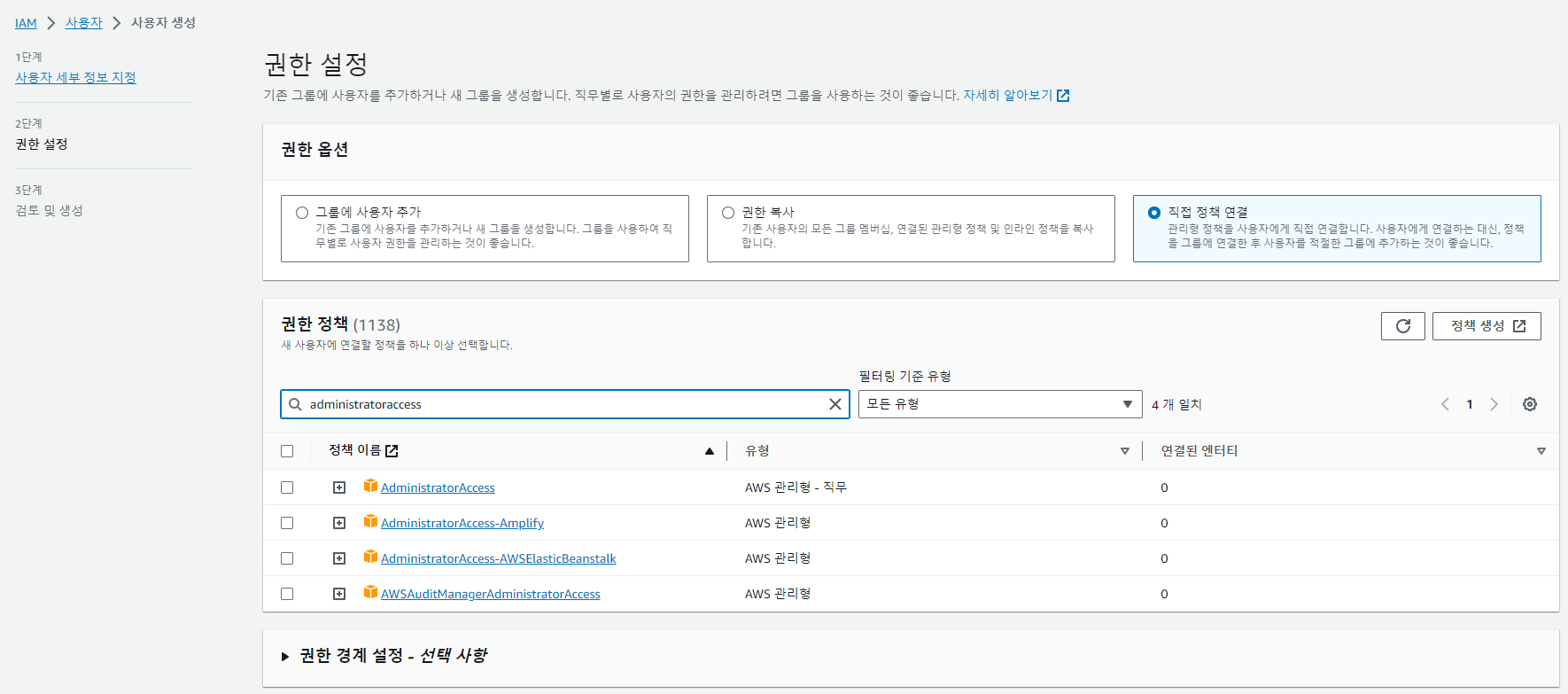
해당 IAM User에 대해 프로그래밍 방식 액세스 키를 만든다.

// 과정 생략
발급받은 키 값들을 아래와 같이 Serverless에 설정한다.
$ serverless config credentials --provider aws --key {액세스 키 ID} --secret {비밀 액세스 키}Serverless 템플릿으로 애플리케이션 생성
$ serverless create -t {원하는 템플릿} -p {원하는 프로젝트 이름}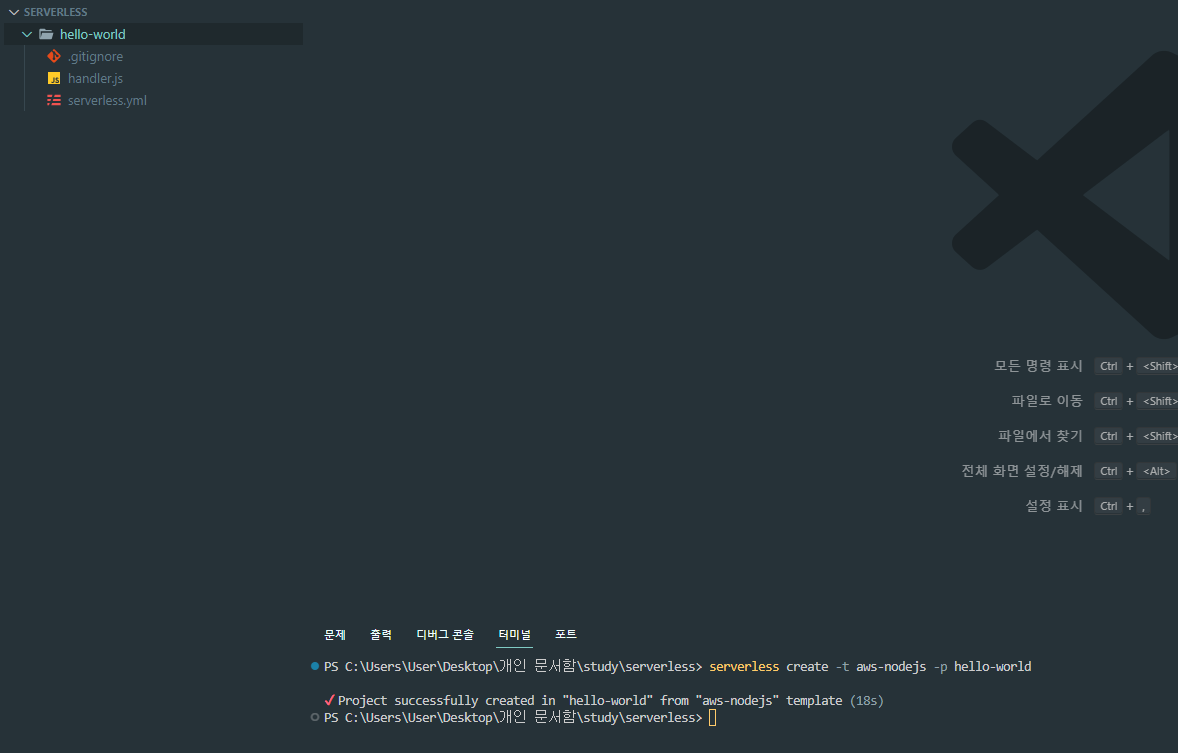
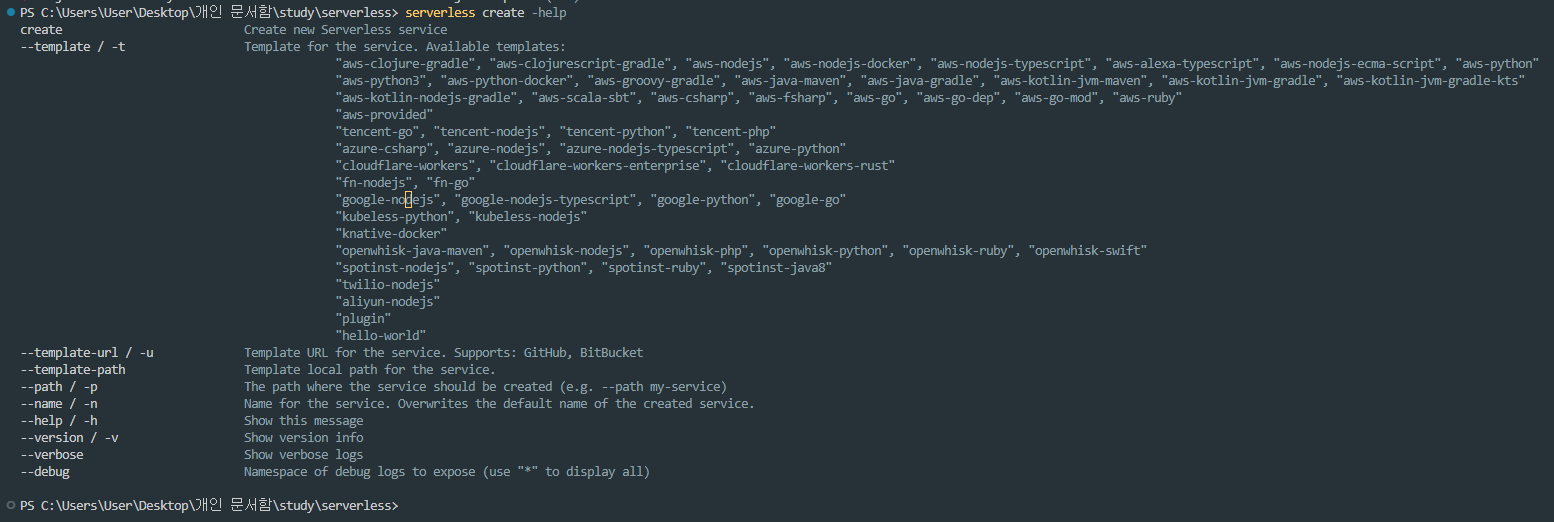
참고로 템플릿 종류는 다음과 같이 확인할 수 있으므로 원하는 템플릿을 적절하게 사용하도록 하자.
생성된 handler.js, serverless.yml 파일을 간략하게 살펴보자.
// handler.js
'use strict';

module.exports.hello = async (event) => {
  return {
    statusCode: 200,
    body: JSON.stringify(
      {
        message: 'Go Serverless v1.0! Your function executed successfully!',
        input: event,
      },
      null,
      2
    ),
  };

  // Use this code if you don't use the http event with the LAMBDA-PROXY integration
  // return { message: 'Go Serverless v1.0! Your function executed successfully!', event };
};handler.js는 main 함수라고 생각하면 된다.
다음은 생성된 serverless.yml 파일의 일부이다. 이 파일은 serverless framework의 설정을 나타낸다.
# Welcome to Serverless!
#
# This file is the main config file for your service.
# It's very minimal at this point and uses default values.
# You can always add more config options for more control.
# We've included some commented out config examples here.
# Just uncomment any of them to get that config option.
#
# For full config options, check the docs:
#    docs.serverless.com
#
# Happy Coding!

service: hello-world
# app and org for use with dashboard.serverless.com
#app: your-app-name
#org: your-org-name

# You can pin your service to only deploy with a specific Serverless version
# Check out our docs for more details
frameworkVersion: "3"

provider:
  name: aws
  runtime: nodejs18.x

functions:
  hello:
    handler: handler.hello
AWS의 인프라와 Serverless Framework로 배포할 Lambda 함수의 정보 및 설정을 담은 파일로, CloudFormation의 문법을 사용할 수 있다.
AWS 배포 전 테스트
보통 AWS console을 통해 Lambda, API Gateway를 구성하고 배포하여 해당 URL을 얻어 접속하는 방식으로 테스트하는데 많이 번거롭다.
Serverless를 사용하면 배포 전에 로컬에서 테스트 식으로 invoke 명령어를 사용하면 된다.

배포
serverless.yml을 다음과 같이 수정했다.
service: hello-world

frameworkVersion: "3"

provider:
  name: aws
  runtime: nodejs18.x
  stage: dev
  region: ap-northeast-2

functions:
  hello:
    handler: handler.hello
    events:
      - httpApi:
          path: /
          method: get
// 또한 handler의 메시지 내용을 약간 수정했다.
적당한 설정이 끝났다면, 다음 명령어를 통해 배포해보자.
$ serverless deploy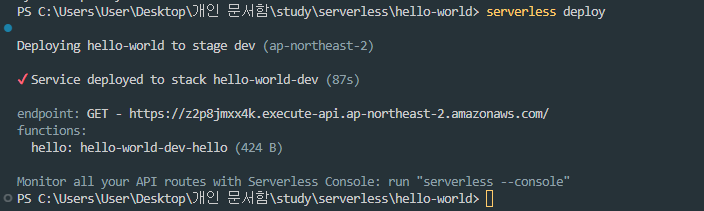
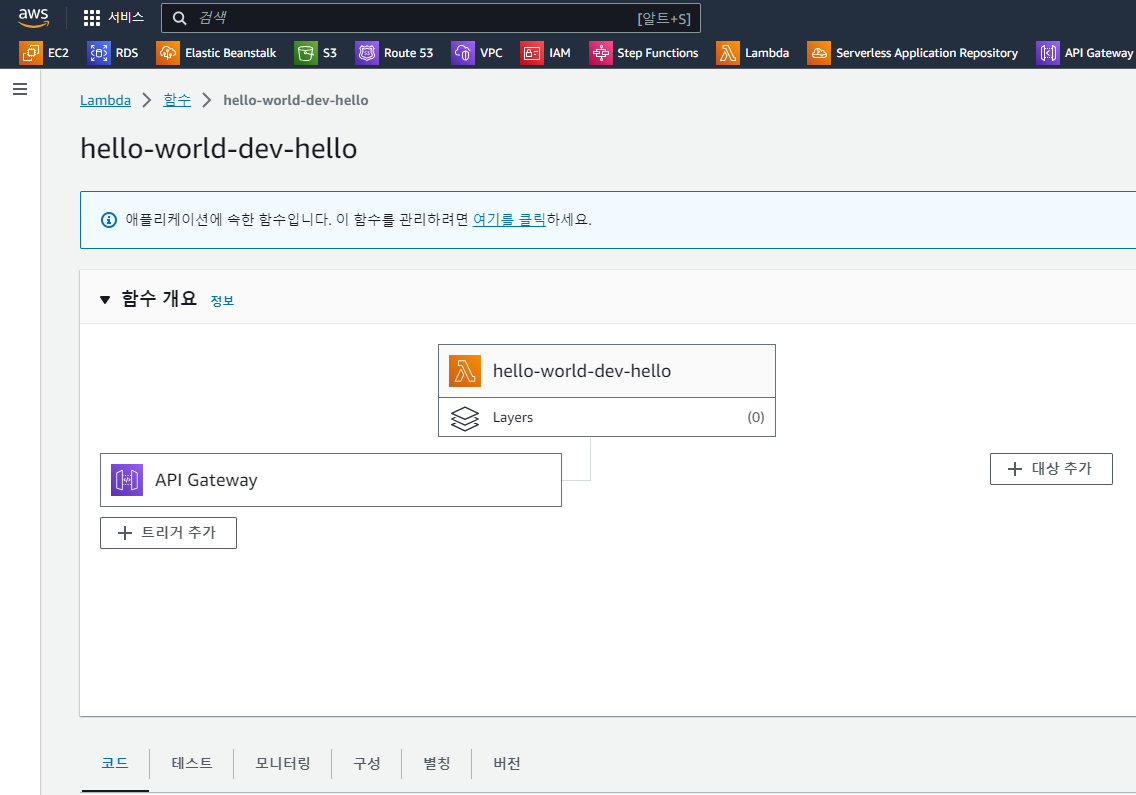
AWS console 상에 Lambda와 API Gateway가 잘 등록되어 있다.
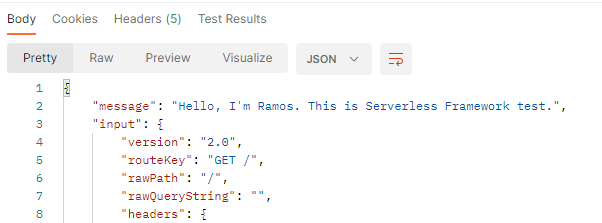
배포된 API를 Postman을 통해 호출하면 다음과 같이 결과가 나타난다.