EC2로 웹 프로젝트를 배포하고 프론트엔드와 연결을 하자 에러가 발생했다.
Config 파일
cors 에러를 수정하기 위해 백엔드에서 config 파일을 작성하였습니다.
import org.springframework.context.annotation.Bean;
import org.springframework.context.annotation.Configuration;
import org.springframework.web.cors.CorsConfiguration;
import org.springframework.web.cors.UrlBasedCorsConfigurationSource;
import org.springframework.web.filter.CorsFilter;

@Configuration
public class CorsConfig {
    @Bean
    public CorsFilter corsFilter() {
        CorsConfiguration corsConfiguration = new CorsConfiguration();

        // 모든 도메인 허용
        corsConfiguration.addAllowedOrigin("*");

        corsConfiguration.addAllowedMethod("*"); // 모든 HTTP 메서드 허용
        corsConfiguration.addAllowedHeader("*"); // 모든 헤더 허용

        // CORS 요청에 대한 응답에서 쿠키를 허용하려면 아래 설정도 추가
        corsConfiguration.setAllowCredentials(true);

        UrlBasedCorsConfigurationSource source = new UrlBasedCorsConfigurationSource();
        source.registerCorsConfiguration("/**", corsConfiguration);

        return new CorsFilter(source);
    }
}
그러나 여전히 cors 에러가 발생했습니다.
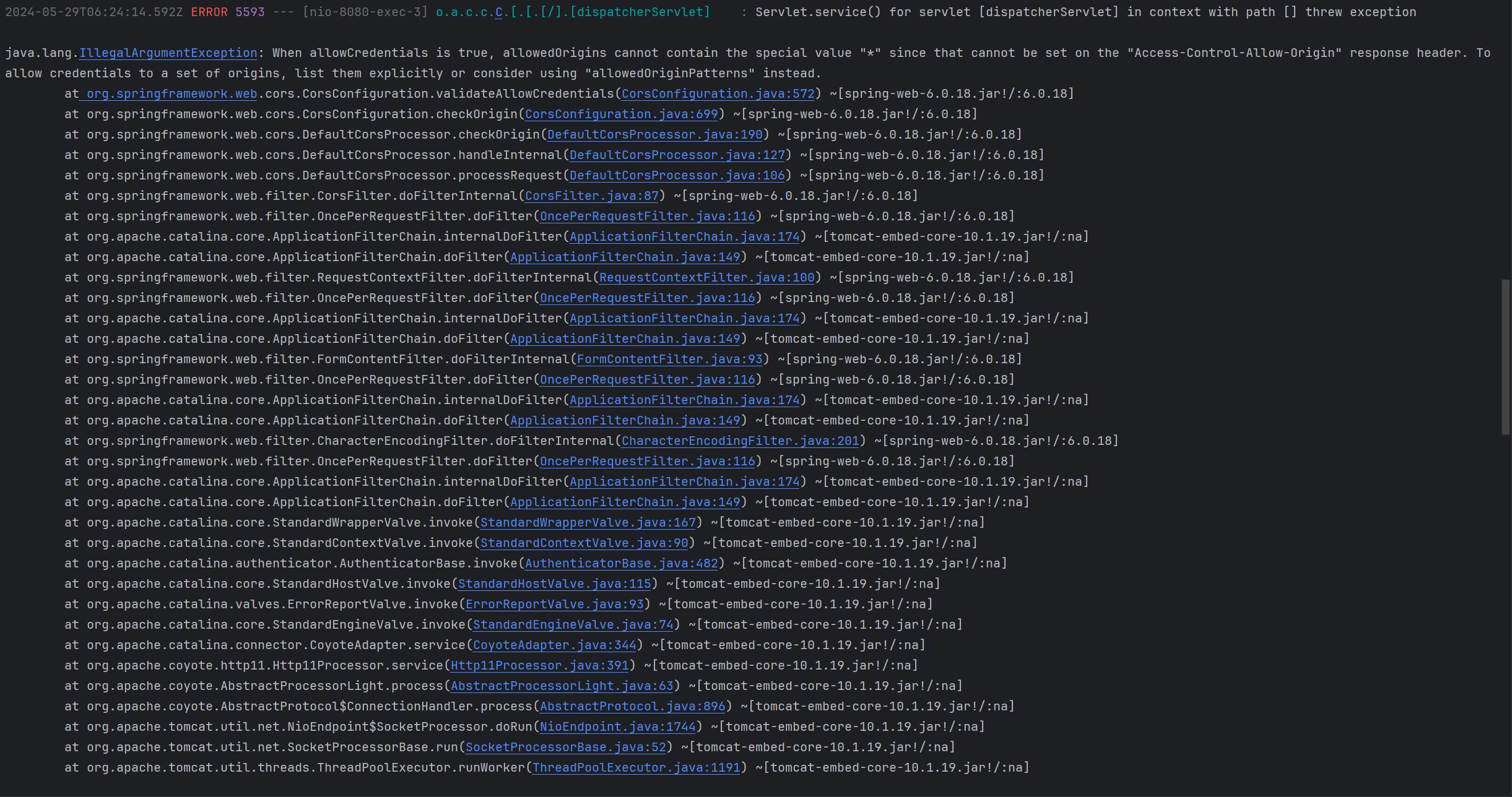
setAllowCredentials(true), addAllowedOrigin("*")
setAllowCredentials(true)와 addAllowedOrigin("*") 코드가 충돌했기 때문이다.
- setAllowCredentials(true): 브라우저가 요청과 함께 자격 증명(쿠키, 인증 헤더 등)을 포함할 수 있도록 허용
- addAllowedOrigin("*"): 모든 출처에서의 요청을 허용
두 코드를 함께 사용하면, 출처와 상관 없이 민감한 자격 증명 정보를 요청할 수 있게 되어 보안에 큰 위험이 된다.
Spring에서 보안을 위해, setAllowCredentials(true)를 사용할 경우 addAllowedOrigin("*")을 사용하지 못하게 한다.
addAllowedOriginPattern("*")
addAllowedOrigin("") 코드를 addAllowedOriginPattern("")로 수정한다.
- addAllowedOriginPattern("*"): 와일드카드 패턴을 사용하여 모든 출처를 허용하는 더 유연한 방법을 제공한다.
addAllowedOriginPattern("*")과 setAllowCredentials(true)는 조금 더 안전한 방식으로 모든 출처를 허용하며 사용할 수 있습니다.
addAllowedOriginPattern('*') 는 Spring Framework 5.3부터 도입되었다.
import org.springframework.context.annotation.Bean;
import org.springframework.context.annotation.Configuration;
import org.springframework.web.cors.CorsConfiguration;
import org.springframework.web.cors.UrlBasedCorsConfigurationSource;
import org.springframework.web.filter.CorsFilter;

@Configuration
public class CorsConfig {
    @Bean
    public CorsFilter corsFilter() {
        CorsConfiguration corsConfiguration = new CorsConfiguration();

        // 모든 도메인 허용
        corsConfiguration.addAllowedOriginPattern("*");

        corsConfiguration.addAllowedMethod("*"); // 모든 HTTP 메서드 허용
        corsConfiguration.addAllowedHeader("*"); // 모든 헤더 허용

        // CORS 요청에 대한 응답에서 쿠키를 허용하려면 아래 설정도 추가
        corsConfiguration.setAllowCredentials(true);

        UrlBasedCorsConfigurationSource source = new UrlBasedCorsConfigurationSource();
        source.registerCorsConfiguration("/**", corsConfiguration);

        return new CorsFilter(source);
    }
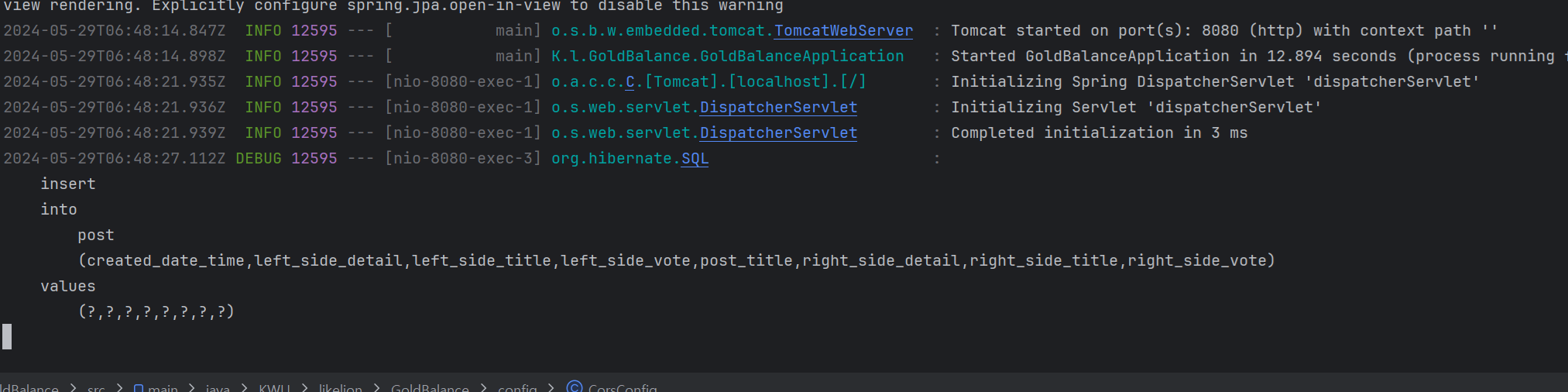
}

코린이