
✏️html의 canvas 기능
- width, height 두가지의 속성만을 지님.
- img 와 달리 닫는 태그가 필요하다.
<style>
  .canvas{border: 1px solid #aaa };
</style>
<canvas width="500" height="500" class="canvas" ></canvas>
=> 화면 상의 그림을 생성하기 때문에 오. 마를 누르면 이미지 복사 등과 같은 이미지와 관련된 요소가 나타난다.
캔버스 사용 가능한 브라우저인지 확인하기
<script>
  function draw(){

  	 var canvas = document.getElementById("a");
  }

  if (canvas.getContext){
  			alert ("그림그리기 가능합니다.");
  }

</script>- 요즘엔 대부분의 브라우저가 캔버스를 지원하기 때문에 굳이 확인할 필요는 없지만, 그래도 만약 확인해야한다면 사용한다.
canvas 그리기
<script>
  function draw(){

  	 var canvas = document.getElementById("a");


  if (canvas.getContext){

  		var ctx = canvas.getContext("2d"); //그림 타입 지정

  		ctx.fillRect(5,5,20,20);
  		ctx.fillStyle= "red";


  }
  </script>
출력결과:
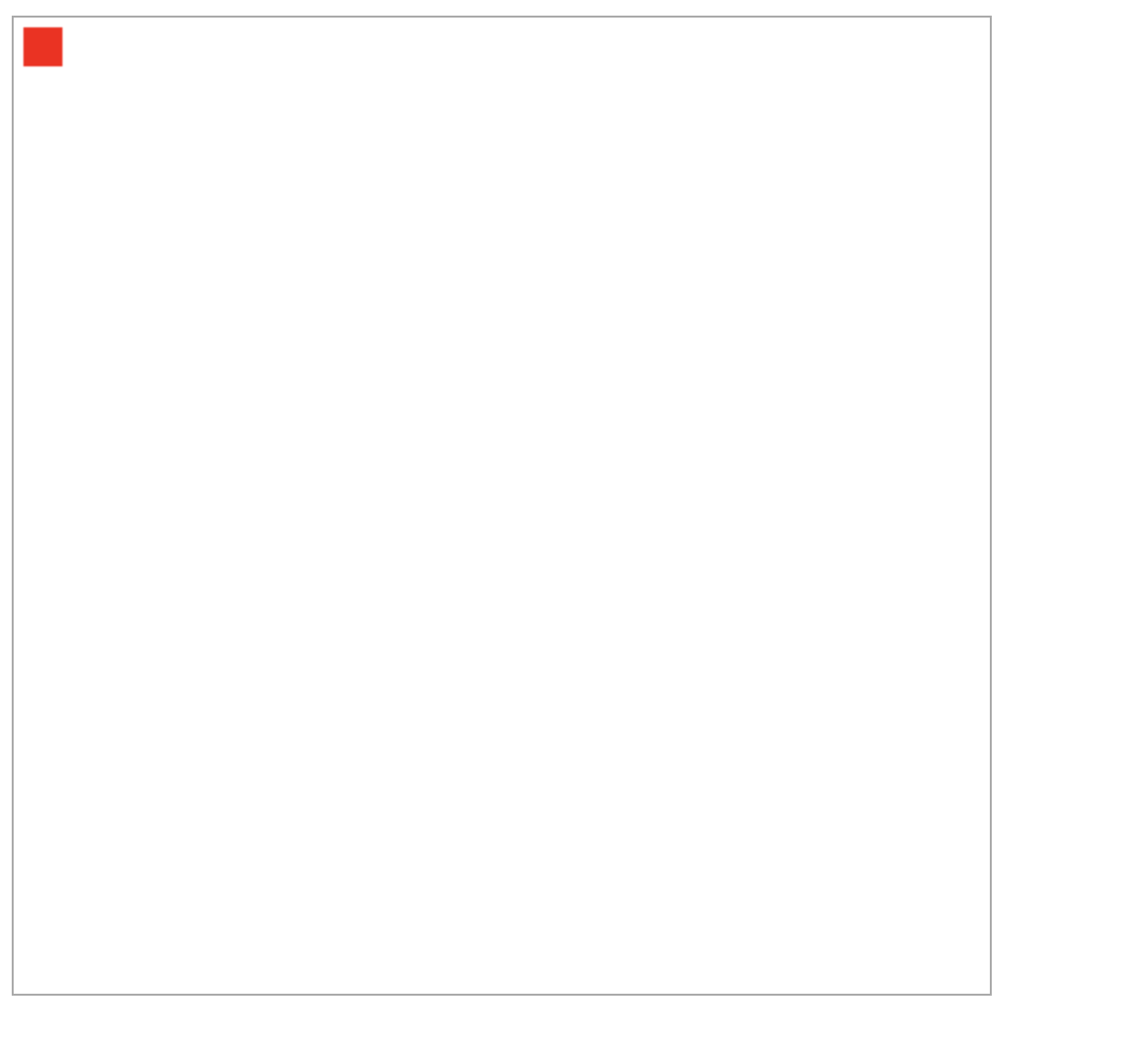
자바스크립트를 사용해서 그려준다.
✏️자바스크립트
var ctx = canvas.getContext(contextType);
var ctx = canvas.getContext(contextType, contextAttributes);- getContext() 로 내가 그릴 그림의 타입을 정한다. (2d or 3d...etc.)
var canvas = document.getElementById("a");- getElementById 는 해당하는 id 문서를 불러온다.
- 해당하는 id =a 는 캔버스를 말하므로 변수 canvas 가 곧 a 캔버스를 나타낸다.
fillRect(시작지점 x,시작지점 y, 가로크기, 세로크기);- 모양 지정 및 위치는 대략적으로 비슷한 양상으로 지정된다.
아무튼 실제로 이렇게 만들고 해당 캔버스를 저장하면, png 로 저장할 수 있게 된다.
이걸 실제 서버에 저장하는 것을 해보자.
캔버스 png 서버에 저장하기 📂
key: 이미지를 서버에 저장할 때에는 주로 url 형태로 저장하게 된다.
-> 이미지를 url 로 변환하는 과정 필요
버튼을 누르면 post 방식으로 해서 canvasSave.php 로 캔버스이미지 url 이 들어가도록 한다.
url 출력 확인하기
<script>
	function saveImage(){
            var a = canvas.toDataURL("image/png");
            alert (a);

        } //버튼을 누르면 호출, 그리고 url 을 alert
</script>

</head>
<body onload="draw();">
    <canvas id="a"  width="500" height="500" class="canvas"></canvas>

    <form action="canvasSave.php" method="POST">
        <!-- <input type="text" name="image" id="image"  value=""> -->
        <button type="button" onclick="saveImage();">서버에 이미지 업로드</button>
    </form>
</body>
</html>
오류 해결) 버튼을 눌러도 alert 창이 안뜨고 넘어가는 오류
📍button 의 type을 지정해주지 않아서 발생
📍대체 버튼이면 버튼이지 type 을 따로 지정해야하는 이유가 뭐야?
1. button 의 type 에는 reset, submit, button 이 있다.
2. type 지정이 없을 경우 디폴트는 submit 으로 된다.
⭐️ 결론 : 내가 type="button" 이라고 명시해주지 않아서 함수로 넘어가지 않고 바로 submit, 다음 페이지로 데이터 전달되어버렸다.
아무튼 이렇게 하면 버튼을 눌렀을 때
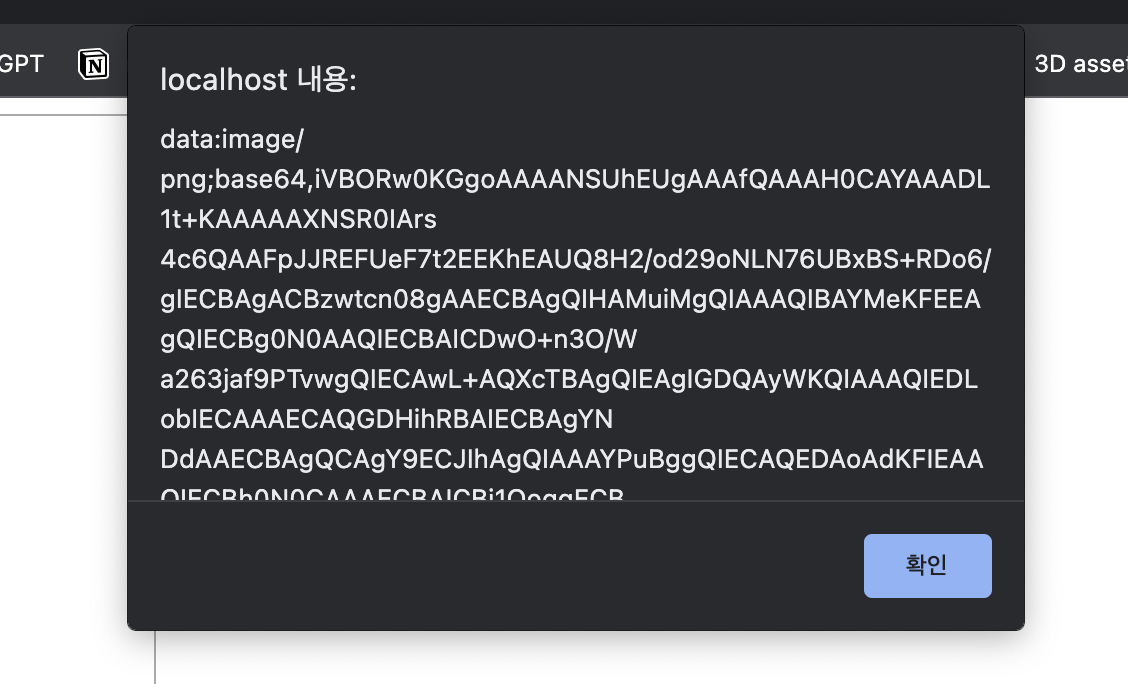
캔버스의 이미지 url 이 뜨게 된다.
이제는 이걸 save.php 로 넘겨주자
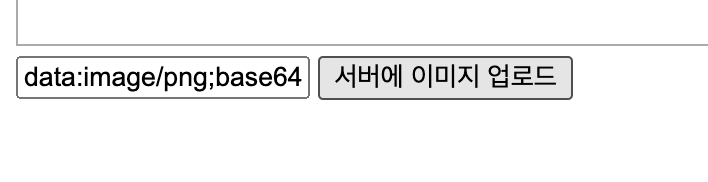
✏️ 자바스크립트
<script>
	const canvas = document.getElementById("canvas");
	const dataURL = canvas.toDataURL();
	console.log(dataURL);
</script>
// "data:image/png;base64,iVBORw0KGgoAAAANSUhEUgAAAAUAAAAFCAYAAACNby
// blAAAADElEQVQImWNgoBMAAABpAAFEI8ARAAAAAElFTkSuQmCC"- toDataURL () 함수를 이용하면 캔버스의 이미지를 url 로 변경할 수있다.
canvasSave.php

- 콤마를 기준으로 뒤쪽이 진짜 이미지 url (Explode로 나눠준다.)
<?php

    list($a, $b) = explode(",", $_POST["image"]); //콤마 기준 배열로 나누어줌

    $c = base64_decode($b);//인코딩 형태 디코딩 해주기

    $fp = fopen("a.png", "wb"); //a.png 를 열기, binary 형태로 설정 - (wb 는 fopen의 수많은 모드중 하나.)
    fwrite($fp, $c); //항목 쓰기, 파일 fp 에다가 변환된 c넣기
    fclose($fp); //파일 닫기

    echo "사진이 저장 완료 되었습니다.";

?>

<img src="a.png">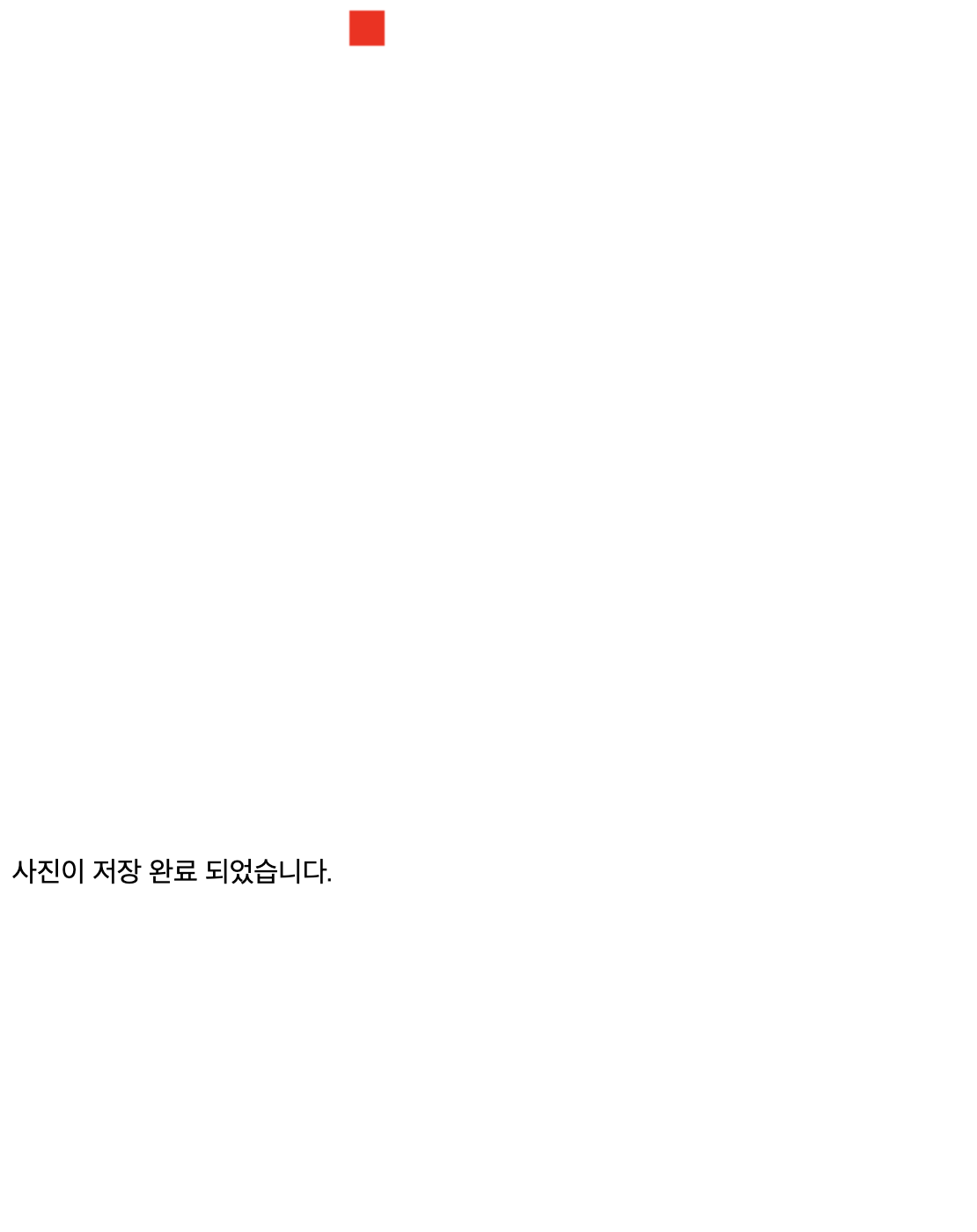
서버 저장 끝 😭

greedy college ssu.tudent 👩🎓