서론
나는 인피니티 스크롤을 좋아한다
사용자일 때는 pagination을 좋아하지만 개발자로서는 인피니티 스크롤이 좋다
왜냐하면 pagination 컴포넌트 만드는 게 조금 귀찮다ㅋ,,,
는 거짓말이고
인피니트 스크롤 구현해 본 지 오래 돼서 해 봐야한다!
infinite scroll이란?
스크롤을 함에 따라 데이터가 불러와져 끝까지 다 불러와 질 때까지 계속해서 스크롤을 할 수 있게 되는 데이터 페칭 방식
-스크롤이 처음에는 짧았는데 어느 시점에 닿으면 길어짐
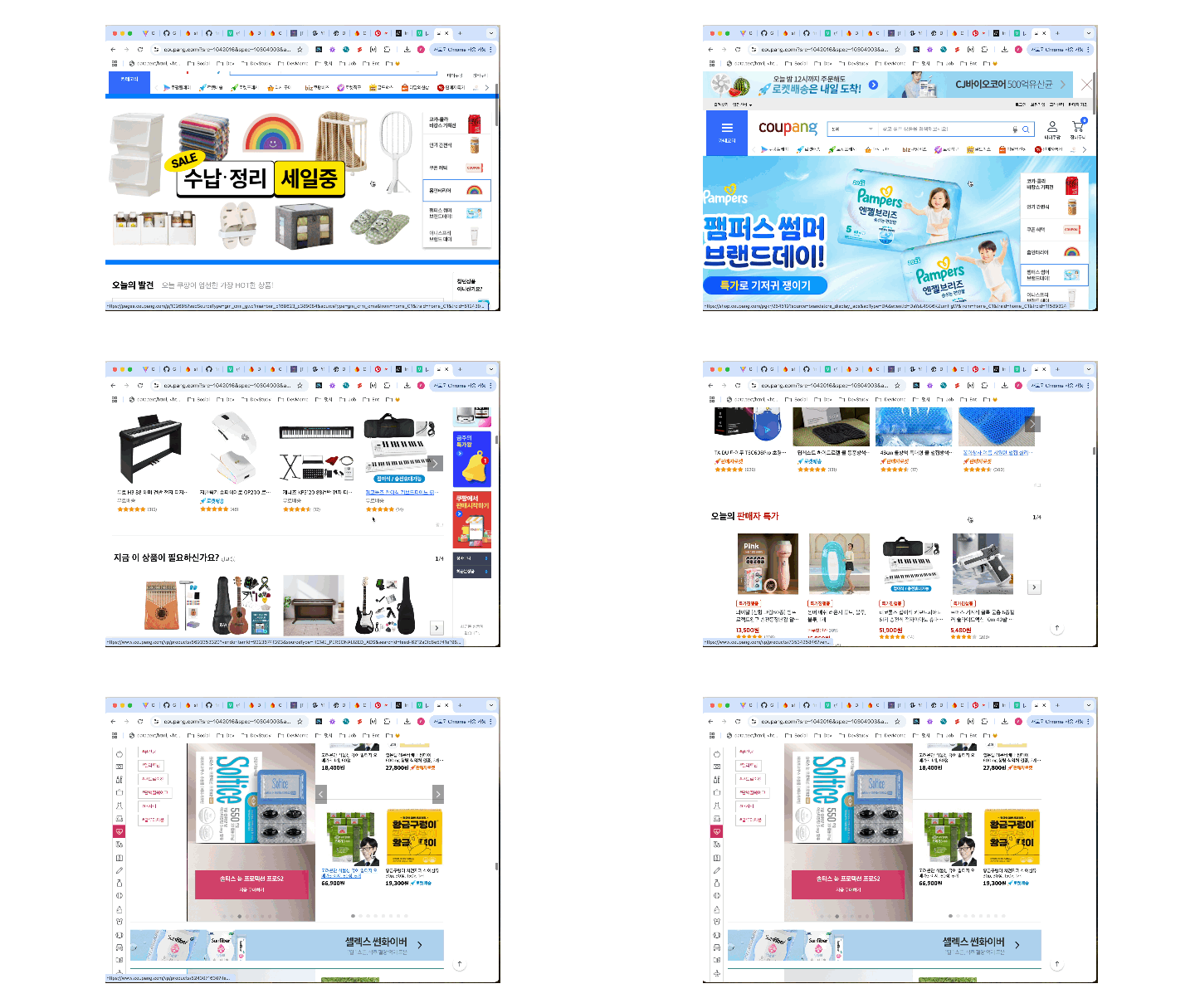
- 대량의 데이터를 페이지 진입 시 다 페칭하려면 시간이 오래 걸린다
- 사용자는 빠른 반응을 원하기 때문에 시간이 오래 걸리면 이탈하기 쉬움
- 일부 데이터만 불러와 빠르게 사용자에게 데이터를 보여주고, 데이터를 다 본 시점(스크롤이 끝에 닿았을 때)에 새로운 데이터를 더 불러와 보여준다
단점
- 데이터를 다 보기 전까지 푸터를 볼 수가 없다.
- 점점 페이지가 무거워진다.
- 특정 항목을 찾기가 힘들다.
구현 원리
- firebase에서 전체 데이터를 불러오는 게 아닌 limit와 startAfter기능을 사용한다
- 화면 스크롤이 화면 끝에 닿은 것을 인지해서 데이터 페칭
getDocs에 쿼리 삽입
// 기존 코드

export async function getProducts() {
  const productQuerySnapShot = await getDocs(productCollection);
  const products = [];
  productQuerySnapShot.forEach((doc) => {
    products.push(doc.data());
  });

  return products;
}- 이전에 작성한 전체 데이터를 불러오는 로직
- 여기서 query를 사용해 가져올 데이터 갯수(limit)와 어디서 부터 가져올 지 설정하는 코드를 넣으면 된다
const productCollection = collection(db, "product");
  const productQuery = query(productCollection, limit(limit), startAfter(startAfter))
const productQuerySnapShot = await getDocs(productQuery);- 기존 코드에도 있던 컬렉션 정보 객체 데이터는 그대로 사용한다
- limit는 가져올 데이터 갯수로 숫자가 들어간다
- startAfter는 이전에 불러온 마지막 데이터 항목을 스냅샷 형태 그대로 넘기면 된다고 한다
변경된 getProducts
export async function getProducts({ limitValue, startAfterValue }) {
  const productQuery = query(
    productCollection,
    orderBy("created_at", "asc"),
    limit(limitValue),
    startAfter(startAfterValue)
  );
  const productQuerySnapShot = await getDocs(productQuery);
  const products = [];
  productQuerySnapShot.forEach((doc) => {
    products.push(doc.data());
  });

  const lastItem = productQuerySnapShot.docs[productQuerySnapShot.docs.length - 1];

  return {
    data: products,
    startKey: lastItem,
  };
}- 반환 값에 마지막 항목을 startKey로 넣어 다음 데이터 페칭때 사용할 수 있도록 한다.
테스트 구현
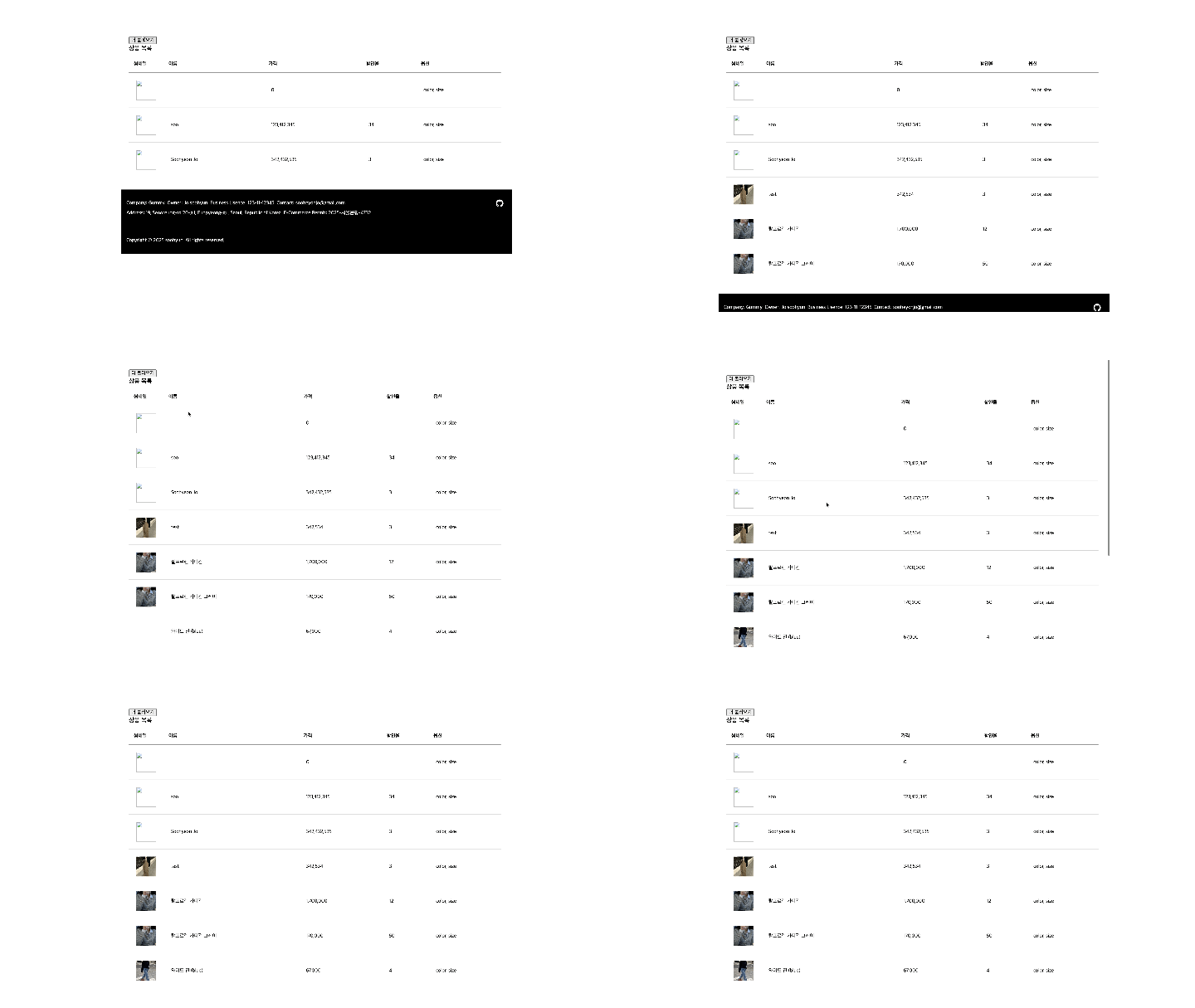
- 아직 스크롤 관련 기능 구현 전이기 때문에 버튼을 통해 데이터를 불러온다
// 다음 호출 시 사용할 startKey
let startKey = null;

async function addData() {
  // 상품 3개씩 불러오기
  // 저장된 startKey를 사용해 이전에 불러온 항목의 다음 항목부터 불러오기
  const products = await getProducts({
    limitValue: 3,
    startAfterValue: startKey,
  });

  // 이번 호출로 넘어온 startKey 저장
  startKey = products.startKey;

  // 데이터를 추가할 element 참조
  const adminMain = document.getElementById("admin");
  const tableSection = adminMain.querySelector(".product-table__tbody");

  // 테이블에 들어갈 데이터 컴포넌트 호출
  const tableRow = products.data
    .map((item) => {
      return ProductTableRow(item);
    })
    .join("");

  // 테이블에 삽입
  tableSection.insertAdjacentHTML("beforeend", tableRow);

}

// 더 불러오기 버튼 클릭 시 위의 이벤트 발생
// 나중에는 스크롤이 끝에 닿을 때 발생하도록 함
const moreButton = document.getElementById("product-table-more-button");
moreButton.addEventListener("click", async () => {
  await addData();
});
구현 화면
interactionObserver
interactionObserver란
뷰포트를 기준으로 대상 요소에 변경이 있을 시에 비동기적으로 감지하는 수단
let intersectionObserver = new IntersectionObserver(callback)

intersectionObserver.observe(element)- 뷰포트를 기준으로 대상 요소의 변경을 감지하여 callback을 실행
코드 구현
<section class="infinity-scroll-area"></section>- 먼저 테이블 끝에 닿는 것을 인지할 수 있도록 테이블 마지막에 div 요소하나를 생성한다
- interationObserver로 div 요소가 뷰포트 안에 보일 때 테이블 끝이라고 인지하고 데이터를 더 불러온다
const infinityScrollArea = document.querySelector('.infinity-scroll-area')


let intersectionObserver = new IntersectionObserver(async (e)=>{
  if(e[0].isIntersecting && !!startKey){
    await addData()
  }

})

intersectionObserver.observe(infinityScrollArea)- IntersectionObserver의 callback 함수로 넘어오는 이벤트 값을 확인하면 배열안에 0번째 항목에 정보가 담겨있다
- 사실 여기서 부터는 다른 글을 참고하거나 했어야 했는데 console로 이벤트 값을 확인하며 뷰포트 안에 들어올 때 바뀌는 값(isIntersecting)을 확인하고 해당 값이 true일때 아까 작성한 addData()가 동작하도록 작성했다
- 어떤 사이드이펙트가 있을지는 앞으로 더 봐야겠다
결과 화면
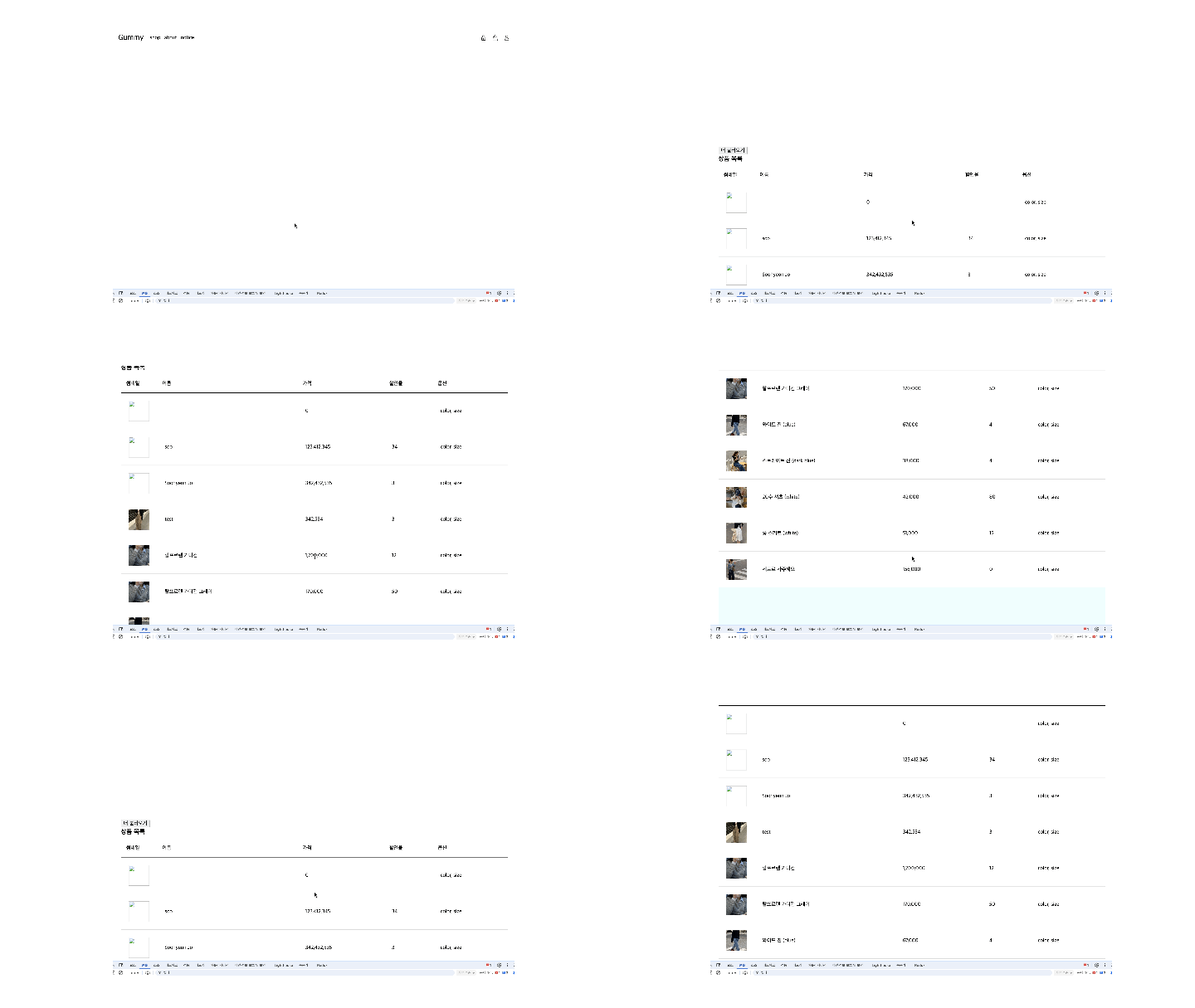
- 하늘색 영역이 infinityScrollArea
마무리
상품 목록도 이렇게 구현하고 싶은데... 상품 ... 목록은 페이지 네이션 해야겠져...?

프론트엔드 개발 블로그