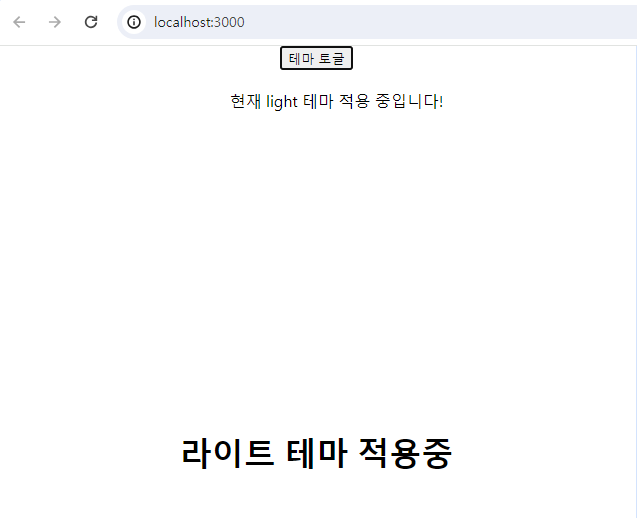
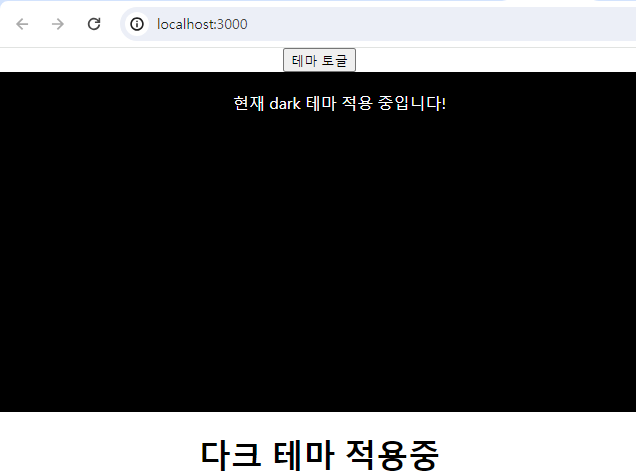
1. JSX
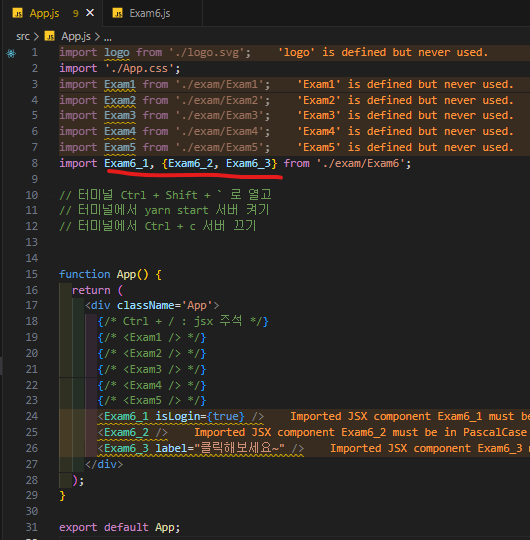
function Exam6_1(props) {
const isLogin = props.isLogin;
return (
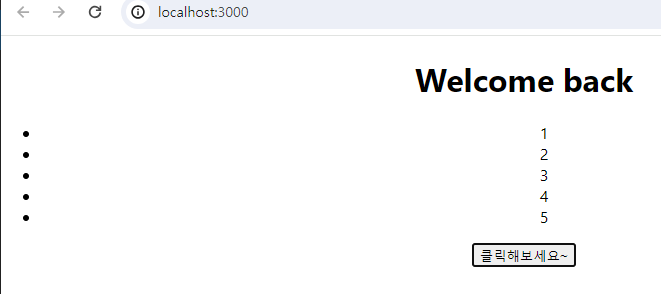
isLogin ? <h1>Welcome back</h1> : <h1>Please sign up~</h1>
)
}
export function Exam6_2() {
const numbers = [1, 2, 3, 4, 5];
const listItems = numbers.map((number) => <li>{number}</li>);
return <ul>{listItems}</ul>
}
export function Exam6_3(props) {
const handleClick = () => {
alert('버튼 클릭되었음~');
}
return (
<button onClick={handleClick}>{props.label}</button>
);
}
export default Exam6_1;
✅ map은 익혀두기
2. Context API
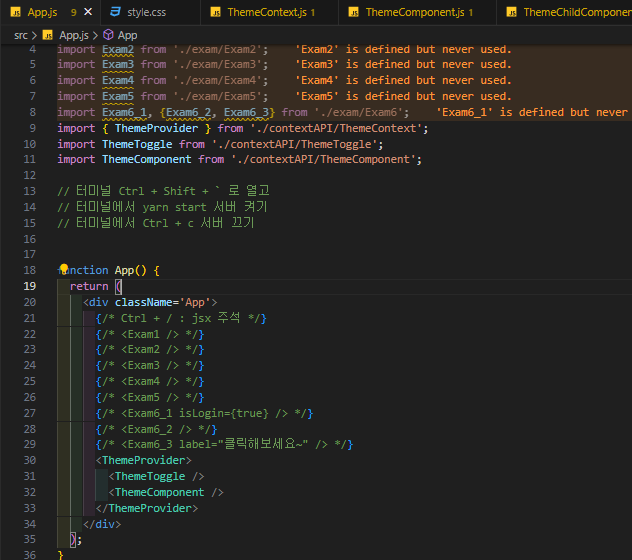
ThemeContext.js
import { createContext, useState } from "react";
const ThemeContext = createContext();
const ThemeProvider = ({ children }) => {
const [theme, setTheme] = useState('light');
const toggleTheme = () => {
setTheme(theme == 'light' ? 'dark' : 'light');
}
return (
<ThemeContext.Provider value={{ theme, toggleTheme }}>
{children}
</ThemeContext.Provider>
)
}
export {ThemeContext, ThemeProvider};
ThemeComponent.js
import { useContext } from "react";
import { ThemeContext } from "./ThemeContext";
import './css/style.css';
import ThemeChildComponent from "./ThemeChildComponent";
const ThemeComponent = () => {
const { theme } = useContext(ThemeContext);
const themeStyle = theme == 'light' ? 'light-theme' : 'dark-theme';
return (
<>
<div className={themeStyle}>
현재 {theme} 테마 적용 중입니다!
</div>
<ThemeChildComponent />
</>
);
}
export default ThemeComponent;
ThemeChildComponent.js
import { useContext } from "react"
import { ThemeContext } from "./ThemeContext"
const ThemeChildComponent = () => {
const { theme } = useContext(ThemeContext);
const modeName = theme == 'light' ? '라이트' : '다크';
return <h1>{modeName} 테마 적용중 </h1>
}
export default ThemeChildComponent