
function
func키워드를 이용해서 생성- 필수: 함수 이름 / 선택: 인풋, 아웃풋
func printHello() {
    print("hellO")
}

printHello()
input parameter 받기
- 넘겨받을 인풋에 대해
이름과타입을 정해주어야 함- ( ) 안에 필요한 인자들 정의
func printName(name: String) {
    print("name is \(name)")
}

printName(name: "Snyong")
output 값 반환하기
- 반환할 아웃풋에 대해서
타입을 정해주어야함- 함수 내부에서는
return키워드를 통해 아웃풋 반환
func makeDouble(num: Int) -> Int {
    return num*2
}

let result = makeDouble(num: 3)
print(result)
input parameter label
- 코드 역시 여러 사람이 확인하는 doc이다!
- 따라서 parameter을 호출하는 외부, 내부에서 이름을 다르게 하는 것이 자연스러울 때가 있다
func printName(of name: String) {
    print("name is \(name)")
}

printName(of: "Jason")

func printName2(_ name: String) {
    print("name is \(name)")
}

printName2("Jason")
자세한 내용은 공식문서에 잘 설명되어 있다
default parameter
- 파라미터에 기본값을 설정해줄 수도 있음
- default 케이스에 대해서는 코드를 줄여서 심플하게 표현 가능
func discount(price: Double, ratio: Double=0.2) -> Double {
    return price * (1-ratio)
}

let defaultRatioApplied = discount(price: 2000)
print(defaultRatioApplied) // 1600.0

let customRatioApplied = discount(price: 2000, ratio: 0.5)
print(customRatioApplied) // 1000.0
variadic function
- 정해지지 않은 수의 여러 파라미터를 받을 수 있는 형태의 함수를 의미
- 함수 내부적으로 이렇게 받은 파라미터를 배열의 형태로 받음
- 대표적으로는
print()함수가 있음
func printNames(_ names: String...) {
    for name in names {
        print("name is \(name)")
    }
}

printNames("James", "Roy", "Jake")

/*
 name is James
 name is Roy
 name is Jake
 */
throwing function
- 함수 수행간에 예외 상황이 일어날 수 있음
(ex. 잘못된 인풋, 네트워크 끊김 등)throws가 있는 함수는try를 이용해 호출하고,do-catch를 이용해 에러 감지
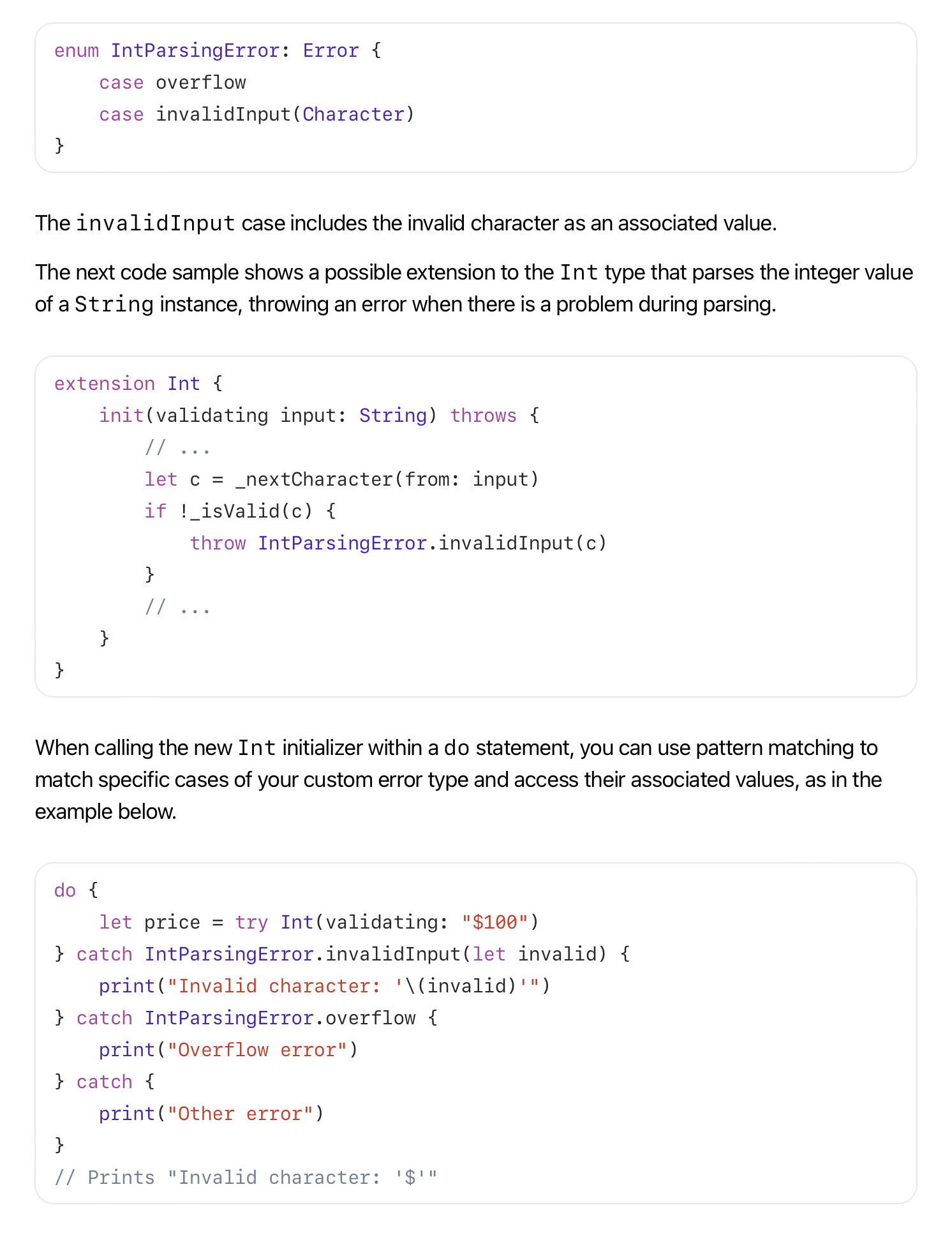
enum DivideError: Error {
    case cannotZero
}

func divide(divided: Int, divisor: Int) throws -> Int {
    if divisor == 0 {
        throw DivideError.cannotZero
    }

    return Int(divided/divisor)
}

do {
//    let result = try divide(divided: 80, divisor: 6)
    let result = try divide(divided: 80, divisor: 0)
    print(result)
} catch {
    print(error.localizedDescription)
}
The operation couldn’t be completed. (__lldb_expr_40.DivideError error 0.)
Error <- 요놈은 뭔데?
Any type that declares conformance to the Error protocol can be used to represent an error in Swift’s error handling system. Because the Error protocol has no requirements of its own, you can declare conformance on any custom type you create.
in-out parameter
- 함수에서 넘겨 받는 input parameter는 constant이다 (값 변경 불가능)
inout을 이용하면 값을 변경할 수 있다 (오리지널 값도 변경 가능)
func makeTriple(num: inout Int) {
    num *= 3
}

var num = 8
makeTriple(num: &num)

print(num)