UI의 레이아웃을 정의할 때 가로와 세로의 비율로 사이즈로 정의하고 싶은 경우가 생깁니다. 여기서 Tailwind를 사용하는 경우에는 Tainwind CSS 플러그인 Tailwind CSS Ascpect-Ratio를 사용하면 됩니다.
Aspect Ratio란?
Aspect Ratio는 요소의 종횡비를 제어하는 유틸리티입니다.
Tailwind Aspect Ratio 공식문서에서 자세히 나와있습니다.
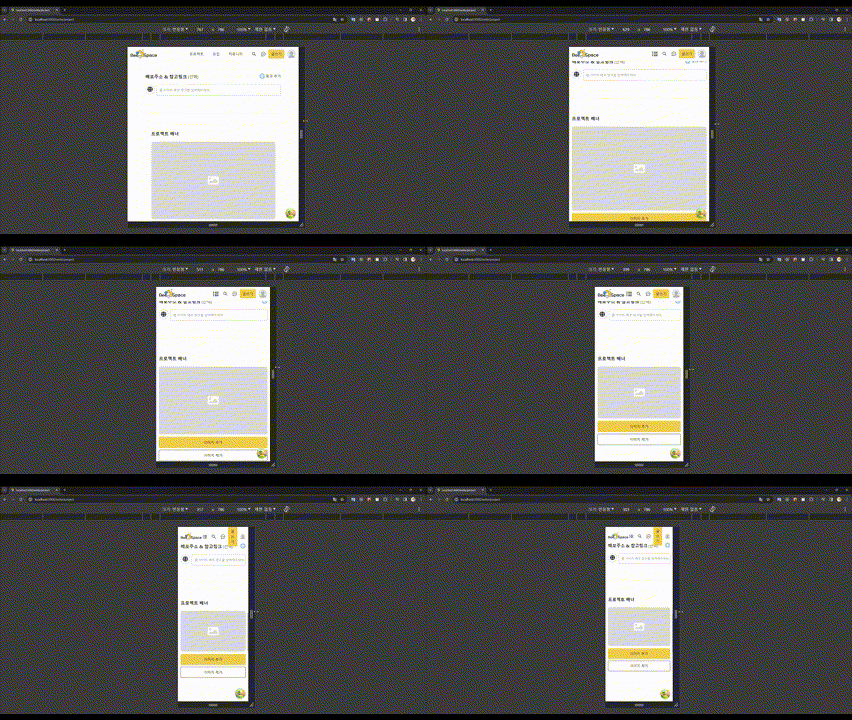
설치
npm install -D @tailwindcss/aspect-ratio
# or
yarn add -D @tailwindcss/aspect-ratio
환경설정
tailwind.config.js에서 플러그인을 추가해줘야 사용이 가능합니다.
module.exports = {
  corePlugins: {
    aspectRatio: false,
  },
  plugins: [
    require('@tailwindcss/aspect-ratio'),
  ],
}
사용하기
aspect-w-{n}: 가로 비율aspect-h-{n}: 세로 비율
<div className="aspect-w-16 aspect-h-10">
  <!-- ... -->
</div>- 제거 하고 싶으면
aspect-none을 사용하면 됩니다.
<div class="aspect-w-16 aspect-h-10 lg:aspect-none">
  <!-- ... -->
</div>
참고

프론트엔드 개발자가 되기 위해