
1. http 패키지 설치
💡 pub.dev란
Flutter 혹은 Dart 패키지 공식 보관소이다.
이는 node에서의 npm과 비슷한 개념이라고 볼 수도 있겠다.

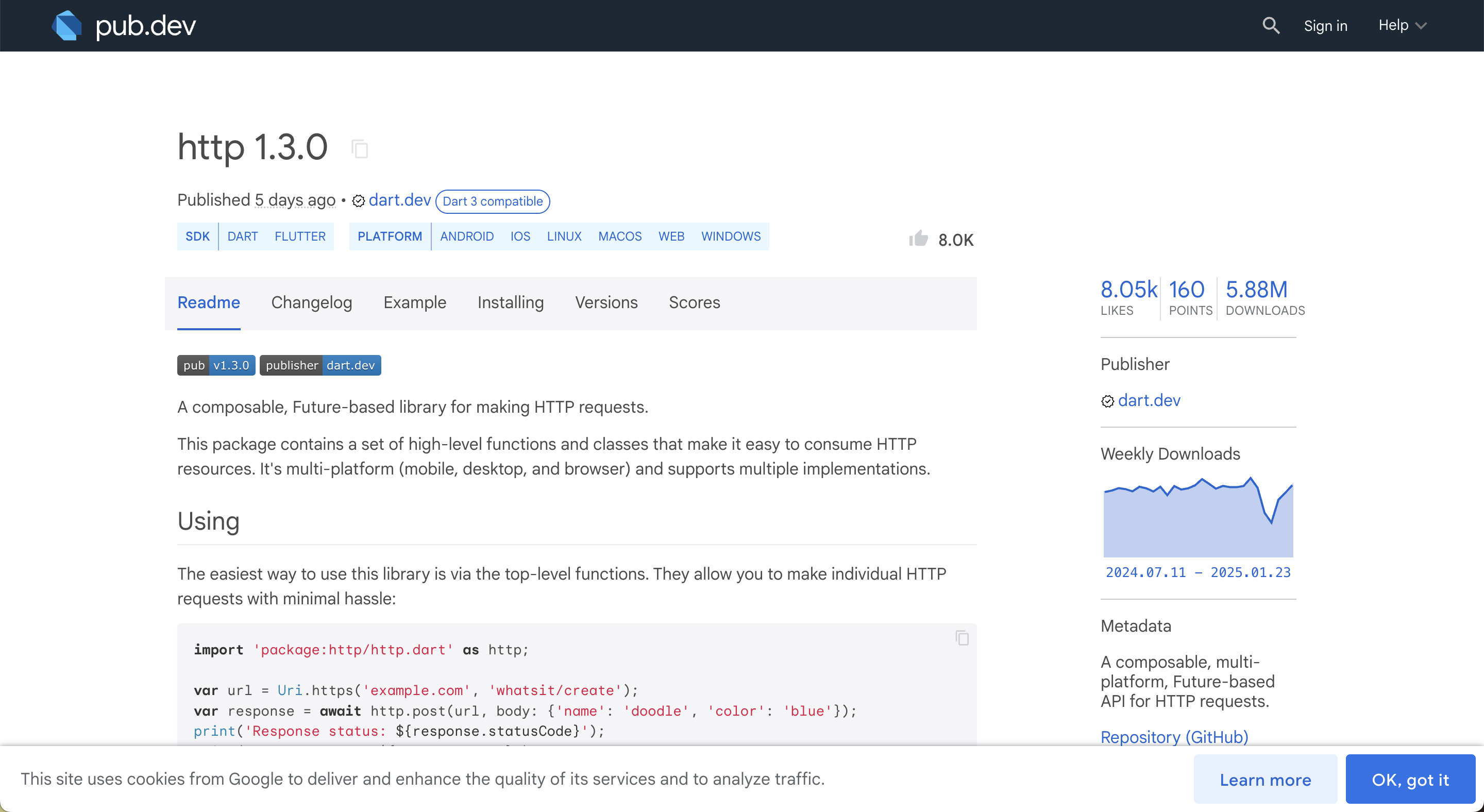
우선 http 패키지를 설치하는 두 가지 방법이 있다.
1. 터미널 사용
flutter pub add http2. pubspec.yaml 파일에 직접 추가하여 저장
dependencies:
  http: ^1.3.0
💡 pubspec.yaml란?
프로젝트의 패키지 관리에 있어 핵심 역할을 하는 설정 파일로,Node.js의package.json과 유사하다고 볼 수 있습니다.
pubspec.yaml
dependencies:
  flutter:
    sdk: flutter
  cupertino_icons: ^1.0.8
  http: ^1.3.0
해당 파일에서 설치 완료를 확인할 수도 있다.
2. http 패키지 사용
import 'package:http/http.dart';위 코드를 통해 해당 http 패키지를 임포트 할 수 있다.
3. 데이터 구조화
💡 데이터 구조화란?
API에서 받은 응답 데이터를구조화하는 작업이다.
- 데이터를 일관된 구조로 관리
- 타입 안정성 확보
- 코드의 재사용성과 확장성 확보
TypeScript에서의 타입 선언과 상당히 유사하다.
webtoon_modal.dart
// 웹툰 데이터를 저장하기 위한 모델 클래스 생성
class WebtoonModel {
  // properties
  final String title, thumb, id;

  // JSON 데이터를 받아서 WebtoonModel 객체를 생성
  WebtoonModel.fromJson(Map<String, dynamic> json)
      // JSON 데이터의 키를 사용해 각 속성에 할당
      : title = json['title'],
        thumb = json['thumb'],
        id = json['id'];
}
3. api 클래스 생성
lib > services > api_service.dart
import 'dart:convert';

import 'package:http/http.dart' as http;
import 'package:webtoon_app/models/webtoon_model.dart';

class ApiService {
  final String baseUrl = 'https://webtoon-crawler';
  final String today = 'today';

  Future<List<WebtoonModel>> getTodaysToons() async {
    List<WebtoonModel> webtoonInstances = [];

    final url = Uri.parse('$baseUrl/$today');
    final response = await http.get(url);

    if (response.statusCode == 200) {
      // jsonDecode : String의 형태인 response.body를 JSON의 형태로 디코딩
      // dynamic으로 이루어진 리스트 형태로 반환
      final List<dynamic> webtoons = jsonDecode(response.body);
      // List 형태이므로 for in 구문 사용
      for (var webtoon in webtoons) {
      	webtoonInstances.add(WebtoonModel.fromJson(webtoon));
      }
      return webtoonInstances;
    }
    throw Error();
  }
}
3-1. 전체 동작 요약
http.get은Future타입을 반환한다.
Future는 말 그대로당장 반환될 수 없는 값을 의미response.body는String타입이므로 json의 형태로디코딩이 필요하다.- 디코딩된
리스트형태의 데이터를 하나씩 빼서json으로 순회하며 인스턴스를 생성한다.- 생성한 각
인스턴스를 앞서 초기화한 빈 배열에 하나씩 넣어준다.
결과
API 요청으로 받은 데이터의 리스트를 생성할 수 있다 🎉

🐥집요함과 꾸준함🪽