════════════════════════════════════════════════════════════════════════════════
No valid code signing certificates were found
You can connect to your Apple Developer account by signing in with your Apple ID
in Xcode and create an iOS Development Certificate as well as a Provisioning
Profile for your project by:
  1- Open the Flutter project's Xcode target with
       open ios/Runner.xcworkspace
  2- Select the 'Runner' project in the navigator then the 'Runner' target
     in the project settings
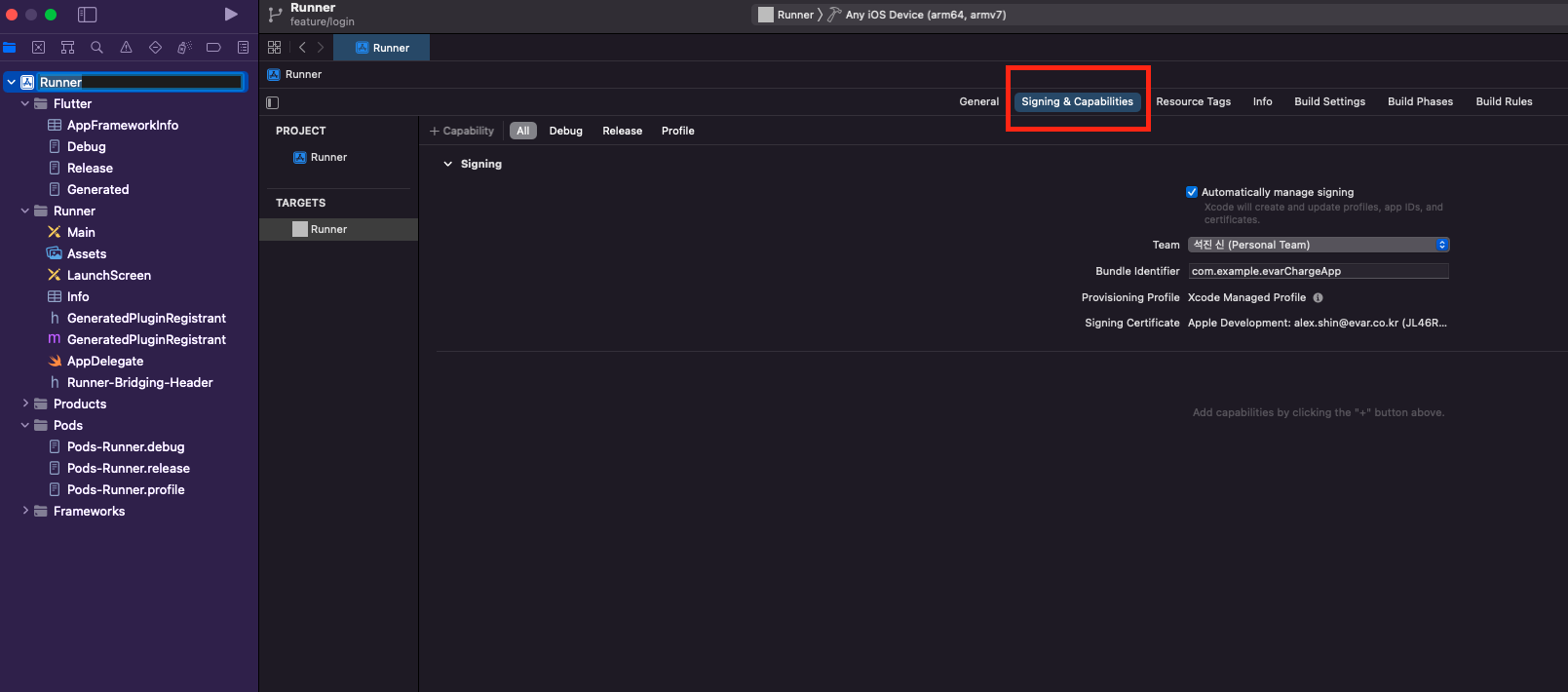
  3- Make sure a 'Development Team' is selected under Signing & Capabilities > Team.
     You may need to:
         - Log in with your Apple ID in Xcode first
         - Ensure you have a valid unique Bundle ID
         - Register your device with your Apple Developer Account
         - Let Xcode automatically provision a profile for your app
  4- Build or run your project again
  5- Trust your newly created Development Certificate on your iOS device
     via Settings > General > Device Management > [your new certificate] > Trust

For more information, please visit:
  https://developer.apple.com/library/content/documentation/IDEs/Conceptual/
  AppDistributionGuide/MaintainingCertificates/MaintainingCertificates.html

Or run on an iOS simulator without code signing
════════════════════════════════════════════════════════════════════════════════
Exception: No development certificates available to code sign app for device deployment
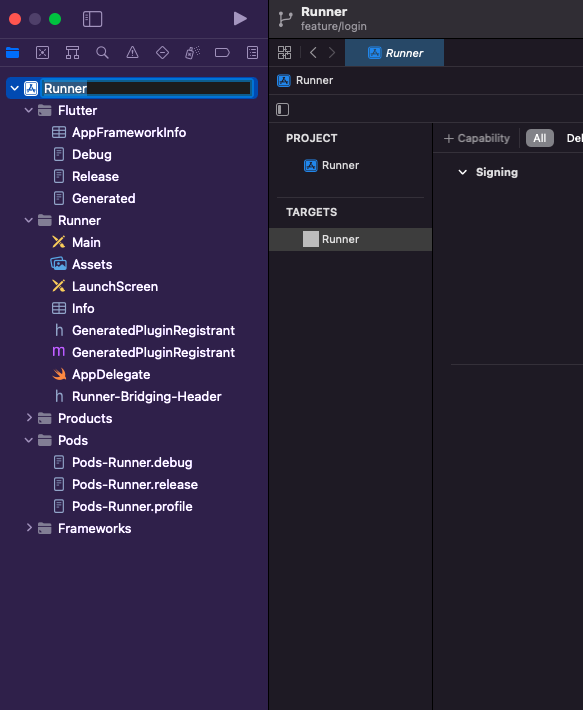
xcode에서 해당 프로젝트의 Runner.xcodeproj를 연다.
루트 프로젝트 클릭
signing & capabilities클릭
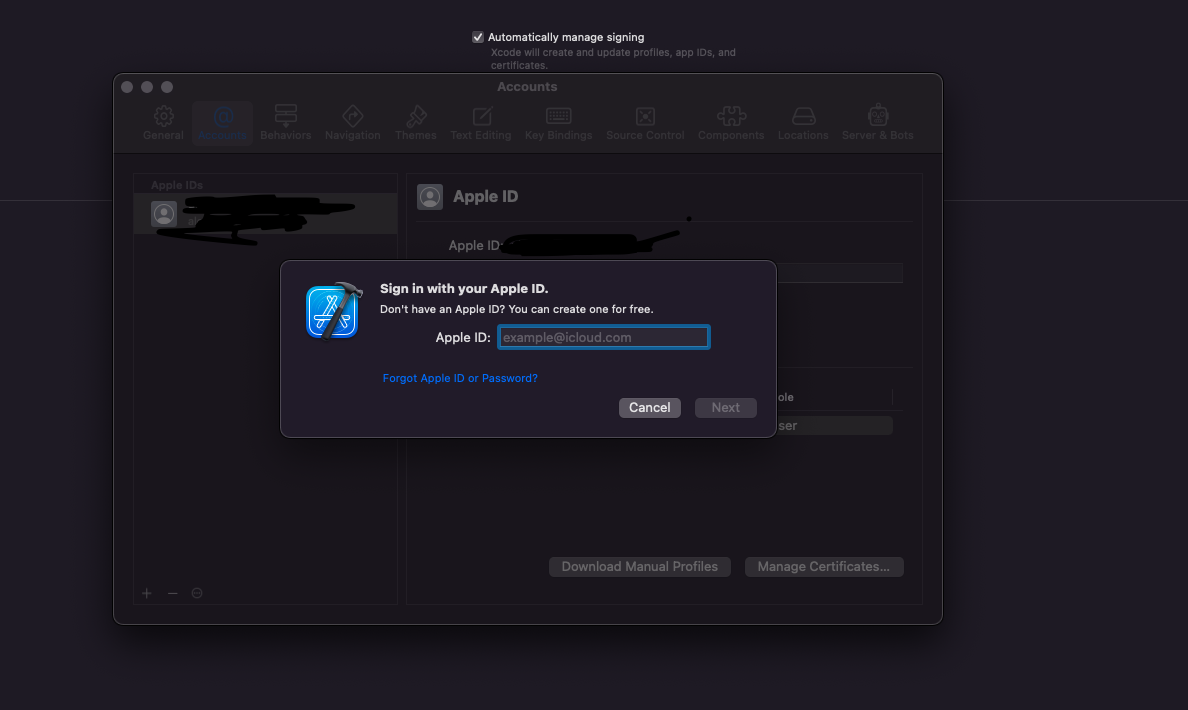
다음과 같이 개발자를 등록하면 오류가 사라진다.
