채널을 firebase에 저장하려고 한다. Cloud Firestore를 이용해서 채널을 저장하려고 한다.
- Cloud Firestore 메뉴로 이동해서 데이터베이스를 누른다.
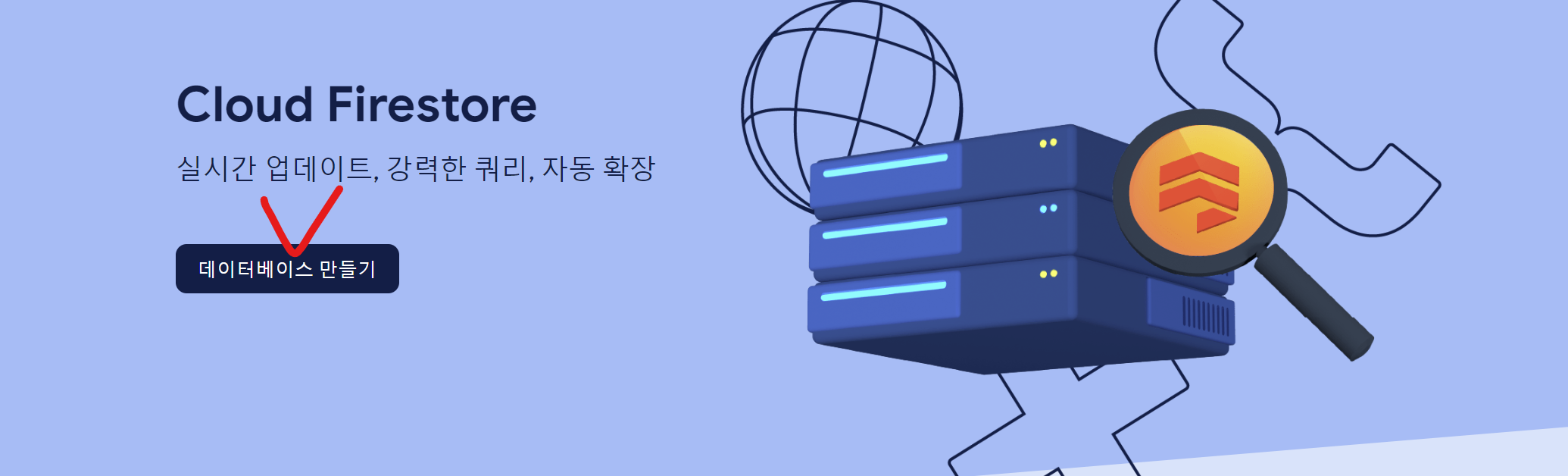
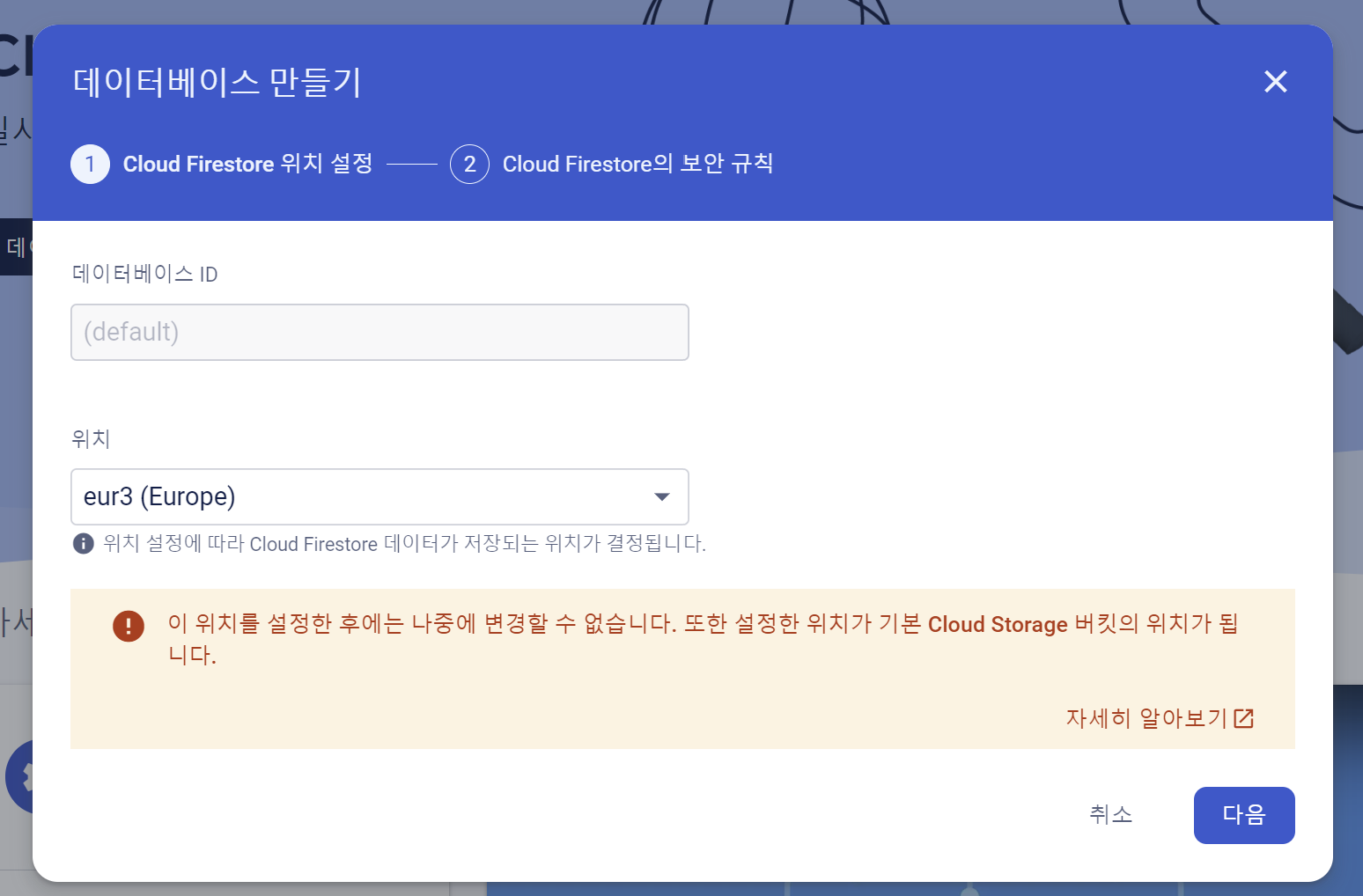
- 이렇게 만들었더니 datastore 모드로 구글 콘솔에서만 데이터를 관리할 수 있다고 해서 아래 참고문헌을 보고 native 모드로 바꿔주었다.
native 모드로 잘 보인다!
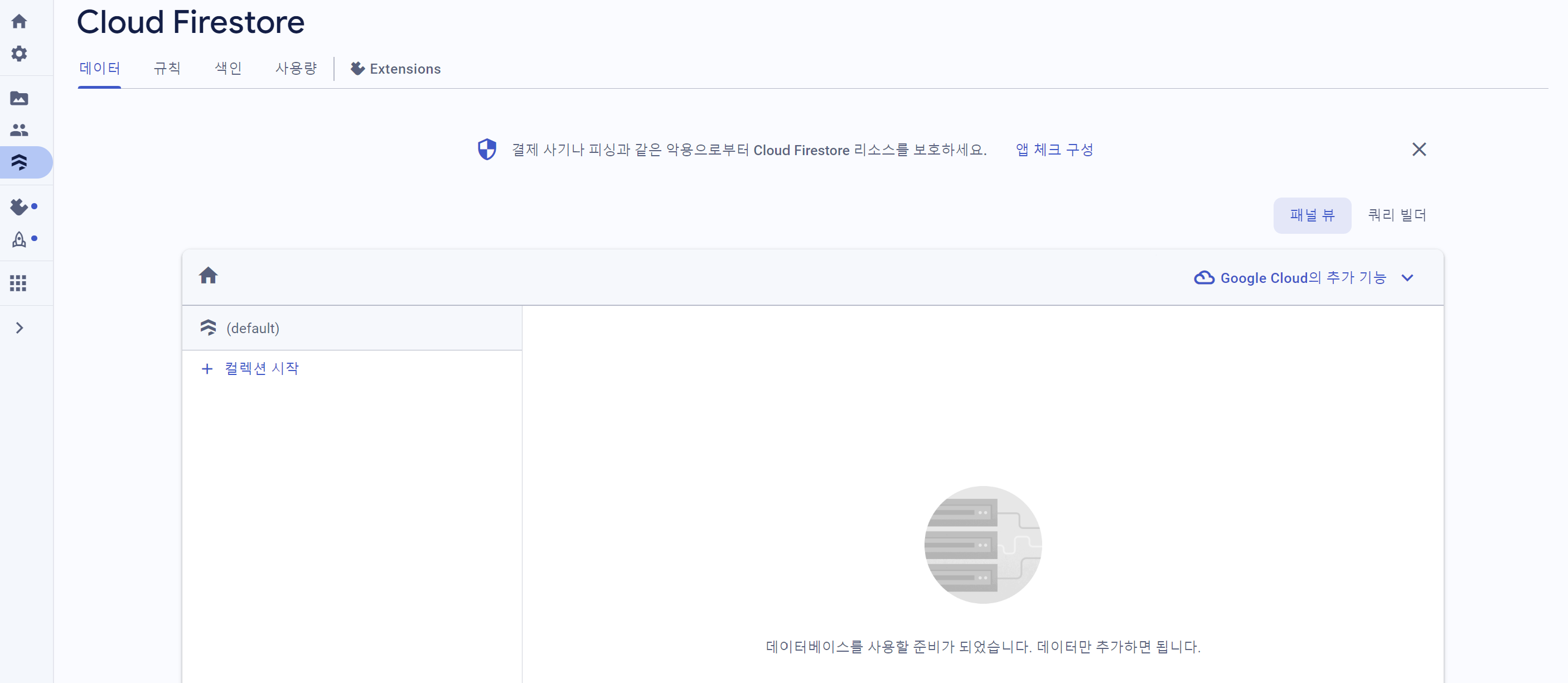
- channels라는 컬렉션에 채널을 도큐먼트로 갖고 있고 각 채널에 대한 정보를 필드로 저장
Firestore은 컬렉션과 도큐먼트로 구성되어 있다. 그리고 도큐먼트에는 다양한 필드를 가질 수 있다. 컬렉션이 도서관이고 도큐먼트가 책이고 필드가 책에 들어가는 내용이라고 할 수 있다.
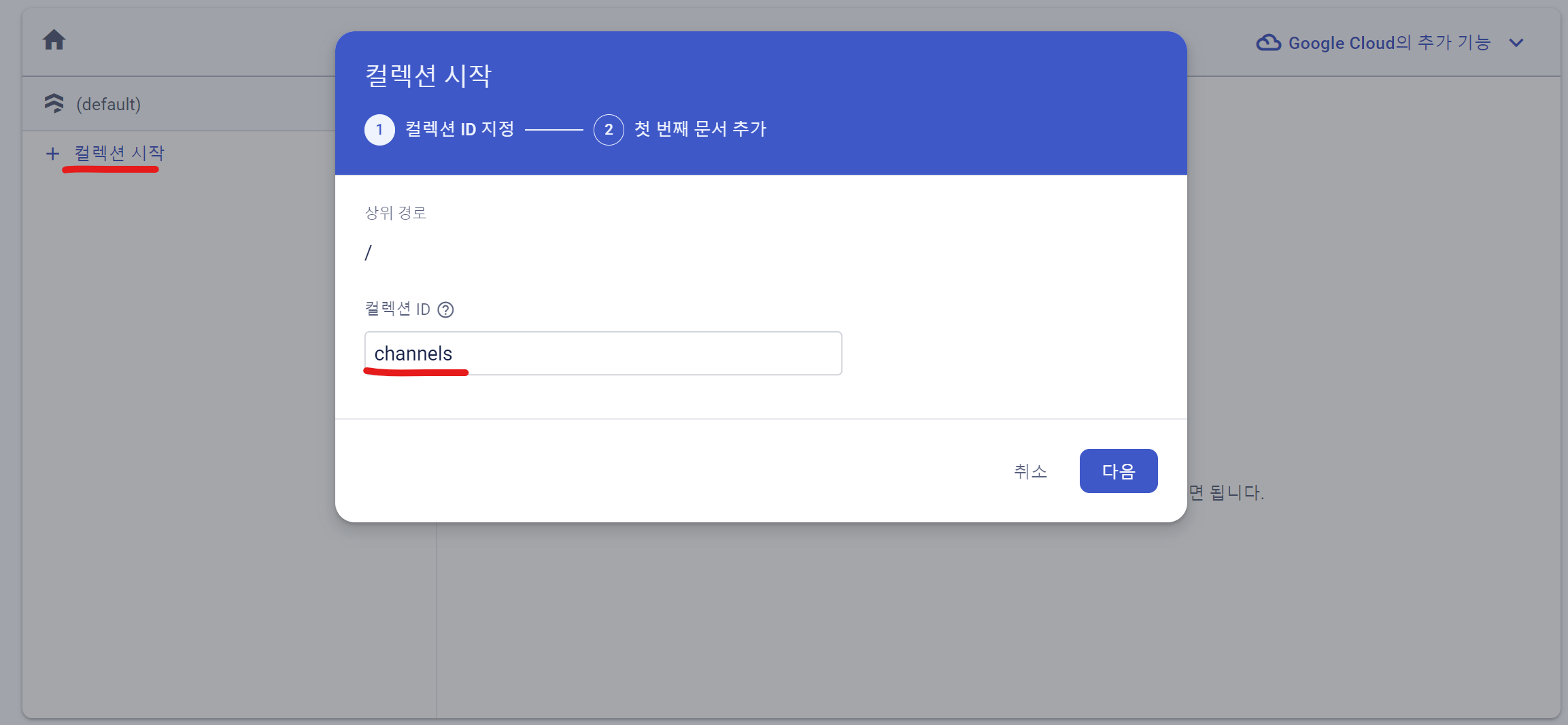
문서ID는 firebase에서 생성되는 자동 id를 사용한다.
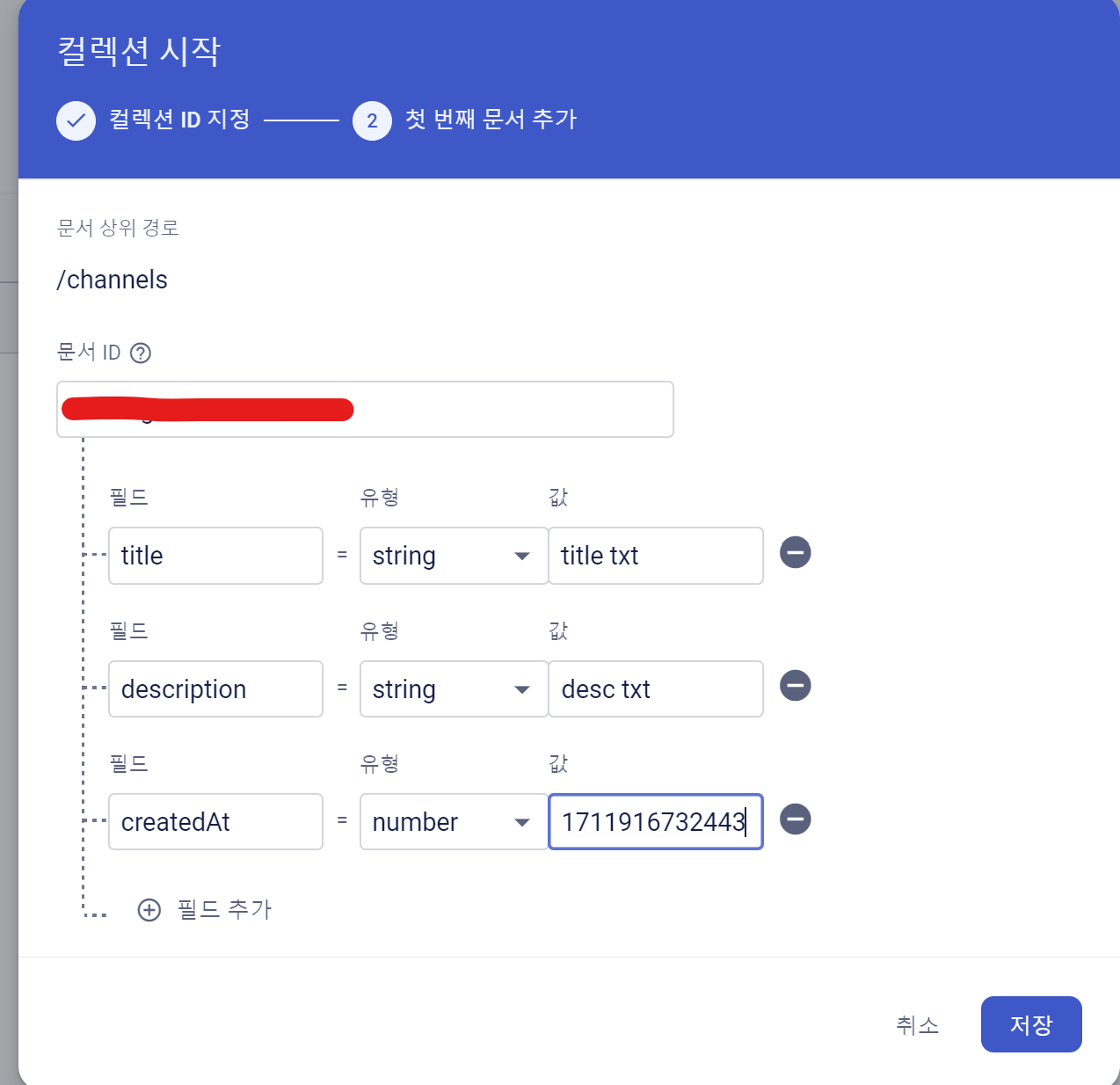
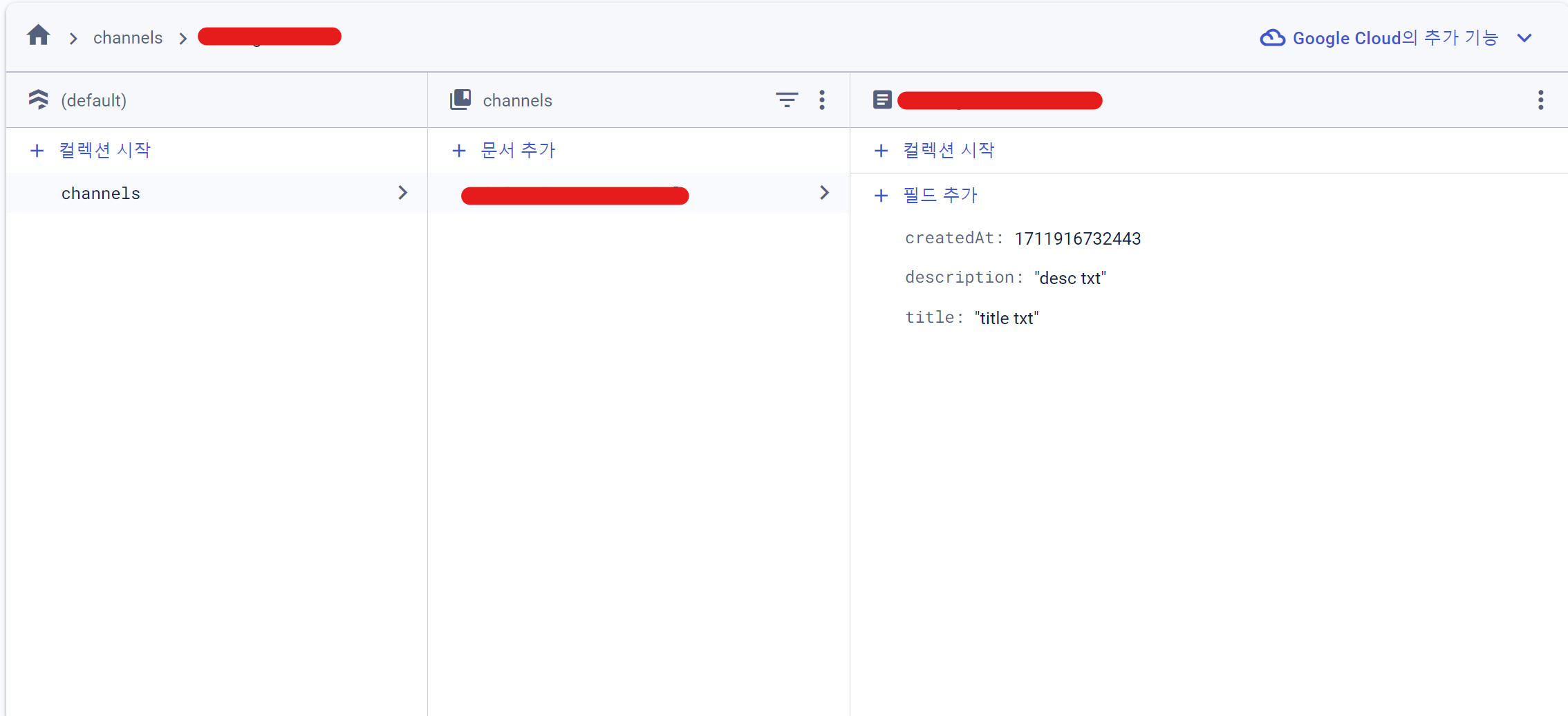
그리고 저장하기를 누르면 이렇게 생성되고 channels라는 컬렉션에 firebase에서 자동으로 생성한 id를 갖는 문서가 만들어지고 그 문서 안에 저장한 필드들이 있다.
-
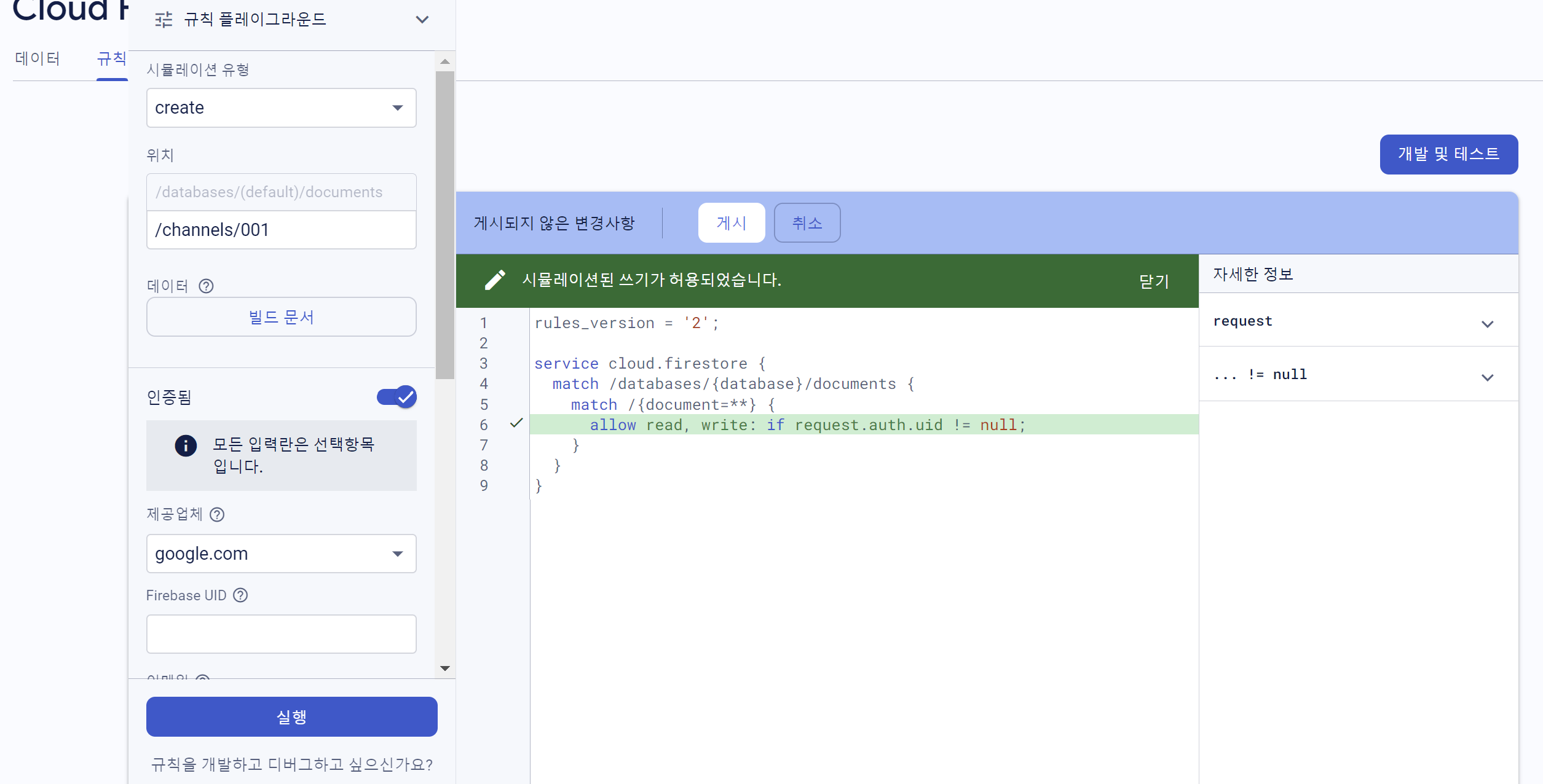
생성된 다큐먼트를 이용해서 로그인한 사용자가 내용을 읽고 쓸 수 있도록 규칙을 수정
-
채널을 생성하는 함수 코드 작성
firdedase.js
//채널을 생성하는 함수
export const db = getFirestore(app);

export const createChannel = async ({ title, desc }) => {
    // 컬렉션 중 이름이 channels인 것만 이용
    const channelCollection = collection(db, 'channels');
    const newChannelRef = doc(channelCollection);
    //아무것도 넘기지 않고 document 함수를 호출하면 id가 자동으로 생성
    const id = newChannelRef.id;
    const newChannel = {
        id,
        title,
        description: desc,
        createdAt: Date.now(),
    };
    // newChannel의 데이터들로 document에 업데이트
    await setDoc(newChannelRef, newChannel);
    //생성된 document의 아이디를 반환
    return id;
};
ChannelCreation.js
import { createChannel } from '../firebase';
(...)
    //채널 생성 함수
    const _handleCreateBtnPress = async () => {
        try {
            spinner.start();
            const id = await createChannel({ title: title.trim(), desc: desc.trim() });
            navigation.replace('Channel', { id, title });
        } catch (e) {
            Alert.alert('Creation Error', e.message);
        } finally {
            spinner.stop();
        }
    };
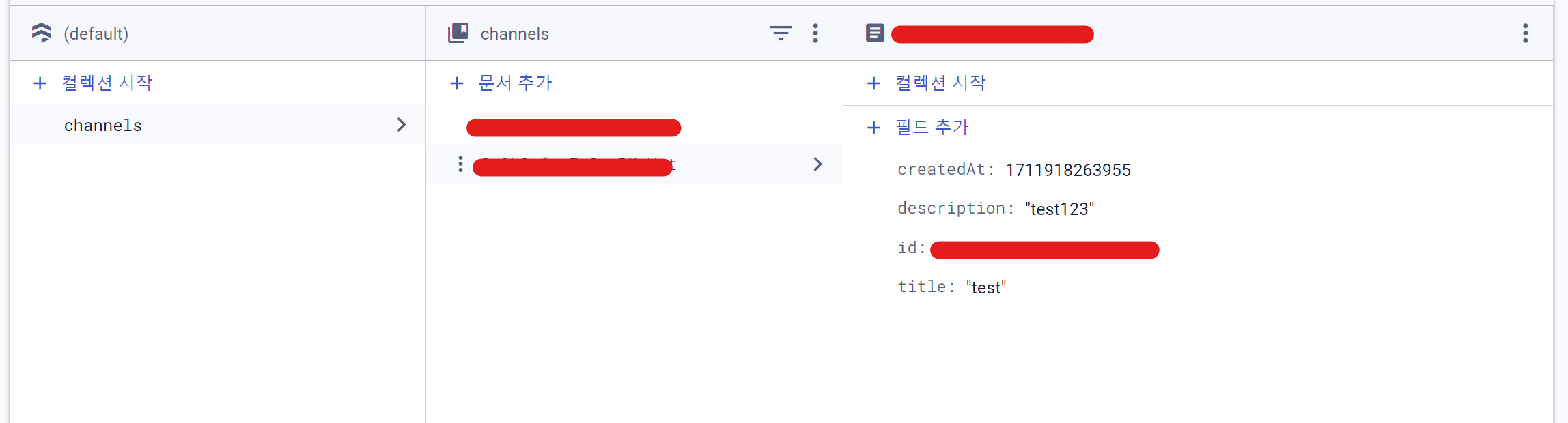
테스트시 채널을 생성하면 아래 firebase console에서도 생성한 채널의 데이터가 잘 생성되는 것을 볼 수 있다.
firebase 채널 목록 데이터를 받아와 화면에 렌더링
- useEffect를 사용하여 마운트될 때만 동작
- Channels라는 컬렉션에서 정렬방법은 생성된 시간에 역순으로 데이터를 전달
- 전달된 데이터에 document 데이터만 channels 상태변수에 업데이트
- 💥 다른 화면으로 갔다가 다시 채널 목록 화면이 마운트가 되면 기존에 받고 있던 정보에 새로 중복되어 정보를 또 받는 것을 방지하기 위해 return에 함수를 전달하여 해지
ChannelList.js
import { app } from '../firebase';
import { getFirestore, collection, onSnapshot, query, orderBy } from 'firebase/firestore';

(...)

    const [channels, setChannels] = useState([]);
    const db = getFirestore(app);

    useEffect(() => {
        const collectionQuery = query(collection(db, 'channels'), orderBy('createdAt', 'desc'));
        const unsubscribe = onSnapshot(collectionQuery, (snapshot) => {
            const list = [];
            snapshot.forEach((doc) => {
                list.push(doc.data());
            });
            setChannels(list);
        });
        return () => unsubscribe();
    }, []);