공식 문서
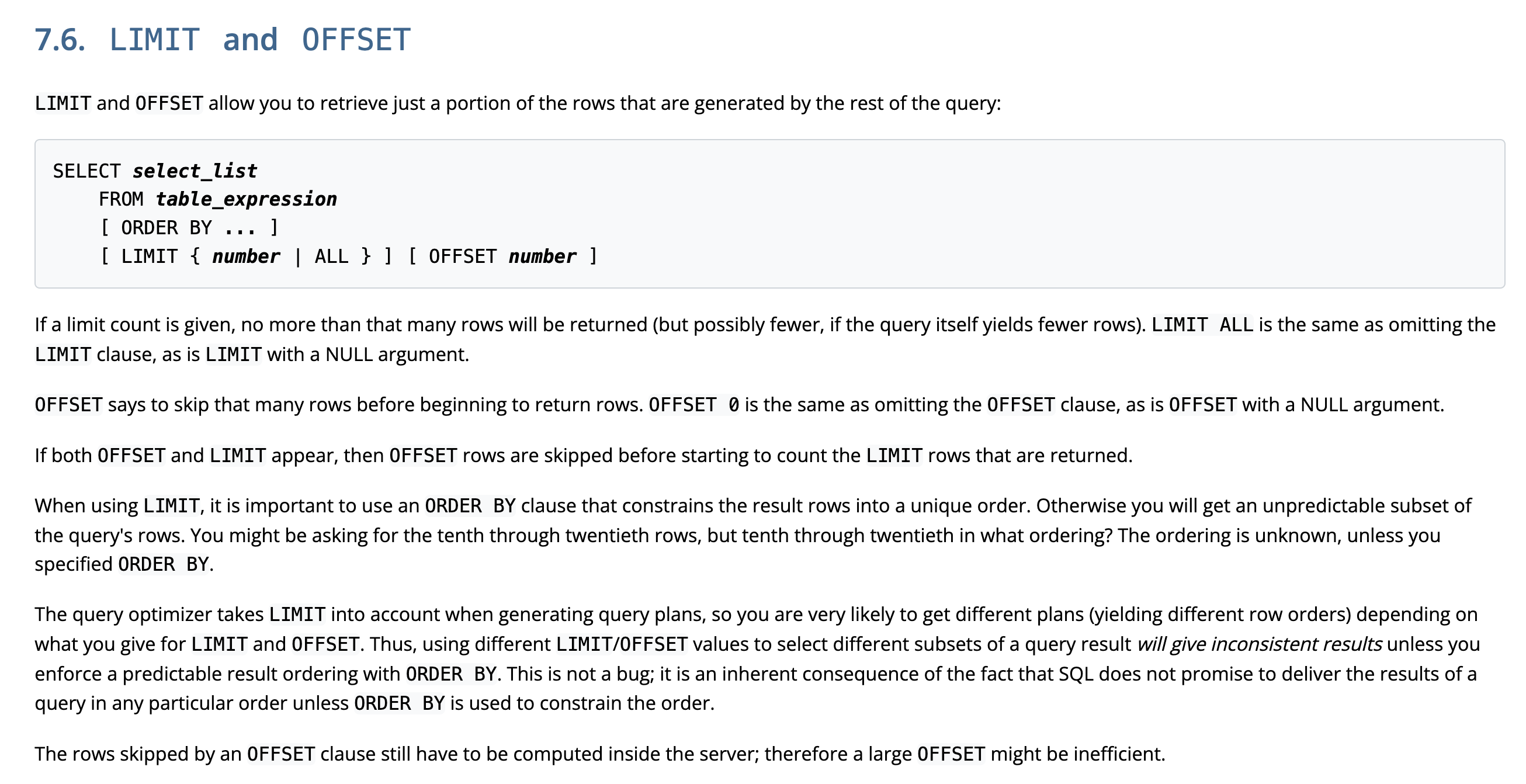
If a limit count is given, no more than that many rows will be returned (but possibly fewer, if the query itself yields fewer rows). LIMIT ALL is the same as omitting the LIMIT clause, as is LIMIT with a NULL argument.
- SELECT절과 함께 명시하는
LIMIT을 통해 몇 개의 rows를 가져올 지 설정할 수 있다. LIMIT 0==LIMIT+ NULL value == LIMIT 생략
OFFSET says to skip that many rows before beginning to return rows. OFFSET 0 is the same as omitting the OFFSET clause, as is OFFSET with a NULL argument.
OFFSET을 통해 전체 중 몇 번째 데이터부터 반환받을 지 설정할 수 있다.OFFSET 0==OFFSET+ NULL value == OFFSET 생략
When using LIMIT, it is important to use an ORDER BY clause that constrains the result rows into a unique order.
- LIMIT절을 사용할 때는 ORDER BY 절을 반드시 함께 사용하여 어떤 순서로 반환되기를 원하는 지를 명시해주어야 한다.
The query optimizer takes LIMIT into account when generating query plans, so you are very likely to get different plans (yielding different row orders) depending on what you give for LIMIT and OFFSET. Thus, using different LIMIT/OFFSET values to select different subsets of a query result will give inconsistent results unless you enforce a predictable result ordering with ORDER BY. This is not a bug; it is an inherent consequence of the fact that SQL does not promise to deliver the results of a query in any particular order unless ORDER BY is used to constrain the order.
- ORDER BY 절을 명시하지 않으면, 동일한 테이블에 같은 LIMIT과 OFFSET을 입력하여도 query optimizer에 의해 다른 rows를 얻을 수 있다. (!) 따라서 일관성 있는 결과를 얻기 위해서는 반드시 ORDER BY 절을 명시하여야 한다.