[ # 1. 스프링부트 프로젝트 생성 ]
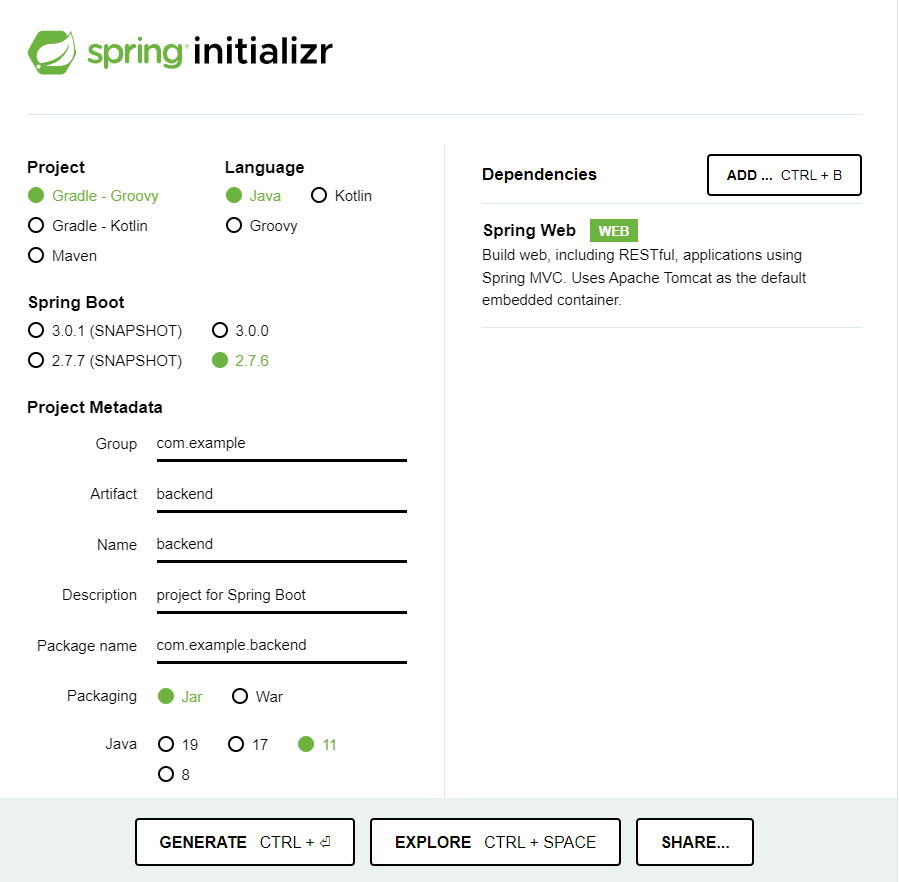
https://start.spring.io/
위 페이지에서 스프링부트 프로젝트를 생성할 수 있다.
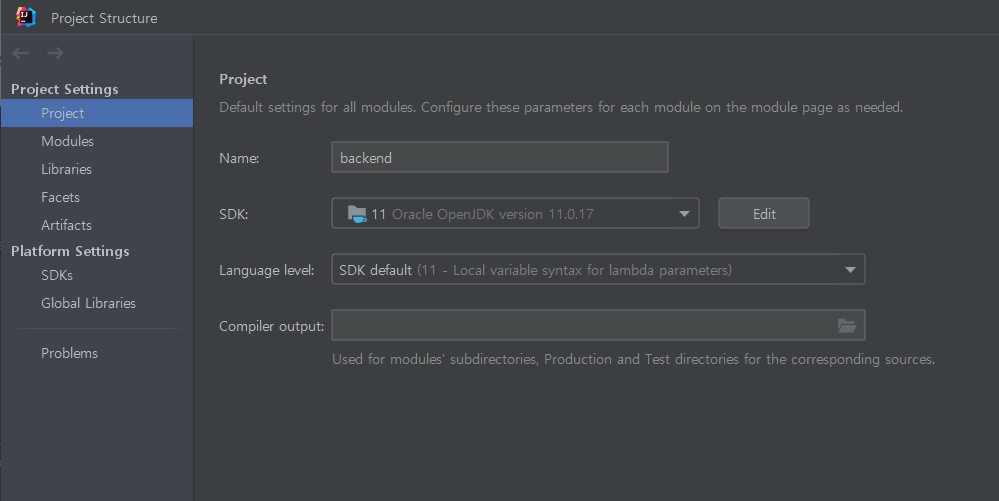
- 이클립스에서 자바 버전을 맞춰준다. (File -> Project Structure)
❗️ 프로젝트를 생성할 때 선택한 자바 버전과 다르면 에러가 발생한다.
- Gradle보다 Intellj IDEA로 프로젝트를 실행하는 것이 더 빠르기 때문에 바꾸어준다.
- File -> Settings -> gradle 검색
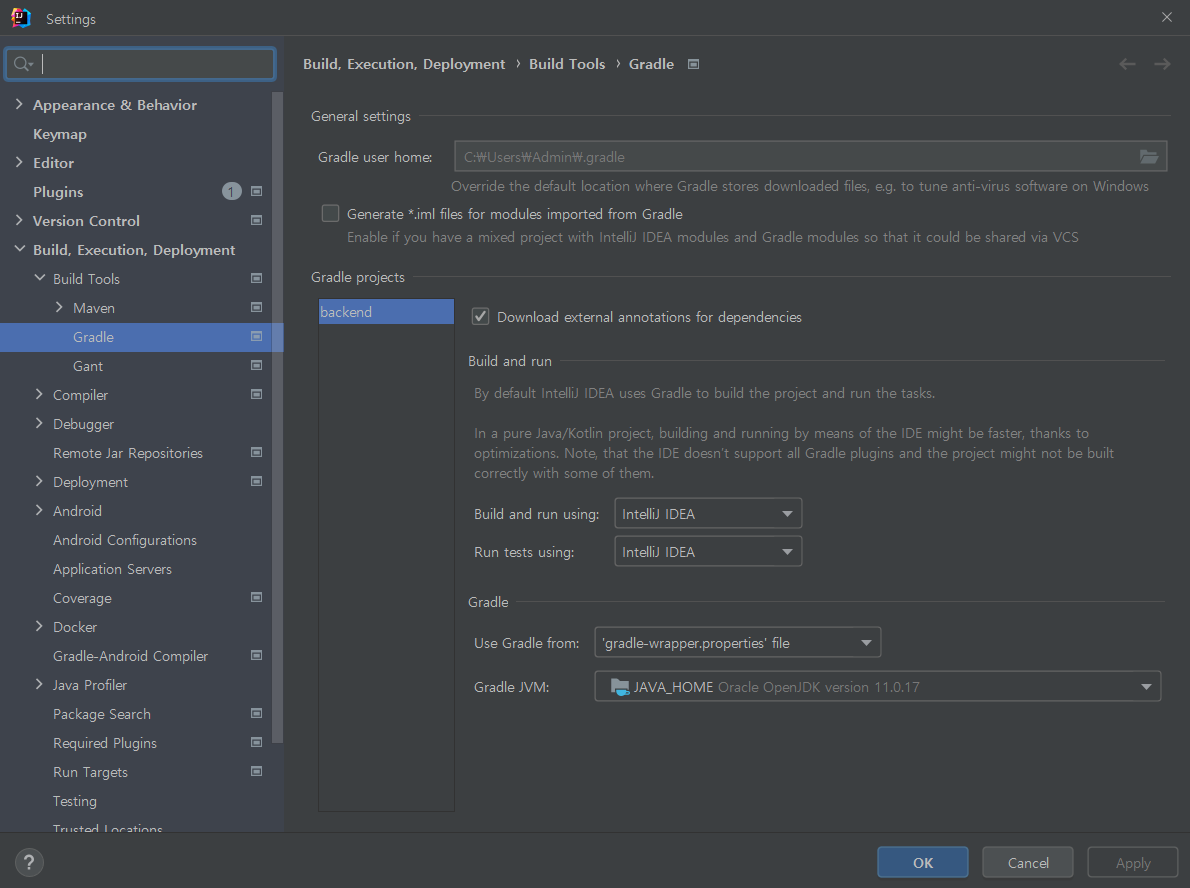
- File -> Settings -> gradle 검색
[ # 2. React 설치 ]
[1] 설치
cd src/main
npx create-react-app frontend
( 참고 - npm이 설치되어 있어야 한다. 터미널에 npm -v / node -v로 설치가 되어있나 확인 )
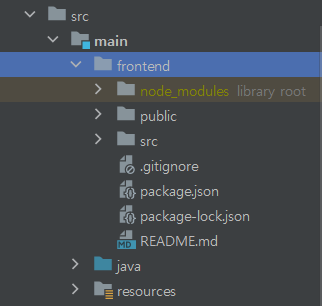
💡 설치가 완료되면 아래와 같은 구조로 리액트 frontend 폴더가 생성된다.
[2] 실행
cd frontend
npm start
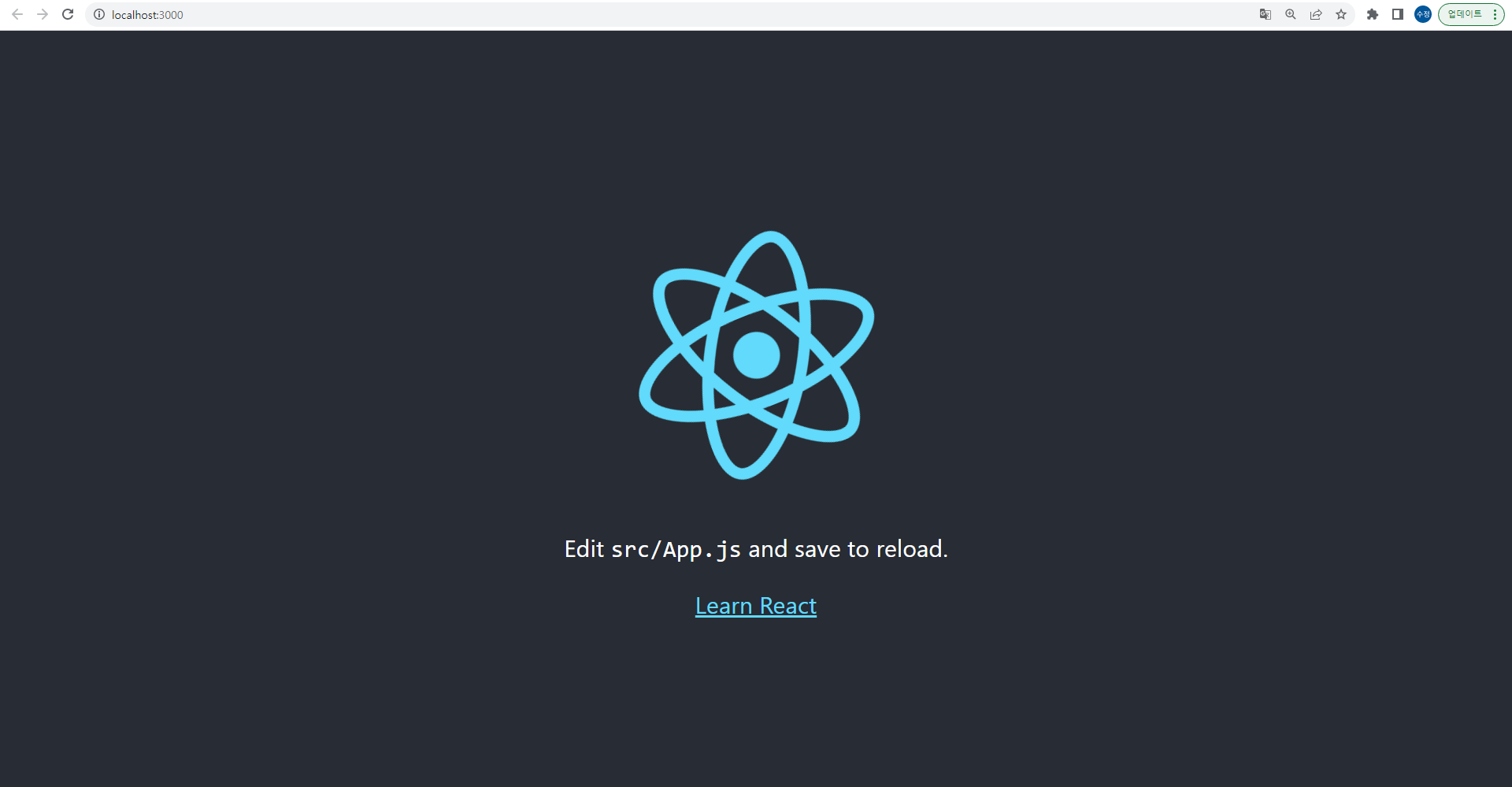
💡 아래와 같은 화면이 나오면 정상적으로 실행된 것이다.
[ # 3. Spring Boot와 React 연동 ]
[1] 리액트에서 Proxy 설정
방법 1) package.json에 아래 내용 추가
"proxy": "http://localhost:8080"방법 2) 모듈 사용
- 모듈 설치
npm install http-proxy-middleware --save- 코드 작성
const { createProxyMiddleware } = require('http-proxy-middleware');

module.exports = function(app) {
  app.use(
    '/api',
    createProxyMiddleware({
      target: 'http://localhost:8080',
      changeOrigin: true,
    })
  );
};
이제 리액트에서 ‘/api’로 요청을 보내면 서버(백엔드)인 8080 포트로 요청을 보낸다.
[2] axios로 서버로부터 데이터 받아오기
- 모듈 설치
npm install axios --save- 코드 작성
import React, { useEffect, useState } from 'react';
import axios from 'axios';

function App() {
    const [data, setData] = useState('');
    const [isOpen, setIsOpen] = useState(false);

    useEffect(() => {
        axios.get('/api/hello')
            .then(res => setData(res.data))
            .catch(err => console.log(err))
    }, []);

    const onClickBtn = () => {
        setIsOpen(!isOpen);
    };

    return (
        <div>
            <button onClick={onClickBtn}>버튼</button>
            {isOpen && <div>서버에서 온 데이터 - {data}</div>}
        </div>
    );
}

export default App;
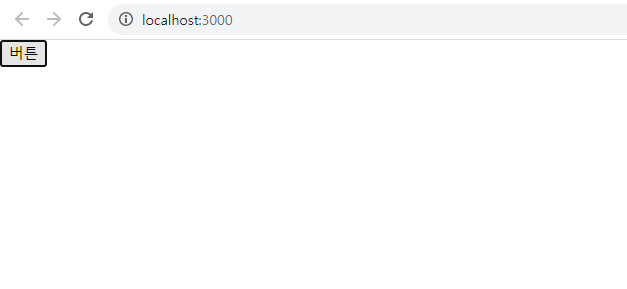
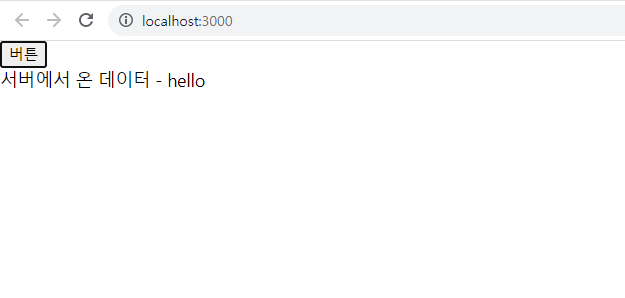
웹페이지에서 버튼을 누르면 서버에서 데이터를 받아와 보여주는 예시이다.
[3] API 작성
- Controller.java
@RestController
public class Controller {

    @GetMapping("/api/hello")
    public String hello() {
        return "hello";
    }
}
클라이언트에서 /api/hello에 대한 API 요청을 보내면 "hello"라는 서버를 보내준다. (응답)
[4] 실행 결과
- 버튼을 누르지 않았을 때
- 버튼을 눌렀을 때 (서버로부터 데이터를 가져와 보여준다.)

개발 공부 기록