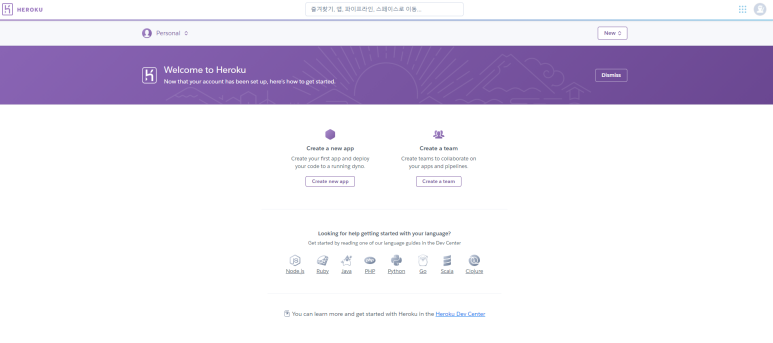
heroku 회원가입
- heroku 사이트에 회원가입
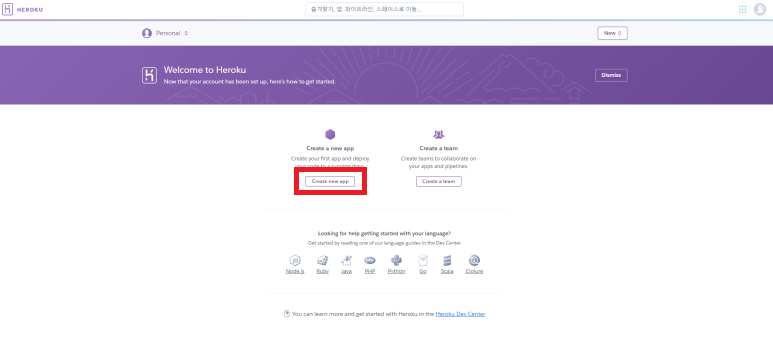
https://www.heroku.com/home - 로그인 후 Create New app
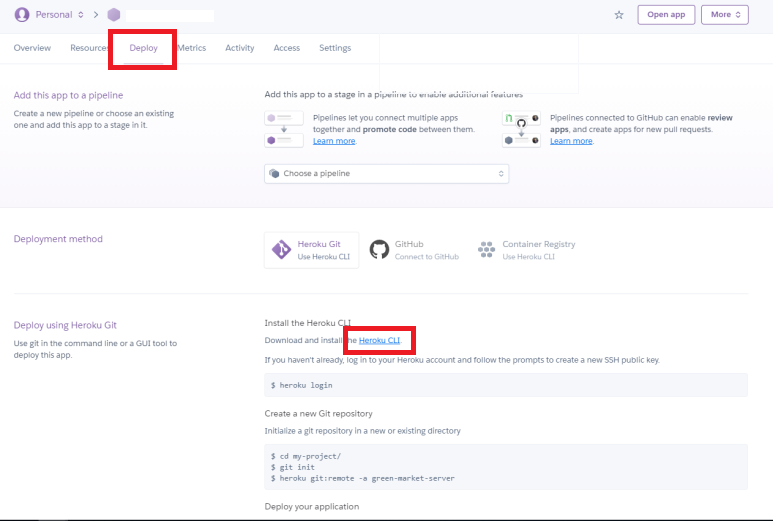
- Heroku CLI 다운로드
서버 파일 수정
❗ node.js를 기준으로 작성됨
- index.js에 작성된 서버의 port를
const port = process.env.PORT || 사전에지정해놓은포트번호;로 지정

- packge.js 에서 scripts를 아래와 같이 수정
"scripts": {
    "test": "echo \"Error: no test specified\" && exit 1",
    "start": "node index.js"
},- cmd에 아래와 같이 입력
$ cd 프로젝트 위치
$ git init
$ git add .
$ git commit -m "저장명"
$ heroku git:remote -a (app name)
$ git push heroku main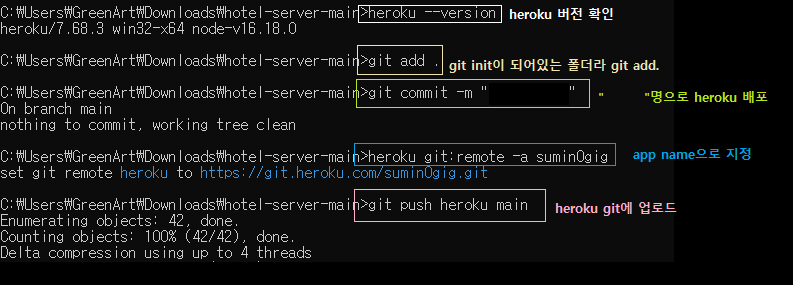
Vercel
❗ git hub로 회원가입이 되지않는다면 다른 이메일로 회원가입한 후 new app을 생성할 때에 github를 연동시키면 된다
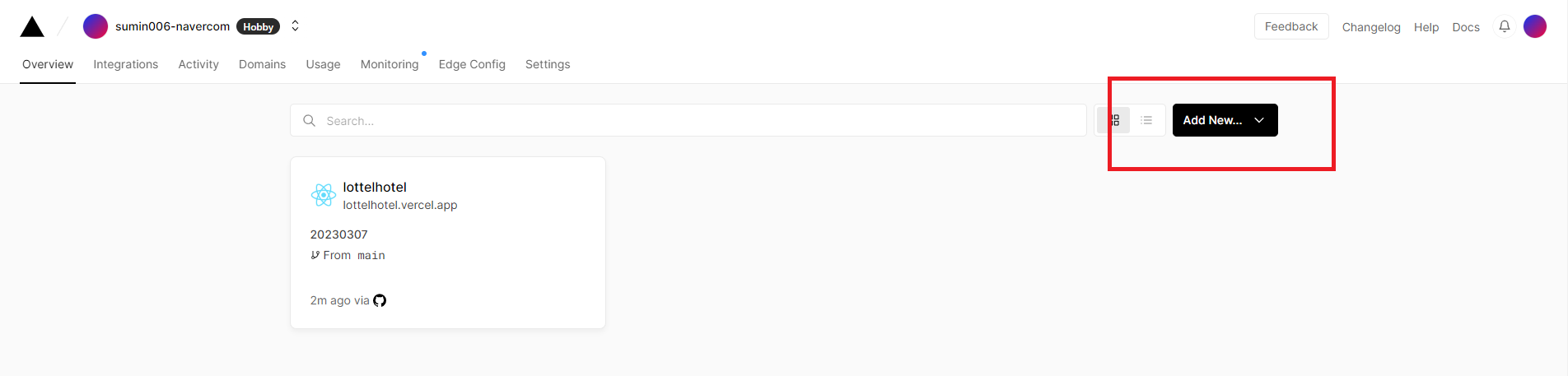
1. vercel에 들어와서 Add New로 새로운 프로젝트 작성
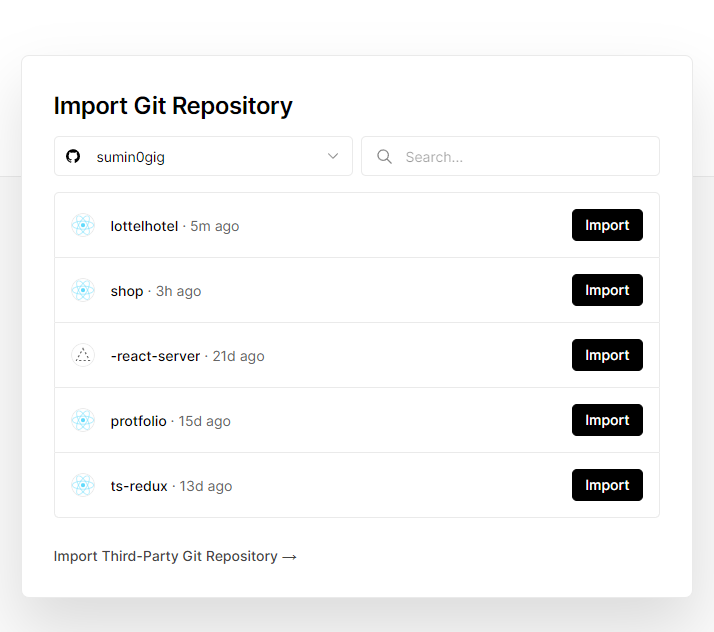
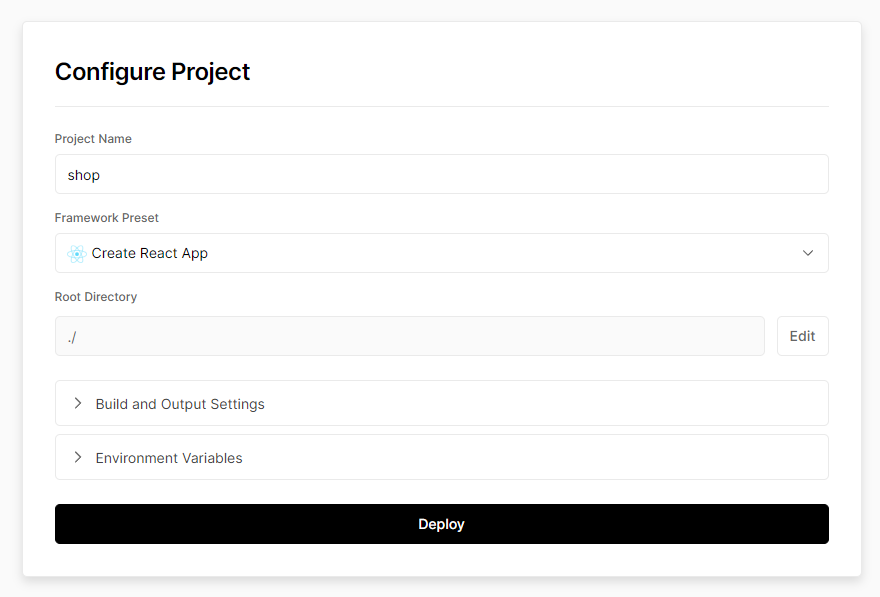
2. 배포하고자 하는 git을 import 및 Deploy

sumin0gig