React Setup
-
깃허브 저장소 만들기
저장소 url 복사 해 두기 -
리액트 앱 다운
npx create-react-app twinkle -
VSC에서 twinkle 열기
cd twinkle -
깃에 추가하기
git remote add origin 깃허브저장소url -
필요 없는 파일 삭제하기
-
커밋하기
git add .
git commit -m "Setup react"
git push origin master
Firebase Setup
- Firebase Web 형태의 프로젝트와 어플리케이션 만들기
-
구글 아이디 로그인
-
로그인후 네비 바 왼쪽에 있는
콘솔로 이동클릭

-
프로젝트 만들기 클릭
3-1. 프로젝트 이름 정하기
3-2. 이 프로젝트에서 구글 애널리틱스 사용 설정 체크는 일단은 해제하고 넘어가자 -
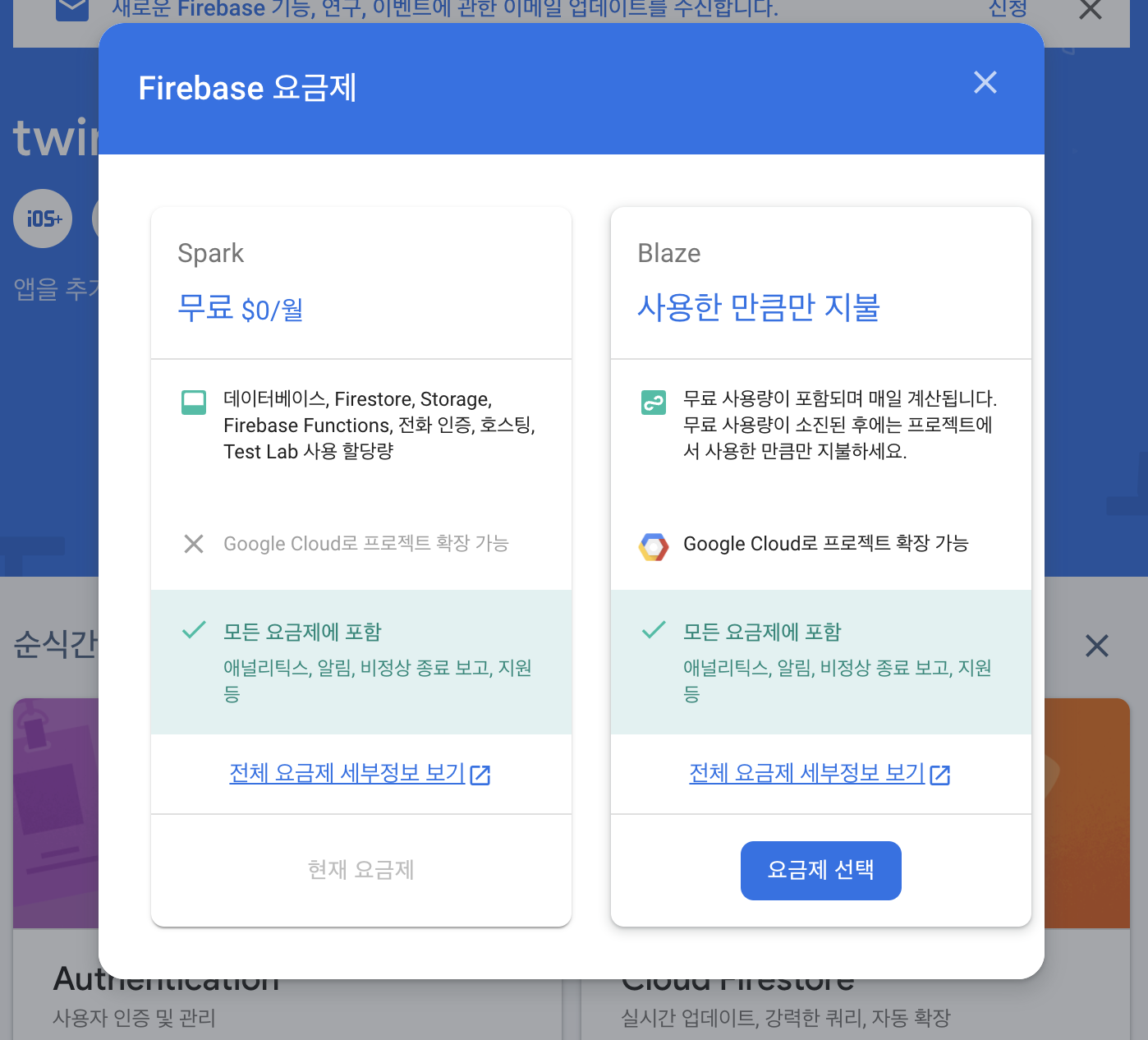
요금제 한 번 체크하고..^^! 아직은 무료다!
-
app을 추가하기 위해 플랫폼 선택하기 (ios/android/web//unity)
웹을 선택합시다.
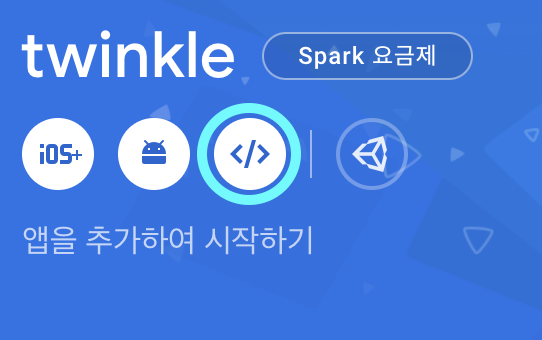
- web 앱 추가
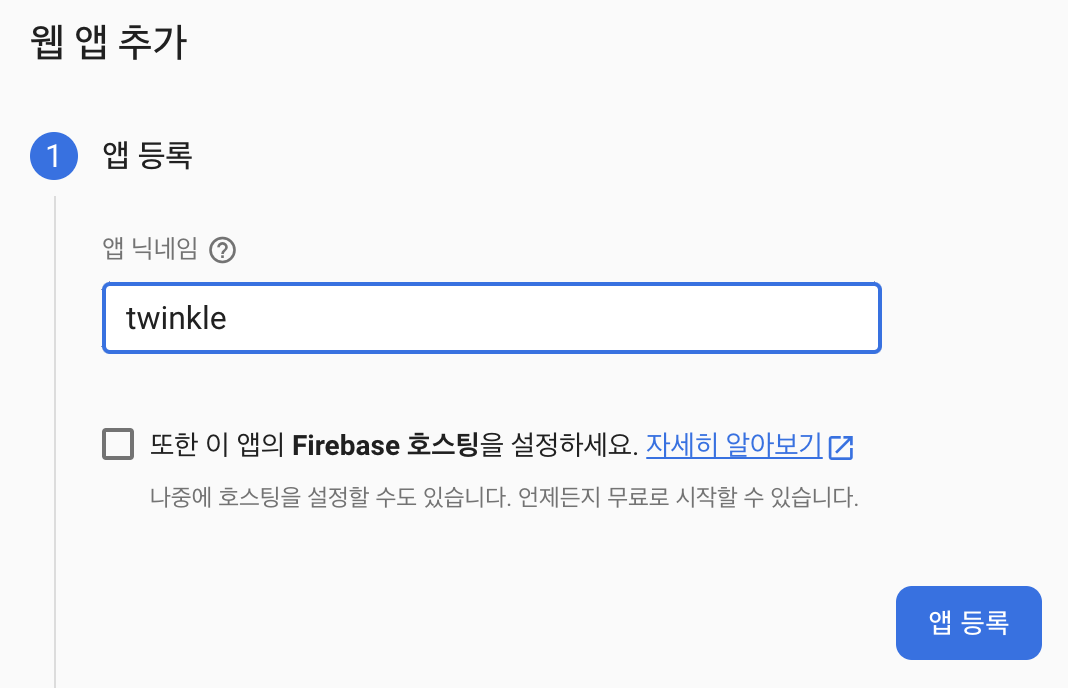
6-1. 앱 등록하기
6-2. Firebase SDK(Software Development Kit) 추가
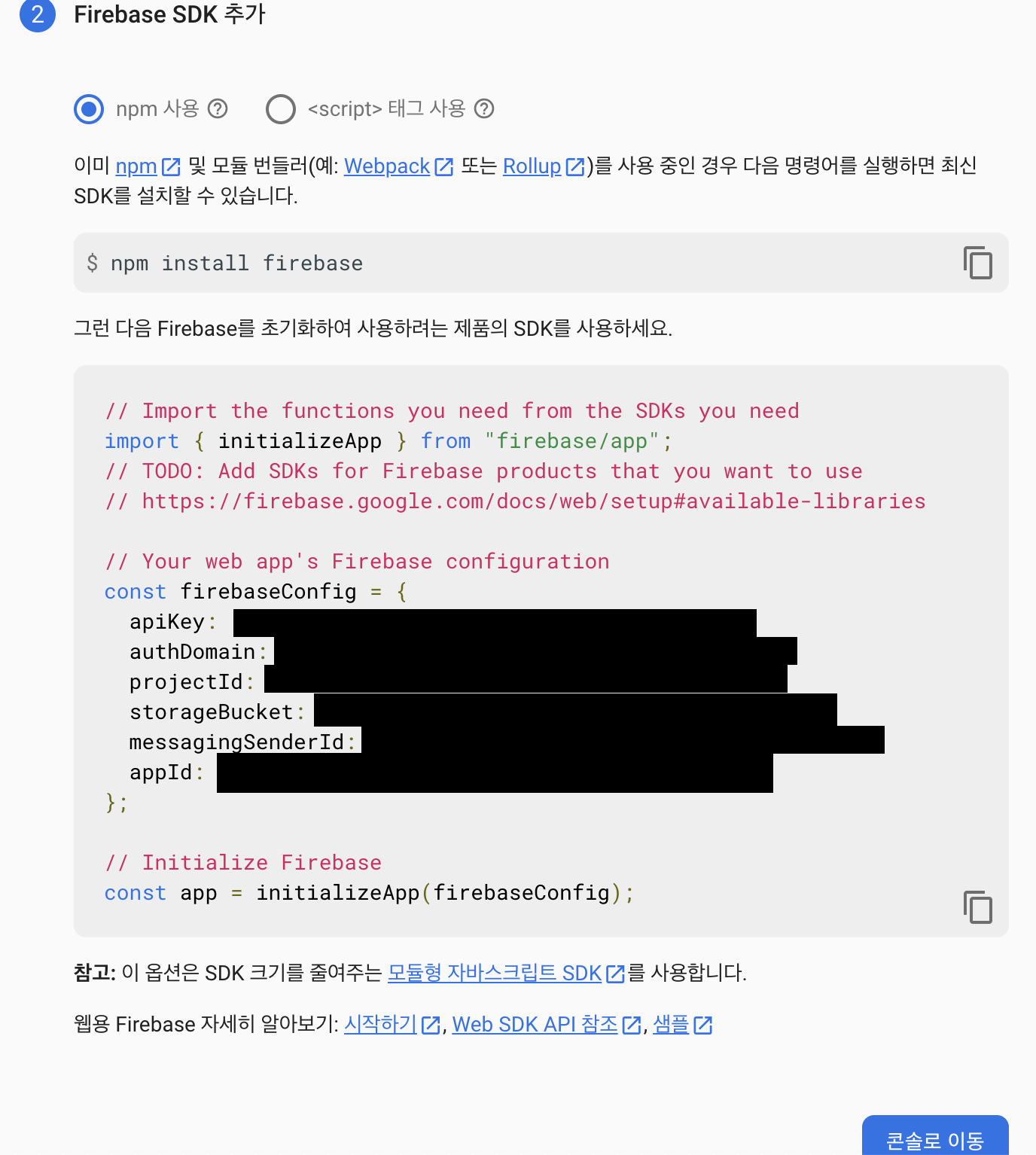
6-2-1. npm install firebase
(v 9.9.6)부터는 아래 방법으로 진행
6-2-2. firebase위한 파일 생성: /src/firebase.js
firebase configuration에 적힌거 복사해서 붙여 넣고 export default하기
// Import the functions you need from the SDKs you need
import { initializeApp } from "firebase/app";
// TODO: Add SDKs for Firebase products that you want to use
// https://firebase.google.com/docs/web/setup#available-libraries

// Your web app's Firebase configuration
const firebaseConfig = {
  apiKey: "",
  authDomain: "",
  projectId: "",
  storageBucket: "",
  messagingSenderId: "",
  appId: ""
};

//그리고 익스포트하기
export default initializeApp(firebaseConfig);
6-2-3. index.js에 firebase import하기
import React from 'react';
import ReactDOM from 'react-dom';
import App from './App';
import firebase from './firebase';

//잘 가져와 지는지 알아보기 위해 firebase 콘솔에 찍어보기
console.log(firebase)

ReactDOM.render(
  <React.StrictMode>
    <App />
  </React.StrictMode>,
  document.getElementById('root')
);
오케이 잘 작동하네.
6-2-4. 콘솔로 이동 클릭!

Always have hope🍀 & constant passion🔥