hello 출력 예제 (문자열 입력받)
<Hello.java>
import java.util.Scanner;

public class Hello {
	public static void main(String[] args) {
		System.out.print("hello me를 입력하세요:");

		Scanner s = new Scanner(System.in);
		String n = s.next();
		System.out.println("입력한 문자열은 "+n+" 입니다");
		s.close();
	}
}
학번, 이름, 원의 넓이 출력 예제
(scanner 객체로 여러개 입력받기)
<CicleArea.java>
import java.util.Scanner;

public class CircleArea {//학번, 이름, 원 넓이 출력
	public static void main(String[] args) {

		Scanner s = new Scanner(System.in);

		System.out.print("학번:");
		int num=s.nextInt();

		System.out.print("이름:");
		String name=s.next(); //nextLine시 엔터치면 넘어가짐 (주의!)

		System.out.print("넓이를 구할 원의 반지름:");
		double rad=s.nextDouble();

		final double PI = 3.14;

		double area = rad*rad*PI;

		for(int i=0;i<=20;i++)
			System.out.print("=");
		System.out.println();

		System.out.println("이름: "+name+"/ 학번: "+num+"/ 반지름:"+rad+" 인 원의 넓이는"+area+"입니다.");

		s.close();
	}
}
원 반지름, 넓이 구하기 (참고)
<Circle_sp.java>
public class Circle_sp {//절차지향
	static final double PI = 3.14159265;

	static double getArea(double radius) {
		return PI * radius * radius;
	}

	public static void main(String[] args) {
		double r1=1;
		double r10=10;

		double area1 = getArea(r1); //PI*r1*r1;
		double area10 = getArea(r10);  //PI*r10*r10;
		//static: Circle_sp라는 객체 생성x, getArea 직접 호출 가능

		System.out.println("반지름"+r1+"인 원의 넓이는 "+area1);
		System.out.println("반지름"+r10+"인 원의 넓이는 "+area10);
	}
}
Circle 원 객체 생성
<Circle.java>
public class Circle { //하나의 원 객체 만들어냄
	double radius;
	static final double PI = 3.14159265;

	double getArea() {
		return Circle.PI * radius*this.radius;
	}

	void setRadius(double radius) {
		this.radius=radius;
		//이때는 this 꼭 써주는게 좋음
		//매개변수 = 멤버변수이기에 헷갈림
		//내 안에서 선언되지 않는 변수 this 붙여줌
	}

	double getCircumference() {
		return Circle.PI * 2*this.radius;
	}

	void show() {
		System.out.println("반지름 "+this.radius+"인 원의 넓이는 "+getArea());
	}

	public static void main(String[] args) {
		Circle c=new Circle();
		c.setRadius(1);
		c.show();
		//바로 setRadius, show 하면 안됨
		//두 메서드다 인스턴스 메서드기 때문에 객체 생성하고 호출해야함
	}
}
객체지향적인 구현
<CircleAreaApp.java>
public class CircleAreaApp {
	public static void main(String[] args) {
		System.out.println(Circle.PI);

		Circle c1,c10;
		c1=new Circle(); //아직 0의 값 가짐


		c1.setRadius(1+1); //연산이 먼저 처리

		c10 = new Circle();
		c10.radius = 10;

		c1.show();
		c10.show();
	}
}
절차지향적인 구현 (참고)
<CircleTest.java>
public class CircleTest { //절차 지향적인 구현
	public static void main(String[] args) {
		Circle c1;
		c1=new Circle(); //0의 값으로 설정

		c1.radius =1;

		Circle c10 = new Circle();
		c10.radius = 10;

		System.out.print("반지름"+c1.radius+"인");
		System.out.print("원의 둘레는"+c1.getCircumference());
		System.out.println("원의 넓이는"+c1.getArea());

		System.out.print("반지름"+c10.radius+"인");
		System.out.print("원의 둘레는"+c10.getCircumference());
		System.out.println("원의 넓이는"+c10.getArea());
	}
}
실습과제 1: 원의 넓이
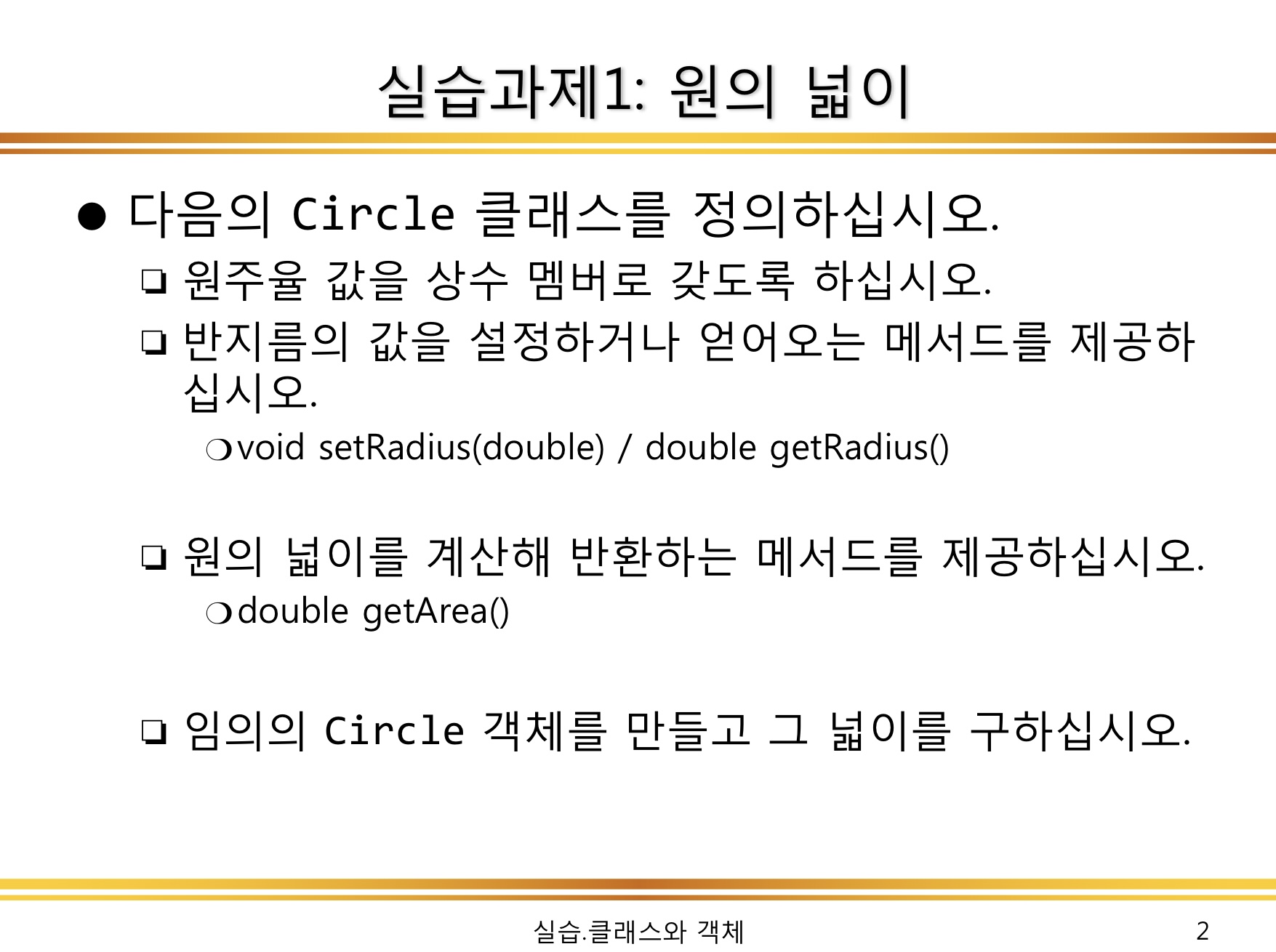
//Circle 객체 생성
public class Circle {
	static final double PI = 3.14159265;
	double radius;


	void setRadius(double radius){
		this.radius=radius;
	}

	double getArea() {
		return Circle.PI*radius*this.radius;
	}
	void show() {
		System.out.println("반지름"+this.radius+"인 원의 넓이는"+getArea());
	}

}
//실행시키는 앱 생성
public class CircleApp {
public static void main(String[] args) {
Circle c=new Circle();
c.setRadius(10);
c.show();
}
}
x,y 교환 안되는 예시
class Point{
	int x,y;
}
public class SwapEx1 {
	static void swap(int n1, int n2) { //값으로 받음
		int temp;
		temp=n1;
		n1=n2;
		n2=temp;

	}
	public static void main(String[] a) {
		Point p=new Point();
		p.x=20;
		p.y=50;

		swap(p.x,p.y); //각각의 값을 넘겨줌

		System.out.println(p.x+","+p.y);
	}
}
x,y 교환 되는 예시
class Point1{
	int x,y;
}
public class SwapEx2 {
//class 여러개 올때 public붙은 클래스가 파일명과 일치
	static void swap(Point1 val) { //객체 자체를 받음
    // swap메서드는 Point1클래스의 참여를 위해 수행하지만, 이 메서드는 자신을 생성하지 않고 개별적으로 작업으로 val전달하는 Point1상태를 변경합니다.
    //swap메서드를 호출할 때 객체 생성하지 않고 클래스 이름을 SwapEx2사용하여 직접 호출할 수 있으며, 이 메서드는 Point1상태를 변경합니다.
    //SwapEx 객체 생성 안해도됨, 바로 클래스안 swap 메소드 호출

		int temp;
		temp=val.x;
		val.x=val.y;
		val.y=temp;

	}
	public static void main(String[] a) {
		Point1 p=new Point1();
		p.x=20;
		p.y=50;

		swap(p); //객체 자체를 넘겨줌

		System.out.println(p.x+","+p.y);
	}
}
실습과제 2: TVUser
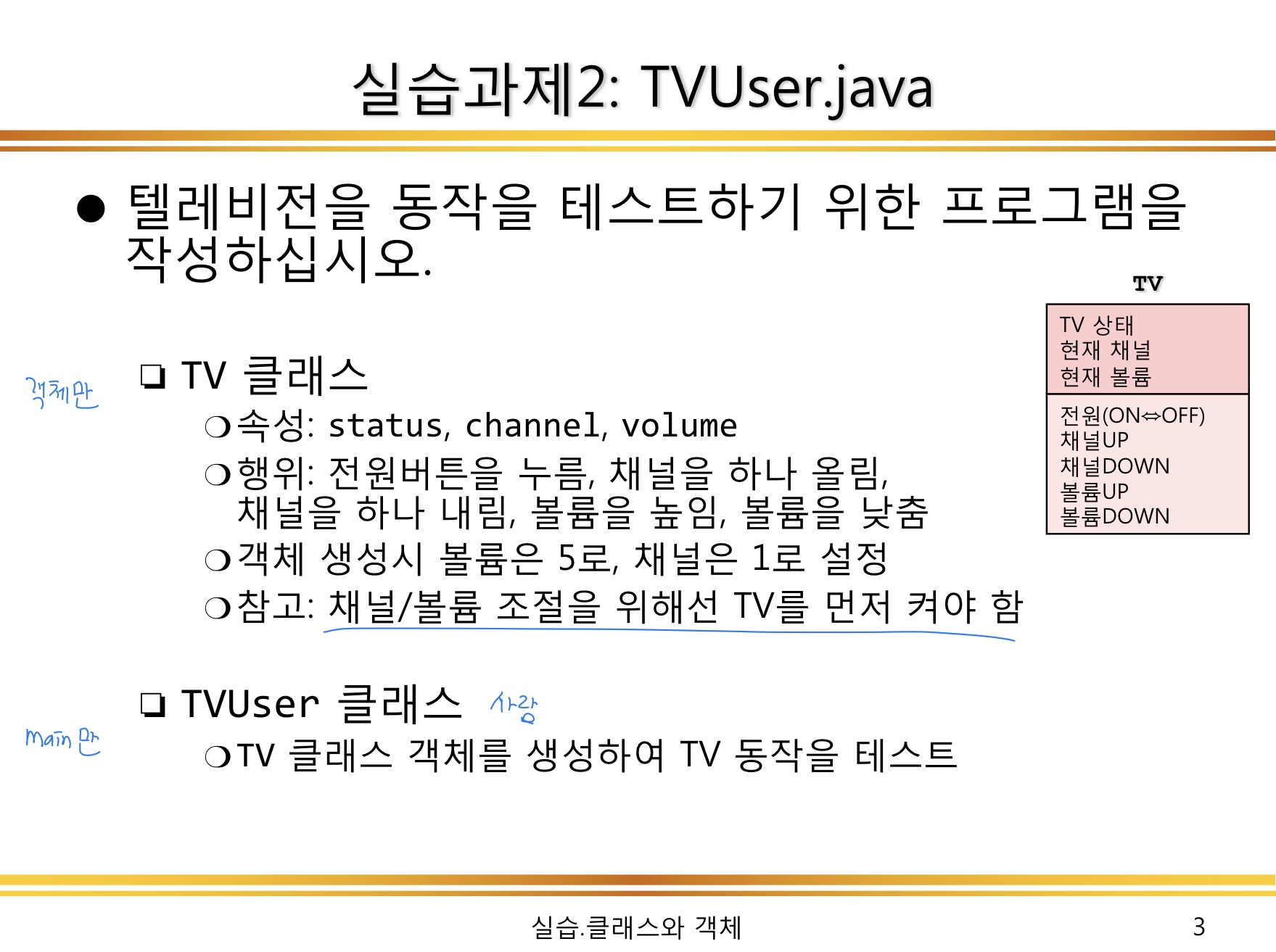
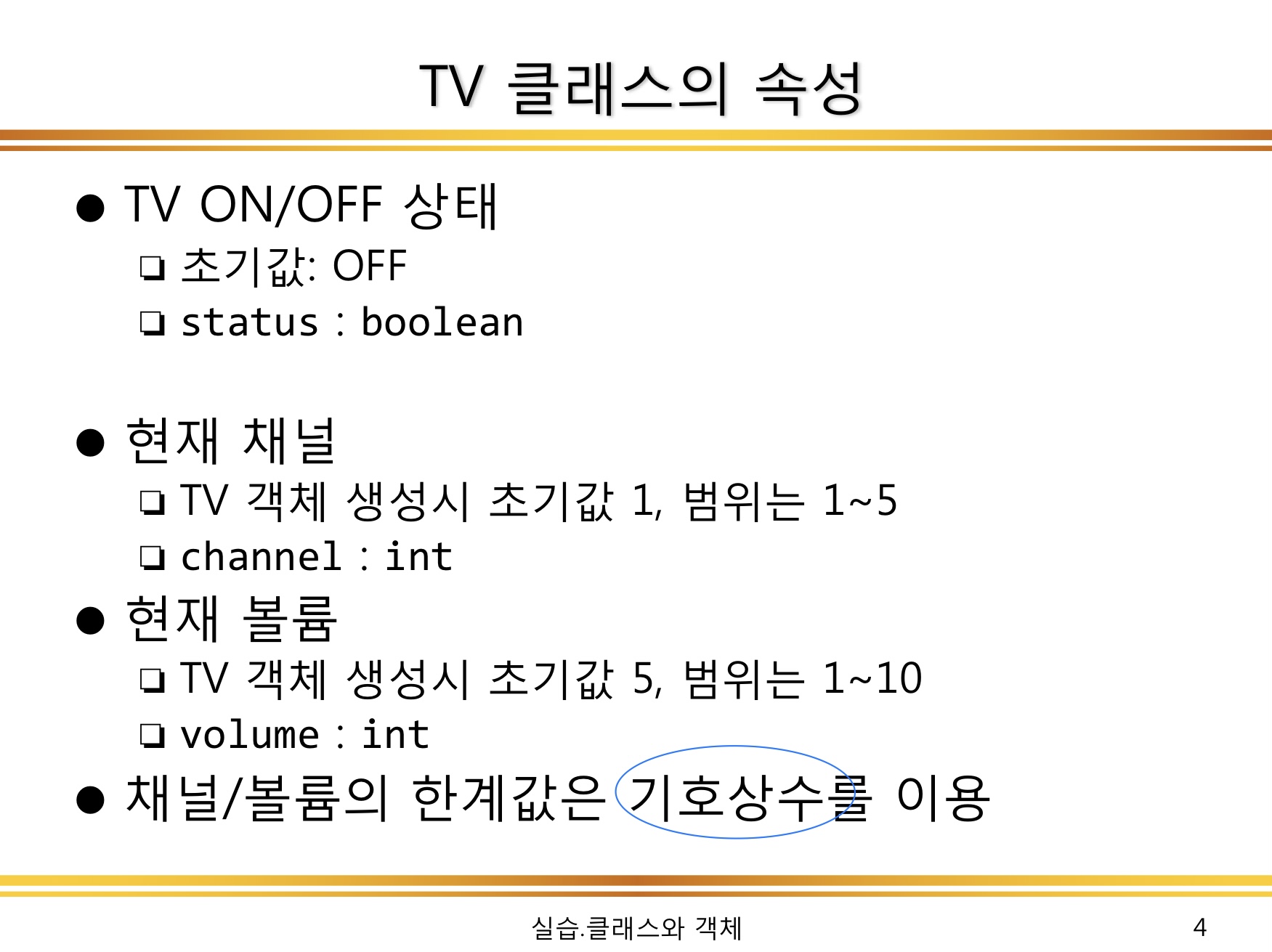
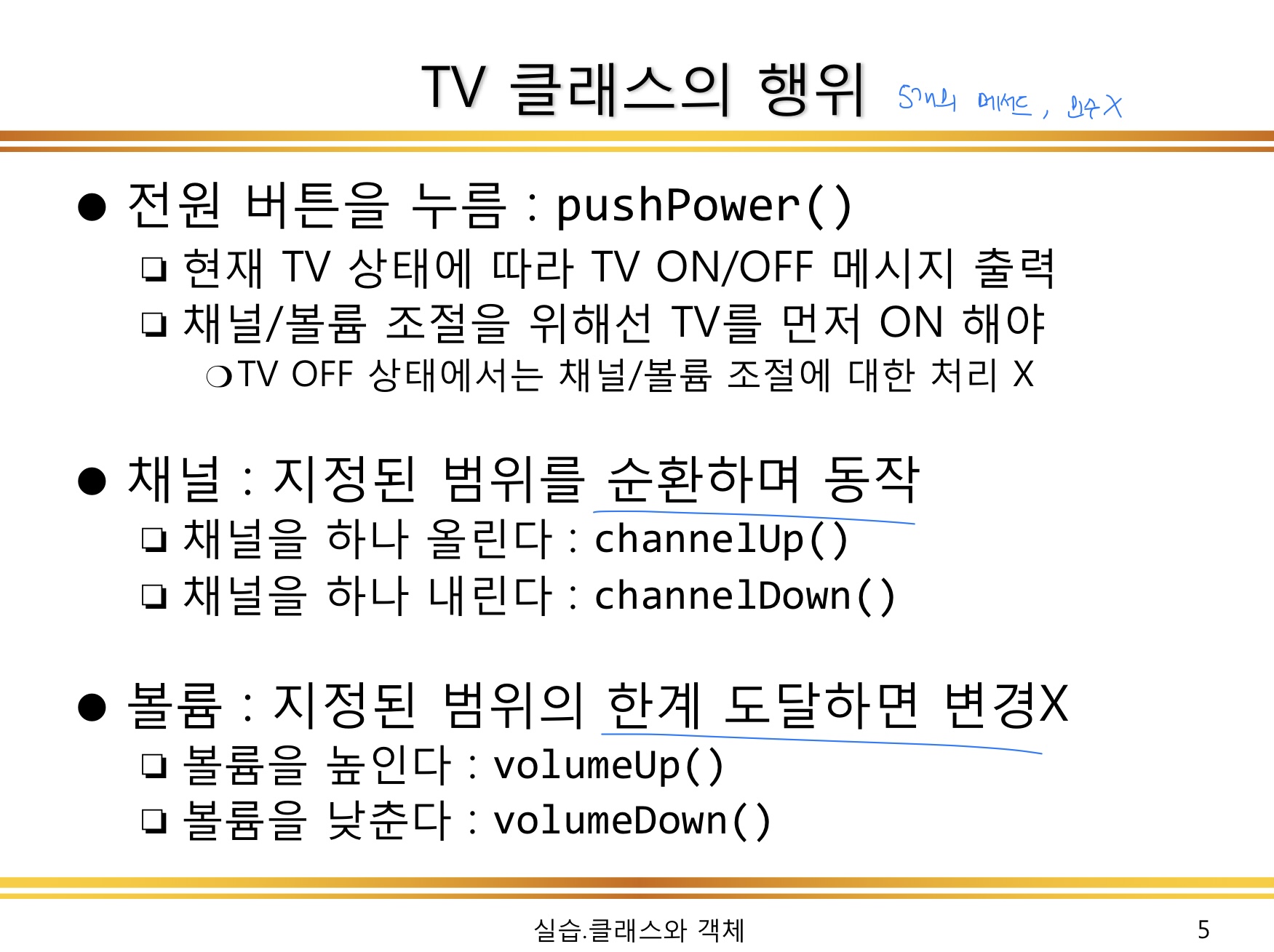
//TV 객체 생성

public class TV {
	boolean status = false;
	int channel = 1;
	int volume = 1;

	final int min=1;
	final int chaMax=5;
	final int volMax=10;

	void pushPower() {
		if(status == true) status = false;
		else status = true;
		System.out.println("현재 전원 상태는: "+status);
	}

	void channelUp() {
		if (channel ==chaMax) channel =1;
		else channel ++;
		System.out.println("현재 채널 상태는: "+channel);
	}

	void channelDown() {
		if (channel ==min) channel =5;
		else channel --;
		System.out.println("현재 채널 상태는: "+channel);
	}

	void volumeUp() {
		if (volume == volMax) volume=5;
		else volume++;
		System.out.println("현재 볼륨 상태는: "+volume);
	}

	void volumeDown() {
		if (volume == min) volume=1;
		else volume--;
		System.out.println("현재 볼륨 상태는: "+volume);
	}

}
//TV User 생성

public class TVUser {

	public static void main(String[] args) {
		TV t = new TV();

		t.pushPower();

		if(t.status) {
			t.channelDown();
			t.volumeDown();
			t.pushPower();
		}
	}
}