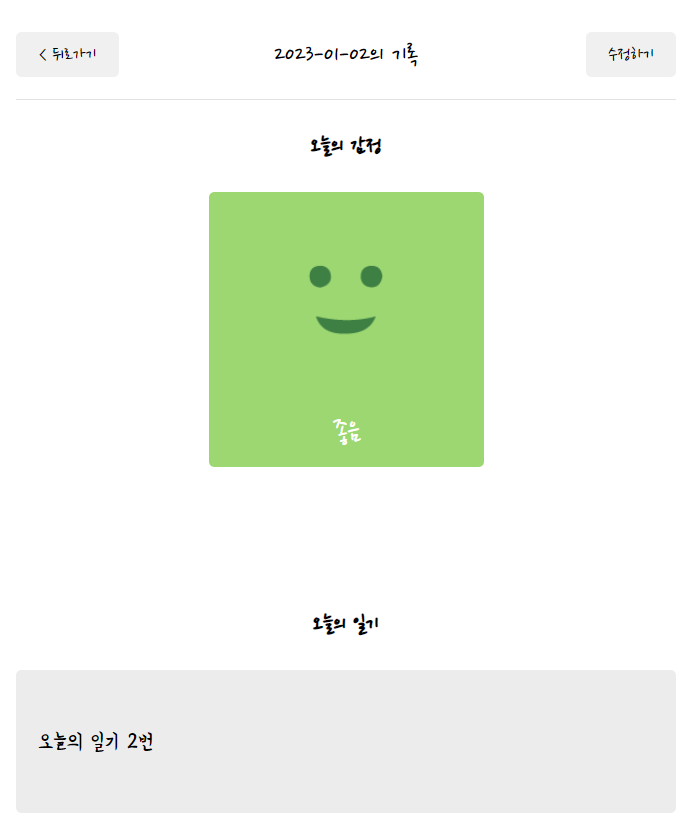
일기 데이터 가져오기
import { useContext, useEffect } from "react";
import { useParams } from "react-router-dom";
import { DiaryStateContext } from "../App";

const Diary = () => {
  const { id } = useParams();
  // 일기 데이터 가져오기
  const diaryList = useContext(DiaryStateContext);

  // id와 diaryList가 변경될때만 시행
  useEffect(() => {
    if (diaryList.length >= 1) {
      const targetDiary = diaryList.find(
        (it) => parseInt(it.id) === parseInt(id)
      );
      console.log(targetDiary);
    }
  }, [id, diaryList]);

  return (
    <div>
      <h1>Diary</h1>
      <div>이곳은 일기 상세페이지 입니다.</div>
    </div>
  );
};

export default Diary;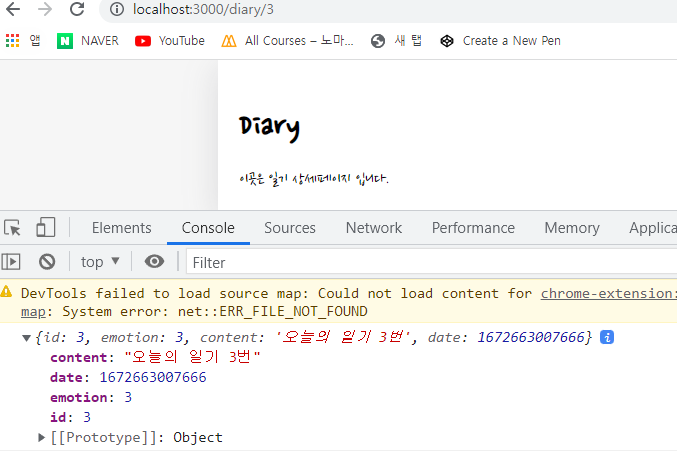
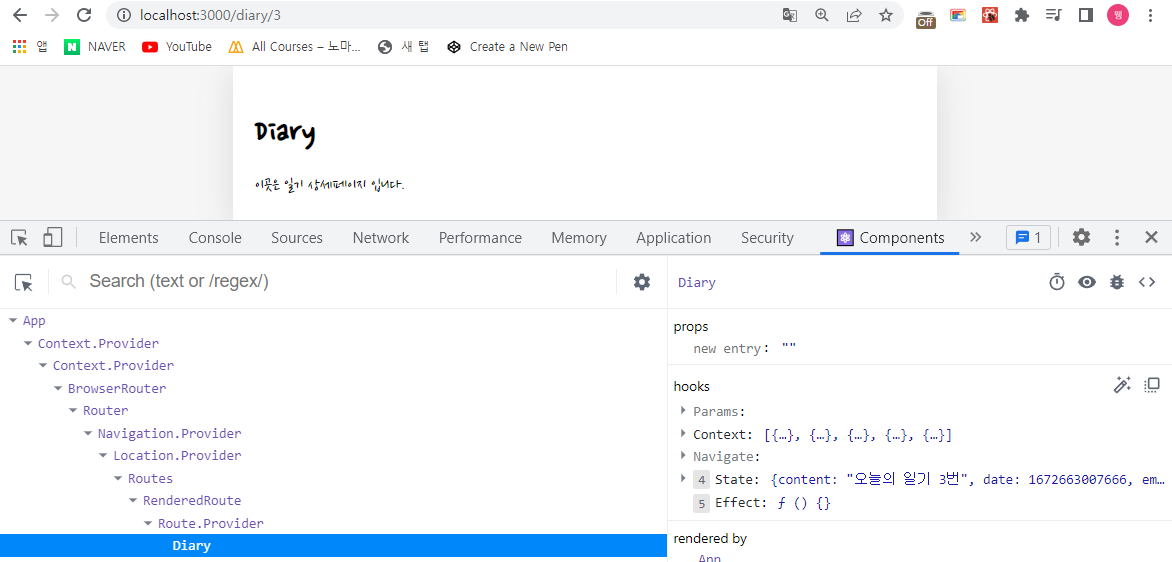
- 일기 존재여부에 따라 함수 생성
useEffect(() => {
    if (diaryList.length >= 1) {
      const targetDiary = diaryList.find(
        (it) => parseInt(it.id) === parseInt(id)
      );

      if (targetDiary) {
        // 일기 존재할 때 state에 targetDiary데이터 할당
        setData(targetDiary);
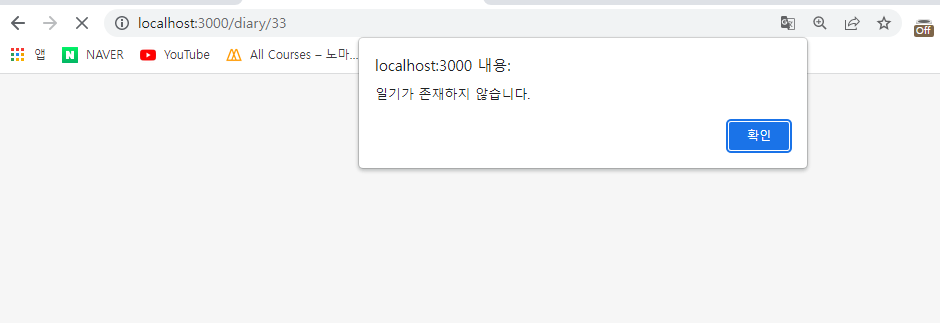
      } else {
        // 일기가 없을 때 뒤로가기 불가하게 home 으로 보냄
        alert("일기가 존재하지 않습니다.");
        navigate("/", { replace: true });
      }
    }
}, [id, diaryList]);- 일기가 존재할 때
- 일기가 존재하지 않을 때
header
- 날짜 입력
import { getStringDate } from "./../util/date";

const Diary = () => {
if (!data) {
    return <div className="DiaryPage">로딩중입니다...</div>;
  } else {
    return (
      <div className="DiaryPage">
        <MyHeader
          headText={`${getStringDate(new Date(data.date))}의 기록`}
        ></MyHeader>
      </div>
    );
  }
}- 뒤로가기, 수정 페이지 이동 버튼
<div className="DiaryPage">
        <MyHeader
          headText={`${getStringDate(new Date(data.date))}의 기록`}
          leftChild={
            <MyButton text={"< 뒤로가기"} onClick={() => navigate(-1)} />
          }
          rightChild={
            <MyButton
              text={"수정하기"}
              onClick={() => navigate(`/edit/${data.id}`)}
            />
          }
        ></MyHeader>
      </div>
오늘의 감정
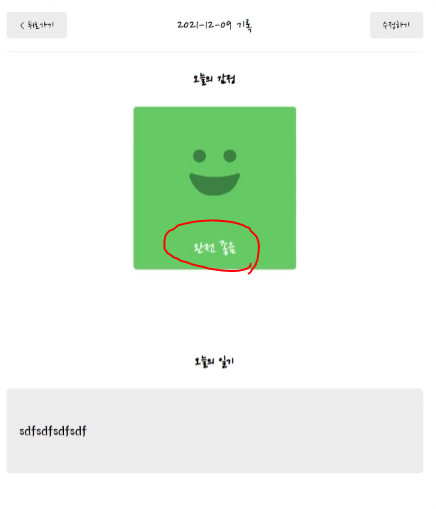
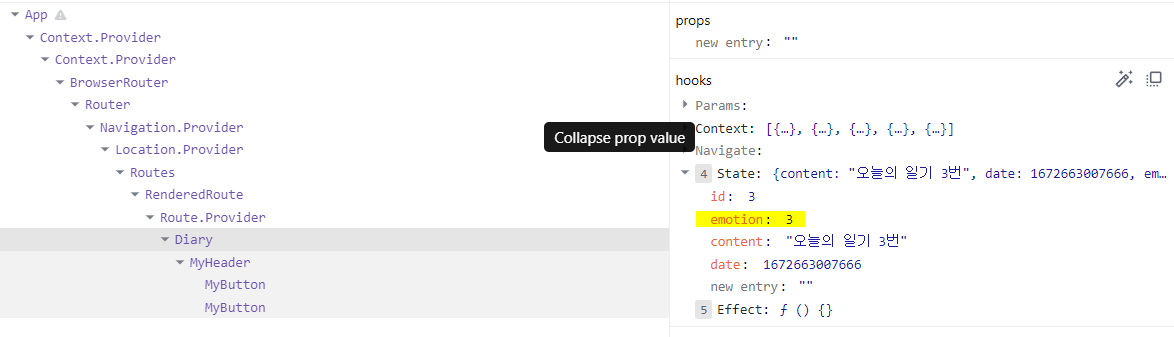
감정 설명 가져오기
emotion의 설명은 우리가 state로 가지고 있지 않음
-> emotionList도 diaryComponent로 전달해줘야함.
(diaryEditor.js 에서도 emotionList 삭제 후 import해줘야함)
import { emotionList } from "../util/emotion";

if (!data) {
    return <div className="DiaryPage">로딩중입니다...</div>;
  } else {
    const curEmotionData = emotionList.find(
      (it) => parseInt(it.emotion_id) === parseInt(data.emotion)
    );
    console.log(curEmotionData);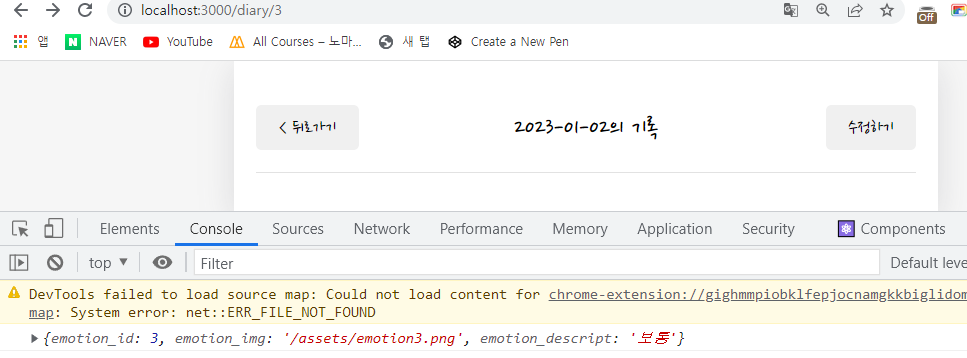
<article>
          <section>
            <h4>오늘의 감정</h4>
            <div
              className={[
                "diary_img_wrapper",
                `diary_img_wrapper_${data.emotion}`,
              ].join(" ")}
            >
              <img src={curEmotionData.emotion_img} />
              <div className="emotion_descript">
                {curEmotionData.emotion_descript}
              </div>
            </div>
          </section>
        </article>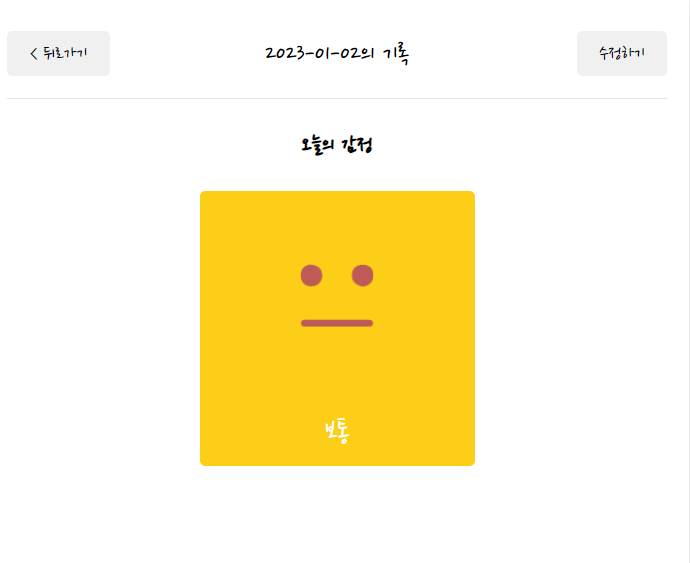
오늘의 일기
<section>
  <h4>오늘의 일기</h4>
<div className="diary_content_wrapper">
  <p>{data.content}</p>
</div>
</section>