갑자기 생긴 궁금증
    private let appleLoginButton: UIButton = {
        let button = UIButton(type: .system)
        button.setTitle("Apple Login", for: .normal)
        button.titleLabel?.font = .systemFont(ofSize: 18, weight: .medium)
        button.setTitleColor(.mainOrange, for: .normal)
        return button
    }()
이 코드는 급하게 임시 버튼을 만드는 도중 자동완성으로 만들어진 코드이다.
이제 제대로 된 버튼을 만드려는 참에 UIButton(type: .system) 가 눈에 들어왔다.
.system..? 나는 항상 UIButton()만 사용했던 것 같은데 저건 뭘까 라는 생각이 들었다.
UIButton.ButtonType
UIButton.ButtonType 이라는 것이 있었다. 각 타입별로 어떤 모양이 나오는지 궁금해졌다.
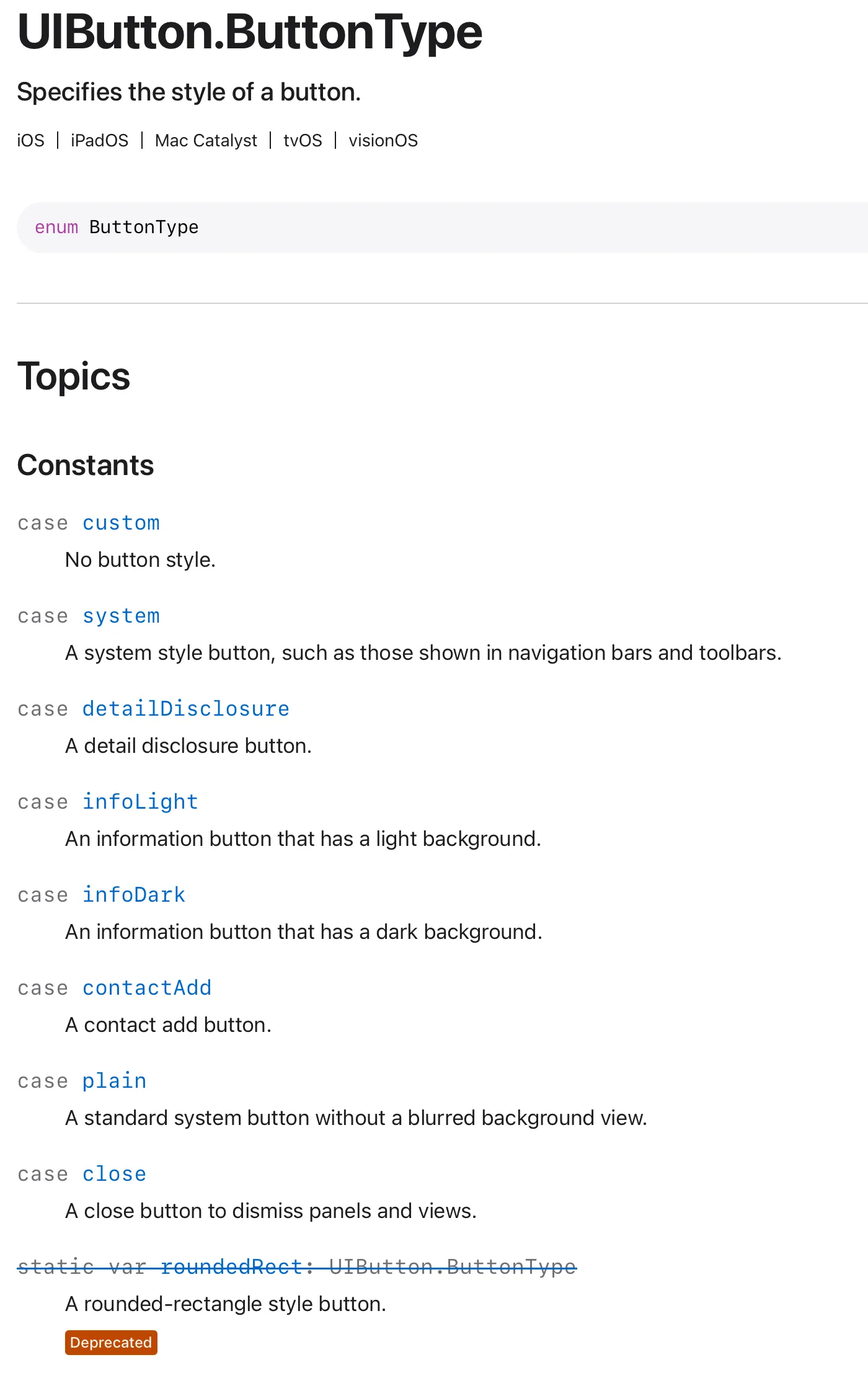
공식 문서에는 위와 같이 나와 있다.
어떻게 생긴건데?
실험 시작!
실험 코드는 아래와 같다. 여기서 타입만 바꿔가며 실험할 것이다.
    private let appleLoginButton: UIButton = {
        let button = UIButton(type: .system)
        button.setTitle("Apple Login", for: .normal)
        button.setTitleColor(.mainOrange, for: .normal)
        return button
}()-
.system
: 내비게이션 바 및 도구 모음에 표시되는 것과 같은 시스템 스타일 버튼
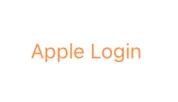
-
.custom
: 버튼 스타일 없음
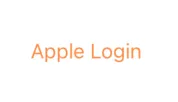
-
.close
: 패널 및 뷰를 닫는 닫기 버튼
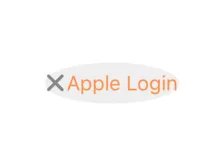
-
.contactAdd
: 연락처 추가 버튼

-
.detailDisclosure
: 세부 정보 공개 버튼

-
.infoDark
: 어두운 배경을 가진 정보 버튼

-
.infoLight
: 밝은 배경을 가진 정보 버튼

-
.plain
이건 iOS에서 사용할 수 없다고 에러가 뜬다.
Custom과 System의 차이
제일 많이 사용하는 것이 .custom과 .system인 것 같다. 근데 둘의 차이는 뭘까?
나는 이제까지 UIButton() 과 같은 식으로 많이 사용했는데 이렇게 만들면 .custom 타입으로 지정된다고 한다. 고로 .custom이 기본 타입이라는 말이다.
.system
- iOS 기본 시스템 스타일 (파란색 텍스트 버튼, 터치 시 살짝 투명도 조절)
- iOS가 제공하는 플랫폼 일관된 버튼 스타일을 자동 적용
- 보통 iOS 디자인 가이드에 맞는 버튼을 원할 때 사용
- 라벨 텍스트 색은 기본적으로 tintColor를 따라가고, 다크/라이트모드에서 자동 대응
- 터치 시 시각적 피드백(페이드, 강조 등)이 기본 제공
- 접근성/동적 텍스트 크기 등과의 호환성이 잘 되어 있다.
.custom
- 아무런 스타일도 적용되지 않은 “맨바닥 버튼”
- 기본 텍스트 색도 없음(투명한 버튼처럼 보임) → 직접 다 설정해야 함
- tintColor 적용도 안 되고, 터치 피드백(페이드)도 없다.
- UI 커스터마이징을 전부 하고 싶을 때 사용
- 완전히 디자이너가 원하는 대로 꾸밀 때 유리하지만, 모든 색/상태 처리를 직접 해줘야 한다.
차이를 또 알아냈다.
    private let appleLoginButton: UIButton = {
        let button = UIButton()
        button.setImage(UIImage(named: "AppleLogin", in: .init(identifier: "com.jipcoon.UI"), compatibleWith: nil), for: .normal)
        return button
    }()
이미지를 적용시키려고 하니 .system과 .custom의 차이가 보였다.
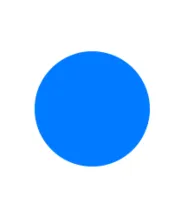
.system은 이미지를 적용시키니 파란색으로 보인다. 기본 색이 적용되어 이렇게 보이는 것 같다.
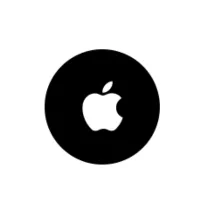
반면 .custom은 설정한 이미지 그대로 잘 나온다.
참고 자료