
댓글기능 Server 연동
1) 댓글 Server로 Post
    const postCommentSubmit = (e) => {
        e.preventDefault()
        setCommentArray(a=>[comment])
        setComments('')


        const headers = {
            'Content-type': 'application/json',
            'Authorization': "Bearer " + localStorage.getItem("token")
        }
        axios.post(`http://localhost:8080/api/comment/register`,{
            users: users,
            post : post,
            comment : comment,

        } ,{headers},)
            .then(res=>{
                console.log([...res.data])
            })
    }
    const onHandleComment = e =>{
		e.preventDefault()
       setComments(e.currentTarget.value)
    }
이벤트 설정
	<form onSubmit={postCommentSubmit}>
    <section className="post_comment_wrap" >
      <input
        id="post_comment_input"
        type="text"
        placeholder="댓글 달기..."
        value={comment}
        onChange={onHandleComment}
      />
      <button className="post_comment_btn"
		 onClick={()=>{
         window.location.reload('/')
		}}
      >
      <i className='bx bx-send' ></i>
      </button>
    </section>
  </form>
2) 댓글 불러오기
reply state에 값 저장
 useEffect(()=>{
        axios.get('http://localhost:8080/api/comment/all')
            .then(res =>{
                console.log(res.data.list)
                setReply([...res.data.list])
            })
   },[])
mainImg state에 uplaod 사진,타이틀,내용,댓글 데이터가 저장되어있음.
향후 변수명 변경할 예정
4) DB에 저장
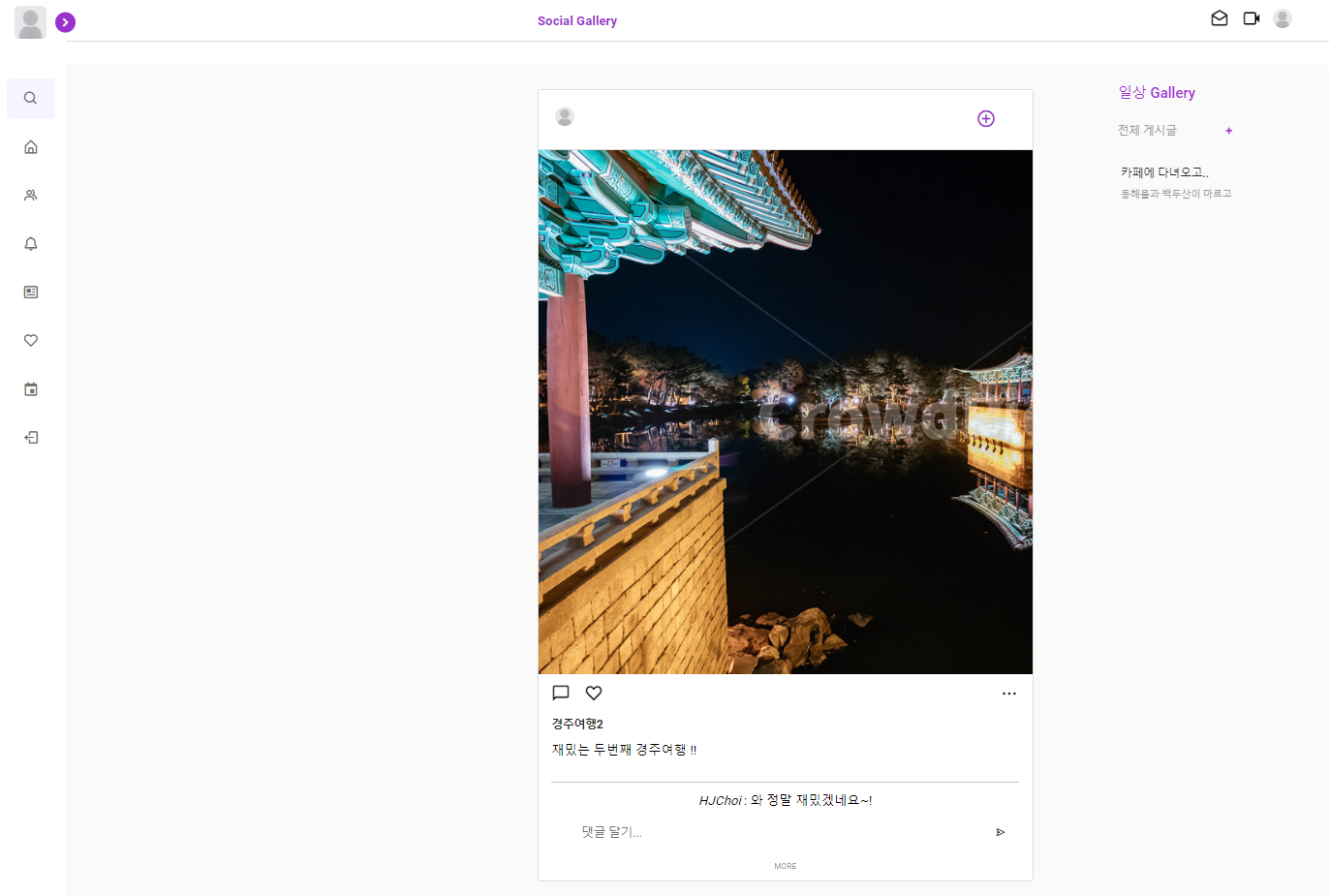

댓글 삭제
##CommentDel.jsx

const reply = useSelector((state)=> state.reply.replyList)
const mainImg = useSelector((state)=>state.mainImg.mainList)

const headers = {
    'Content-type': 'application/json',
    'Authorization': "Bearer " + localStorage.getItem("token")
}

const deleteComment = (cid)=>{
    axios.delete(`http://localhost:8080/api/comment/${mainImg[i].pid}/delete/${cid}`,{headers,
    withCredentials: true,
      crossDomain: true,
      credentials: "include"})
    .then(res=>{
        window.location.reload()
    })
}

(생략)
...

 <button onClick={()=>{deleteComment(reply[i].cid)}}>X</button>
생각을 기록하자