The One Line That Deleted All My JSON Parsing Code
Korean version of this post (한국어 버전은 여기서 확인하세요): 한국어로 읽기
I Was Stuck for Hours. Then I Found response_schema.

A real story from building K-Trust — my AI merchant compliance tool
Okay so let me be honest.
When I started building K-Trust, I thought the hard part would be the AI logic. The prompts, the scoring rubric, the compliance summary. That stuff.
I did not expect to spend hours fighting with JSON.
The Problem I Kept Running Into
The idea behind K-Trust was simple — send raw merchant data to Gemini, get back a structured risk report. Trust score, risk level, legal status, summary. Clean. Predictable.
Except it wasn't.
My first approach was the obvious one — just tell Gemini what to return:
prompt = """
Analyze this merchant and return a JSON with:
- trust_score (int)
- risk_level (string)
- legal_status (boolean)
- summary (string)
"""
Sometimes it worked perfectly. Sometimes Gemini returned this:
Sure! Here's the compliance report:
```json
{
  "trust_score": 87,
  ...
}
```
And my json.loads() would crash.
So I added .strip(). Then .replace("```json", ""). Then a whole try/except block. Then another one. I was writing more parsing code than actual feature code and it still broke randomly.
I remember staring at my terminal thinking — there has to be a better way.
The Rabbit Hole That Saved Me
I went back to the Google Gemini API docs — properly this time, not just skimming. And buried in the structured output section, I found something I had completely missed:
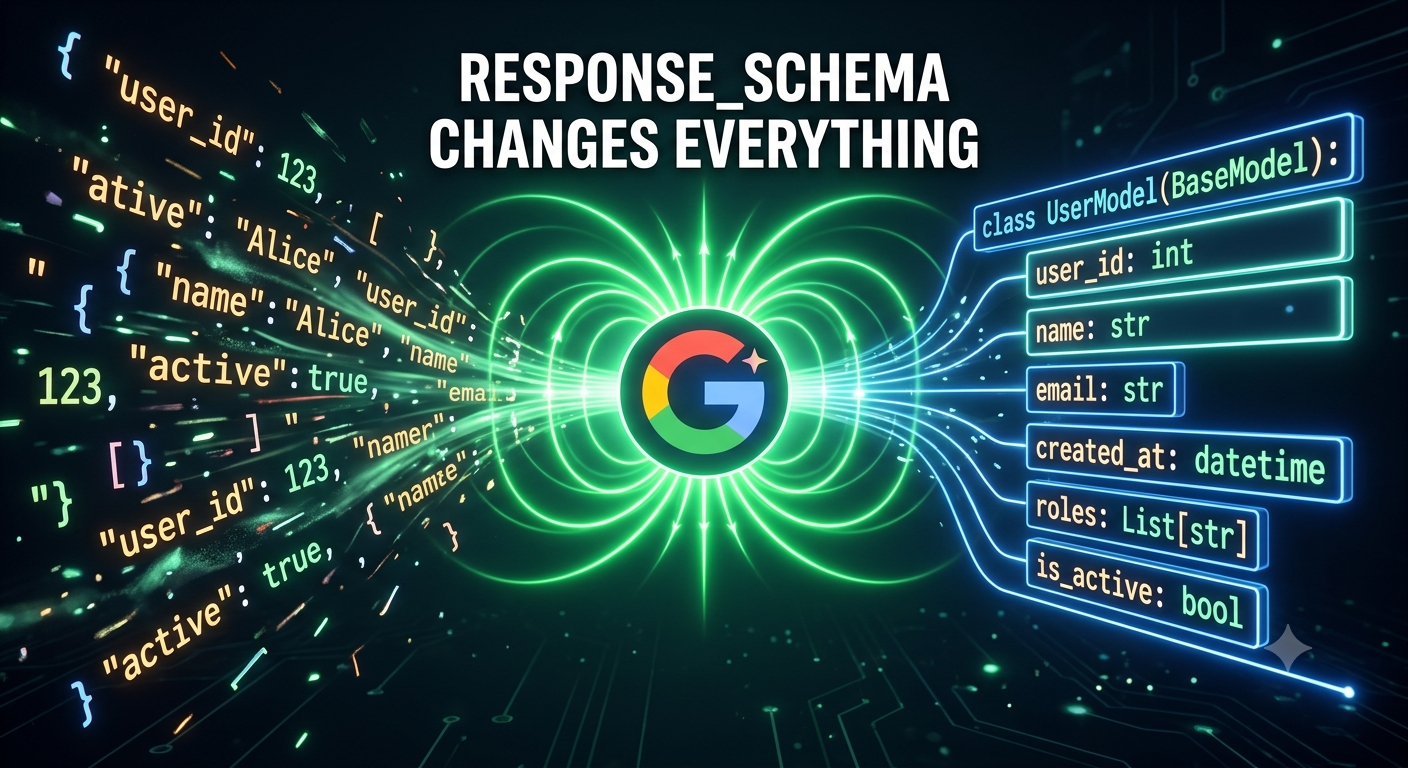
You can pass a Pydantic model as
response_schemato enforce the exact output shape.
Wait. You can enforce it? Not just ask nicely?
I also found this mentioned in the Google GenAI Python SDK docs with actual code examples. I read through the Pydantic BaseModel docs to understand how to define the schema properly.
And then I tried it.
The Moment Everything Clicked
Step 1 — I defined exactly what I wanted Gemini to return
from pydantic import BaseModel

class GeminiReport(BaseModel):
    trust_score: int
    risk_level: str
    risk_tags: list[str]
    legal_status: bool
    financial_risk: bool
    sentiment_score: bool
    executive_stability: bool
    summary: str
Step 2 — I passed it directly to Gemini as response_schema
ai_response = client.models.generate_content(
    model="gemini-2.5-flash",
    contents=prompt,
    config=types.GenerateContentConfig(
        response_mime_type="application/json",
        response_schema=GeminiReport,  # Gemini MUST match this shape
    ),
)

structured_data = json.loads(ai_response.text)
And that was it.
No markdown stripping. No defensive parsing. No random crashes at 2am.
structured_data came back perfectly typed every single time. trust_score was always an int. legal_status was always a bool. The fields were always exactly what I defined.
I literally said "oh" out loud when it worked the first time.
What My Final K-Trust Endpoint Looks Like
@app.post("/audit")
async def run_audit(request: AuditRequest):
    # 1. Look up merchant data
    merchant = MARKET_DB["merchants"].get(request.merchant_id)
    if not merchant:
        raise HTTPException(status_code=404, detail="Merchant not found.")

    # 2. Build prompt with raw business data
    raw = merchant["raw_data"]
    prompt = f"""
Audit this merchant and return a compliance report.
Company: {merchant["company_name"]}
LEGAL RECORDS: {chr(10).join(raw["legal_records"])}
FINANCIAL SIGNALS: {chr(10).join(raw["financial_signals"])}
"""

    # 3. Gemini returns perfectly structured data — every time
    ai_response = client.models.generate_content(
        model="gemini-2.5-flash",
        contents=prompt,
        config=types.GenerateContentConfig(
            response_mime_type="application/json",
            response_schema=GeminiReport,
        ),
    )

    structured_data = json.loads(ai_response.text)
    return {"status": "success", "data": structured_data}
Clean. No drama.
What I Learned
Before finding this, I thought structured LLM output was always going to be messy. That defensive parsing was just... the cost of working with AI.
It's not. You just need the right tool.
| The messy way | The clean way |
|---|---|
| Hope the LLM follows your prompt | Enforce the exact output shape |
| Write layers of parsing code | Just json.loads() and done |
| Random crashes in production | Consistent output every time |
| Different field names each run | Exact Pydantic types guaranteed |
If you're building anything with Gemini that needs structured output — skip the struggle I went through. Go read the structured output docs first. I wish I had.
Resources That Helped Me
- 📖 Gemini Structured Output Docs — this is the one that changed everything
- 📖 Google GenAI Python SDK — real code examples here
- 📖 Pydantic BaseModel Docs — for defining your schema properly
- 🔗 K-Trust Live Demo — see the full thing in action
- 📦 K-Trust GitHub — full source code
Written by sweetyCodes (Subhashree Behera), AI & Full-Stack Developer
Currently building AI-powered web apps and learning Korean
#개발 #Python #AI #backend #Gemini #python #ai #webdev