
php 알아보기
가장 메인이 되는 index.php
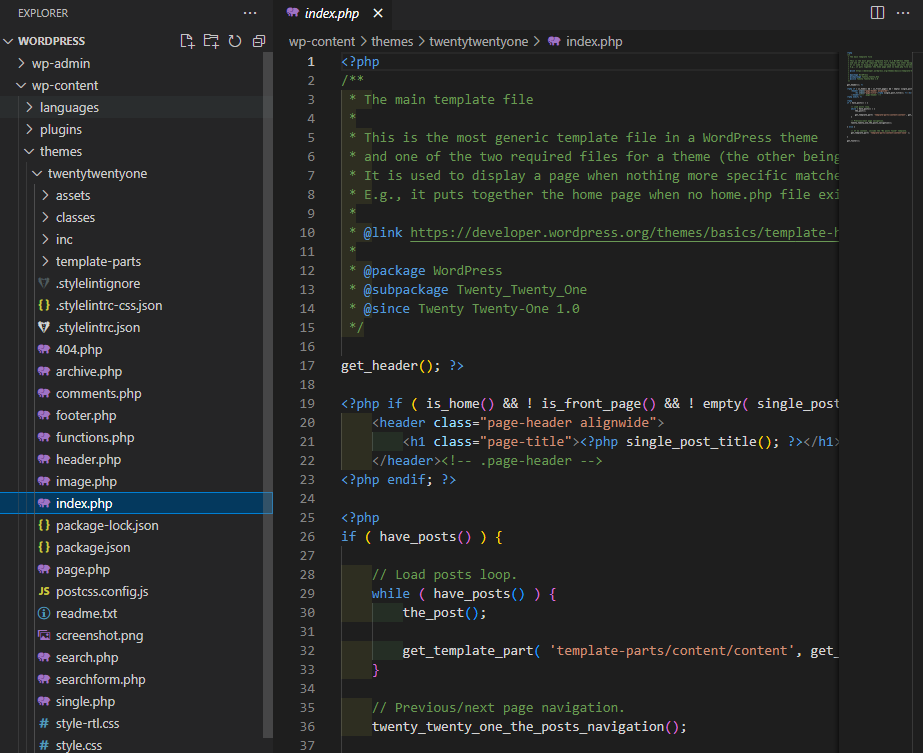
get_header(); ?>

<?php if ( is_home() && ! is_front_page() && ! empty( single_post_title( '', false ) ) ) : ?>
	<header class="page-header alignwide">
		<h1 class="page-title"><?php single_post_title(); ?></h1>
	</header><!-- .page-header -->
<?php endif; ?>

<?php
if ( have_posts() ) {

	// Load posts loop.
	while ( have_posts() ) {
		the_post();

		get_template_part( 'template-parts/content/content', get_theme_mod( 'display_excerpt_or_full_post', 'excerpt' ) );
	}

	// Previous/next page navigation.
	twenty_twenty_one_the_posts_navigation();

} else {

	// If no content, include the "No posts found" template.
	get_template_part( 'template-parts/content/content-none' );

}

get_footer();
- 기본적인 파일의 구조는
get_header();와 내용,get_footer();로 구성된다. - 해당하는 테마의 파일을 보면 여러 php파일들이 존재한다.
- 각 파일에는 컴포넌트로 구분된 코드가 존재하고 이 부분을 수정해 UI를 변경할 수 있다.
- html,css의 지식을 통해 각 테마의 커스터마이징은 어렵지 않게 할 수 있다.
404.php
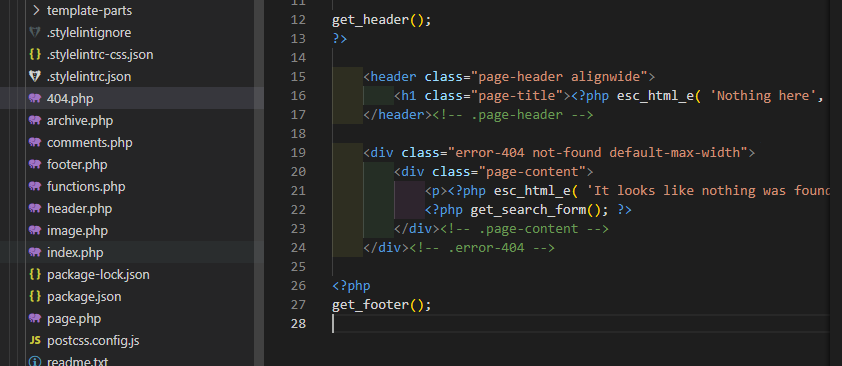
- 에러의 경우 나타나는 페이지
- 404 : 페이지를 찾을 수 없음을 의미
page.php
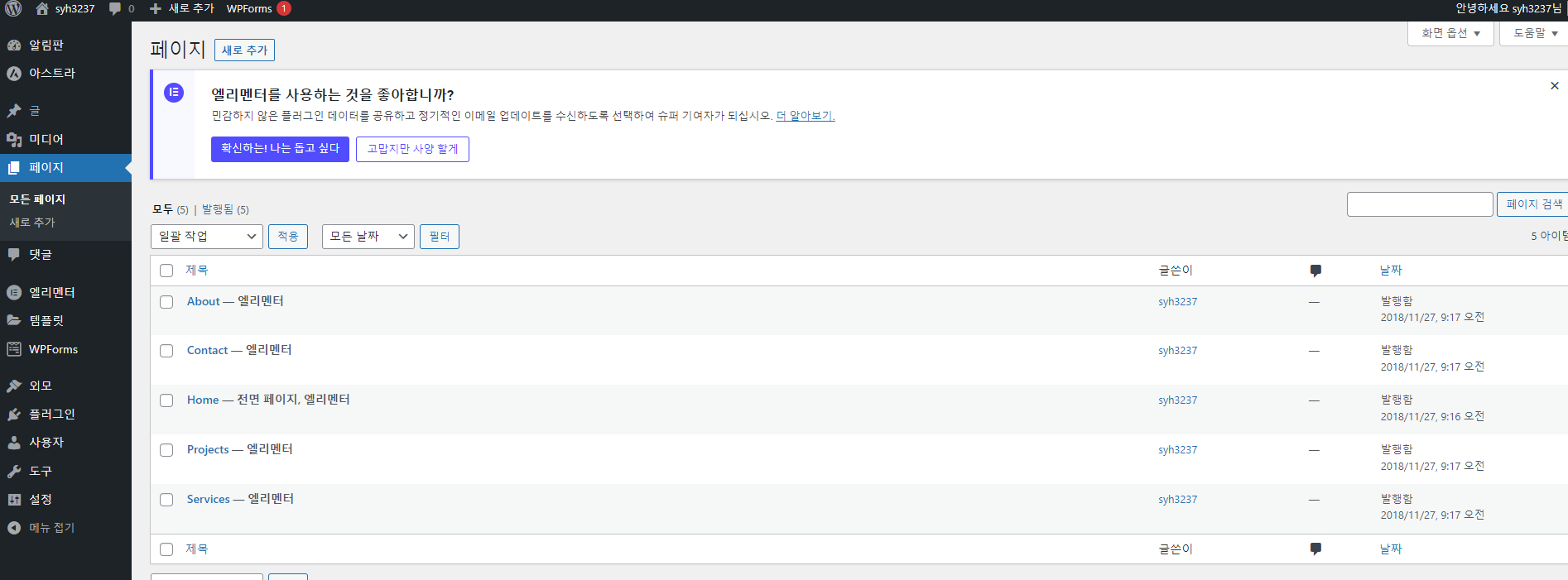
- 각 페이지의 스타일을 공통으로 적용할 때 사용
- 페이지의 style을 변경하고 싶을 때 sass폴더에서 해당하는 page를 찾아 수정하면 된다.
메모장