useRef를 이용한 드롭다운
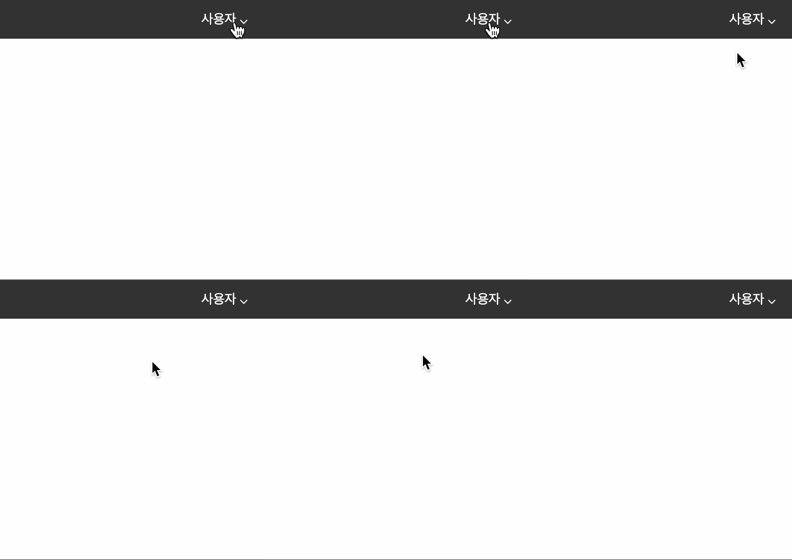
- 드롭다운 경우는 많이 사용되므로 재사용이 되도록 구성하는 것이 중요함
export default function Header() {
    return (
        <HeaderStyle>
            //...
            <div>
                <Dropdown toggleButton='사용자 ⌵'>
                    <span>마이페이지</span>
                    <span>로그아웃</span>
                </Dropdown>
            </div>
        </HeaderStyle>
    );
}
마이페이지, 로그아웃을 Dropdown 의 children으로 만들어주기
export default function Dropdown({ toggleButton, children }) {
    const [open, setOpen] = useState(false);
    const ref = useRef();

    useEffect(() => {
        function handleOutsideClick(e) {
            //참조 && 해당 ref 가 DOM 안에 없을 시
            if(ref.current && !ref.current.contains(e.target)) {
                setOpen(false)
            }
        }

        document.addEventListener('mousedown', handleOutsideClick)

        return () => {
            document.removeEventListener('mousedown', handleOutsideClick)
        }
    }, [open])

    return (
        <DropdownStyle ref={ref}>
            <button onClick={() => setOpen(!open)}>{toggleButton}</button>
            {open && <div className="panel">{children}</div>}
        </DropdownStyle>
    );
}

const DropdownStyle = styled.div`
    position: relative;
    button {
        background: none;
        border: none;
        cursor: pointer;
        outline: none;
        color: white;
    }
    .panel {
        position: absolute;
        top: 40px;
        right: 0;
        padding: 12px 16px;
        background: #fff;
        box-shadow: 0 0 10px rgba(0, 0, 0, 0.1);
        z-index: 100;
        width: 100px;
        display: flex;
        flex-direction: column;
        gap: 12px;
    }
`;
버튼을 클릭했을 때 나오는 부분을 useRef 를 이용하여 요소를 특정할 수 있도록 해줘야 함
DropdownStyle컴포넌트가 open 된 상태일 때 DropdownStyle 영역 밖을 클릭하면 드롭다운이 닫히도록 해줌
이때, 메모리 누수 방지를 위해 unmount 될 때 이벤트 핸들러를 제거해줘야 함
탭 메뉴 구현
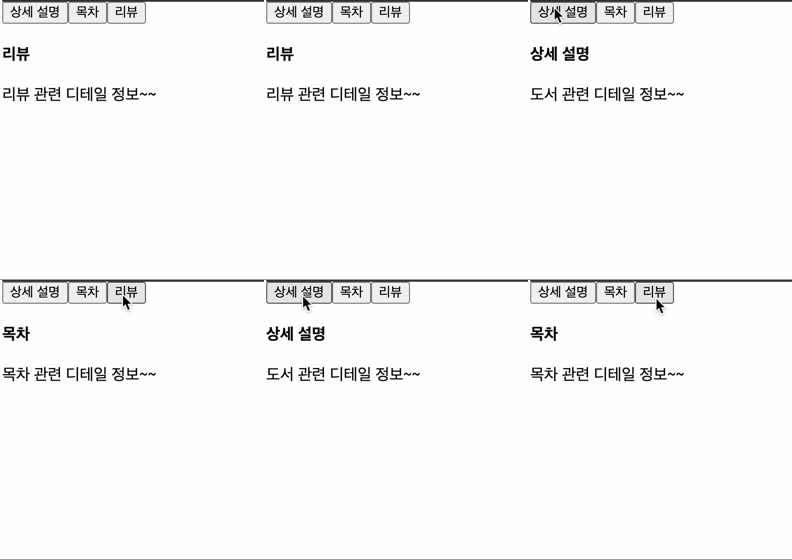
- 재사용을 할 수 있도록 탭 메뉴를 구현하는 것이 중요
export default function Content() {
    return (
        <div className="content">
            <Tabs>
                <Tab title="상세 설명">
                    <h4>상세 설명</h4>
                    <p className="index">{book.detail}</p>
                </Tab>

                <Tab title="목차">
                    <h4>목차</h4>
                    <p className="index">{book.contents}</p>
                </Tab>

                <Tab title="리뷰">
                    <h4>리뷰</h4>
                    <p className="index">{book.review}</p>
                </Tab>
            </Tabs>
        </div>
    );
}
export function Tab({children}) {
return (
<>{children}</>
)
}
export default function Tabs({children}) {
const [index, setIndex] = useState(0)
const tabs = React.Children.toArray(children)
return (
<>
<div className="tab-header">
{tabs.map((item, index) => (
<button onClick={() => setIndex(index)}>{item.props.title}</button>
))}
</div>
<div className="tab-content">
{tabs[index]}
</div>
</>
);
}React.Children.toArray를 사용해 가져온 children 을 배열로 만들어줌
useState를 이용하여 버튼 클릭 시 해당 인덱스로 데이터를 변경해주고, 해당 번호에 맞는 내용을 적용해주면 됨
이때, 탭 메뉴는 변경되지 않고 정적이니 key 대신 index를 사용해도 괜찮음!

하이루