📌 Three.js
Three.js는 자바스크립트 3D 라이브러리로, 브라우저에서 3D 그래픽을 구현할 수 있도록 도와줍니다. 내부적으로는 WebGL을 사용하지만, 복잡한 WebGL 코드를 추상화하여 훨씬 쉽게 사용할 수 있게 해줍니다.
WebGL(Web Graphics Library)는 자바스크립트를 이용해, 별도의 플러그인 없이 웹 브라우저에서 고성능의 2D 및 3D 그래픽을 렌더링할 수 있게 해주는 API입니다.
시작하기
1. Three.js 모듈 불러오기
import * as THREE from "https://unpkg.com/three@0.150.0/build/three.module.js";2. App 클래스 정의 및 초기 설정
class App {
  constructor() {
    const divContainer = document.querySelector("#webgl-container");
    this._divContainer = divContainer;
    const renderer = new THREE.WebGLRenderer({ antialias: true });
    renderer.setPixelRatio(window.devicePixelRatio);
    divContainer.appendChild(renderer.domElement);
    this._renderer = renderer;
	const scene = new THREE.Scene();
this._scene = scene;WebGLRenderer: Three.js에서 화면에 그리기 위한 렌더러antialias : true: 계단 현상 제거Scene: 3D 공간이며, 여기에 객체(모델), 조명 등을 추가
3. 카메라 설정
  _setupCamera() {
    const width = this._divContainer.clientWidth;
    const height = this._divContainer.clientHeight;
    const camera = new THREE.PerspectiveCamera(75, width / height, 0.1, 100);
    camera.position.z = 2;
    this._camera = camera;
}PerspectiveCamera: 사람 눈처럼 원근감 있는 시야를 제공.75: 시야각(FOV)width/height: 화면 비율0.1~100: 카메라가 볼 수 있는 거리 범위
4. 조명 설정
  _setupLight() {
    const light = new THREE.DirectionalLight(0xffffff, 1);
    light.position.set(-1, 2, 4);
    this._scene.add(light);
  }
5. 큐브 모델 생성
  _setupModel() {
    const geometry = new THREE.BoxGeometry(1, 1, 1);
    const material = new THREE.MeshPhongMaterial({ color: 0x044aa8 });
    const cube = new THREE.Mesh(geometry, material);
    this._scene.add(cube);
    this._cube = cube;
  }
MeshPhongMaterial: 광원 반응이 있는 재질Mesh: geometry + material을 합쳐서 3D 객체 생성
6. 화면 크기 변경 처리
  resize() {
    const width = this._divContainer.clientWidth;
    const height = this._divContainer.clientHeight;

    this._camera.aspect = width / height;
    this._camera.updateProjectionMatrix();

    this._renderer.setSize(width, height);
  }
7. 렌더링 루프 & 애니메이션
  render(time) {
    this._renderer.render(this._scene, this._camera);
    this.update(time);
    requestAnimationFrame(this.render.bind(this));
}render()를 매 프레임마다 호출
update(time) {
    time *= 0.001;
    this._cube.rotation.x = time;
    this._cube.rotation.y = time;
}- 매 프레임마다 cube를 회전시켜 애니메이션을 생성
실행
window.onload = () => {
  new App();
};
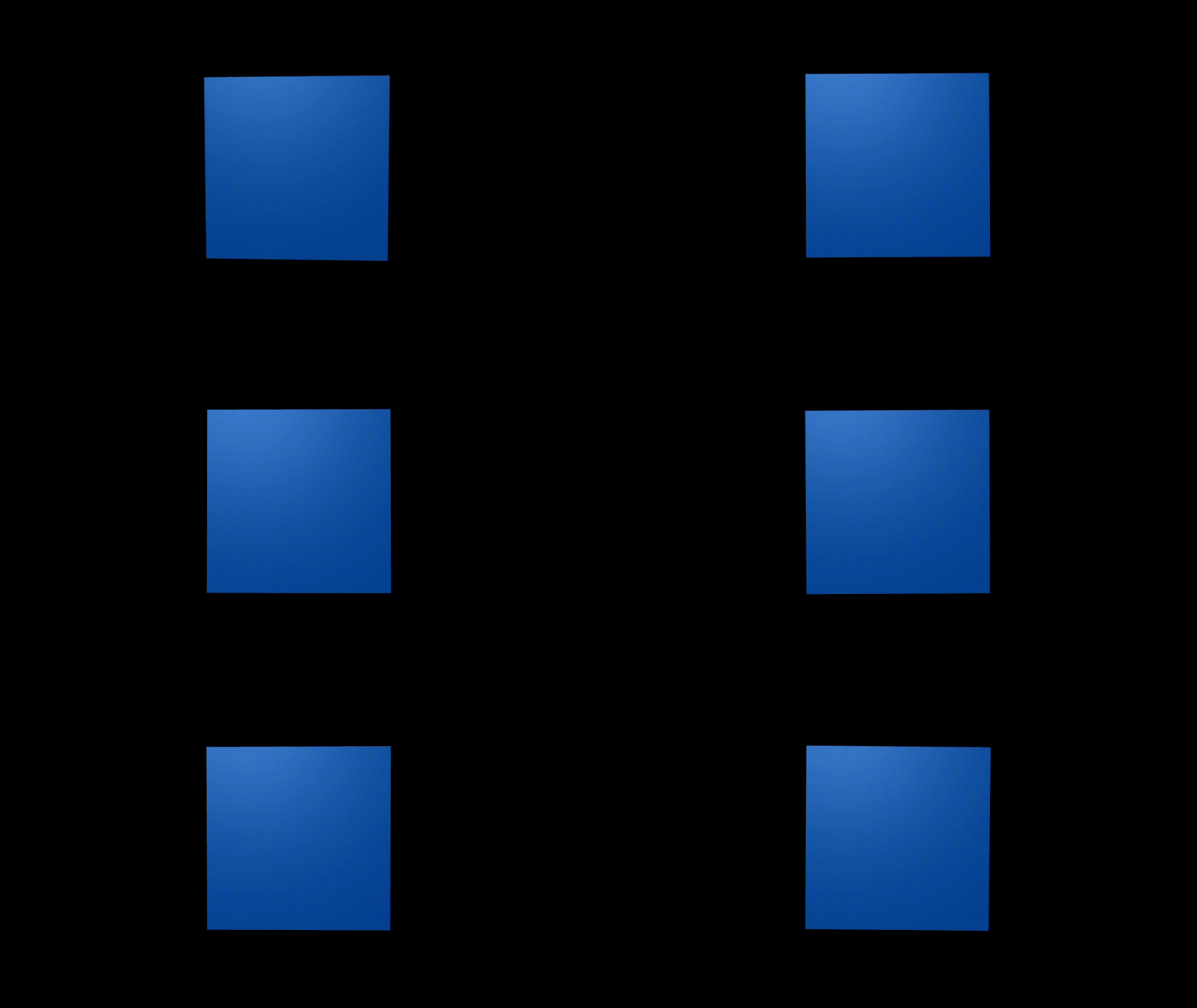
결과물