- Import library
from selenium import webdriver as wb
from selenium.webdriver.common.by import By
from selenium.webdriver.common.keys import Keys
- input url
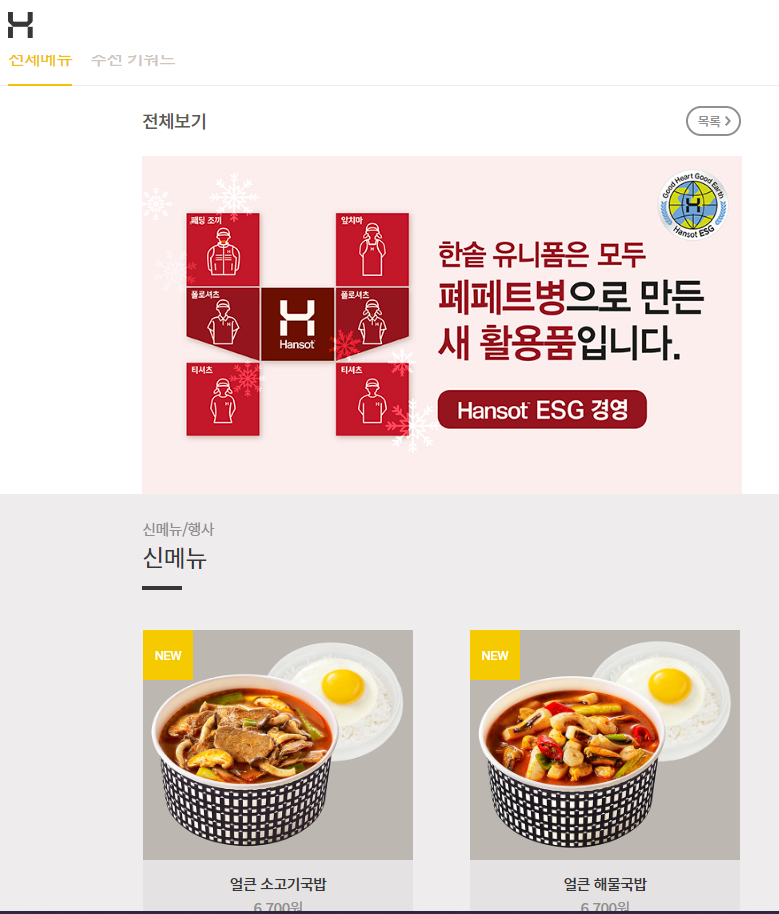
hsd_url = 'https://www.hsd.co.kr/menu/menu_list'

driver = wb.Chrome()
driver.get(hsd_url)- Search from that url web page
- Search click more
<a href="#none" class="c_05" onclick="more();return false;">더 보기</a>

try:
for i in range(3):
driver.find_element(By.CLASS_NAME, value = 'c_05').click()
time.sleep(1) #`1초 기다렸다가 실행해!
except:
print('더보기 클릭 완료')- Output price, items
from bs4 import BeautifulSoup as bs
html =  bs(driver.page_source,'html')

menu_items = html.select('h4.h.fz_03')

*<h4 class="h fz_03">유린기</h4>*

price_items = html.select('span.blind+strong')

*<div class="item-price"> <span class="blind">가격: </span><strong>6,600</strong>원 </div>*

for i in range(len(menu_items)):
print('도시락메뉴:', menu_items[i].text)
print('가격:',price_items[i].text)
Method2: Using selenium
names = driver.find_elements(By.CSS_SELECTOR, value ='h4.h.fz_03')

prices = driver.find_elements(By.CSS_SELECTOR, value ='span.blind+strong')

for i in range(len(names)):
print('도시락메뉴:', names[i].text)
print('가격:',prices[i].text)- Export to excel file
data = pd.DataFrame(data = zip(names, prices), columns=['Items', 'Price'])

data.to_excel('Bestproduct.xlsx', index=False)
열심히 공부합시다! The best is yet to come! 💜
I used to be a big fan of restaurants, cafes, and even fast food. Now I realize that buying quality products, finding time, and cooking at home is much better quality, tastier, and even cheaper. I’m used to buying meat from the gourmet store https://www.gourmetfoodstore.com/wagyu-beef-and-specialty-meats/australian-wagyu-beef , especially if I need specific cuts for steaks or Wagyu beef. I’ve also found many other products there that I now regularly use. And even though I spend quite a bit on food, it’s better than how I used to eat.