◈ BOM : 브라우저를 기반으로 제공받는 자바스크립트 객체
🐧window 객체
🎨 window 객체 : 브라우저를 객체로 표현하여 프로퍼티와 메소드 제공
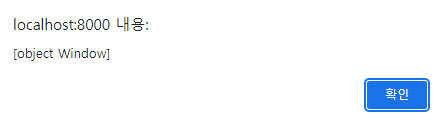
alert(window);//[object window]
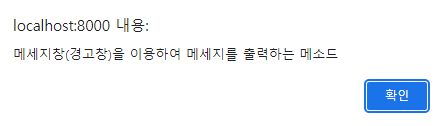
📌window.alert(message) : 메세지창(경고창) 을 이용하여 메세지를 출력하는 메소드
→ window 객체를 생략해도 메소드 호출 가능 - 함수
window.alert("메세지창(경고창)을 이용하여 메세지를 출력하는 메소드");
alert("메세지창(경고창)을 이용하여 메세지를 출력하는 메소드");
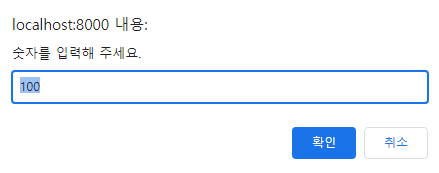
📌window.prompt(message, value) : 입력창을 이용하여 사용자로부터 문자값을 입력받아 반환하는 메소드
var input=prompt("숫자를 입력해 주세요.",100);
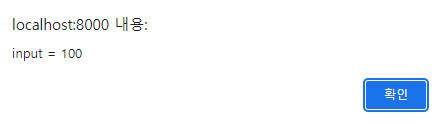
alert("input = "+input);
📌window.confirm(message) : 확인창을 이용하여 사용자로부터 선택값을 반환하는 메소드
→ 확인창에서 [취소]를 선택하면 [false]를 반환하고 [확인]을 선택하면 [true] 반환
if(window.confirm("정말로 삭제 하시겠습니까?")) {
 	alert("게시글을 삭제 하였습니다.")
 } else {
 	alert("게시글 삭제를 취소 하였습니다.")
 }


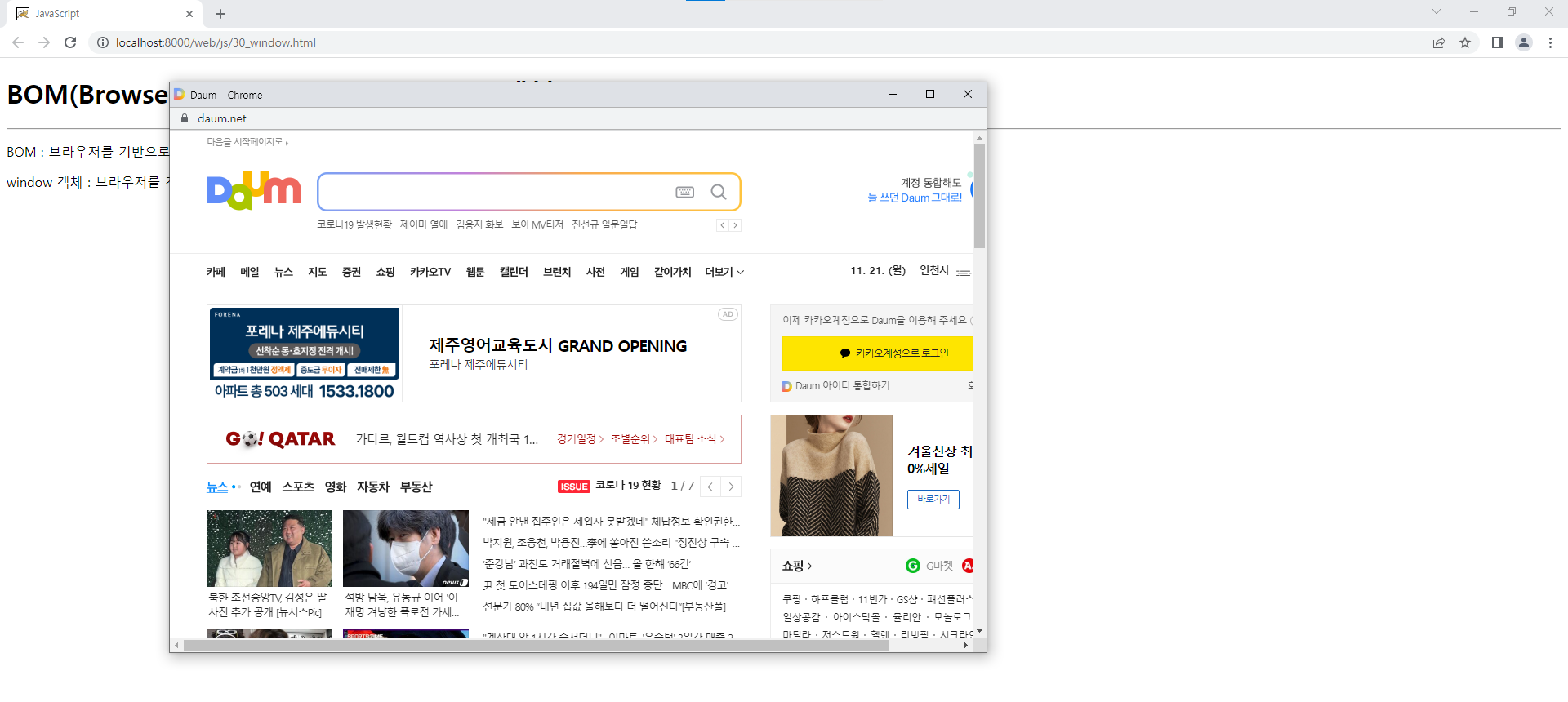
📌window.open(url[,name][,option]) : 새로운 브라우저를 생성하여 웹프로그램(웹문서)을 요청하여 처리결과를 응답받아 출력하는 메소드
window.open("https://www.daum.net","popup","width=1000,height=640,top=100,left=200");
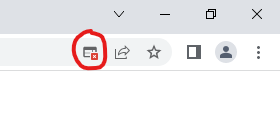
※ 크롬은 팝업 해체해야함
📌window.close() : 브라우저를 종료하는 메소드
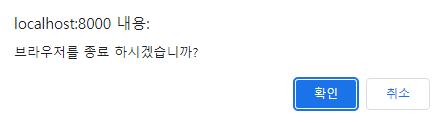
if(confirm("브라우저를 종료 하시겠습니까?")) {
 	window.close();
 }
📃30_window.html
<!DOCTYPE html>
<html>
<head>
<meta charset="UTF-8">
<title>JavaScript</title>
</head>
<body>
 	<h1>BOM(Browser Object Model) - window 객체</h1>
 	<hr>
 	<p>BOM : 브라우저를 기반으로 제공받는 자바스크립트 객체</p>
 	<p>window 객체 : 브라우저를 객체로 표현하여 프로퍼티와 메소드 제공</p>
 	<script type="text/javascript">
 	//alert(window);//[object window]
 	//==============================================================================
 	//window.alert(message) : 메세지창(경고창) 을 이용하여 메세지를 출력하는 메소드
 	//→ window 객체를 생략해도 메소드 호출 가능 - 함수
 	//window.alert("메세지창(경고창)을 이용하여 메세지를 출력하는 메소드");
 	//alert("메세지창(경고창)을 이용하여 메세지를 출력하는 메소드");
 	//==============================================================================
 	//window.prompt(message, value) : 입력창을 이용하여 사용자로부터 문자값을 입력받아 반환하는 메소드
 	//var input=prompt("숫자를 입력해 주세요.",100);
 	//alert("input = "+input);
 	//==============================================================================
 	//window.confirm(message) : 확인창을 이용하여 사용자로부터 선택값을 반환하는 메소드
 	//→ 확인창에서 [취소]를 선택하면 [false]를 반환하고 [확인]을 선택하면 [true] 반환
 	/*
 	if(window.confirm("정말로 삭제 하시겠습니까?")) {
 		alert("게시글을 삭제 하였습니다.")
 	} else {
 		alert("게시글 삭제를 취소 하였습니다.")
 	}
 	*/
 	//==============================================================================
 	//window.open(url[,name][,option]) : 새로운 브라우저를 생성하여 웹프로그램(웹문서)을 요청하여 처리결과를 응답받아 출력하는 메소드
 	//→ option : width, height, top, left, menubar, toolbar, resizable 등
 	//window.open("https://www.daum.net","popup","width=1000,height=640,top=100,left=200");
 	//==============================================================================
 	//
 	//window.close() : 브라우저를 종료하는 메소드
 	if(confirm("브라우저를 종료 하시겠습니까?")) {
 		window.close();
 	}
 	</script>
</body>
</html>
🐧screen 객체
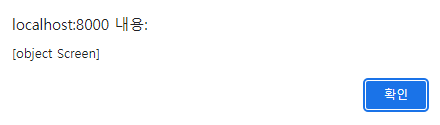
🎨 screen 객체 : 브라우저가 출력될 출력장치(모니터)를 객체로 표현하여 프로퍼티와 메소드
alert(screen);//[object Screen]
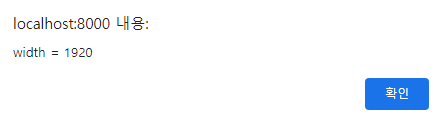
📌screen.width : 브라우저가 출력될 출력장치(모니터)의 폭을 저장한 프로퍼티
 var width=screen.width;
 alert("width = "+width);//width = 1920
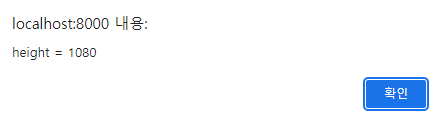
📌screen.height : 브라우저가 출력될 출력장치(모니터)의 높이를 저장한 프로퍼티
var height=screen.height;
alert("height = "+height);//height = 1080
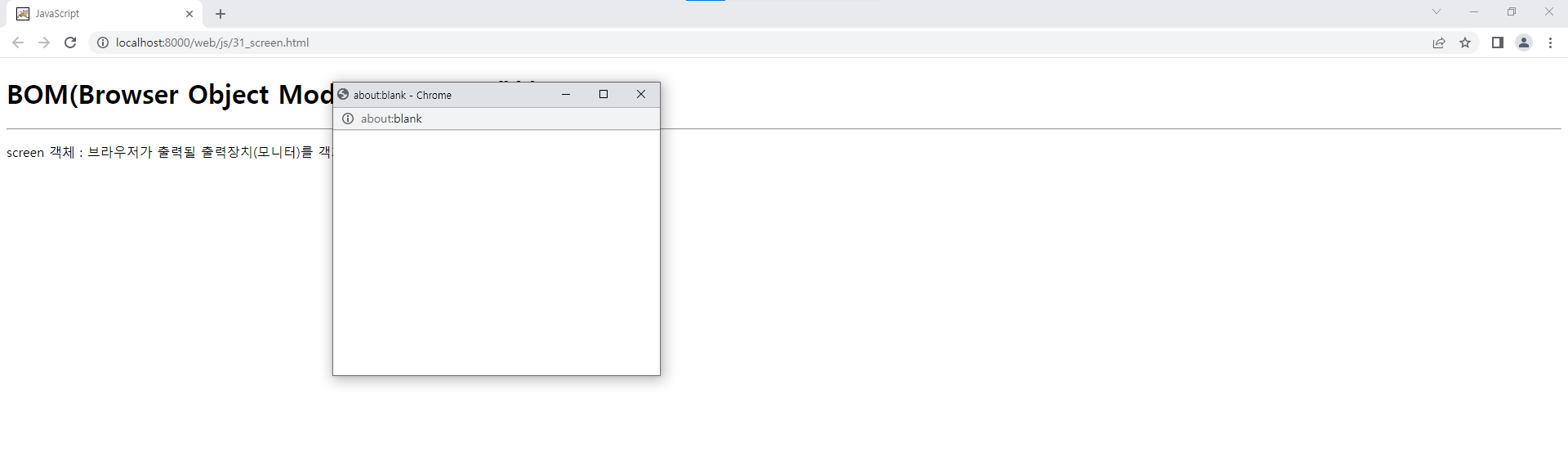
◈ 자식 브라우저를 생성하여 변수에 저장
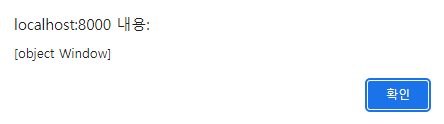
var win=window.open("","","width=400,height=300,top=100,left=400");
alert(win);//[object Window]
📌Window.moveTo(x, y) : 브라우저의 출력좌표를 변경하는 메소드 - 출력위치 이동
win.moveTo(0, 0);
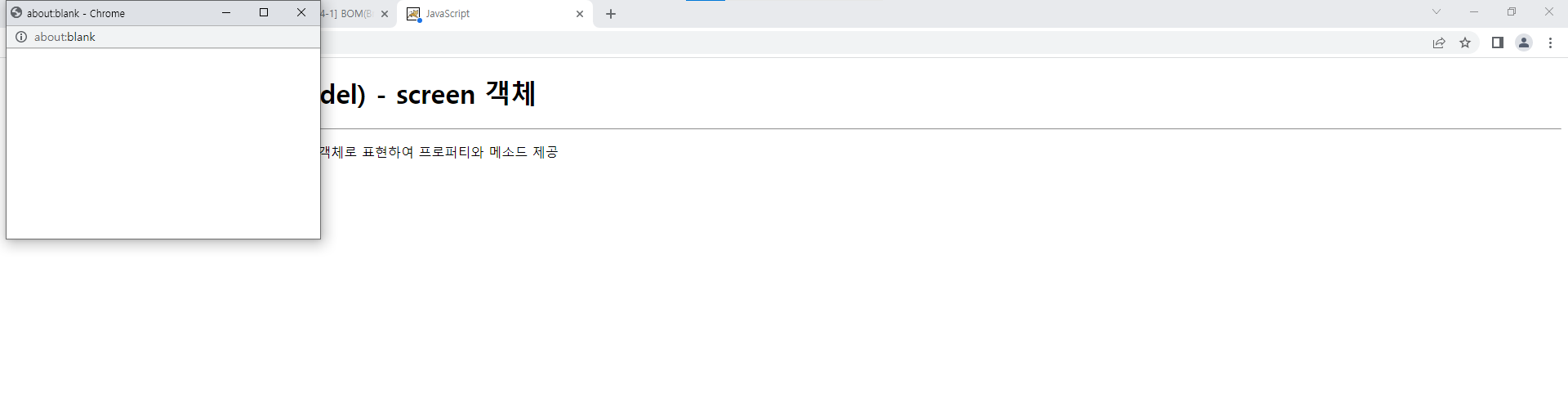
📌Window.resizeTo(width,height) : 브라우저의 폭과 높이을 변경하는 메소드 - 크기 변경
win.resizeTo(width,height);
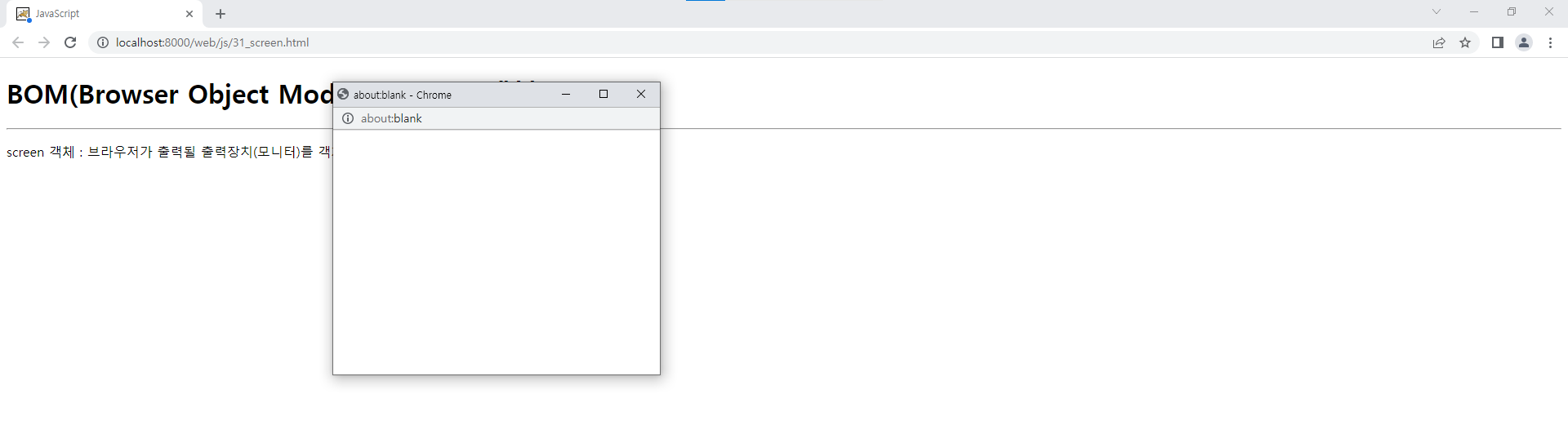
📌Window.moveBy(x, y) : 브라우저의 현재 위치를 기준으로 출력좌표를 변경하는 메소드 - 출력위치 이동
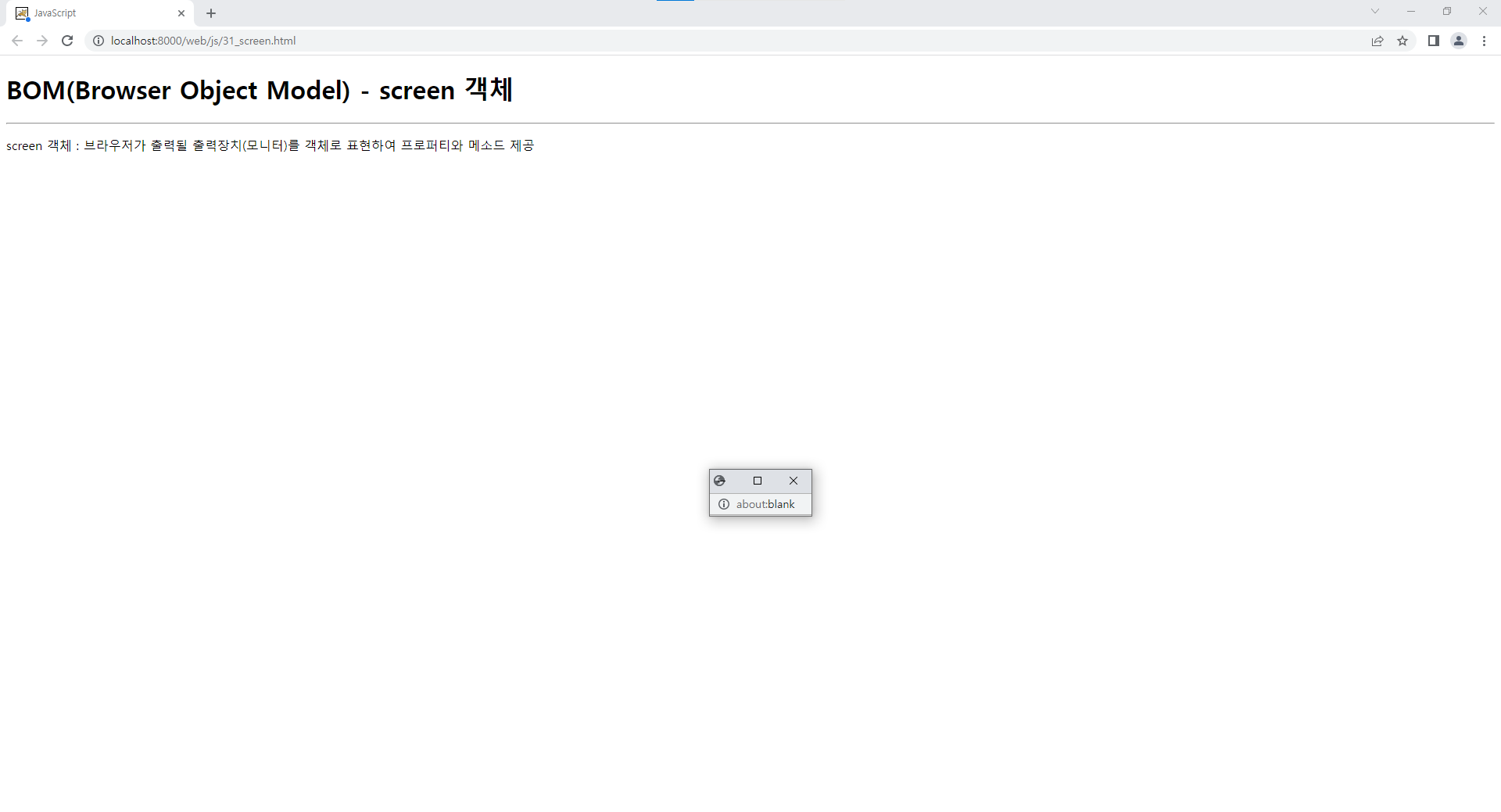
📌Window.resizeBy(width,height) : 브라우저의 현재 크기를 기준으로 폭과 높이를 변경하는 메소드
var intervalId=setInterval(function() {
	//Window.moveBy(x, y) : 브라우저의 현재 위치를 기준으로 출력좌표를 변경하는 메소드 - 출력위치 이동
 	win.moveBy(50,50);
 	//Window.resizeBy(width,height) : 브라우저의 현재 크기를 기준으로 폭과 높이를 변경하는 메소드
 	win.resizeBy(-100,-100);
 }, 500);
 setTimeout(function() {
 		clearInterval(intervalId);
 	}, 5000);
※ 브라우저의 크기가 계속 줄어들가가 5초후 멈춤
📃31_screen.html
<!DOCTYPE html>
<html>
<head>
<meta charset="UTF-8">
<title>JavaScript</title>
</head>
<body>
 	<h1>BOM(Browser Object Model) - screen 객체</h1>
 	<hr>
 	<p>screen 객체 : 브라우저가 출력될 출력장치(모니터)를 객체로 표현하여 프로퍼티와 메소드 제공
 	<script type="text/javascript">
 	//alert(screen);//[object Screen]
 	//==============================================================================
 	//screen.width : 브라우저가 출력될 출력장치(모니터)의 폭을 저장한 프로퍼티
 	//var width=screen.width;
 	//alert("width = "+width);//width = 1920
 	//==============================================================================
 	//screen.height : 브라우저가 출력될 출력장치(모니터)의 높이를 저장한 프로퍼티
 	//var height=screen.height;
 	//alert("height = "+height);//height = 1920
 	//==============================================================================
 	//자식 브라우저를 생성하여 변수에 저장
 	var win=window.open("","","width=400,height=300,top=100,left=400");
 	alert(win);//[object Window]
 	//
 	//Window.moveTo(x, y) : 브라우저의 출력좌표를 변경하는 메소드 - 출력위치 이동
 	//win.moveTo(0, 0);
 	//
 	//Window.resizeTo(width, height) : 브라우저의 폭과 높이를 변경하는 메소드 - 크기 변경
	//win.resizeTo(width,height);
 	//
 	var intervalId=setInterval(function() {
 		//Window.moveBy(x, y) : 브라우저의 현재 위치를 기준으로 출력좌표를 변경하는 메소드 - 출력위치 이동
 		win.moveBy(50,50);
 	//
 		//Window.resizeBy(width,height) : 브라우저의 현재 크기를 기준으로 폭과 높이를 변경하는 메소드
 		win.resizeBy(-100,-100);
 	}, 500);
 	setTimeout(function() {
 		clearInterval(intervalId);
 	}, 5000);
 	</script>
</body>
</html>
🐧navigator 객체
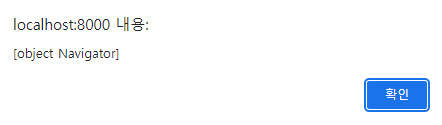
🎨navigator 객체 : 브라우저 엔진을 객체로 표현하여 프로퍼티와 메소드 제공
alert(navigator);
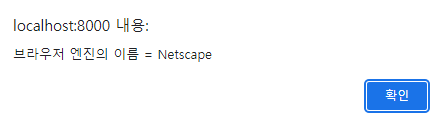
📌navigator.appName : 브라우저 엔진의 이름을 저장한 프로퍼티
alert("브라우저 엔진의 이름 = "+navigator.appName);//브라우저 엔진의 이름 = Netscape
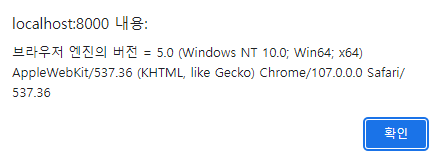
📌navigator.appVersion : 브라우저 엔진의 버전을 저장한 프로퍼티
alert("브라우저 엔진의 버전 = "+navigator.appVersion);//브라우저 엔진의 버전 = 5.0
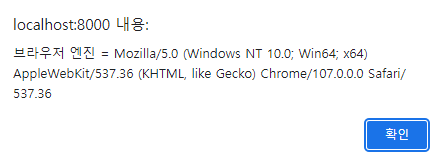
📌navigator.userAgent : 브라우저 엔진을 저장한 프로퍼티
alert("브라우저 엔진 = "+navigator.userAgent);//브라우저 엔진 = Mozilla/5.0
📃32_navigator.html
<!DOCTYPE html>
<html>
<head>
<meta charset="UTF-8">
<title>JavaScript</title>
</head>
<body>
 	<h1>BOM(Browser Object Model) - navigator 객체</h1>
 	<hr>
 	<p>navigator 객체 : 브라우저 엔진을 객체로 표현하여 프로퍼티와 메소드 제공</p>
 	<script type="text/javascript">
 	//alert(navigator);
 	//==============================================================================
 	//navigator.appName : 브라우저 엔진의 이름을 저장한 프로퍼티
 	//alert("브라우저 엔진의 이름 = "+navigator.appName);//브라우저 엔진의 이름 = Netscape
 	//==============================================================================
 	//navigator.appVersion : 브라우저 엔진의 버전을 저장한 프로퍼티
 	//alert("브라우저 엔진의 버전 = "+navigator.appVersion);//브라우저 엔진의 버전 = 5.0
 	//==============================================================================
 	//navigator.userAgent : 브라우저 엔진을 저장한 프로퍼티
 	//alert("브라우저 엔진 = "+navigator.userAgent);//브라우저 엔진 = Mozilla/5.0
 	</script>
</body>
</html>
🐧location 객체
🎨location 객체 : 브라우저에서 URL 주소를 입력하는 영역을 객체로 표현하여 프로퍼티와 메소드 제공
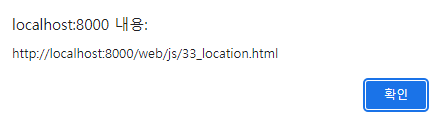
📌location.toString() : 브라우저의 주소를 입력영역의 URL 주소를 문자값으로 반환하는 메소드
→ toString() 메소드는 자동 호출
alert(location.toString());
alert(location);
📌location.href : location 객체의 URL 주로를 저장한 프로퍼티
→ location.href 프로퍼티의 저장값을 변경하면 브라우저 주소 입력영역의 URL 주소 변경
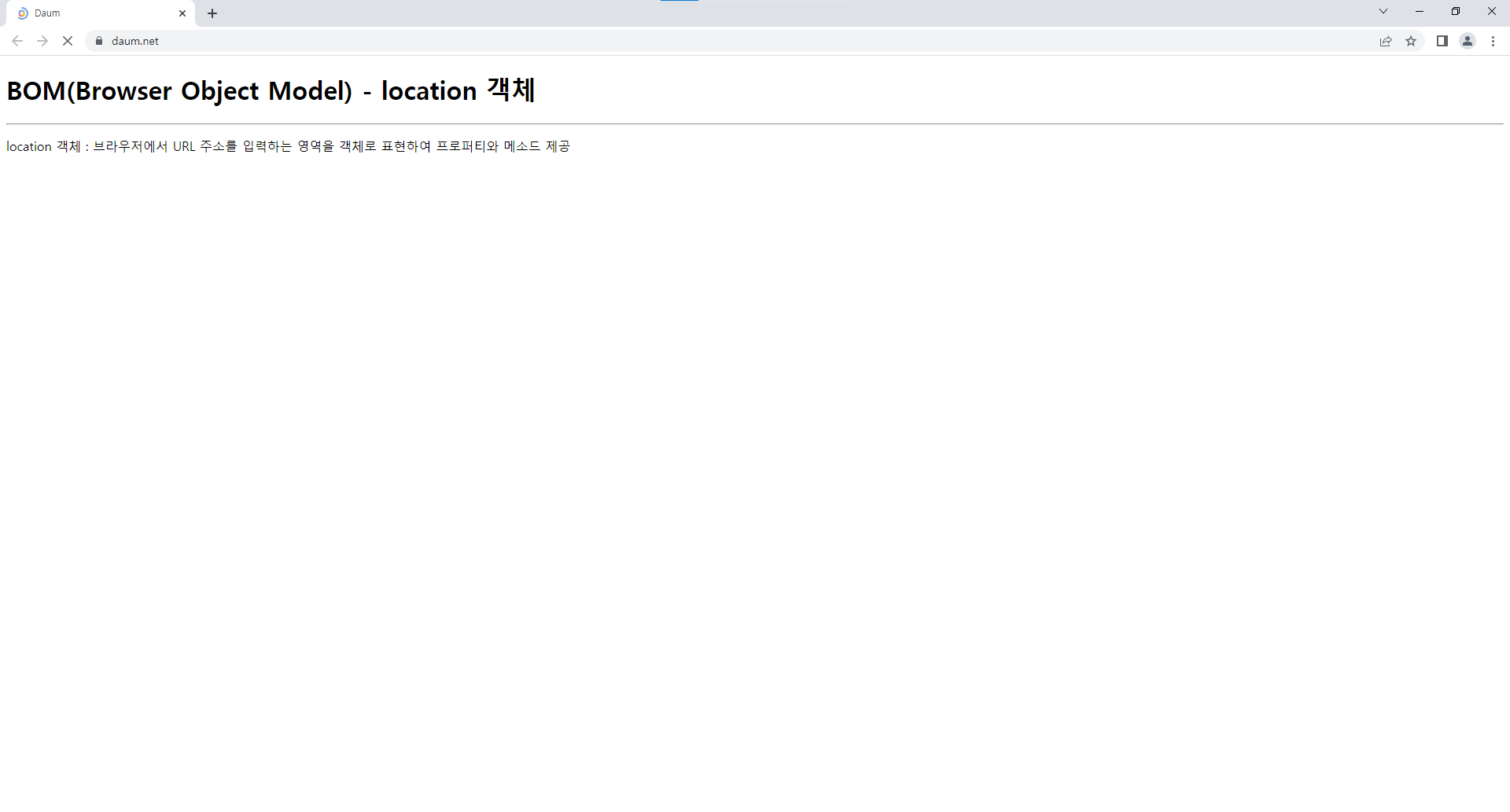
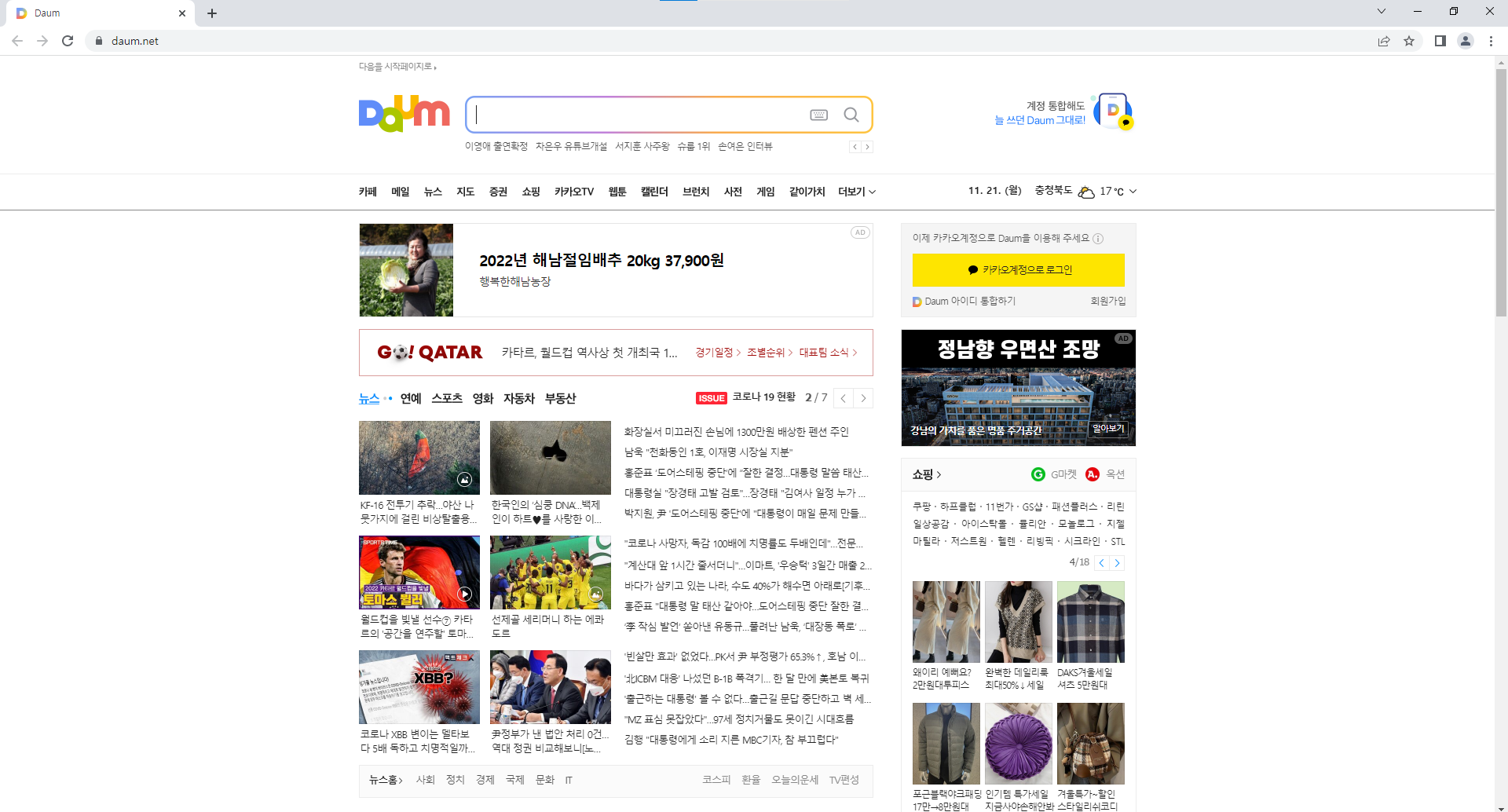
◈ 브라우저 주소 입력영역의 URL 주소 변경되면 브라우저는 해당 URL 조스의 웹프로그램(웹문서) 요청하여 처리 결과를 응답받아 출력setTimeout(function() { //브라우저 주소 입력영역의 URL 주소 변경되면 브라우저는 해당 URL 조스의 웹프로그램(웹문서) 요청하여 처리 결과를 응답받아 출력 location.href="https://www.daum.net"; }, 3000)
※ 3초뒤에 다음 사이트로 변경
📌location.reload() : 브라우저가 현재 요청한 URL 주소의 웹프로그램(웹문서)를 재요청하는 메소드
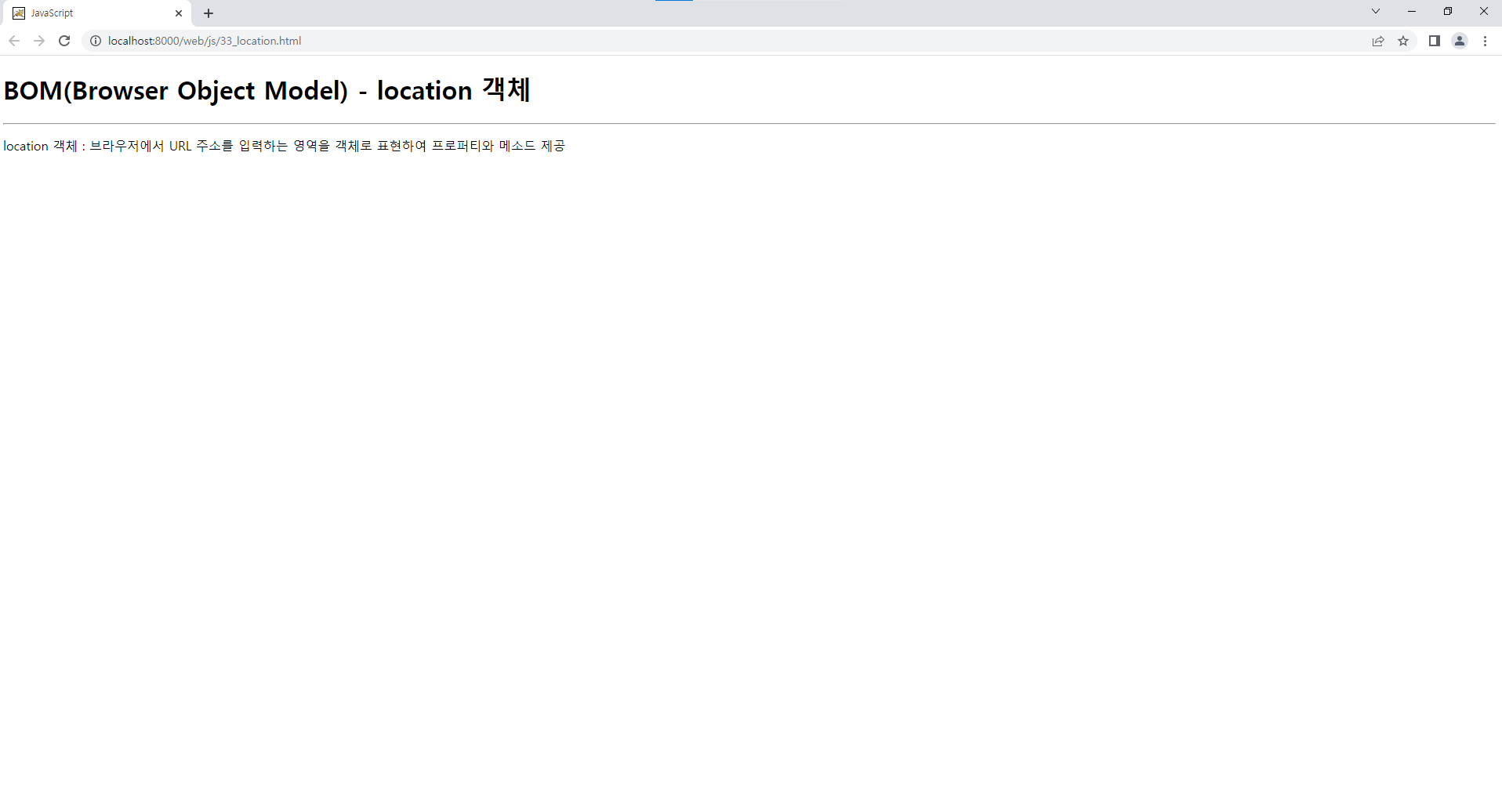
setInterval(function() {
	location.reload;
}, 1000);
※1초마다 페이지가 계속 새로고침
📃33_location.html
<!DOCTYPE html>
<html>
<head>
<meta charset="UTF-8">
<title>JavaScript</title>
</head>
<body>
 	<h1>BOM(Browser Object Model) - location 객체</h1>
 	<hr>
 	<p>location 객체 : 브라우저에서 URL 주소를 입력하는 영역을 객체로 표현하여 프로퍼티와 메소드 제공</p>
 	<script type="text/javascript">
 	//location.toString() : 브라우저의 주소를 입력영역의 URL 주소를 문자값으로 반환하는 메소드
 	//→ toString() 메소드는 자동 호출
 	//alert(location.toString());
 	//alert(location);
 	//==============================================================================
 	/*
 	//location.href : location 객체의 URL 주로를 저장한 프로퍼티
 	//→ location.href 프로퍼티의 저장값을 변경하면 브라우저 주소 입력영역의 URL 주소 변경
 	setTimeout(function() {
 		//브라우저 주소 입력영역의 URL 주소 변경되면 브라우저는 해당 URL 조스의 웹프로그램(웹문서) 요청하여 처리 결과를 응답받아 출력
		location.href="https://www.daum.net";
	}, 3000)
 	*/
 	//==============================================================================
 	//location.reload() : 브라우저가 현재 요청한 URL 주소의 웹프로그램(웹문서)를 재요청하는 메소드
 	setInterval(function() {
		location.reload;
	}, 1000);
 	</script>
</body>
</html>
🐧document 객체
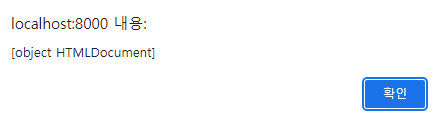
🎨document 객체 : 웹프로그램의 요청 결과를 응답받아 브라우저에 출력하는 영역을 객체로 표현하여 프로퍼티와 메소드 제공
alert(document);
📌document.write(html) : HTML 태그를 전달받아 응답영역에 출력하는 메소드
document.write("<p>document.write() 메소드에 의해 출력된 내용입니다.</p>");

📃34_document.html
<!DOCTYPE html>
<html>
<head>
<meta charset="UTF-8">
<title>JavaScript</title>
</head>
<body>
 	<h1>BOM(Browser Object Model) - document 객체</h1>
 	<hr>
 	<p>document 객체 : 웹프로그램의 요청 결과를 응답받아 브라우저에 출력하는 영역을 객체로 표현하여 프로퍼티와 메소드 제공</p>
 	<script type="text/javascript">
 	//alert(document);
 	//==============================================================================
 	//document.write(html) : HTML 태그를 전달받아 응답영역에 출력하는 메소드
 	document.write("<p>document.write() 메소드에 의해 출력된 내용입니다.</p>");
 	</script>
</body>
</html>
