Spring Security를 사용해보자
의존성 추가
implementation("org.springframework.boot:spring-boot-starter-security")
testImplementation("org.springframework.security:spring-security-test")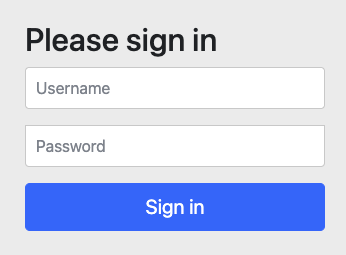
추가 후에 브라우저에서 API를 호출해보니 302 Found가 뜨고 로그인 창으로 이동한다!
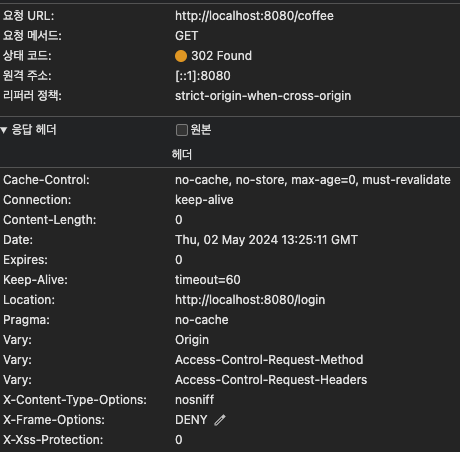
요청 정보를 확인해보니 Cache-Control X-Content-Type-Options X-Frame-Options X-Xss-Protection헤더가 추가되었다!
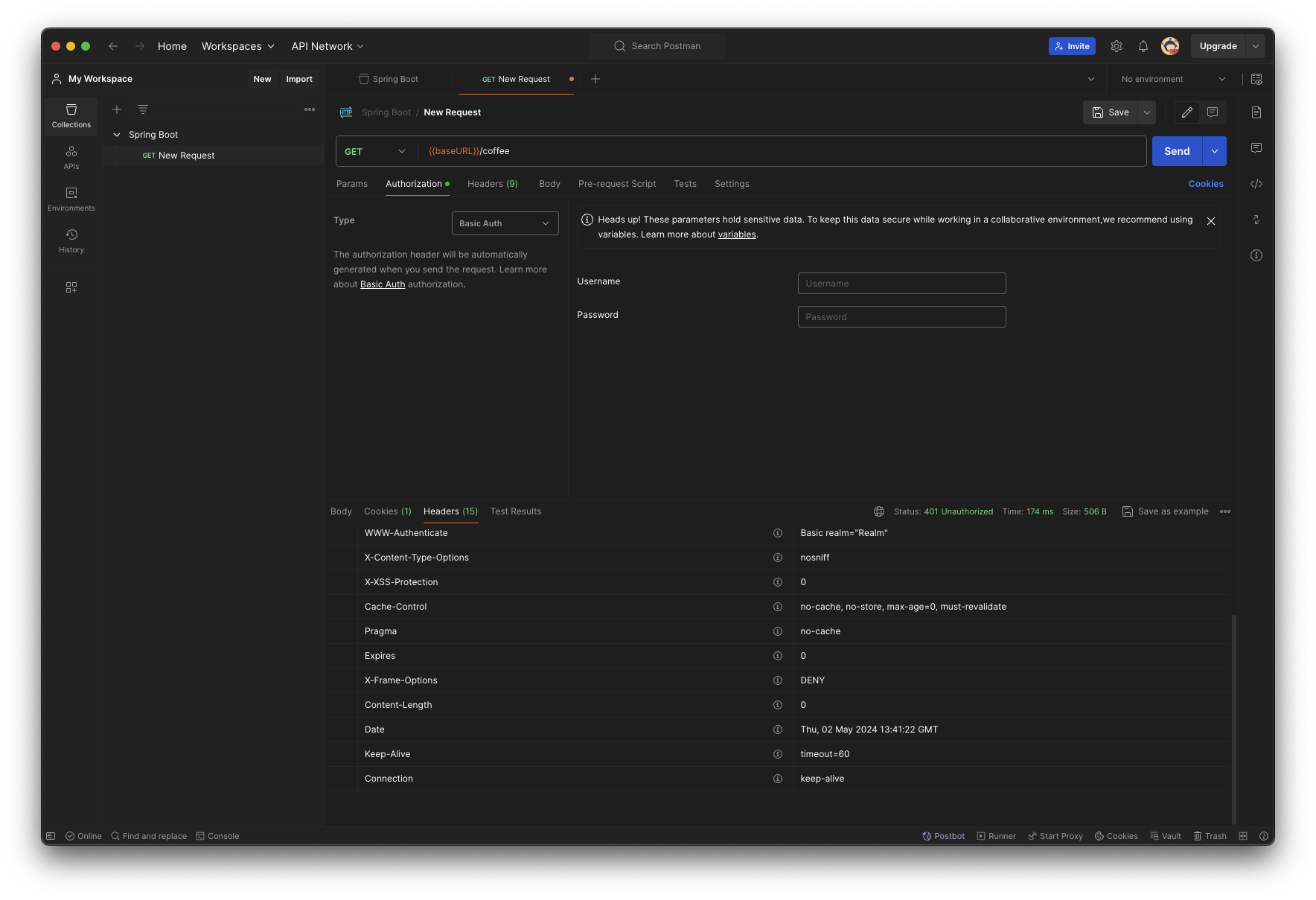
포스트맨으로 호출해보면 401 Unauthorized가 나온다.
그래서 서버 터미널을 확인해보면
Using generated security password: 78f38b89-a205-4ef0-adae-34a74ebb8910

This generated password is for development use only. Your security configuration must be updated before running your application in production.
이렇게 나온다. 별도로 설정한게 없으니 기본적인 아이디를 한개 제공한다고한다. user라는 사용자의 패스워드로 위의 UUID를 입력해보면 로그인된다.
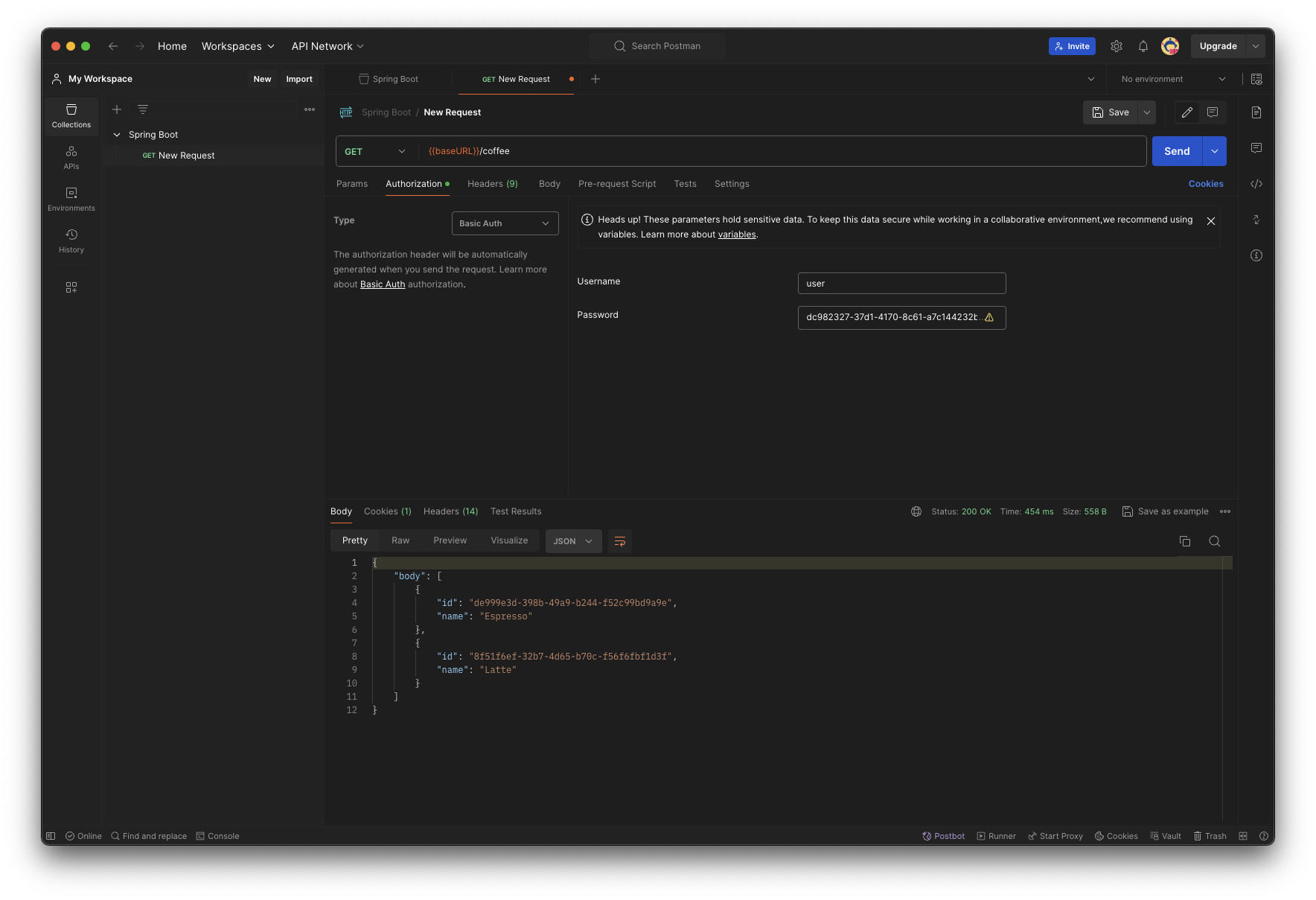
basic auth로 선택하고 요청하면 나온다!
새로운 아이디 추가
@Configuration
class SecurityConfig {
    private val passwordEncoder = PasswordEncoderFactories.createDelegatingPasswordEncoder()

    @Bean
    fun authentication(): UserDetailsService {
        val daljin =
            User.builder().username("daljin").password(passwordEncoder.encode("ppppaaassswwworrrddd")).roles("USER")
                .build()
        val daljin2 =
            User.builder().username("daljin2").password(passwordEncoder.encode("this is password"))
                .roles("USER", "ADMIN")
                .build()

        println(">>> daljin's password ${daljin.password}")
        println(">>> daljin2's password ${daljin2.password}")

        return InMemoryUserDetailsManager(
            daljin, daljin2
        )
    }
}PasswordEncoderFactories.createDelegatingPasswordEncoder()인코더를 사용하지 않고 패스워드를 설정하면 인코더 쓰라고 나온다!
기본적인 인코더는 Bcrypt로 되어있다.
실제로 비밀번호를 찍어보면
>>> daljin's password {bcrypt}$2a$10$ZbGNp3JP7QgpFZC2bMKkj.G2tLHB3Fc5nayiFVKpIUbga9NRilGy.
>>> daljin2's password {bcrypt}$2a$10$pQPXNUfTmvf7fqPsroXn1uGm0jN8S5NXqn4ATAOOylP.Ssb2fCHE.
이런식으로 나온다.
주소 기반 설정
    @Bean
    @Throws(Exception::class)
    fun configure(http: HttpSecurity): SecurityFilterChain {
        return http.authorizeHttpRequests {
            it.requestMatchers("/coffee/**").hasRole("ADMIN")
                .anyRequest().authenticated()
        }.formLogin {

        }.httpBasic {
        }
            .build()
}/coffee/**를 호출하는 곳에 ADMIN이 역할이 있어야하고 로그인 폼도 제공하고 API호출에 대해서도 기본 인증을 확인하도록 했다.
오늘의 결론
진짜 간단하게 인증 시스템이 잘 만들어져있다. 생각보다 너무 단순해서 좋았다! JWT는 어떨지 다음 시간에 도전해보는 것으로 오늘은 여기까지!

아무것도 모르는 개발자