Optimizing Queries with SQL Aggregate Functions and Indexes
Introduction
In today’s data-driven world, speed and efficiency are essential when working with databases. One of the most common tasks in data analysis is aggregation—summarizing and grouping data to gain insights. SQL provides a powerful set of tools for this: SQL aggregate functions. But when working with large datasets, even the most well-written aggregation queries can become slow. That’s where indexes come in.
This article is part of our ongoing SQL tutorial series and focuses on how to optimize your queries that use SQL aggregate functions with the help of indexing strategies.
What Are SQL Aggregate Functions?
Before we dive into performance optimization, let’s review the basics.
SQL aggregate functions perform a calculation on a set of values and return a single value. They are commonly used with the GROUP BY clause to summarize data.
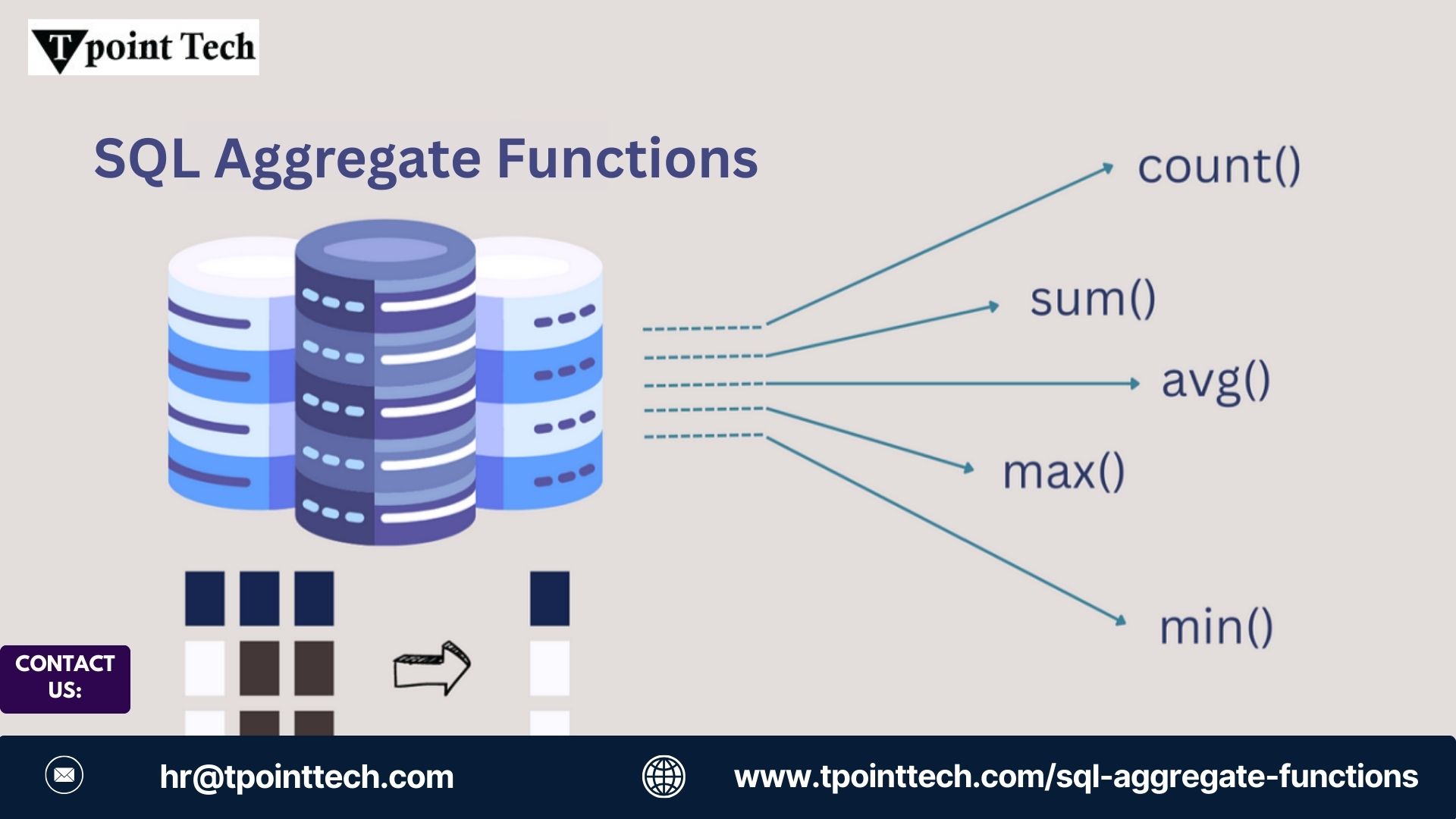
Here are the most commonly used aggregate functions:
COUNT()– Returns the number of rows.SUM()– Returns the total sum of a numeric column.AVG()– Returns the average value.MIN()– Returns the smallest value.MAX()– Returns the largest value.
Example:
SELECT department, AVG(salary)
FROM employees
GROUP BY department;
This query calculates the average salary for each department. Simple, right? But if the employees table has millions of rows, this can get expensive without optimization.
Why Performance Matters with Aggregate Functions
SQL aggregate functions require the database to scan, filter, and sometimes sort large volumes of data. As the data grows, query time increases unless your queries are efficiently structured and supported by indexing.
Common Performance Bottlenecks:
- Full table scans for aggregation.
- Poor use of
GROUP BYorWHEREclauses. - Lack of indexes on columns used in filtering or grouping.
Indexing Basics: A Quick SQL Tutorial Recap
An index is like a roadmap for your database—it helps SQL quickly locate the rows it needs without scanning the entire table.
You can create an index on one or more columns like this:
CREATE INDEX idx_department ON employees(department);This index helps speed up queries that filter or group by the department column.
How Indexes Help with Aggregate Functions
Let’s look at a few common ways indexes improve performance when using SQL aggregate functions.
1. Index on GROUP BY Columns
When you use a GROUP BY clause, SQL often needs to sort or hash the data. An index on the column(s) used in the GROUP BY clause can reduce sorting overhead and speed up execution.
SELECT department, COUNT(*)
FROM employees
GROUP BY department;
Optimization Tip: Create an index on department to improve performance.
CREATE INDEX idx_group_department ON employees(department);2. Index on WHERE Clause Columns
If you're filtering rows before applying an aggregate, index the column in the WHERE clause.
SELECT department, SUM(salary)
FROM employees
WHERE hire_date > '2022-01-01'
GROUP BY department;
Index suggestion:
CREATE INDEX idx_hiredate ON employees(hire_date);This allows SQL to quickly filter rows before grouping and aggregating.
3. Covering Indexes
In some cases, a covering index (an index that includes all the columns needed for the query) can let SQL serve the query entirely from the index without touching the table.
CREATE INDEX idx_covering ON employees(department, salary);This works well if your query only needs the department and salary columns.
When Indexes Don't Help
- If your query aggregates the entire table without filtering or grouping, indexes may not improve performance.
- Over-indexing can slow down inserts and updates—use indexes strategically.
- Aggregations on computed columns (e.g.,
SUM(price * quantity)) may not benefit from standard indexes unless you're using materialized views or indexed computed columns.
Additional Optimization Tips
Use Approximate Aggregation (If Accuracy Isn't Critical)
Some database systems offer approximate functions like APPROX_COUNT_DISTINCT() for large-scale data.
Consider Materialized Views
If you're running the same heavy aggregation queries often, use materialized views to precompute and store results.
Partition Large Tables
Partitioning can reduce the data scanned during aggregation by dividing a large table into smaller chunks.
Final Thoughts
Using SQL aggregate functions is an essential part of working with data, but performance can suffer as your dataset grows. By understanding how indexes work and when to use them, you can optimize your queries and make your database much more responsi
As part of this SQL tutorial, you’ve learned how to combine the power of aggregation with indexing to write faster, more efficient queries. Whether you're analyzing sales, tracking user behavior, or monitoring performance, these techniques will help you get the insights you need faster.