DOM(Document Object Model)
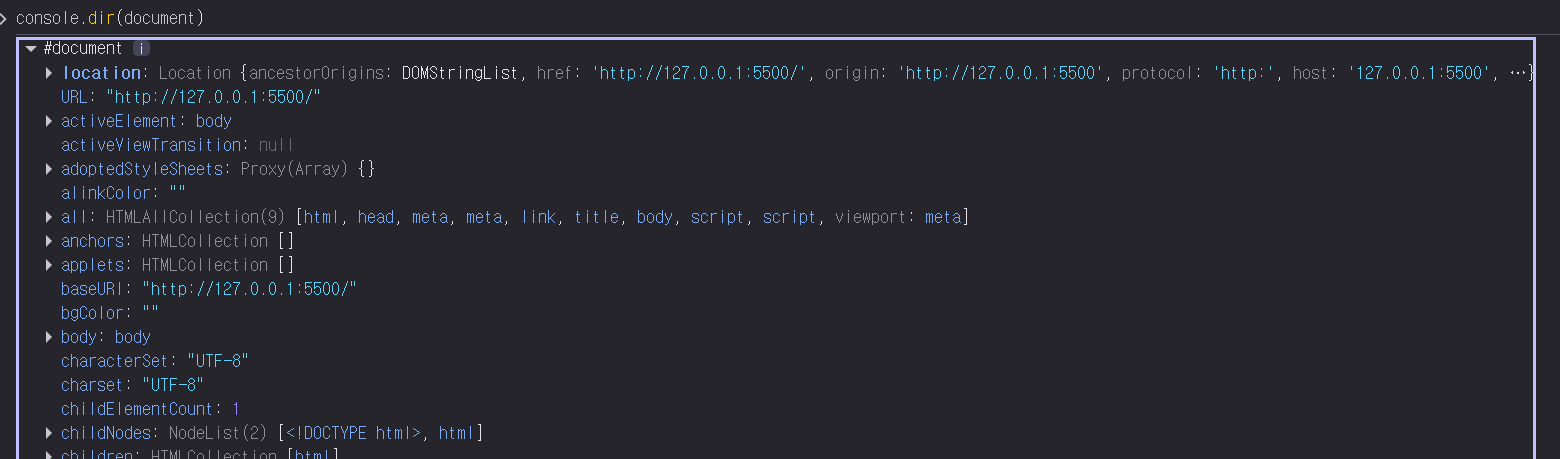
콘솔창에서도 간단히 확인해 볼 수 있듯이
document도 결국에는 object이다.
이 document라는 객체가 웹사이트 문서 전체를 나타낸다.
그 아래로 HTML 요소들이 트리 구조를 이루는데 이러한 구조와 이를 조작할 수 있는 객체 모델을 DOM이라고 한다.
getElementById
위 내용을 이용하면 요상한 것들을 할 수 있다.
<!DOCTYPE html>
<html lang="en">
<head>
    <meta charset="UTF-8">
    <meta name="viewport" content="width=device-width, initial-scale=1.0">
    <link rel="stylesheet" href="style.css">
    <title>mometum</title>
</head>
<body>
    <h1 id="title">TITLE</h1>
    <script src="app.js"></script>
</body>
</html>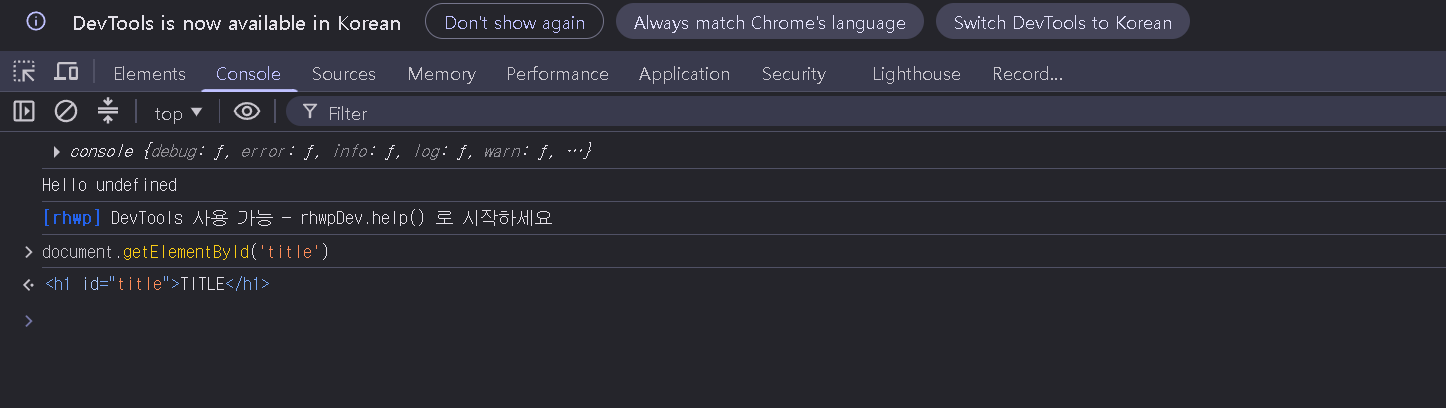
우효
TITLE 이라는 h1제목에 id title을 할당하고 document객체에서 getElementById라는 함수를 사용하면 저렇게 js를 이용해 가져올 수 있다.
const title = document.getElementById("title");

console.dir(title);
위 내용을 app.js에 작성해 준다면?
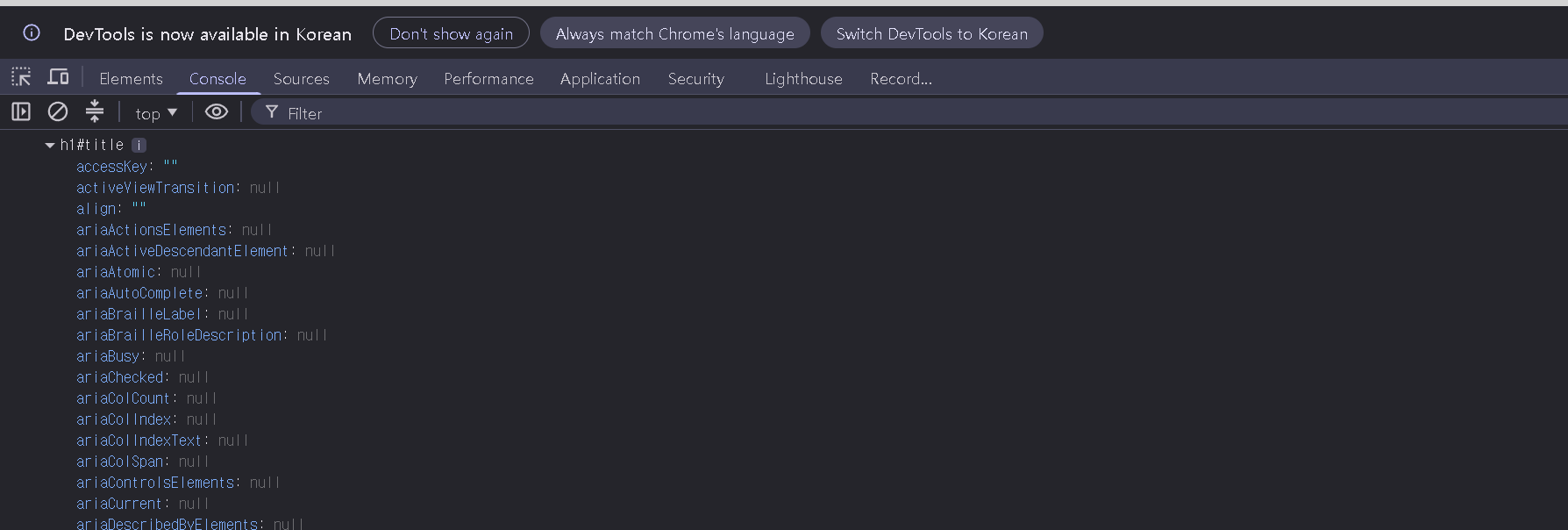
js에서 이 element를 가져올 수 있다는 것이다!
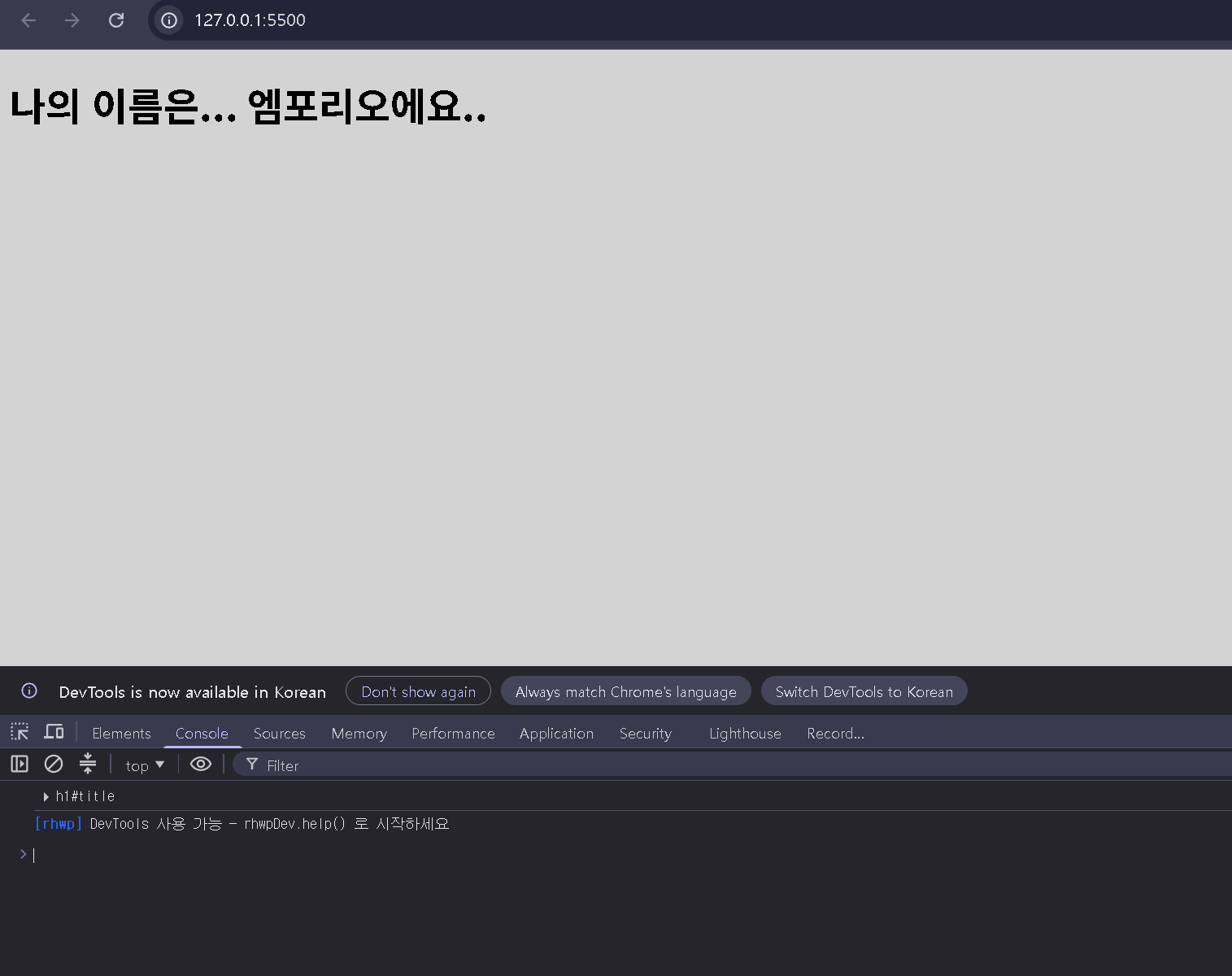
const title = document.getElementById("title");

console.dir(title);

title.innerText = "나의 이름은... 엠포리오에요..";
dir로 본 내용들을 바꿔보자
결과 :
<!DOCTYPE html>
<html lang="en">
<head>
    <meta charset="UTF-8">
    <meta name="viewport" content="width=device-width, initial-scale=1.0">
    <link rel="stylesheet" href="style.css">
    <title>mometum</title>
</head>
<body>
    <h1 class="title">TITLE</h1>
    <h1 class="title">TITLE</h1>
    <h1 class="title">TITLE</h1>
    <h1 class="title">TITLE</h1>
    <script src="app.js"></script>
</body>
</html>
???: 이렇게하면 어떻게 찾을거지?
const title = document.getElementsByClassName("title")[0];

console.dir(title);

title.innerText = "나의 이름은... 엠포리오에요..";
엄
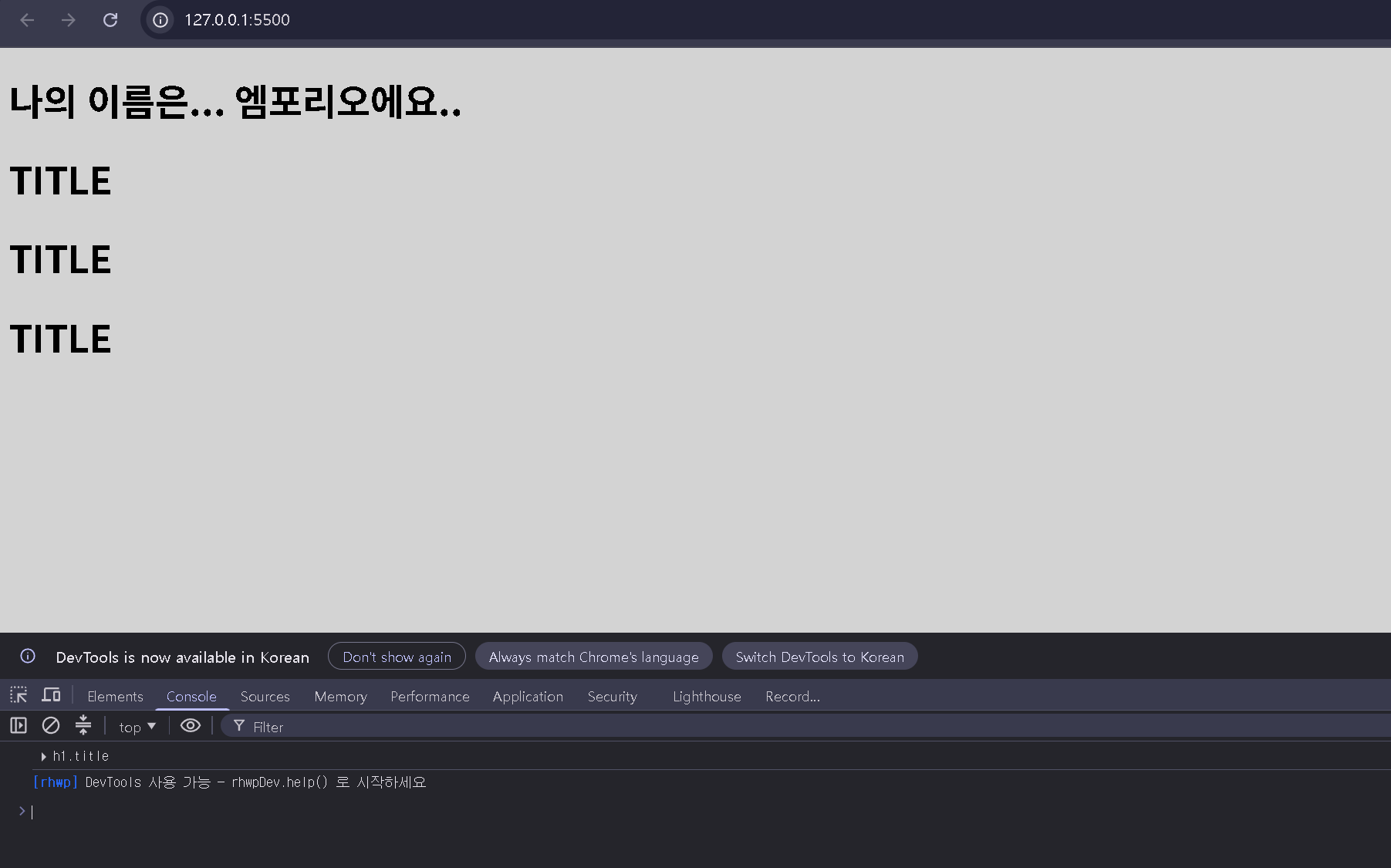
엄
불편하다
[0] 이거하나하나 어떻게 볼건데
const title = document.querySelector(".title h1");

console.dir(title);

title.innerText = "나의 이름은... 엠포리오에요..";
정답은 querySelector이다

querySelector는 element를 css방식으로 검색할 수 있다
const title = document.getElementsByClassName("title");
const title = document.querySelector("#title");
samething
addEventListener
const h1 = document.querySelector("div.title:first-child h1");
function handleTitleClick(){
    h1.style.color = "green";
}
h1.addEventListener("click",handleTitleClick);
이런식으로 요소들을 가져와서 addEventListener로 행동을 감지하고 반응할 수 있다.
html events
https://www.w3schools.com/tags/ref_eventattributes.asp
약간의 정리
위 내용들로 이루려는 바는 다음과 같이 간추릴 수 있다
1. element 찾기
2. event 기다리기
3. "반응"
log-in
<!DOCTYPE html>
<html lang="en">
<head>
    <meta charset="UTF-8">
    <meta name="viewport" content="width=device-width, initial-scale=1.0">
    <link rel="stylesheet" href="style.css"/>
    <title>Basic login</title>
</head>
<body>
    <h1 id="greeting" class="hidden"></h1>
    <form id="login-form">
        <input type="text" placeholder="What is your name?">
        <button>Log In</button>
    </form>
    <script src="app.js"></script>

</body>
</html>
const loginForm = document.querySelector("#login-form");
const loginInput = document.querySelector("#login-form input");
const loginButton = document.querySelector("#login-form button");
const greeting = document.querySelector("#greeting");
const HIDDEN_CLASSNAME = "hidden";
const USERNAME_KEY = "username";
function onLoginSubmit(event) {
event.preventDefault();
loginForm.classList.add(HIDDEN_CLASSNAME);
const username = loginInput.value;
localStorage.setItem(USERNAME_KEY, username);
paintGreetings(username)
}
loginForm.addEventListener("submit",onLoginSubmit );
function paintGreetings(username){
greeting.innerHTML = `Hello ${username}`;
greeting.classList.remove(HIDDEN_CLASSNAME);
}
const savedUsername = localStorage.getItem(USERNAME_KEY);
if(savedUsername === null){
loginForm.classList.remove(HIDDEN_CLASSNAME);
loginForm.addEventListener("submit",onLoginSubmit );
}else{
paintGreetings(savedUsername)
}
body {
    background-color: lightgray;
}
.hidden {
    display: none;
}