😓 발생한 문제
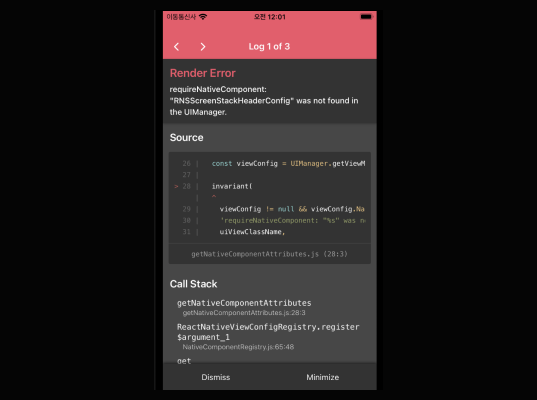
React Native ios 개발 중에 에러 메시지를 마주했다.
Error Message :
Invariant Violation: requireNativeComponent: "RNSScreenStackHeaderConfig" was not found in the UIManager.
🧐 에러 분석
이 오류는 @react-navigation/native' 패키지를 설치하고 <NavigationContainer />를 추가한 후 ios 시뮬레이터를 실행했을 때 발생했다.
React Navigation 공식문서를 살펴보자.
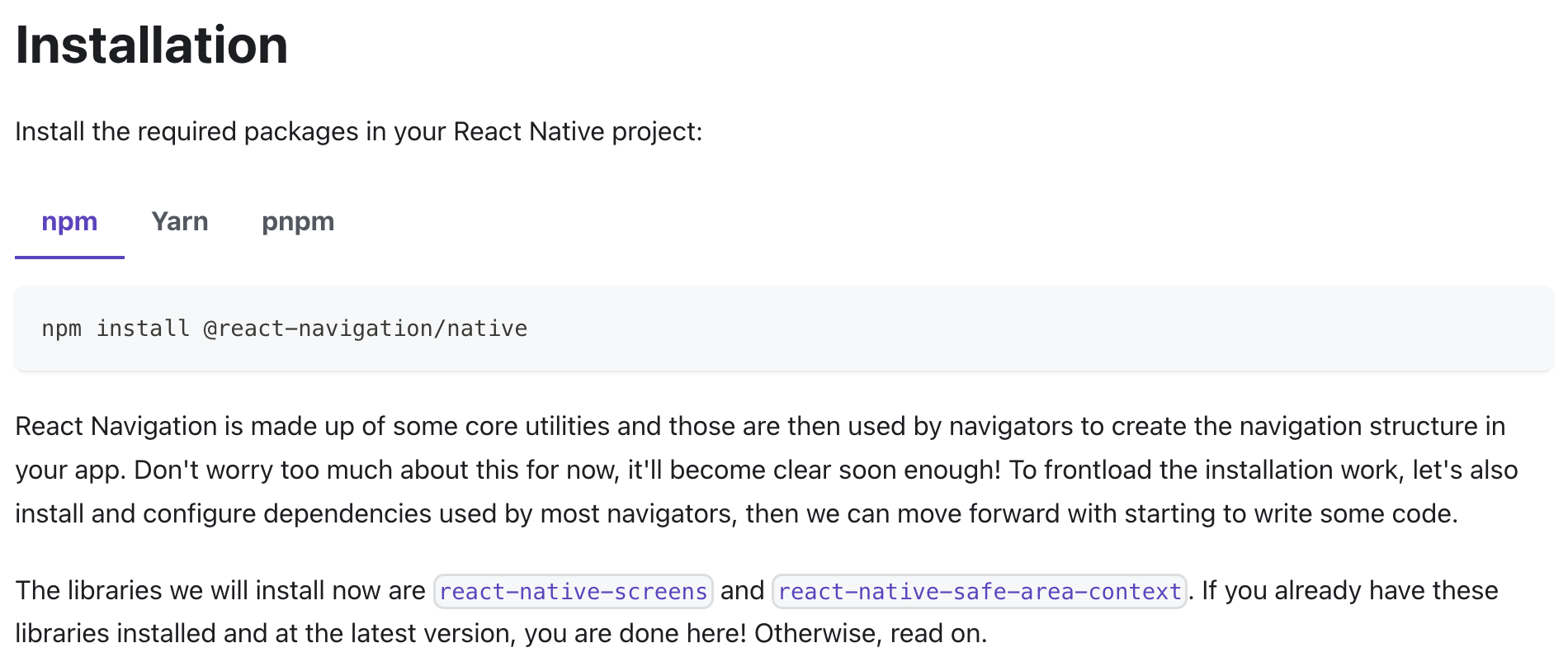
보통 npm install 구문만 읽고 넘기게 되는데 밑에도 읽어줘야 한다.
If you already have these (react-native-screens & react-native-safe-area-context) libraries installed and at the latest version, you are done here!
저 두 라이브러리를 이미 가진 사람들은 아마 이 아티클을 읽고있지 않을 것이다.
그러므로 우리는 그 다음 문장을 봐야한다.
Otherwise, read on.
마저 읽어보자.

😉 문제 해결
결국 저 두 라이브러리가 없어서 나오는 에러였고, 설치해주면 되는 간단한 에러였다.
나는 expo를 사용하지 않아서
npm install react-native-screens react-native-safe-area-context

cd ios
pod install
cd ..
npm start
순서대로 입력을 했고, 문제를 해결할 수 있었다.
설치할 때는 공식문서를 꼼꼼히 읽어야겠다.
참고문서

화면 아래에 논리를 펼치는 프론트엔드 엔지니어 🐥