
다양한 React 프로젝트를 진행하며
사용자의 Input을 책임지며 사용자의 input 양에 따라 높이가 결정되는 AutoResizeTextArea 컴포넌트가 필요할때가 많았다.
인터넷과 AI의 도움으로 어렵지 않게 코드를 발견 할수 있었다.
기본적인 로직은 아래와 같다
사용자의 입력 이벤트마다 textarea의 높이를 auto 로 설정해 입력된 값에 맞는 높이를 구하고 그 높이를 textarea에 적용하는 방식이다.
코드는 아래와 같다
import React, { useEffect, useRef } from 'react';

export default function AutoResizeTextArea({
  ...props
}: React.TextareaHTMLAttributes<HTMLTextAreaElement>) {
  const textAreaRef = useRef<HTMLTextAreaElement>(null);

  useEffect(() => {
    const textArea = textAreaRef.current;
    if (!textArea) return;

    const resize = () => {
      textArea.style.height = 'auto';
      textArea.style.height = textArea.scrollHeight + 'px';
    };

    textArea.addEventListener('input', resize);

    return () => textArea.removeEventListener('input', resize);
  }, []);
  return <textarea {...props} ref={textAreaRef} />;
}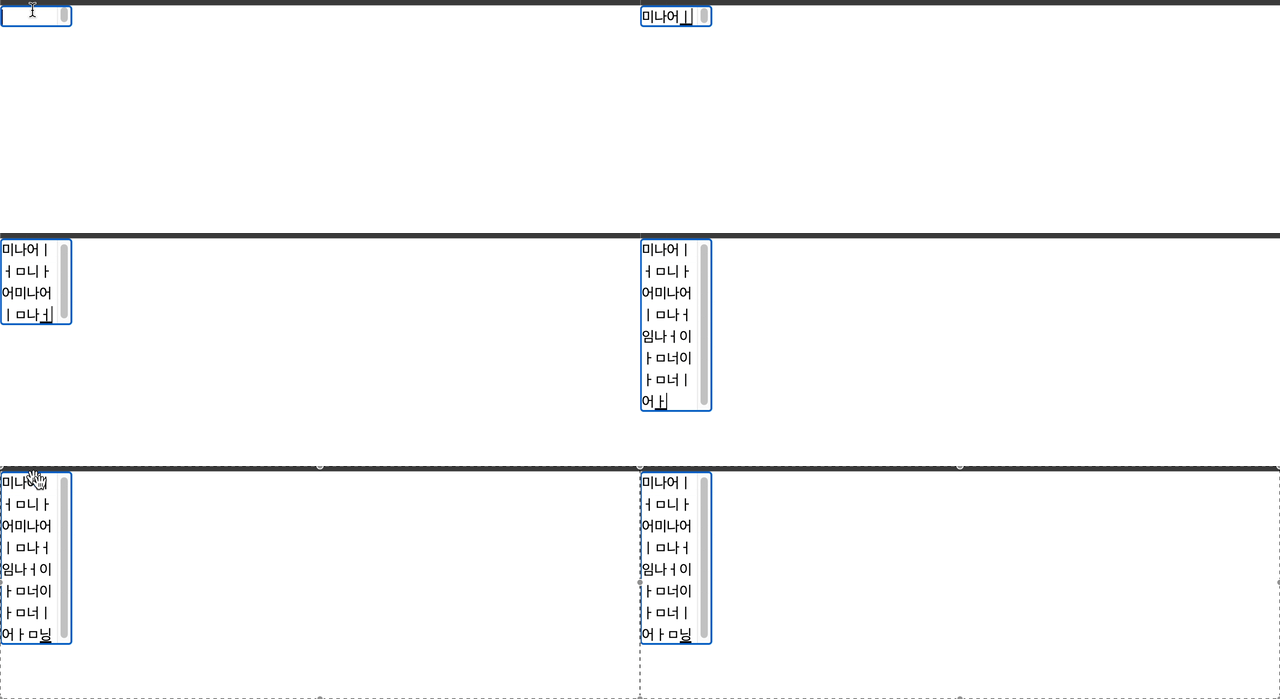
문제 발생 1 : 스크롤 생김
스크롤이 있어서 보기가 싫다…
스크롤을 없애기 위해 CSS에
overflow: 'hidden'속성을 주었다.
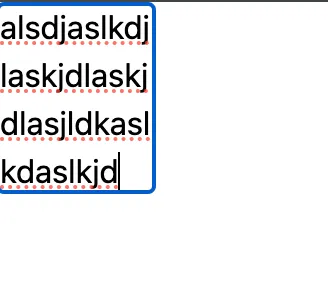
해결이다…
문제 발생 2 : 스크롤 강제 이동 현상
textarea밑 공간이 존재 할때 (즉 밑에 스크롤할 공간이있을때 ) 스크롤이 커서에 고정되는 현상 발생
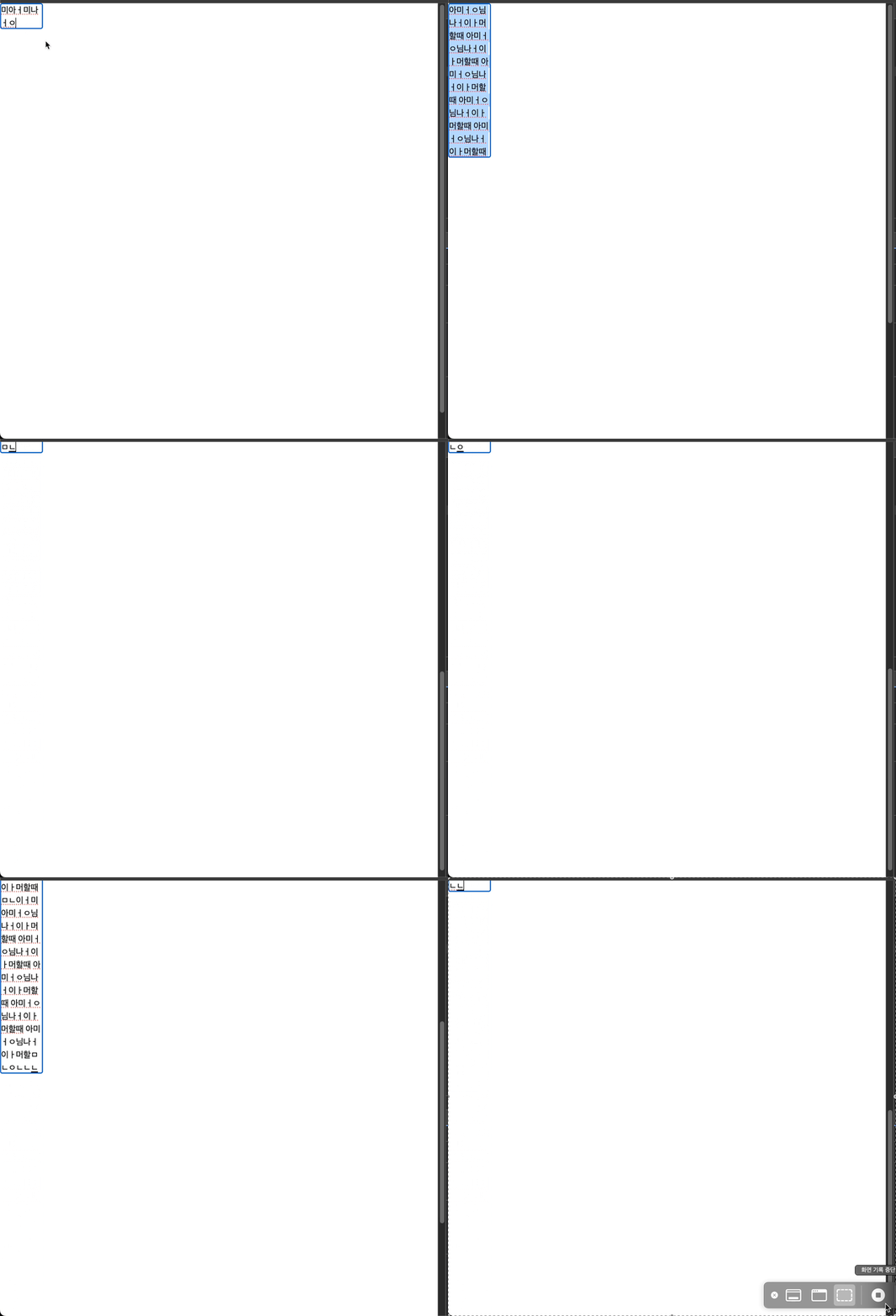
스크롤을 건들지 않았는데 입력시 스크롤이 넘어간다…
원인은 스타일에 auto 를 줄때 일어난다.
auto 를 주게 되면 순간적으로 높이가 줄게 되고 줄어든 높이 스크롤이 같이 줄다가 커서에 해당하는 높이에 스크롤이 멈춰 버리는 것이다.
해결 시도: 이전 스크롤의 위치를 기억해 입력이 끝난뒤 스크롤 이동하기
이전 위치를 기억해 입력이 끝나면 스크롤을 이동하는 방법이다.
resize 함수를 아래처럼 수정하면된다.
const resize = () => {
  const scrollTop = window.scrollY;

  textArea.style.height = 'auto';
  textArea.style.height = textArea.scrollHeight + 'px';

  window.scrollTo(0, scrollTop);
};
문제 발생 3 : 상위 컴포넌트의 스크롤
스크롤이 window가 아닌 다른 상위 컴포넌트에 생겼을때 원하는데로 동작하지 않음
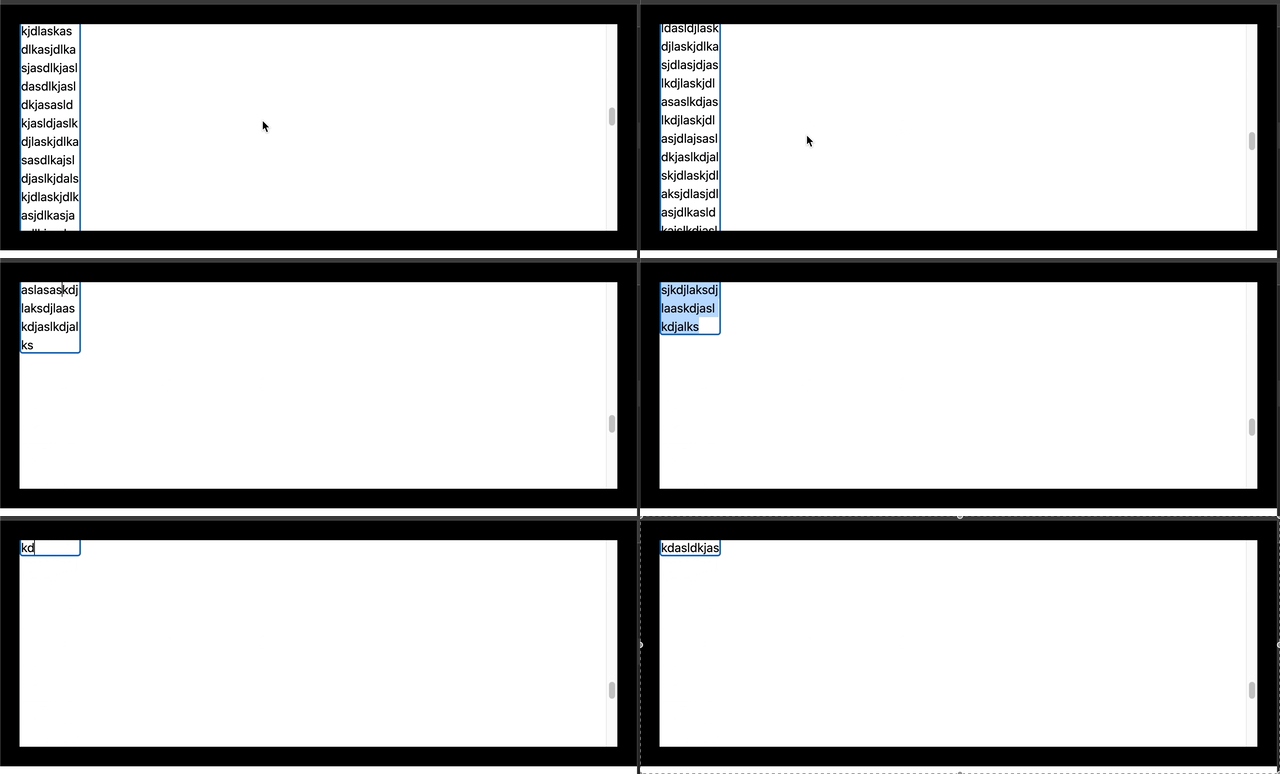
해결시도: 변하기전 높이를 받히는 임의의 컴포넌트를 만든다.
결국 auto 로 될때 크기가 작아져서 스크롤에 문제가 생기는 거라면 스크롤을 받혀주는 컴포넌트를 만들어 두면 어떨까 싶다.
임의의 컴포넌트와 함께 return 하고
const tempRef = useRef<HTMLDivElement>(null);
...
return (
  <>
    <textarea
      className={`overflow-hidden resize-none ${className}`}
      {...props}
      ref={textAreaRef}
    />
    <div ref={tempRef} />
  </>
);
useEffect는 아래와 같이 수정한다.
useEffect(() => {
  const textArea = textAreaRef.current;
  const temp = tempRef.current;
  if (!textArea || !temp) return;

  const resize = () => {
    temp.style.height = textArea.style.height;

    textArea.style.height = 'auto';
    textArea.style.height = textArea.scrollHeight + 'px';

    temp.style.height = '0px';
  };

  textArea.addEventListener('input', resize);

  return () => textArea.removeEventListener('input', resize);
}, []);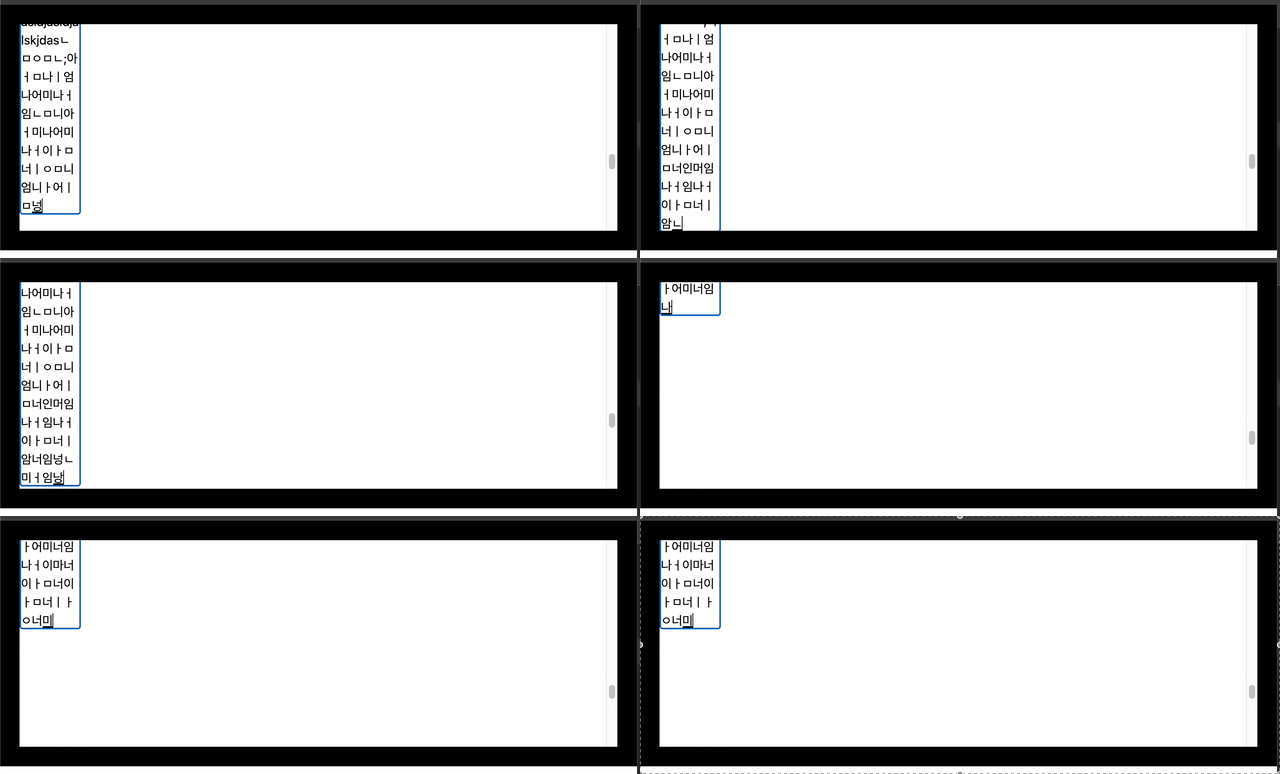
성공이다.
문제 발생 4 : props로 넘겨주는 ref 걸기
현재 AutoResizeTextArea는 textarea와 똑같은 props를 받고 설정하지만
ref 는 안에 설정한 textAreaRef에 의해 재정의 된다.
props로 넘겨 받은 ref도 같이 설정해야만 컴포넌트로써 역할을 다한다고 볼수있다.
React에서 ref를 전달하기 위해선 특수한 함수를 이용해 전달해야 한다.
https://react.dev/reference/react/forwardRef
import { forwardRef } from 'react';

const MyInput = forwardRef(function MyInput(props, ref) {
  // ...
});
위 와같이 컴포넌트를 설정하면 ref를 props로 넘겨 받을수 있다.
하지만 <tab ref={} /> 자리에는 하나의 ref만 들어갈수있다…
해결시도 : ref의 전달에 따른 textArea 동적으로 구하기
일단 ref로 들어오는 타입은 두가지이다.
-
RefObject를 그대로 넘기기
우리가 보통 useRef로 만든 ref를 그래도 넣는 경우를 말한다.
const tempRef = useRef(null) <div ref={tempRef] /> -
(elment) ⇒ void 타입의 함수의 ref
<div ref={(element) => {
	console.log(element)
}}/>
함수형이라 element를 콜백으로 준다.
그렇다면 ref의 타입에 따라 ref를 설정하면 될거라 생각했다.
const AutoResizeTextArea = React.forwardRef<
  HTMLTextAreaElement,
  React.TextareaHTMLAttributes<HTMLTextAreaElement>
>(function AutoResizeTextArea(
  { className, ...props }, //
  ref?
) {

// HTMLTextAreaElement | null 로 타입을 바꾸어 readonly를 제거!
const textAreaRef = useRef<HTMLTextAreaElement | null>(null);

...

	return (
    <>
      <textarea
        className={`overflow-hidden resize-none ${className}`}
        {...props}
        ref={setRef}
      />
      <div ref={(el) => {
	      if (typeof ref === 'function') {
	        ref(el);
	      } else if (ref) {
	        ref.current = el;
	      }
	      textAreaRef.current = el;
	    }} />
    </>
  );

}
위처럼 코드를 적용하니 useCallback으로 한번 감싸고 싶다는 생각을 했다.
const AutoResizeTextArea = React.forwardRef<
  HTMLTextAreaElement,
  React.TextareaHTMLAttributes<HTMLTextAreaElement>
>(function AutoResizeTextArea(
  { className, ...props }, //
  ref?
) {

	...

	const setRef = useCallback(
    (el: HTMLTextAreaElement | null) => {
      if (typeof ref === 'function') {
        ref(el);
      } else if (ref) {
        ref.current = el;
      }
      textAreaRef.current = el;
    },
    [ref]
  );

  ...

	return (
    <>
      <textarea
        className={`overflow-hidden resize-none ${className}`}
        {...props}
        ref={setRef}
      />
      <div ref={tempRef} />
    </>
  );
}
위처럼 작성하고
function App() {
  const textRef = useRef<HTMLTextAreaElement>(null);

  useEffect(() => {
    if (!textRef?.current) return;
    console.log('textRef.current: ', textRef.current);
  }, []);

  const refFunction = (el: HTMLTextAreaElement | null) => {
    console.log('el: ', el);
  };

  return (
    <>
      <AutoResizeTextArea
        ref={textRef}
        className="border-2 w-20"
        rows={1}
      />
      <AutoResizeTextArea
        ref={refFunction}
        className="border-2 w-20"
        rows={1}
      />
    </>
  );
}
두개의 컴포넌트를 렌더링 시킬 결과
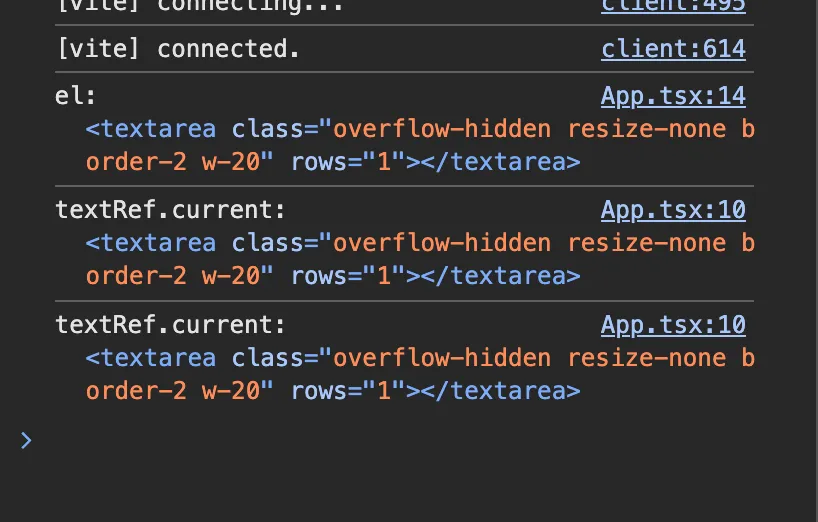
위와 같이 잘 나오는것을 확인 가능하다!
(StrictMode라 10번줄에서 두번 실행됨)
번외: 레전드 해결방법
라이브러리를 이용한다…
https://www.npmjs.com/package/react-textarea-autosize
해당 라이브러리는 캐시도 사용 가능한가보다…