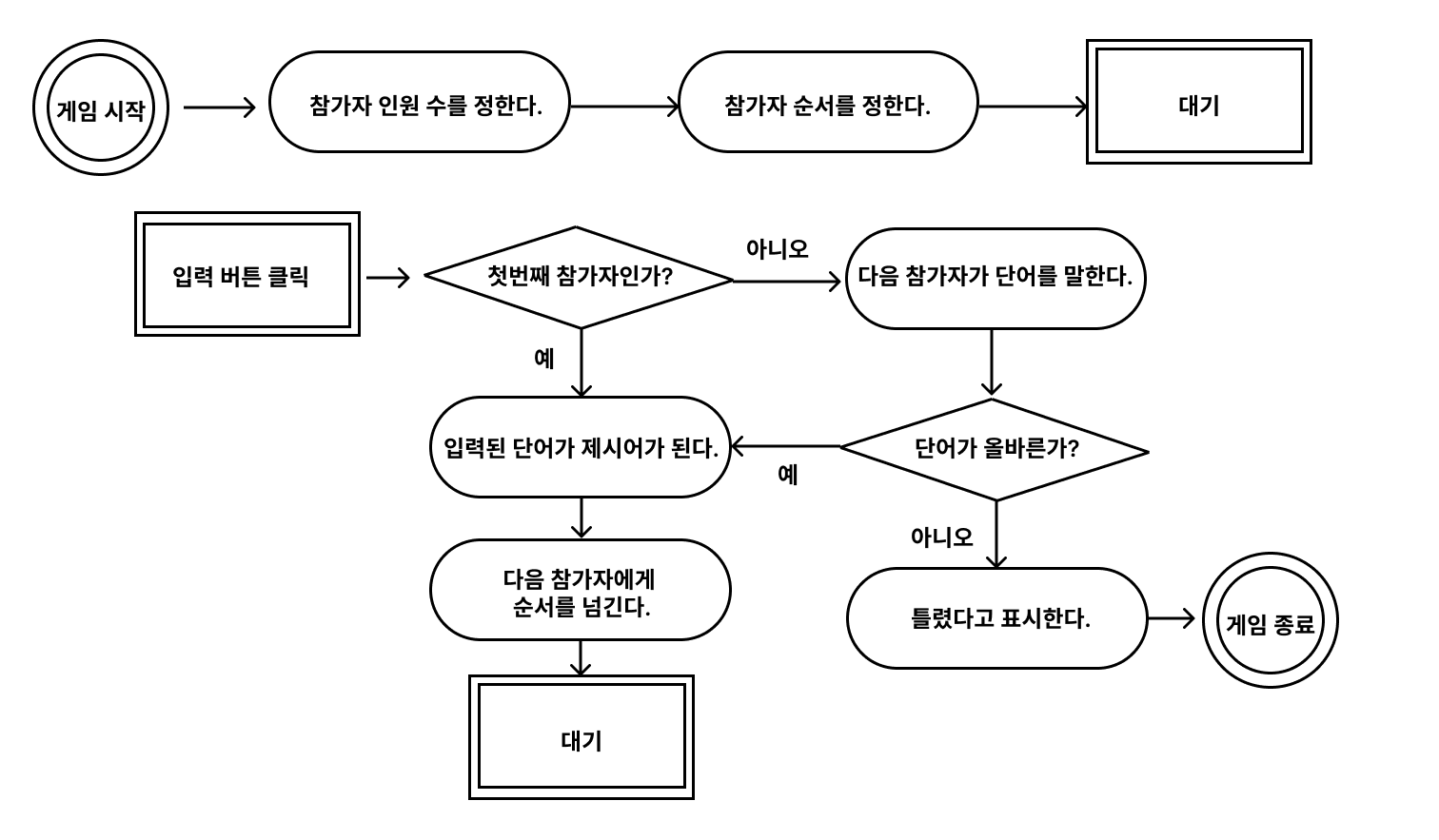
🕹️ 게임 순서도
📍 alert
alert 을 이용하여 올바르지 않은 단어를 입력하여 틀렸을 때 게임 종료 알림창 나오게 적용하였다.
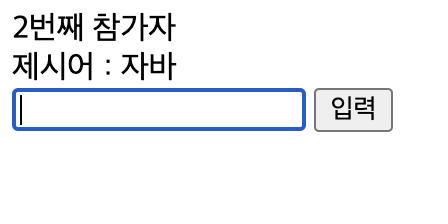
🧑🏻💻 코딩
const number = Number(prompt('참가 인원을 입력해 주세요.'));
const $button = document.querySelector('button');
const $input = document.querySelector('input');
const $word = document.querySelector('#word');
const $order = document.querySelector('#order');
let word;
let newWord;
const onClickButton = () => {
if (!word){
word = newWord;
$word.textContent = word;
$input.value = '';
$input.focus();
const order = Number($order.textContent);
if (order + 1 > number){
$order.textContent = 1;
} else {
$order.textContent = order + 1;
}
} else {
if(word[word.length - 1] === newWord[0]) {
word = newWord;
$word.textContent = word;
$input.value = '';
$input.focus();
const order = Number($order.textContent);
if (order + 1 > number){
$order.textContent = 1;
} else {
$order.textContent = order + 1;
}
}else {
alert ('GAME OVER');
$input.value = '';
$input.focus();
}
}
};
const onInput = (event) => {
newWord = event.target.value;
};
$input.addEventListener('input', onInput);
$button.addEventListener('click', onClickButton);