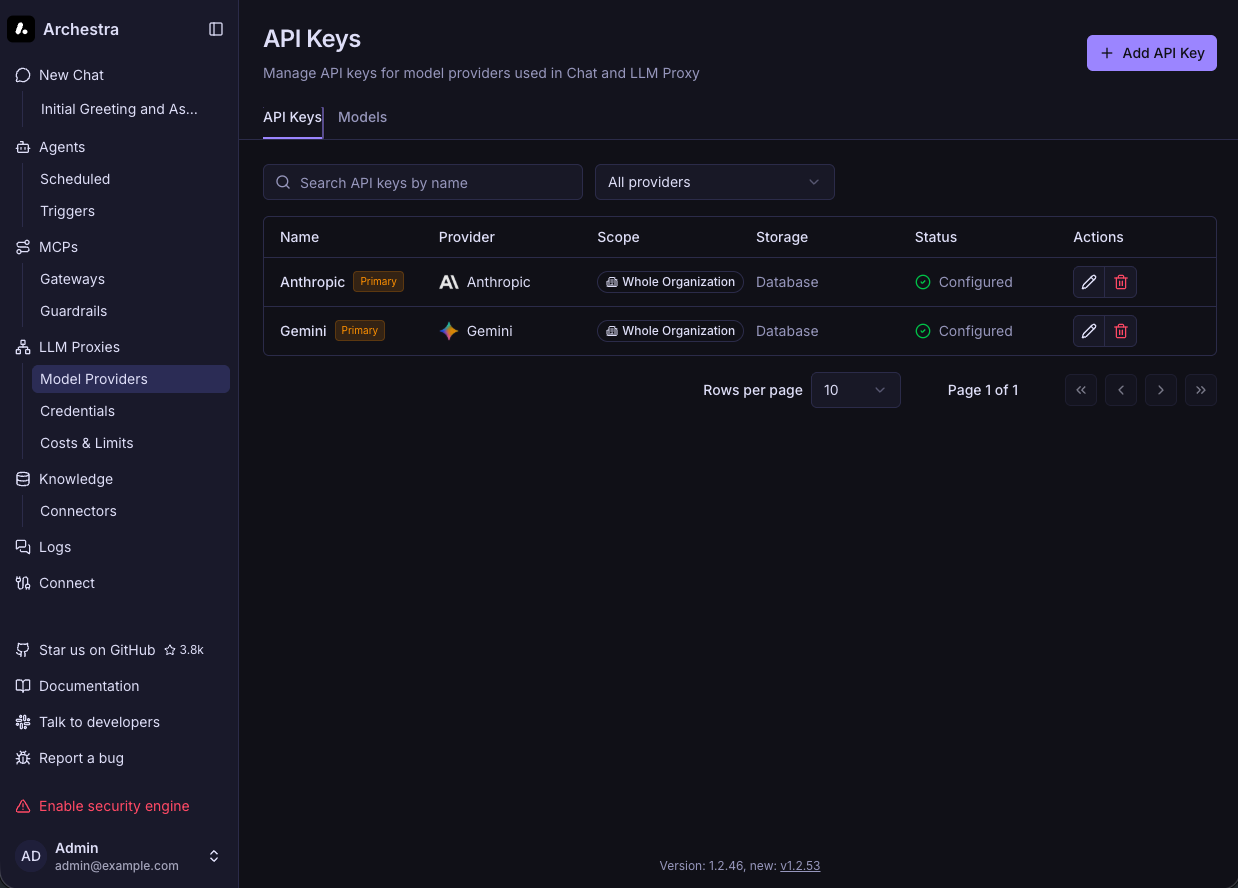
archestra-ai를 kubernetes에 helm으로 설치하는 방법은
1. github project clone후에 archestra/platform/helm/archestra 하위에 있는 chart로 설치하거나,
2. Google Artifact Registry로 부터 chart를 pull해서 설치할 수 있다.
source clone
git clone https://github.com/archestra-ai/archestra.git
cd archestra/platform/helm/archestra

cp values.yaml overrided-values.yaml
vi overrided-values.yaml
archestra:
  env:
    # 외부 접근 URL (콤마 구분으로 복수 지정 가능)
    ARCHESTRA_API_BASE_URL: "https://api.archestra.example.com"

  # Auth secret — 미지정시 64자 자동 생성
  # authSecret:
  #   existingSecretName: archestra-auth
  #   existingSecretKey: auth-secret

# PostgreSQL (Bitnami 내장, 업그레이드 시 password 자동 보존)
postgresql:
  enabled: true
  # auth:
  #   password: "your-custom-password"  # 커스텀 패스워드 원할 경우

ingress:
  enabled: true

# 설치
helm upgrade --install --create-namespace -n archestra -f overrided-values.yaml archestra ./archestra-platform
Google artifact repository 활용
# chart 정보 조회 (버전 확인)
helm show chart oci://europe-west1-docker.pkg.dev/friendly-path-465518-r6/archestra-public/helm-charts/archestra-platform

# 최신 버전 pull + 압축 해제
helm pull --version 1.2.53 --untar oci://europe-west1-docker.pkg.dev/friendly-path-465518-r6/archestra-public/helm-charts/archestra-platform

# 설치
helm upgrade --install --create-namespace -n archestra -f overrided-values.yaml archestra ./archestra-platform
helm upgrade --install ingress-nginx ingress-nginx \
--repo https://kubernetes.github.io/ingress-nginx \
-n ingress-nginx \
--create-namespace \
--set controller.service.type=LoadBalancer \
--waitorbstack에서 ingress 생성 후 http://archestra.k8s.orb.local/ 로 접속.
초기계정 아이디: admin@example.com
DB 접속
DB id는 archestra이고 암호는 아래 secret에서 조회할 수 있다.
kubectl -n archestra get secret archestra-platform-postgresql -o json | jq -r '.data.password' | base64 -d

kubectl -n archestra get secret archestra-platform-postgresql -o json | jq -r '.data.postgres-password' | base64 -d

// port-forward
kubectl -n archestra port-forward svc/archestra-platform-postgresql 15432:5432

// Nodeport 할당
kubectl -n archestra edit svc rchestra-platform-postgresql
apiVersion: v1
kind: Service
metadata:
  name: archestra-platform-postgresql
  namespace: archestra
spec:
  ports:
  - name: tcp-postgresql
    nodePort: 30720
    port: 5432
    protocol: TCP
    targetPort: tcp-postgresql
  selector:
    app.kubernetes.io/component: primary
    app.kubernetes.io/instance: archestra-platform
    app.kubernetes.io/name: postgresql
  sessionAffinity: None
  type: **NodePort**
유티클라우드