Git Bash 설치하기 (선택)
- https://git-scm.com/book/ko/v2/%EC%8B%9C%EC%9E%91%ED%95%98%EA%B8%B0-Git-%EC%84%A4%EC%B9%98
- 위 url 접속 후 본인 PC에 맞는 운영체제 선택하여 다운로드 (Window → https://git-scm.com/download/win)
- ★ 설치 중간 Git 기본 편집기 선택 시 본인이 사용하던 거로 선택 (기본은 Vim으로 되어 있지만 Visual Studio Code를 사용하고 있어서 변경함) ★
- 나머지는 기본값으로 선택
1. 원격 저장소 생성
-
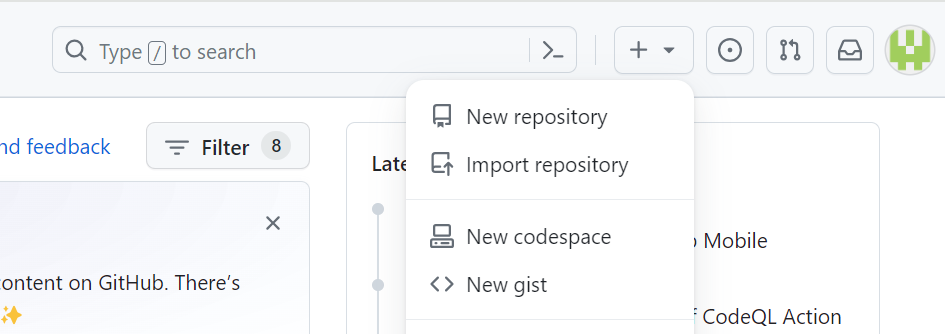
https://github.com/ 로그인 후 New repository
-
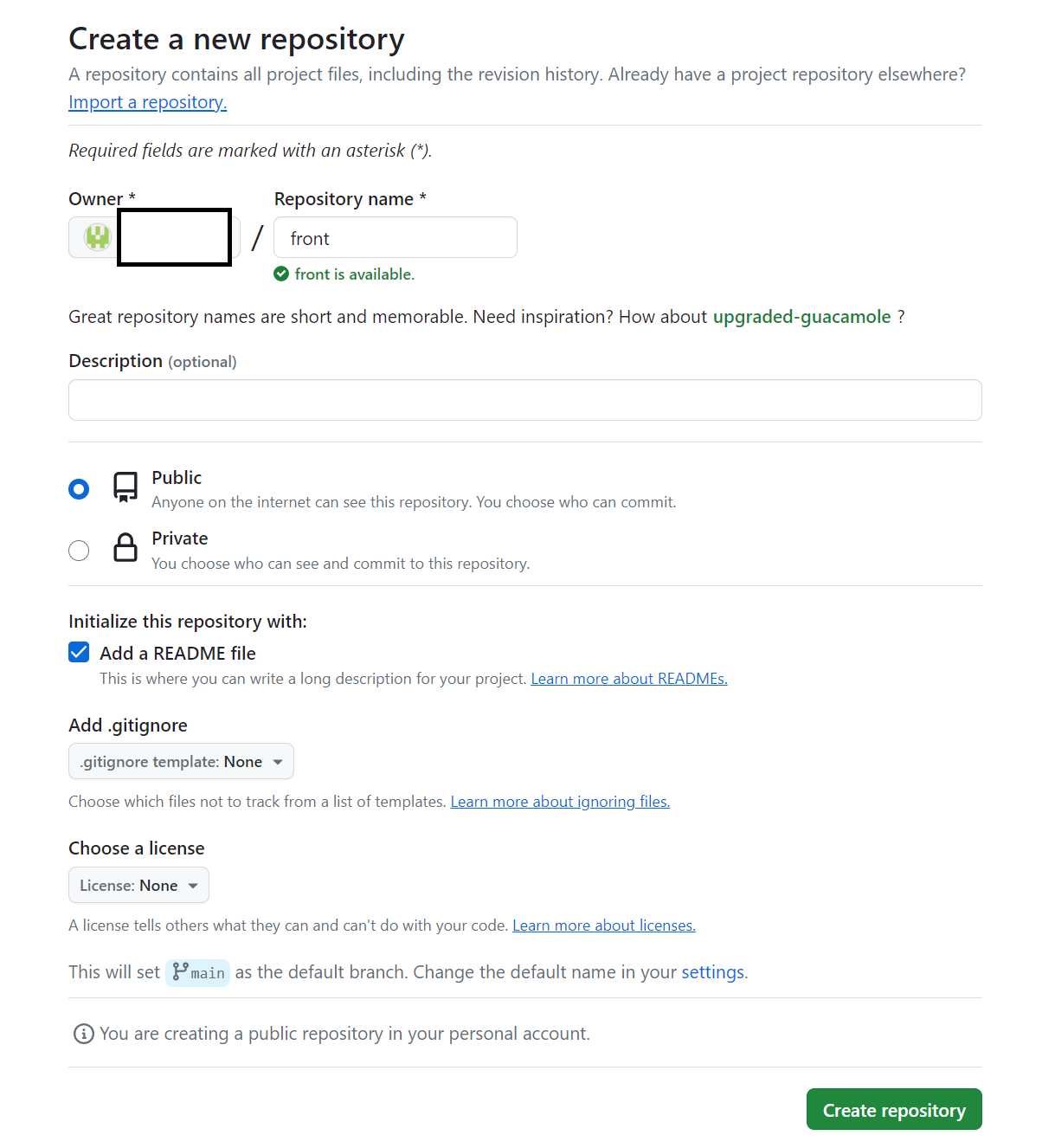
Repository name 작성 → Add a README file → Create repository
2. Visual Studio Code에 Git 연동
-
$ git config --global user.name "una"
-
$ git config --global user.email "una_j@naver.com"
-
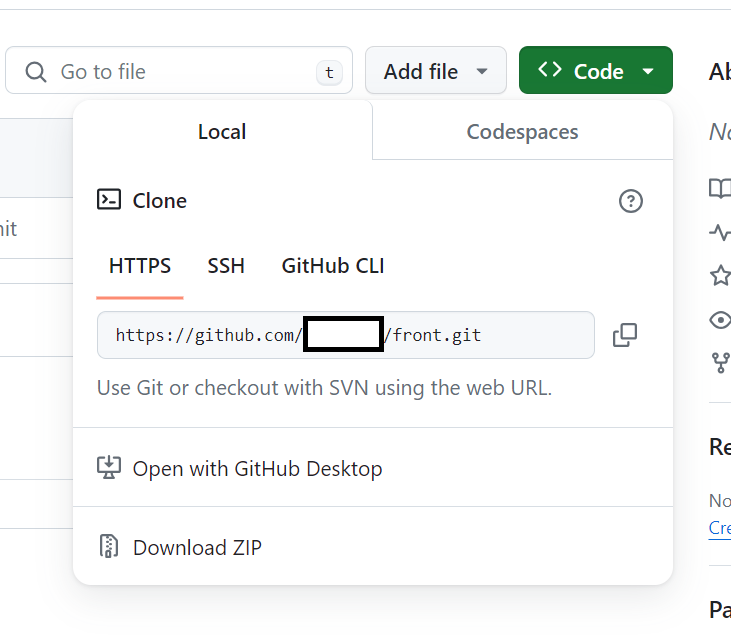
$ git remote add origin https://github.com/[Owner]/[Repository name].git (Repository URL)
-
$ git branch -m master main (GitHub는 main이 메인 브랜치이므로 이름 변경)
-
$ git pull origin main --allow-unrelated-histories (GitHub 저장소에 있는 내용을 로컬 저장소에 반영)
-
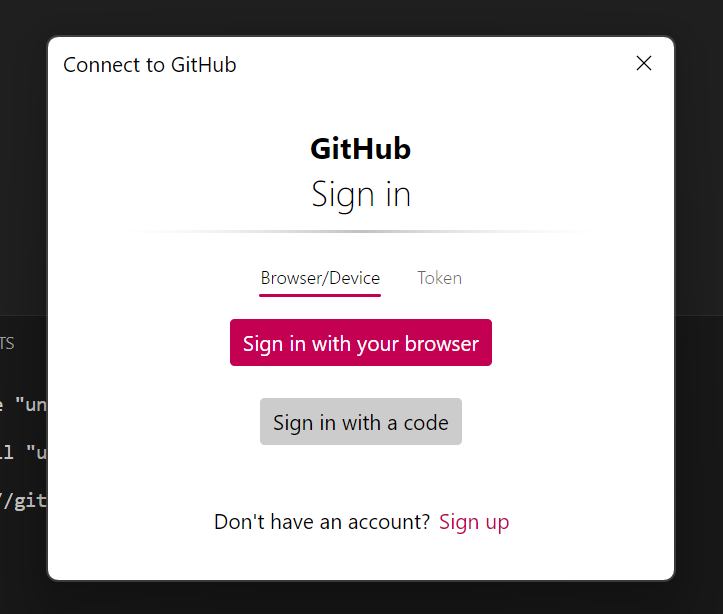
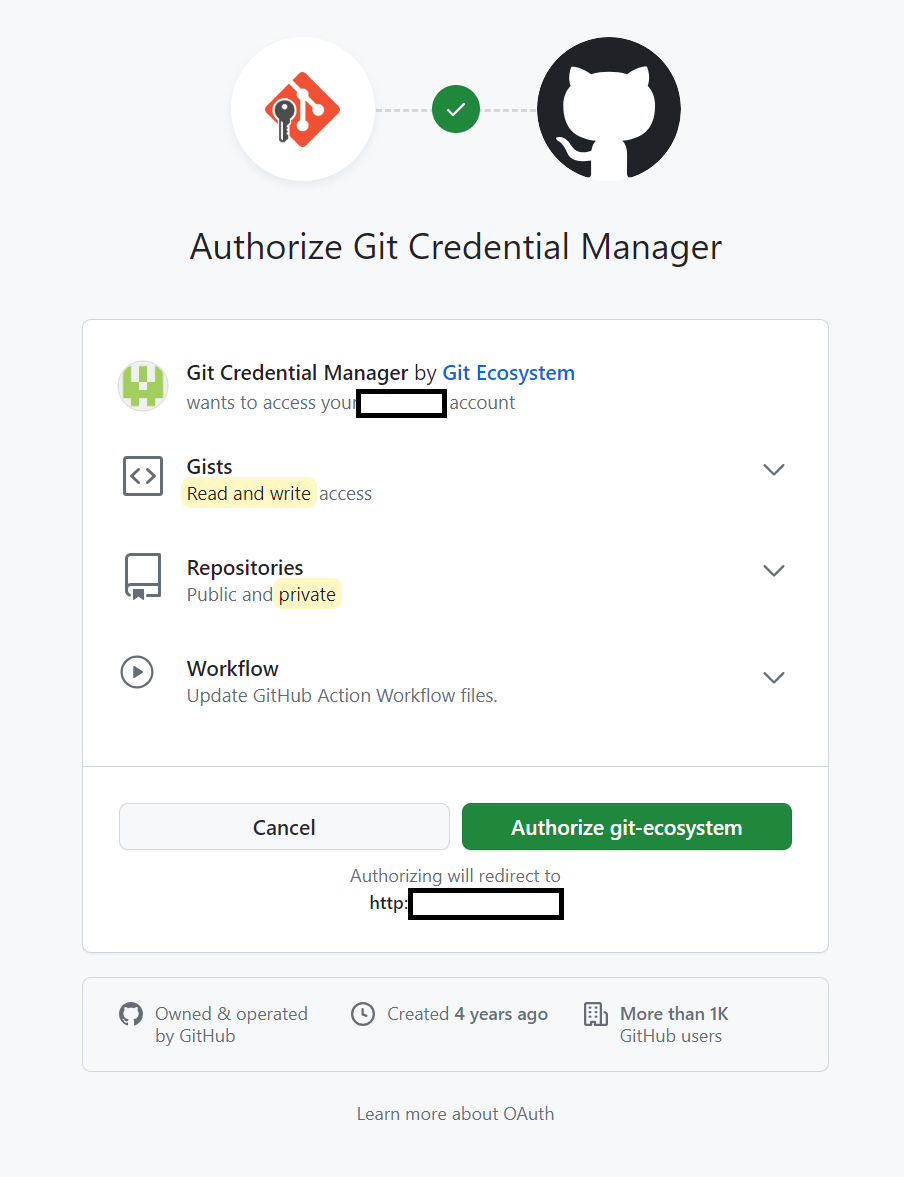
Sign in with your browser → 로그인 → Authorize git-ecosystem
- $ git push -u origin main (원격 저장소에 업로드)

개미는 뚠뚠🌻