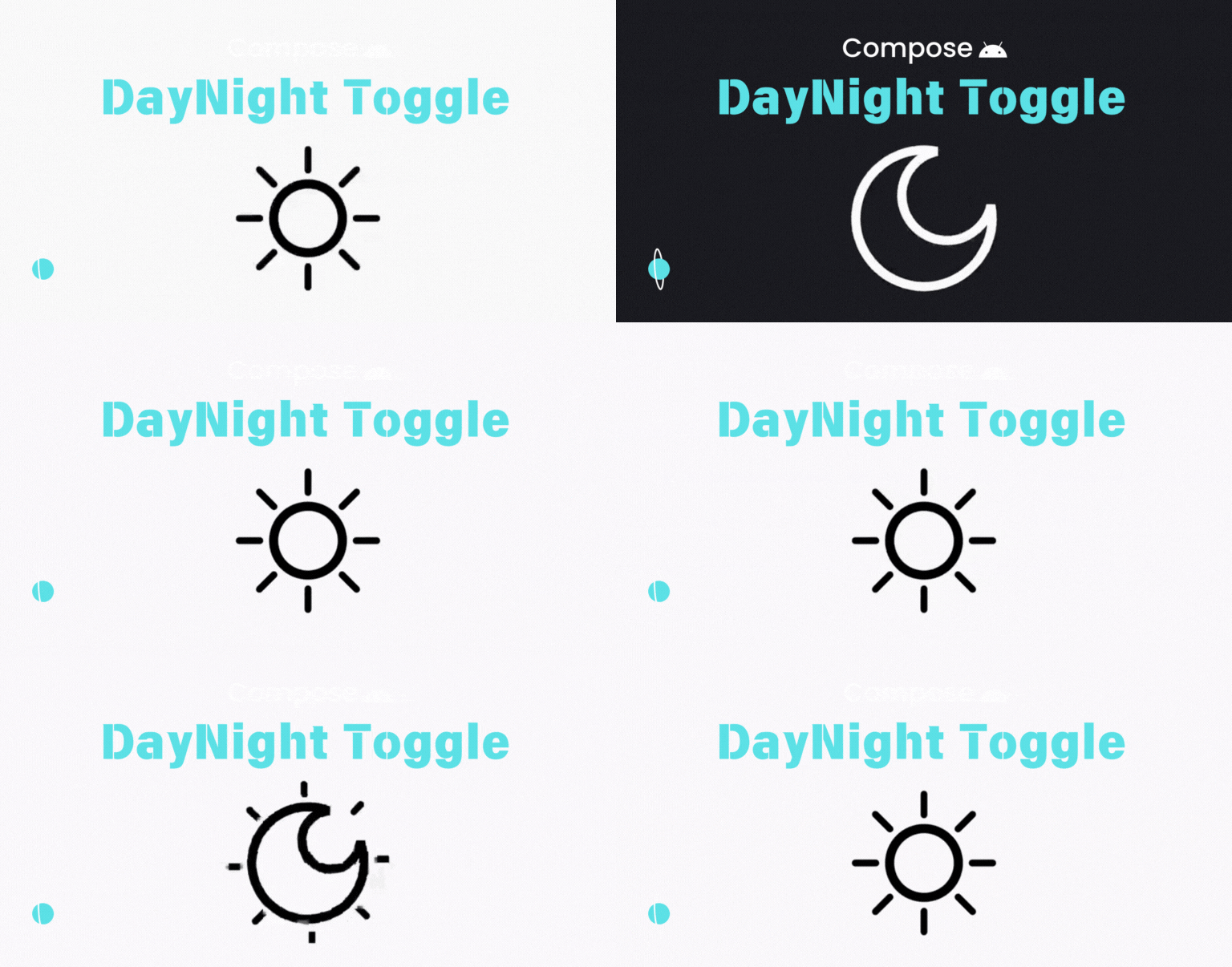
미리보는 결과
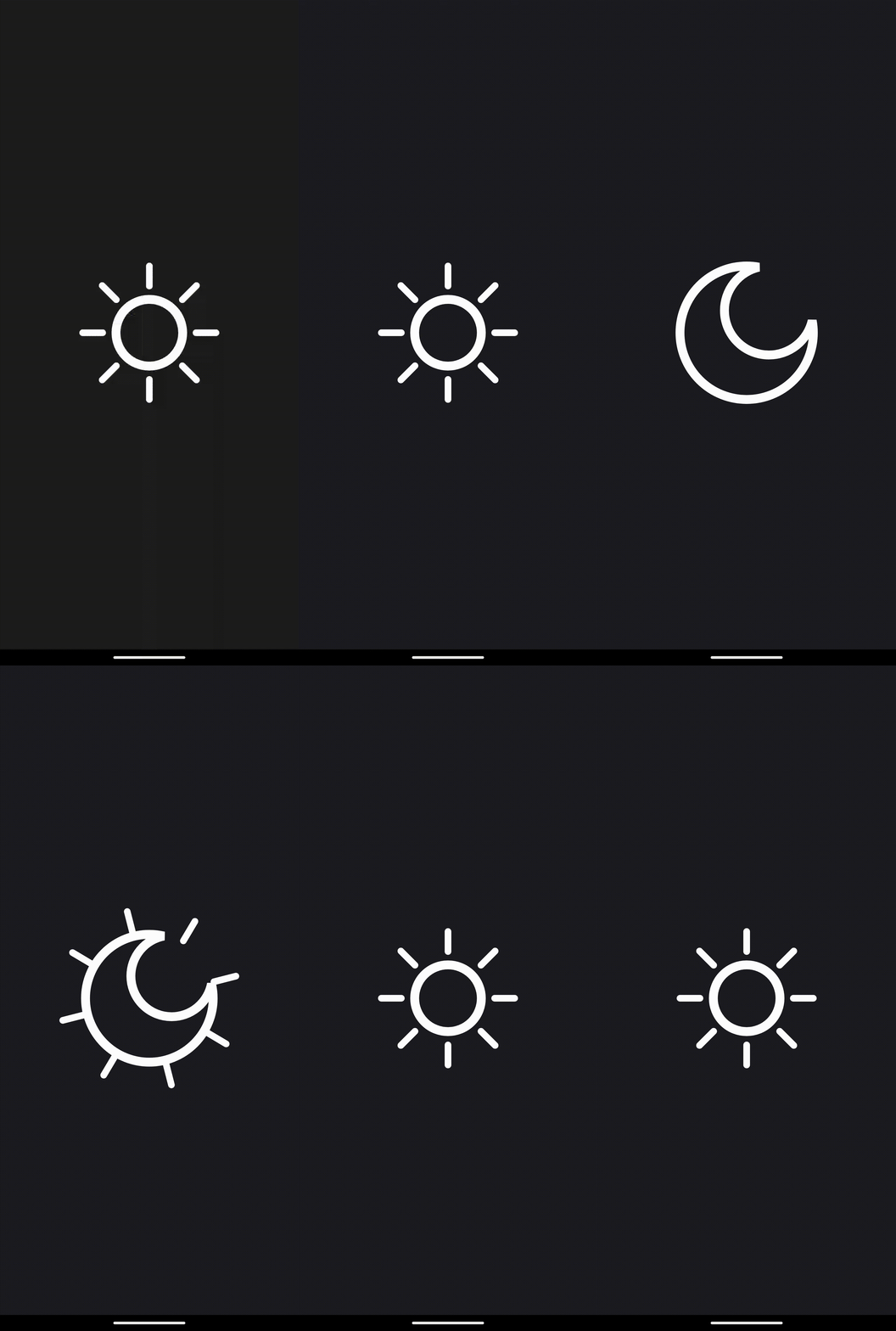
기본 세팅
var isDay by remember { mutableStateOf(true) }

Canvas(
    modifier = modifier
        .fillMaxSize()
        .pointerInput(Unit) {
            detectTapGestures {
                isDay = !isDay
                onChanged(isDay)
            }
        }
        .onGloballyPositioned {
            size = it.size.toSize()
        }
) {
    // Canvas drawing logic goes here
}
isDay 변수를 이용해서 클릭할 때마다 day, night이 계속 번갈아 반복되도록 구성했다.
달 그리기
큰 원 안에 작은 원이 인접해있는 구조로 초승달을 그렸다.
Canvas(
    modifier = modifier
) {
    val moonRadius = size.minDimension / 2f

    val biteCircleRadius = moonRadius * 2 / 3f
    val biteCircleOffset = Offset(
        center.x + moonRadius / 3,
        center.y - moonRadius / 3
    )

    val path = generateMoonPath(moonRadius * moonCircleSize)

    val differenceCirclePath = Path().apply {
        addOval(
            oval = Rect(
                center = biteCircleOffset,
                radius = biteCircleSize * biteCircleRadius
            )
        )
    }

    path.apply {
        op(
            path1 = this,
            path2 = differenceCirclePath,
            operation = PathOperation.Difference
        )
    }

    drawPath(
        path = path,
        color = color,
        style = Stroke(
            cap = StrokeCap.Round,
            width = size.minDimension / 15f
        )
    )
}

private fun DrawScope.generateMoonPath(moonRadius: Float): Path {
    return Path().apply {
        addOval(
            oval = Rect(
                center = Offset(center.x, center.y),
                radius = moonRadius
            )
        )
    }
}
애니메이션 적용
val animationDuration = 500

val biteCircleSize by animateFloatAsState(
    targetValue = if (isDay) 0f else 1f,
    animationSpec = tween(
        durationMillis = animationDuration,
        easing = FastOutSlowInEasing
    ),
    label = "biteCircleSize"
)

val moonCircleSize by animateFloatAsState(
    targetValue = if (isDay) 0.5f else 1f,
    animationSpec = tween(
        durationMillis = animationDuration,
        easing = FastOutSlowInEasing
    ),
    label = "circleSize"
)
isDay에 맞춰서 targetValue가 계속 번갈아가며 변경되므로 animateXXAsState를 사용했다.
해 그리기
가운데 원은 달의 원이 작아지면서 구성되기에 햇살 부분만 추가적으로 그려주도록 하였다.
햇살에 rotation 애니메이션을 주어서 좀 더 동적으로 보이도록 구성하였다.
val sunlightRotation by animateFloatAsState(
    targetValue = if (isDay) 360f else 0f,
    animationSpec = tween(
        animationDuration,
        easing = FastOutSlowInEasing
    ),
    label = "sunlightRotation"
)

// Canvas
path.apply {
    op(
        path1 = this,
        path2 = differenceCirclePath,
        operation = PathOperation.Difference
    )
}

if (isDay) {
    val sunRadius = moonRadius * moonCircleSize * 1.4f
    rotate(sunlightRotation) {
        drawPath(
            path = generateSunlightPath(sunRadius, size.minDimension / 2f),
            color = color,
            style = Stroke(
                cap = StrokeCap.Round,
                width = size.minDimension / 20f
            )
        )
    }
}

drawPath(
    path = path,
    color = color,
    style = Stroke(
        cap = StrokeCap.Round,
        width = size.minDimension / 15f
    )
)

private fun DrawScope.generateSunlightPath(
    innerRadius: Float,
    outerSunlight: Float,
): Path {
    val numOfSunlight = 8
    val angle = 2 * PI / numOfSunlight
    var currentAngle = 0.0
    val path = Path()

    repeat(numOfSunlight) {
        val outPoint = Offset(
            center.x + (outerSunlight * cos(currentAngle)).toFloat(),
            center.y - (outerSunlight * sin(currentAngle)).toFloat()
        )
        val innerPoint = Offset(
            center.x + (innerRadius * cos(currentAngle)).toFloat(),
            center.y - (innerRadius * sin(currentAngle)).toFloat()
        )

        path.moveTo(outPoint.x, outPoint.y)
        path.lineTo(innerPoint.x, innerPoint.y)

        currentAngle += angle
    }

    return path
}
깃허브 링크
Frontend Developer