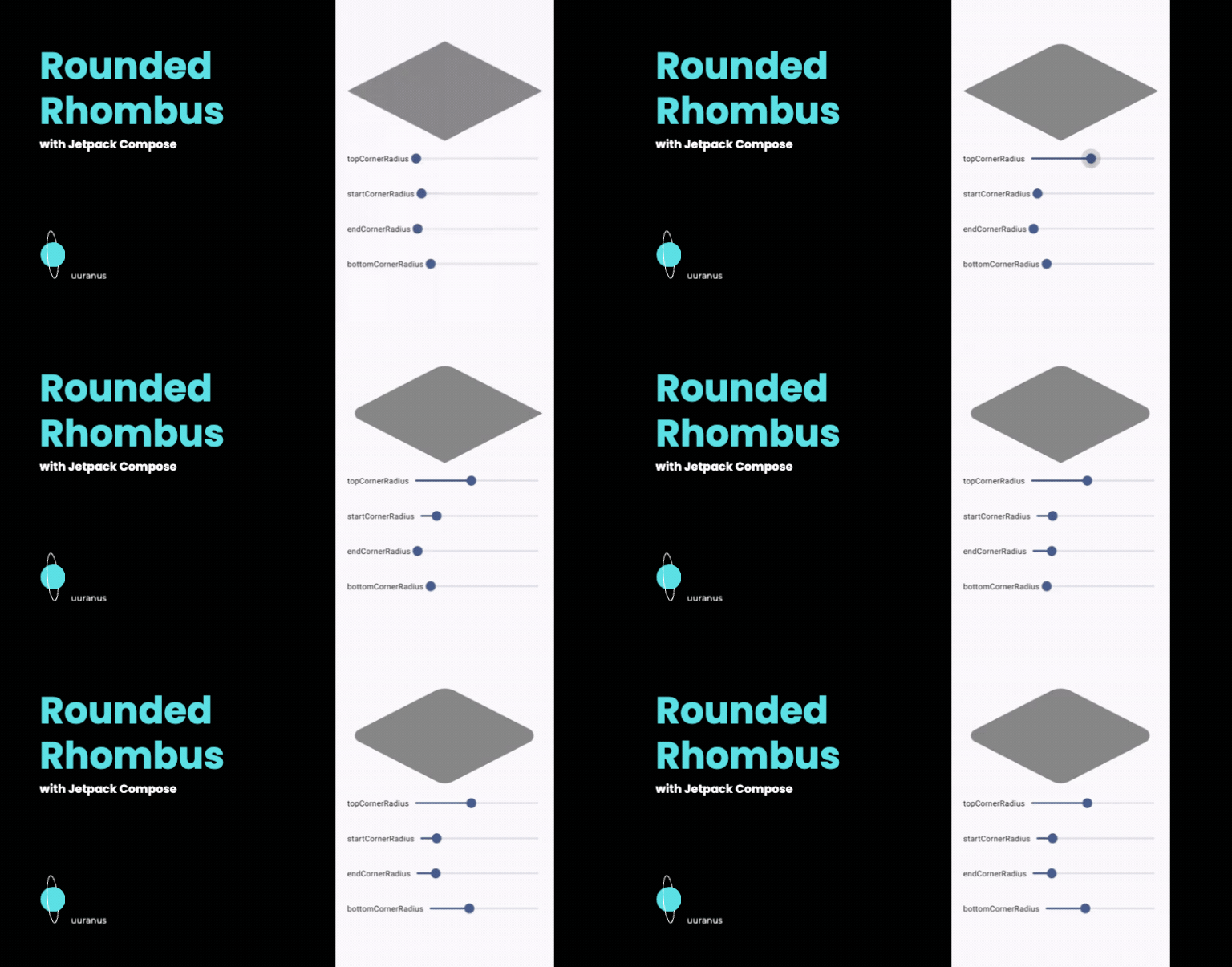
마름모 그리기
직선으로만 그리는 마름모는
이 포스팅에서 다뤘다.
그러나 둥근 모서리의 길이가 0인 경우가 직선 마름모이기 때문에 이 포스팅의 코드를 사용해도 된다.
둥근 모서리만 그리기
arcTo의 마지막 매개변수 중에 forceMoveTo 있다.
arc를 그릴 때 현재 좌표에서 호를 그릴 좌표? 까지 강제로 이동할 것인지 아니면 연결해서 이동할 것인지 결정하는 값이다.
| forceMoveTo = true | forceMoveTo = false |
|---|---|
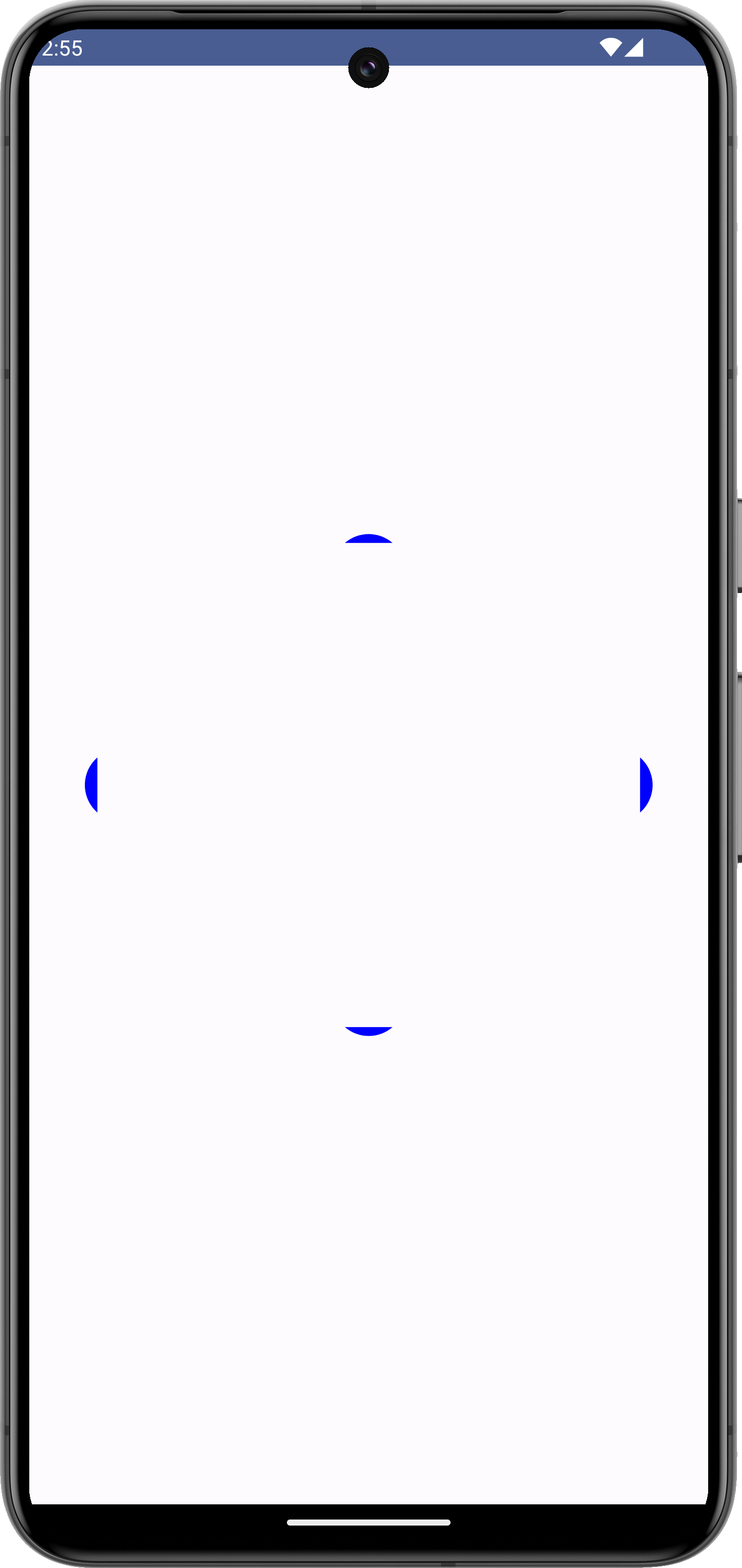 | 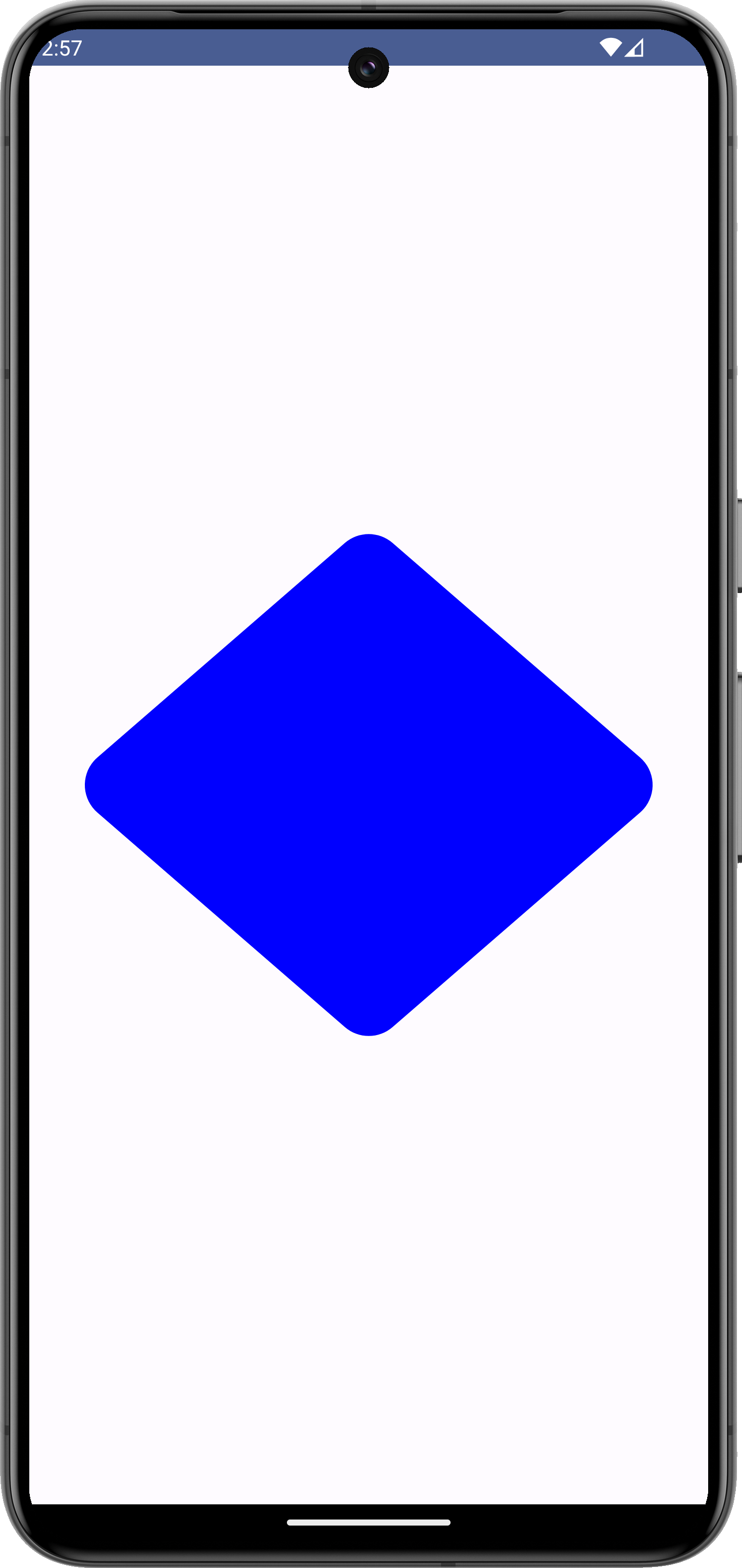 |
즉, forceMoveTo를 false로 하면 굳이 이전 arc의 마지막 좌표에서 현재 arc의 시작 좌표까지 lineTo를 하지 않아도 되고 좌표를 계산하지 않아도 된다.
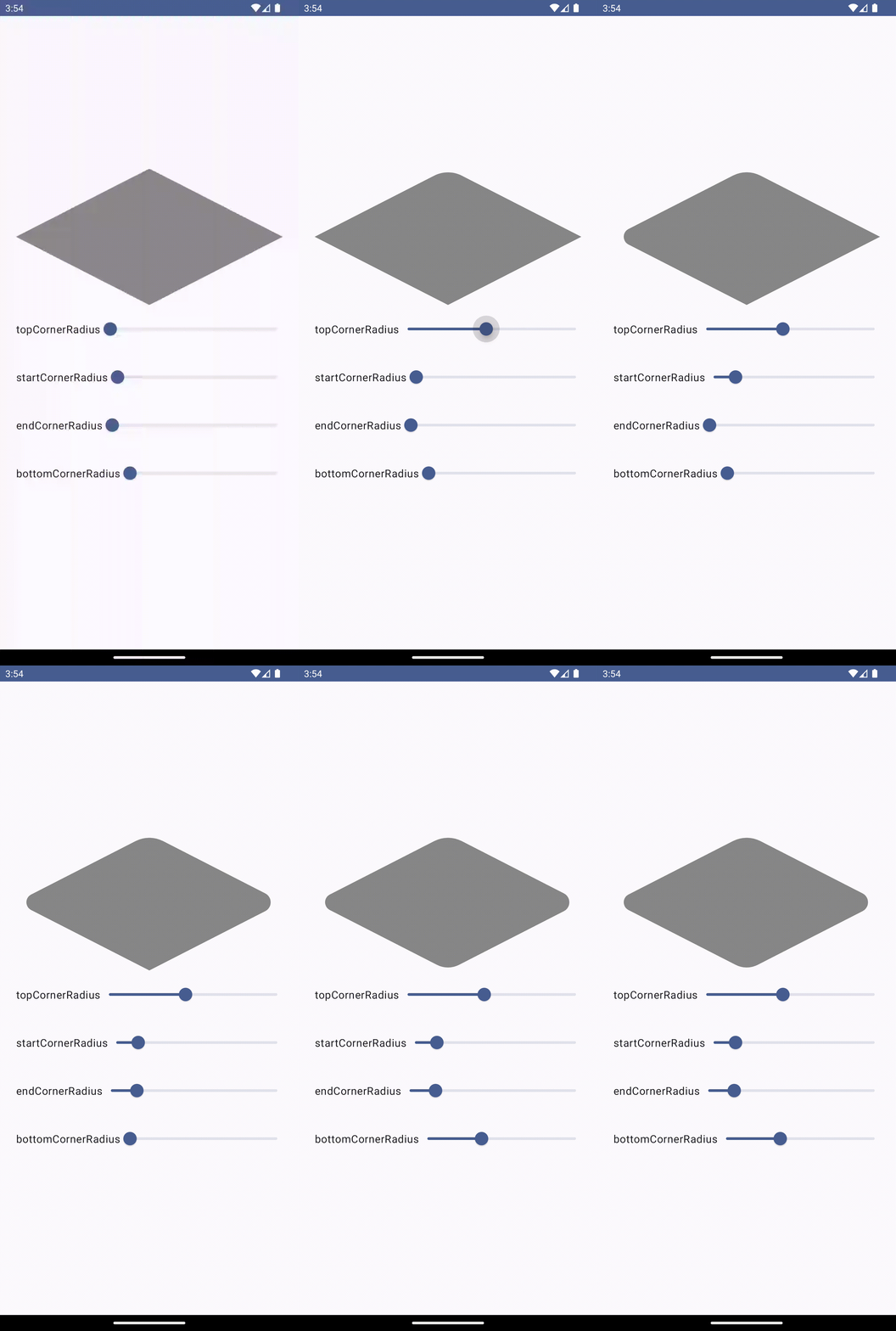
최종 결과물
전체 코드
이전 포스팅과 달리 lineTo 대신 arcTo가 되었고 각 모서리에 대한 원의 중심좌표와 회전 각도를 구하는 코드가 추가되었다.
class RhombusShape(
    private val top: CornerSize,
    private val start: CornerSize,
    private val end: CornerSize,
    private val bottom: CornerSize,
) : Shape {
    override fun createOutline(
        size: Size,
        layoutDirection: LayoutDirection,
        density: Density,
    ): Outline {
        val path = Path()
        val centerX = size.width / 2
        val centerY = size.height / 2

        val startEndAngleDegree = atan(
            centerY / centerX
        ).toDouble().toDegree()

        val topDownAngleDegree = 90.0 - startEndAngleDegree

        val topCircleRadius = top.toPx(size, density)
        val topCircleCenter = Point(
            centerX, topCircleRadius / sin((topDownAngleDegree).toRadian()).toFloat()
        )

        val startCircleRadius = start.toPx(size, density)
        val startCircleCenter = Point(
            startCircleRadius / sin((startEndAngleDegree).toRadian()).toFloat(),
            centerY
        )

        val endCircleRadius = end.toPx(size, density)
        val endCircleCenter = Point(
            size.width - endCircleRadius / sin((startEndAngleDegree).toRadian()).toFloat(),
            centerY
        )

        val bottomCircleRadius = bottom.toPx(size, density)
        val bottomCircleCenter = Point(
            centerX,
            size.height - bottomCircleRadius / sin((topDownAngleDegree).toRadian()).toFloat()
        )

        path.apply {
            arcTo(
                rect = Rect(
                    offset = Offset(
                        topCircleCenter.x - topCircleRadius,
                        topCircleCenter.y - topCircleRadius
                    ),
                    size = Size(
                        topCircleRadius * 2, topCircleRadius * 2,
                    )
                ),
                startAngleDegrees = (topDownAngleDegree - 180f).toFloat(),
                sweepAngleDegrees = 180f - 2 * topDownAngleDegree.toFloat(),
                forceMoveTo = false

            )

            arcTo(
                rect = Rect(
                    offset = Offset(
                        endCircleCenter.x - endCircleRadius,
                        endCircleCenter.y - endCircleRadius
                    ),
                    size = Size(
                        endCircleRadius * 2, endCircleRadius * 2,
                    )
                ),
                startAngleDegrees = (startEndAngleDegree - 90f).toFloat(),
                sweepAngleDegrees = 180f - 2 * startEndAngleDegree.toFloat(),
                forceMoveTo = false
            )

            arcTo(
                rect = Rect(
                    offset = Offset(
                        bottomCircleCenter.x - bottomCircleRadius,
                        bottomCircleCenter.y - bottomCircleRadius
                    ),
                    size = Size(
                        bottomCircleRadius * 2, bottomCircleRadius * 2,
                    )
                ),
                startAngleDegrees = (topDownAngleDegree).toFloat(),
                sweepAngleDegrees = 180f - 2 * topDownAngleDegree.toFloat(),
                forceMoveTo = false

            )

            arcTo(
                rect = Rect(
                    offset = Offset(
                        startCircleCenter.x - startCircleRadius,
                        startCircleCenter.y - startCircleRadius
                    ),
                    size = Size(
                        startCircleRadius * 2, startCircleRadius * 2,
                    )
                ),
                startAngleDegrees = (90f + startEndAngleDegree).toFloat(),
                sweepAngleDegrees = 180f - 2 * startEndAngleDegree.toFloat(),
                forceMoveTo = false
            )

            close()
        }

        return Outline.Generic(path)
    }
}
깃헙 링크
Frontend Developer