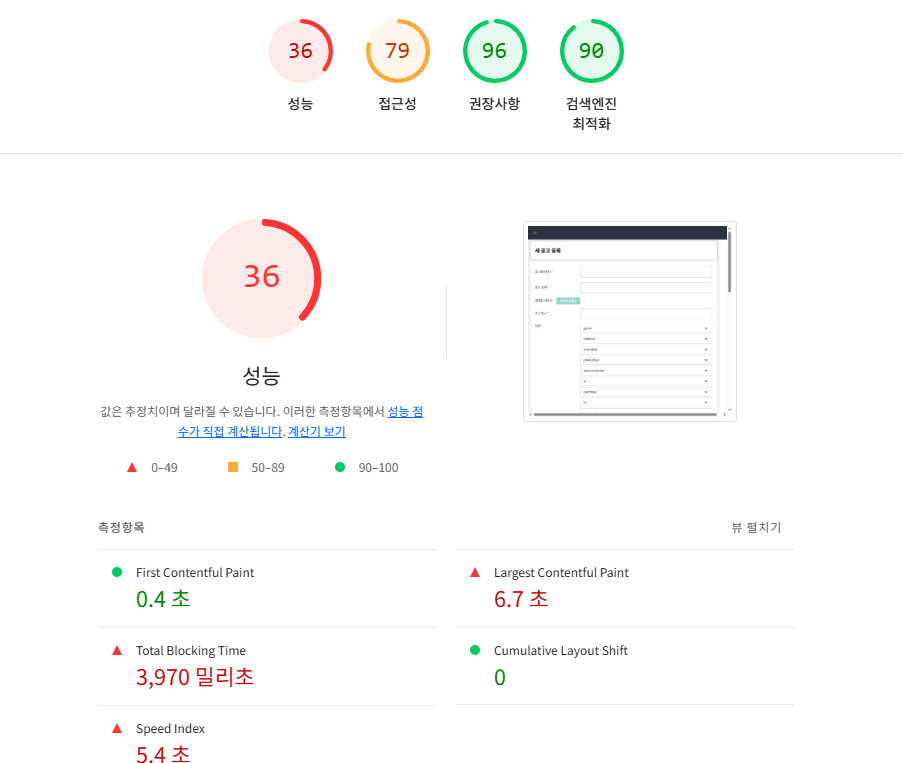
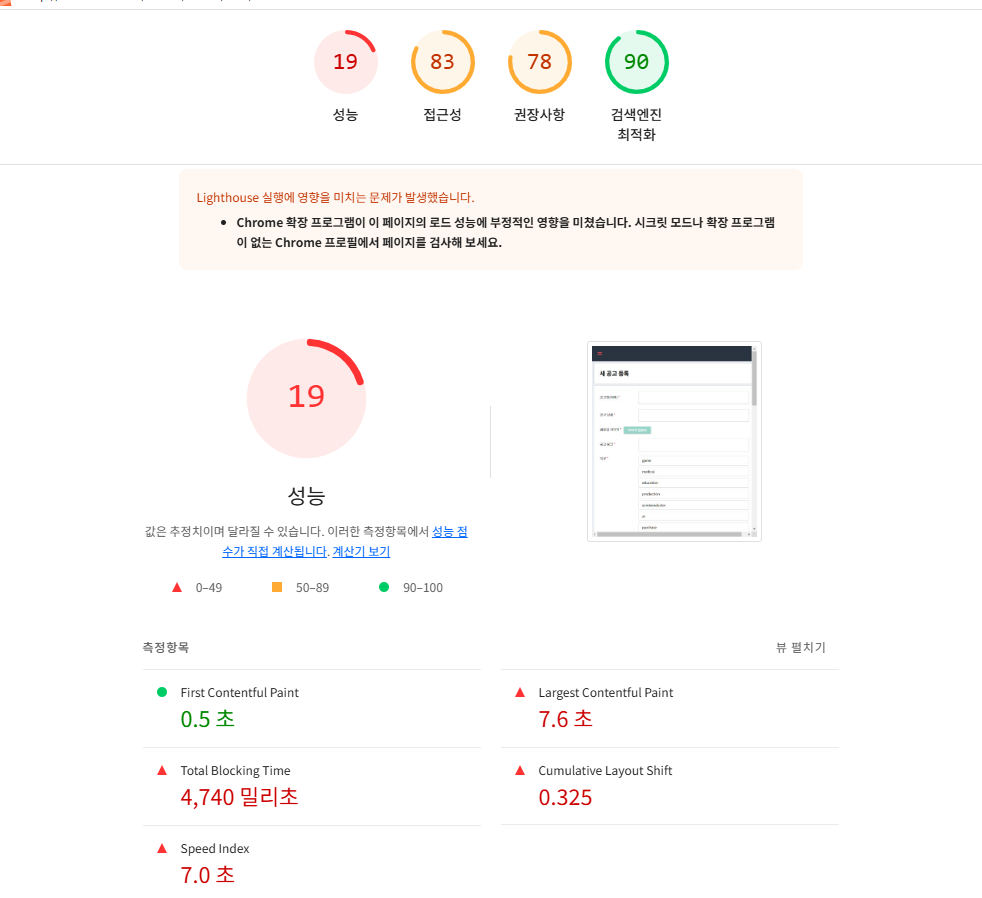
초기 상태
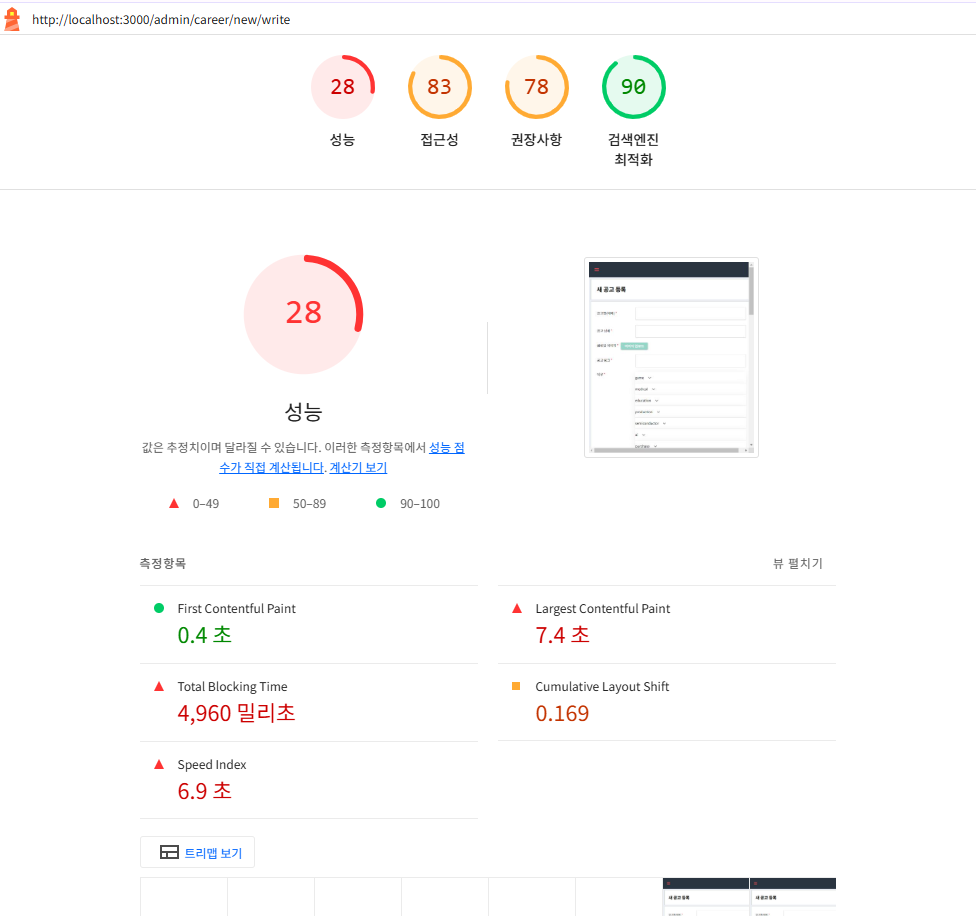

컴폰언트 안에서 관리하던 state값을 밖으로 뺌... 그리고 state 관리 방식도 바꿈.
렌더링 수를 줄임.
그리고 mui accordion 추가하니까 너무 느려져서 뺌
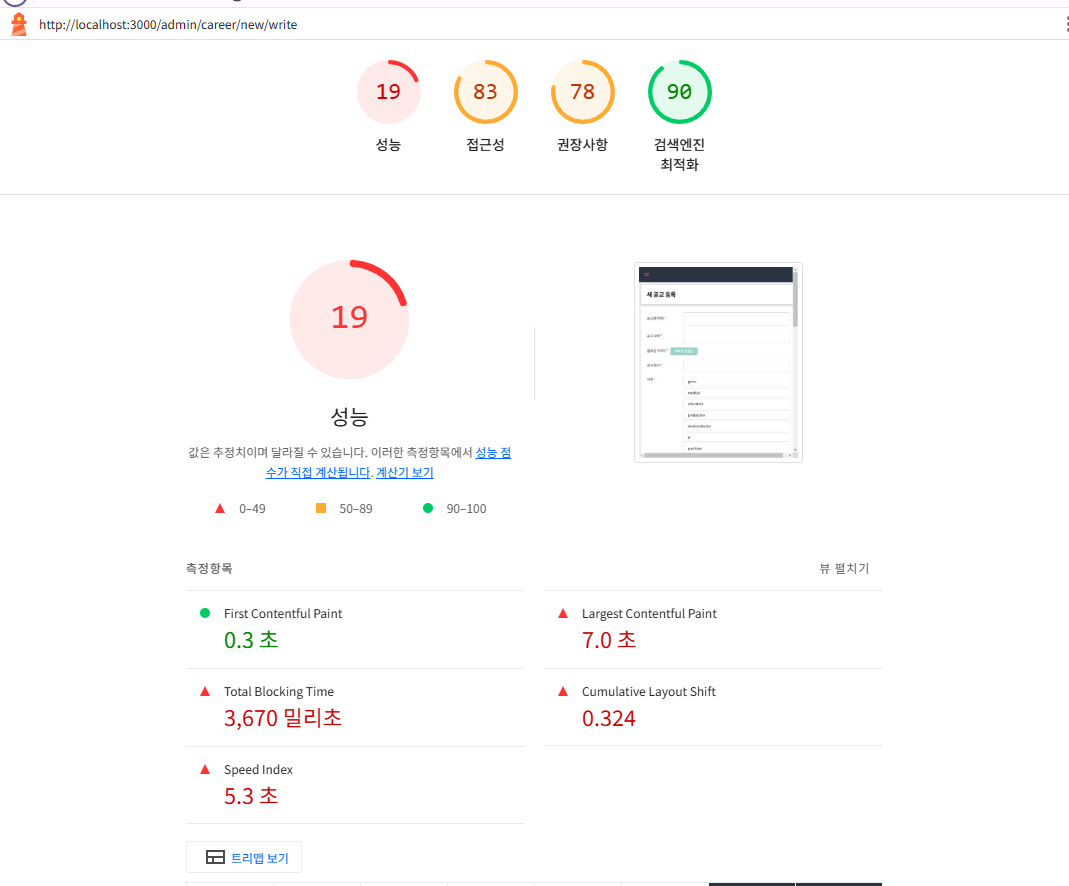
체감은 훨씬 빨라졌는데 성능 점수는 낮아졌다. 알아보니까 mui accordion은 이미 최적화가 잘 되어 있어서 성능 점수는 더 높게 나올 수도 있대.
이제 다른 방식으로 성능개선해야 함.
우선 이 페이지는 여러 api를 동시에 호출해야 하는 것이 큰 단점(?)임. 이걸 잘 해야 하는데 지금은 그냥 아래처럼 되어 있다
...생략
  const CHECKBOX_FIELDS = [
    'jobUuids',
    'educationLevels',
    'employmentTypes',
    'region',
    'deadlineType',
  ]
...생략
  useEffect(() => {
    const fetchData = async () => {
      CHECKBOX_FIELDS.forEach((field) => {
        const mappedType = fieldToTypeMapping[field]
        if (mappedType) {
          getRegisterOptions(mappedType).then((response) => {
            if (response) {
              const options = response[mappedType]
              if (options) {
                setRegisterOptions((prevOptions) => ({
                  ...prevOptions,
                  [field]: options,
                }))
              }
            }
          })
        }
      })
      try {
        const response = await getRecruitmentCompany()
        if (response && response.length > 0) {
          setCompanyList(response)
        }
      } catch (error) {
        console.error(error)
      }
    }
    fetchData()
  }, [])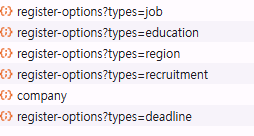
그래도 딱 한 번 호출되긴 함
문제점
근데 문제점이 CHECKBOX_FIELDS 항목에 대해 Api를 순차적으로 호출하면 시간이 오래 걸릴 수도 있다고 한다. 그리고 getRecruitmentCompany 이거도 순차적으로 호출하고 있다.
해결 방법
api를 병렬로 호출하면 효율성이 높아질 수 있다 한다. 이건 Promise.all을 쓰면 된다.
  const fetchOptionsData = async () => {
    try {
      const fetchPromises = CHECKBOX_FIELDS.map((field) => {
        const mappedType = fieldToTypeMapping[field]
        if (mappedType) {
          return getRegisterOptions(mappedType).then((response) => {
            if (response) {
              const options = response[mappedType]
              if (options) {
                return {
                  field,
                  options,
                }
              }
            }
            return null
          })
        }
        return null
      })

      const companyPromise = getRecruitmentCompany().then((response) => {
        if (response && response.length > 0) {
          setCompanyList(response)
        }
      })

      const [results] = await Promise.all([
        Promise.all(fetchPromises),
        companyPromise,
      ])

      const newRegisterOptions = {
        jobUuids: [] as string[],
        educationLevels: [] as string[],
        region: [] as string[],
        deadlineType: [] as string[],
      }

      results.forEach((result) => {
        if (result && result.options) {
          newRegisterOptions[result.field] = result.options
        }
      })

      setRegisterOptions(newRegisterOptions)
    } catch (error) {
      console.error(error)
    }
  }

  useEffect(() => {
    fetchOptionsData()
  }, [])
근데 역시 성능에는 변화가 별로 없다. 중복 호출 문제가 없었기 때문인 것 같다.
CLS(Cumulative Lazy Loading) 줄이기
const PreviewImage = styled.img`
  width: 00px;
  max-width: 400px;
  height: auto;
  margin: 20px 0;
  will-change: opacity, transform;
  transition: opacity 0.3s ease-in-out;
  loading: lazy;
`
그래서
const PreviewImage = styled.img`
  width: 400px;
  height: 400px;
  object-fit: contain;
  margin: 20px 0;
  will-change: opacity, transform;
  transition: opacity 0.3s ease-in-out;
  loading: lazy;
`
이렇게 해줬는데도 성능 개선 효관 없었다. img가 하나여서 그런듯
어쩔 수 없다. ssr로 필요한 데이터를 미리 받아와야겠다.
ssr 처음 써보는데 이거 cookie로 accesstoken 가져오는게 좀 별로네.
페이지 라우팅, next.js13 쓰는 중인데...
페이지 index.tsx에서 getServerSideProps 함수 만들었고 이 안에서 getRegisterOptions이런 걸 쓰고 있다. getRegisterOptions이건 fetchData라는 api 호출 함수를 사용 중인데, 원래 fetchData에서 토큰을
그냥
const getCookie = (name: string): string | null => {
  const matches = document.cookie.match(new RegExp('(^| )' + name + '=([^;]+)'))
  return matches ? matches[2] : null
}
이렇게 쓰고 있었다. 근데 ssr에서는 document를 사용 못한다고 해서... fetchData에서 토크을 바로 가져올 수 있으면 좋은데 안되더라.
페이지의 index.tsx 에서 context: GetServerSidePropsContext로
    const cookies: Record<string, string> = Object.fromEntries(
      Object.entries(context.req.cookies).filter(
        ([key, value]) => value !== undefined,
      ),
    ) as Record<string, string>
    const accessToken = cookies.accessToken || null
이렇게 사용해서 props로 넘겨줄 수밖에 없었다.
그래도 성능이 거의 두 배 향상되긴 했다.