Remove duplicate messages from Outlook inbox

Introduction to duplicate messages in Outlook inbox
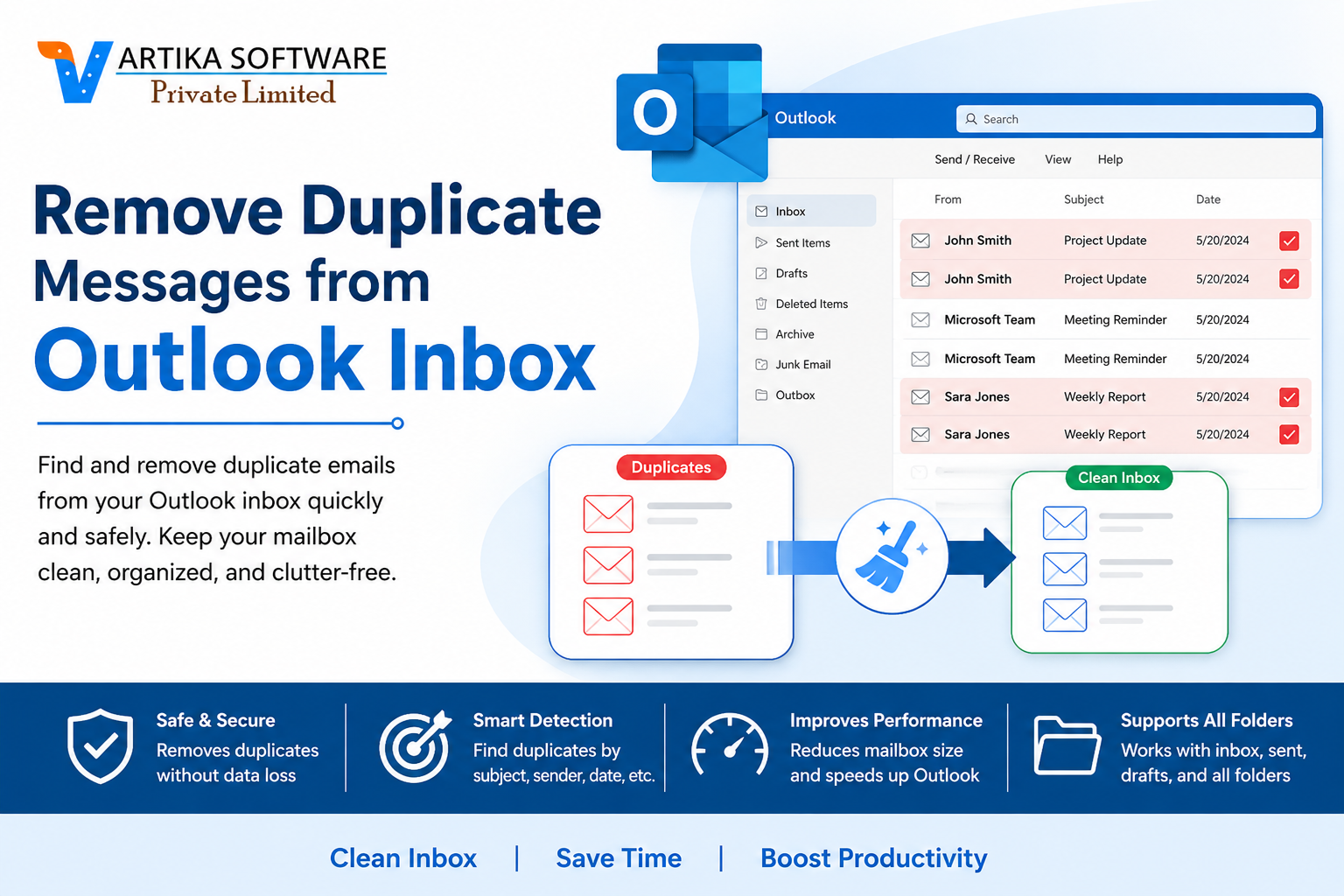
Have you ever found yourself scrolling through your Outlook inbox, only to be bombarded by the same email multiple times? It's frustrating and can quickly turn a well-organized workspace into chaos. Duplicate messages not only clutter our digital lives but can also lead to missed information and confusion. Whether you're managing personal correspondence or juggling work-related emails, that overflow of repetition is more than just an annoyance—it's a potential productivity killer.
As we dive deeper into this issue, we'll explore why duplicate messages occur and how they impact your efficiency. From manual methods to third-party solutions, we've got tips on tackling those pesky duplicates head-on. So grab your virtual cleaning supplies; it's time to reclaim your inbox!
Negative impact of duplicate messages
Duplicate messages in your Outlook inbox can create significant chaos. They clutter your workspace, making it difficult to find important emails quickly.
The overwhelming presence of these duplicates leads to confusion. You might accidentally respond to the same message multiple times or miss critical updates buried under repeated threads.
This disorganization not only hampers productivity but also increases stress levels. The frustration of sorting through countless identical messages can be draining.
Moreover, important communications may slip through the cracks amidst this digital noise. Valuable time is wasted trying to sift through duplicates instead of focusing on tasks at hand.
In a professional setting, this could potentially harm relationships with clients and colleagues. Miscommunication often arises when clarity is lost due to redundancy in correspondence.
Causes of duplicate messages
Duplicate messages in your Outlook inbox can stem from various sources. One common cause is syncing issues with email servers. When devices fail to synchronize correctly, multiple copies of the same message may appear.
Another factor is improper importation of emails. If you've migrated emails from another account or program, duplicates can easily creep in during the transfer process.
Using rules and filters incorrectly might also lead to redundancy. For example, if you set up a rule that inadvertently captures messages already filtered, you'll see double entries.
Additionally, certain email clients have bugs or glitches that can create duplicate messages as they send or receive data. Regular updates are essential for minimizing such conflicts.
Forwarding emails through different accounts without proper management can clutter your inbox with duplicates you didn't intend to keep. Understanding these causes helps in managing them effectively.
How to manually remove duplicate messages in Outlook
To manually remove duplicate messages in Outlook, start by opening your inbox. Click on the "View" tab at the top of your screen. Now, enable the “View Settings” option to customize how you see your emails.
Next, adjust the arrangement of your inbox. Sort messages by subject or date received to group duplicates together. This makes it easier to spot repeated entries.
Select a message that appears more than once. Hold down the Ctrl key and click on additional duplicates you want to delete. Once highlighted, right-click and choose “Delete.”
Be cautious during this process; ensure you're only removing true duplicates. After deleting unwanted emails, check other folders like Sent Items or Drafts for any similar issues that may require attention as well.
Using third-party software to remove duplicate messages
Third-party software can be a game-changer when tackling duplicate messages in Outlook. These tools are designed specifically to identify and eliminate duplicates quickly and efficiently.
Many of them offer user-friendly interfaces, making it simple for anyone to navigate through their inboxes. With just a few clicks, you can scan your entire mailbox for those pesky repeated emails.
Some popular options include Duplicate Email Remover and Outlook Duplicate Remover. These programs not only find duplicates but also allow you to choose how you want them deleted or merged.
Additionally, they often come with extra features like customizable filters, enabling you to specify criteria for what constitutes a duplicate message. This level of control helps ensure that important emails aren’t accidentally removed during the cleanup process.
Investing in reliable third-party software might save hours of manual work while enhancing your overall email management experience.
Tips to prevent future duplicate messages
To keep your Outlook inbox tidy, consider implementing a few proactive measures. First, develop a consistent routine for managing emails. Regularly sorting and organizing messages can help you identify duplicates early on.
Next, be cautious when importing contacts or accounts into Outlook. Importing data from multiple sources can easily lead to duplication. Always review imported lists before finalizing them.
Another effective strategy is to adjust your email settings. Ensure that any synchronization processes are configured correctly to prevent repeated downloads of the same emails across devices.
Utilize folders and categories effectively as well. Organizing messages based on projects or priority helps maintain clarity in your inbox, minimizing the chance of overlooking duplicate entries.
Encourage team members to communicate clearly about their email practices if you're working within an organization. Open dialogue reduces confusion and streamlines correspondence efforts.
Conclusion
Duplicate messages in your Outlook inbox can be a significant annoyance, cluttering your workspace and making it challenging to find important emails. They not only waste time but also lead to confusion when managing communications.
Understanding how these duplicates occur is essential for preventing future issues. Whether it's due to syncing errors, multiple email accounts configured incorrectly, or simply user error, knowing the causes enables you to take proactive measures.
Manually removing duplicate messages might seem tedious, but with a little effort and some handy tips, you can clear out the unwanted extras effectively. If you're looking for efficiency or dealing with larger volumes of duplicates, third-party Duplicate Outlook Email Remover software options provide robust solutions tailored for this specific problem.
Implementing certain best practices will further safeguard against future duplications. Regularly reviewing settings and being mindful during email management can make a world of difference.
Clearing out those pesky duplicate messages enhances productivity and streamlines communication in Outlook. A clean inbox allows you to focus on what truly matters—staying organized and efficient in today's fast-paced digital environment.
