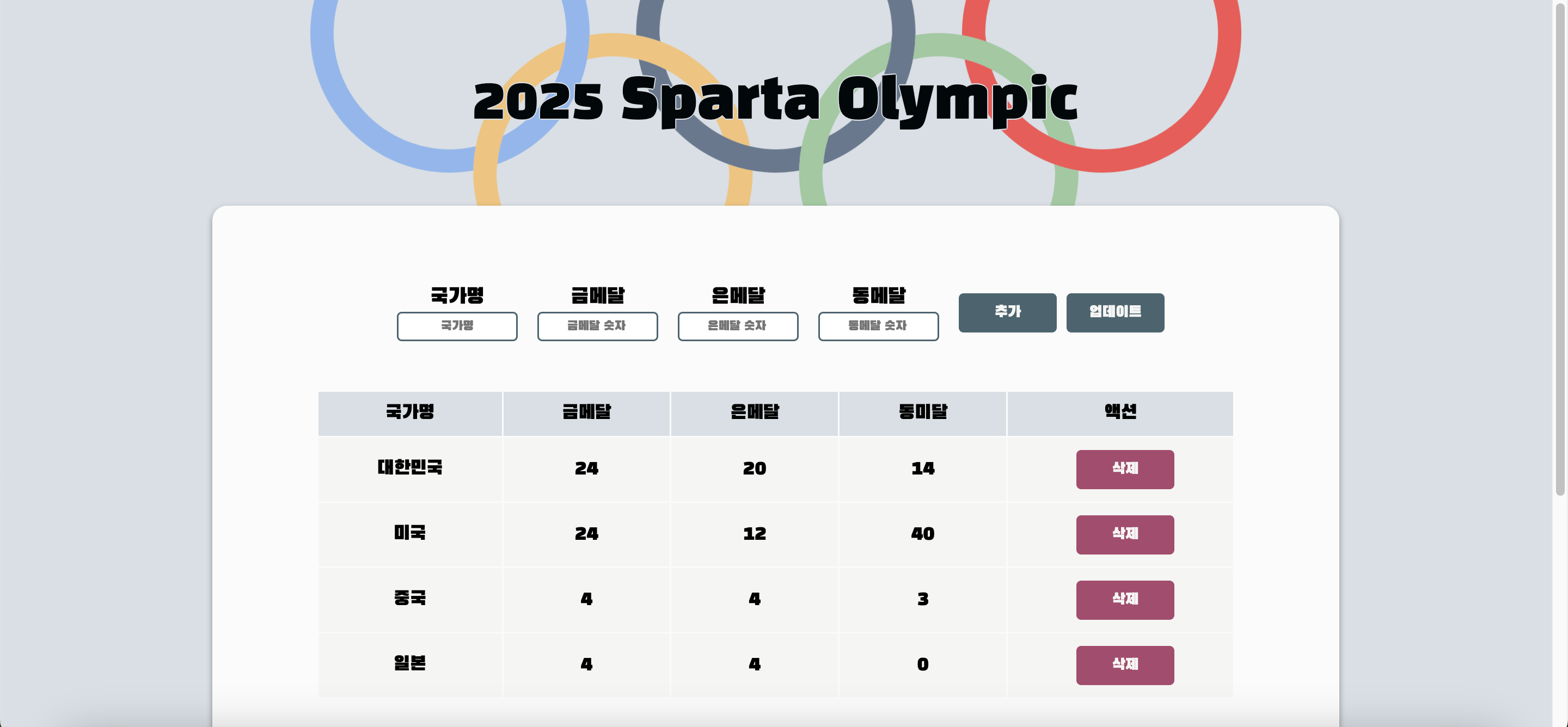
1. Update 기능
1-1. Update 기능 구현
  |  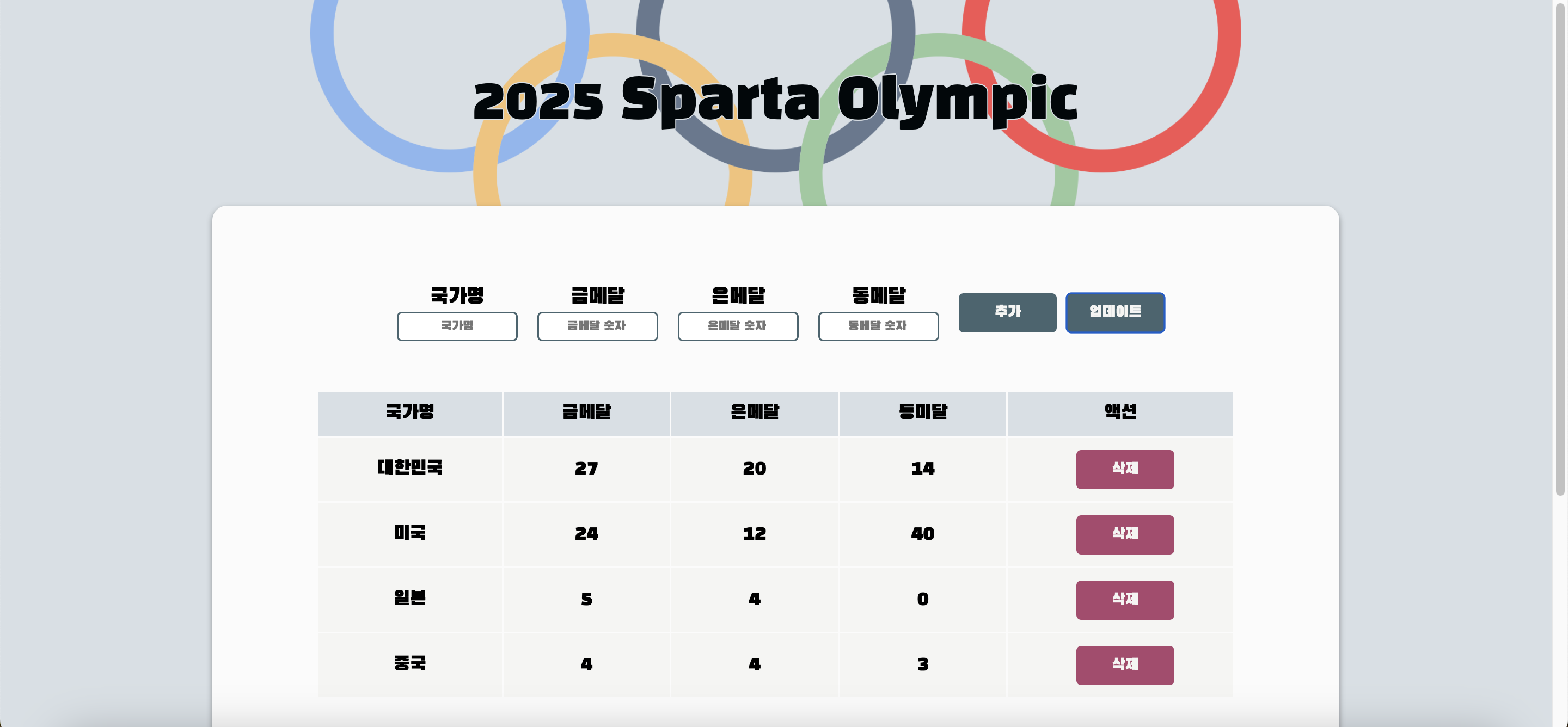 |
|---|---|
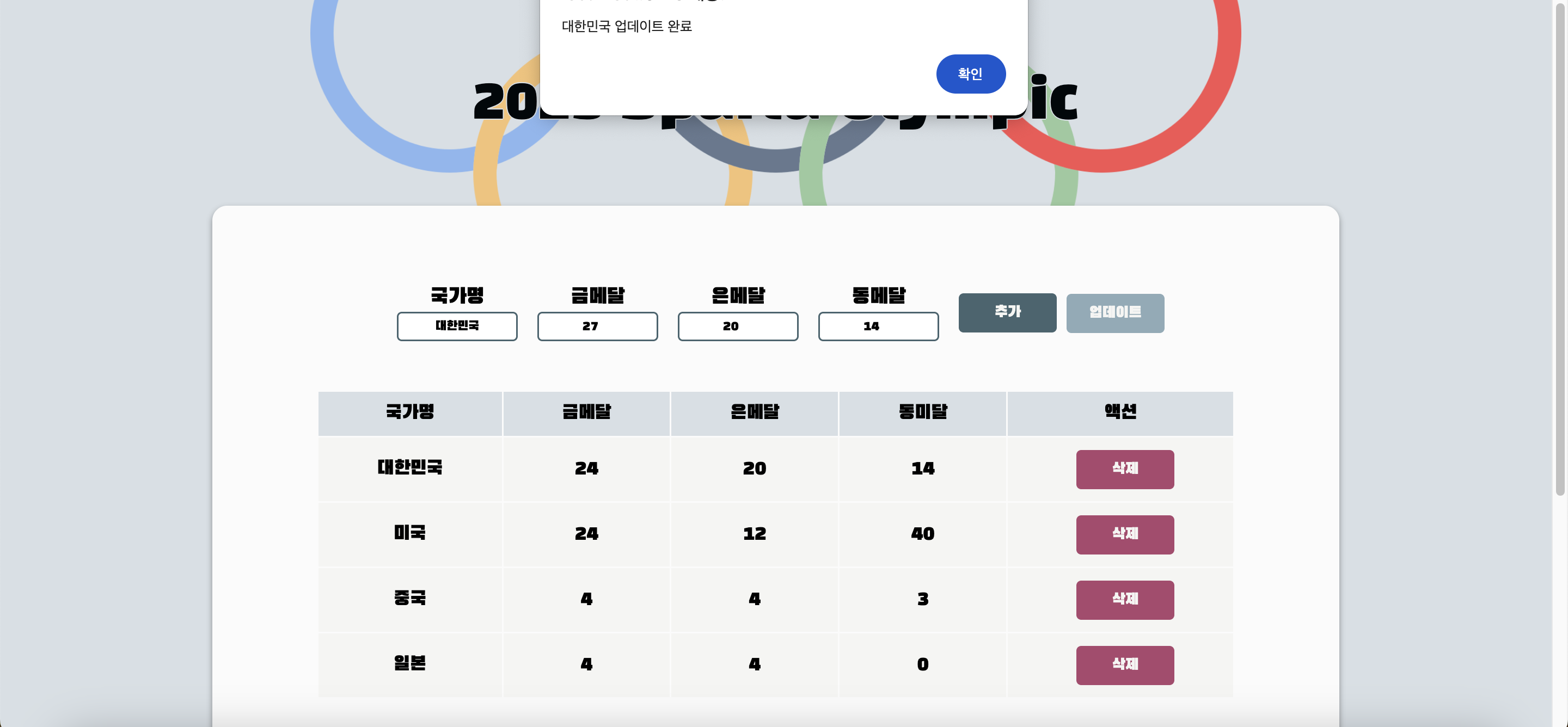
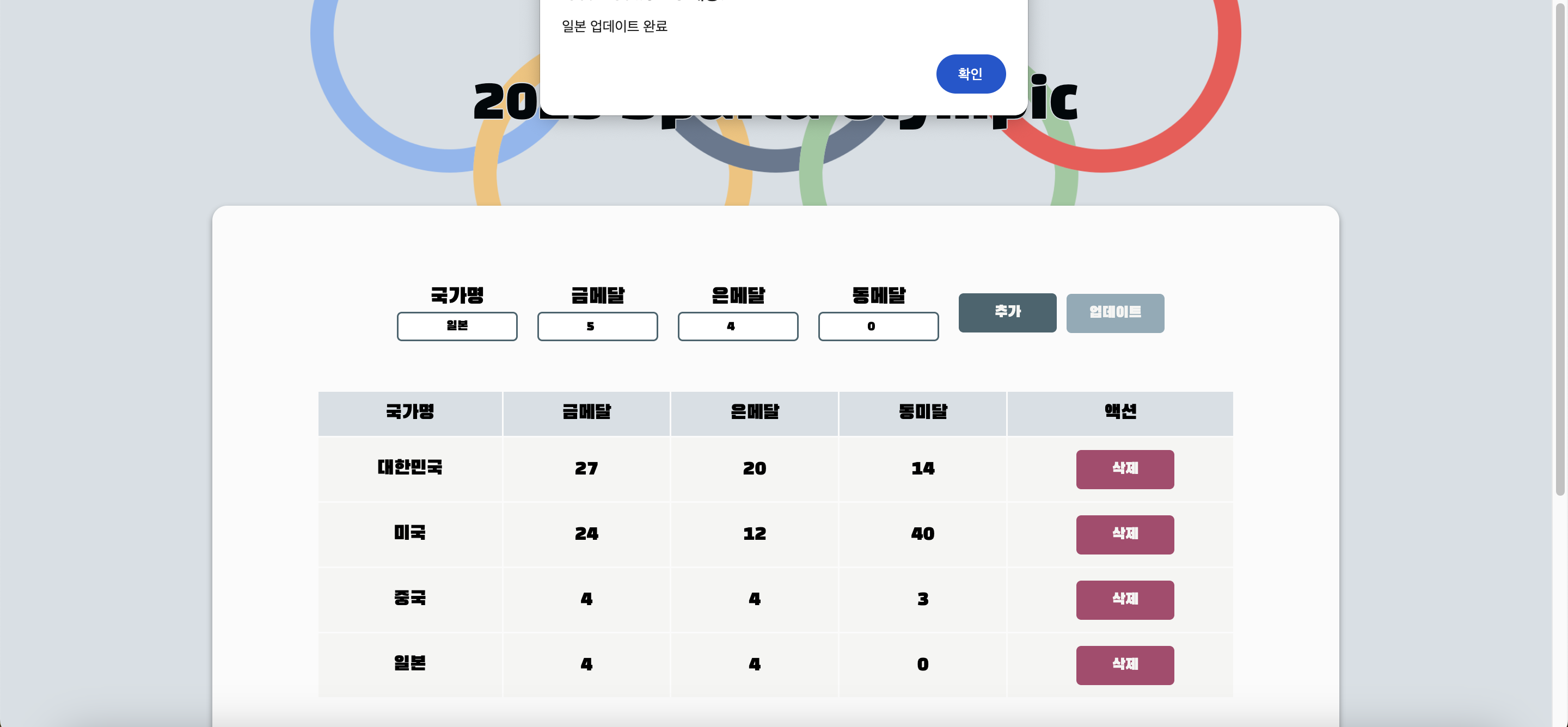
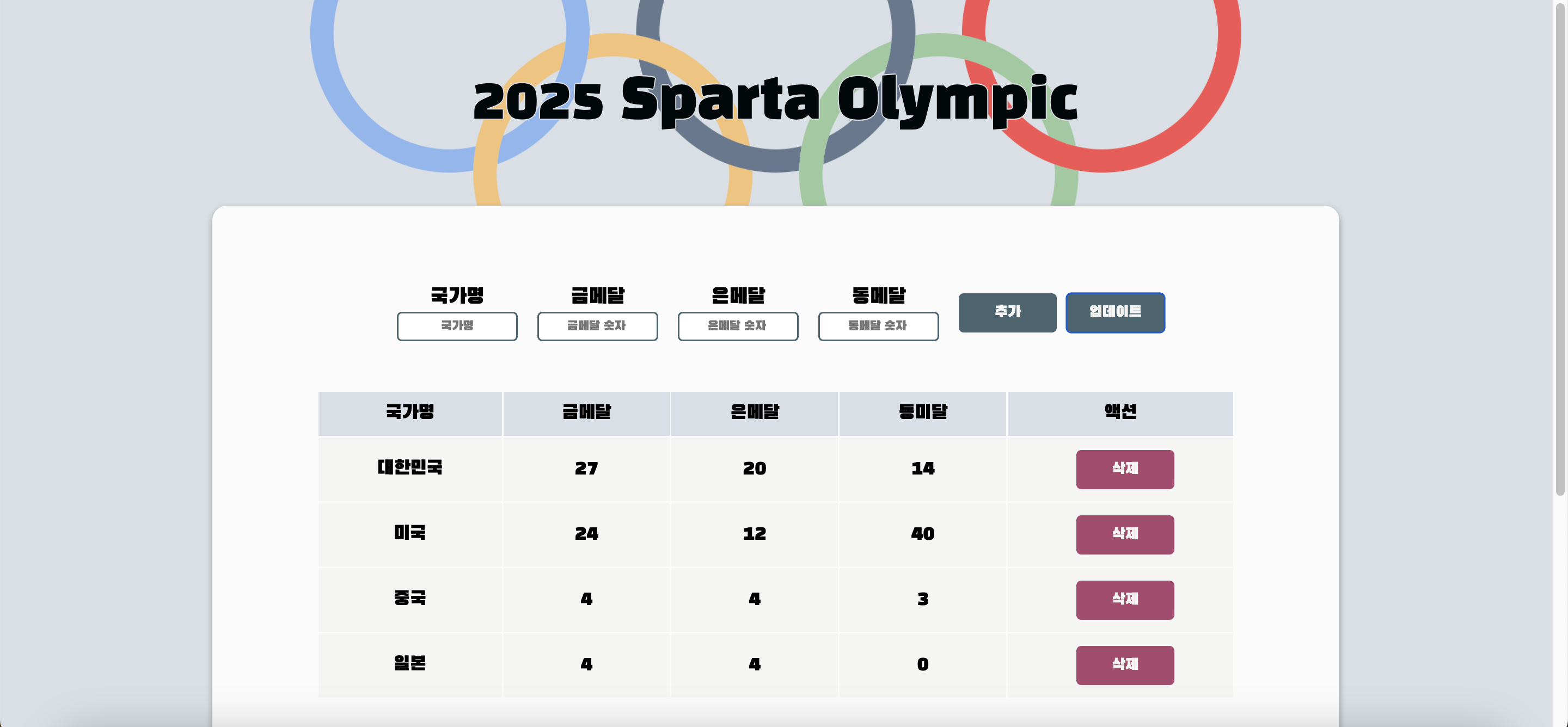
| 인풋값에 제대로 된 정보를 적어 업데이트 버튼을 누르면 알림창이 뜬다. | 알림창을 닫으면 제대로 표에 값이 입력된다. |
  const updateCountryHandler = () => {
    verify();
    const updateCountry = countries.find((c) => c.countryName === countryName);
    const updateCountryList = countries.map((c) => {
      if (c.id === updateCountry.id) {
        return {
          ...c,
          gold: gold,
          silver: silver,
          bronze: bronze,
        };
      } else {
        return c;
      }
    });

    setCountries(updateCountryList);
    alert(`${updateCountry.countryName} 업데이트 완료`)
    reset();
    return;
  };
1-2. 적정성 검증 개선
verify()는 입력처리의 적정성을 검증하기 위한 함수이다.
  const verify = function () {
    //입력 처리의 적정성 검증
    if (!countryName) {
      alert("국가이름을 입력해주세요");
      return;
    } else if (!gold || !silver || !bronze) {
      alert("숫자를 입력해주세요");
      return;
    } else if (gold < 0 || silver < 0 || bronze < 0 || gold%1 !== 0 || silver%1 !== 0 || bronze%1 !== 0) {
      alert('숫자는 정수값을 입력해주세요');
    }
  };
2. 컴포넌트 분리
 |
|---|
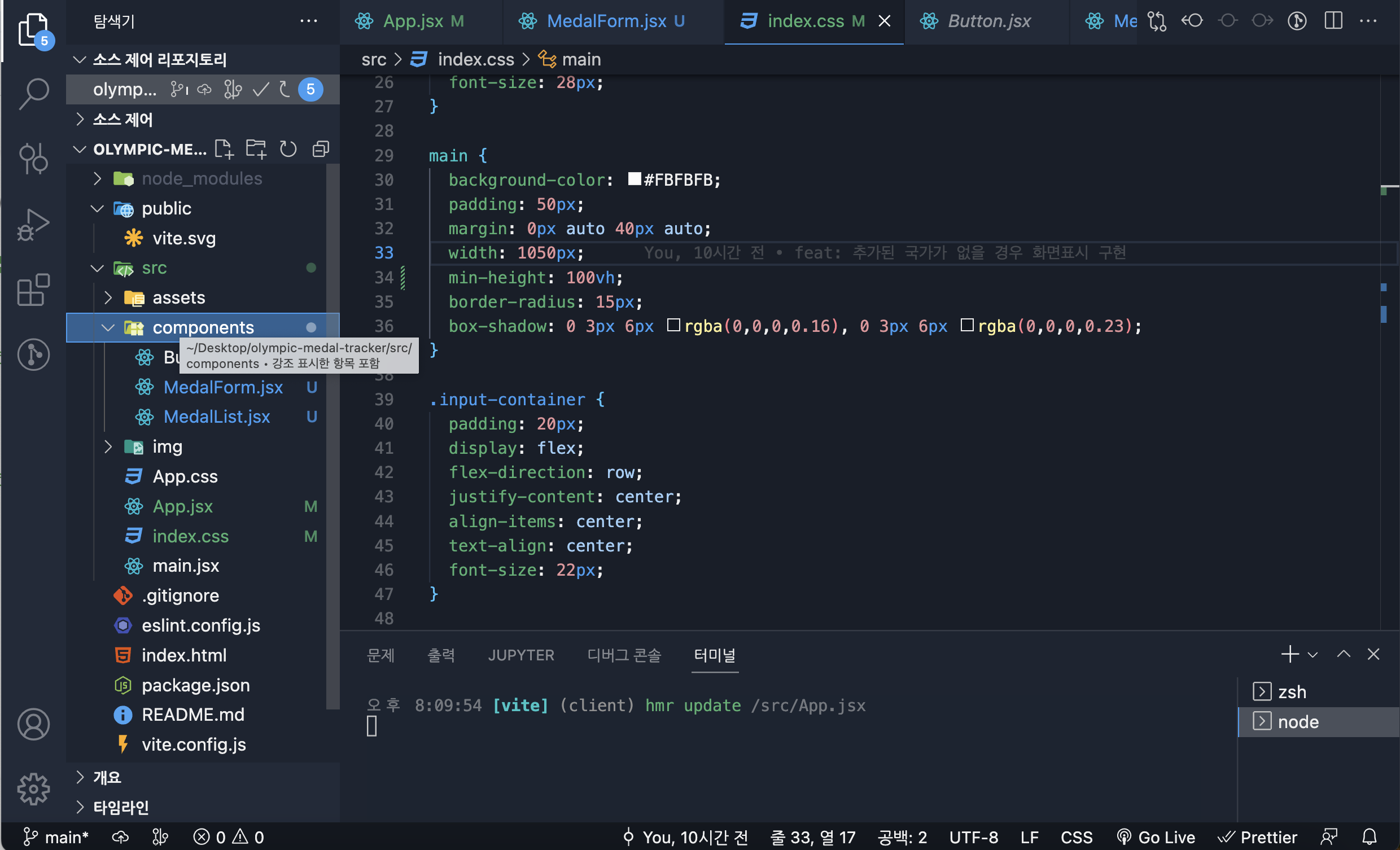
| 컴포넌트 파일을 따로 만들어서 Button.jsx와 입력폼인 MedalForm.jsx 마지막으로 국가별 메달 정보를 담은 MedalList로 분리를 하였다. |
2-1. Button component
import React from 'react'

const Button = function ({ children, onClick, id }) {
    return <button id={id} onClick={onClick}> {children} </button>;
  };

export default Button
2-2. MedalForm component
import React from 'react'

const InputBox = function (props) {
    const {countryName, gold, silver, bronze, setCountryName, setGlod, setSilver, setBronze} = props

  return (
    <>
              <div className="input-box">
              <div>국가명</div>
              <input
                value={countryName}
                type="text"
                placeholder="국가명"
                onChange={(e) => setCountryName(e.target.value)}
              />
            </div>
            <div className="input-box">
              <div>금메달</div>
              <input
                value={gold}
                type="number"
                placeholder="   금메달 숫자"
                onChange={(e) => setGlod(e.target.value)}
              />
            </div>
            <div className="input-box">
              <div>은메달</div>
              <input
                value={silver}
                type="number"
                placeholder="   은메달 숫자"
                onChange={(e) => setSilver(e.target.value)}
              />
            </div>
            <div className="input-box">
              <div>동메달</div>
              <input
                value={bronze}
                type="number"
                placeholder="   동메달 숫자"
                onChange={(e) => setBronze(e.target.value)}
              />
            </div>
    </>
  )
  }


export default InputBox
2-3. MedalList component
import React from "react";
import Button from "./Button";

const MedalList = function (props) {
  const { countryName, gold, silver, bronze, id } = props.country;

  return (
    <tr>
      <td>{countryName}</td>
      <td>{gold}</td>
      <td>{silver}</td>
      <td>{bronze}</td>
      <td>
        <Button id="delete-btn" onClick={() => props.deleteCountryHandler(id)}>
          삭제
        </Button>
      </td>
    </tr>
  );
};

export default MedalList;
트러블슈팅
 |  |
|---|---|
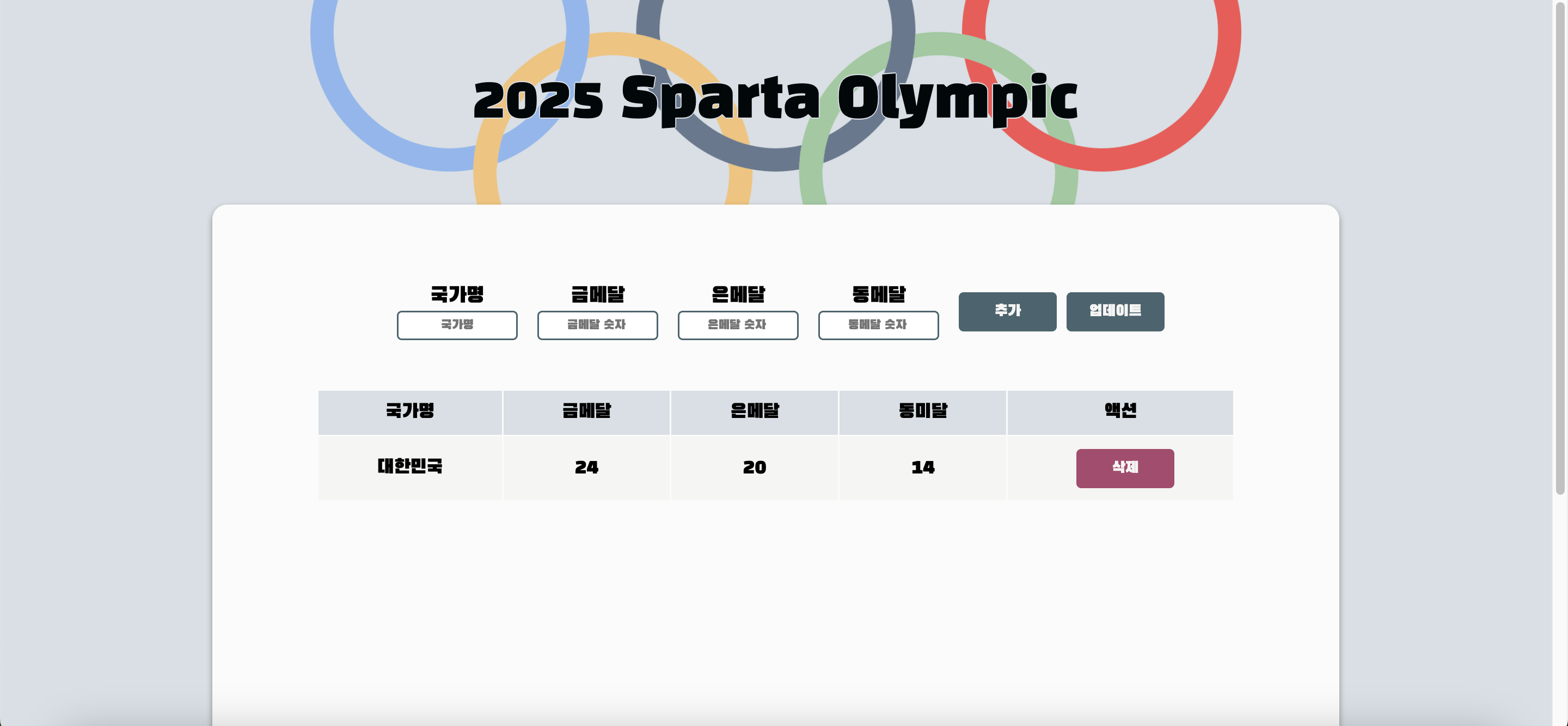
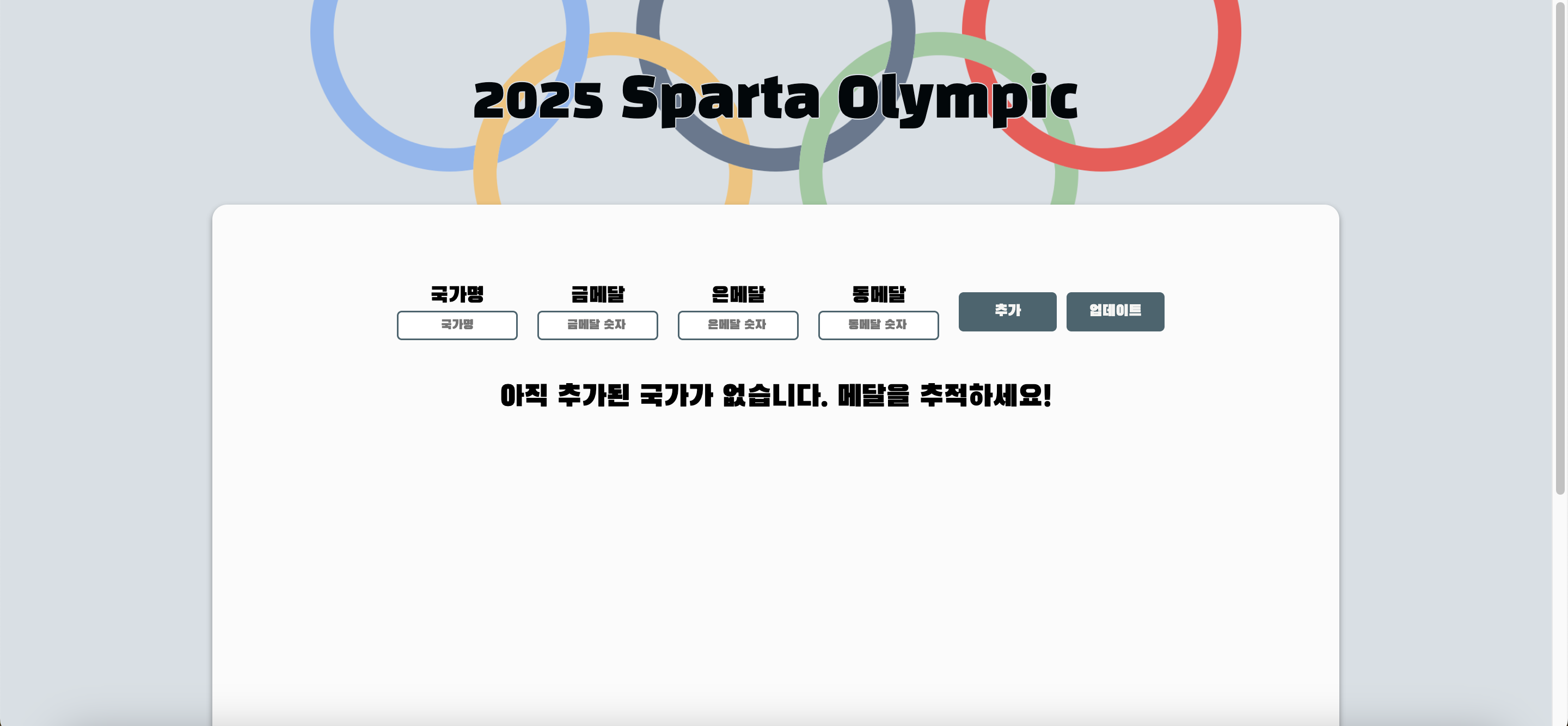
| 추가된 국가가 하나라도 있을 경우에 테이블을 보여주는 화면 | 추가된 국가가 하나도 없을 경우에 표시하려 했던 화면 |
1. 오류
: 리액트에 대한 아무런 베이스가 없던 상태라 처음에는 무작정 querySelector와 setAttribute를 사용하여 화면값에 변화를 주고 싶었으나 setAttribute is not a function'이라는 오류가 떴다.
   if (countries.length === 0) {
     document.querySelector('.no-data').setAttribute("style", "display:flex;")
     document.querySelector('.table-box').setAttribute("style", "display:none;")
   } else {
     document.querySelector('.no-data').setAttribute("style", "display:none;")
     document.querySelector('.table-box').setAttribute("style", "display:flex;")
   }
2. 해결
: 예전에 모달창을 만들 때 ClassList로 화면을 보이게 했다가 안보이게 했던 것이 생각이 났다. 그래서 CSS에서.none {display: none;}을 추가하고 className={countries.length !== 0 ? "table-box" : "table-box none"} 와 같은 식으로 하여 추가된 국가가 하나라도 있을 경우와 없을 경우에 따라 화면을 바꿀 수 있게 해주었다.
        <section
          className={countries.length !== 0 ? "table-box" : "table-box none"}
        >
          {/* 메달순위표시하는 테이블 */}
          <table>
            <thead>
              <tr>
                <th>국가명</th>
                <th>금메달</th>
                <th>은메달</th>
                <th>동미달</th>
                <th>액션</th>
              </tr>
            </thead>
            <tbody>
              {countries.map((country) => {
                return (
                  <MedalList
                    country={country}
                    key={country.id}
                    deleteCountryHandler={deleteCountryHandler}
                  />
                );
              })}
            </tbody>
          </table>
        </section>

        <section
          className={countries.length === 0 ? "no-data" : "no-data none"}
        >
          아직 추가된 국가가 없습니다. 메달을 추적하세요!
        </section>